
 View on Asset Store (opens in new tab)
Package details
- Latest version
- 1.0
- Last updated
- First released
- Unity version
- 6000.0.28 or later
- Package size
- 79 KB
- Files
- 16
- Views in the past week
- 4
Price tracking
- Last checked
- Tracked since
- Lowest recorded
- $4.99 on
Keywords
Clean Save
Lightweight JSON save system with save slots, automatic version migration, and built-in encryption — one-line API, no bloat.
Affiliate link · Purchases support this site
Price history
Last 6 months
USDAsset preview
1 / 10
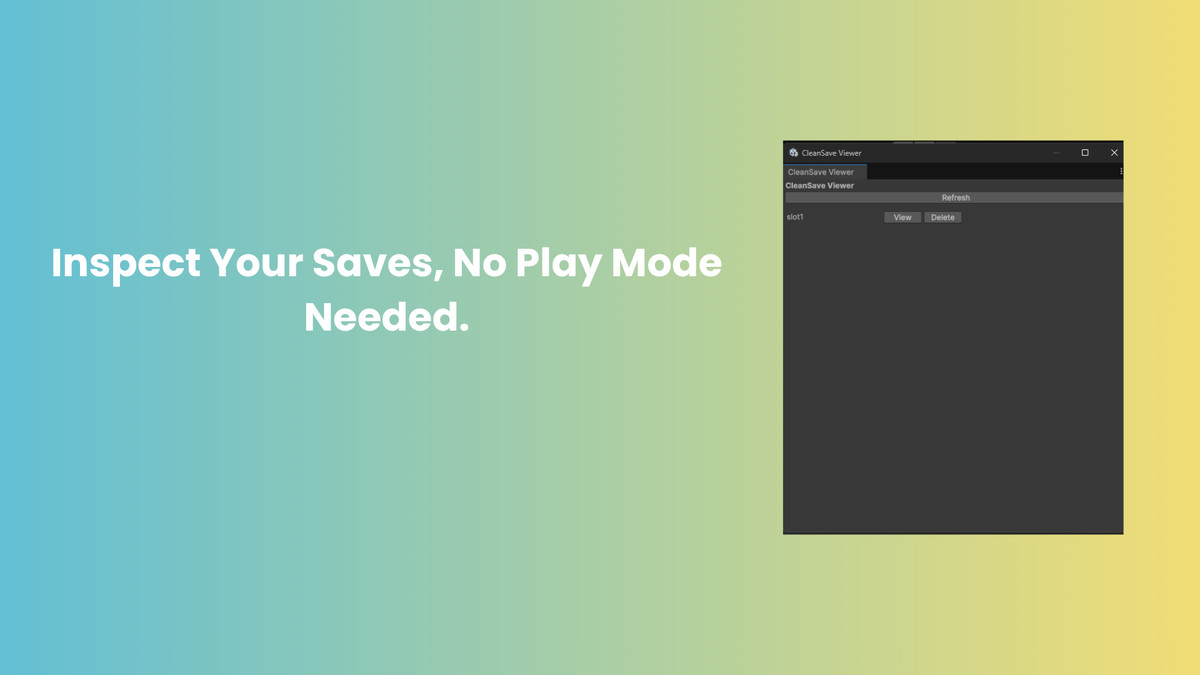
Clean Save screenshot 1


About this asset
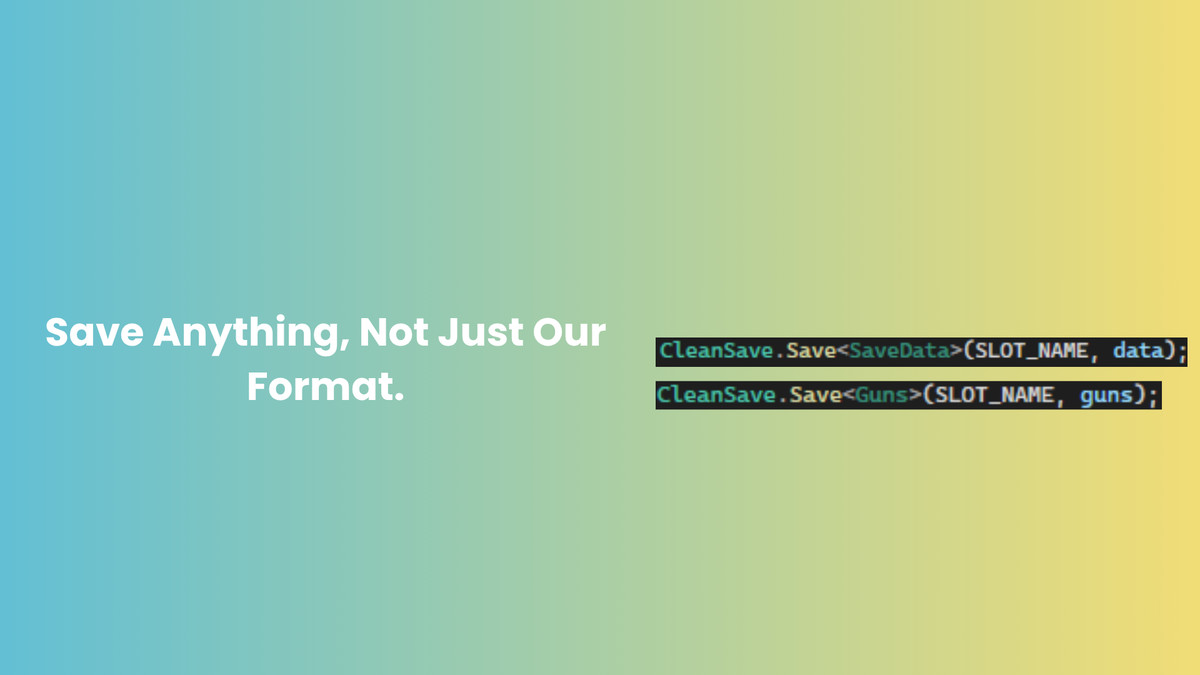
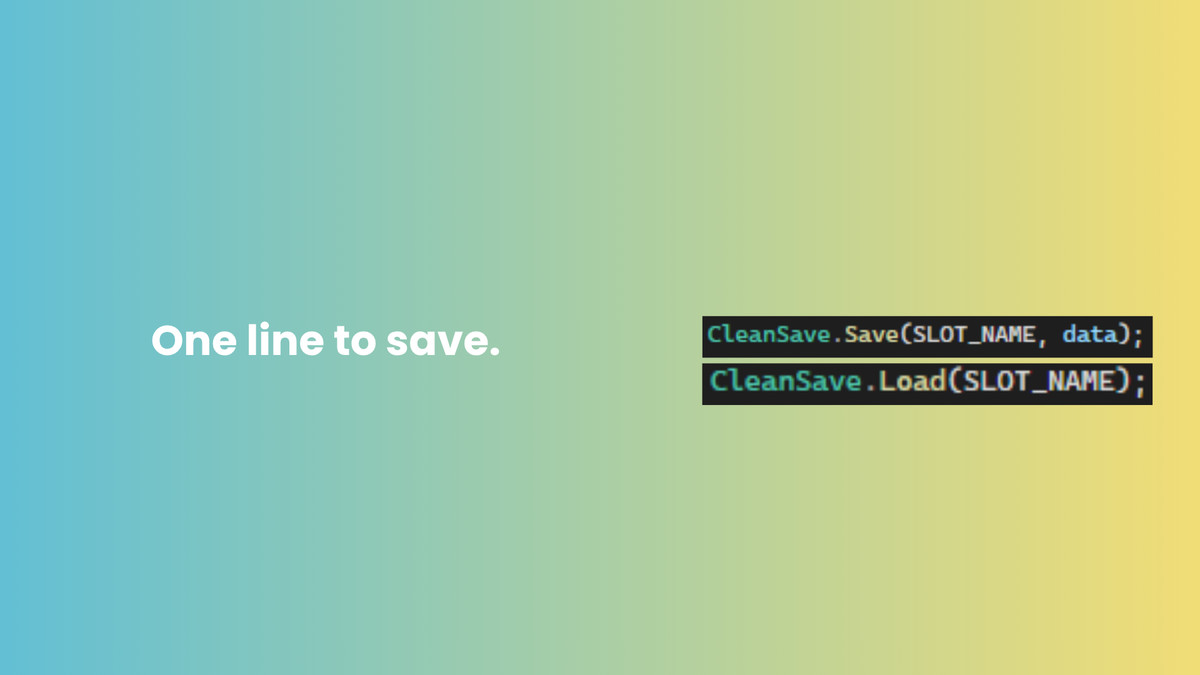
CleanSave is a simple, self-contained save system for Unity. Save and load any data to named slots with a single line of code — CleanSave handles JSON serialization, automatic AES encryption, and version migration when your data structure changes.
Unlike larger save solutions, CleanSave focuses on doing the core save/load workflow well, without a large feature set most small and mid-sized projects never use. If you just need to save player data reliably, with slots, security, and update-safe versioning, CleanSave gets you there in minutes.
Includes a fully working demo scene (movable player, health bar, name input, save/load/clear buttons) and complete PDF documentation with a quick start guide, API reference, and FAQ.
From the publisher's Asset Store listing.
Technical details
- One-line CleanSave.Save() and CleanSave.Load() API
- Multiple named save slots (unlimited)
- Automatic AES encryption applied to every save, by default
- Automatic save version migration for outdated save files
- Graceful failure handling — corrupted or incompatible saves never crash your game
- Full working demo scene included (player movement, health system, save/load/clear UI)
- Complete PDF documentation with quick start, API reference, and troubleshooting FAQ
- Cross-platform — uses Unity's standard persistentDataPath, works on Windows, Mac, mobile
Compatibility
| Unity version | Built-in | URP | HDRP | Custom |
|---|---|---|---|---|
| 6000.0.28f1 | Compatible | Compatible | Compatible | Compatible |
As listed on the Asset Store.