
 View on Asset Store (opens in new tab)
Package details
- Latest version
- 1.0.7
- Last updated
- First released
- Unity version
- 6000.5.2 or later
- Package size
- 398.7 MB
- Files
- 1,217
- Favorites
- 155
- Views in the past week
- 264
Price tracking
- Last checked
- Tracked since
- Lowest recorded
- Free on
Keywords
Bunny Blitz | 2D & 3D Sample Project
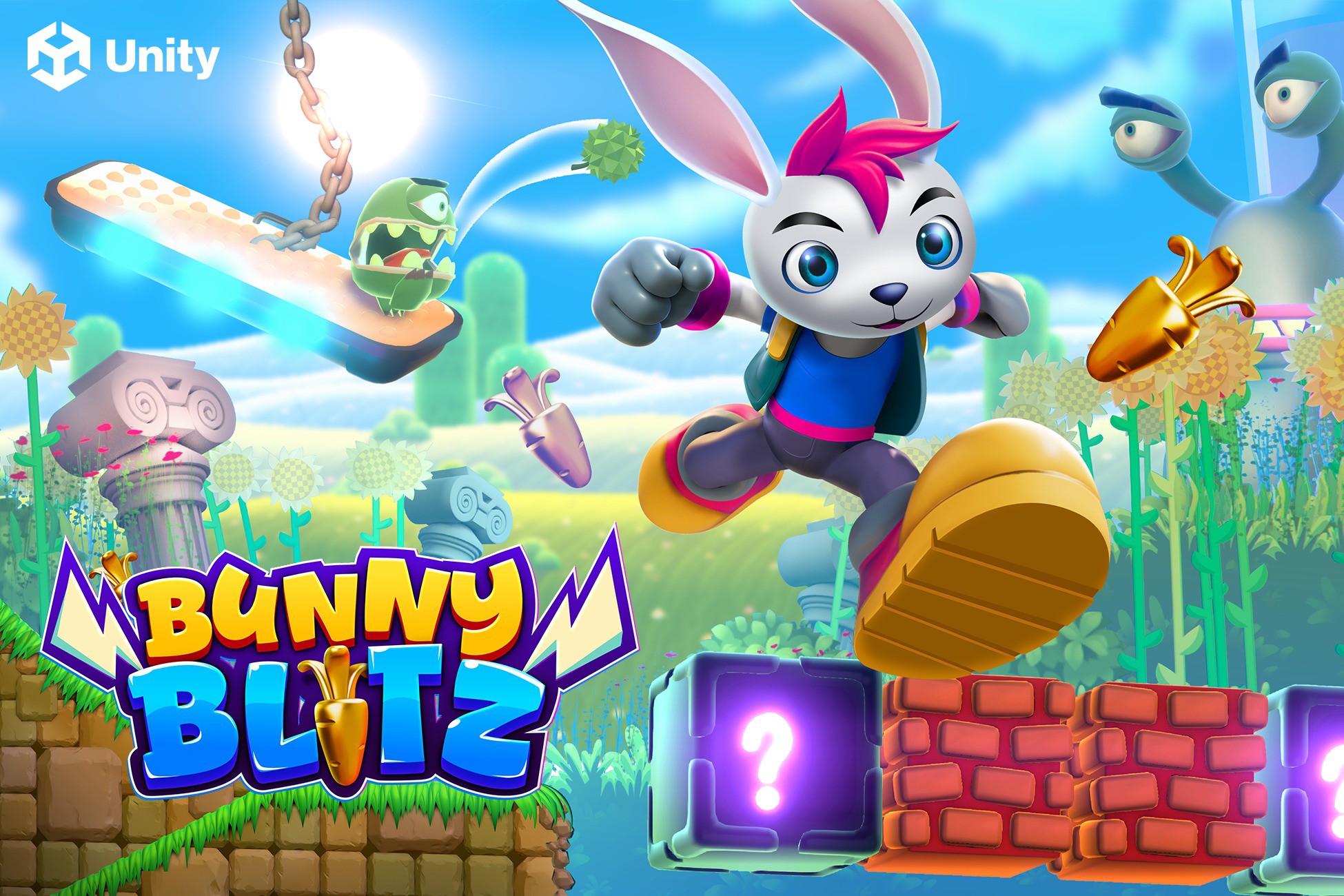
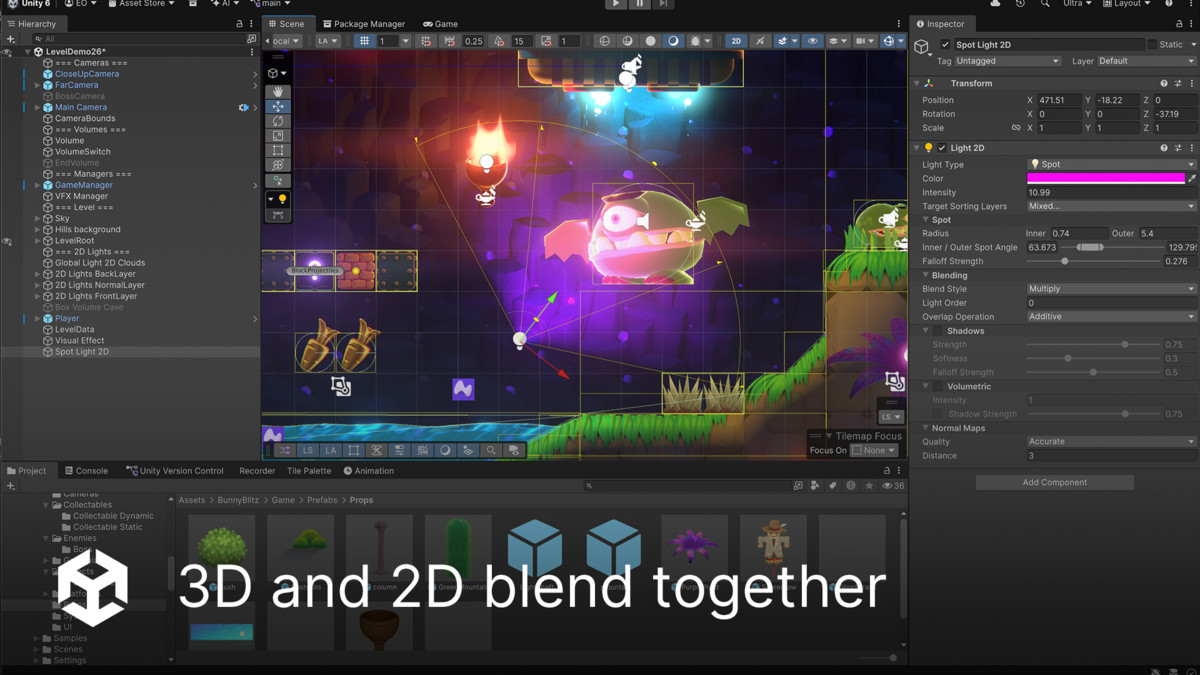
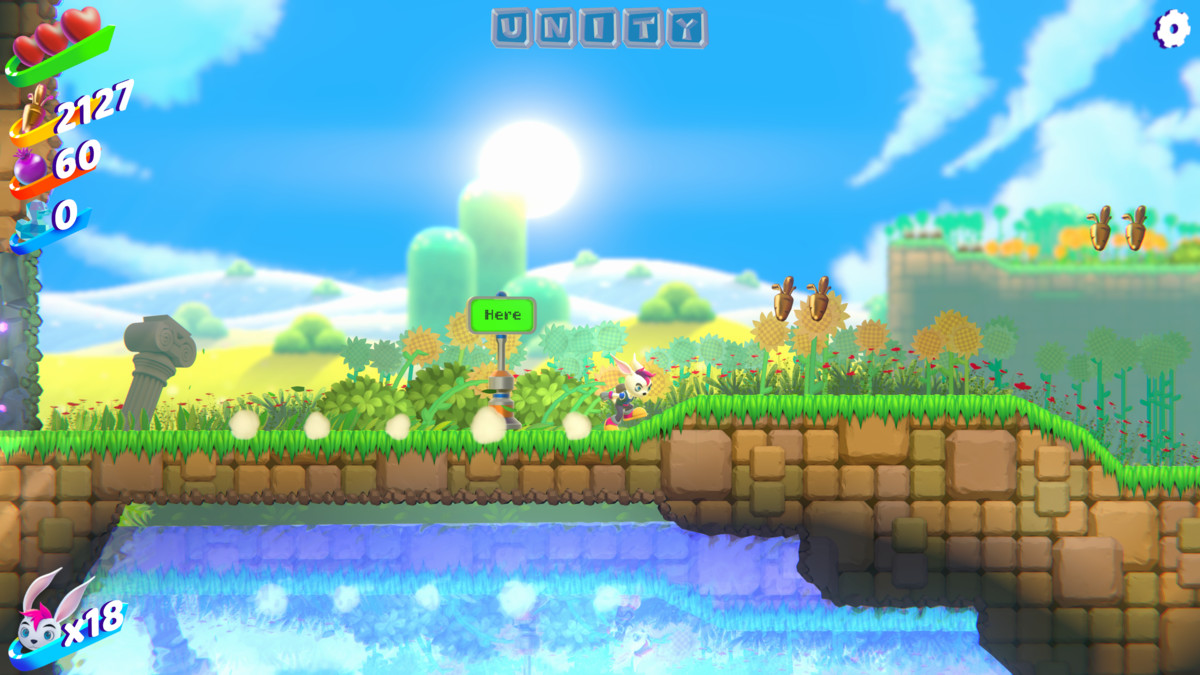
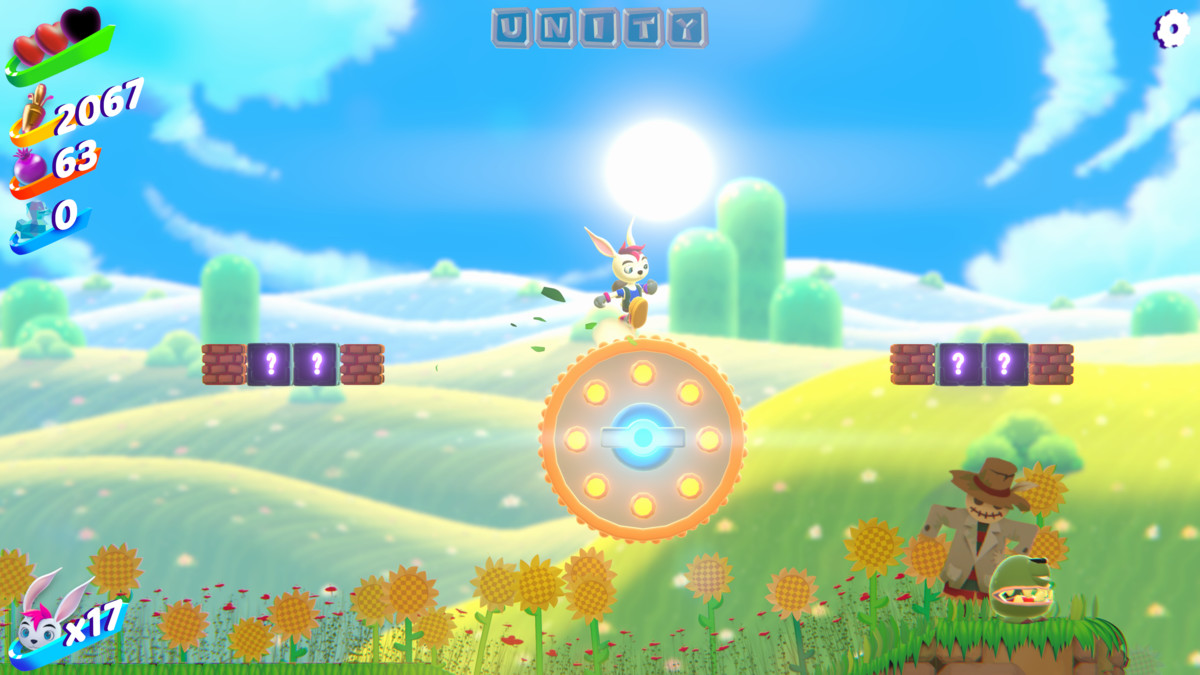
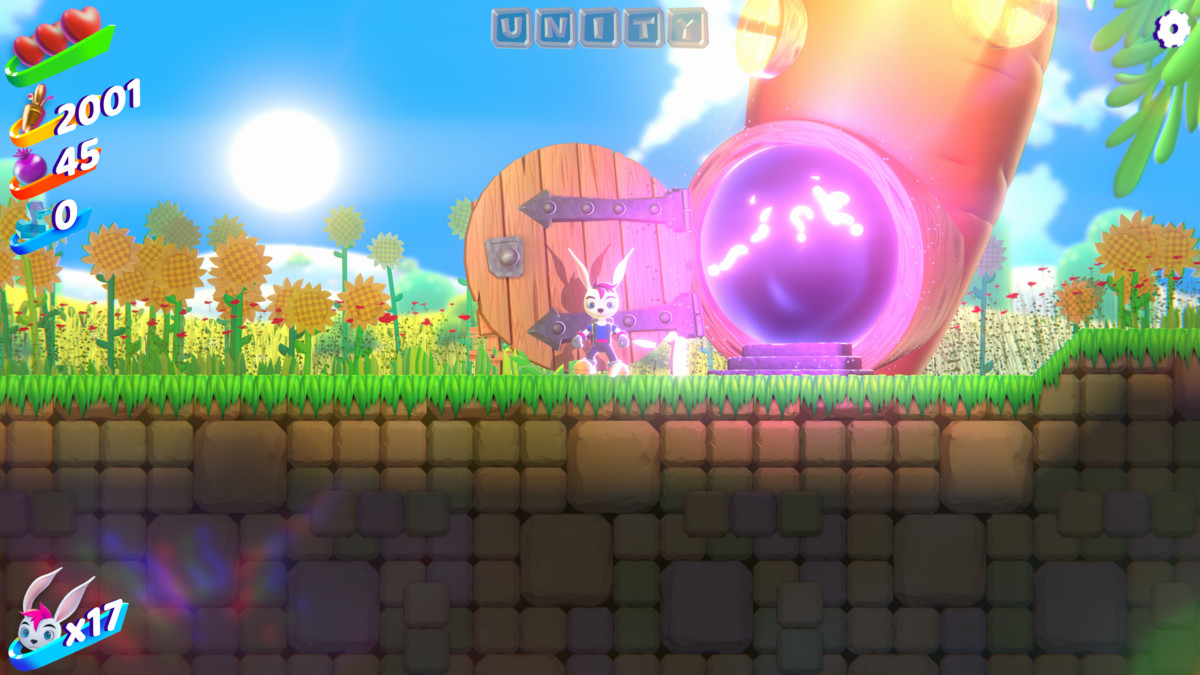
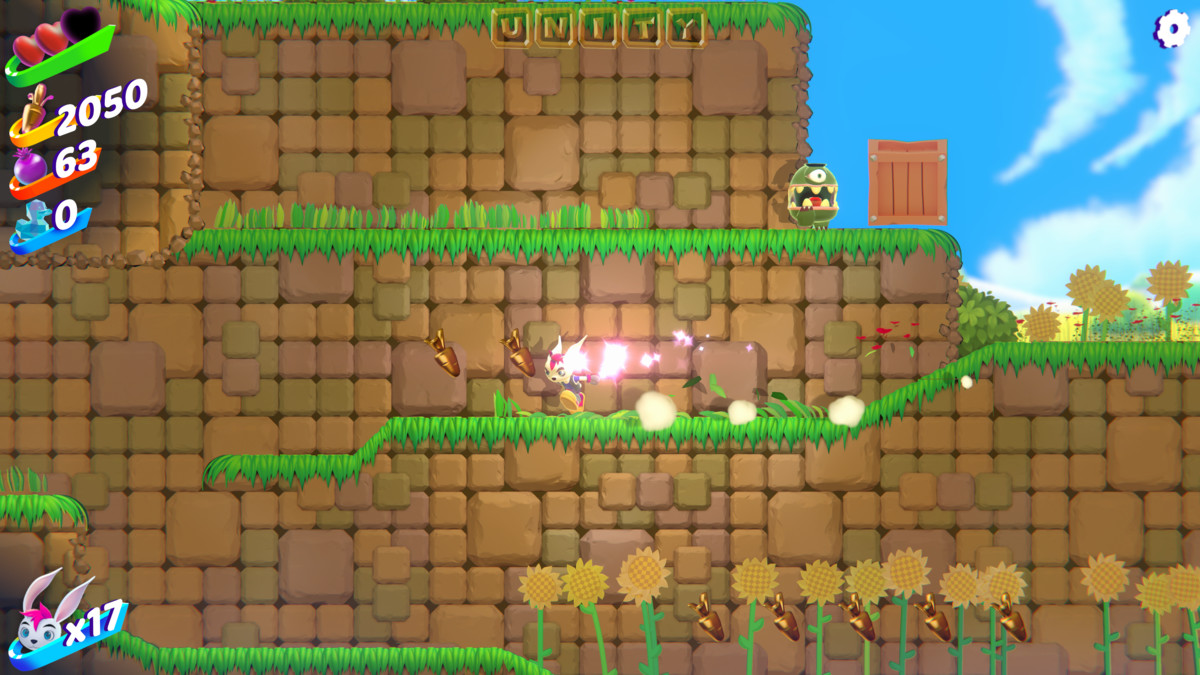
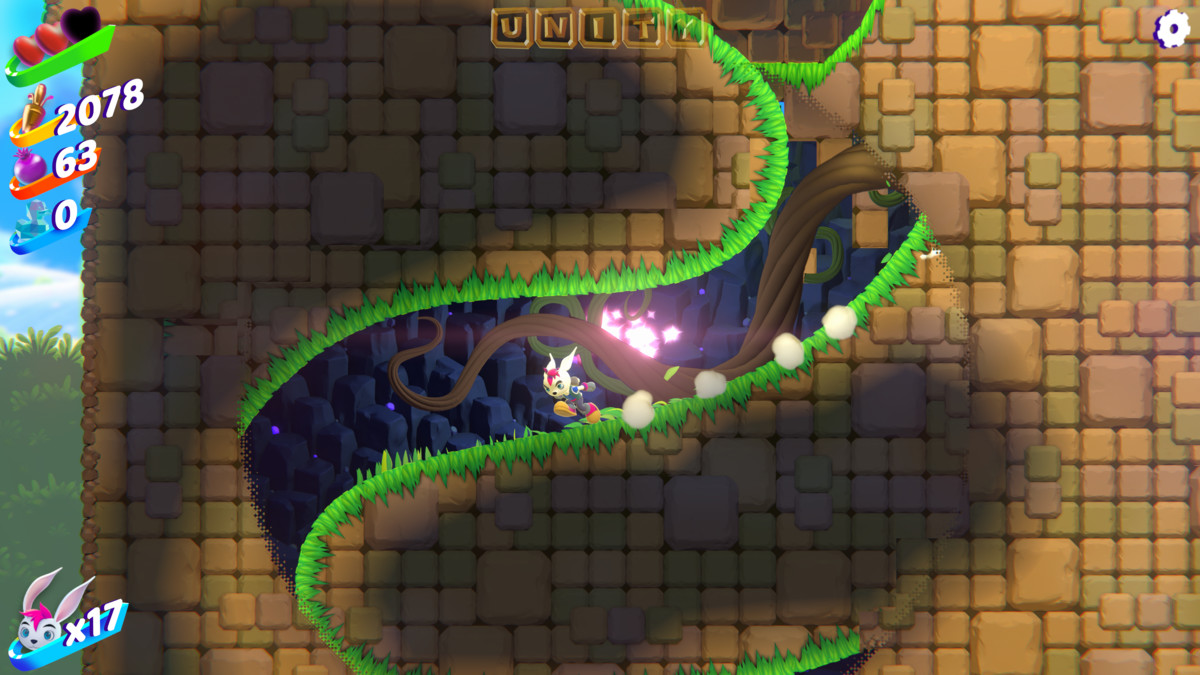
Bunny Blitz is a Unity sample showcasing the 3D-as-2D workflow, where 3D objects blend with 2D sprites and can be sorted, lit, and masked using the URP 2D Renderer.
Affiliate link · Purchases support this site
Price history
Last 6 months
USDAsset preview
1 / 15
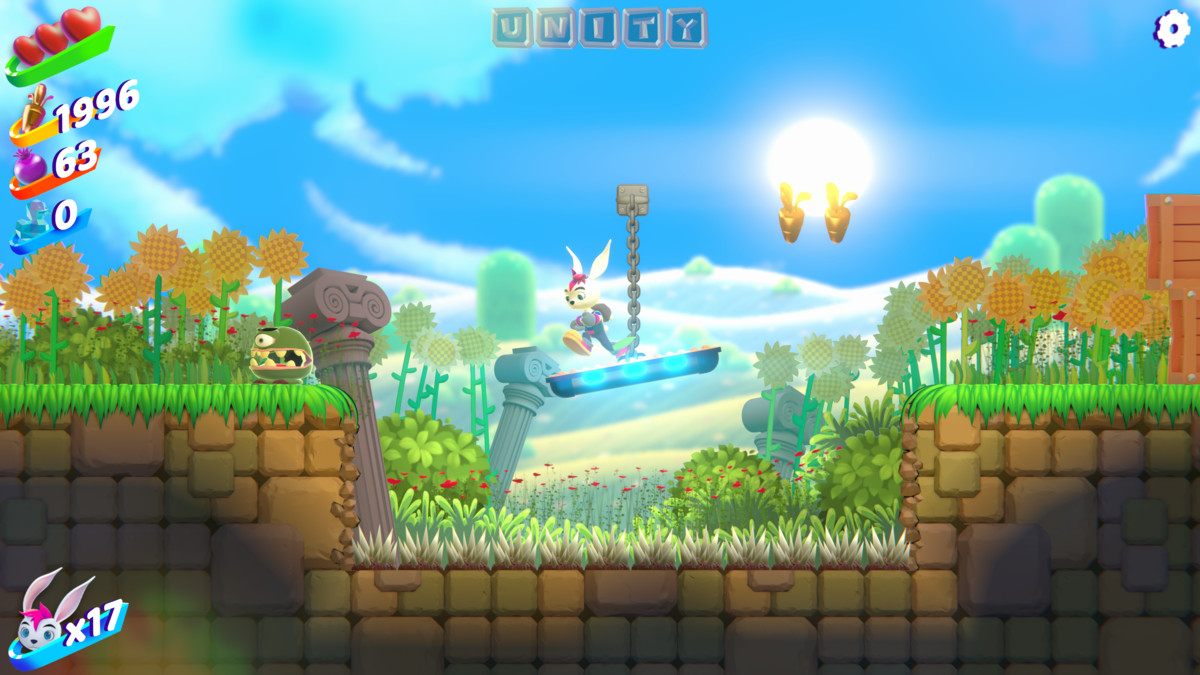
Bunny Blitz | 2D & 3D Sample Project screenshot 1

About this asset
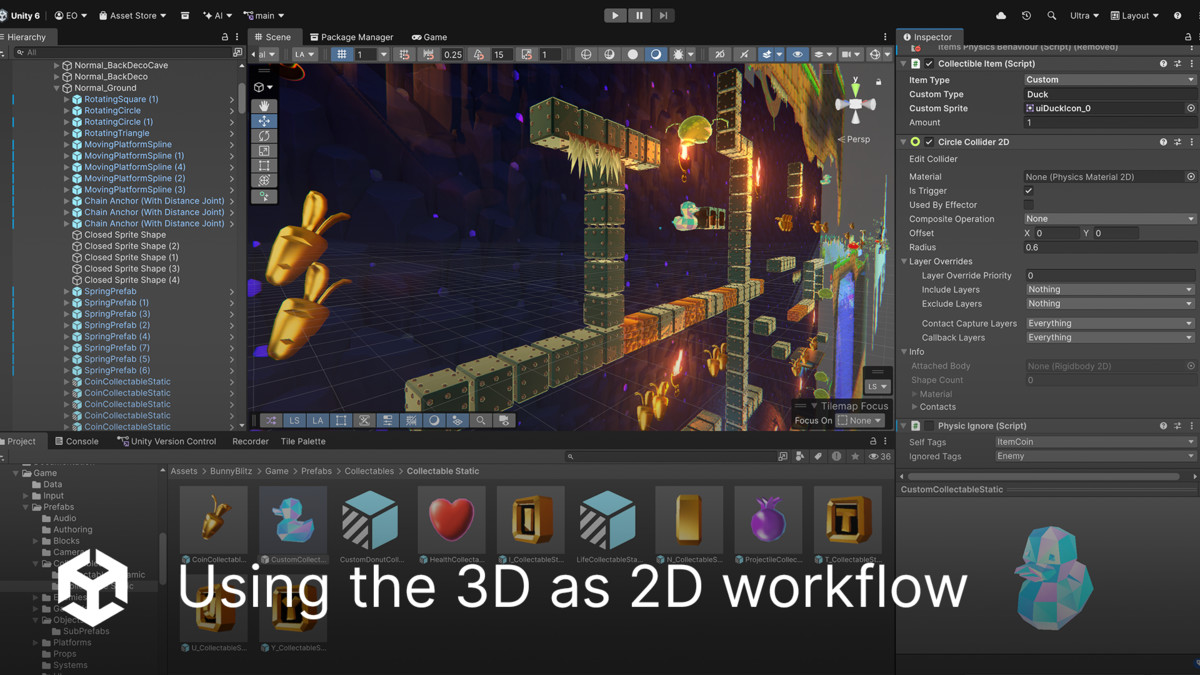
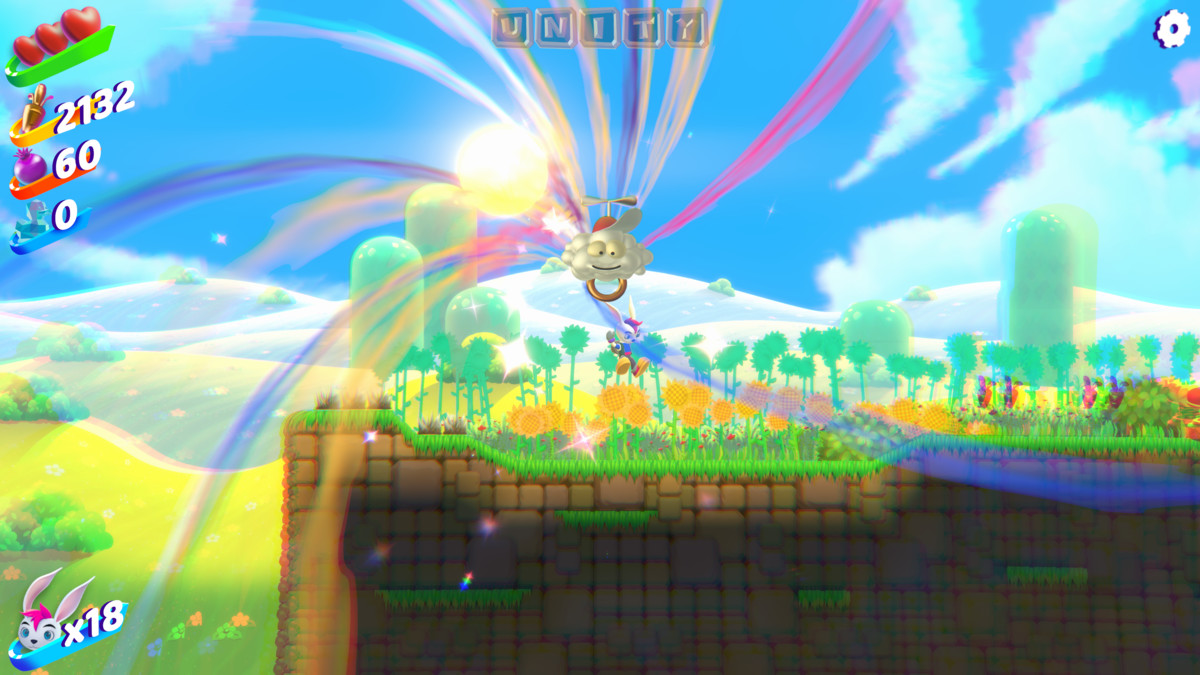
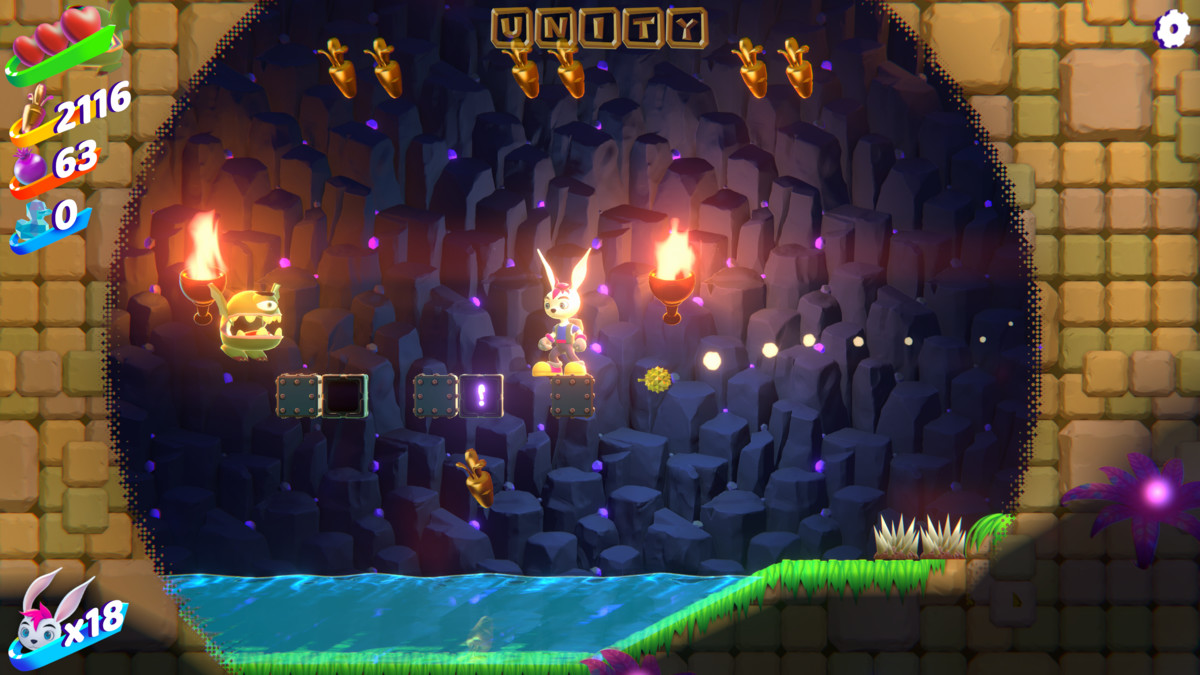
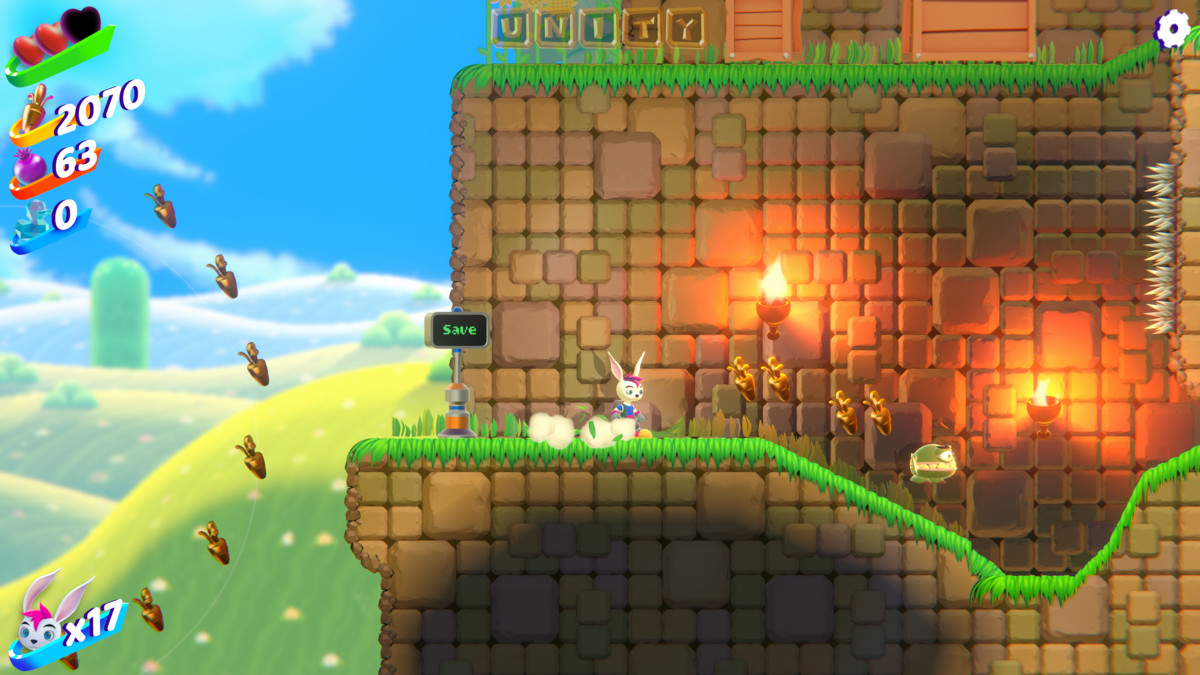
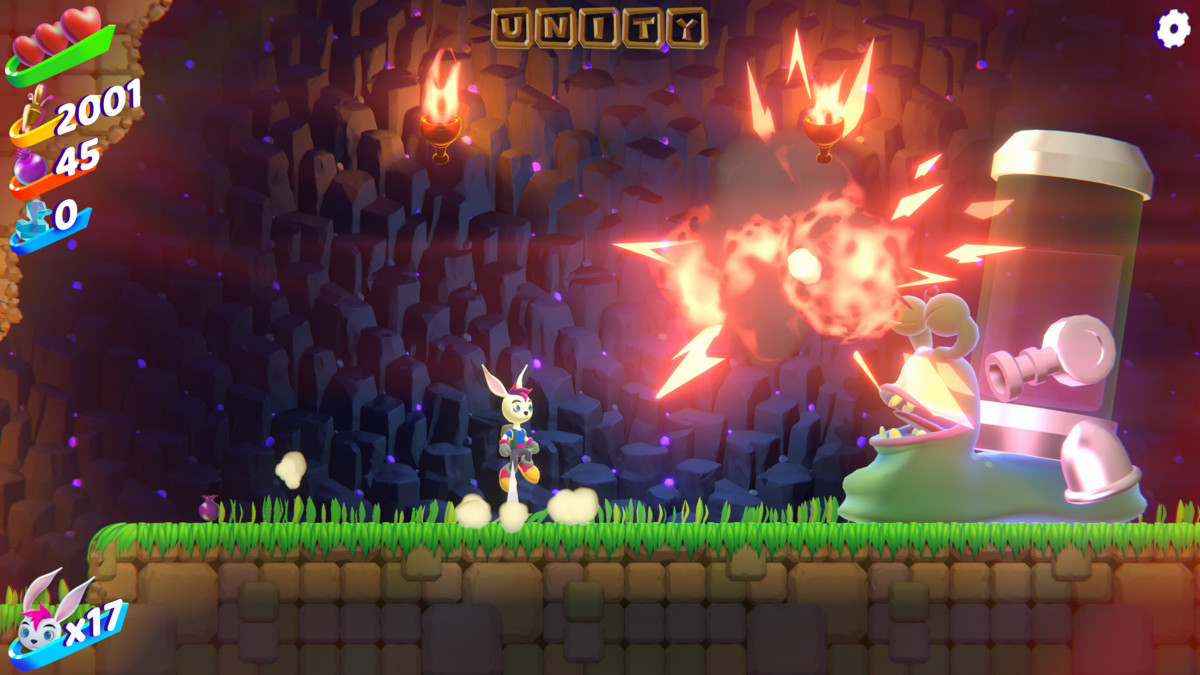
Bunny Blitz is a sample demonstrating the 3D-as-2D workflow. It showcases the new 3D capabilities introduced to the 2D Renderer in Unity 6.3, including how 3D objects can blend with 2D sprites and be sorted, lit, and masked using familiar 2D tools and the URP 2D Renderer.
Have any questions? Write to us in Discussions
Core Features:
- Sprite and 3D Sorting: Sort 3D objects alongside sprites using the Sorting Group component and 3D-as-2D rendering, replacing traditional depth-based sorting with sorting layers
- Perspective Depth: Use a perspective camera and Z-axis positioning to create a stronger sense of environmental depth
- Out-of-Focus Blur: Apply a custom 2D Renderer injection pass to create depth-based blur effects
- 3D-as-2D Shaders: Build Sprite shaders in Shader Graph with full 3D-as-2D compatibility
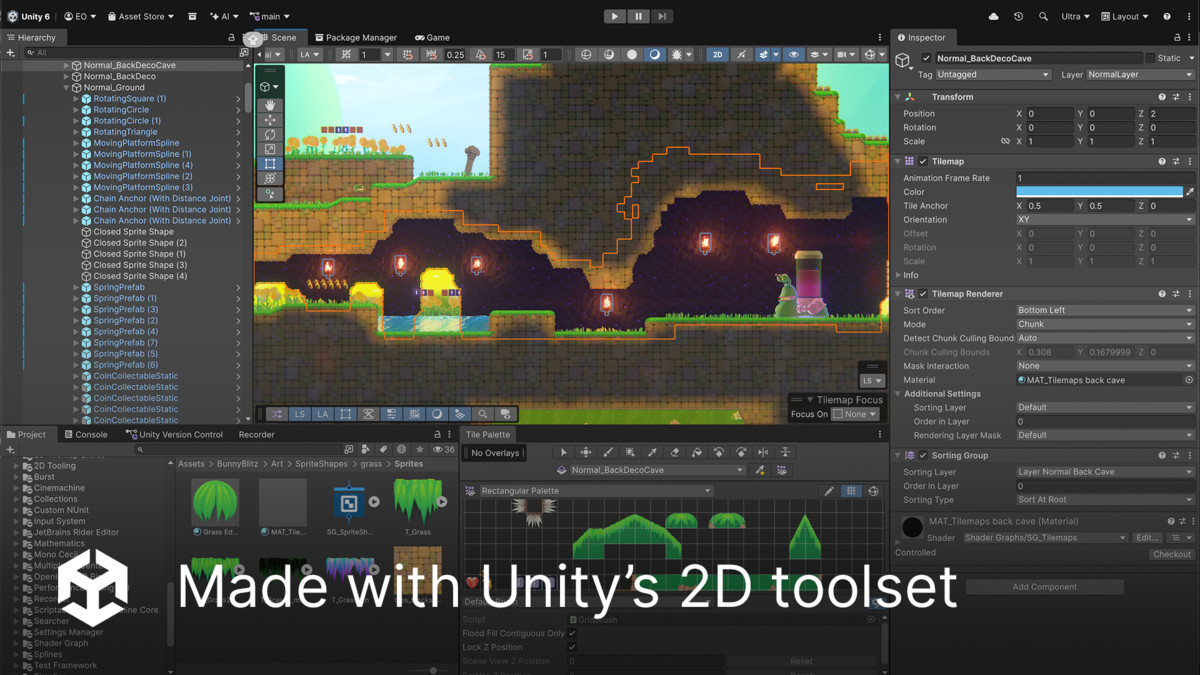
- Complete 2D Toolset: Use 2D Lights, Tilemaps, Sprite Shapes, animations, and masks throughout the project
- Advanced Rendering: Explore shadow camera rendering, MatCap materials, and tileable Tilemap materials
- Visual Effects: Combine VFX Graph and Shader Graph for character spawning, cloud transport, end-of-level portals, and spring effects
- Reusable Asset Library: Access a collection of reusable 2D and 3D assets, including a fully animated main character, enemies, and final boss
- 2D Physics Gameplay: Power the complete gameplay experience using Unity’s 2D physics system
--------------------------------------------------------------------------
How to play Bunny Blitz:
To start the game: Open the LevelSelect scene in BunnyBlitz > Game > Scenes, choose a level, then press Play.
Controls:
- Move: Left/Right Arrow Keys or A/D
- Jump: Press Space
- Double Jump: Press Space again while airborne
- Shoot Pomegranades: Press Enter or Left Mouse Button
Gameplay:
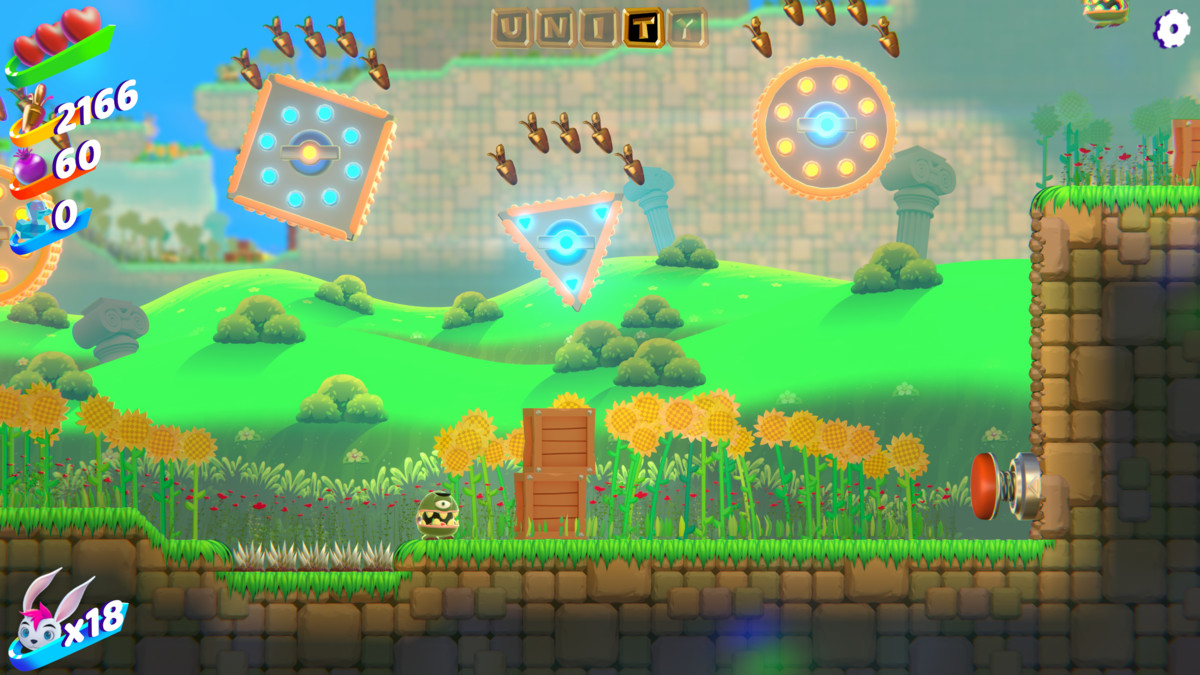
- Land on enemies and blocks to defeat or activate them.
- Avoid hazards such as spikes and falling off the level.
- Collect Golden Carrots. Every 100 carrots awards an extra life.
- Collect Pomegranades and fire them at enemies.
- Keep an eye on your hearts. Losing all three will respawn you at the latest checkpoint.
- When you have no lives remaining, you will return to the level-selection screen.
--------------------------------------------------------------------------
Extend Bunny Blitz:
Expand the world of Bunny Blitz by creating levels from the scene template via File > New Scene > Template Level Scene. Add them to the title-screen level selector using the LevelSelect scene and LevelSelect GameObject.
Want to learn more?
More companion content for Bunny Blitz is on the way. In the meantime, developers looking to build their 2D skills can download the free eBook: 2D game art, animation, and lighting for artists (Unity 6.3 LTS edition)
--------------------------------------------------------------------------
Licensing:
All the assets can be repurposed and added to your own projects. Review the full licence for usage and redistribution terms: Unity Companion License.
From the publisher's Asset Store listing.
Technical details
Unity 6.5 and newer
URP 2D Renderer project
Compatibility
| Unity version | Built-in | URP | HDRP |
|---|---|---|---|
| 6000.5.2f1 | Not listed | Compatible | Not listed |
- Unity 6.5 and newer
- Using the URP 2D renderer
As listed on the Asset Store.