
 View on Asset Store (opens in new tab)
Package details
- Latest version
- 1.1
- Last updated
- First released
- Unity version
- 2022.3.62 or later
- Package size
- 648 KB
- Files
- 5
- Views in the past week
- 11
Price tracking
- Last checked
- Tracked since
- Lowest recorded
- $14.99 on
Keywords
Auto Material Mapper
Automate material and texture setup for imported 3D models with batch extraction, smart texture assignment, flexible search, and customizable shader profiles for Built-in, URP, and HDRP.
Affiliate link · Purchases support this site
Price history
Last 6 months
USDAsset preview
1 / 7
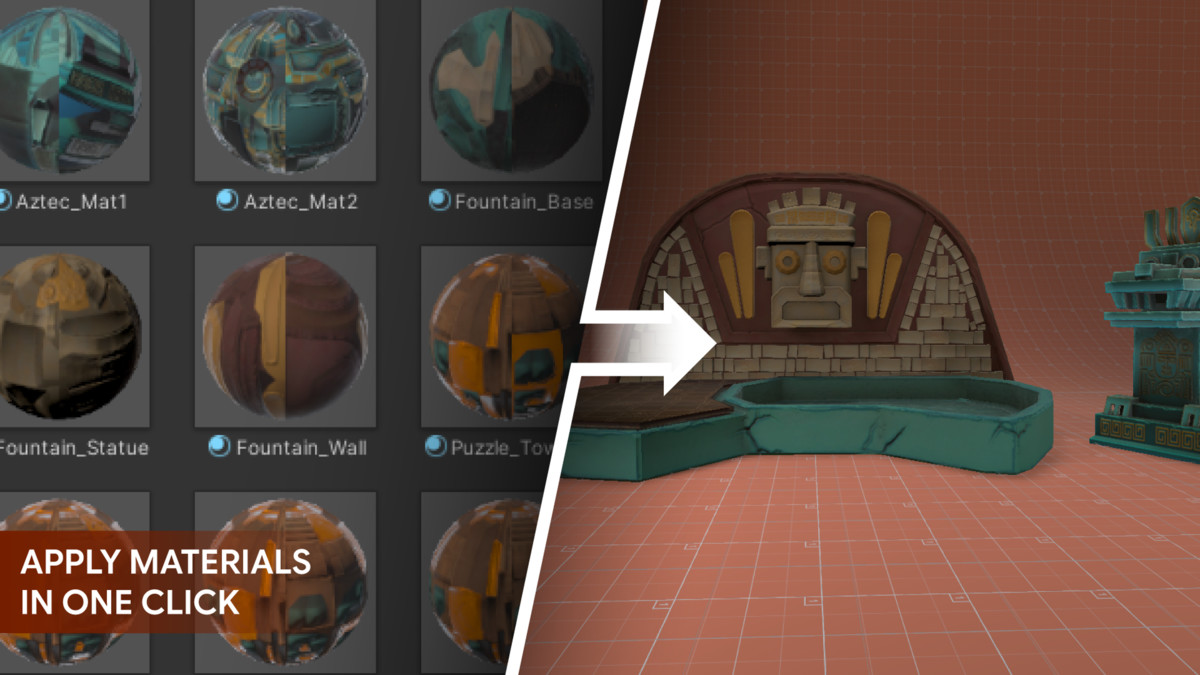
Auto Material Mapper screenshot 1

About this asset
Created for 3D artists, game developers, technical artists, and studios, Auto Material Mapper is a Unity Editor tool that automates material extraction, texture extraction, and texture assignment for imported 3D models.
When importing assets from Blender, Maya, ZBrush, 3ds Max, or other 3D software, materials and textures often require repetitive manual setup. Auto Material Mapper helps streamline this workflow by extracting embedded assets, organizing files, and assigning matching textures based on configurable naming rules.
The tool supports batch processing and flexible search options, making it suitable for both individual assets and large project libraries.
Auto Material Mapper works with the Built-in Render Pipeline, URP, and HDRP, and also supports Shader Graph and custom shaders through customizable shader profiles.
Key Features
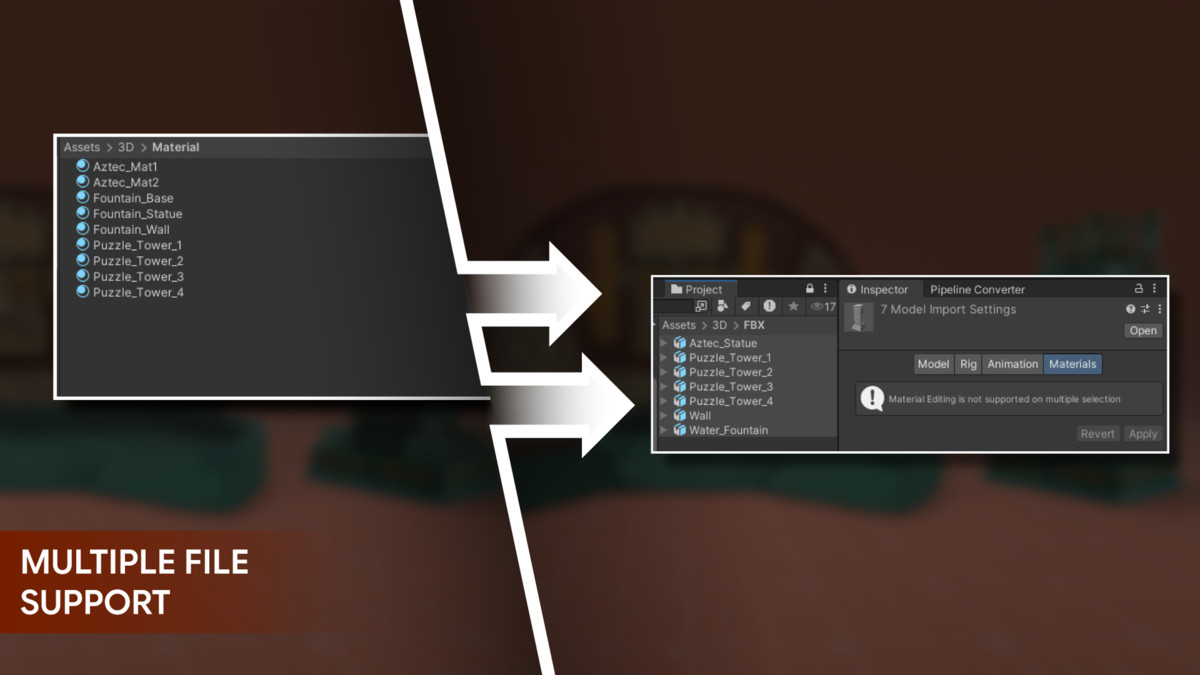
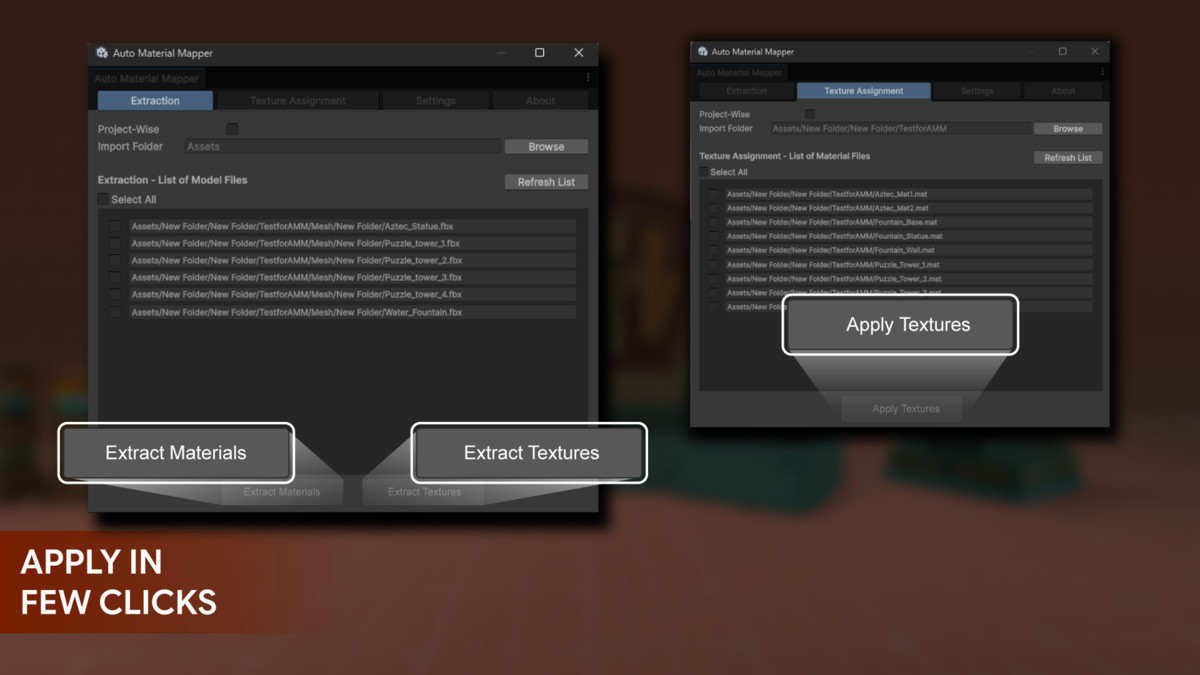
- Batch Material Extraction: Extract embedded materials from multiple FBX and OBJ files.
- Embedded Texture Extraction: Extract textures directly from supported FBX models.
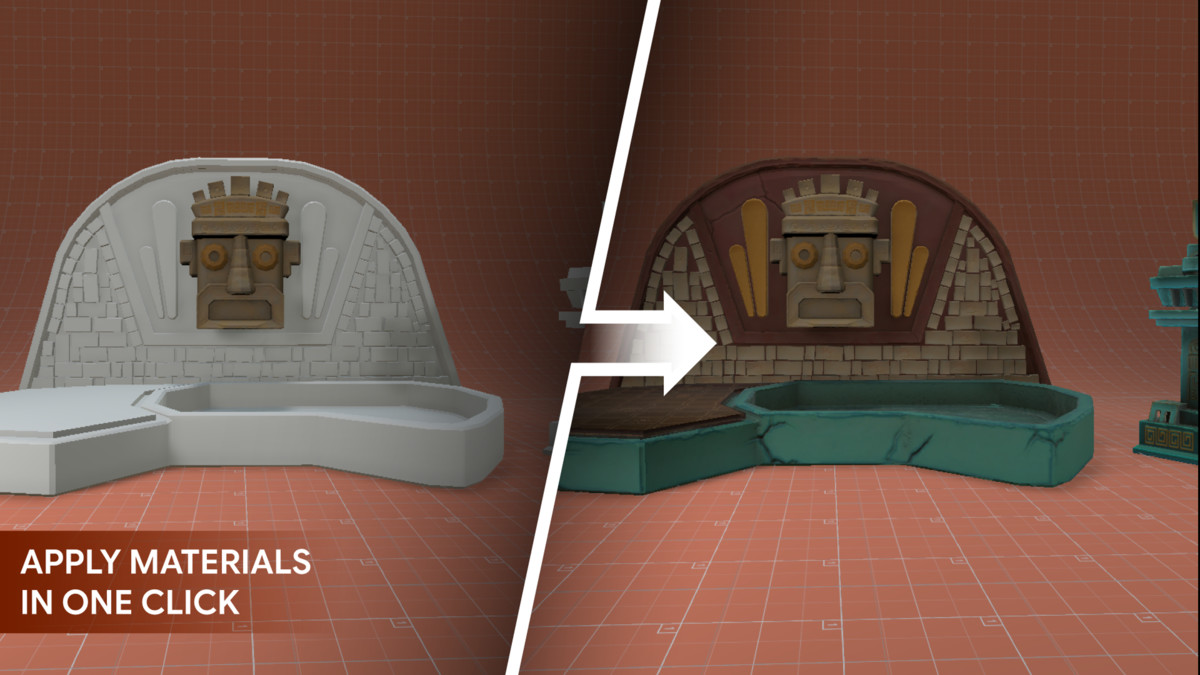
- Automatic Material Remapping: Reconnect extracted materials to imported models.
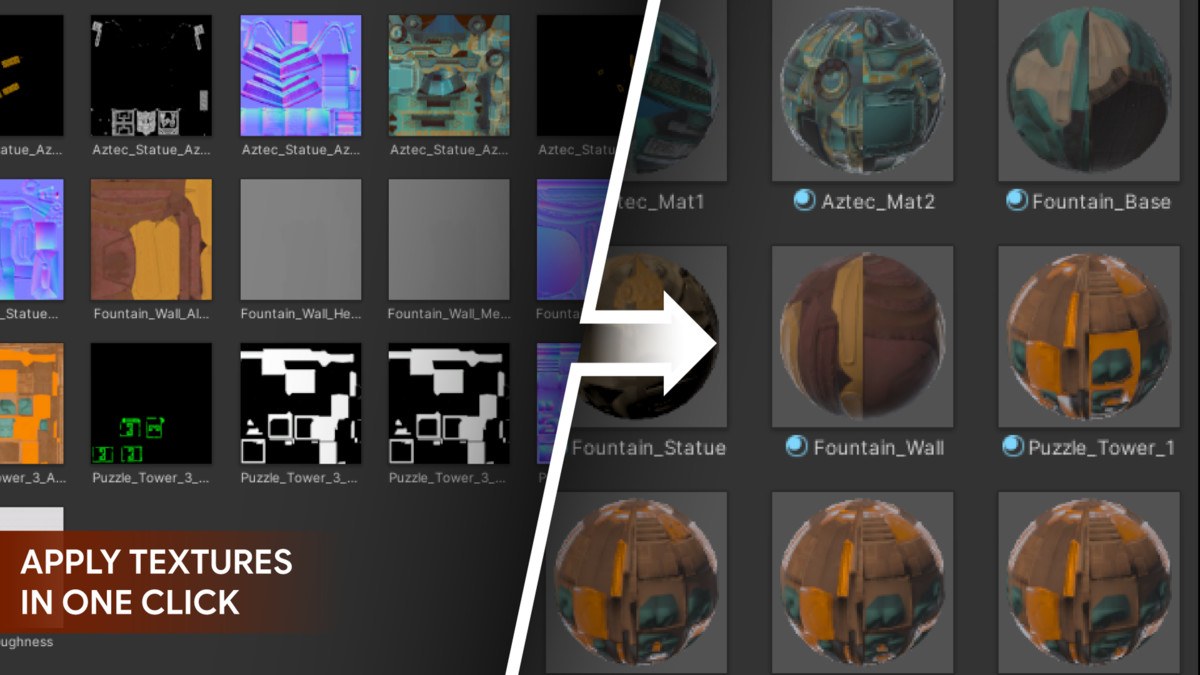
- Automatic Texture Assignment: Match and assign textures using material names and texture keywords.
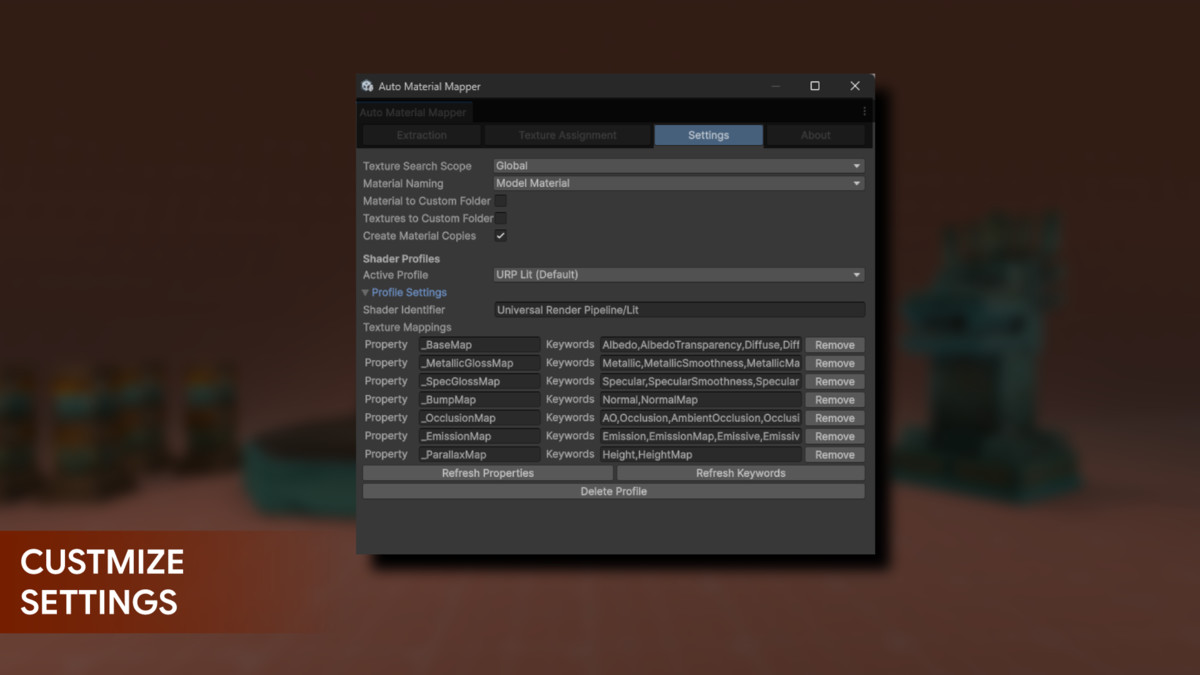
- Custom Texture Keywords: Support naming conventions such as Albedo, BaseColor, Normal, Metallic, MaskMap, and more.
- PBR Texture Support: Assign Base Color, Normal, Metallic, Specular, AO, Height, Emission, and other maps.
- Custom Shader Profiles: Create unlimited profiles for Shader Graph and custom shaders.
- Built-in Pipeline Support: Includes workflows for Built-in, URP, and HDRP shaders.
- Shader Property Refresh: Update profile properties after modifying a shader.
- Keyword Refresh: Add default keywords for new shader properties while preserving custom keywords.
- Flexible Search Options: Search project-wide, within selected folders, locally, or recursively.
- Custom Output Folders: Save extracted materials and textures beside the model or in dedicated folders.
- Material Conflict Handling: Skip existing materials, overwrite them, or create uniquely named copies.
- Batch Texture Assignment: Process multiple materials in a single operation.
- Editor-Only Workflow: Adds no runtime dependency to your project.
Included Content
- Auto Material Mapper Editor Tool: Complete material and texture workflow interface.
- Default Shader Profiles: Profiles for common Built-in, URP, and HDRP shaders.
- Custom Profile System: Create profiles for Shader Graph and custom shaders
- Documentation: Detailed setup, workflow, troubleshooting, and customization guide.
From the publisher's Asset Store listing.
Technical details
Requirements
- Unity Version: Unity 2022.3 LTS or newer
- Render Pipelines: Built-in, URP, and HDRP
- Tool Type: Unity Editor extension
- Runtime Dependency: None
- Material Workflow: PBR
Supported Files
- Model Formats: FBX and OBJ
- Material Format: Unity .mat
- Texture Formats: PNG, TGA, JPG, TIFF, PSD, EXR, and BMP
- Embedded Texture Extraction: Supported for FBX files
Shader Compatibility
- Unity Standard shaders
- Universal Render Pipeline Lit shaders
- High Definition Render Pipeline Lit shaders
- Shader Graph shaders
- Custom shaders
- Unlimited custom shader profiles
- Refreshable shader properties and texture keywords
Support & Customization:
This pack is designed to be a “living” asset and will continue to evolve. If you encounter any issues or have questions regarding implementation, please feel free to reach out through our support link or Discord server.
For faster support, we recommend joining our Discord server. Our team is ready to help and answer any questions you may have.
Compatibility
| Unity version | Built-in | URP | HDRP | Custom |
|---|---|---|---|---|
| 2022.3.62f3 | Compatible | Compatible | Compatible | Compatible |
As listed on the Asset Store.