
 View on Asset Store (opens in new tab)
Package details
- Latest version
- 1.0
- Last updated
- First released
- Unity version
- 6000.4.8 or later
- Package size
- 41 KB
- Files
- 5
- Favorites
- 7
- Views in the past week
- 18
Price tracking
- Last checked
- Tracked since
- Lowest recorded
- Free on
Keywords

Debug Overlay - In Game Overlay + Editor Window
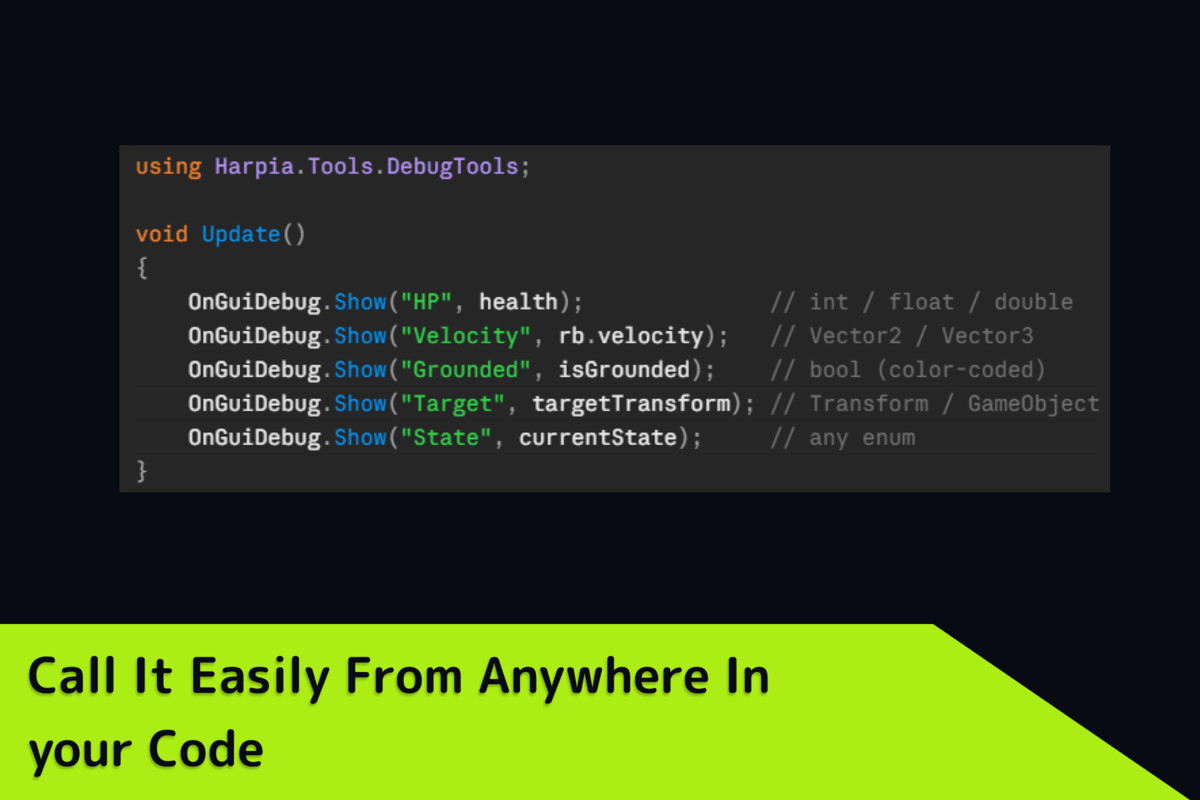
Runtime debug values, buttons & variables — on the Game view and a docked editor window, in one line of code.
Price Free
Get it free on Asset Store (opens in new tab)
Affiliate link · Purchases support this site
Price history
Last 6 months
USDAsset preview
1 / 5
Debug Overlay - In Game Overlay + Editor Window screenshot 1
About this asset
Features
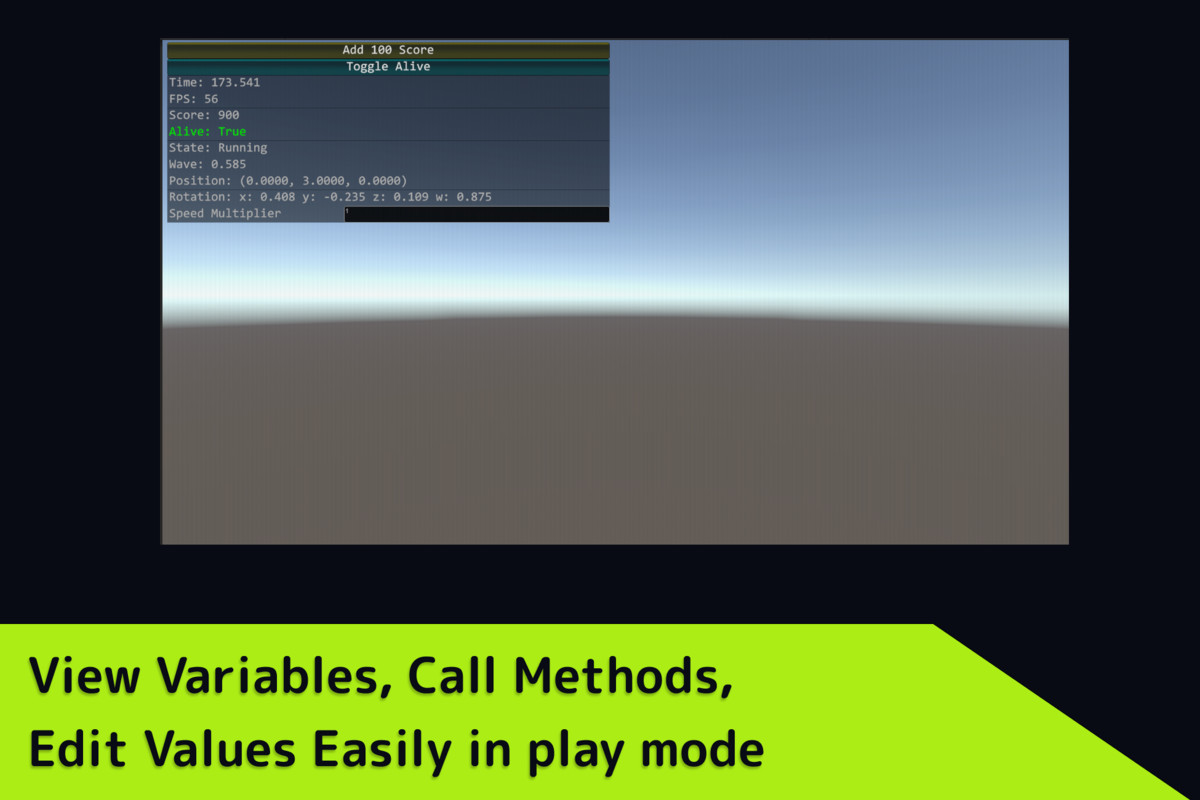
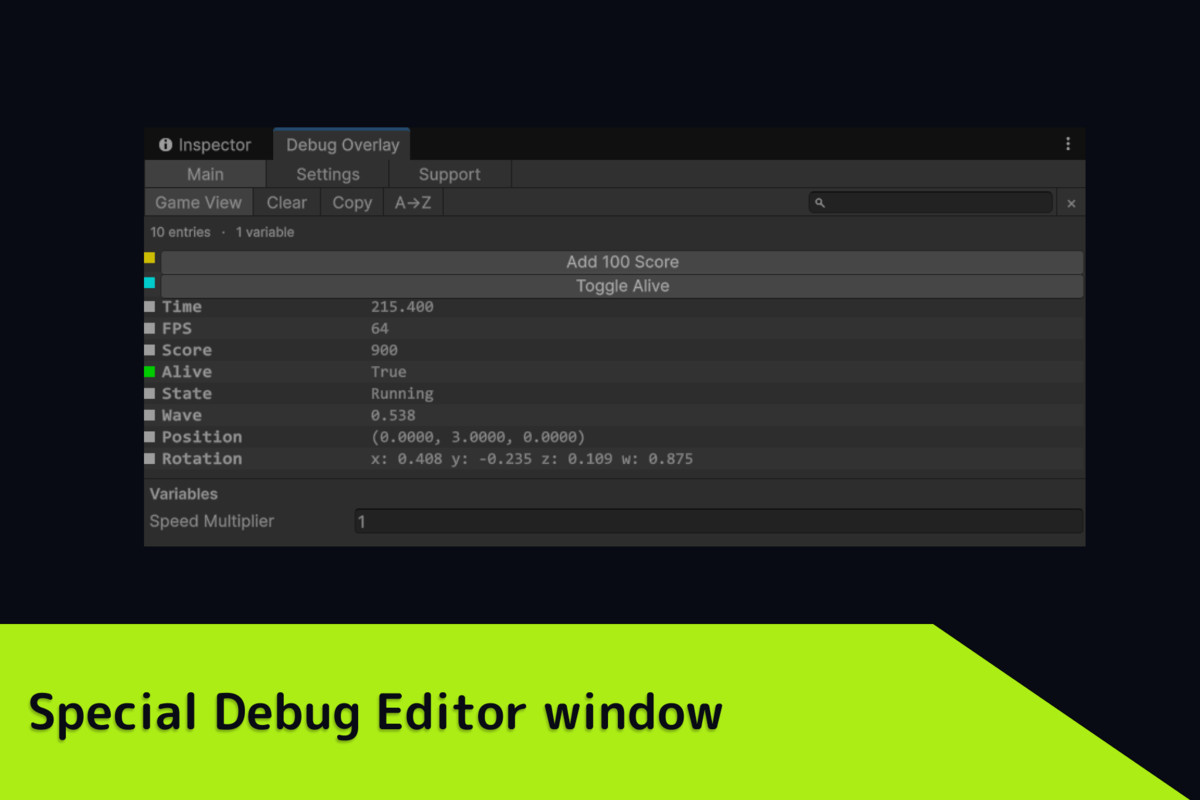
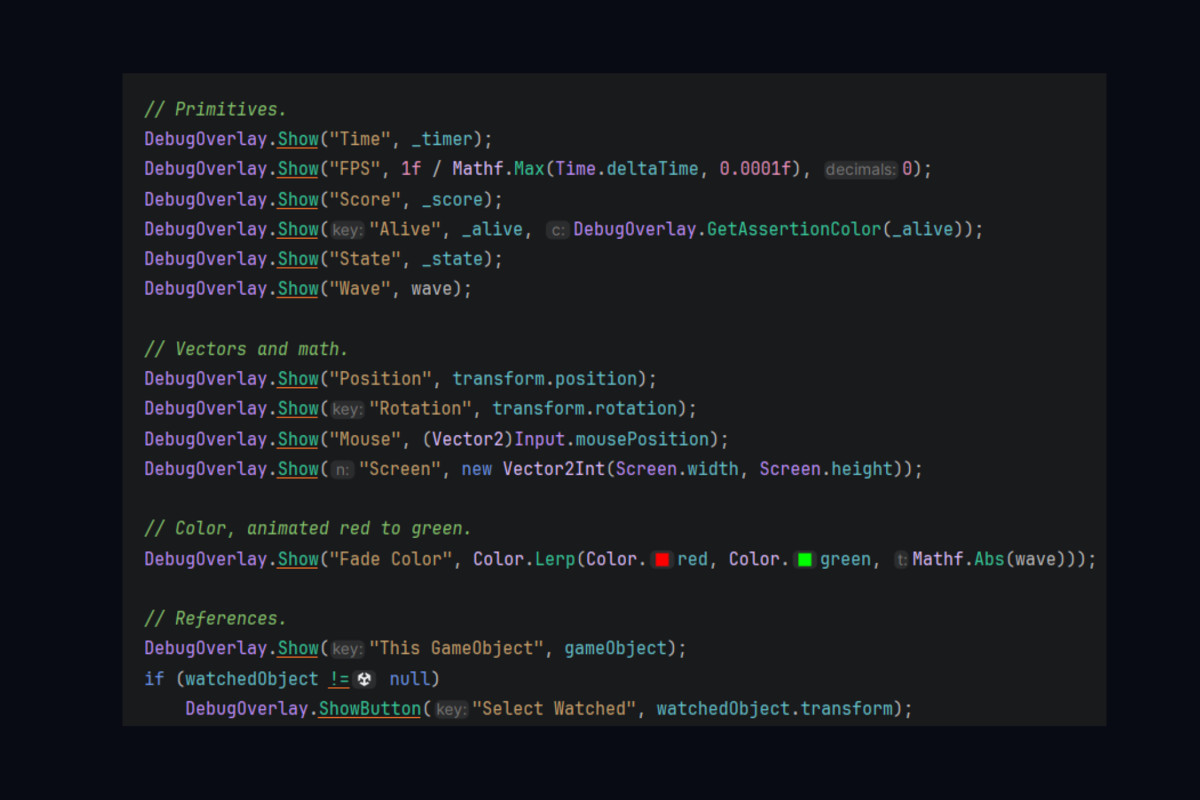
- Game View + Editor Window — Display the same debug data in both.
- Supports almost any type — Numbers, strings, vectors, colors, enums, GameObjects, Components, arrays, lists, RaycastHit, and custom objects.
- Action buttons — Execute methods instantly from the overlay.
- Editable variables — Change values live with callbacks.
- Color coding — Custom colors for each entry.
- Powerful window tools — Search, sort, copy all, and select GameObjects with one click.
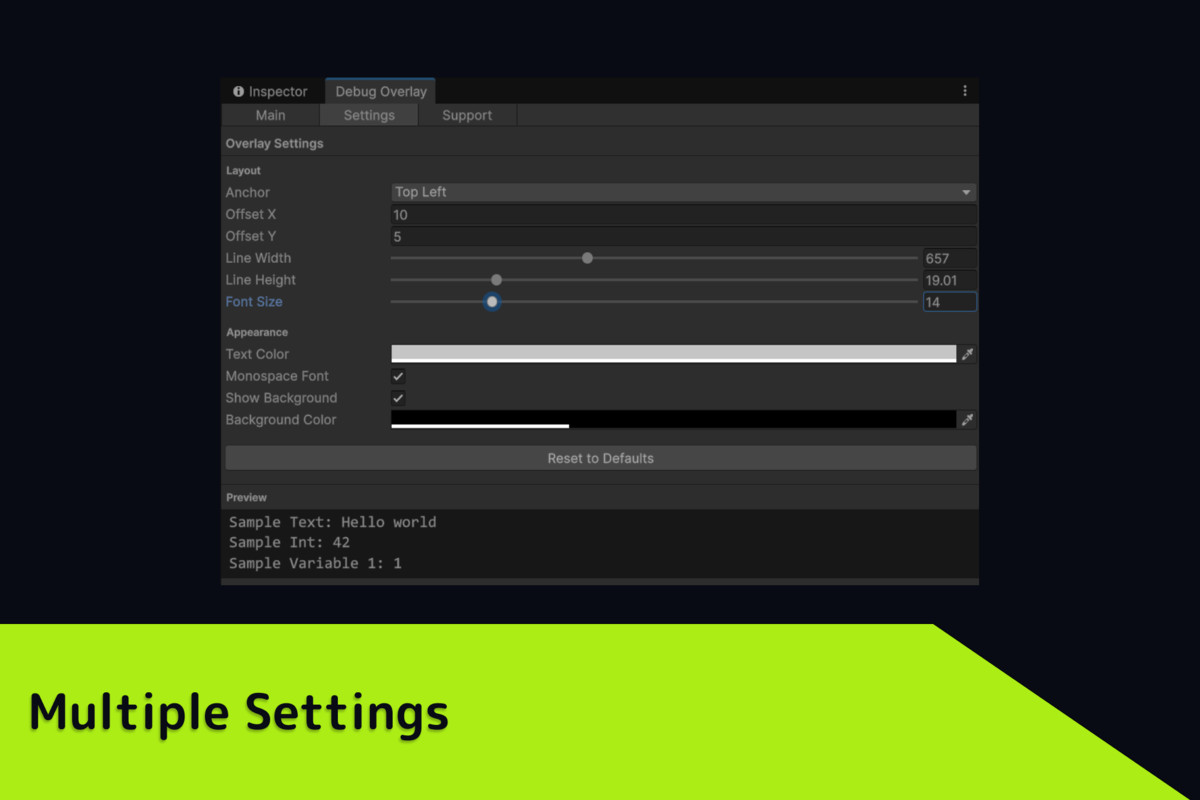
- Customizable UI — Position, font, colors, spacing, and live preview. Settings are saved automatically.
- Editor-only — Completely stripped from builds with zero runtime overhead.
- Free with a clean Main / Settings / Support interface.
This is an editor only tool.
More tools from Harpia Games
From the publisher's Asset Store listing.
Technical details
- Game View overlay + dockable Editor Window
- Supports most Unity data types
- Live editable variables
- Execute methods with action buttons
- Per-entry custom colors
- Search, sort, and copy to clipboard
- One-click GameObject selection
- Fully customizable overlay appearance
- Live settings preview
- Persistent editor settings
- Editor-only (excluded from builds)
- Zero runtime overhead
- Clean 3-tab interface
- Free to use
Compatibility
| Unity version | Built-in | URP | HDRP | Custom |
|---|---|---|---|---|
| 6000.4.8f1 | Compatible | Compatible | Compatible | Compatible |
As listed on the Asset Store.