
 View on Asset Store (opens in new tab)
Package details
- Latest version
- 1.3.0
- Last updated
- First released
- Unity version
- 6000.3.8 or later
- Package size
- 34.0 MB
- Files
- 128
- Views in the past week
- 26
Price tracking
- Last checked
- Tracked since
- Lowest recorded
- $428.00 on
Keywords
DWG Loader
- Price drop
Load, view, pick, and export DWG/DXF 2D and 3D drawings in Unity. Supports Built-in, URP, and HDRP rendering pipelines, targeting Windows x64 and WebGL platforms.
Lowest recorded price
Get 33% off on Asset Store (opens in new tab)Affiliate link · Purchases support this site
Price history
Last 6 months
USDAsset preview
1 / 28
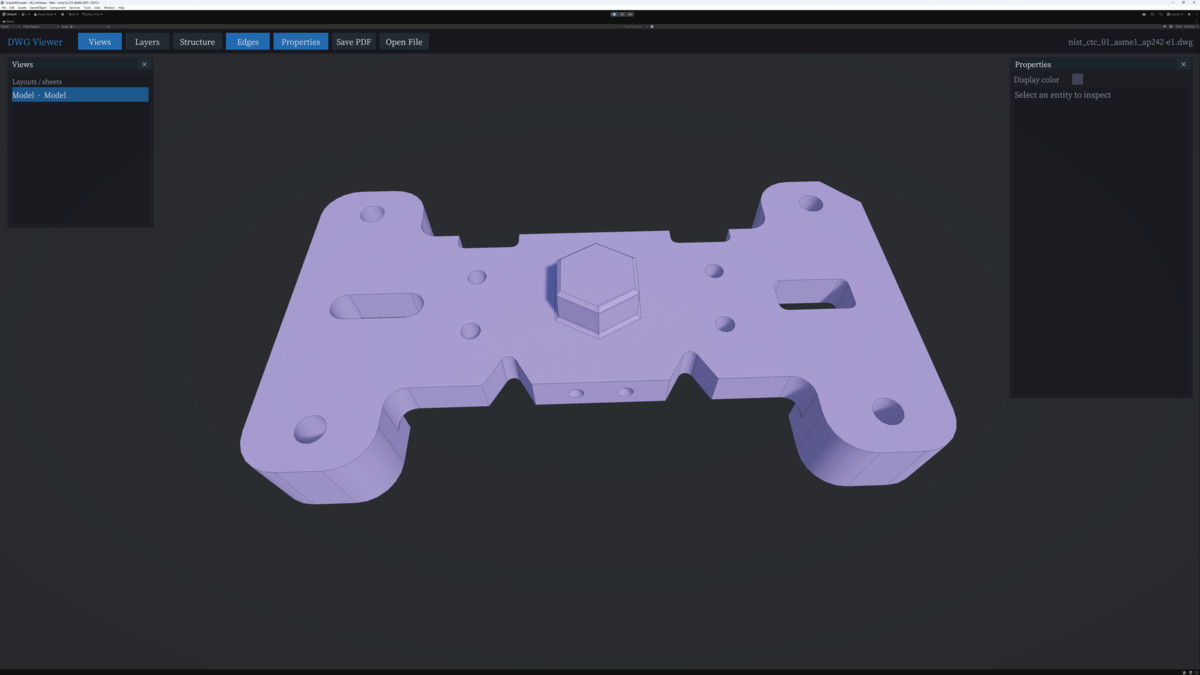
DWG Loader screenshot 1
About this asset
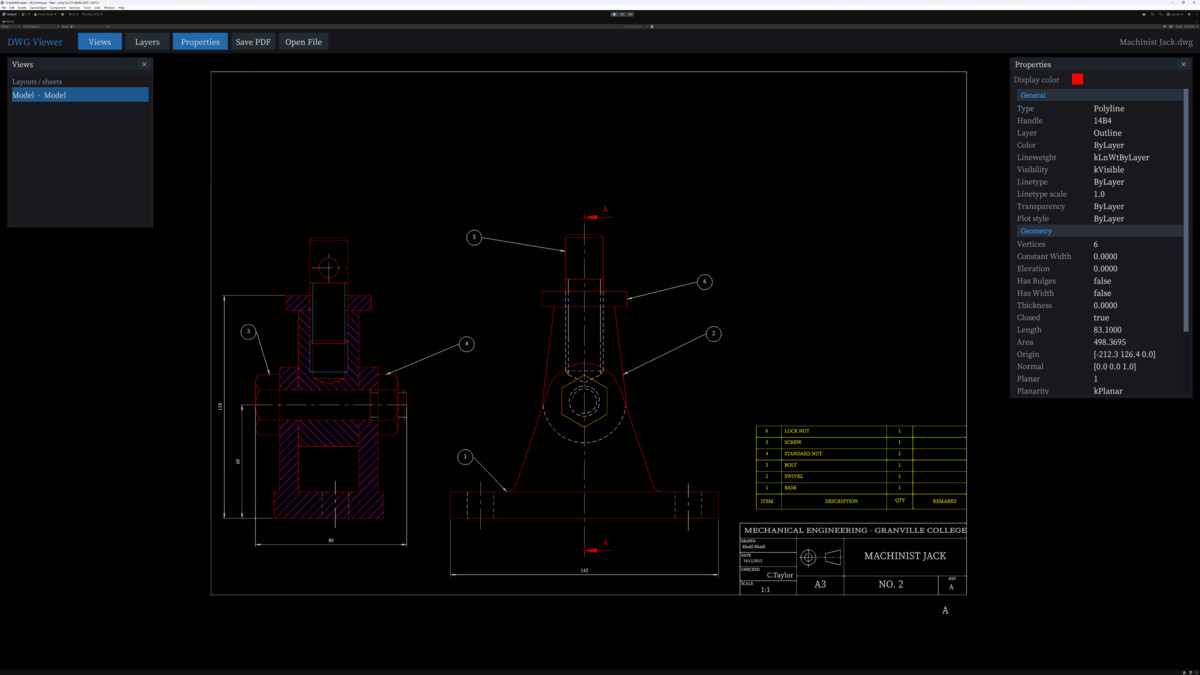
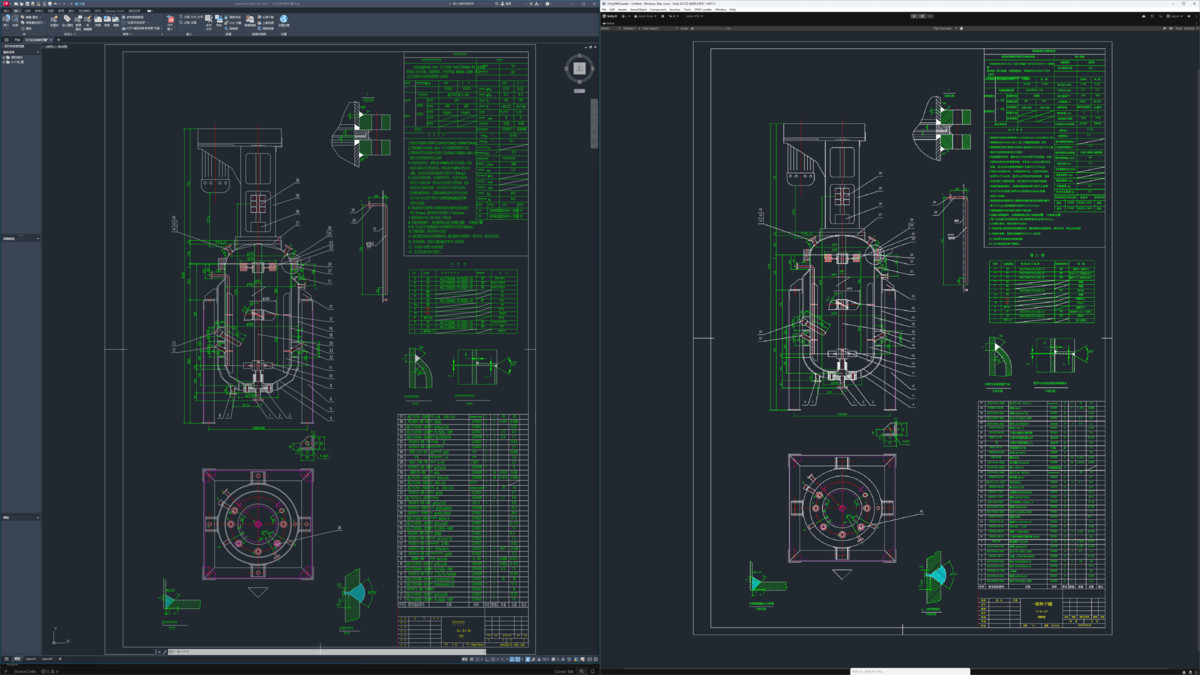
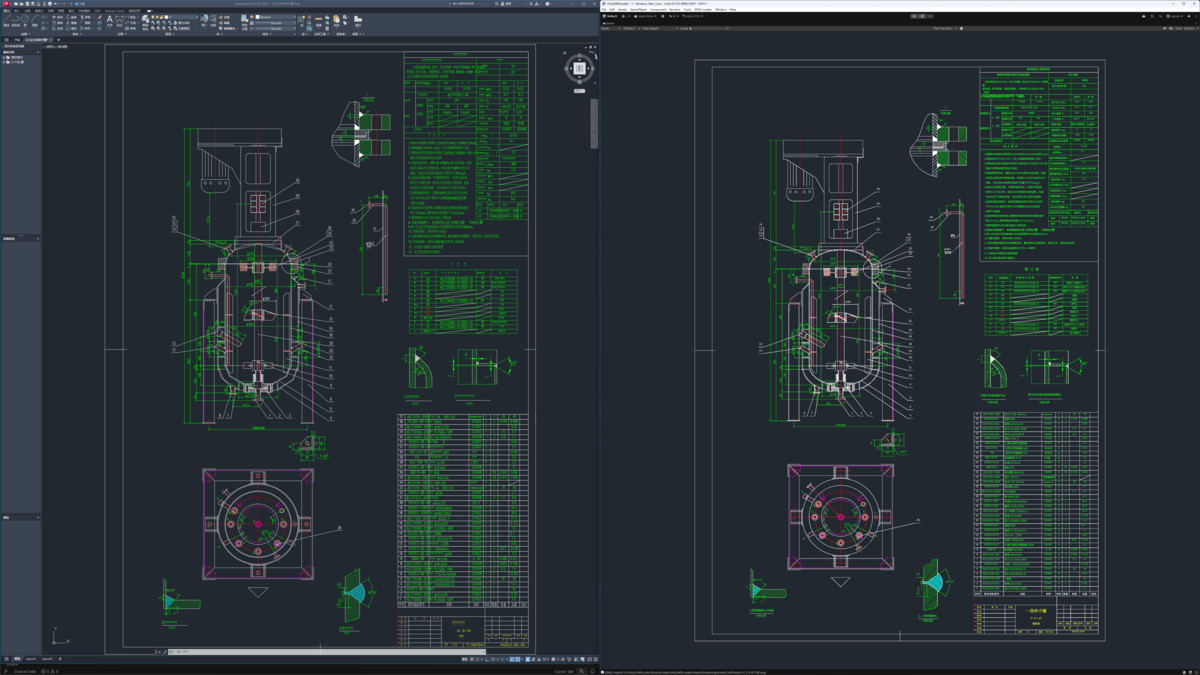
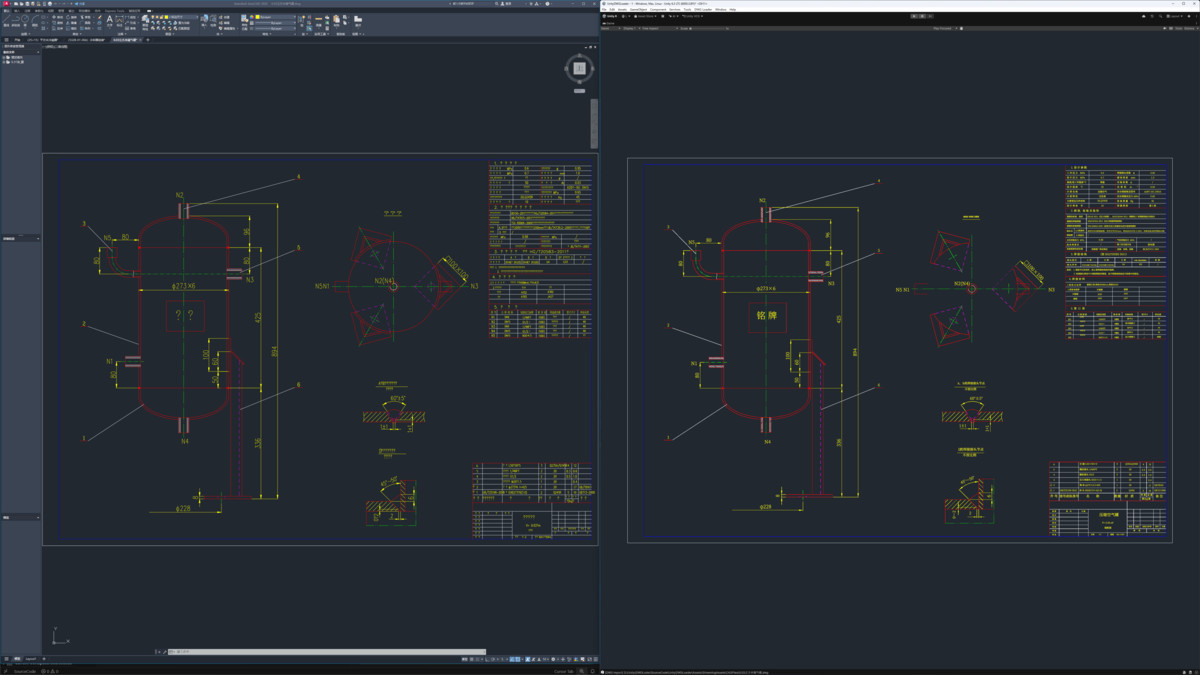
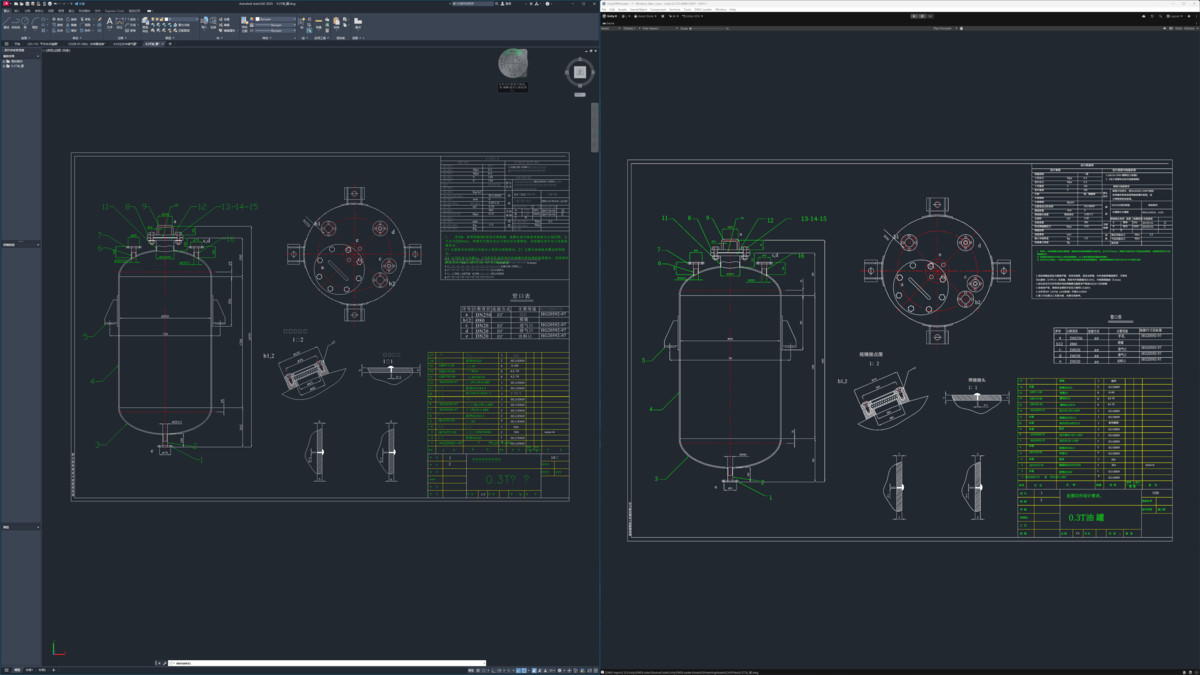
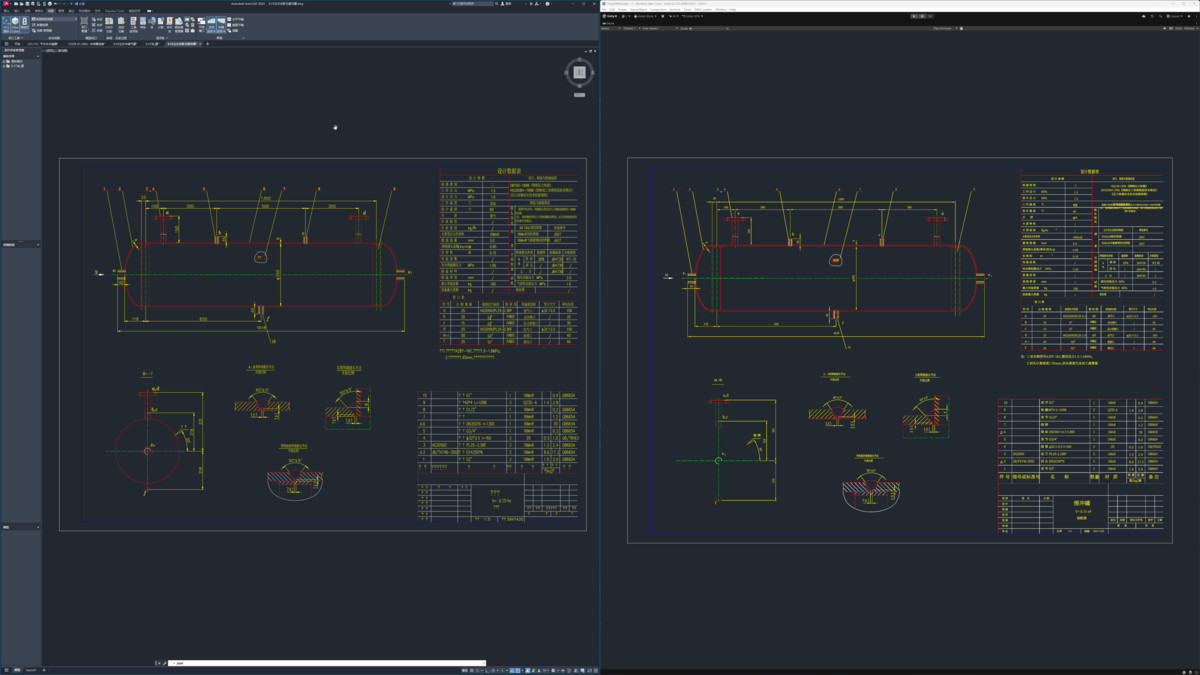
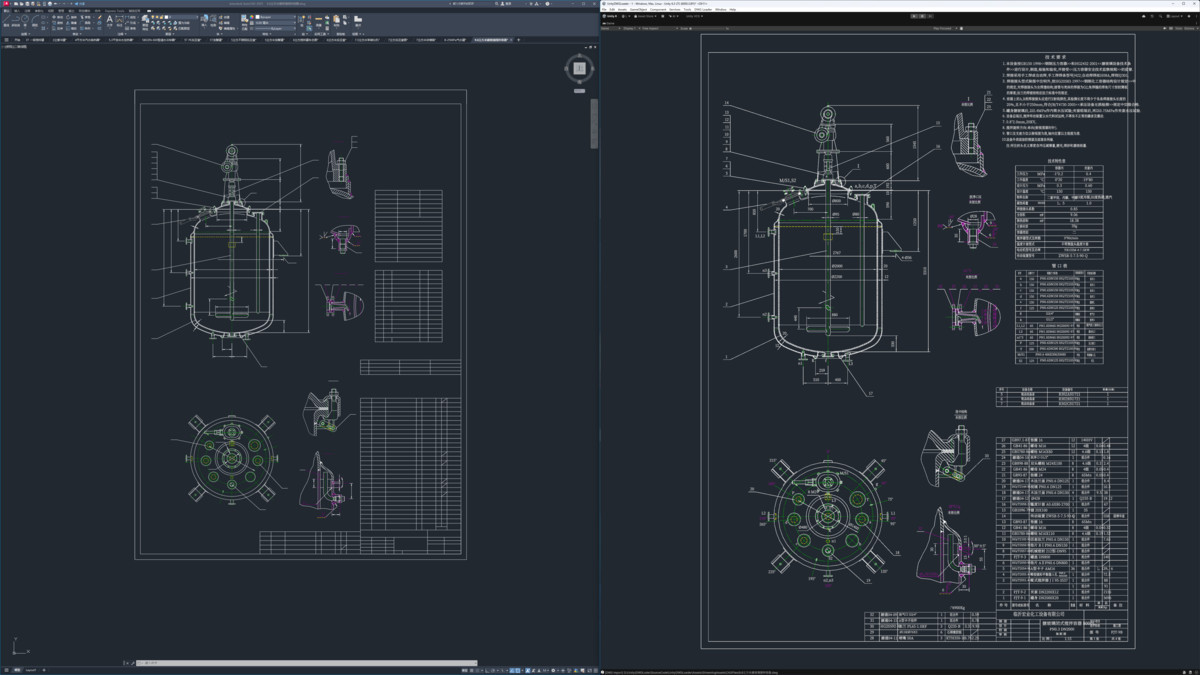
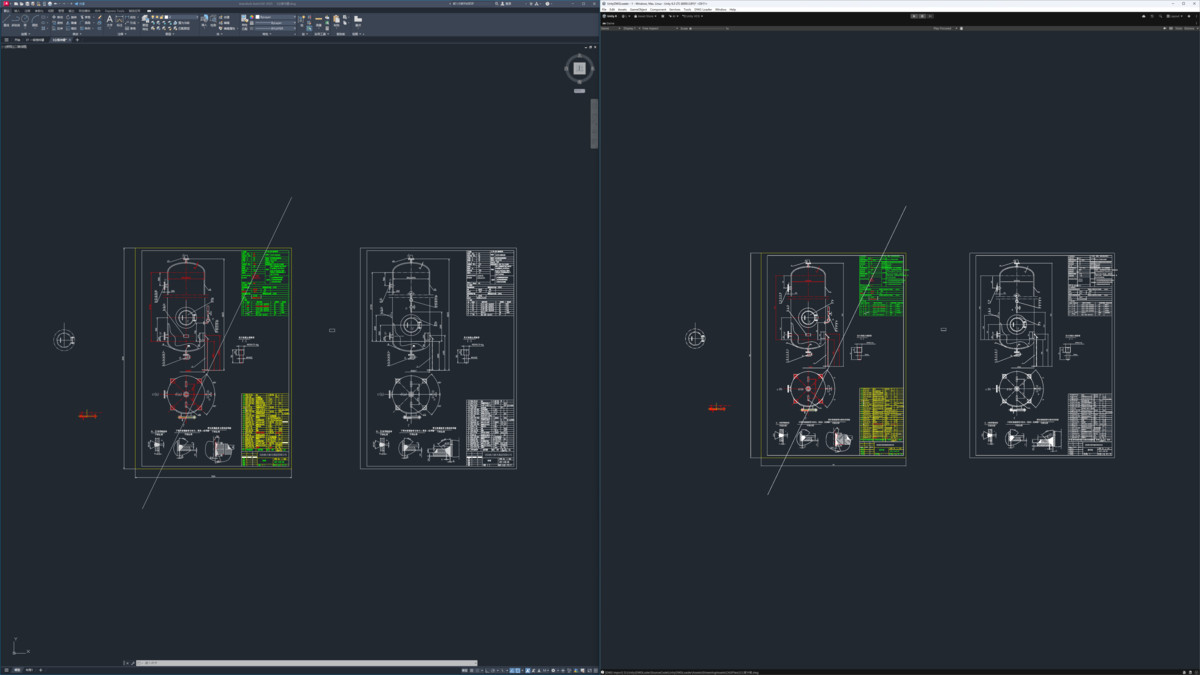
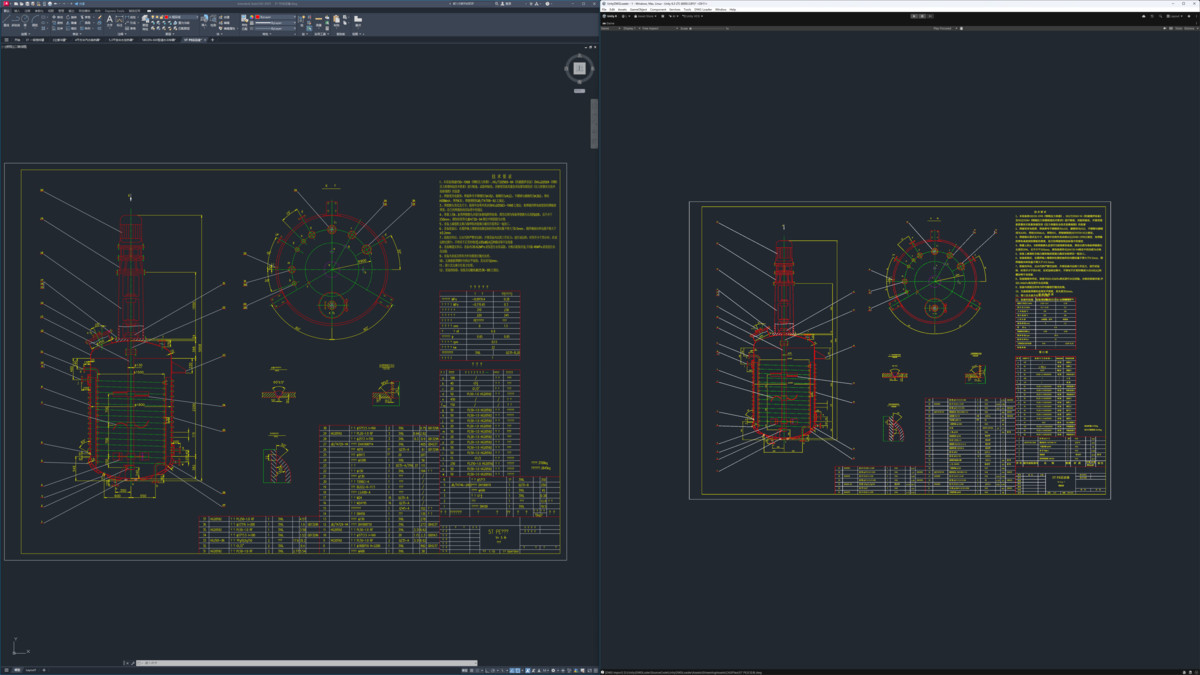
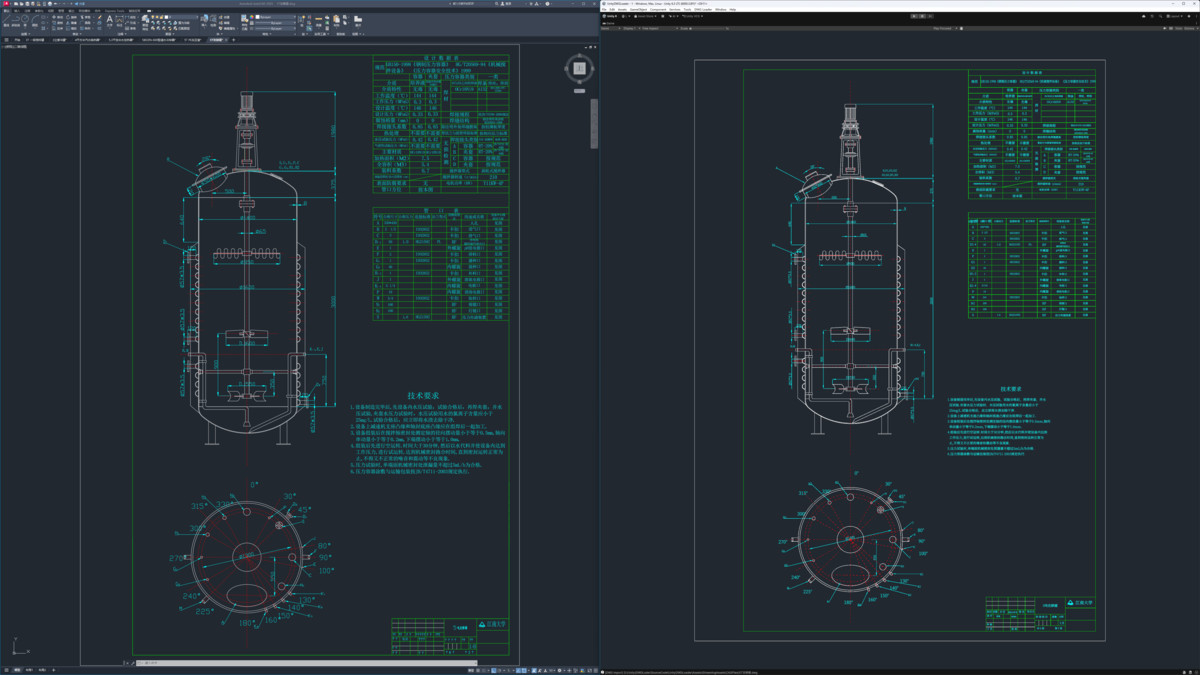
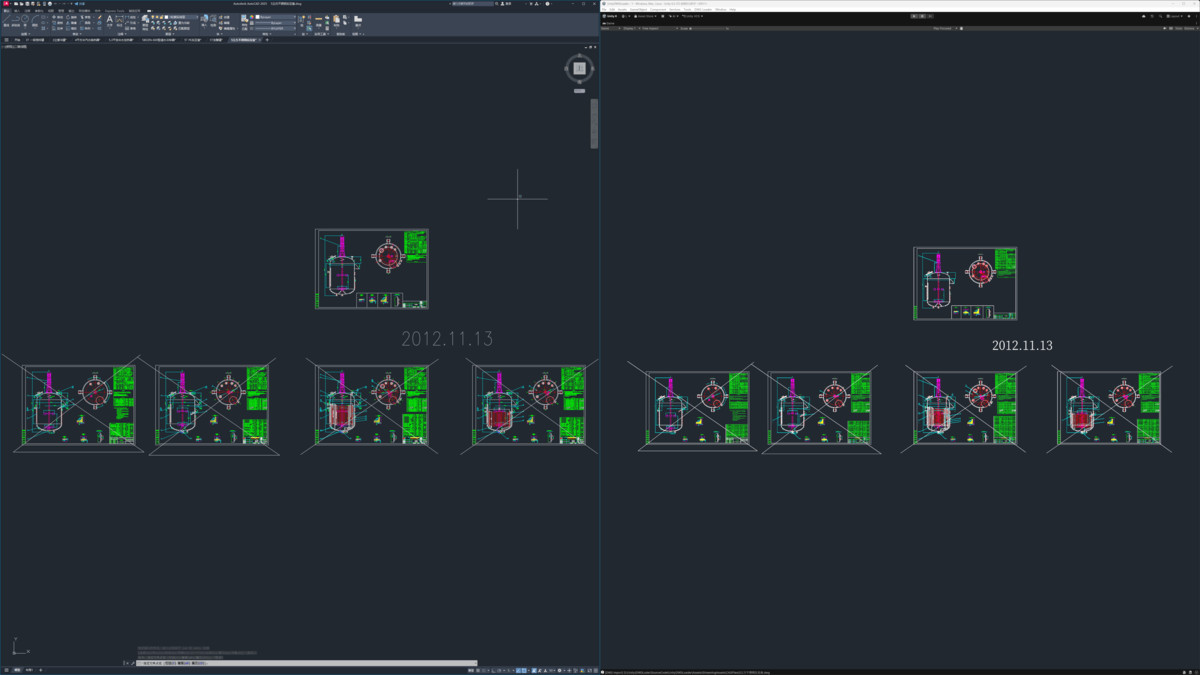
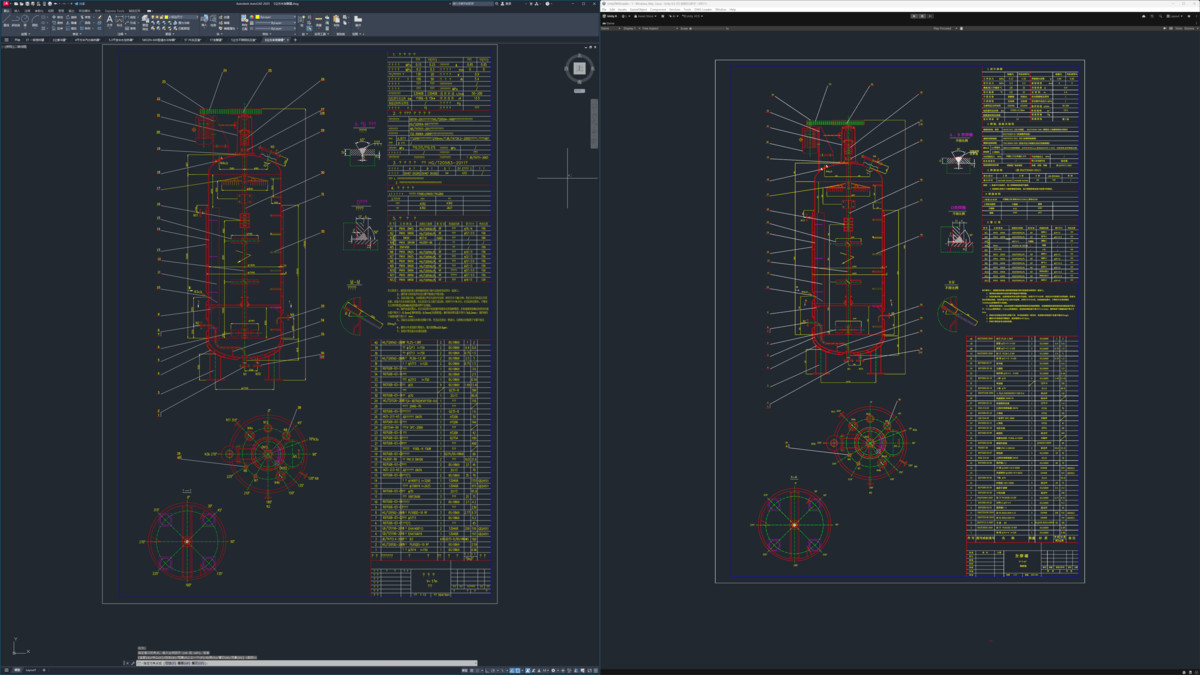
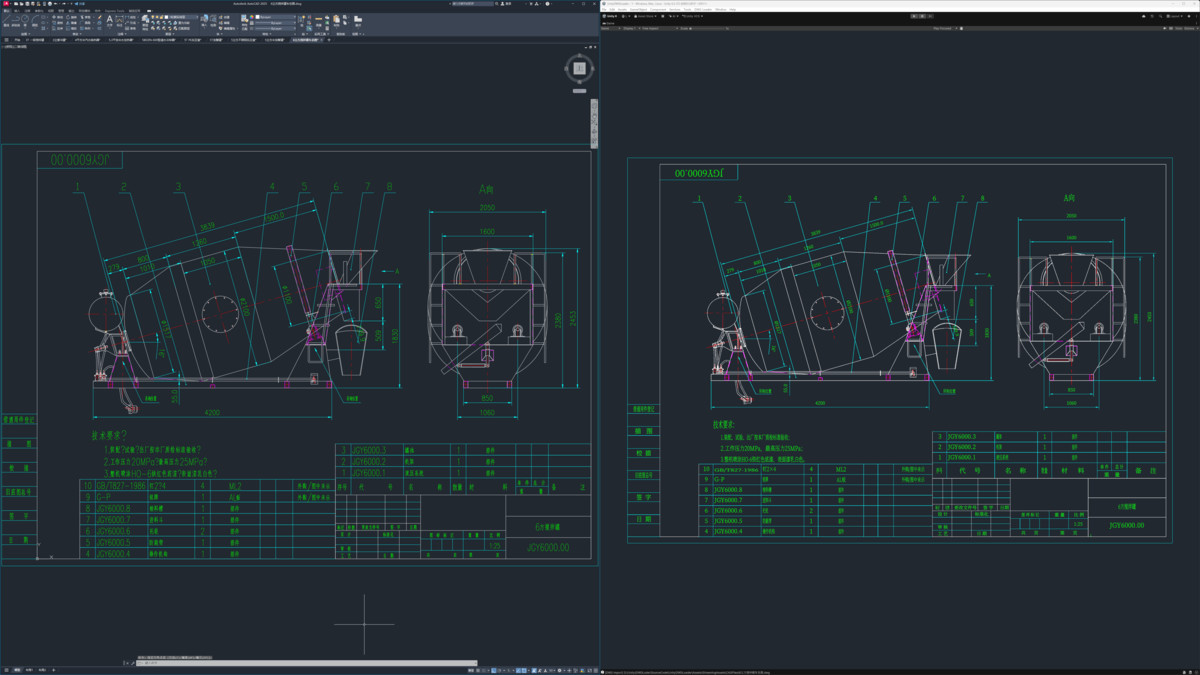
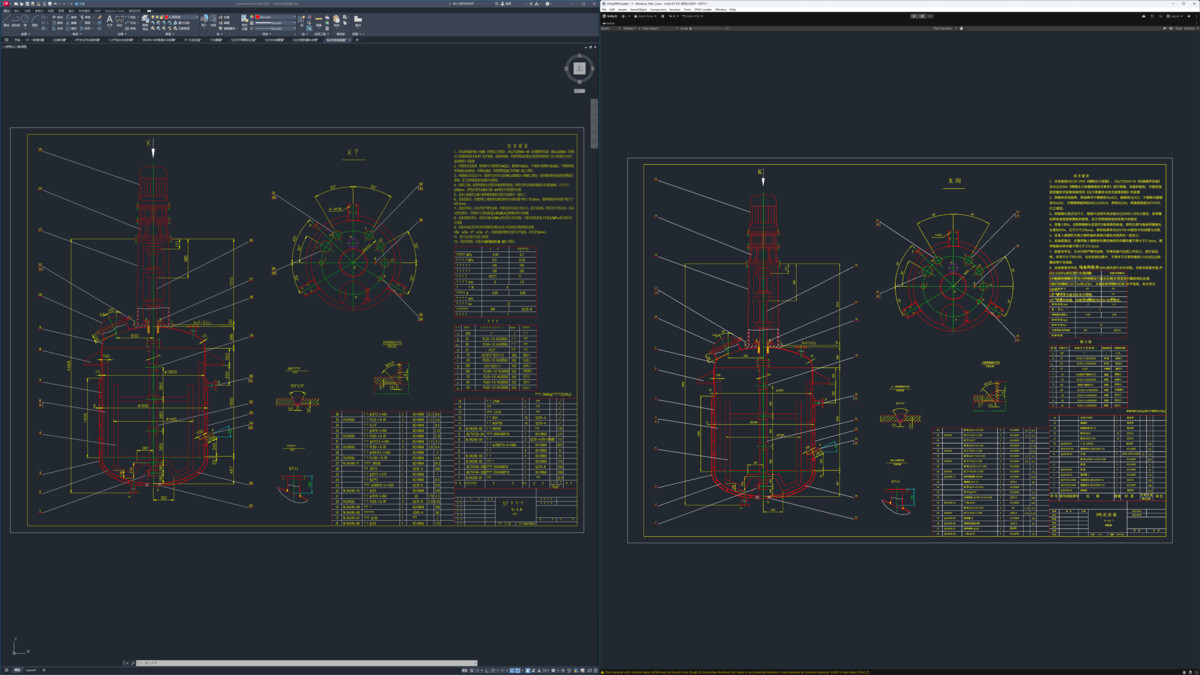
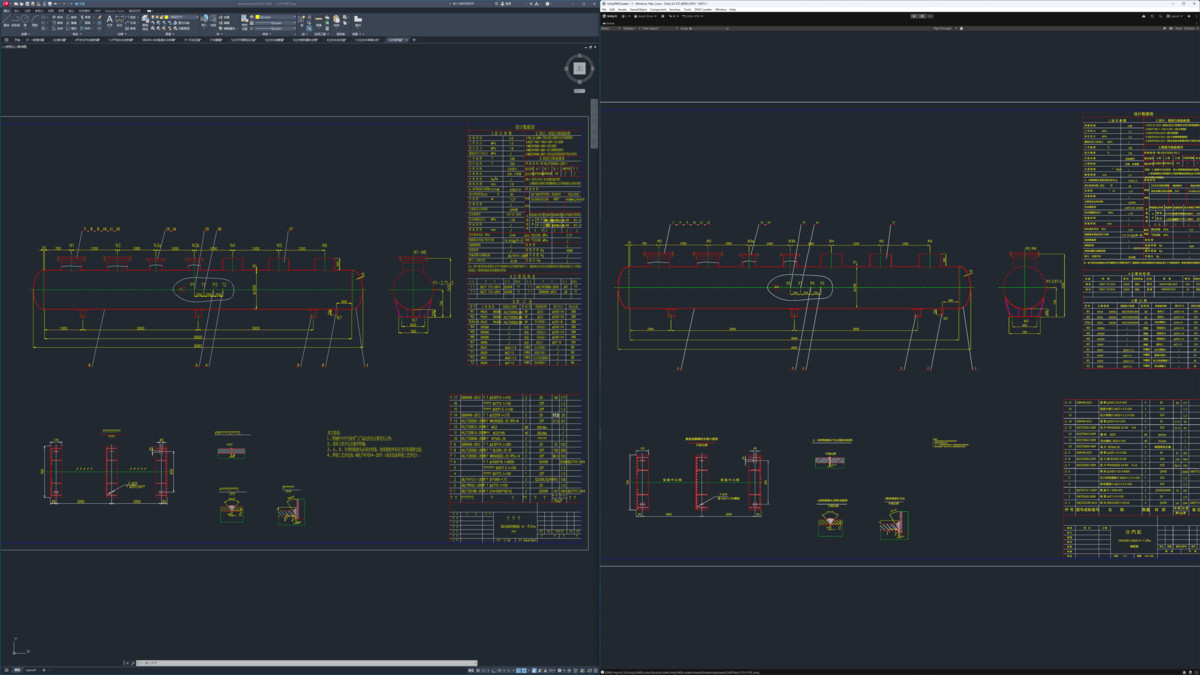
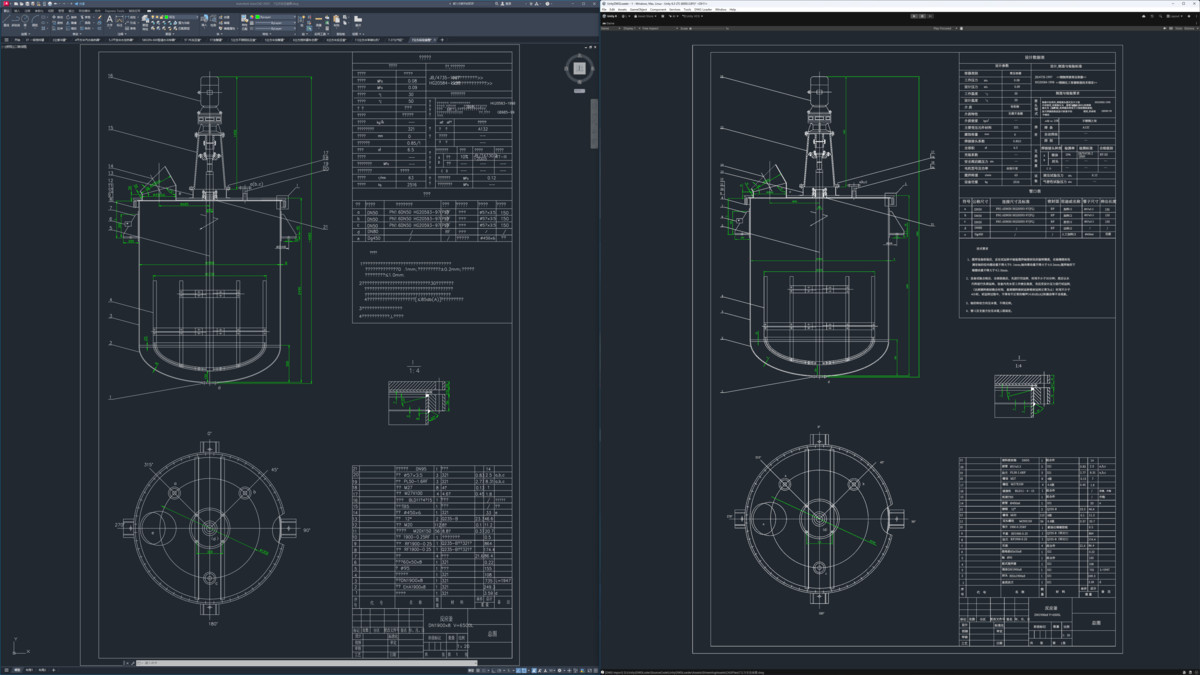
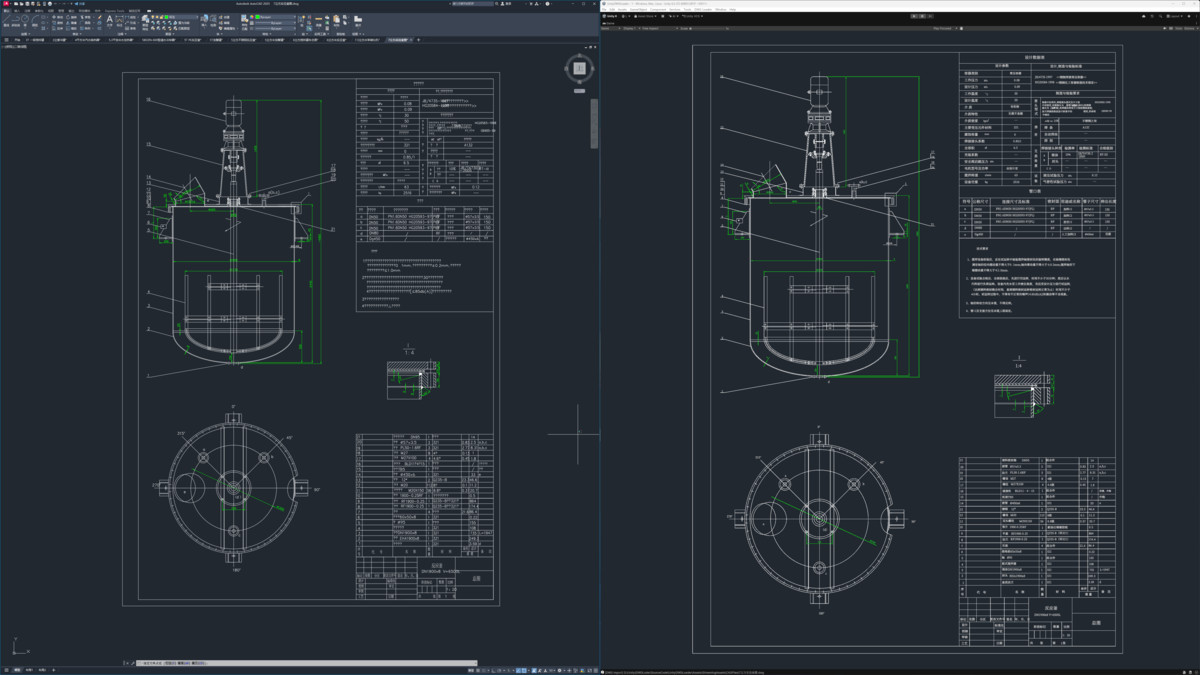
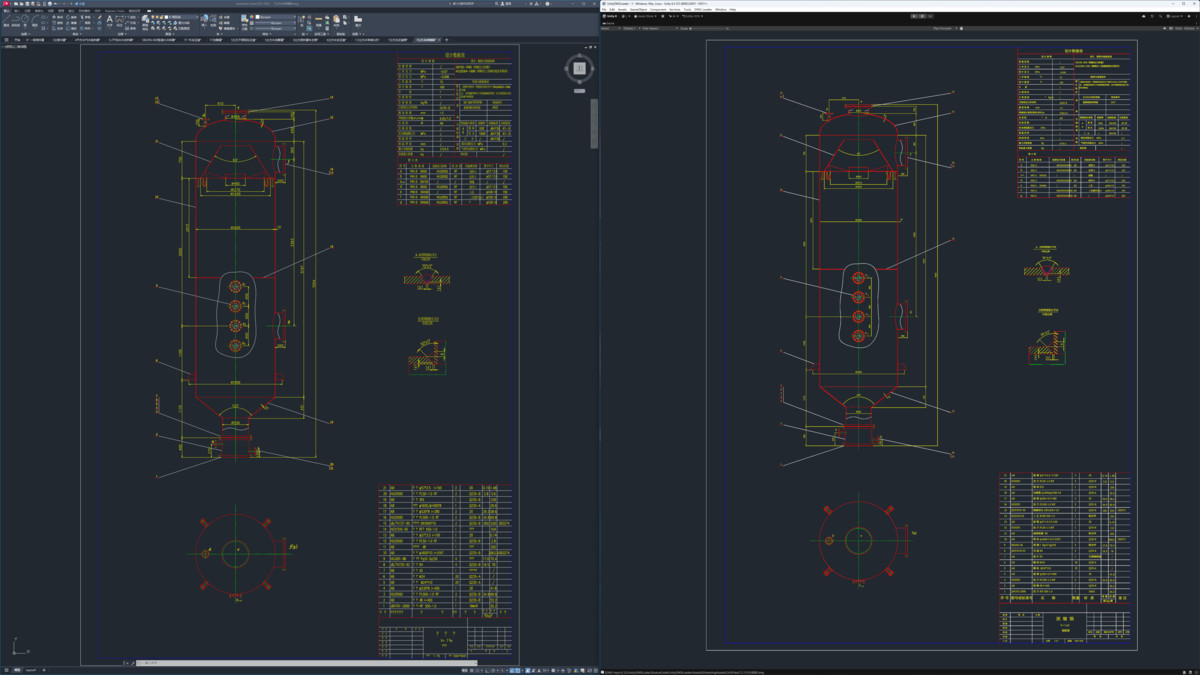
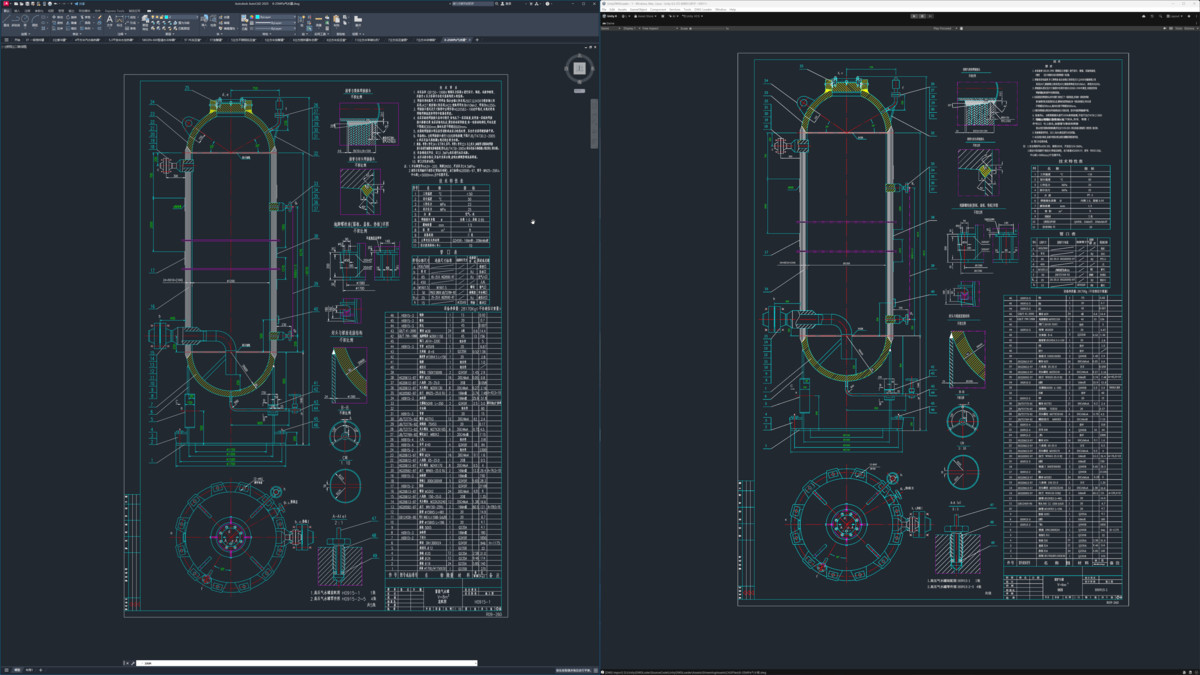
DWG Loader brings native AutoCAD DWG and DXF support directly into your Unity project — ideal for BIM viewers, factory layouts, mechanical design review, GIS/CAD overlays, training simulators, and any app that needs accurate 2D engineering drawings inside a 3D scene.
Load drawings at runtime or import them in the Editor. Geometry is batched into efficient meshes with per-entity pick IDs, so you can interact with individual lines, arcs, polylines, hatches, blocks, and text without spawning one GameObject per entity.
Key capabilities:
• Runtime and Editor loading (sync and async with frame-spread build for large sheets)
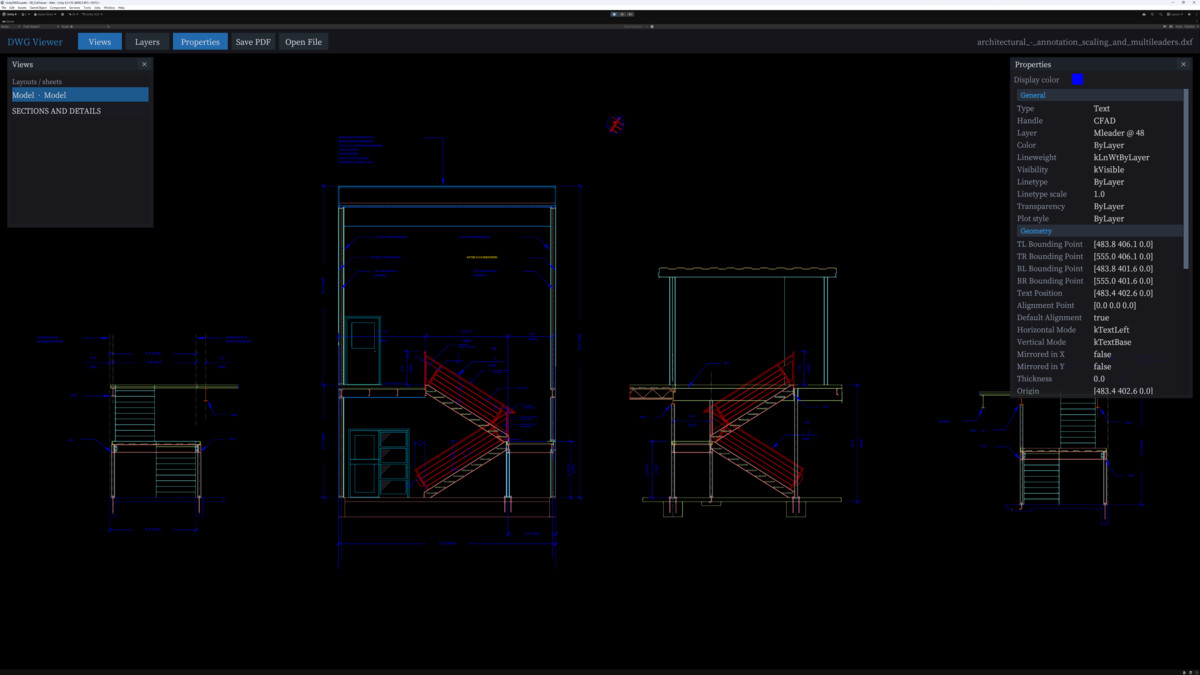
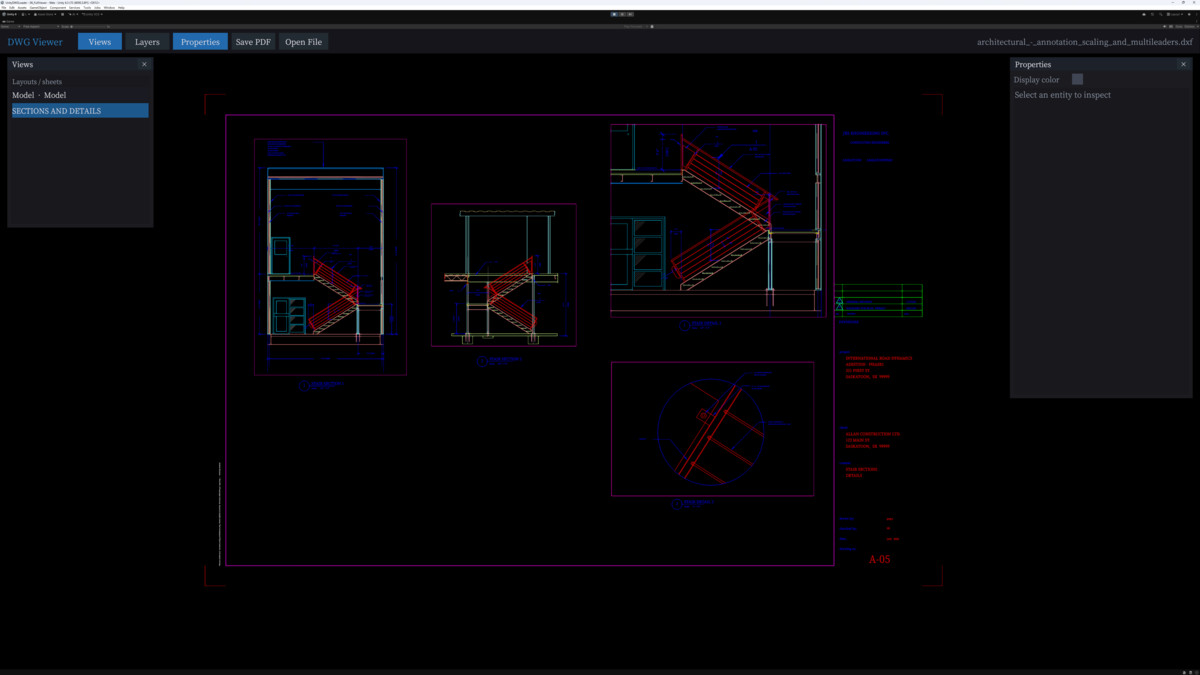
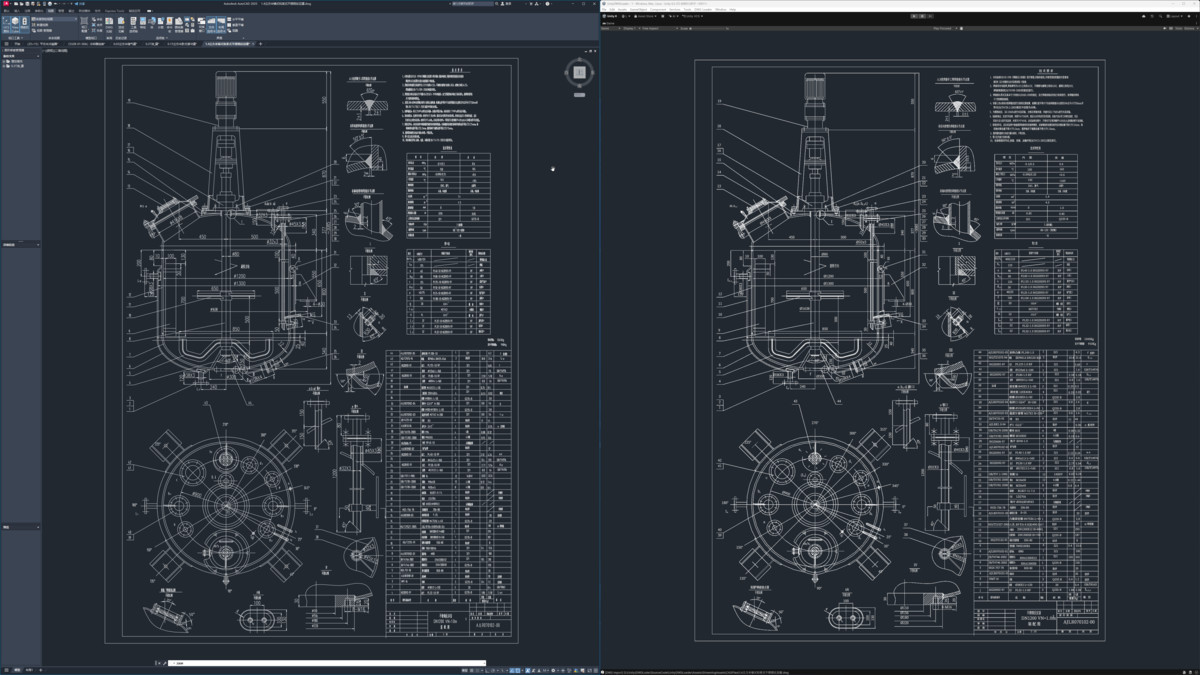
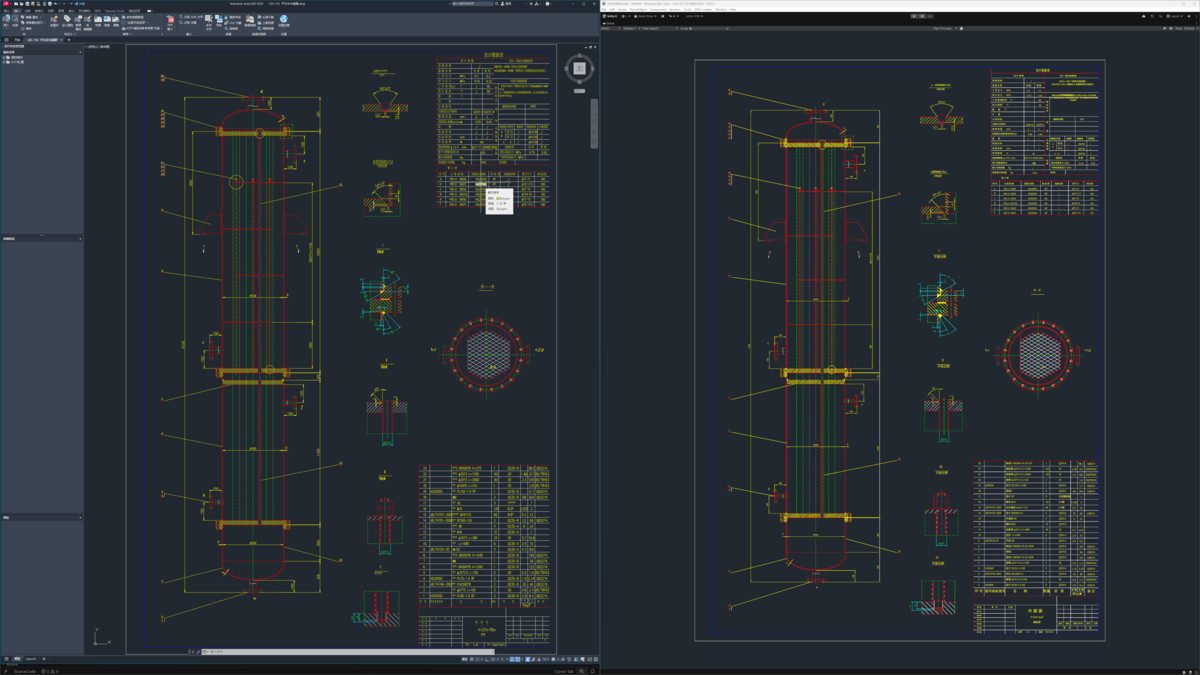
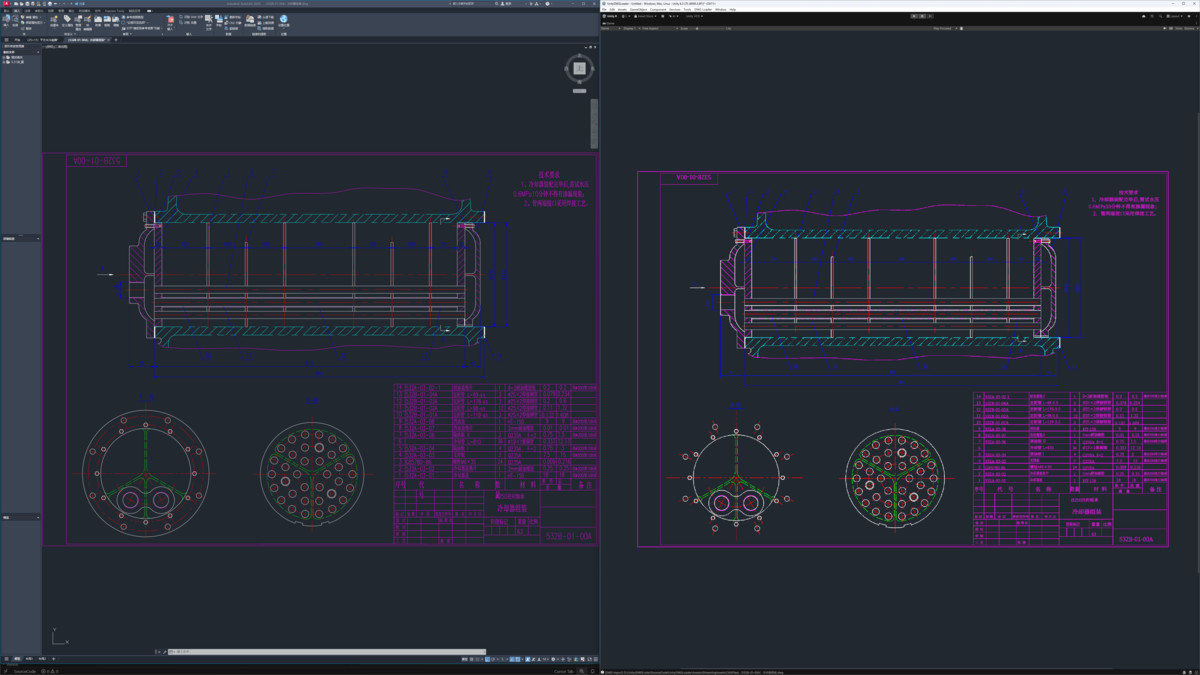
• Accurate 2D display: lines, fills, hatches, dashed/chain line styles, dimensions, blocks, and TextMeshPro labels (CJK-friendly)
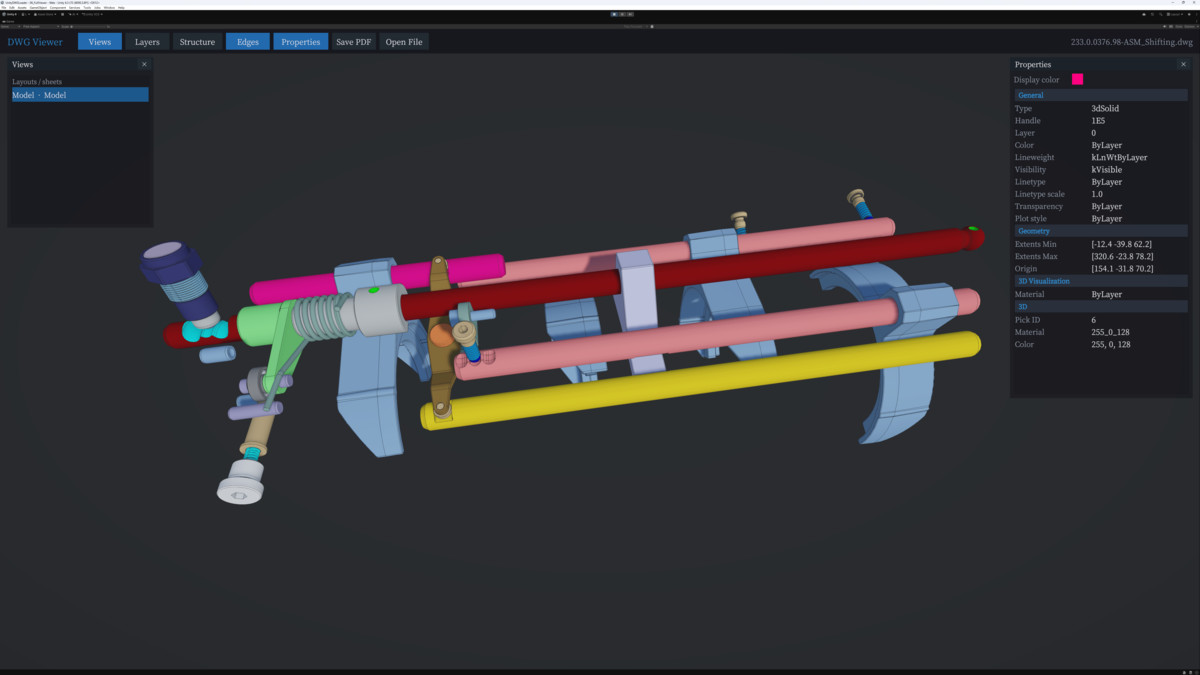
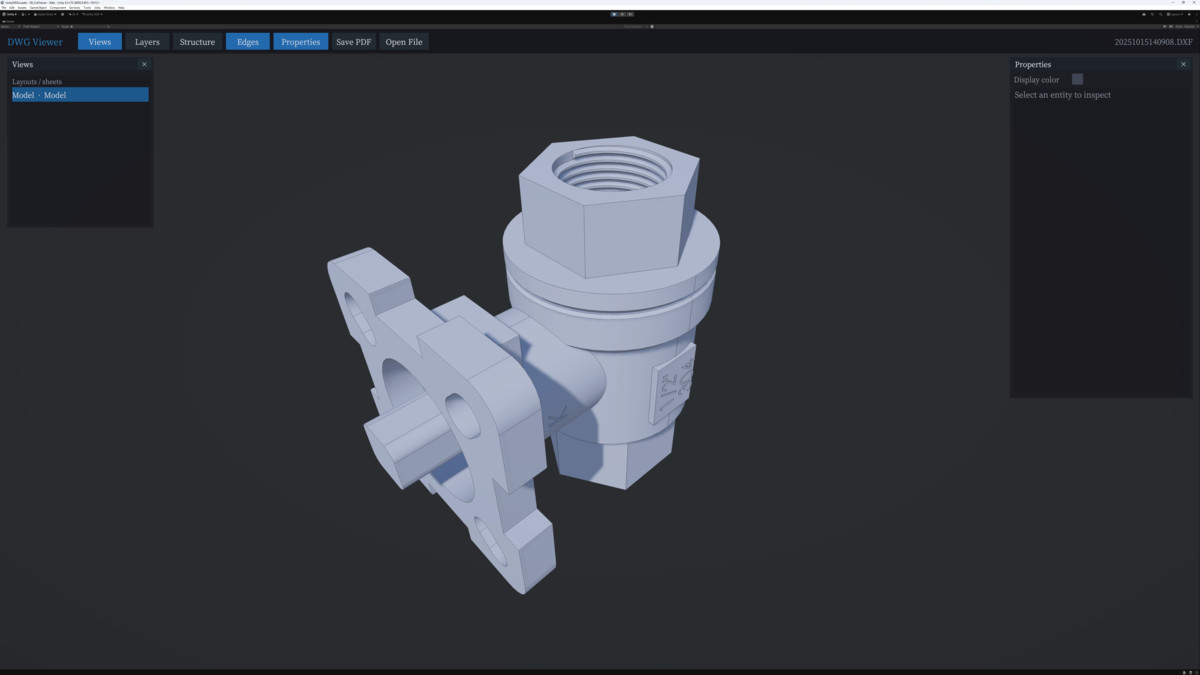
• Supports 3D DWG and DXF files
• Layer visibility control at runtime
• GPU entity picking: click, tolerance pick, rectangle box-select, and selection highlight
• Orthographic pan/zoom camera helpers for CAD-style navigation
• Export to DXF, DWG, PDF, and BMP from code or Editor menus
• Five ready-to-run sample scenes covering import, async load, single pick, box select, and export
Rendering pipelines are detected automatically — Built-in, URP, and HDRP shaders are included. The package ships with a Windows x64 native plugin and sample CAD files. No legacy CAD Import dependency; integrate with a few lines of C# or use the provided examples.
THIRD-PARTY ASSETS
- Asset uses Earcut.NET under the ISC License; see Third-Party Earcut.NET_License.txt file in package for details.
- Asset uses netDxf under the MIT License; see Third-Party netDxf_License.txt file in package for details.
- Asset uses PDFsharp under the MIT License; see Third-Party PDFsharp_License.txt file in package for details.
- Asset uses Han Serif Font under the SIL Open Font License; see Third-Party Han Serif Font_License.txt file in package for details.
From the publisher's Asset Store listing.
Technical details
Features
• Native DWG/DXF read via DwgLoaderNative.dll (Windows x64)
• Supports native WebGL reading of DWG/DXF
• Entity types: lines, arcs, polylines, circles, ellipses, splines, hatches/solids, blocks/inserts, dimensions, TEXT/MTEXT (TMP)
• Line styles: solid, dashed, dotted, chain; hatch section lines and stipple fills
• Layer list with runtime show/hide API
• GPU color-ID picking (click, tolerance, rectangle select) + selection overlay highlight
• Text and filled-region bounds picking for reliable box-select
• Async load API (DwgDocument.LoadAndBuildAsync) with configurable frame-spread mesh build
• Export: DXF, DWG, PDF, BMP (DwgExport + Editor menus)
• Editor: File → Import DWG-DXF, smoke tests, geometry regression, performance benchmarks, Standalone build helpers
• Sample scripts: SimpleLoadExample, AsyncLoadExample, EntityPickExample, ExportExample
• 5 demo scenes under Assets/DWG Loader/Scenes/
Rendering
• Built-in Render Pipeline (default)
• Universal Render Pipeline (URP) — dedicated line/pick/highlight shaders
• High Definition Render Pipeline (HDRP) — Unlit CAD-color line rendering
• Automatic pipeline detection (DwgRenderPipeline.Detect); no hard URP/HDRP assembly dependency in core Runtime
Supported platforms
• Windows Editor (x64)
• Windows Standalone Player (x64)
• macOS / Linux / mobile: not supported in this release (native plugin is Win64 only)
Requirements
• Unity 6000.3.x or compatible (tested on 6000.3.8f1)
• TextMeshPro (included with Unity)
• URP/HDRP: install the corresponding SRP package in your project; copy Assets/DWG Loader into that project
Documentation
• In-package: Assets/DWG Loader/Document/README.md
• URP/HDRP setup: Assets/DWG Loader/Document/URP_HDRP_Validation.md
Third-party
• Earcut polygon triangulation (ISC License) — see Third-Party Notices.txt
Compatibility
| Unity version | Built-in | URP | HDRP | Custom |
|---|---|---|---|---|
| 6000.3.8f1 | Compatible | Compatible | Compatible | Compatible |
As listed on the Asset Store.