
 View on Asset Store (opens in new tab)
Package details
- Latest version
- 1.3.1
- Last updated
- First released
- Unity version
- 2022.3.62 or later
- Package size
- 174 KB
- Files
- 50
- Favorites
- 1
- Views in the past week
- 47
Price tracking
- Last checked
- Tracked since
- Lowest recorded
- $4.99 on
Keywords
Meshy Bridge — AI 3D Generator
by Krykftn | Advanced Editor Tools & Systems (opens in new tab)
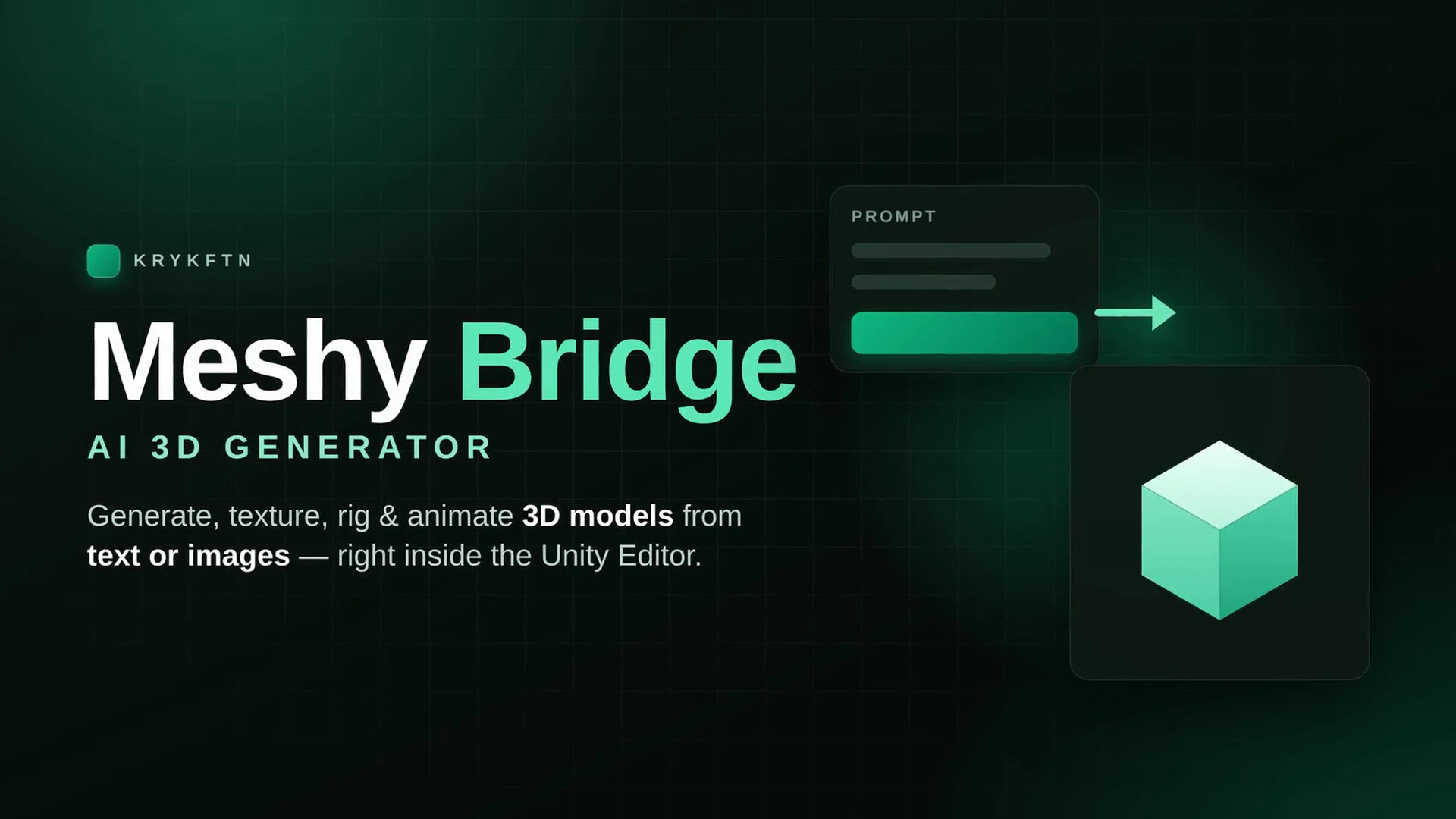
Bring Meshy.ai into Unity: generate 3D from text or images, retexture, remesh, auto-rig and animate — then one-click import, auto-organized into Models, Textures and Materials folders.
Affiliate link · Purchases support this site
Price history
Last 6 months
USDAsset preview
1 / 10
Meshy Bridge — AI 3D Generator screenshot 1
About this asset
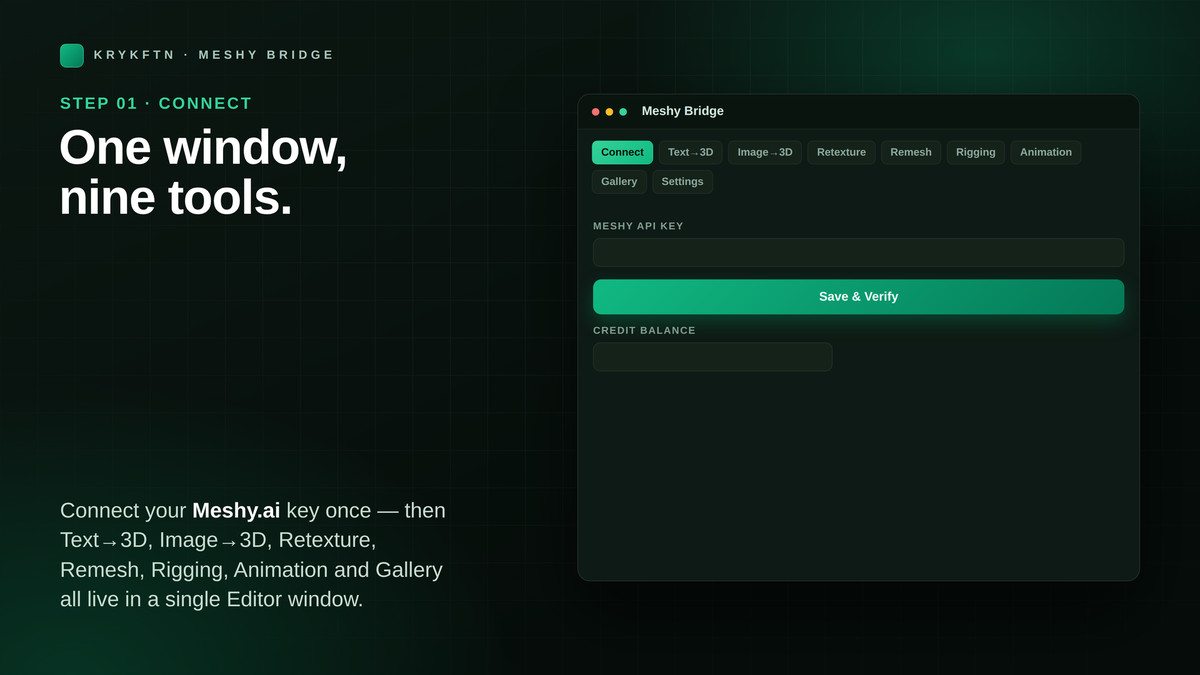
Meshy Bridge brings Meshy.ai AI 3D generation straight into the Unity Editor. Generate models from text or images, retexture, remesh, auto-rig and animate — then import them into your project with one click, neatly organized into Models, Textures and Materials folders. Connect once with your Meshy API key and work entirely inside Unity — no web dashboard, no manual downloads, no format juggling.
NEW IN 1.3.0 — DRAG AND DROP
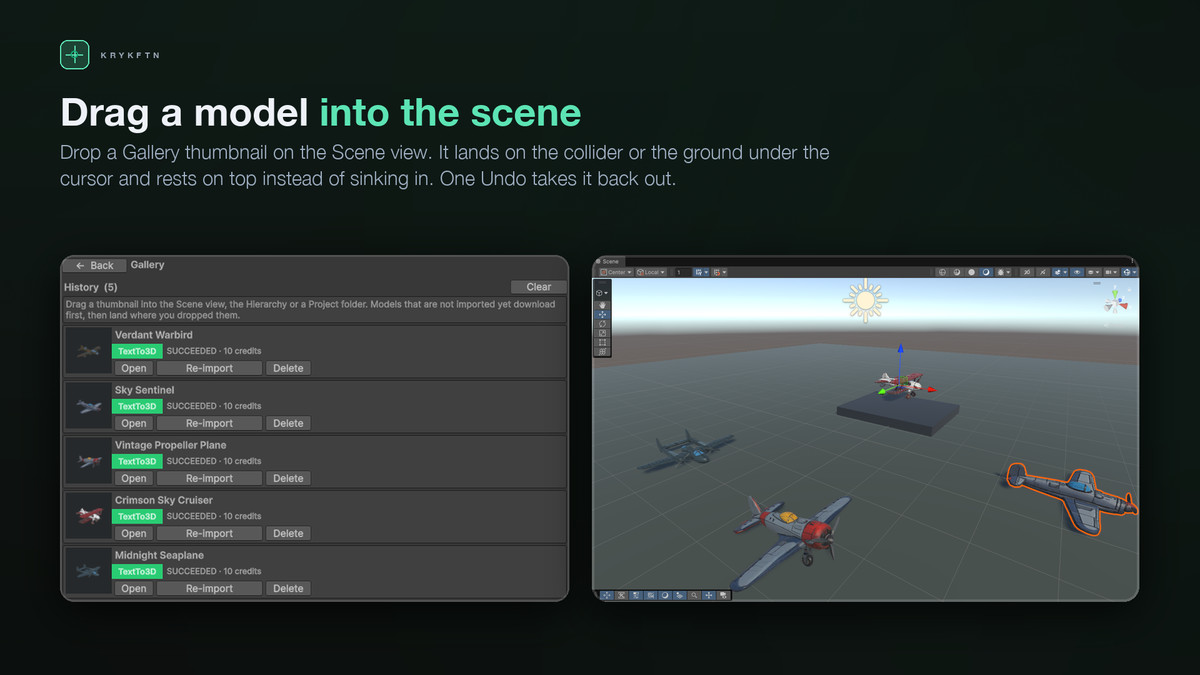
• Drag a Gallery thumbnail into the Scene view: the model lands on the surface under the cursor and rests against it
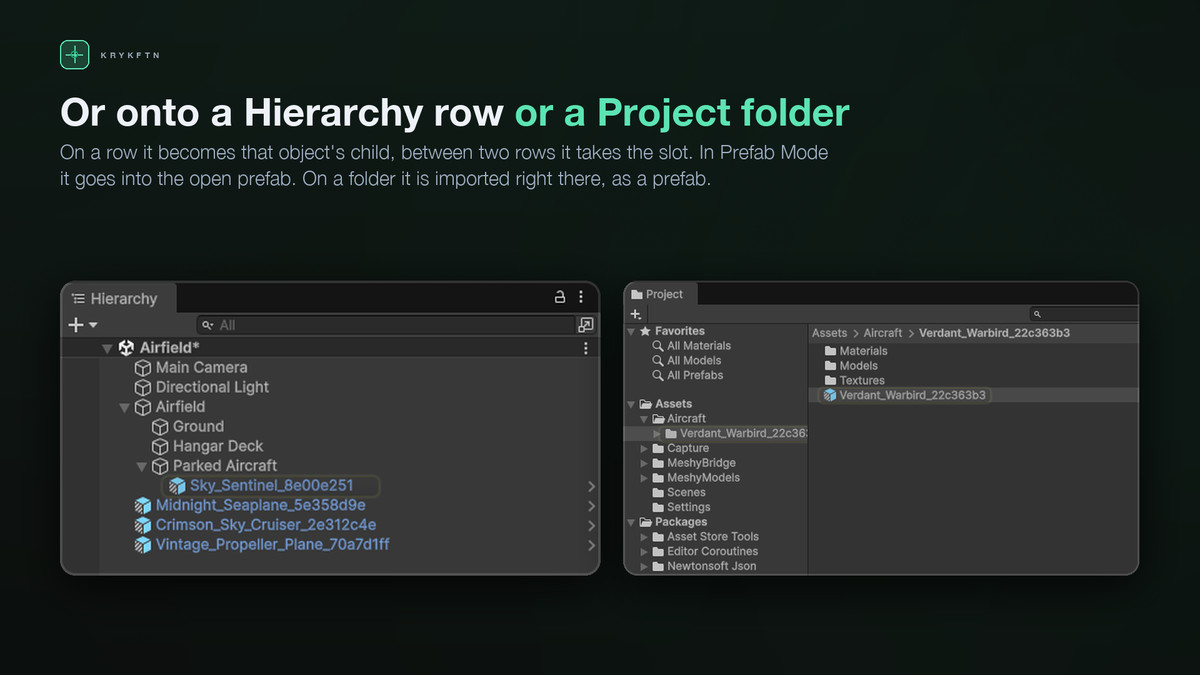
• Drop it on a Hierarchy row to make it a child, or between two rows to take that slot
• Drop it on a Project folder to import it into that folder
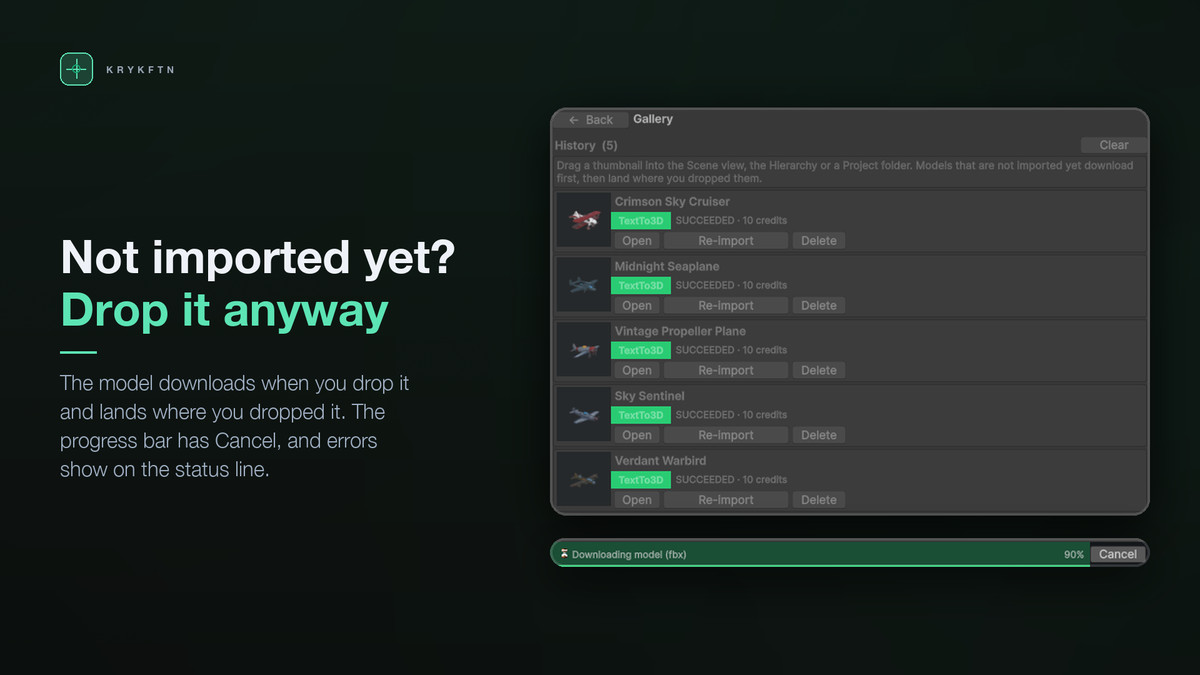
• Not imported yet? It downloads when you drop it and appears where you dropped it; Cancel stops it
• One Undo step, Prefab Mode aware, and the model stays in the scene you dropped it on
NEW IN 1.2.0 — MESHY 7.1
• Meshy 7.1, Meshy's new flagship, in Text to 3D, Image to 3D and Multi-Image to 3D, plus Meshy 6 Lite for fast, cheap iterations
• Ultra 2K and Ultra 4K geometry — an extra geometry pass at 2048 or 4096 for finer detail
• Smart Topology in Text to 3D and Image to 3D — separated parts, each imported as its own object
• Real-world size — Meshy estimates the object's height and the model arrives at that size in metres
• The cost of every job, from Meshy's price list, shown before you send it
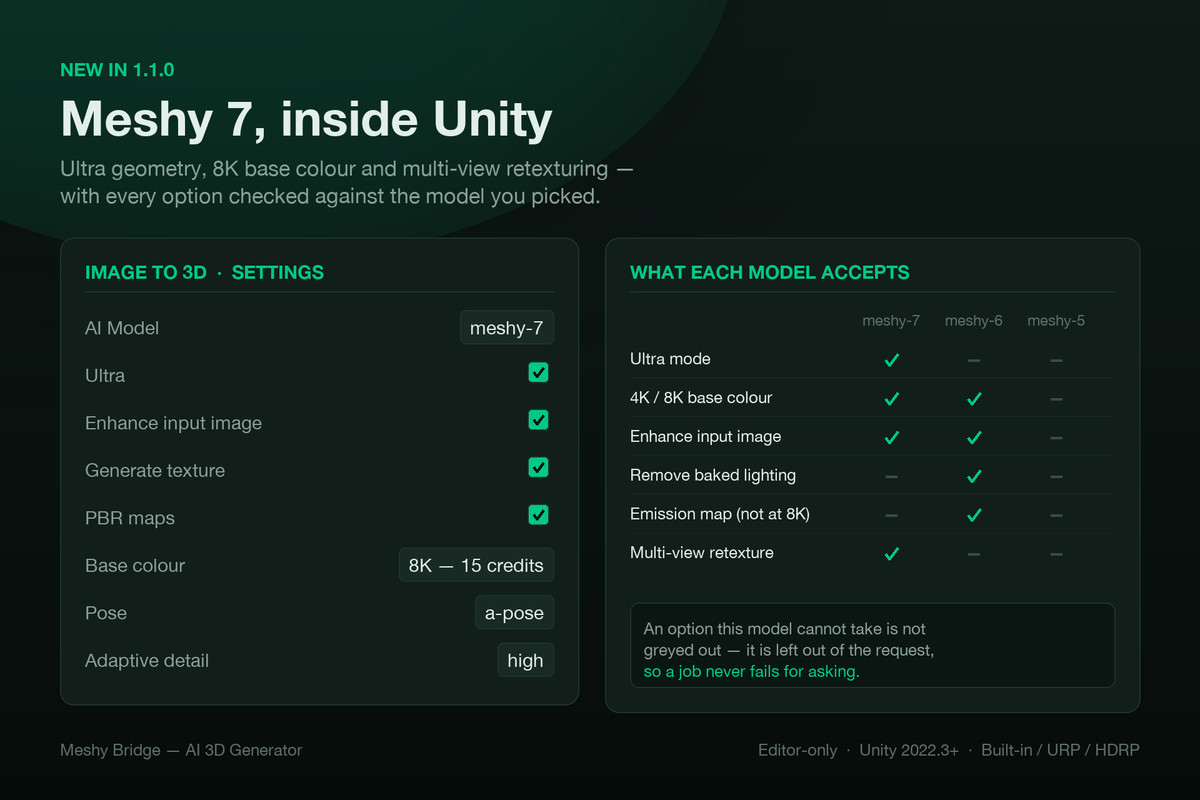
• Base colour at 2K, 4K or 8K, multi-view retexturing and adaptive detail
• Every option is checked against the model you picked. Anything that model cannot accept is left out of the request rather than sent and rejected, so a job never fails for asking.
WHAT YOU CAN DO
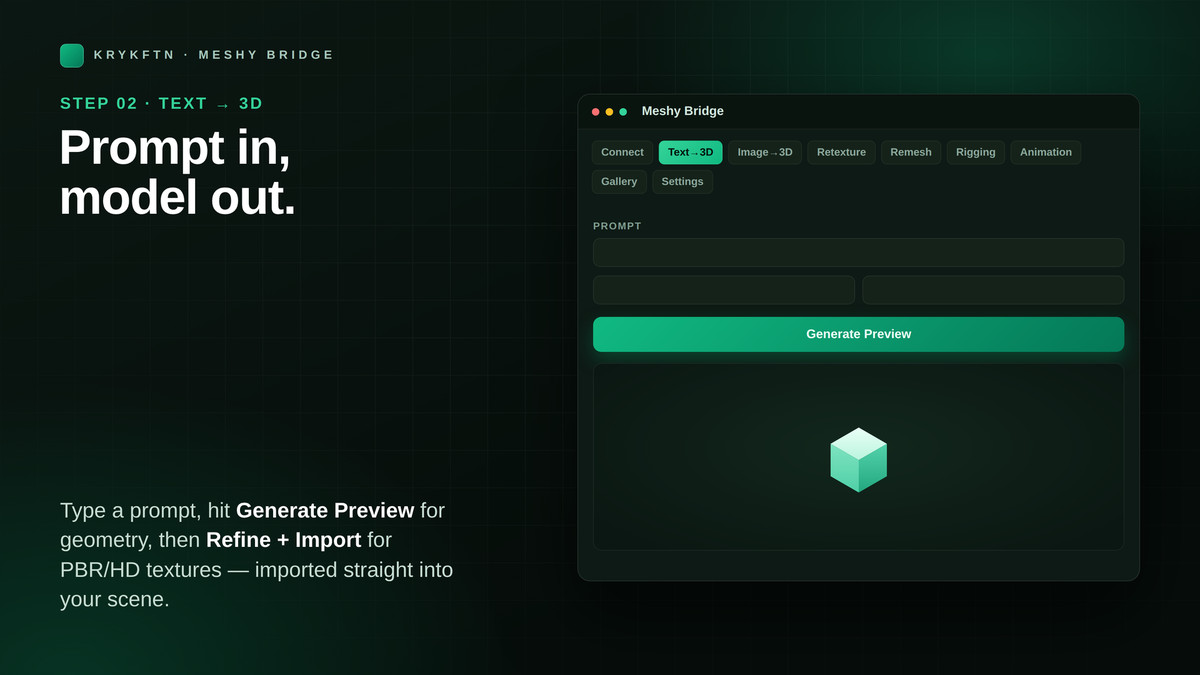
• Text to 3D — describe a model in words and generate it
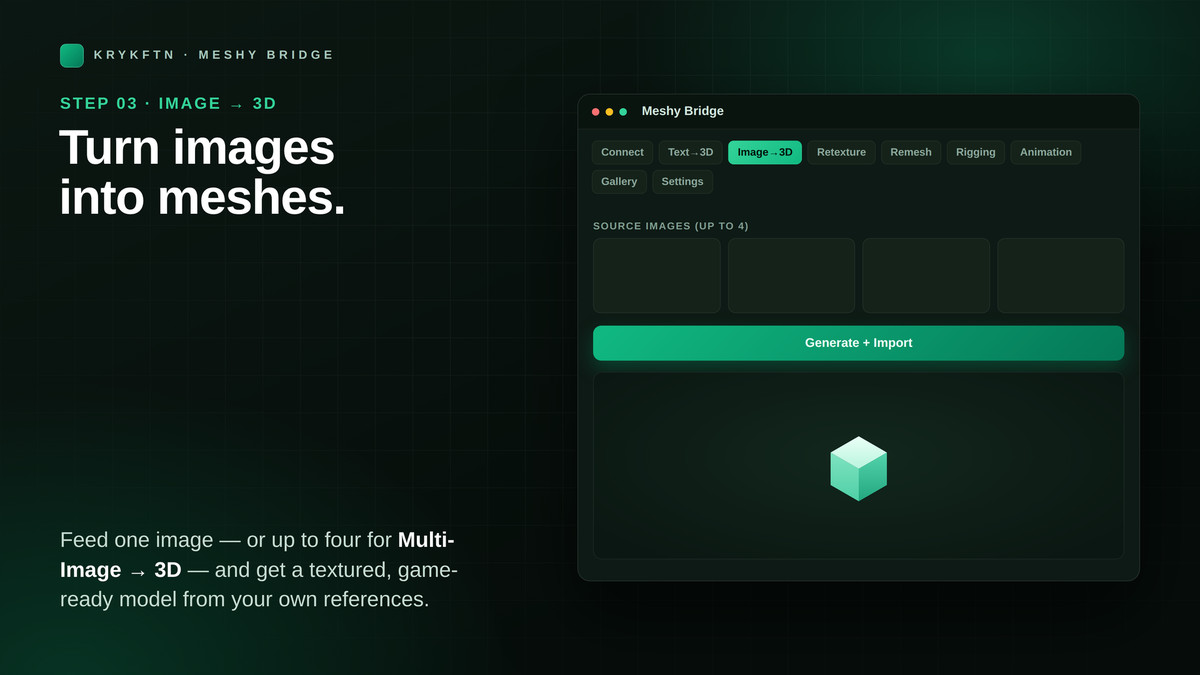
• Image to 3D — turn one or more reference images into a 3D model
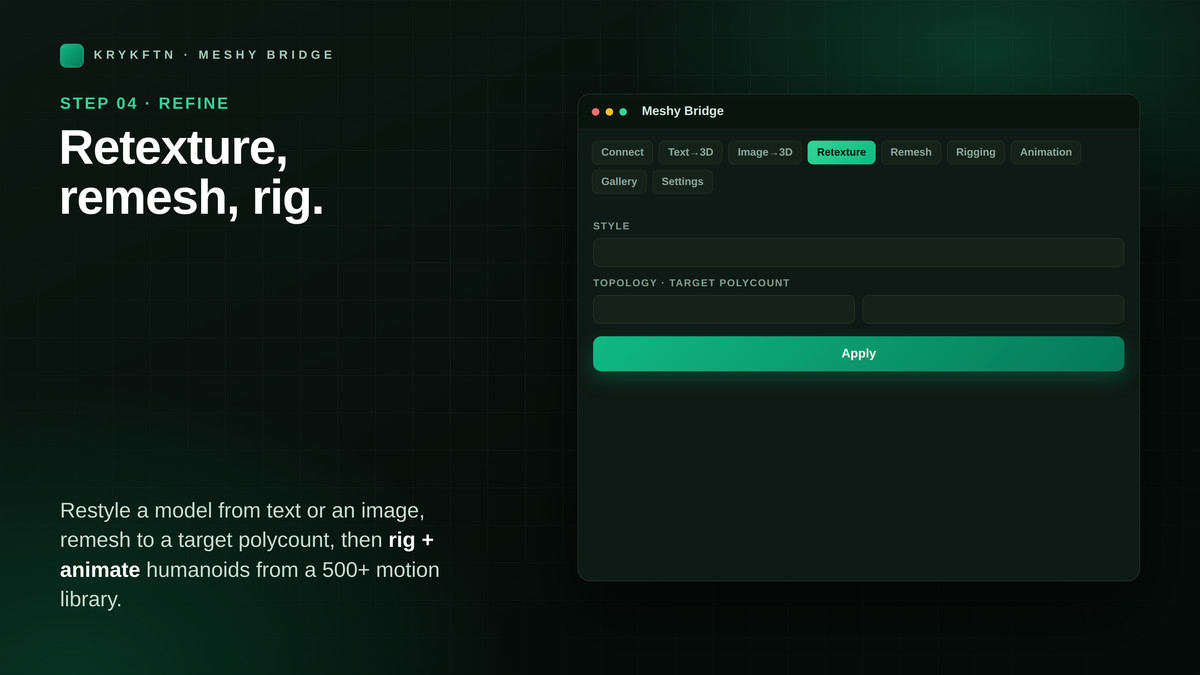
• Retexture — apply a new AI-generated texture from a prompt, a style image, or several views
• Remesh — retopologize and optimize geometry (quad or triangle, target polycount)
• Rigging — auto-rig humanoid characters for animation
• Animation — apply library animations to rigged characters
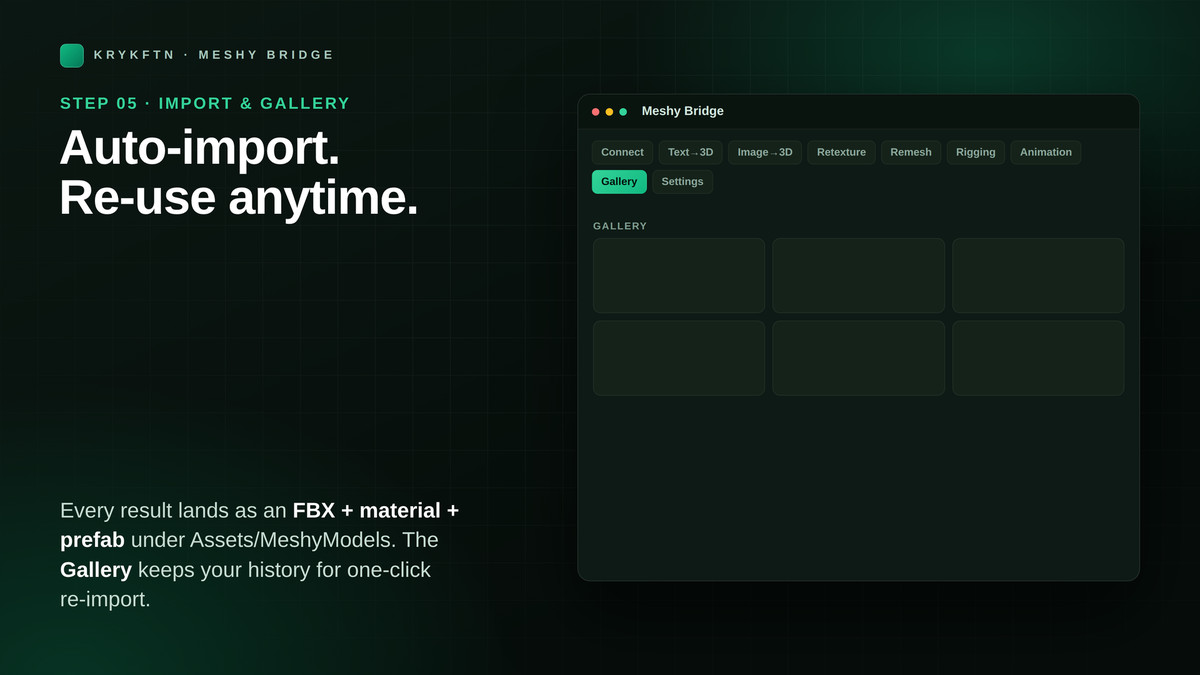
• Gallery — browse, re-import or drag every task you have generated straight into your scene
BUILT FOR A REAL WORKFLOW
• One-click import — generated models drop straight into your project
• Auto folder organization — Models, Textures and Materials kept tidy
• Live progress — an in-window fill bar, never a frozen modal; cancel anytime
• Credit awareness — every operation shows its credit cost up front
• Spending history — see exactly what each task consumed, in one list
• Card dashboard — a clean, dark, focused home screen for every operation
CLEAN AND SAFE
• 100% Editor-only — nothing ships in your build, zero runtime overhead
• Namespaced code (Krykftn.MeshyBridge) — no global scope pollution
• Your API key stays on your machine in EditorPrefs — never written to the project, never committed
REQUIREMENTS
• Unity 2022.3 LTS or newer
• A Meshy.ai account and API key (free to create at meshy.ai)
• One Unity package: Newtonsoft Json — free, and a one-click Setup window installs it if it is missing
• Works with Built-in, URP and HDRP — it is an editor tool, independent of the render pipeline
Meshy Bridge is an unofficial integration built on the public Meshy.ai API. You need your own Meshy account; credits are purchased from and billed by Meshy, not by this asset.
From the publisher's Asset Store listing.
Technical details
Features:
• Text to 3D, Image to 3D and Multi-Image to 3D with Meshy 7.1 and Meshy 6 Lite
• Retexture, Remesh, Rigging and Animation on your Meshy tasks
• Gallery: browse, re-import, or drag models into the Scene view, the Hierarchy or a Project folder
• One-click import into Models, Textures and Materials folders; materials built for Built-in, URP or HDRP
• Credit cost shown before every job; spending history per task
• In-window progress bar with Cancel; errors shown on the status line
• Editor-only: no runtime code, nothing added to your build
Supported Unity: 2022.3 LTS and newer (tested on 2022.3, 6000.3 and 6000.6)
Supported OS: Windows, macOS, Linux
Requirements: a Meshy.ai account and API key; the Newtonsoft Json package (the Setup window installs it)
Documentation: README and full guide in the package's Documentation folder
Compatibility
| Unity version | Built-in | URP | HDRP | Custom |
|---|---|---|---|---|
| 2022.3.62f2 | Compatible | Compatible | Compatible | Compatible |
Editor-only tool, no runtime code — works in any pipeline. Auto-built materials use URP/Lit in URP, HDRP/Lit in HDRP (mask map packed for you) and Standard in Built-in. Needs Unity 2022.3+ (tested on 2022.3, 6000.3 and 6000.6), the free Newtonsoft Json package (the Setup window installs it), and a Meshy.ai API key (credits billed by Meshy; key stored in EditorPrefs).
As listed on the Asset Store.