
 View on Asset Store (opens in new tab)
Package details
- Latest version
- 1.0
- Last updated
- First released
- Unity version
- 6000.3.13 or later
- Package size
- 13.8 MB
- Files
- 51
- Views in the past week
- 12
Price tracking
- Last checked
- Tracked since
- Lowest recorded
- $14.00 on
Keywords
Script Box - In-Engine Code Editor
A lightweight, in-engine C# code editor that eliminates context-switching friction. Edit code natively inside Unity with Roslyn autocompletion, Go to Definition, and built-in backups.
Affiliate link · Purchases support this site
Price history
Last 6 months
USDAsset preview
1 / 7
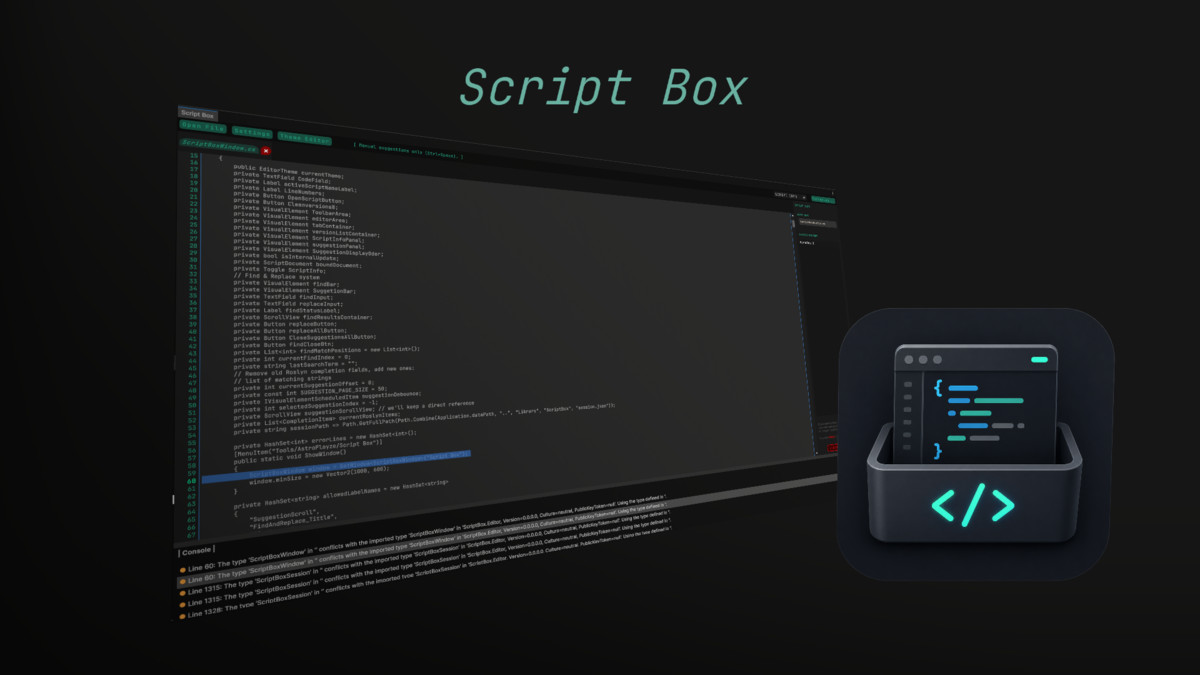
Script Box - In-Engine Code Editor screenshot 1
About this asset
Tired of context-switching to heavy, external IDEs just to tweak a single line of code or fix a minor bug?
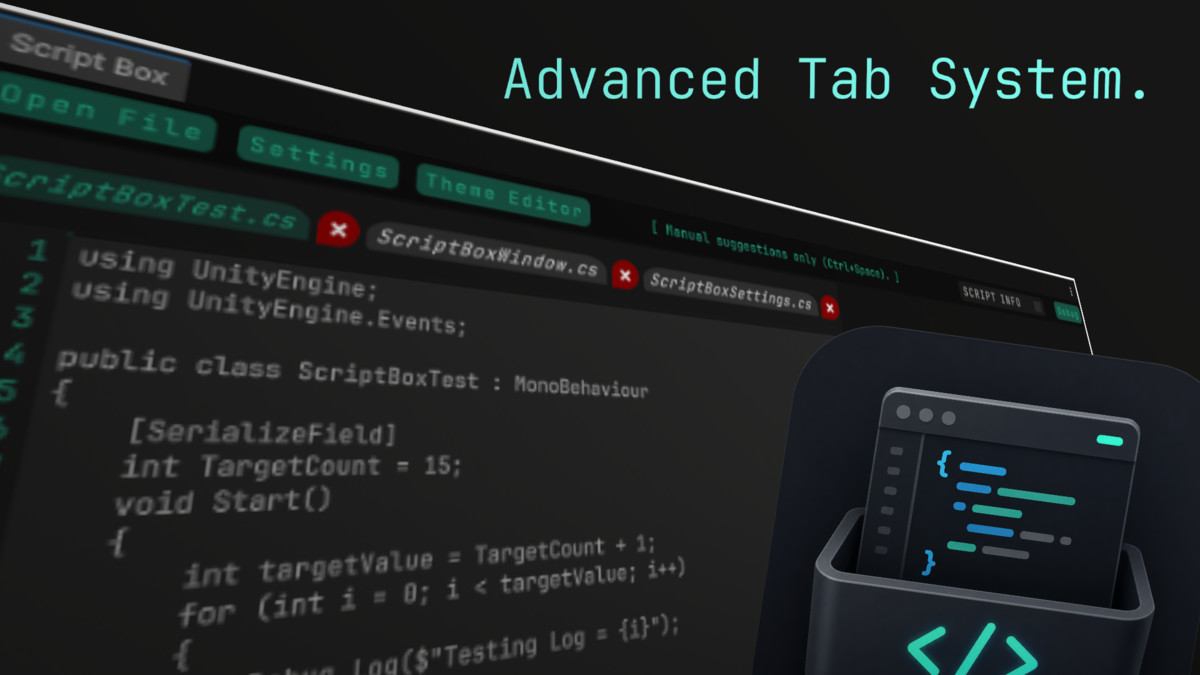
Script Box is a lightweight, modern, text-based code editor built entirely within the Unity Editor using the native UI Toolkit architecture. It provides a frictionless workflow environment designed to let you edit, search, navigate, and protect your C# scripts without ever leaving your active project layout.
Key Features
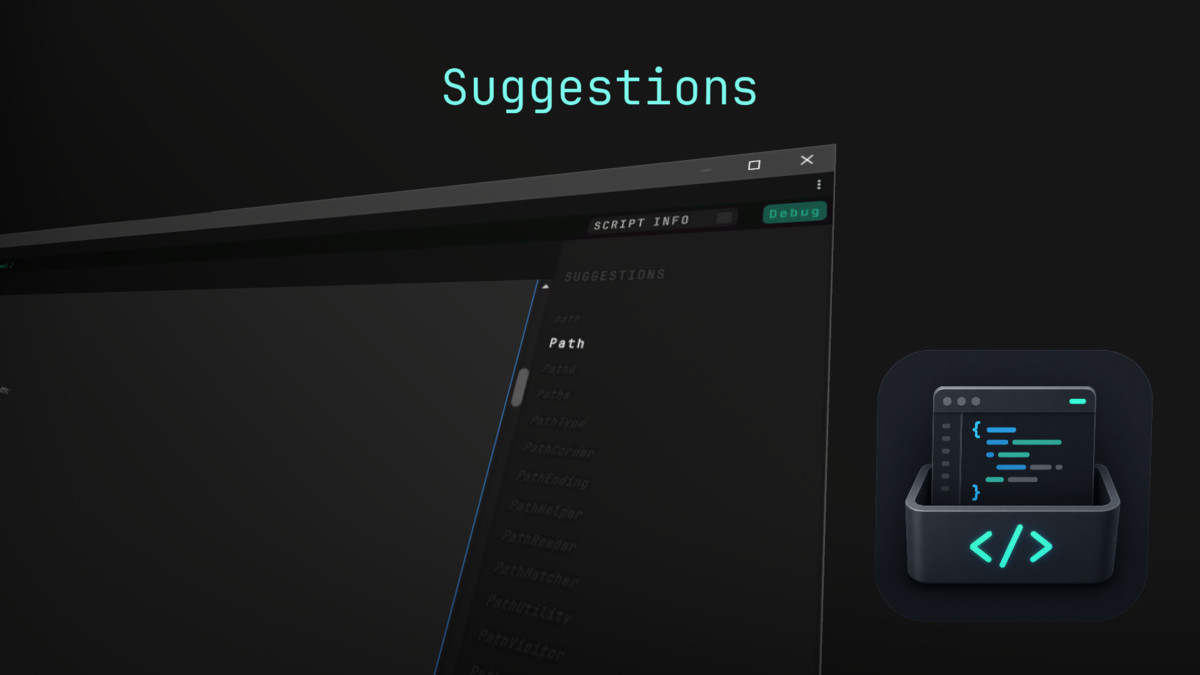
- Roslyn-Powered Autocompletion: Code efficiently with intelligent, case-filtered code suggestions and autocomplete triggers (Ctrl+Space).
- Deep Code Navigation ("Go to Definition"): Jump straight to your symbol declarations using the F12 hotkey or right-click menu, complete with multi-file fallback searching across your Unity project files.
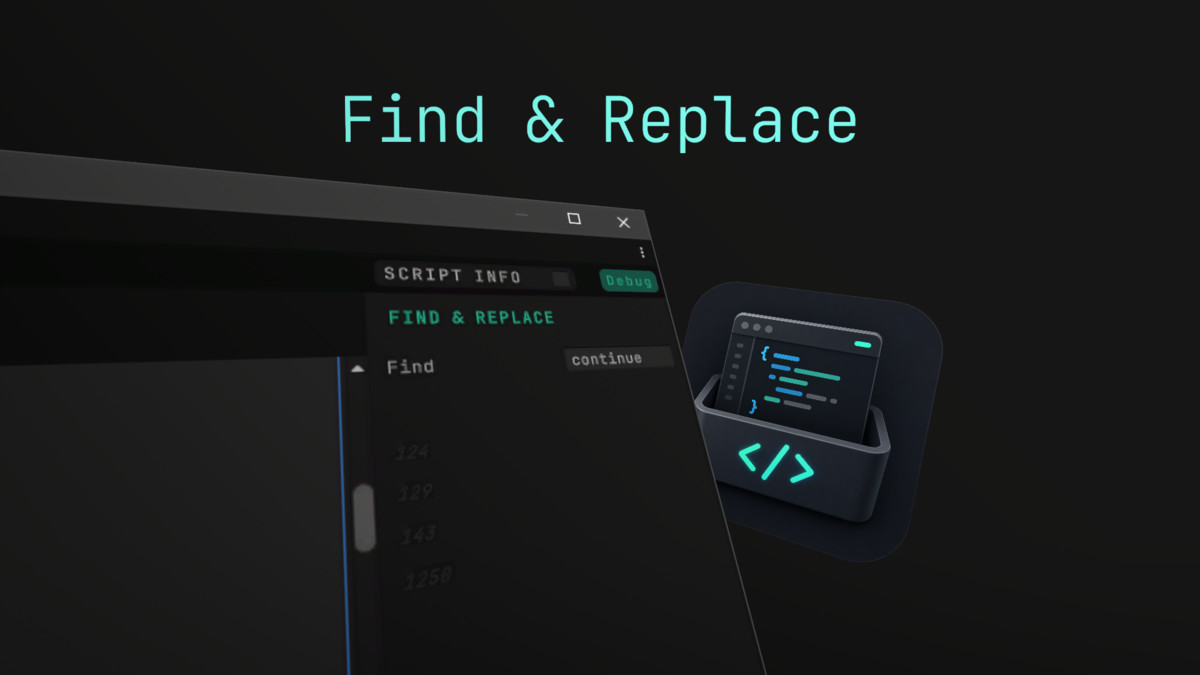
- Smart Find & Replace Suite: A powerful, contextual search (Ctrl+F / Ctrl+H) that pre-seeds your cursor text, highlights matches across line numbers dynamically, and supports safe multi-instance replacements.
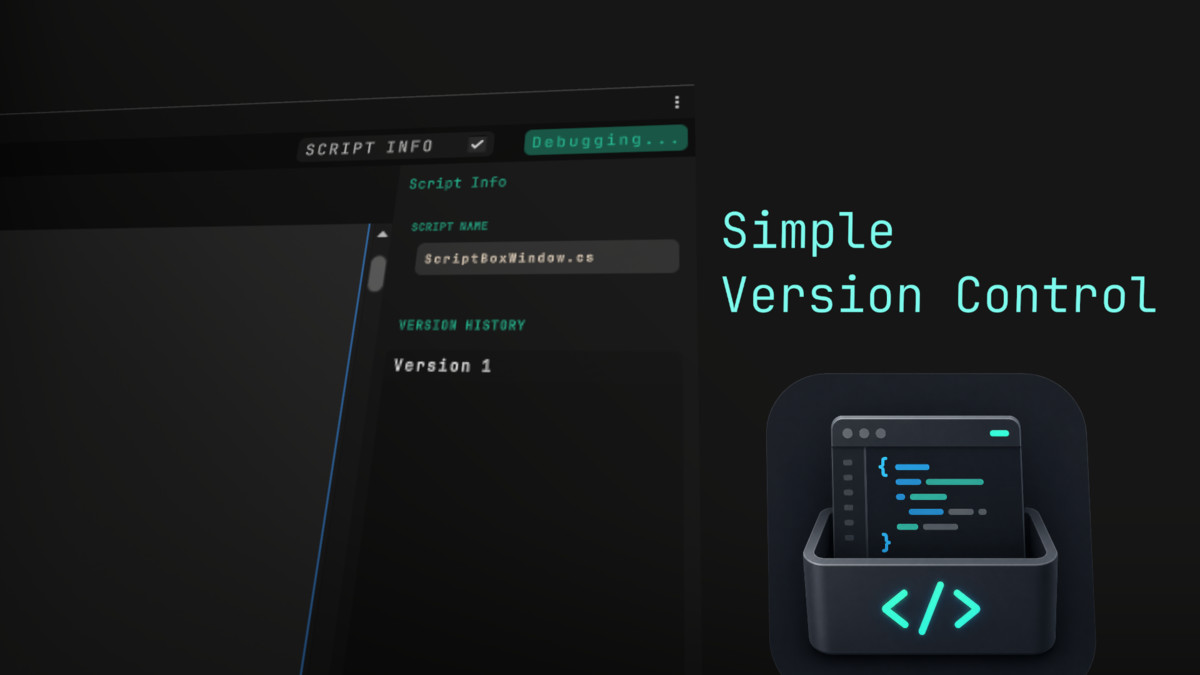
- Automatic Version Backups: Every script save records an independent rollback snapshot. Instantly compare, manage, and toggle through historical versions using the integrated layout visualizer.
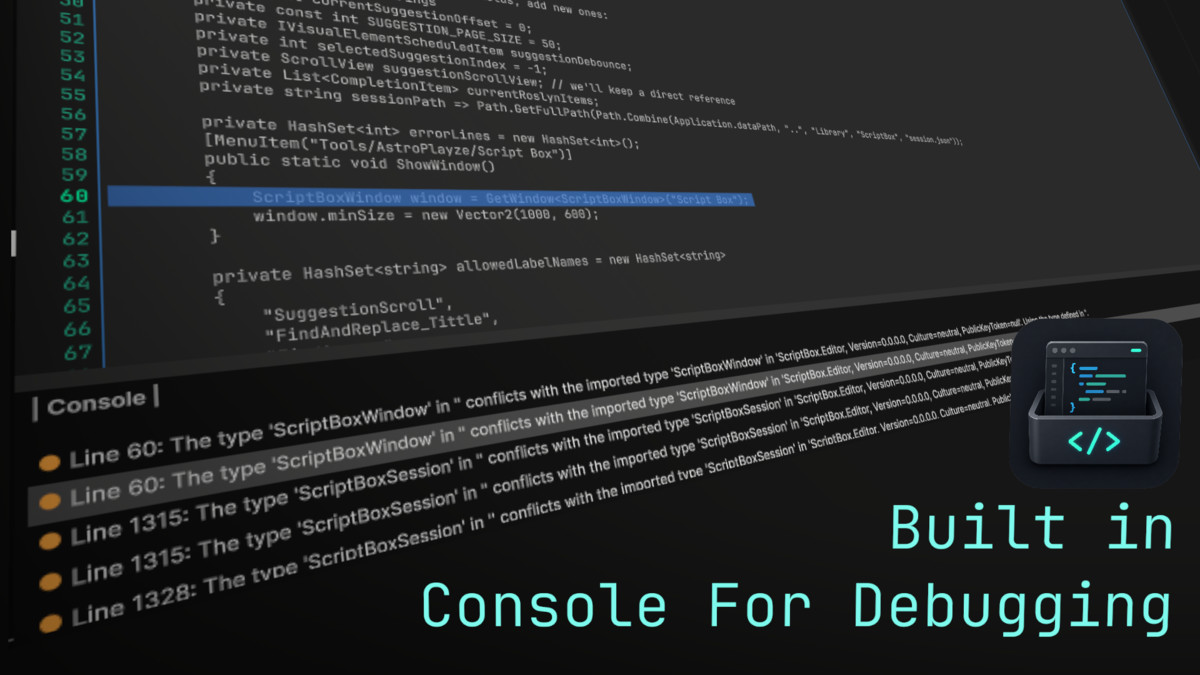
- Built-in Diagnostics Console: Track syntax and compilation diagnostics natively in real-time with an active error list panel that allows you to click an error and instantly navigate to the problematic line.
- Visual Customization: Ship with custom theme configurations.
Why Choose Script Box?
Script Box isn't designed to replace your favorite full-scale external IDE—it's designed to save you hours of compounding compilation and software load delays. Whether you are hacking through an intense game jam or fine-tuning values during playtesting, Script Box keeps you focused on your code with zero external friction.
From the publisher's Asset Store listing.
Technical details
Technical Specifications & Architecture
- UI Framework: Built entirely using modern, native Unity UI Toolkit (UXML/USS) for optimized editor rendering performance and seamless dark/light skin scaling.
- Code Parsing Engine: Powered by the Microsoft Roslyn compiler framework (Microsoft.CodeAnalysis) for rich, asynchronous syntactic analysis and contextual autocomplete token generation.
- Editor Isolated: Structured completely within Editor assemblies to guarantee zero code leaks, stripping, or compilation interference during production runtime game builds.
Package Contents
- C# Editor Scripts: Core editor layouts, document binding management systems, and text parsing search utilities.
- UI Layout Assets: Modern UXML interface hierarchies and responsive stylesheet (USS) configurations.
- Settings & Themes: Default ScriptableObject asset configurations including high-contrast premium theme configurations.
Compatibility & Dependencies
- Unity Version Support: Compatible with Unity 2022.3 LTS and Unity 6+.
- Platform Compatibility: Runs seamlessly on Windows, macOS, and Linux editor installations.
- Dependencies: Uses Roslyn C# Compiler APIs (included in package installation)
Compatibility
| Unity version | Built-in | URP | HDRP |
|---|---|---|---|
| 6000.3.13f1 | Compatible | Compatible | Compatible |
As listed on the Asset Store.