
 View on Asset Store (opens in new tab)
Package details
- Latest version
- 1.0
- Last updated
- First released
- Unity version
- 6000.3.19 or later
- Package size
- 68 KB
- Files
- 12
- Views in the past week
- 10
Price tracking
- Last checked
- Tracked since
- Lowest recorded
- $20.00 on
Keywords
Composition Maker Tool
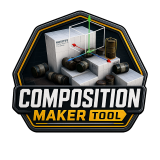
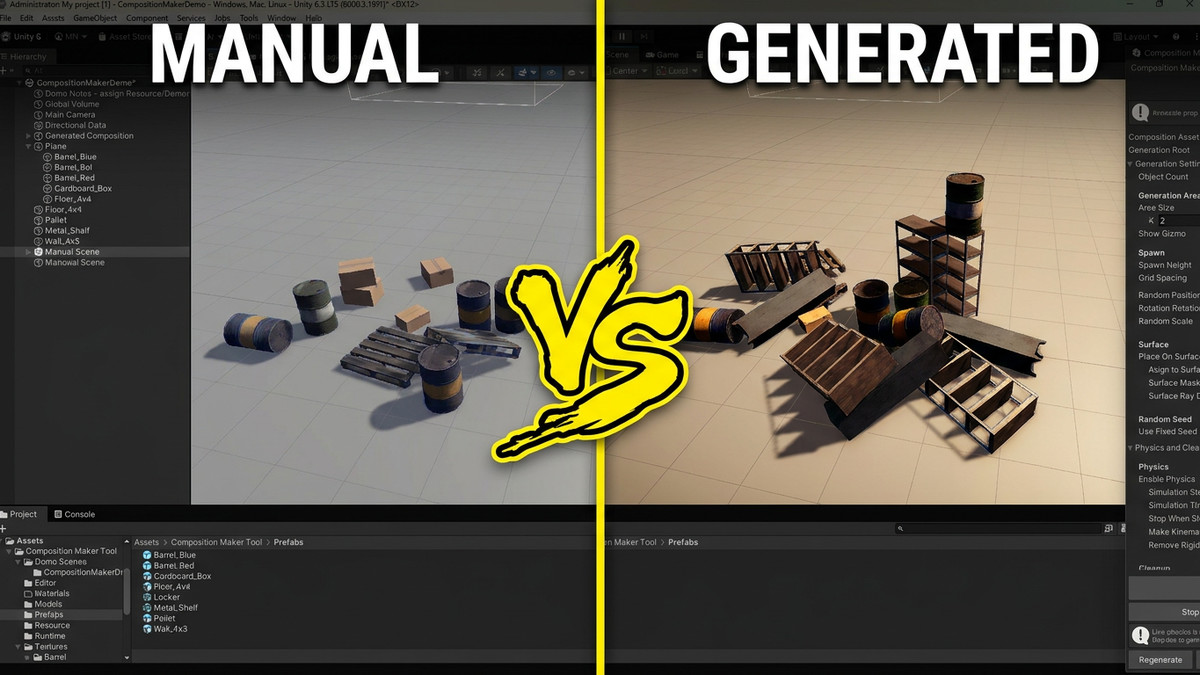
Instead of manually placing every object, you can add multiple prefabs, randomize their placement, simulate physics in the Editor, and freeze the final result for your scene.
Affiliate link · Purchases support this site
Price history
Last 6 months
USDAsset preview
1 / 2
Composition Maker Tool screenshot 1
About this asset
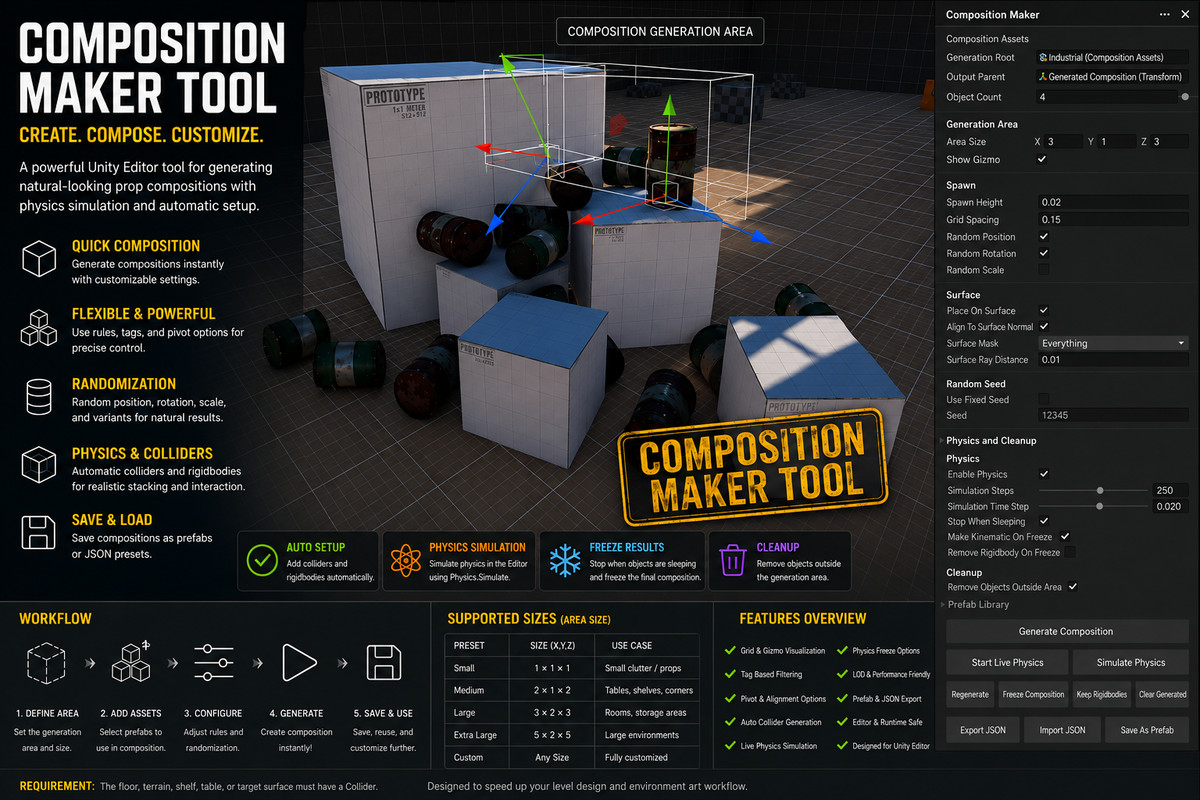
Composition Maker Tool is a Editor extension for creating natural-looking prop compositions directly inside the Scene view. It helps artists and level designers quickly generate piles, clutter, shelves, tables, debris groups, industrial props, and environment dressing using their own prefab library.
Key Features
- Generate compositions from multiple prefabs
- Weighted random prefab spawning
- Minimum and maximum count per prefab
- Random position, rotation, and scale
- Add selected prefabs directly from the Project window
- Automatic collider generation
- Rigidbody setup for physics simulation
- Live physics simulation in the Editor
- One-click fixed physics simulation
- Stop and freeze settled objects
- Keep rigidbodies for in-game physics support
- Remove or keep rigidbodies after freezing
- Make frozen rigidbodies kinematic if needed
- Surface placement with raycast support
- Remove objects outside the generation area
- Show / hide generation gizmo
- Scene view generation area handle
- Keyboard shortcut for live physics start / stop
From the publisher's Asset Store listing.
Technical details
Physics Workflow
Composition Maker can automatically:
- Spawn your selected prefabs
- Add or prepare colliders
- Add rigidbodies
- Run physics simulation
- Let objects fall, collide, and settle
- Freeze the final composition
You can also use Live Physics mode to keep simulation running while you move objects or the generation root, then stop and freeze when the result looks right.
In-Game Rigidbody Support
Need generated objects to keep physics during gameplay? Use the Keep Rigidbodies In Game option to keep Rigidbody components dynamic instead of removing them or making them kinematic.
Best For
- Environment art
- Level design
- Prop placement
- Clutter generation
- Debris piles
- Shelves and tables
- Industrial scenes
- Storage areas
- Physics-based object stacking
- Fast scene dressing
Important
For physics simulation, the floor, terrain, shelf, table, or target surface must already have a Collider. Otherwise generated objects may fall through the scene.
Recommended Physics Settings
- Enable Physics: On
- Simulation Steps: 250
- Simulation Time Step: 0.02
- Stop When Sleeping: On
Compatibility
Composition Maker Tool is an Editor extension designed for scene creation workflows. It is intended for Editor-time composition generation, not runtime procedural spawning.
How to use:
- Generate composition.
- Click Start Live Physics.
- Move objects or the Generated Composition root in Scene view.
- Click Stop and Freeze Physics, or press Ctrl + Shift + M.
Compatibility
| Unity version | Built-in | URP | HDRP | Custom |
|---|---|---|---|---|
| 6000.3.19f1 | Compatible | Compatible | Compatible | Compatible |
Composition Maker Tool is SRP independent and works in Built-in, URP, and HDRP projects. The editor tool uses standard Unity APIs. Included demo assets use standard components; any custom prefab materials or shaders you add must be compatible with your selected render pipeline.
As listed on the Asset Store.