
 View on Asset Store (opens in new tab)
Package details
- Latest version
- 1.0
- Last updated
- First released
- Unity version
- 6000.3.10 or later
- Package size
- 2.7 MB
- Files
- 299
- Favorites
- 3
- Views in the past week
- 7
- Requires
Price tracking
- Last checked
- Tracked since
- Lowest recorded
- $20.99 on
Keywords
Custom Surface Builder AR
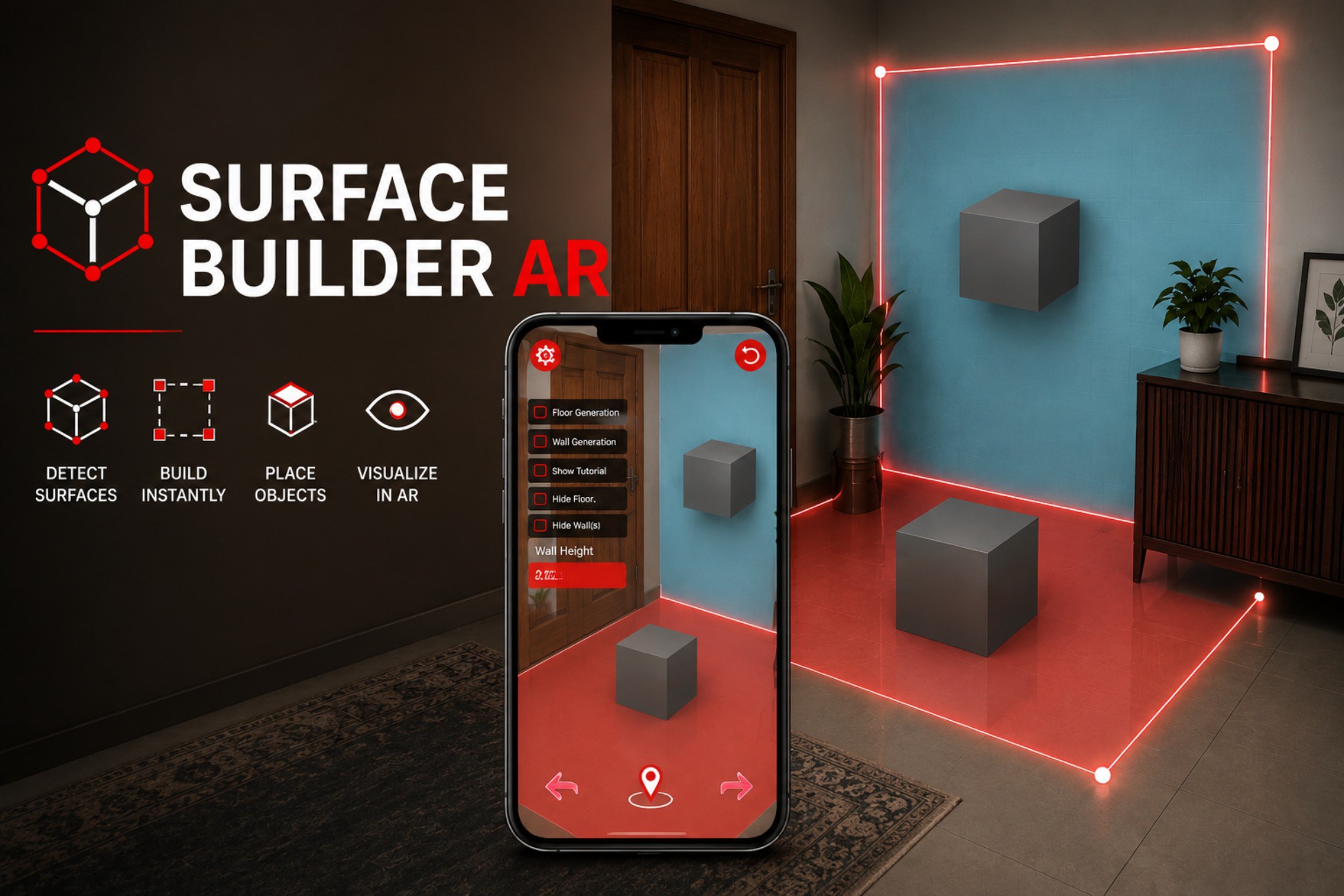
AR floor & wall surface builder for any try‑on. Draw boundaries, generate surfaces, scale, select, and place objects with clean composition‑root architecture and full Unity test coverage.
Affiliate link · Purchases support this site
Price history
Last 6 months
USDAsset preview
1 / 4
Custom Surface Builder AR screenshot 1
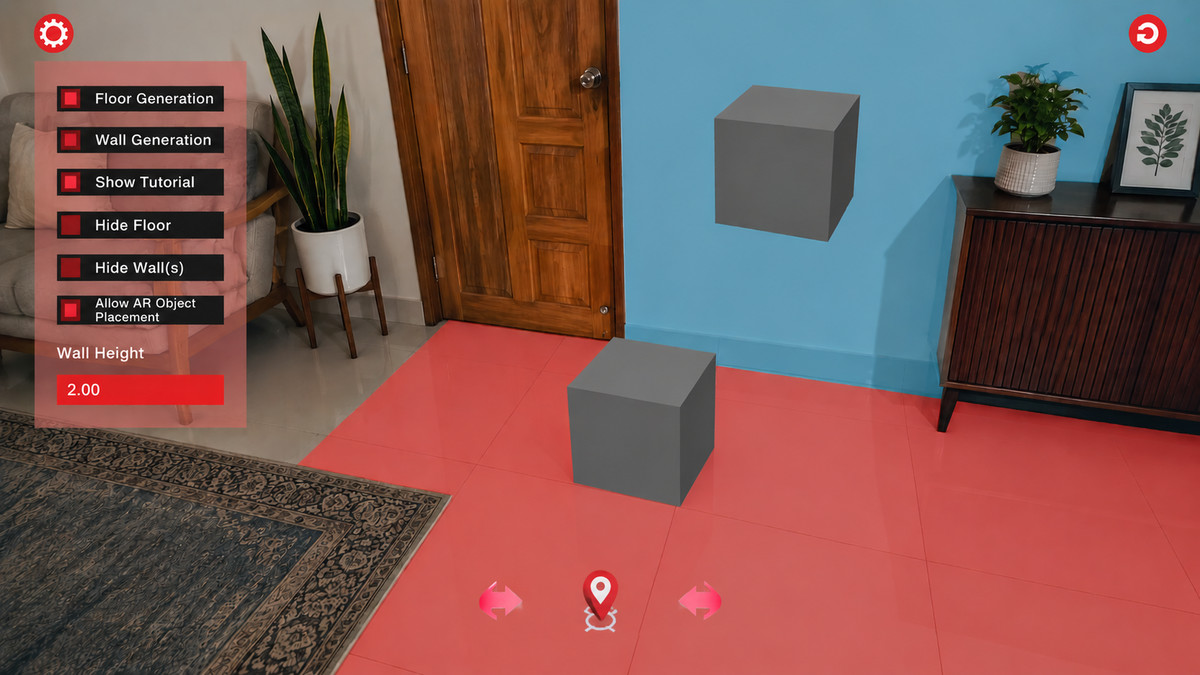

About this asset
Build, scale, and visualise AR surfaces in seconds
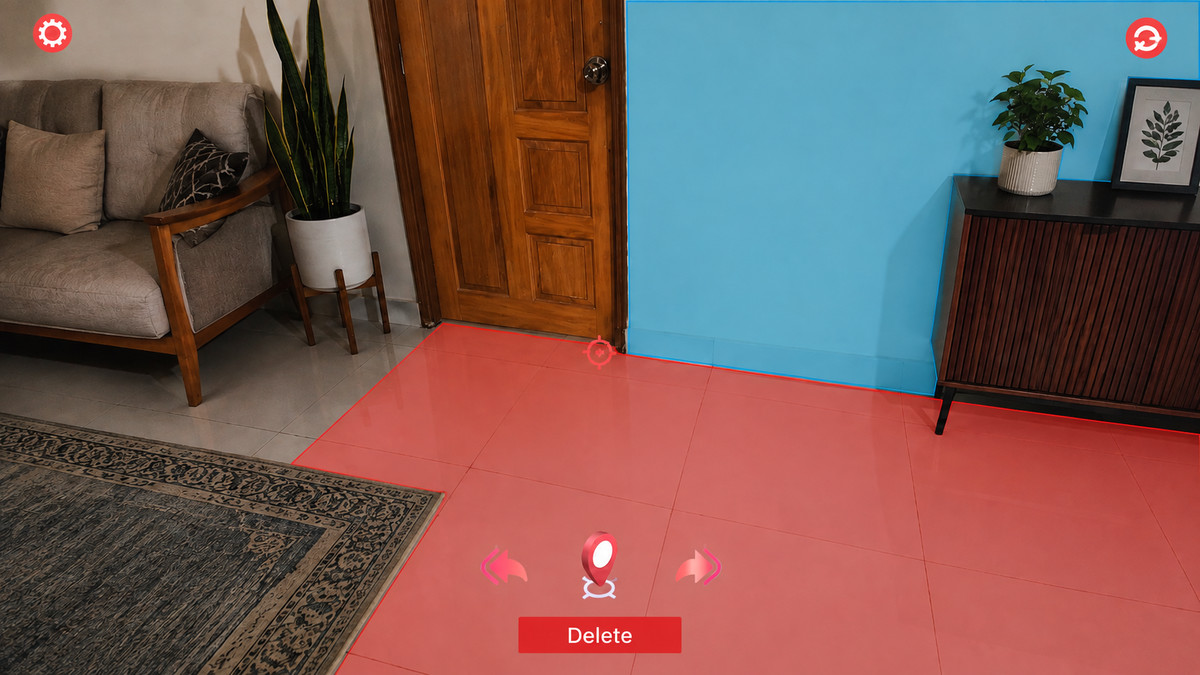
Custom Surface Builder AR is a production-ready package for try‑on experiences. Users draw a custom boundary, then generate floors and/or walls with adjustable heights. Scale surfaces with vertical swipes, tap to select, and toggle visibility per surface type.
Why Custom Surface Builder Over AR Plane Detection?
AR Foundation's built-in plane detection has critical limitations for production AR try-on experiences:
Vertical Plane Detection is Unstable on Android — ARCore's vertical plane detection is inconsistent, unreliable, and often fails. Your app breaks on a major mobile platform because AR Foundation can't reliably detect walls.
- No Control Over Surface Area — AR planes are detected automatically with unpredictable size and shape. You get whatever the AR subsystem decides to track. For furniture placement or tile visualisation, you need precise control over where the surface starts and ends.
- Can't Generate Custom Surfaces — AR plane detection only finds existing surfaces. It cannot create surfaces where none were detected (e.g., a partial wall, an imaginary boundary, or a floor area that AR missed entirely).
- No Unified Floor + Wall Workflow — AR Foundation detects floors and planes separately with no coordination. Custom Surface Builder generates both from a single boundary drawing session, keeping the experience seamless.
- No Post-Generation Editing — Once AR Foundation detects a plane, it's immutable. No scaling, no deletion, no visibility toggles. With this package, users can scale walls after generation, delete individual surfaces, and toggle visibility per type.
- Inconsistent Surface Roles — AR planes are just "planes" with no semantic meaning. Custom Surface Builder assigns explicit `Floor`/`Wall` roles at registration time, so visibility, interactability, and object placement decisions are always clear.
Custom Surface Builder AR solves all of this:
- Draw any shape on the detected surface
- Generate floors and/or walls with precise boundaries you control
- Scale walls in real time with gesture input
- Select and delete surfaces individually
- Toggle floor/wall visibility independently
- Works reliably on Android (doesn't depend on ARCore's vertical plane detection)
Key Features:
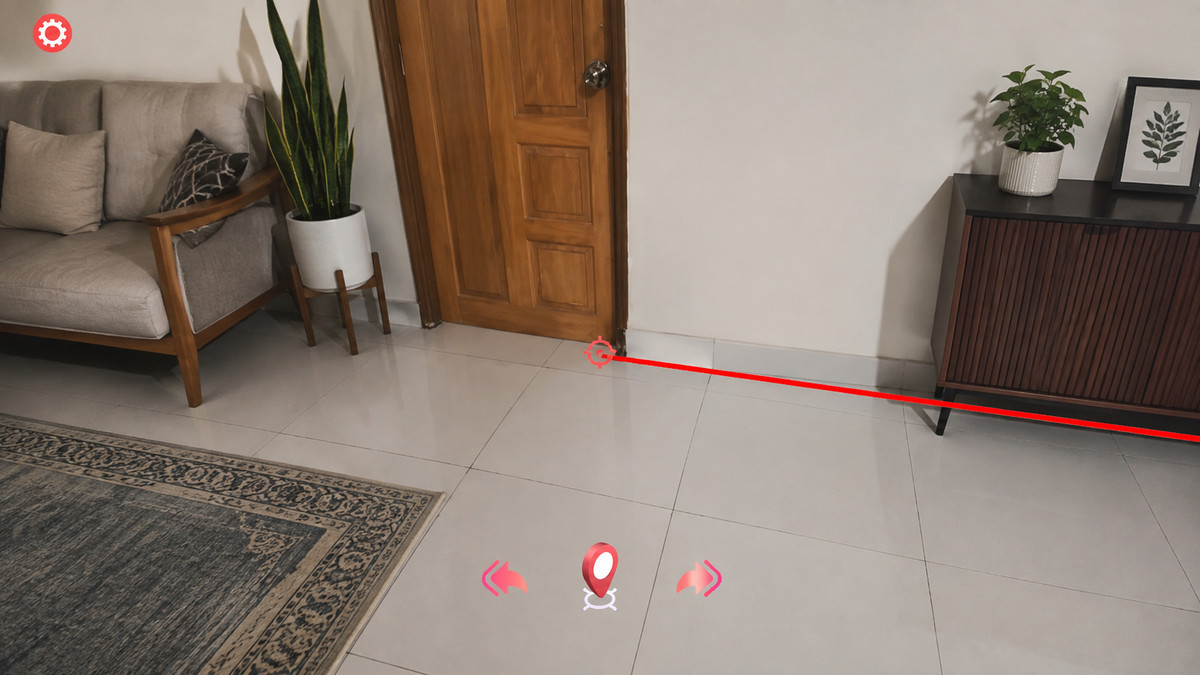
- Draw‑to‑Build — Place boundary points by tapping on detected surfaces; visual markers and real‑time line rendering guide the shape
- Floor & Wall Generation — Generate polygonal floor meshes and vertical walls with configurable height
- Gesture Scaling — Swipe up/down to adjust wall height in real time
- Surface Selection — Tap any surface to select it; delete individual surfaces with confirmation
- Visibility Toggles — Show/hide all floors or all walls independently
- Undo/Redo — Full command‑pattern undo/redo stack for boundary drawing
- Reset Safety — Clean, idempotent reset at any flow stage; no stale markers or listener leaks
- Composition‑Root Architecture — No singletons, no global event hub; all dependencies wired via `ARTryOnBootstrapper`
- Scoped Event Channels — `SurfaceDrawingEvents`, `GeneratedSurfaceEvents`, and `OverlayEvents` for modular communication
- Full Test Coverage — 10+ unit tests covering placement, services, and selection
What’s Included
- Complete demo scene with tutorial and non‑tutorial modes
- Comprehensive documentation (Setup, Architecture, API, Configuration, Troubleshooting, Known Limitations)
- README and demo walkthrough guides
From the publisher's Asset Store listing.
Technical details
Technical Highlights:
- Unity 2022.3+ LTS and Unity 6 are compatible
- AR Foundation 5.x integration
- URP render pipeline support
- Event‑driven design with lifecycle‑bound subscriptions
- Explicit plane role tracking (`Floor`/`Wall`) — no hierarchy inference
- Thread‑safe cancellation in async operations
- Editor‑time reset safety with null guards
Supported OS: Windows, iOS
Supported Platform: Android, iOS
Compatibility
| Unity version | Built-in | URP | HDRP |
|---|---|---|---|
| 6000.3.10f1 | Not listed | Compatible | Not listed |
As listed on the Asset Store.