
 View on Asset Store (opens in new tab)
Package details
- Latest version
- 1.0
- Last updated
- First released
- Unity version
- 2022.3.62 or later
- Package size
- 125.4 MB
- Files
- 50
Price tracking
- Last checked
- Tracked since
- Lowest recorded
- $7.50 on
Keywords
Texture Atlas Creator
- Launch discount
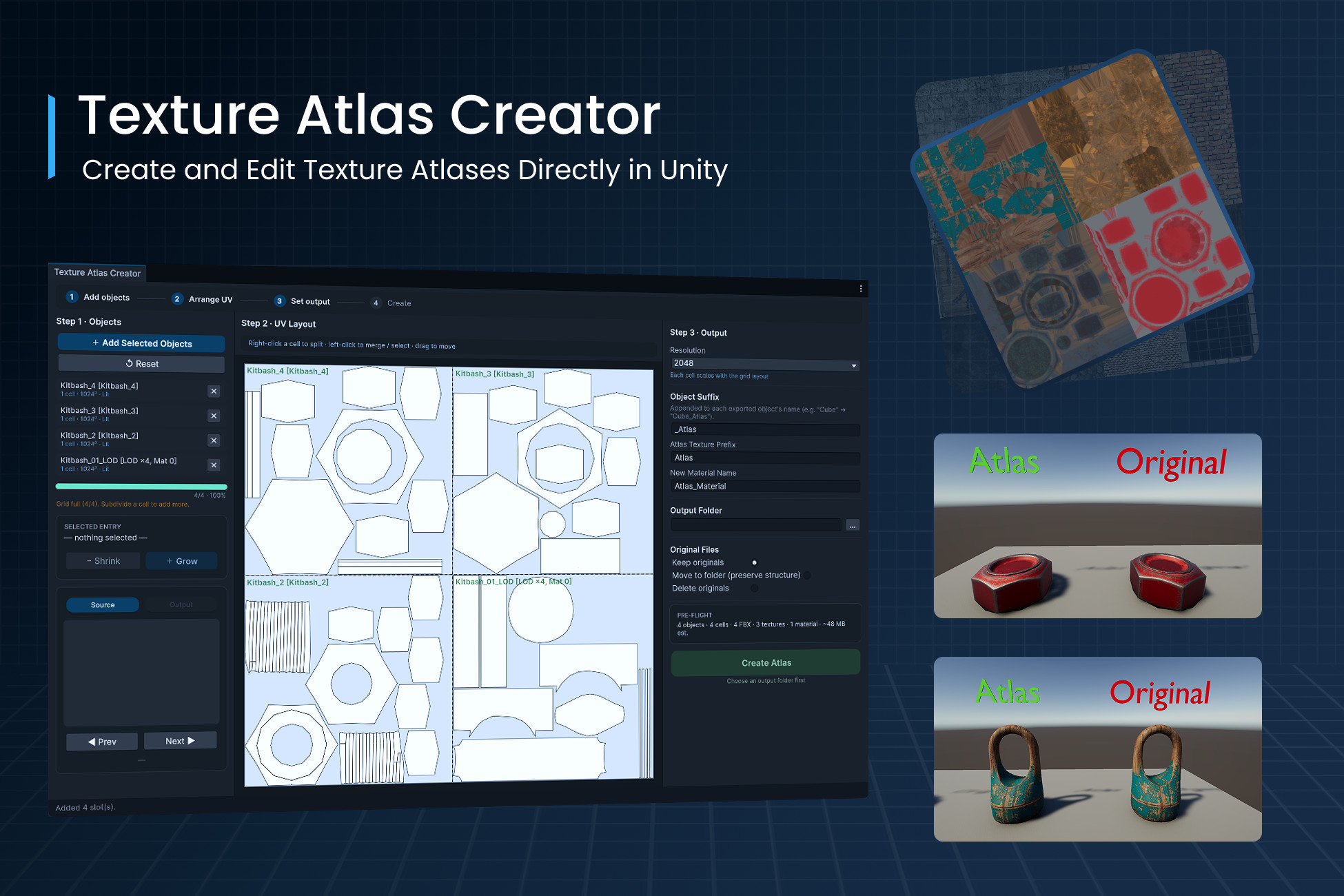
Pack multiple textures into optimized atlases with a visual quad-tree UV layout editor, FBX export, and LOD support. Streamline your workflow, cut draw calls, and boost runtime performance.
Launch promotion for 392338 Texture Atlas Creator Ends (in 5 days)
Get 50% off on Asset Store (opens in new tab)Affiliate link · Purchases support this site
Price history
Last 6 months
USDAsset preview
1 / 11
Texture Atlas Creator screenshot 1
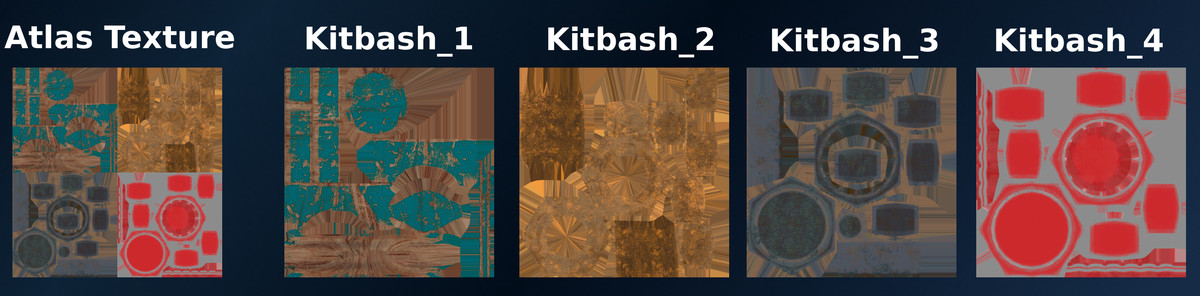
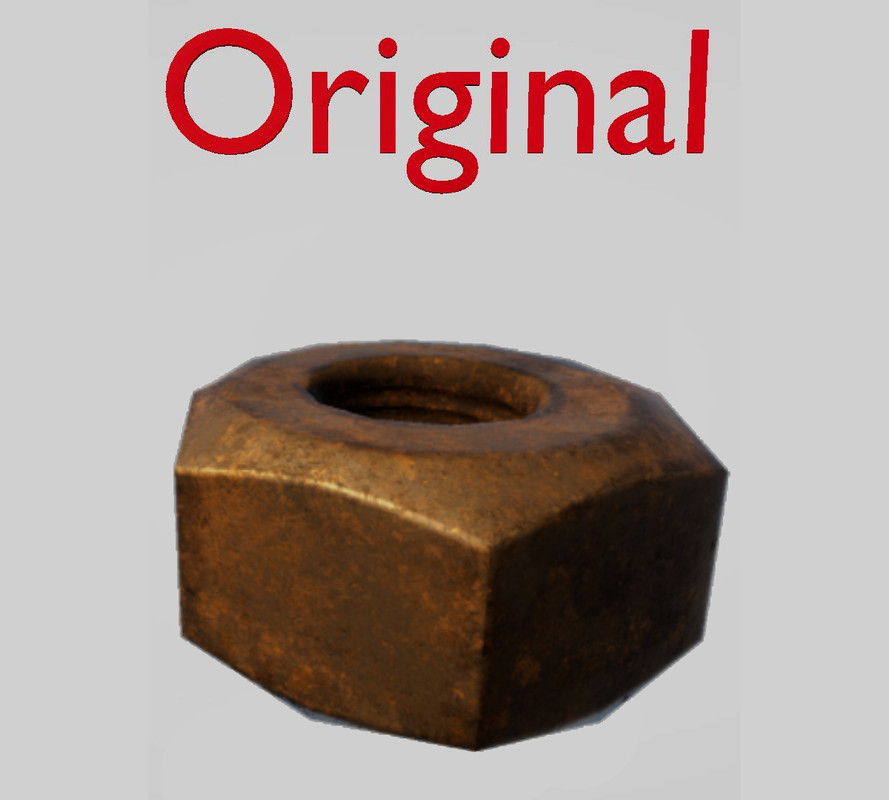
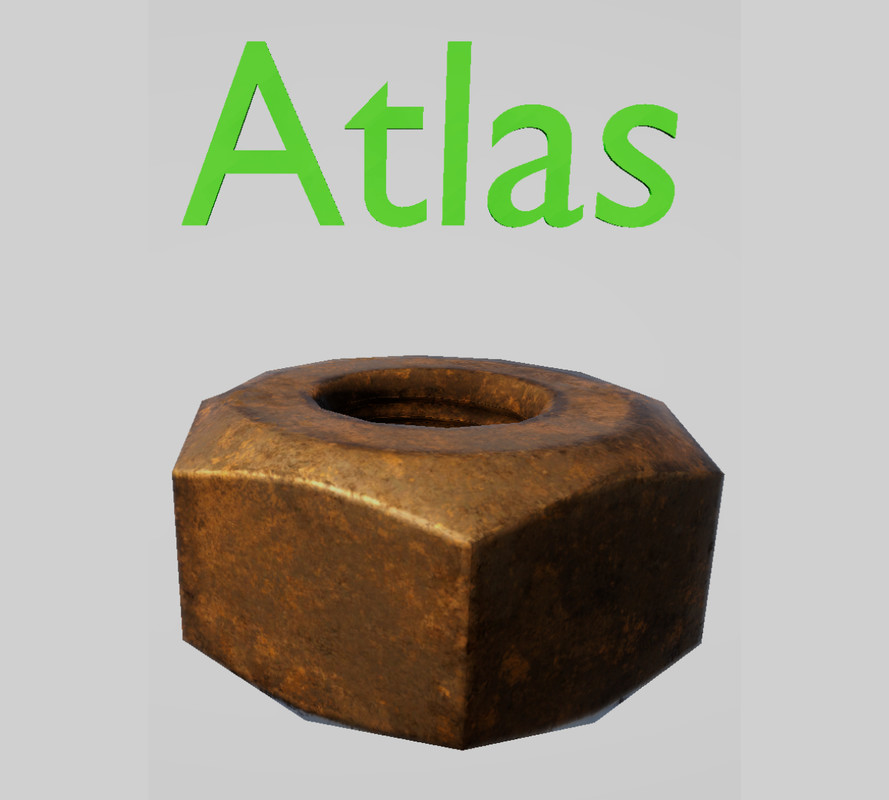
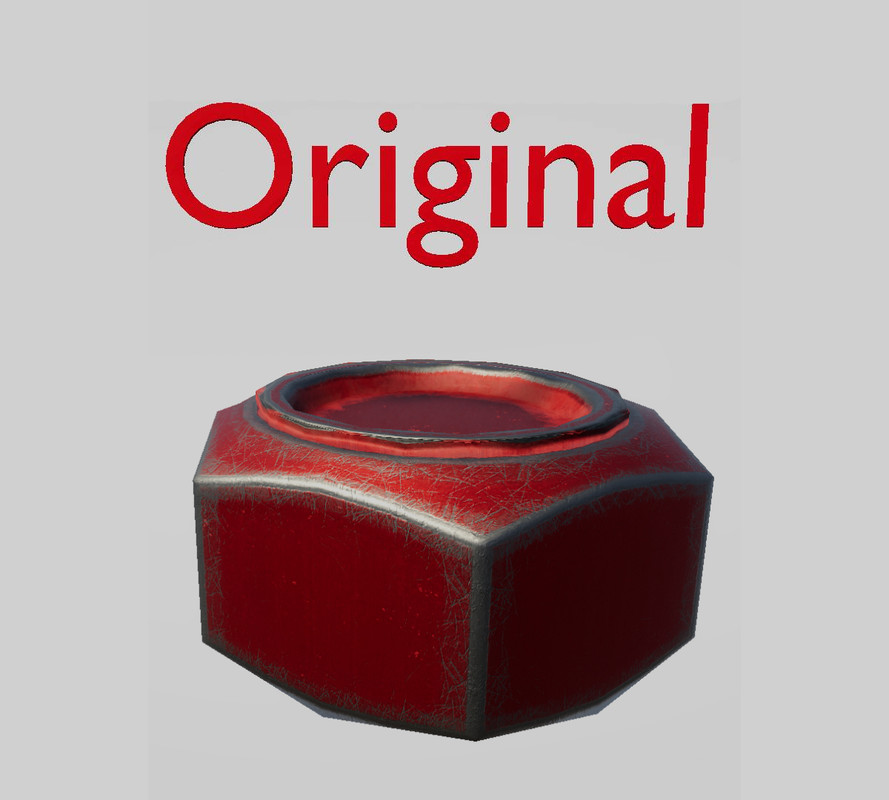
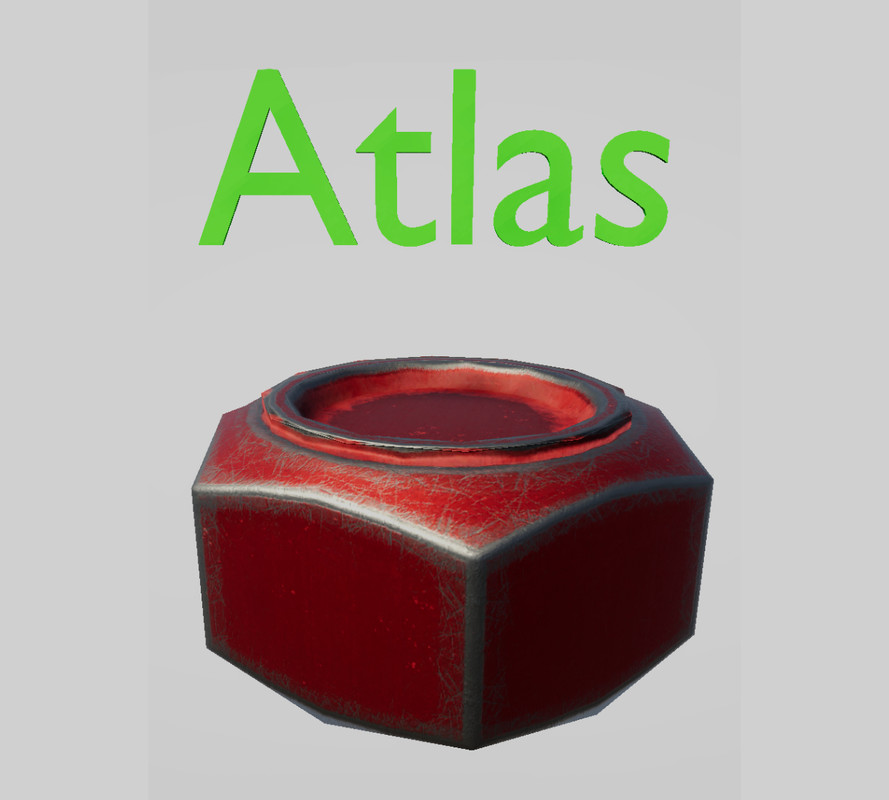
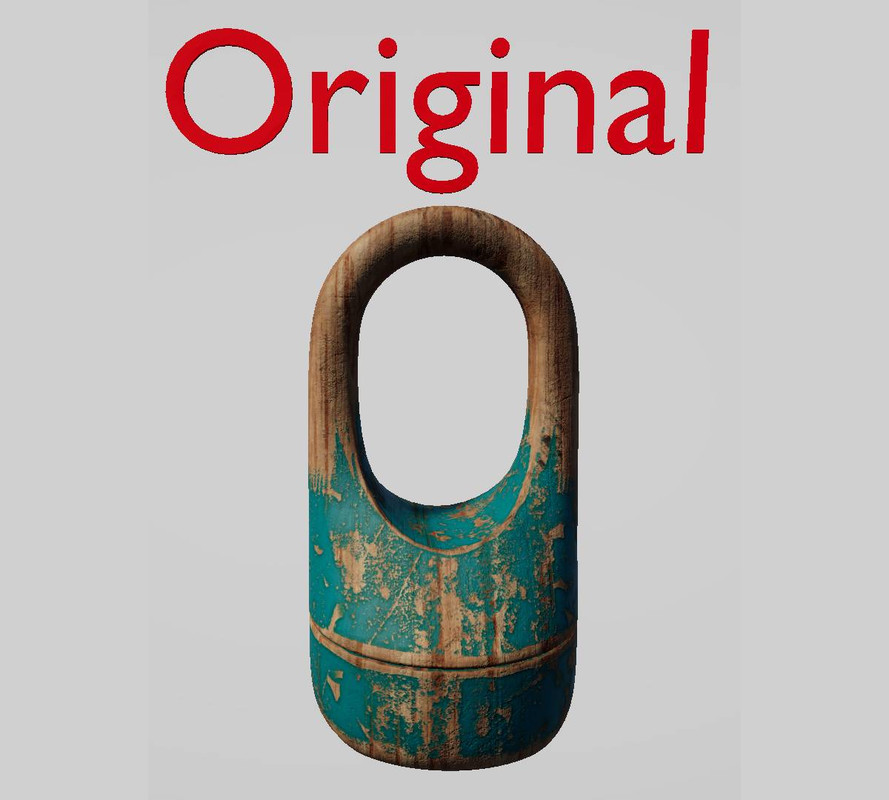
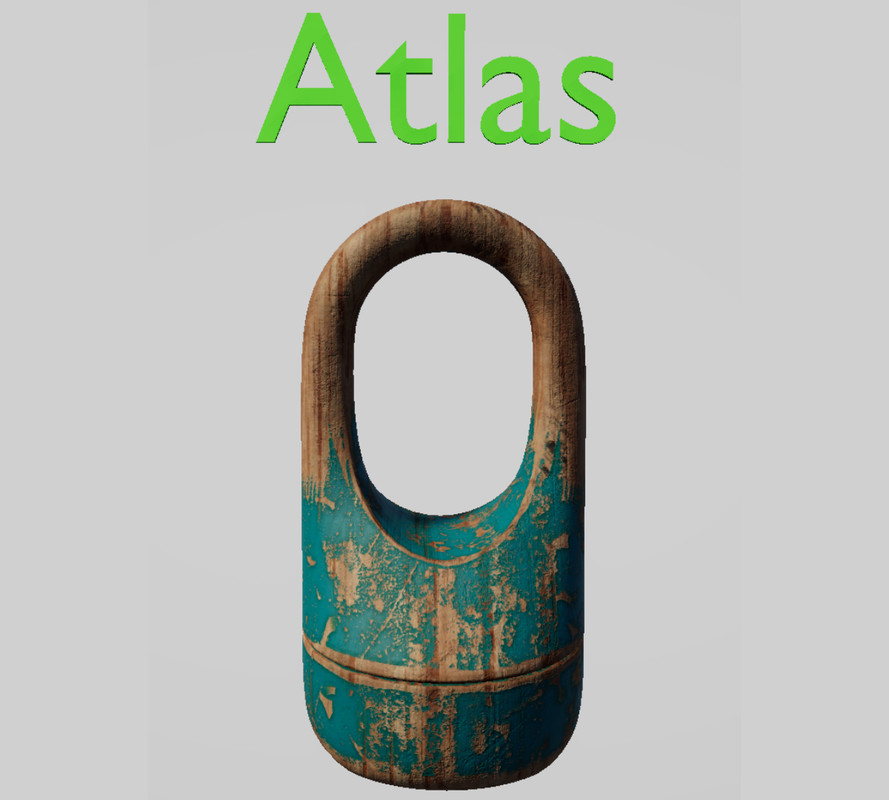
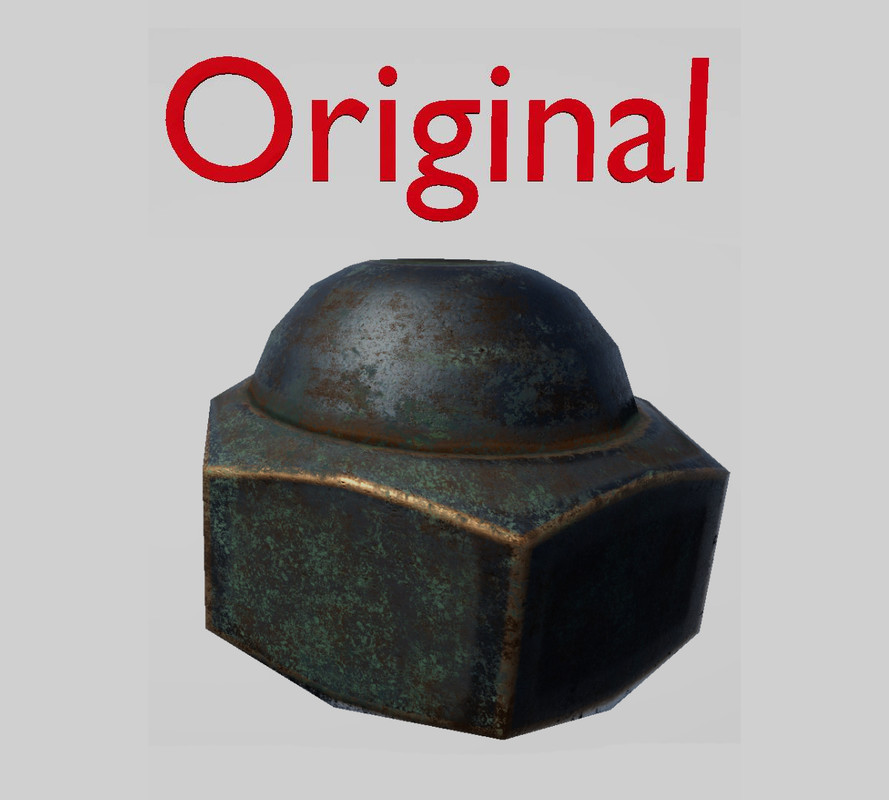
About this asset
Texture Atlas Creator is a Unity Editor tool that combines multiple textures into optimized atlases while giving you precise, visual control over UV layout — all without leaving the editor.
Dependencies & Requirements
- Unity FBX Exporter: This asset requires Unity's official FBX Exporter package to function correctly. You must install it for free via the Unity Package Manager (Window > Package Manager > Unity Registry) before using the tool.
Key Features
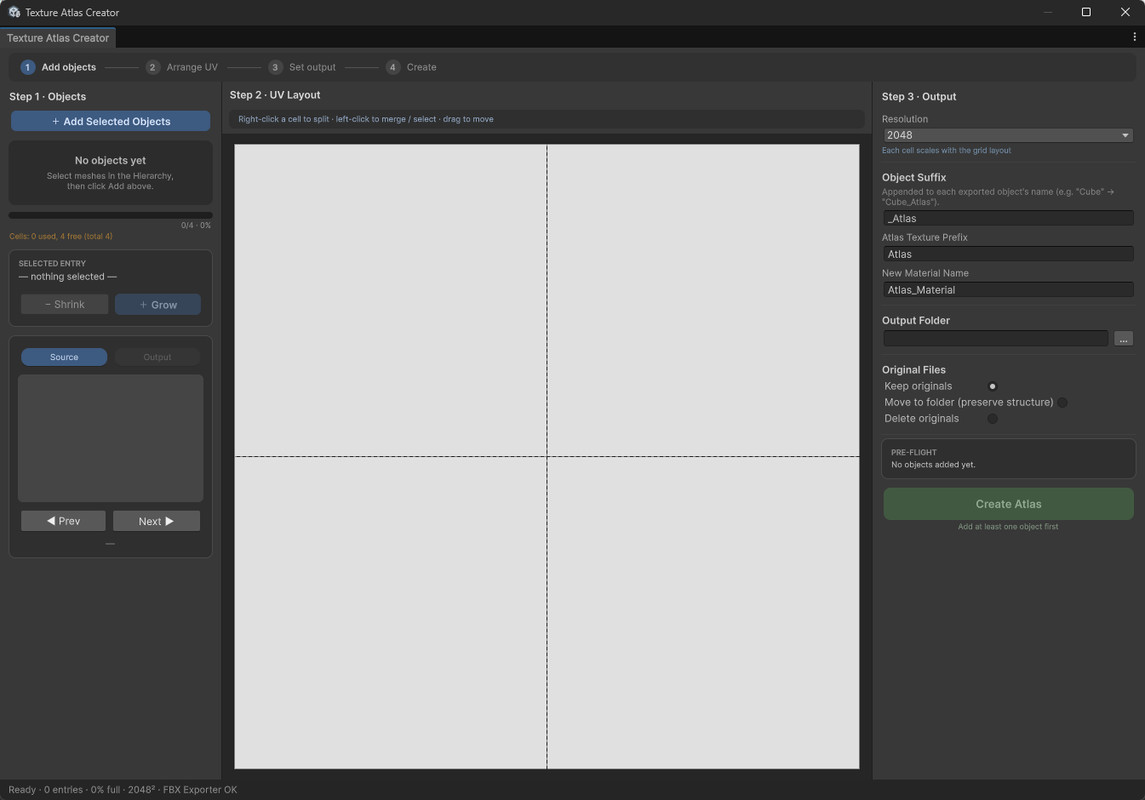
- Visual UV Grid Editor — Arrange and edit texture placement on an intuitive quad-tree grid. Subdivide cells freely to give important textures more resolution and pack smaller ones tightly, maximizing every pixel of atlas space.
- Flexible Atlas Packing — Combine any number of source textures into a single atlas to reduce material count and draw calls.
- FBX Export — Export your atlased meshes with remapped UVs directly to FBX, ready to drop into any project or pipeline.
- LOD Support — Generate and manage level-of-detail variants so your atlased assets stay performant at any view distance.
Fully Customizable
Every part of the layout is under your control. Adjust grid subdivisions, reposition textures, and tune resolution allocation per cell to match your exact needs. The tool adapts to your art style and technical constraints rather than forcing a fixed workflow.
Who It's For
Texture Atlas Creator is genre-agnostic and fits any project where performance and clean asset organization matter — mobile games that need tight draw-call budgets, stylized or low-poly titles, open-world environments with heavy prop reuse, VR experiences with strict frame-time targets, and more. Whether you're a solo developer optimizing a shipping build or a technical artist standardizing an asset pipeline, this tool streamlines the process.
Optimize your textures, cut your draw calls, and keep full creative control over your UV layouts — right inside the Unity Editor.
From the publisher's Asset Store listing.
Technical details
Technical Details
- Quad-Tree UV Grid System — Recursive subdivision of atlas space allows per-cell resolution allocation, letting you assign larger regions to high-detail textures and pack smaller ones efficiently.
- Visual UV Layout Editor — Interactive in-editor grid for arranging, repositioning, and subdividing texture placement with real-time preview.
- Multi-Texture Atlas Packing — Combines multiple source textures into a single consolidated atlas to reduce material count and draw calls.
- UV Remapping — Automatically recalculates and remaps mesh UV coordinates to match the generated atlas layout.
- FBX Export — Exports atlased meshes with remapped UVs to FBX for use across projects and external pipelines.
- LOD Support — Generates and manages level-of-detail variants for atlased assets to maintain runtime performance at varying view distances.
- Editor-Native Workflow — Runs entirely within the Unity Editor, requiring no external tools or runtime dependencies.
- Non-Destructive Editing — Source textures and meshes remain untouched; atlases and remapped assets are generated as separate outputs.
Compatibility
| Unity version | Built-in | URP | HDRP |
|---|---|---|---|
| 6000.3.10f1 | Compatible | Compatible | Compatible |
| 2022.3.62f3 | Compatible | Compatible | Compatible |
As listed on the Asset Store.