
 View on Asset Store (opens in new tab)
Package details
- Latest version
- 1.0
- Last updated
- First released
- Unity version
- 6000.3.19 or later
- Package size
- 2.2 MB
- Files
- 90
- Favorites
- 2
- Views in the past week
- 19
Price tracking
- Last checked
- Tracked since
- Lowest recorded
- $7.99 on
Keywords
Laser Beam-Hit Effect
- Price drop
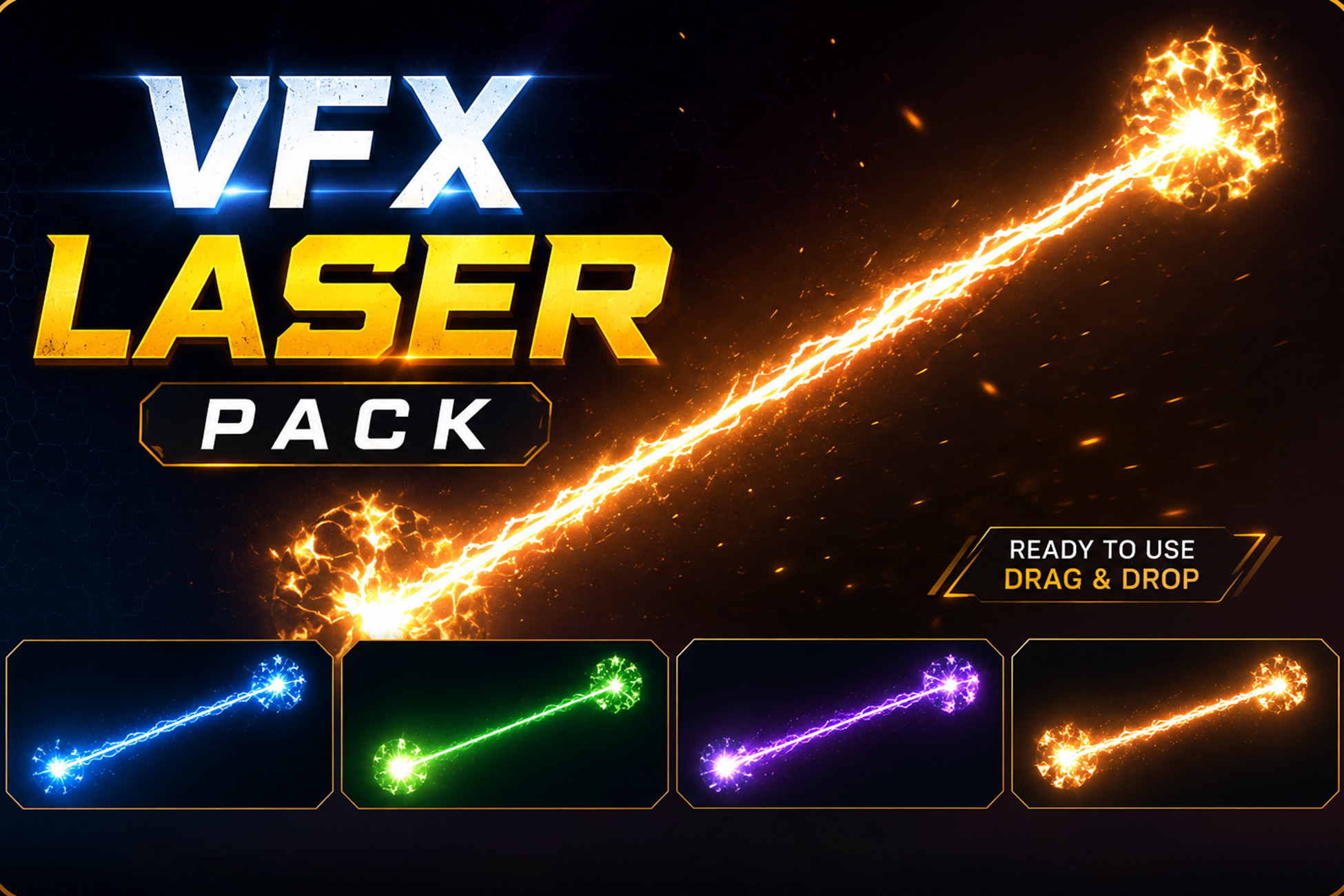
The Laser Beam VFX Pack includes a collection of high-quality stylized laser beam effects.
Affiliate link · Purchases support this site
Price history
Last 6 months
USDAsset preview
1 / 1
Laser Beam-Hit Effect video 1 (plays on the Asset Store)
About this asset
Overview
This pack features 5 unique laser beam effects with 5 hit effects, each provided with 2 visual variants, resulting in a total of 15 laser effects and 15 hit effects prefabs ready to use.
The laser beams and hit effects are created using a combination of Shader Graph materials, Simple Particle Systems, and Post Processing to achieve visually rich and immersive effects. Post Processing is applied globally through the camera in the demo scene to enhance the overall look and presentation.
Folder Structure
1. Prefabs: All laser and hit Effects Prefabs each with 2 variants.
2. Textures: All textures
3. Materials: All materials
4. Scripts: Scripts used for laser beams and for demo scene
5. Shaders: Shaders that are used for the effects
6. Demo Scene: Preview and testing scene
Usage
1. Import the package in your unity project.
2. Open the Demo Scene to preview the effects.
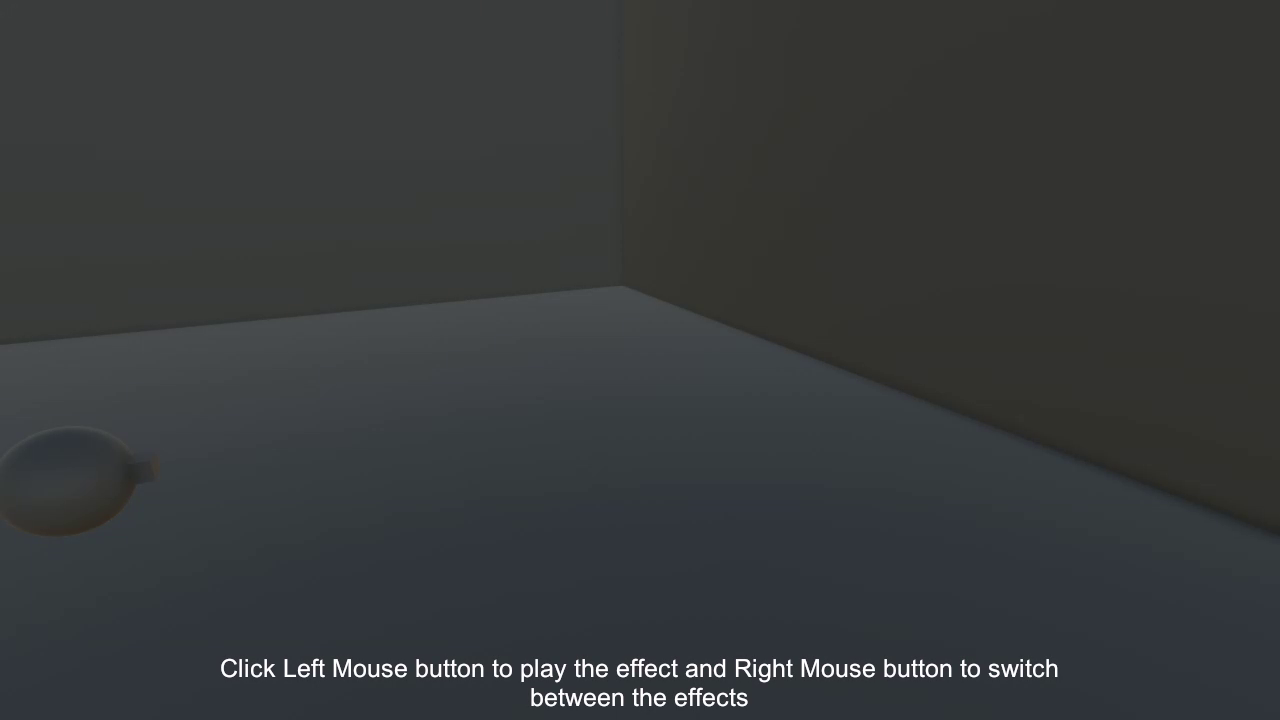
3. Use the Left Mouse Button in the demo scene to shoot the lasers and Right Mouse Button to switch between the laser effects.
4. Drag and Drop: Drag any laser beam effect prefab from the Prefabs folder into your scene.
5. Positioning: Position the effect into your scene according to your desired location and orientation.
6. Triggering: Activate the effect on your game logic or animation events to bring them to life at the right moment.
Compatibility
· Compatible with Unity URP 2D and URP 3D projects.
· Prefabs are configured in a 3D demo scene
· In 2D projects, you may need to adjust the prefab Transform (position, rotation, scale) and rendering/sorting settings to match your scene.
From the publisher's Asset Store listing.
Technical details
Technical details
All laser and hit effects are fully customizable via the Inspector:
· Shader & Material Properties
Users can customize properties like Color, Strength, Density, Noise, Speed, Brightness, etc. These exposed properties will allow users to easily create new visual styles without editing the shader itself.
All Texture b/w : 1024x1024
Compatibility
| Unity version | Built-in | URP | HDRP |
|---|---|---|---|
| 6000.3.19f1 | Compatible | Compatible | Not listed |
As listed on the Asset Store.