
 View on Asset Store (opens in new tab)
Package details
- Latest version
- 1.0
- Last updated
- First released
- Unity version
- 6000.3.9 or later
- Package size
- 106 KB
- Files
- 39
- Favorites
- 1
- Views in the past week
- 6
Price tracking
- Last checked
- Tracked since
- Lowest recorded
- $41.99 on
Keywords

UI Input X-Ray
See why UI clicks fail. View the real raycast order, hidden blockers, canvas rules, handlers, and scene health in one tool.
Affiliate link · Purchases support this site
Price history
Last 6 months
USDAsset preview
1 / 8
UI Input X-Ray screenshot 1
About this asset
🎯 See why clicks fail
A button does not work. A panel gets the click. A menu works in one scene but not the next. UI Input X-Ray shows what sees, so you can find the cause fast.
🔍 See the full click path
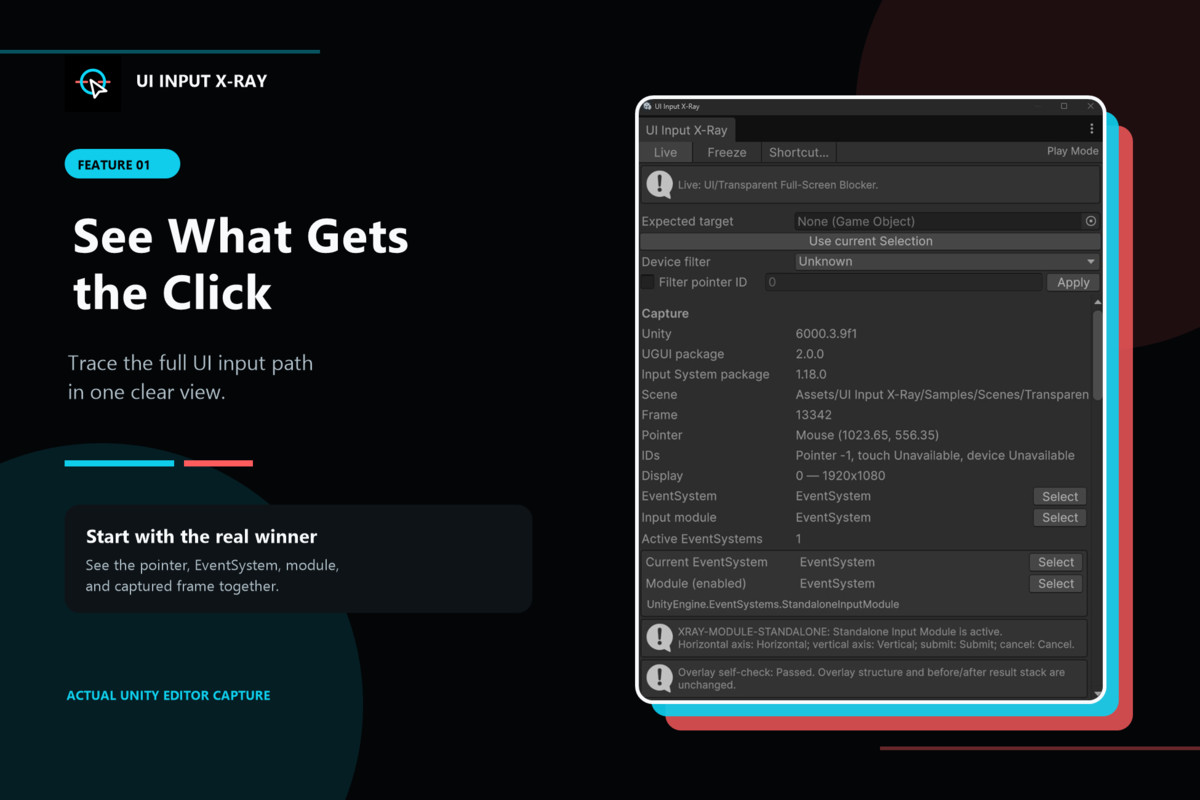
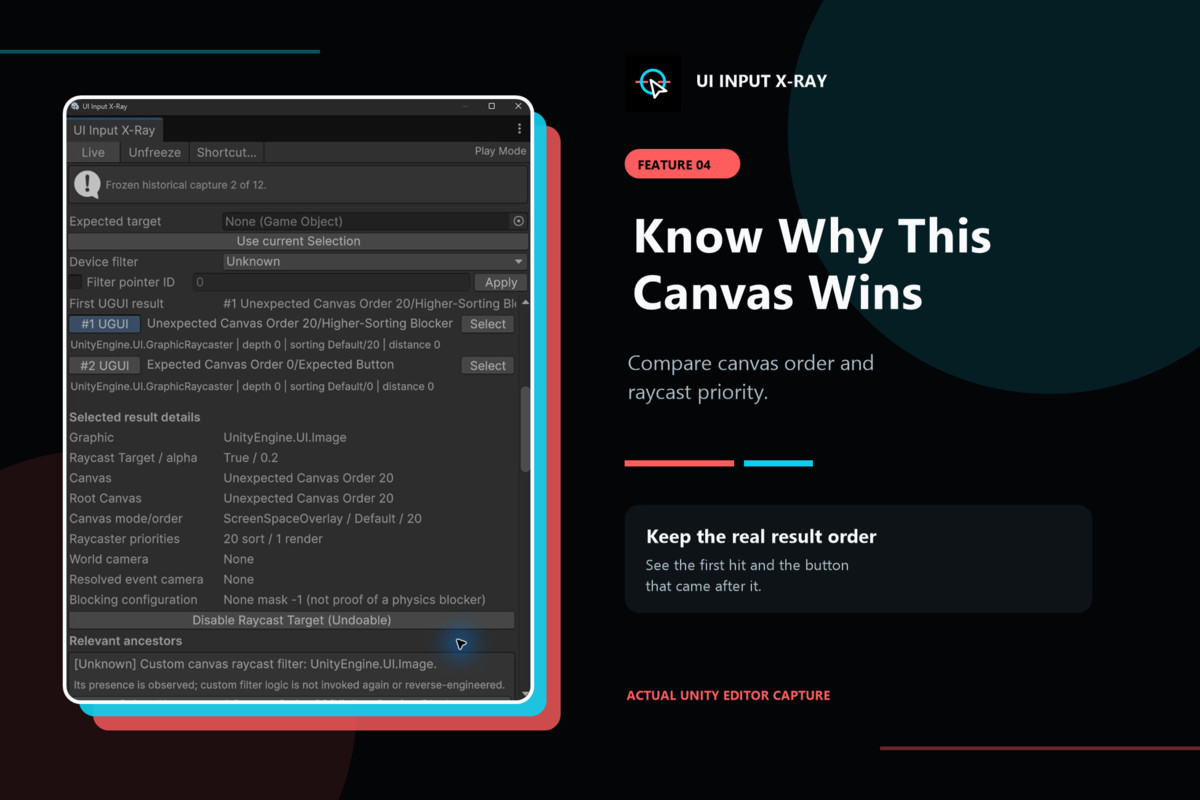
View the real EventSystem raycast order. See which UI object wins. Check the canvas, Graphic Raycaster, CanvasGroup, mask, input module, and click handler that shape the result.
🧱 Find hidden blockers
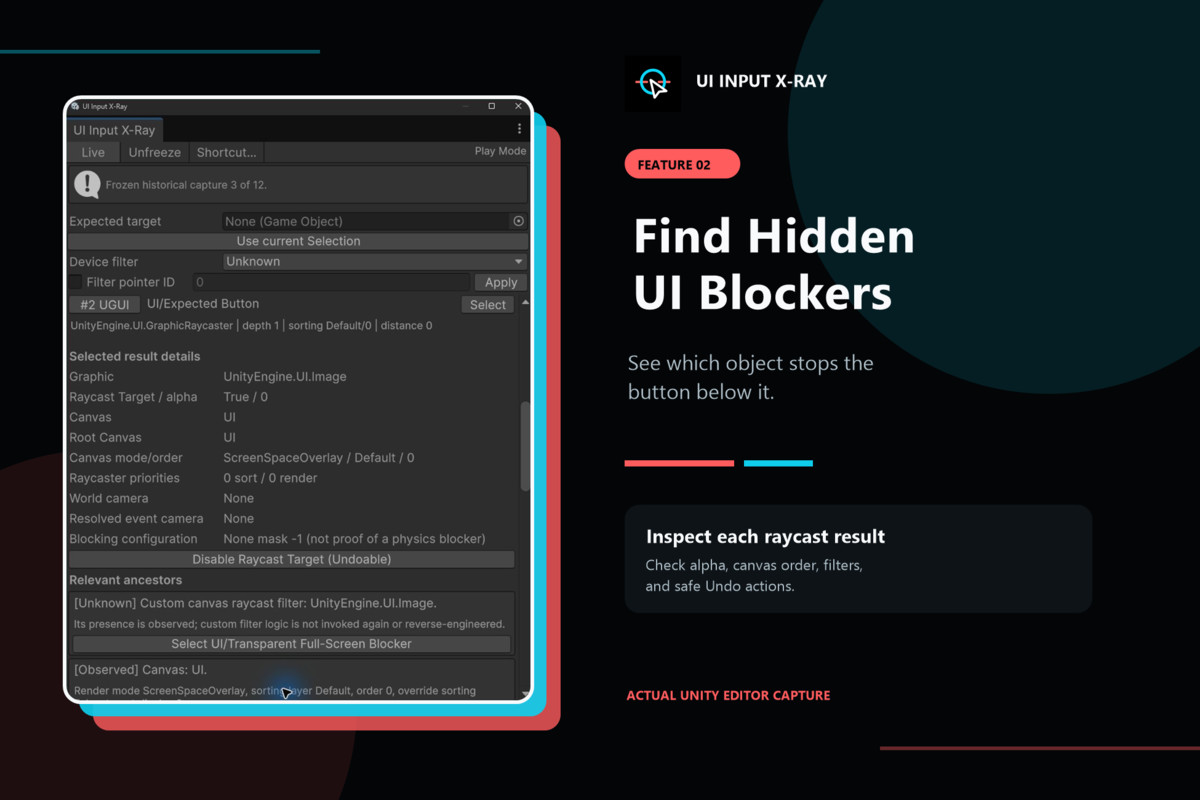
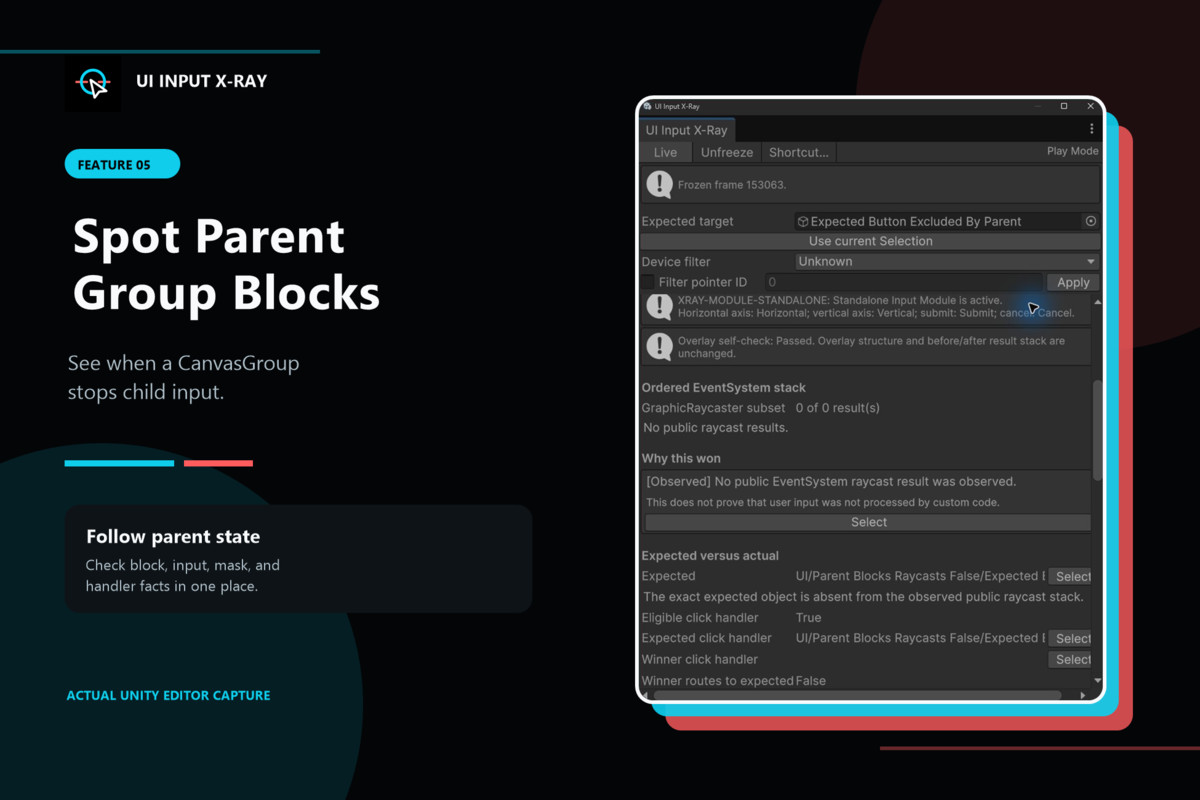
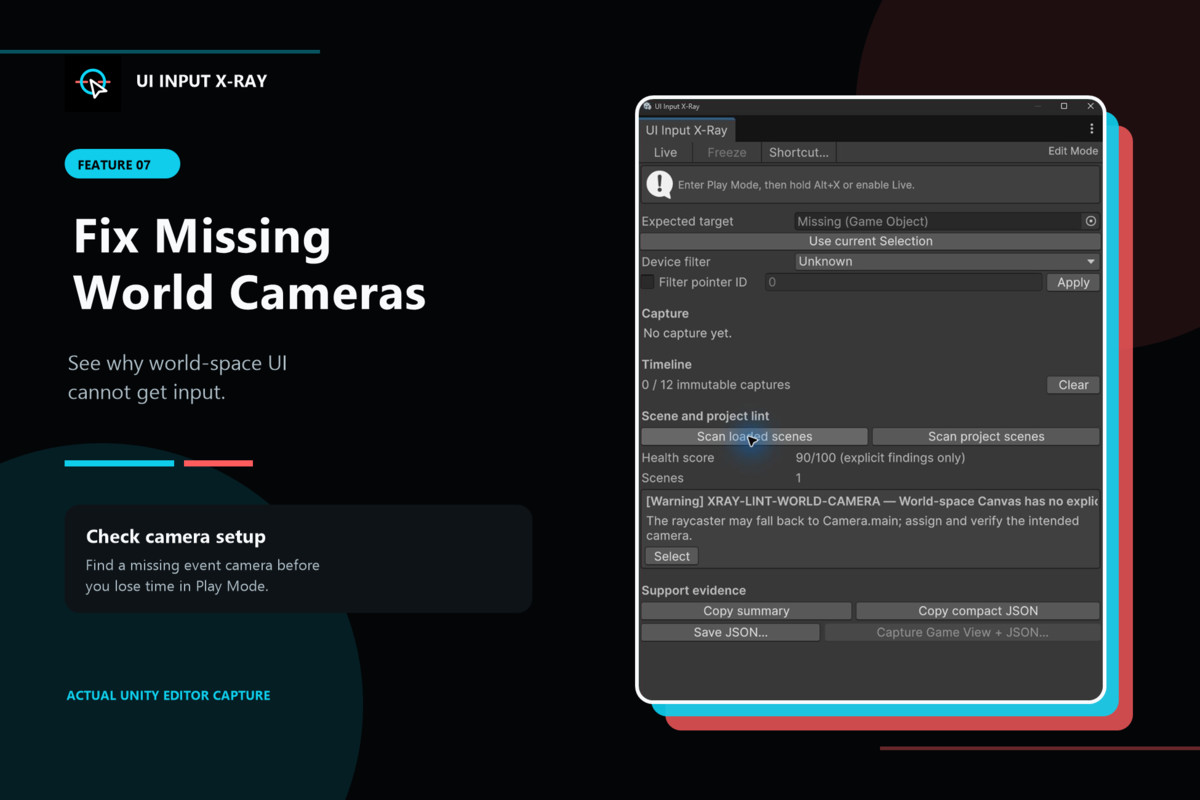
Spot clear images that still block clicks. Find a canvas with a higher order. See when a parent group stops a child. Check world-space UI with no event camera.
🩺 Scan scene health
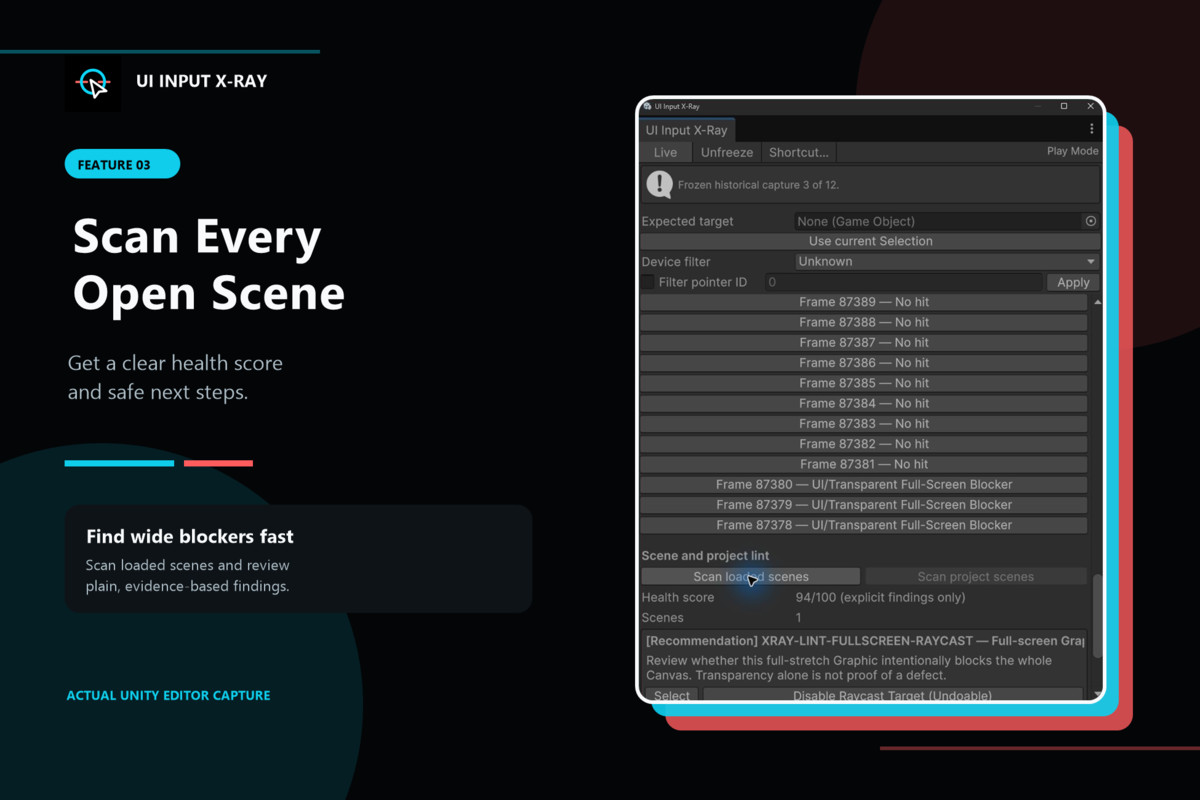
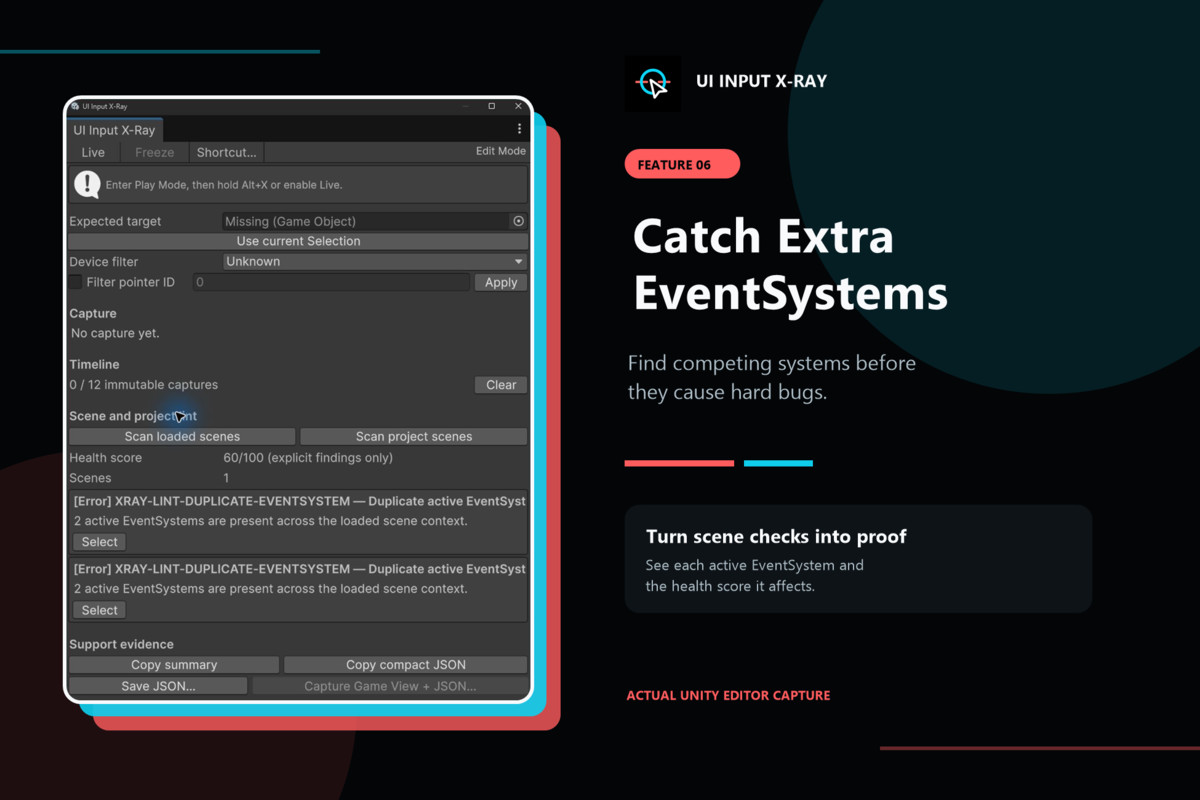
Scan open scenes or saved project scenes. Find extra EventSystems, missing modules, wide raycast targets, missing raycasters, and other common setup bugs. Each report uses clear proof and a simple health score.
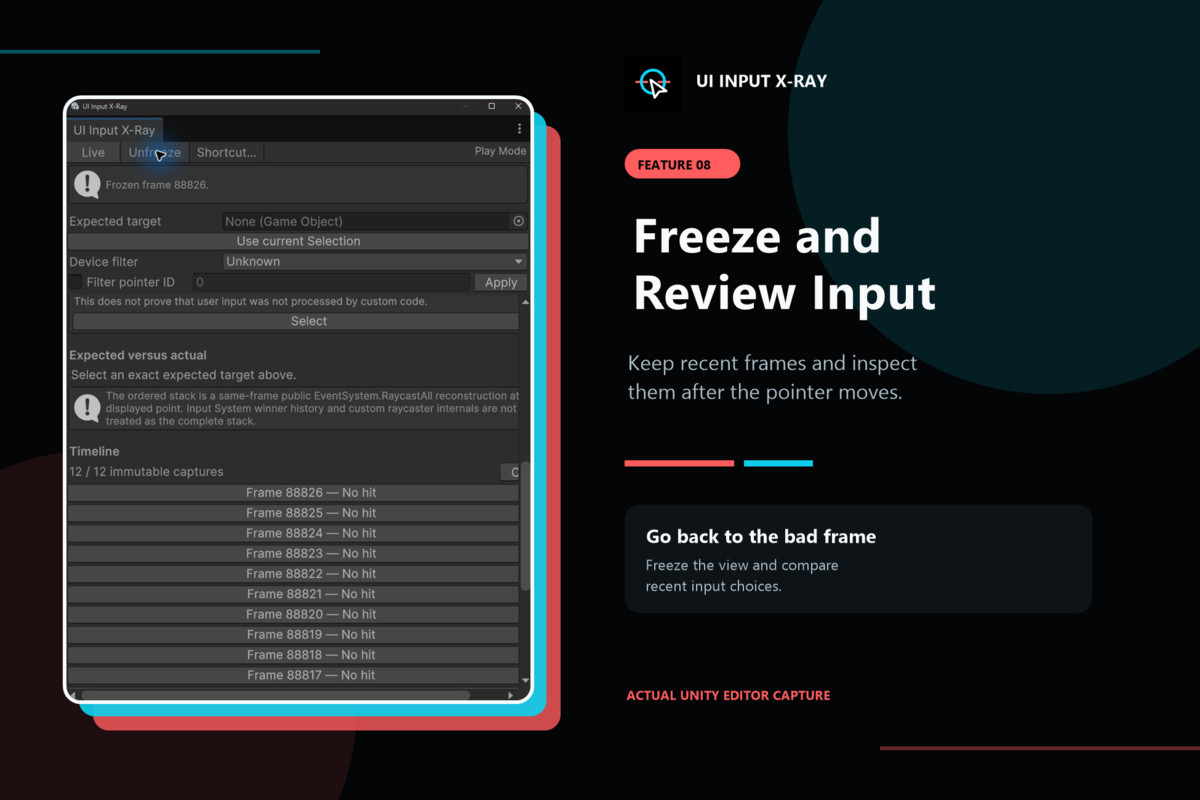
⏸️ Freeze the bad frame
Keep recent input frames in a short timeline. Freeze one frame before the pointer moves. The saved facts stay in place while you inspect the scene.
🛠️ Fix with care
Select the exact object or component. When a raycast target is the cause, turn it off with one Undo-ready action. The tool does not click buttons, run your handlers, or change many objects at once.
📦 Share clear proof
Copy a short report. Save compact JSON. Capture the Game View with the report. This makes UI bugs easier to share with your team or support.
UI Input X-Ray is an Editor-only tool for UGUI. It works with the Standalone Input Module and can inspect the Input System UI Input Module when that package is installed. Sample scenes are included.
From the publisher's Asset Store listing.
Technical details
🧩 Main features
- Shows the ordered results from EventSystem.RaycastAll.
- Keeps the original result order.
- Shows the first full result and first UGUI result.
- Records pointer, frame, display, EventSystem, and input-module facts.
- Shows Graphic, Canvas, root Canvas, Graphic Raycaster, sorting, depth, distance, and camera facts.
- Checks CanvasGroup, built-in masks, raycast filters, and parent handlers.
- Compares an exact expected target with the real winner.
- Finds click, down, up, hover, drag, and drop handlers on the object or its parents.
- Offers a single Undo-ready action to disable the chosen Graphic raycast target.
- Keeps recent captures in a bounded in-memory timeline.
- Scans loaded scenes and saved project scenes.
- Reports duplicate EventSystems, missing input modules, missing Graphic Raycasters, full-screen raycast targets, handler-less targets, missing world cameras, and clear module setup errors.
- Uses an open health-score rule: Error -20, Warning -10, Recommendation -3, Information -1.
- Copies a human-readable summary.
- Exports versioned compact JSON.
- Captures the Game View with JSON support data.
- Includes sample scenes for common UI input bugs.
🎮 Scope
- Editor-only. The diagnostic code is not meant for player builds.
- Built for UGUI.
- Standalone Input Module is supported by the tool design.
- Input System UI Input Module checks are available when the Input System package is installed.
- UI Toolkit, XR input, input replay, and custom handler code are outside version 1.
- Custom raycaster results can be shown, but private custom rules are marked as unknown.
🧱 Safety
- The tool watches input by default. It does not send pointer events or call user handlers.
- The Game View overlay has no EventSystem or Graphic Raycaster.
- Overlay graphics have raycastTarget turned off.
- A before-and-after self-check makes sure the overlay does not change the result order.
- Lint scans do not run batch fixes.
- Play Mode fixes are temporary unless you make the same change in the scene or prefab.
💻 Version notes
- Package minimum Editor setting: Unity 2022.3.
- Current development baseline: Unity 6000.3.9f1, UGUI 2.0.0, and Input System 1.18.0.
- The Input System package is optional for projects that use only legacy UGUI input.
📁 Included
- UI Input X-Ray Editor window.
- Play Mode overlay.
- Scene and project lint tools.
- Report and screenshot export tools.
- Sample scenes.
- Full manual, quick start, change log, and license.
Compatibility
| Unity version | Built-in | URP | HDRP |
|---|---|---|---|
| 6000.3.9f1 | Compatible | Compatible | Compatible |
As listed on the Asset Store.