
 View on Asset Store (opens in new tab)
Package details
- Latest version
- 1.1.0
- Last updated
- First released
- Unity version
- 6000.2.12 or later
- Package size
- 49 KB
- Files
- 18
- Views in the past week
- 2
Price tracking
- Last checked
- Tracked since
- Lowest recorded
- $12.49 on
Keywords

PlayReport
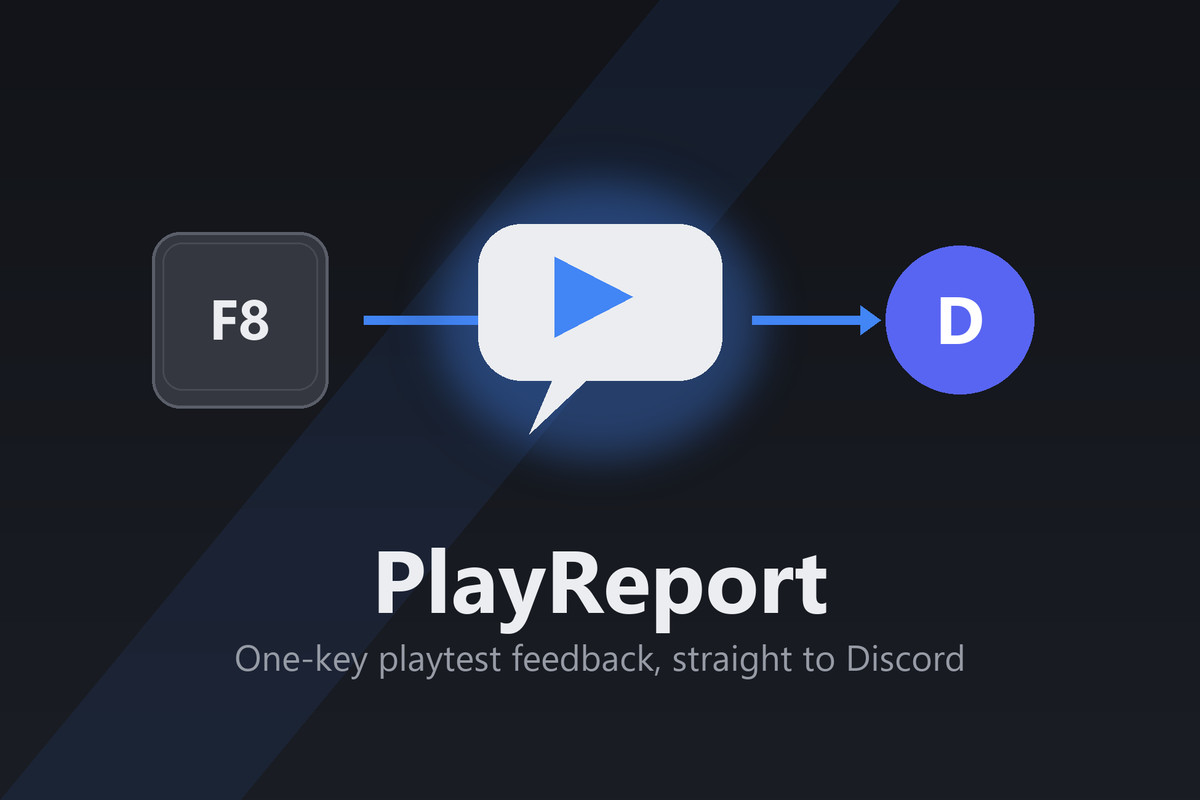
Press F8 to send a GIF replay, screenshot, Console logs and game context from your Unity playtest directly to Discord. One-time purchase. Full C# source included.
Affiliate link · Purchases support this site
Price history
Last 6 months
USDAsset preview
1 / 4
PlayReport screenshot 1

About this asset
See the moments before the bug.
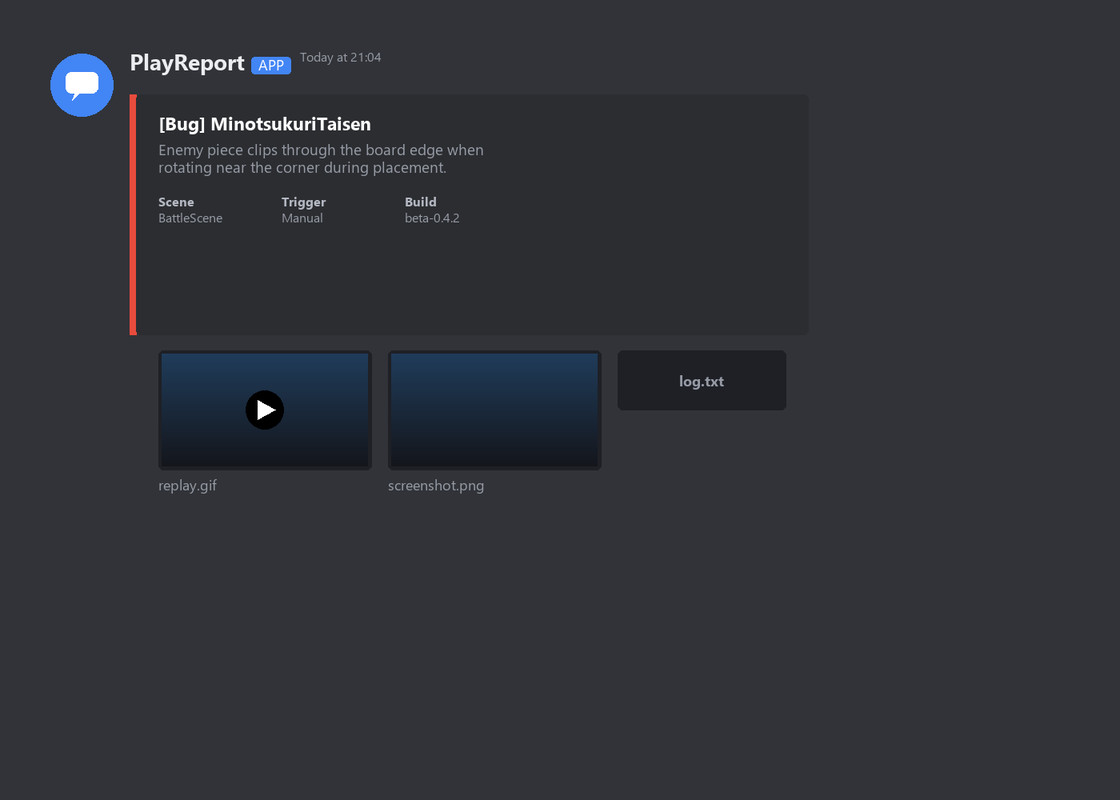
Your tester found a bug but cannot remember what happened just before it. PlayReport keeps a short gameplay buffer ready. The tester presses F8, adds a comment and submits the report to your Discord channel.
Every report can include:
- A GIF replay of the previous 10 seconds by default (configurable duration, width and frame rate).
- A full-resolution screenshot and recent Console logs with stack traces.
- Scene, build label, device information and a Bug / Feedback / Other category.
- Optional game state such as level and random seed through PlayReportManager.SetContext().
For small teams running private desktop playtests through Discord. Reports travel from the game directly to Discord. No Katsuo Works relay server, subscription or additional reporting dashboard account is required. Discord receives and stores the attachments. Pure C#, full source included. The tester UI supports ten languages.
Quick setup: create a dedicated Discord webhook, open Tools > PlayReport > Setup, paste the URL, add the manager to your first scene and press F8 in Play mode. The form can also be opened from your own UI button.
Before buying:
- Discord is the only built-in destination.
- Intended for desktop playtest builds. WebGL, mobile and console support are not verified.
- Replay capture uses memory continuously; tune settings for your target device.
- Automatic reports respond to Unity exception log events while the game is running. Native crashes and forced exits are not guaranteed to produce reports.
- Offline delivery and persistent retry queues are not included.
- Tell testers about screenshot, replay, log and device collection. Use a dedicated private test channel. Webhooks embedded in game builds can be extracted.
Questions before purchase: [email protected]. Include your Unity version and target platform. Never share your webhook URL.
From the publisher's Asset Store listing.
Technical details
Replay defaults: 10 seconds, 5 FPS, 480-pixel width; configurable 3–30 seconds, 1–10 FPS and 160–640-pixel width. Frames are held in memory and GIF encoding runs on a background task. At 16:9 the default raw frame payload is approximately 26 MB, excluding textures and encoding allocations. Oversized GIFs may be omitted; reduce capture settings for large reports. Built-in, URP and HDRP support; legacy and new Input System integration. Unity 6000.2.12f1 is the uploaded package version. Validate compatibility and performance in your own target build. Discord requires network access. No persistent offline queue is included. Full C# source is included.
Compatibility
| Unity version | Built-in | URP | HDRP |
|---|---|---|---|
| 6000.2.12f1 | Compatible | Compatible | Compatible |
As listed on the Asset Store.