
 View on Asset Store (opens in new tab)
Package details
- Latest version
- 1.0
- Last updated
- First released
- Unity version
- 6000.3.10 or later
- Package size
- 635 KB
- Files
- 49
- Views in the past week
- 8
Price tracking
- Last checked
- Tracked since
- Lowest recorded
- $29.99 on
Keywords
Pure Volumetric Light
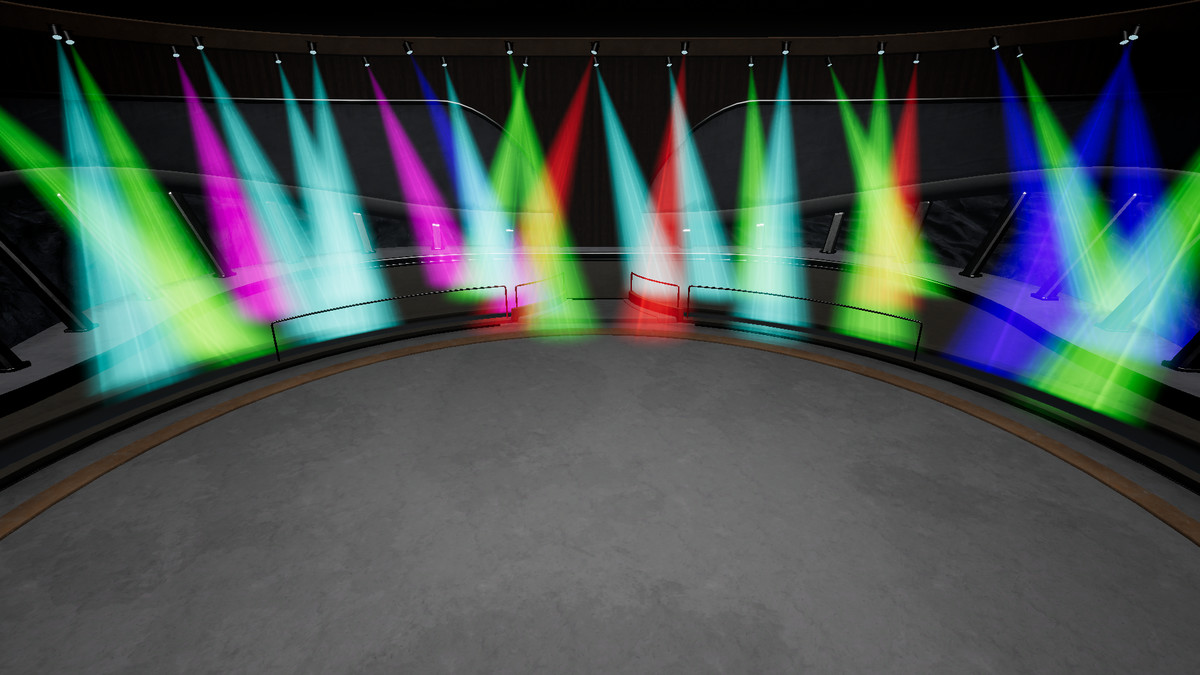
Add rich volumetric lighting to any Unity light, with god rays, dust, and more. Just by adding one component.
Affiliate link · Purchases support this site
Price history
Last 6 months
USDAsset preview
1 / 13
Pure Volumetric Light screenshot 1

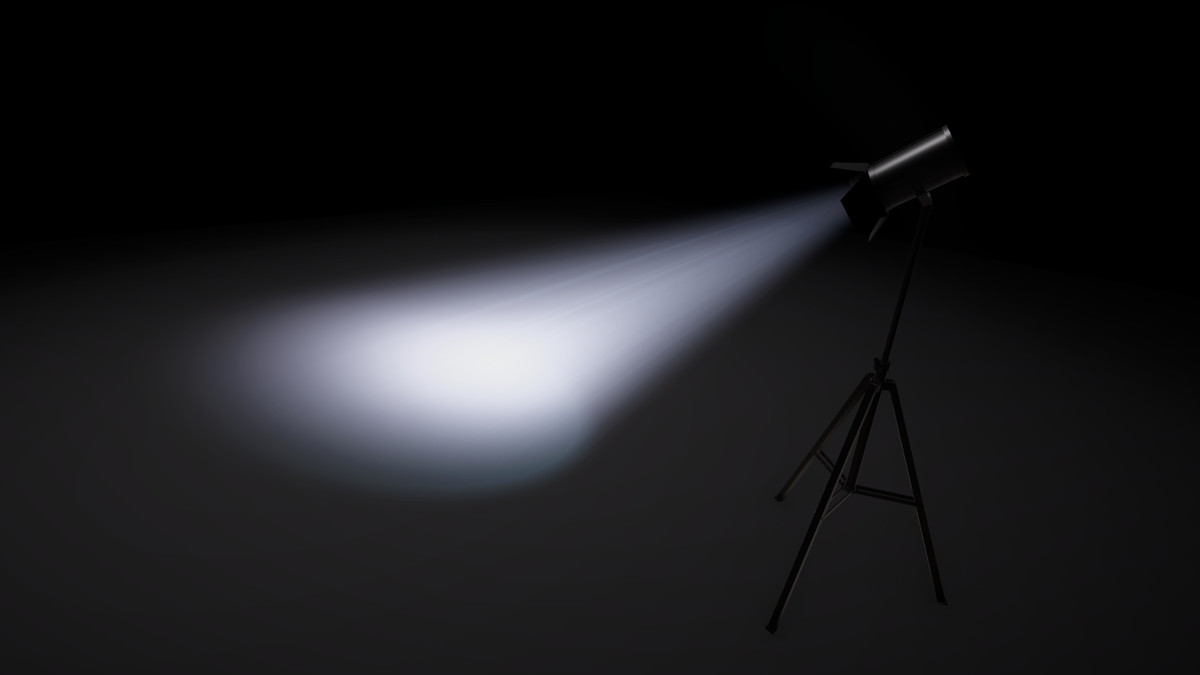
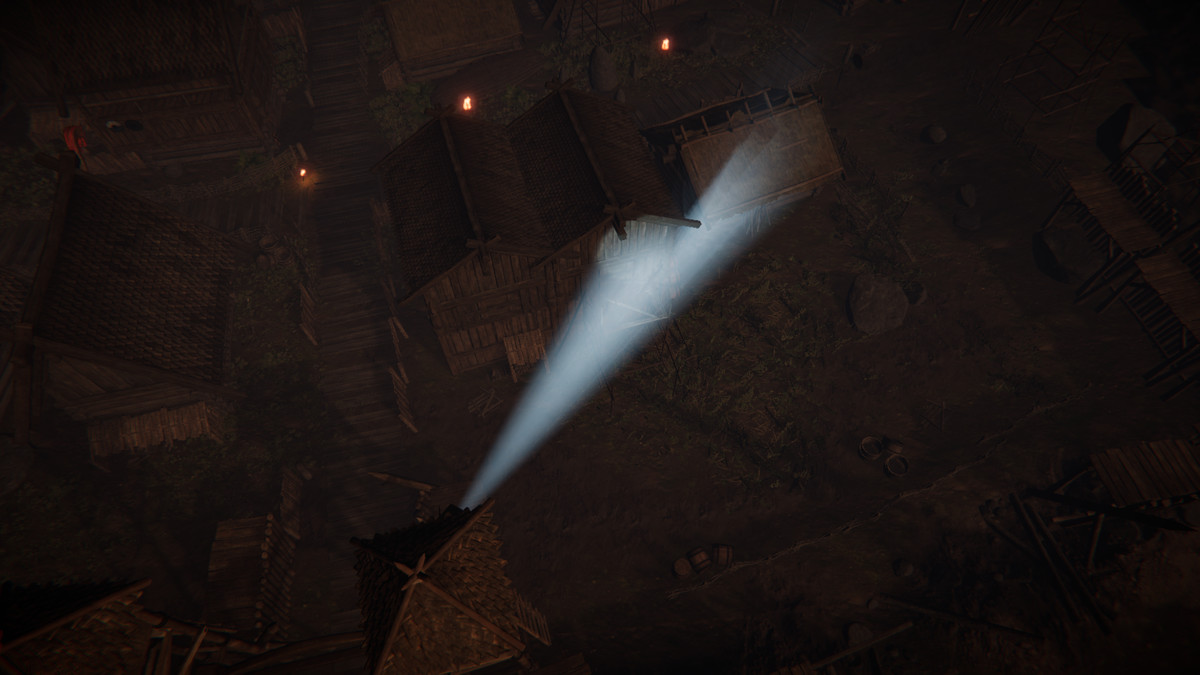
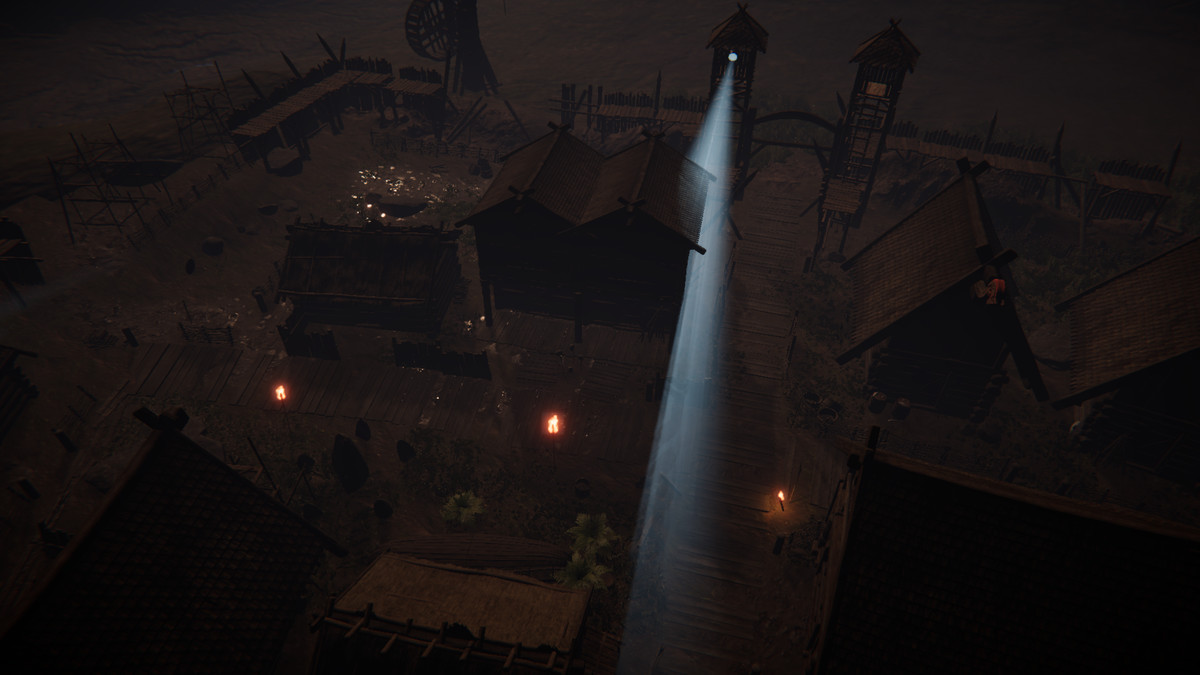
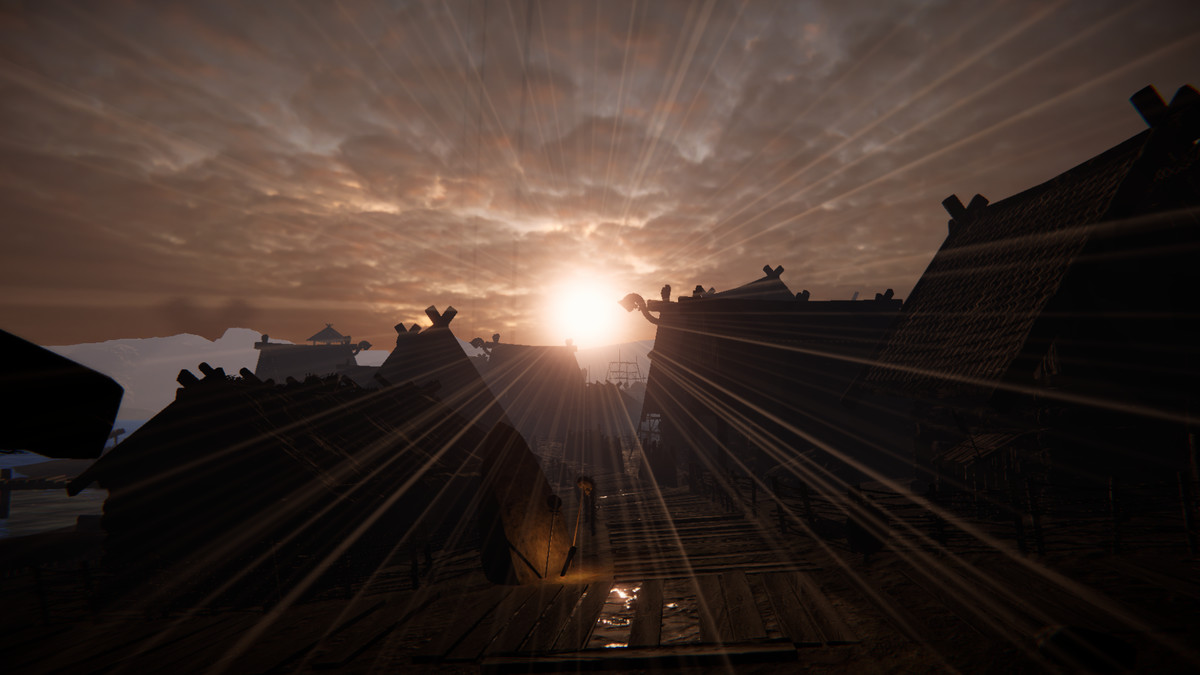

About this asset
Great lighting is what separates a flat scene from one players remember. Pure Volumetric Light gives you exactly that, in minutes glowing light shafts, god rays, and drifting dust that pour through your world and instantly make it feel alive, deep, and cinematic.
Point it at any light you already have and watch an ordinary room turn into a sunlit hall, a plain corridor become a tense, moody space, or a forest fill with soft morning rays. No modeling, no manual setup, no reworking your lighting. It just works, and it reacts to your scene and shadows in real time, so every shaft falls exactly where it should and always feels believable.
And it is built to hold up in real production. It stays crisp up close and even when the camera moves inside the light, runs efficiently enough to ship, and works with every Unity light type, so it drops straight into your project.
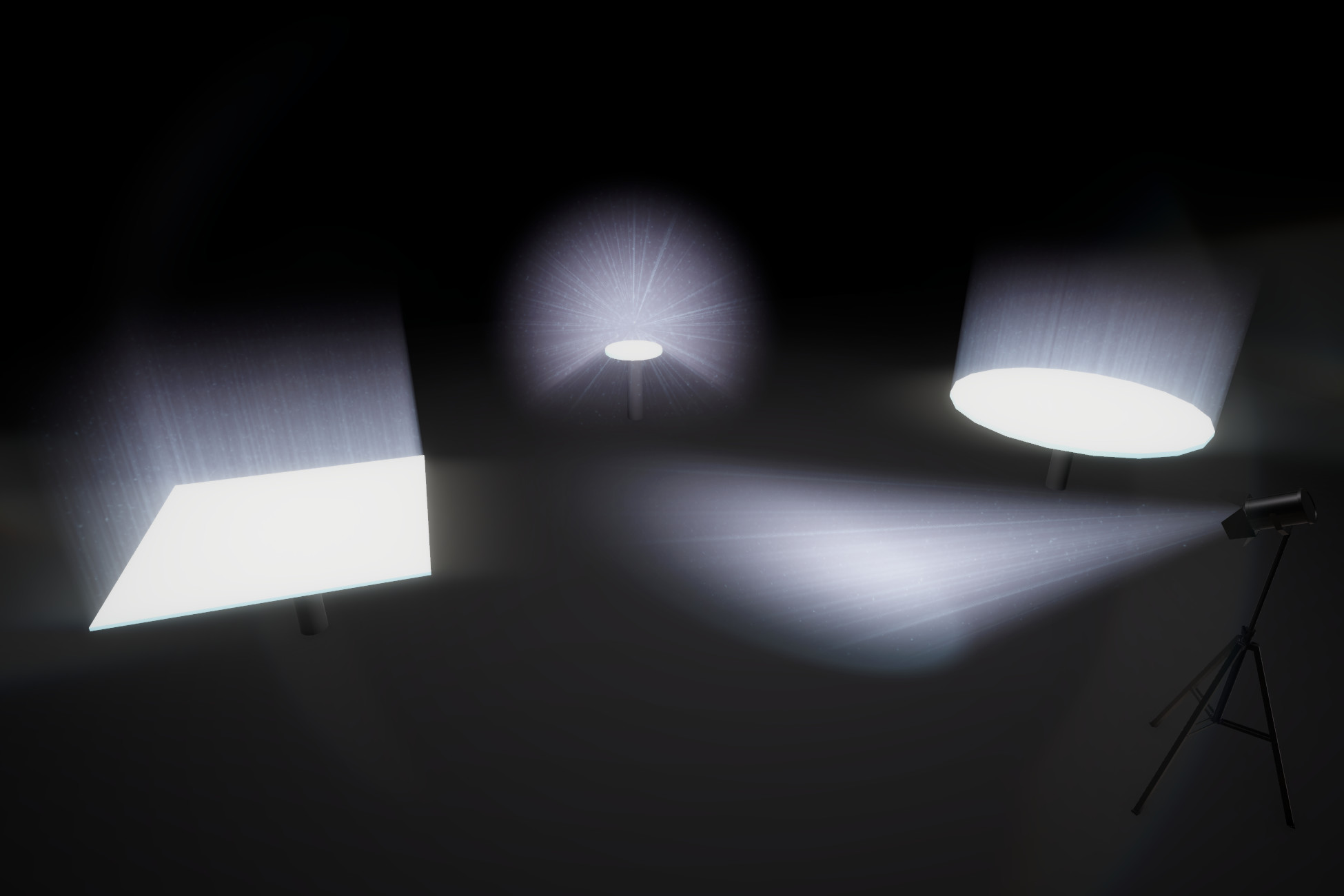
Supported Lights
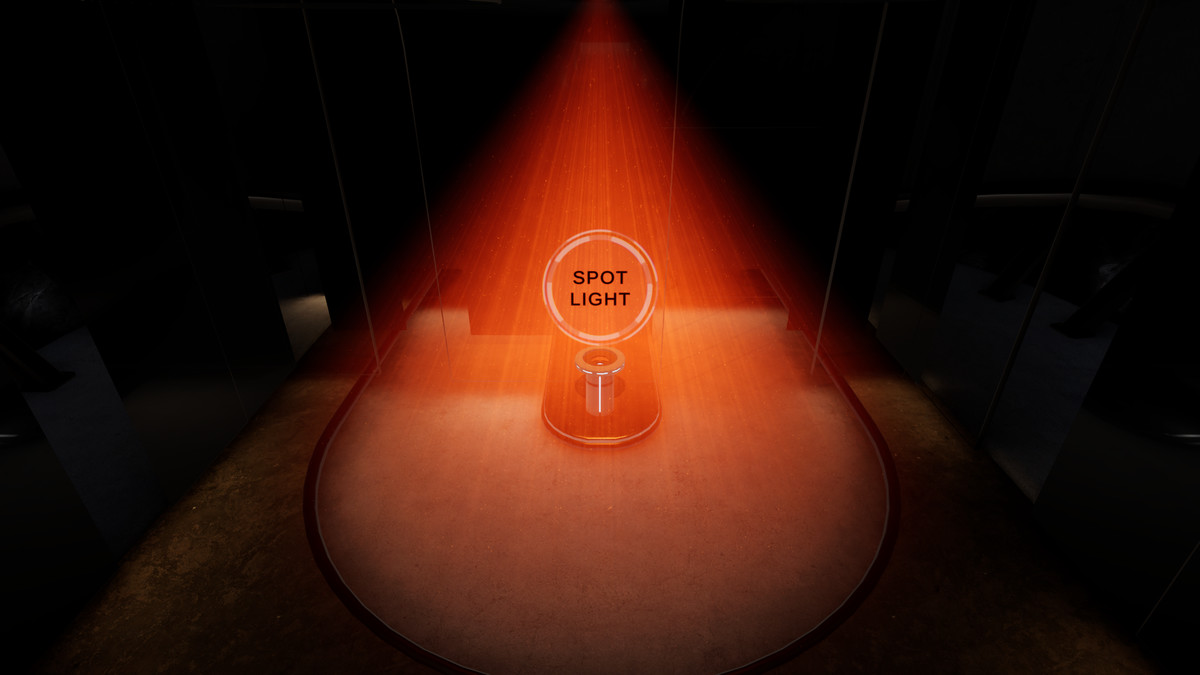
- Spot ✔
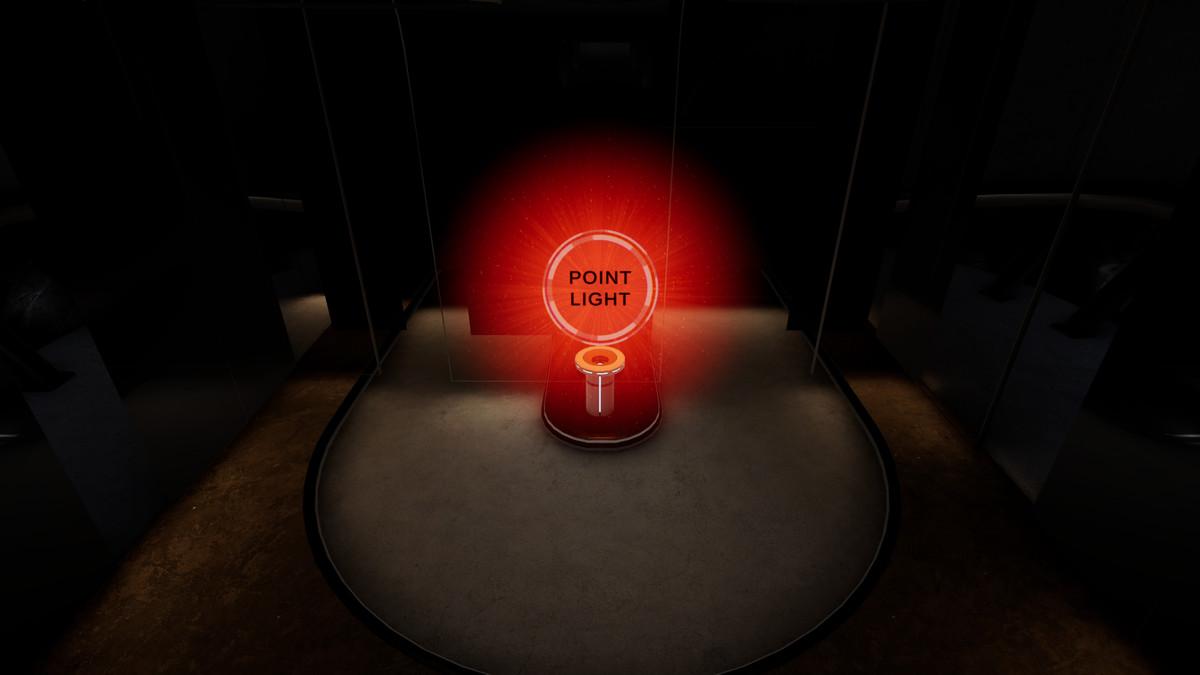
- Point ✔
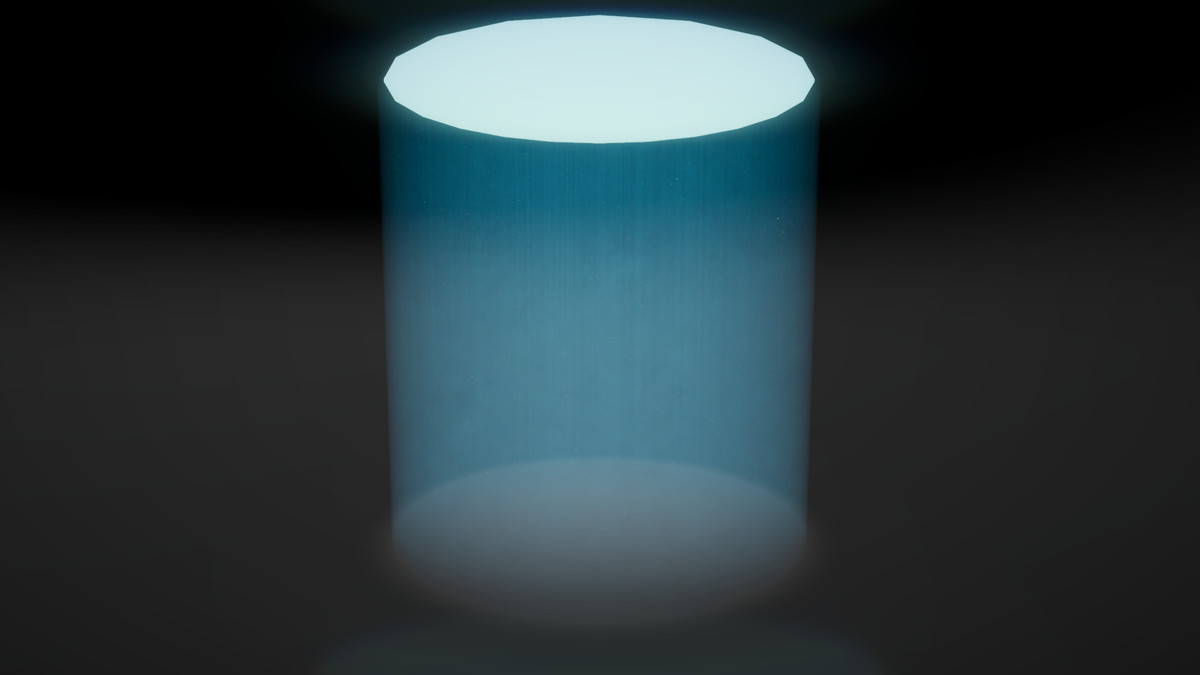
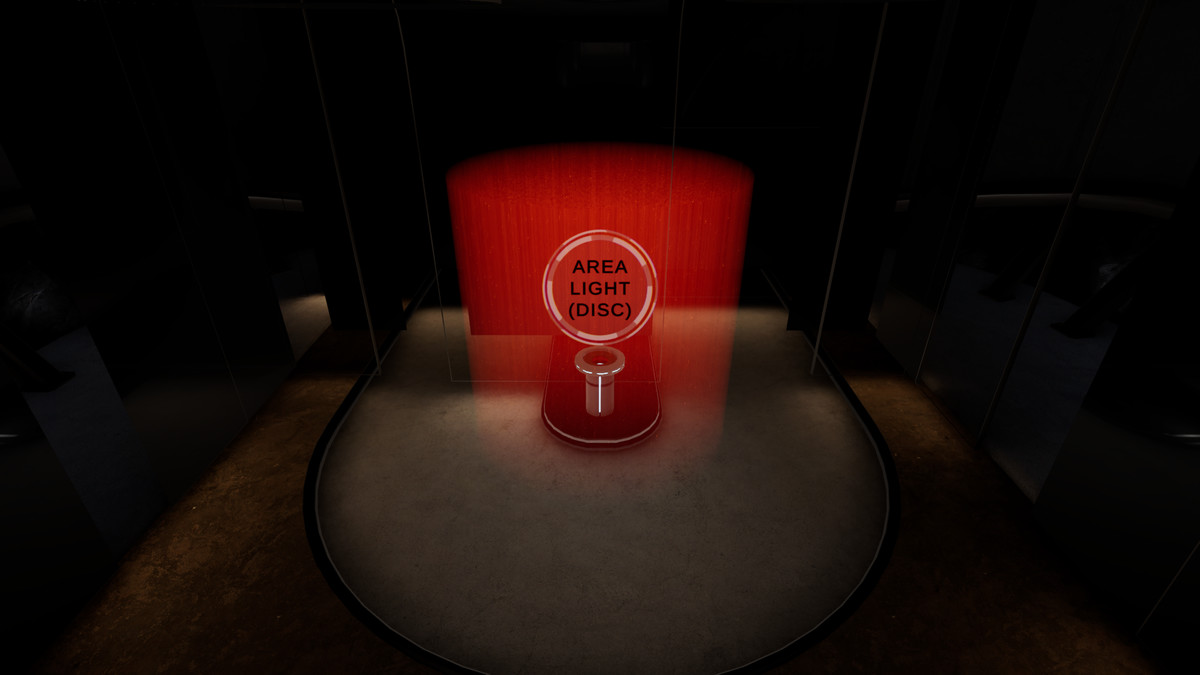
- Area (Disc) ✔
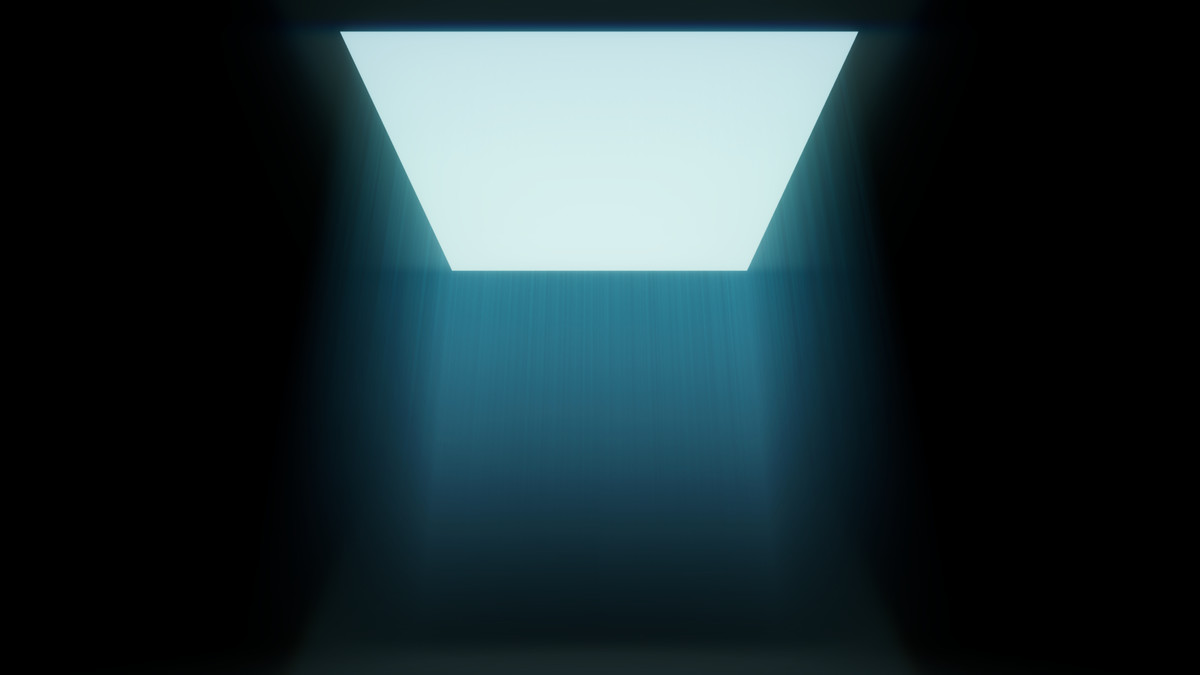
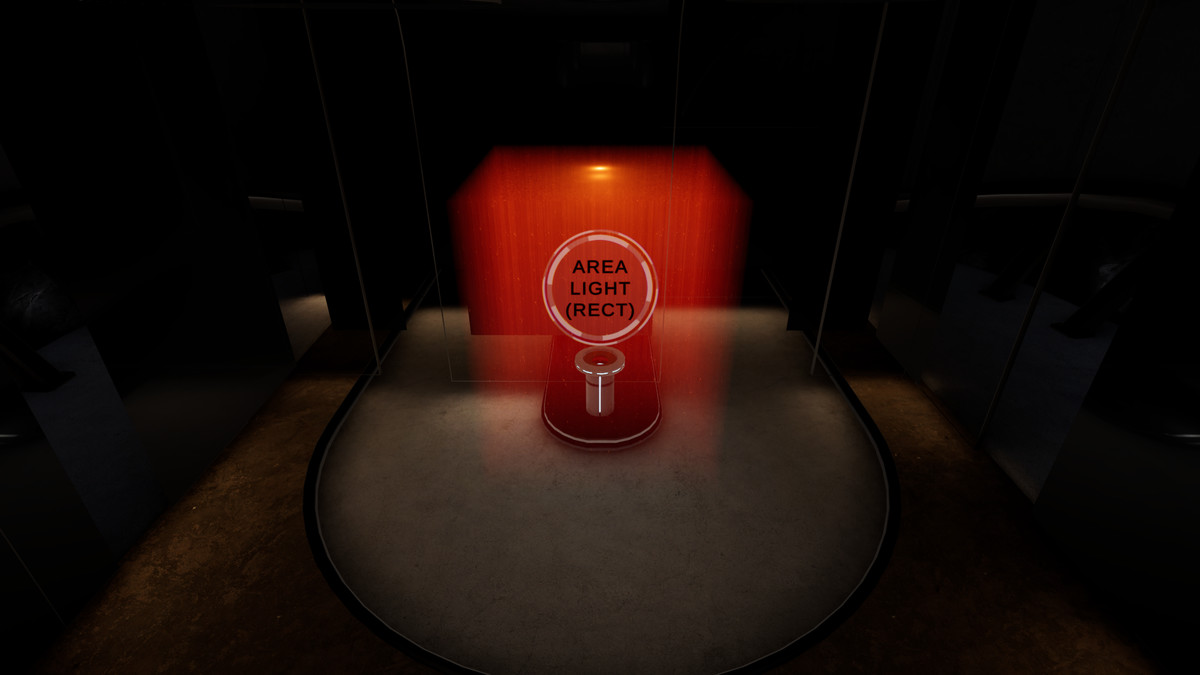
- Area (Rectangle) ✔
- Directional ✔
Key Features
- Works with every light type, all from one component.
- Reacts to shadows, so light shafts break realistically through objects.
- God rays and light shafts with full control.
- Volumetric dust: thousands of floating motes that catch the light.
- Move the camera inside the light and it still looks right from any angle.
- Nothing to model or place just add it to a light and it is ready.
- Design your own noise texture with the built-in creator and live preview.
- Per light and per feature controls to balance quality and speed.
Note: Area lights render volumetrically but do not receive real-time shadows (Due to Unity limitation).
From the publisher's Asset Store listing.
Technical details
Works with every Unity light type (Directional, Point, Spot, and Area) from one component. All controls are organized into simple groups:
- Works with every Unity light type: Directional, Point, Spot, and Area, all from one component.
- Move the camera inside the light and it still looks right from any angle.
- Full control over the color, density, softness scatter and overall brightness.
- God rays with adjustable count, sharpness, reach, view angle, and drift.
- Floating dust with adjustable color, size, sharpness, brightness, and drift.
- Animated detail variation for natural, moving atmosphere.
- A soft inner glow for extra body.
- Real-time shadow interaction, with adjustable strength.
- Optional color pickup from other lights in the scene, with adjustable strength.
- Set how far the light reaches and where it starts.
- Per-light quality and performance controls.
- Built-in creator to bake your own detail and dust styles with a live preview.
- Live preview in the Scene view while you build.
- Full source code, example scenes, and complete documentation.
Also included:
- Built-in creator to bake your own detail and dust styles with a live preview.
- Live preview in the Scene view while you build.
- Full source code, example scenes, and complete documentation.
Compatibility
| Unity version | Built-in | URP | HDRP |
|---|---|---|---|
| 6000.3.10f1 | Not listed | Compatible | Not listed |
Requires the Universal Render Pipeline (URP) on Unity 6 or newer. Built-in and HDRP are not supported. After import, add the included Renderer Feature to your URP Renderer asset and enable Depth Texture in the URP settings. Works with URP's RenderGraph.
As listed on the Asset Store.