
 View on Asset Store (opens in new tab)
Package details
- Latest version
- 1.1.0
- Last updated
- First released
- Unity version
- 6000.4.5 or later
- Package size
- 15.8 MB
- Files
- 162
- Views in the past week
- 8
Price tracking
- Last checked
- Tracked since
- Lowest recorded
- $21.00 on
Keywords
Digital Rain - Word Game Template
A futuristic 2D mobile game template inspired by digital rain aesthetics. Built for Unity URP, optimized for performance, and ready for customization.
Affiliate link · Purchases support this site
Price history
Last 6 months
USDAsset preview
1 / 10
Digital Rain - Word Game Template screenshot 1
About this asset
Digital Rain – Word Game Template is a complete, ready-to-run word game for portrait mobile, built for Unity 6 and the Universal Render Pipeline.
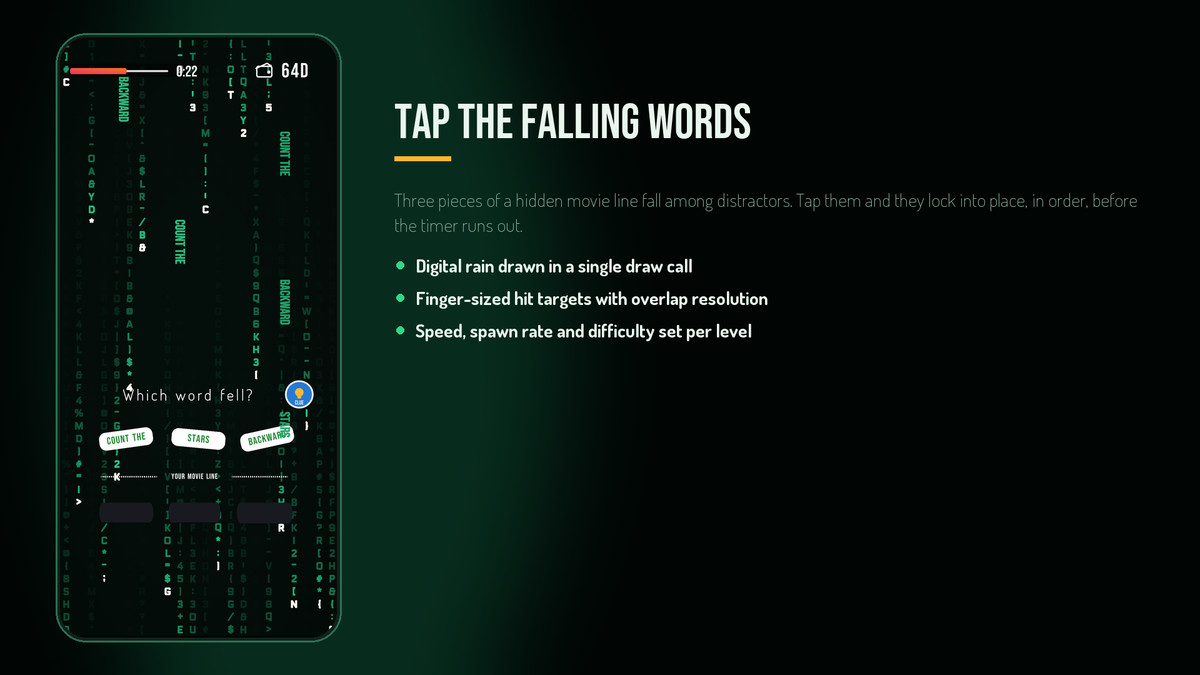
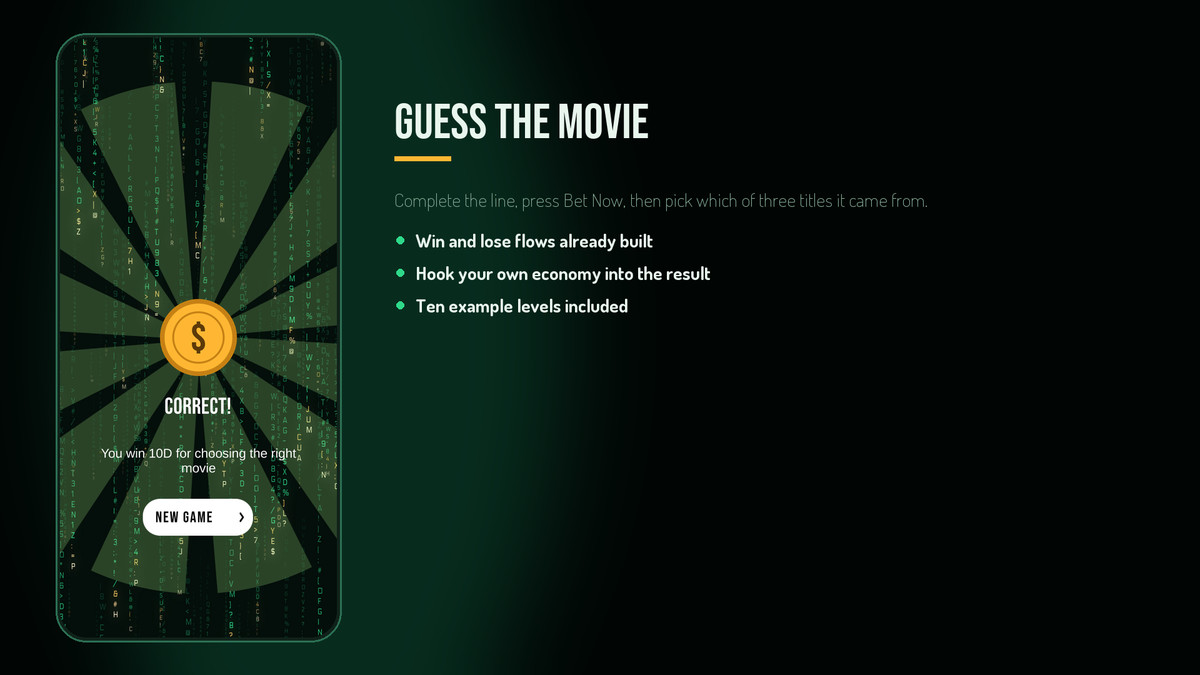
Words fall down the screen over an animated digital-rain backdrop. The player taps the three words that form a hidden movie line, drops them into three answer slots in the correct order, then guesses which of three titles the line came from — all before the timer runs out.
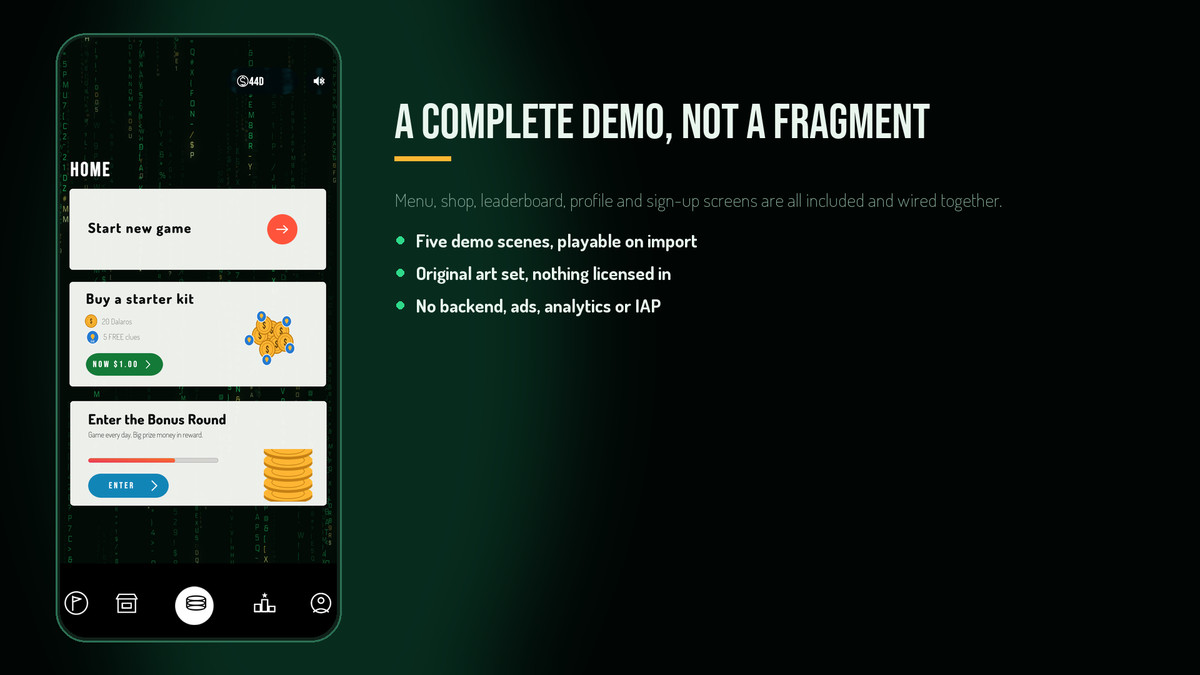
Everything is wired up and playable the moment you import it: five demo scenes covering menu, countdown, round, win and lose, ten example levels, a full UI set, and original audio. Levels are ScriptableObjects, so you can build an entire game of your own without touching a script or duplicating a scene.
The digital-rain backdrop is a single hand-written unlit shader — one draw call, no particle systems, no spawned text objects, and no Shader Graph dependency. Colours, column count, fall speed, trail length and glyph churn are all material properties you can tune live.
What's included
5 demo scenes: menu, countdown, gameplay, win, lose
10 ready-made level assets — swap in your own lines and titles
28 runtime scripts in their own RainGame.Runtime assembly
Digital-rain shader, material and glyph atlas
64 original UI sprites and icons, 8 prefabs
3 original audio clips (music bed, win sting, lose sting)
6 font files across 5 families, with full licence texts
19-page PDF manual with a table of contents, numbered sections and pages, and annotated setup figures
Built to be changed
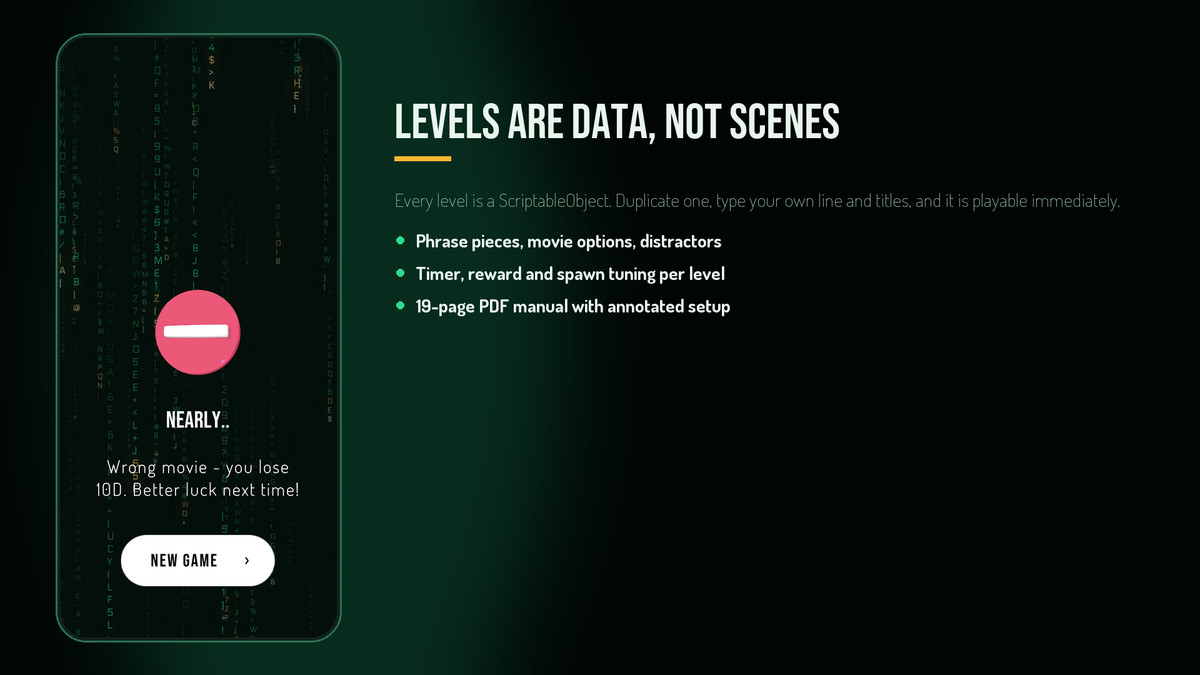
Level content is data, not scenes — duplicate an asset and type your own
Timer, reward, spawn rate, fall speed and difficulty are per-level fields
Win and lose paths are the hook points for your own economy or progression
Finger-sized hit targets with overlap resolution already handled
Portrait layouts at 1080 × 2340 that scale across phone aspect ratios
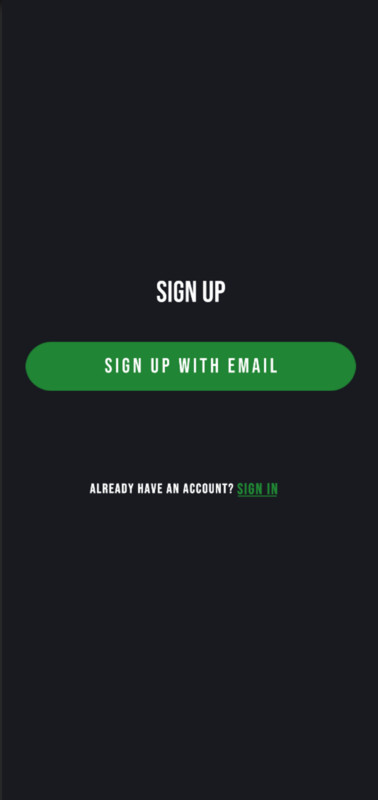
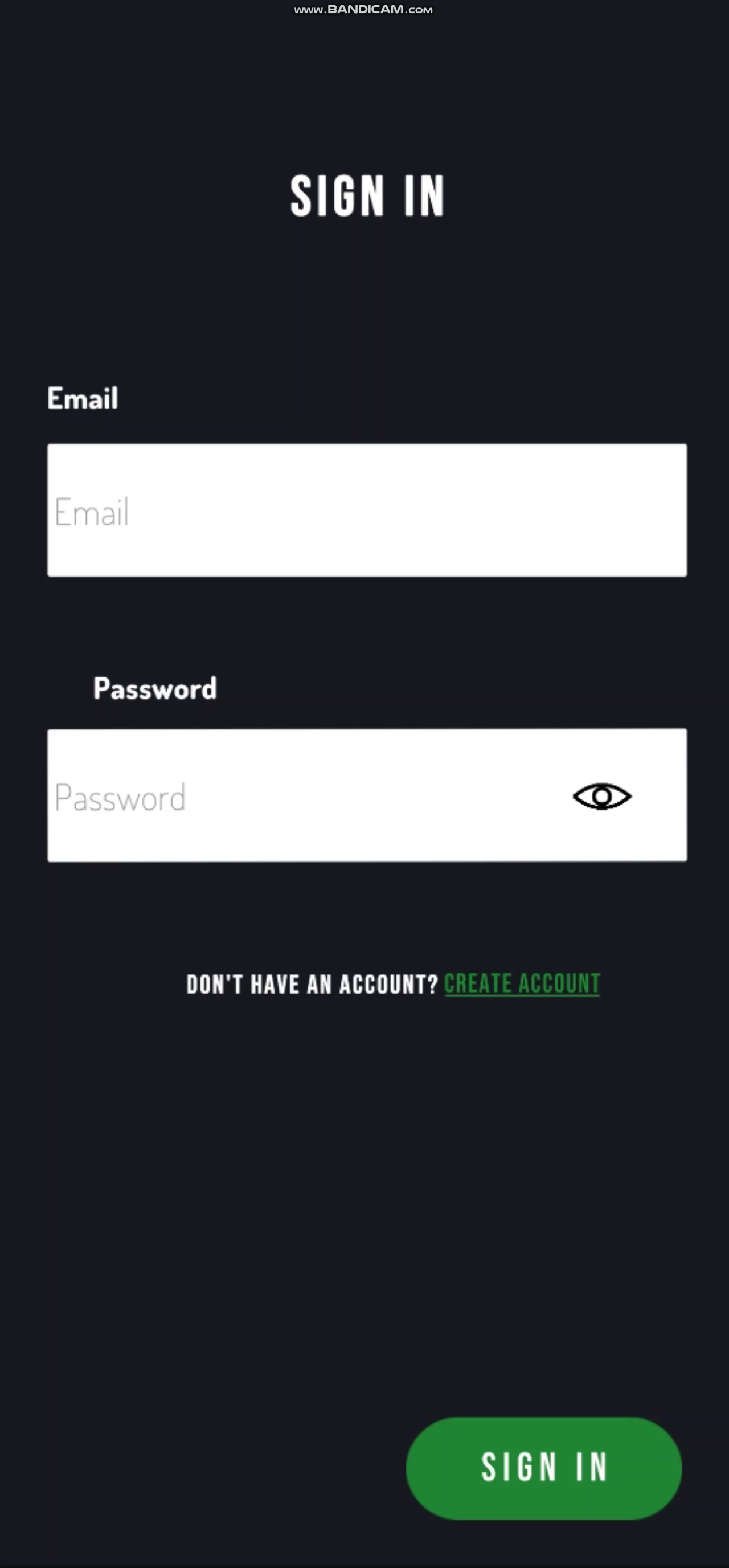
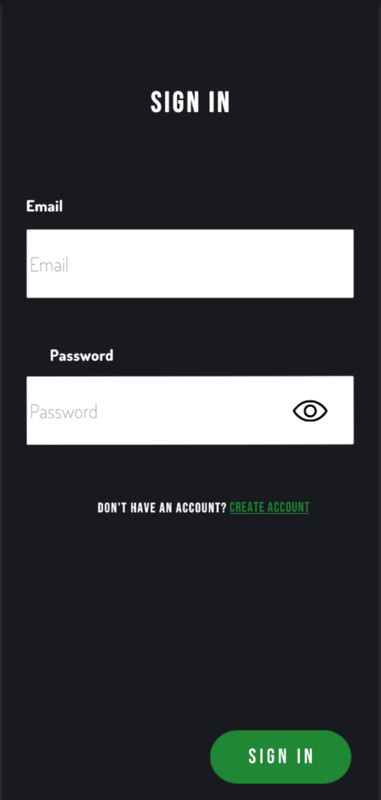
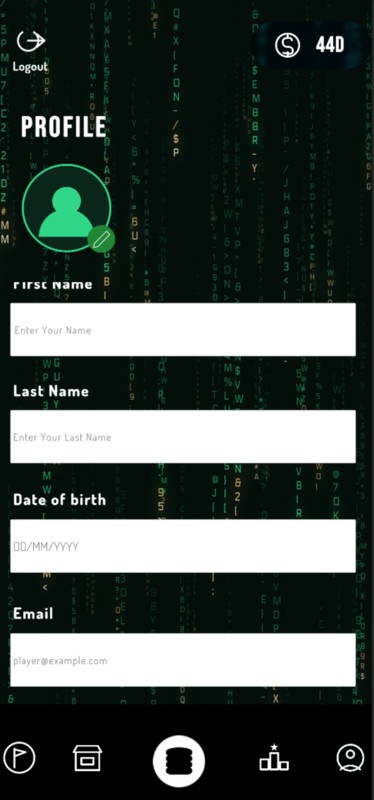
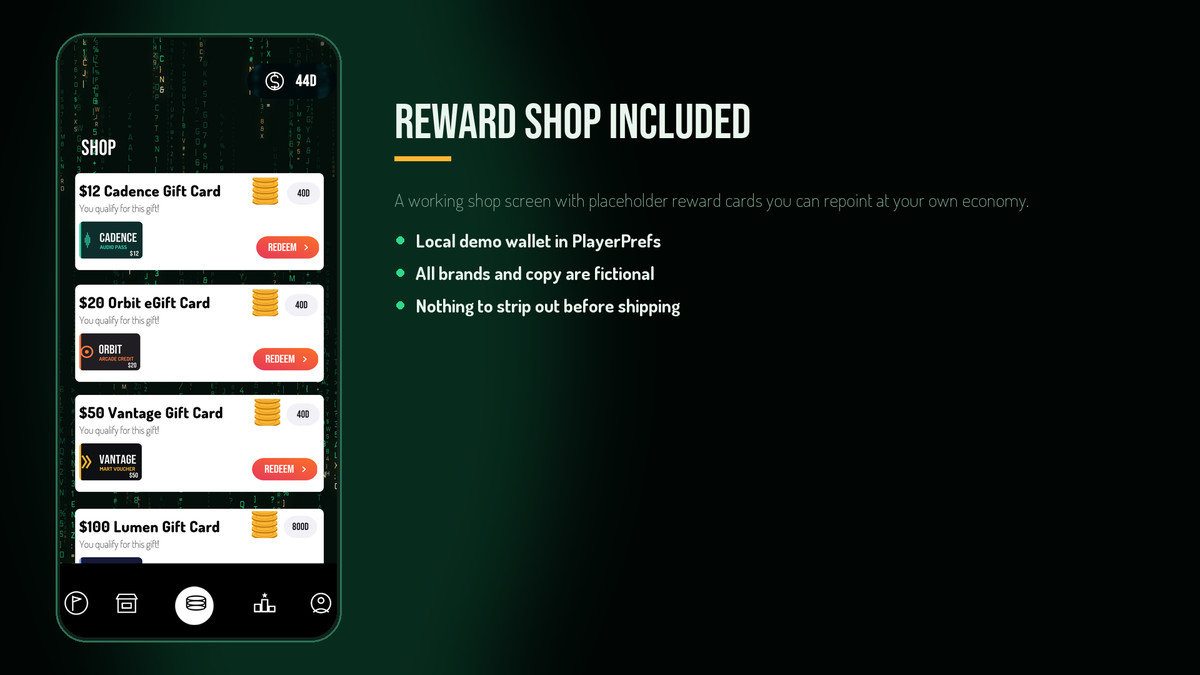
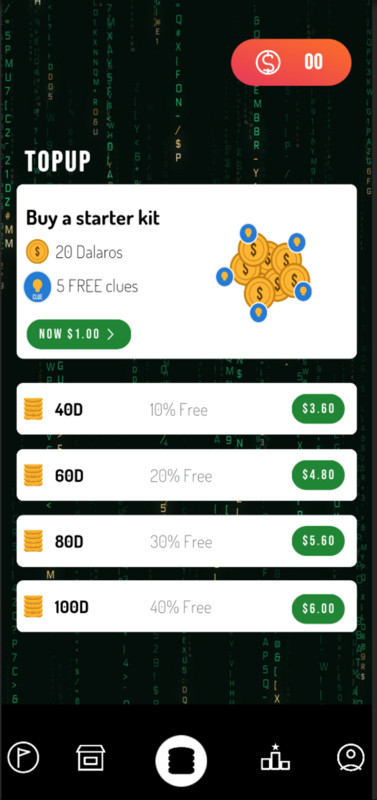
Honest scope — the sign-up, wallet and shop screens are demonstration only and store sample values in PlayerPrefs. There is no backend, advertising, analytics, in-app purchasing, DRM or account service anywhere in this package. Every movie title, movie line and reward-card brand in the demo is fictional and written for this package.
Asset uses Bebas Neue, Dosis, Electrolize and Inter under the SIL Open Font License 1.1, and Roboto under the Apache License 2.0; see Third-Party Notices.txt file in package for details.
From the publisher's Asset Store listing.
Technical details
CategoryDetails
- Unity Version: 2022.3 or higher
- Render Pipeline:Universal Render Pipeline 17.4.0
- File Size: 37 MB
- Platforms: Android, iOS, Windows
- Dependencies: Universal RP; TextMesh Pro Essential Resources (imported from the Editor, not redistributed)
- Documentation: PDF manual in Documentation
- License: Standard Unity Asset Store EULA
- AI/ML Usage: Used for visual design and promotional artwork only
- Scripts: 28, in the RainGame.Runtime assembly definition
- Scenes / Levels:5 demo scenes, 10 level assets
- Orientation: Portrait, 1080 × 2340 reference
Compatibility
| Unity version | Built-in | URP | HDRP |
|---|---|---|---|
| 6000.4.5f1 | Not listed | Compatible | Not listed |
Universal Render Pipeline (URP) only. Demo scenes include a URP asset and URP-specific legacy-font UI shader, so the package is not compatible with Built-in RP or HDRP out of the box. The digital-rain backdrop shader is pipeline-agnostic. Install URP and assign the included RainGame_URP.asset in Project Settings → Graphics.
As listed on the Asset Store.