
 View on Asset Store (opens in new tab)
Package details
- Latest version
- 1.0
- Last updated
- First released
- Unity version
- 6000.3.8 or later
- Package size
- 160 KB
- Files
- 27
- Views in the past week
- 10
Price tracking
- Last checked
- Tracked since
- Lowest recorded
- $11.99 on
Keywords

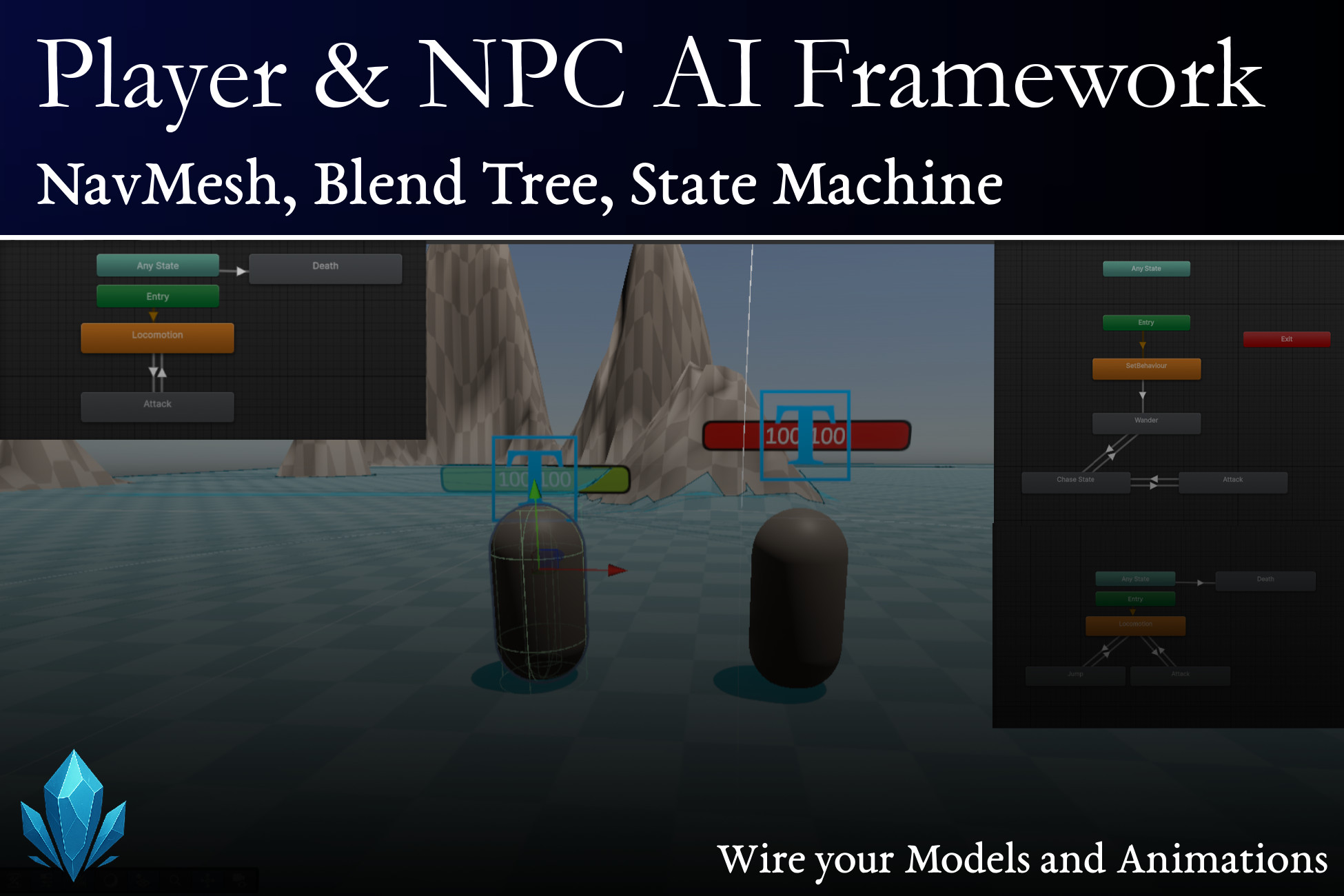
Player & NPC Behaviour AI Framework: NavMesh, Blend Tree, State Machine
A NavMesh-driven NPC AI and Player controller kit for 3D games, ready for your own models and animations
Affiliate link · Purchases support this site
Price history
Last 6 months
USDAsset preview
1 / 6
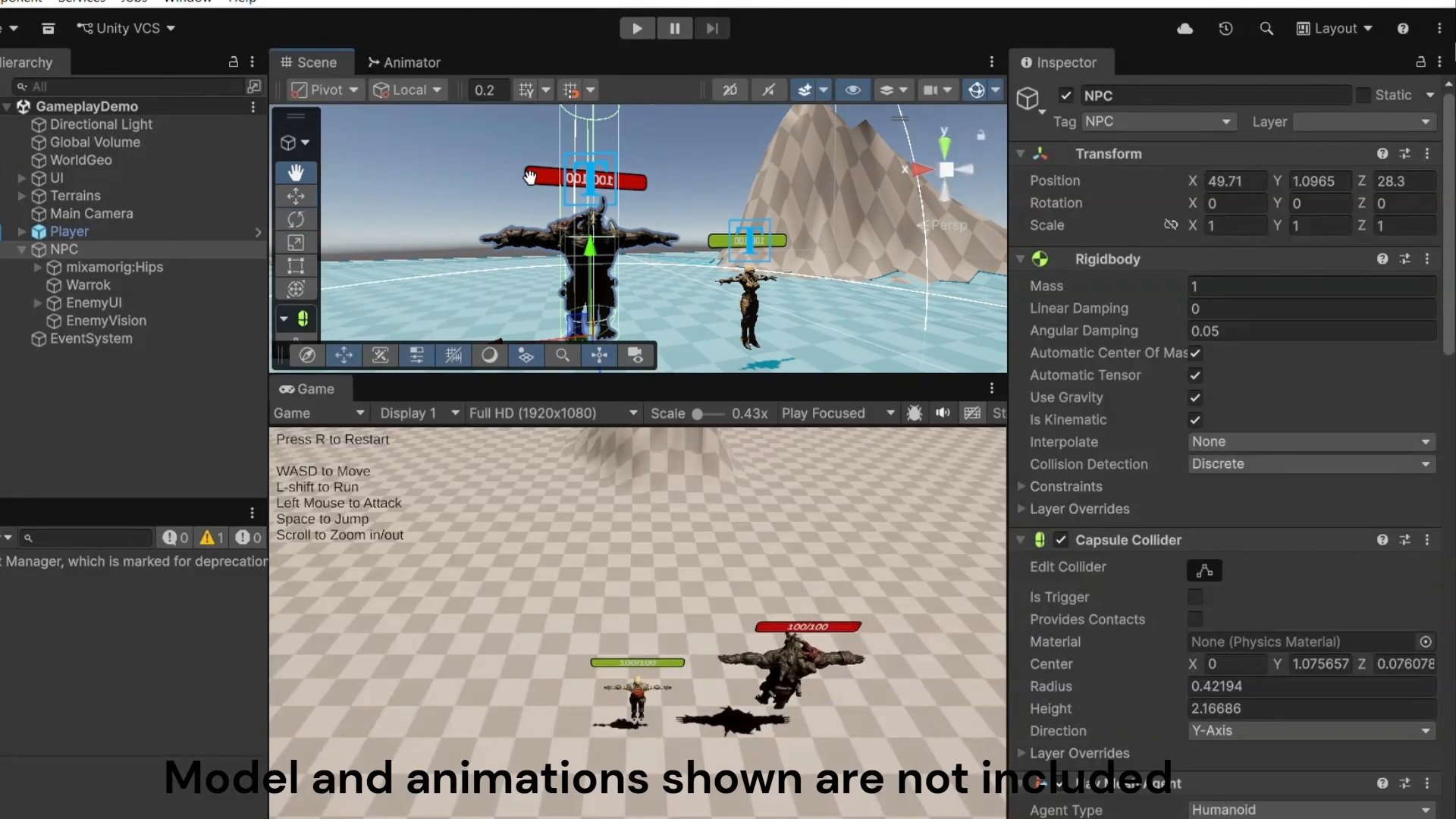
Player & NPC Behaviour AI Framework: NavMesh, Blend Tree, State Machine screenshot 1
About this asset
Save time on your Player movement and NPC state-machine behaviour setup! This is a NavMesh-driven NPC behaviour system and a player controller framework ready to drop into your 3D action game and drive your own animations.
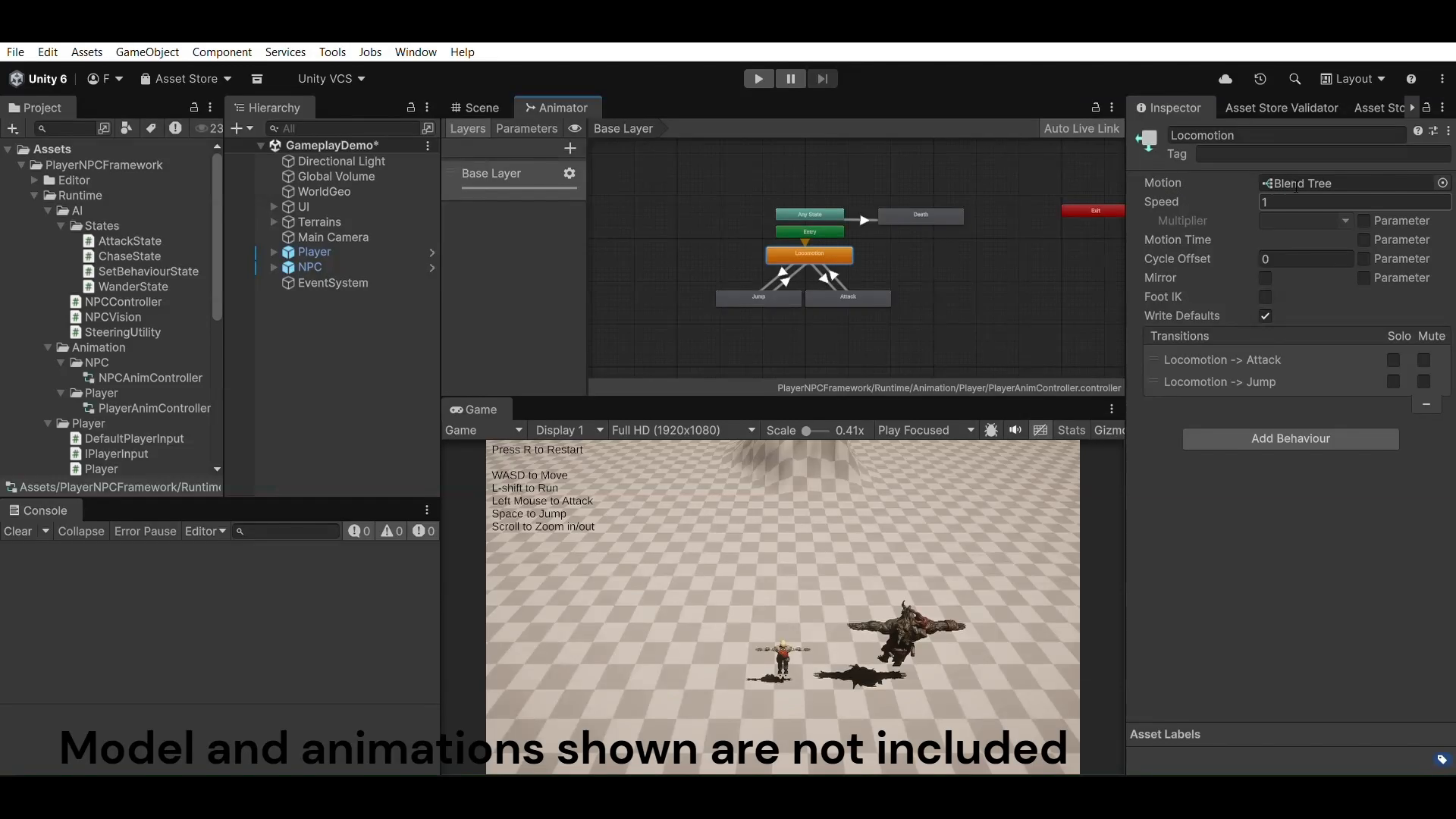
Wander, Chase, and Attack are built as Animator states. You can see them, rewire them, and add your own directly in the Animator window.
NPC AI
- NavMesh agent driven by an Animator state machine: Wander, Chase, Attack
- Detects targets by tag
- Hostile / Peaceful toggle: hostile NPCs seek and attack, peaceful ones only wander
Player
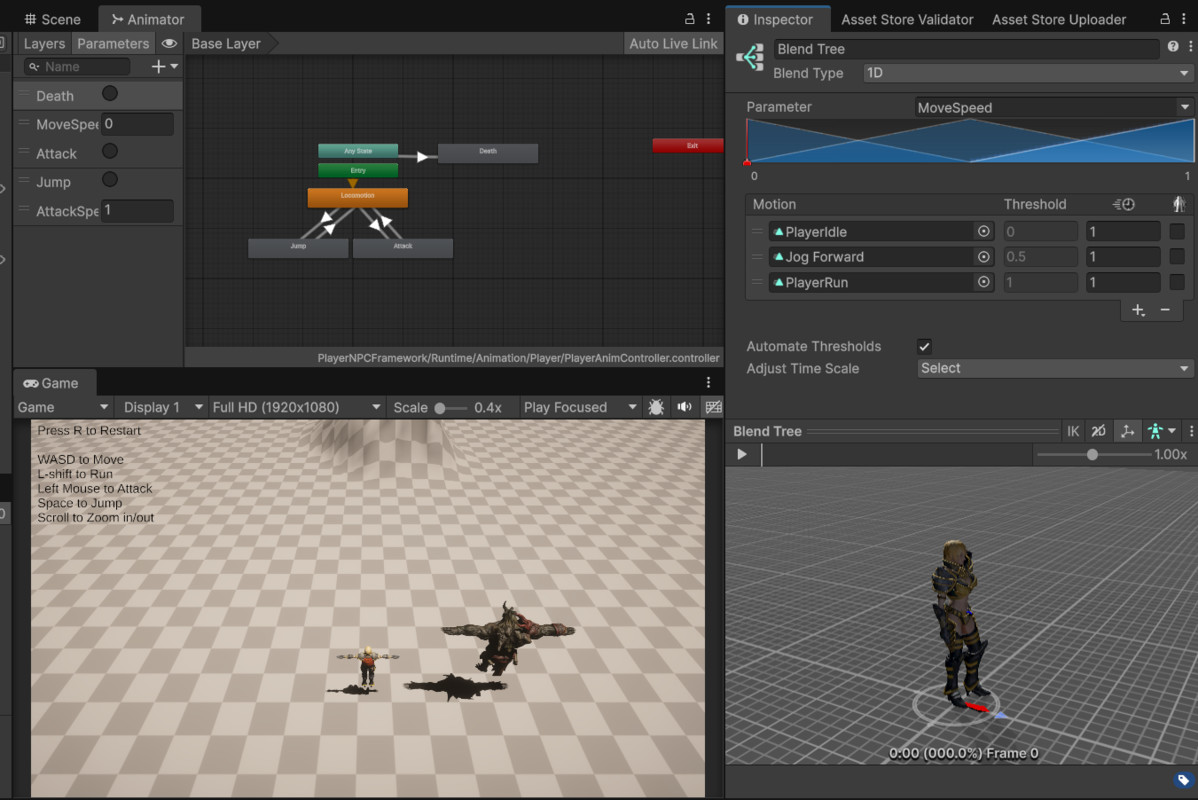
- Rigidbody movement already wired to an Idle/Jog/Run blend tree, a grounded jump, and a melee attack
- Works with the legacy Input Manager, the new Input System, or both
Bring your own Models and Animations
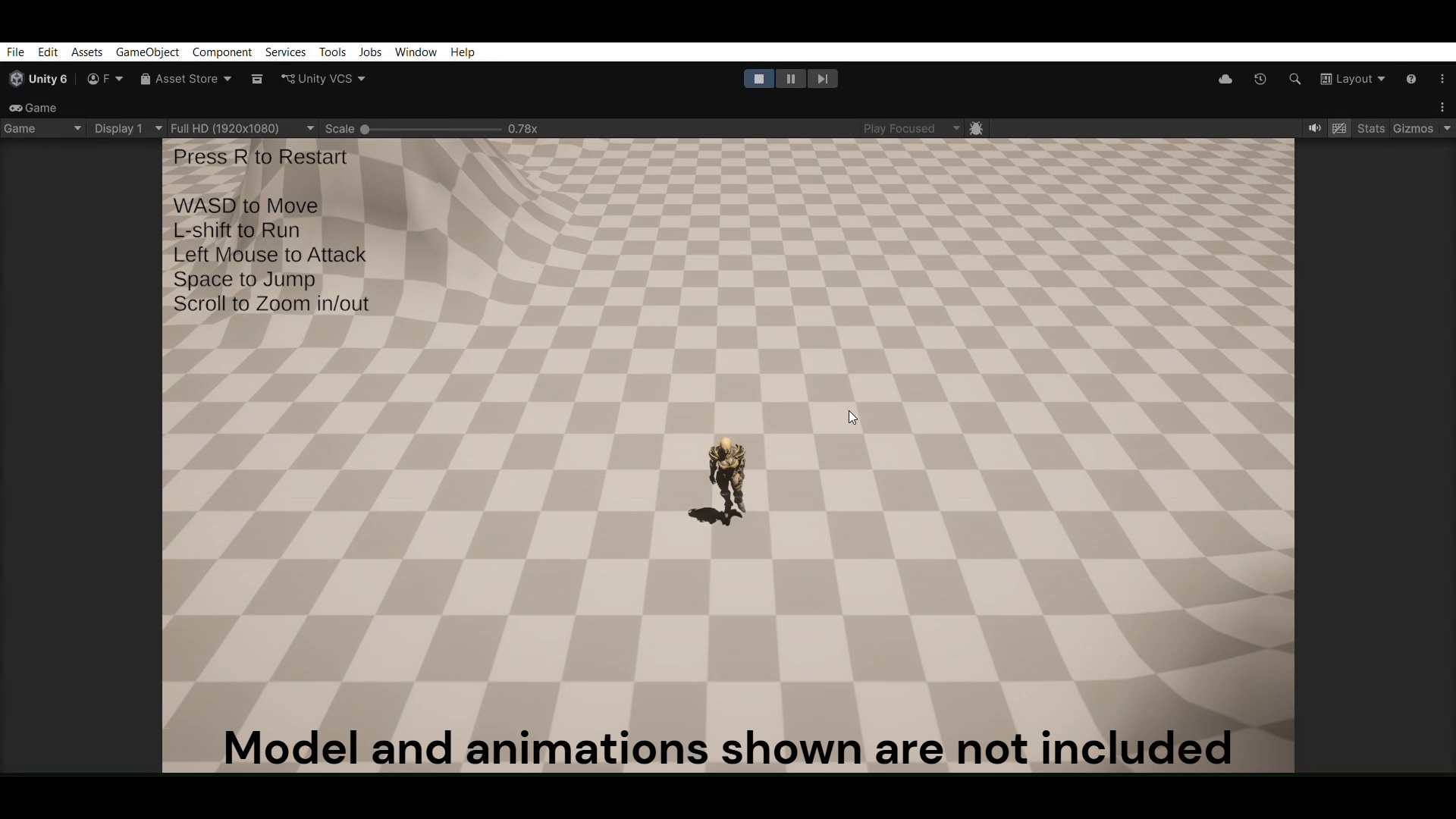
The character model and animations in the screenshots and video are not included. They are shown to demonstrate retargeting onto your own rig.
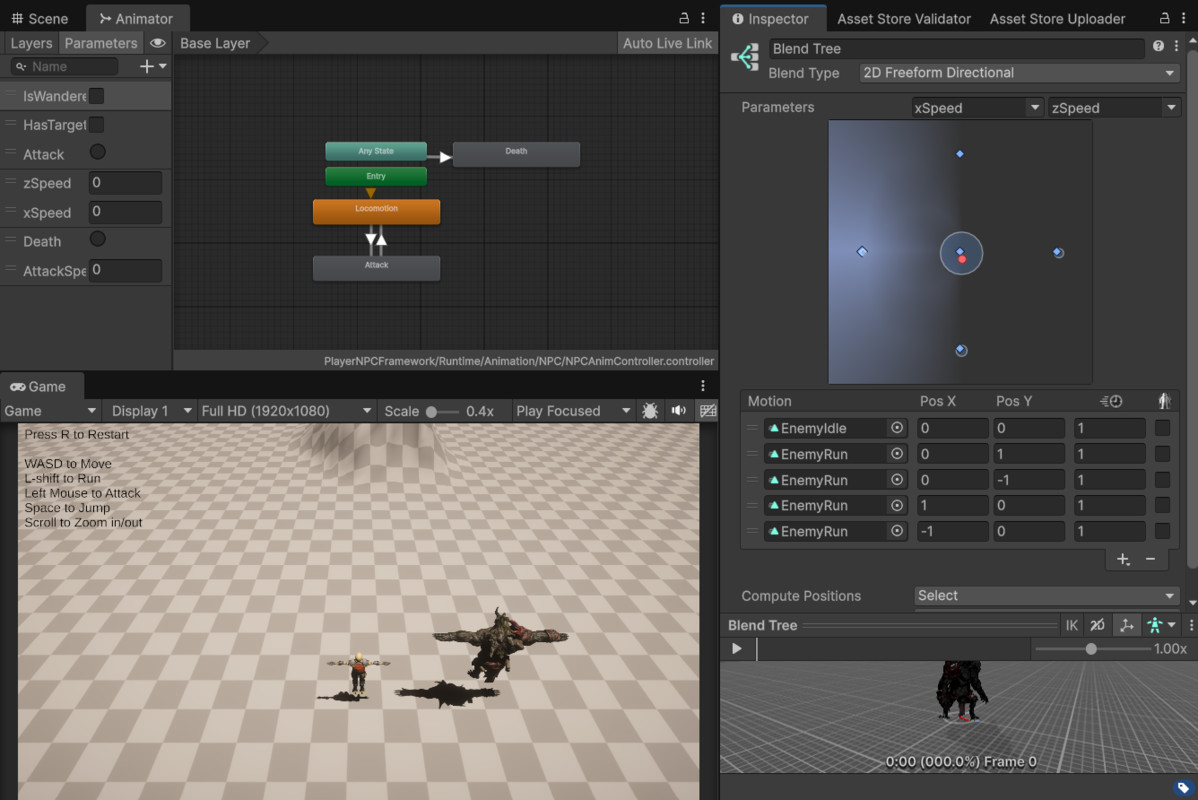
Both Animator Controllers ship fully built: states, parameters, transitions, blend trees. Only the Motion fields are empty. Import your model and clips, drop them into the slots, and everything runs. No code changes. The Player and NPC prefabs come with a placeholder capsule body. You can replace them when you add your own model.
Demo scene
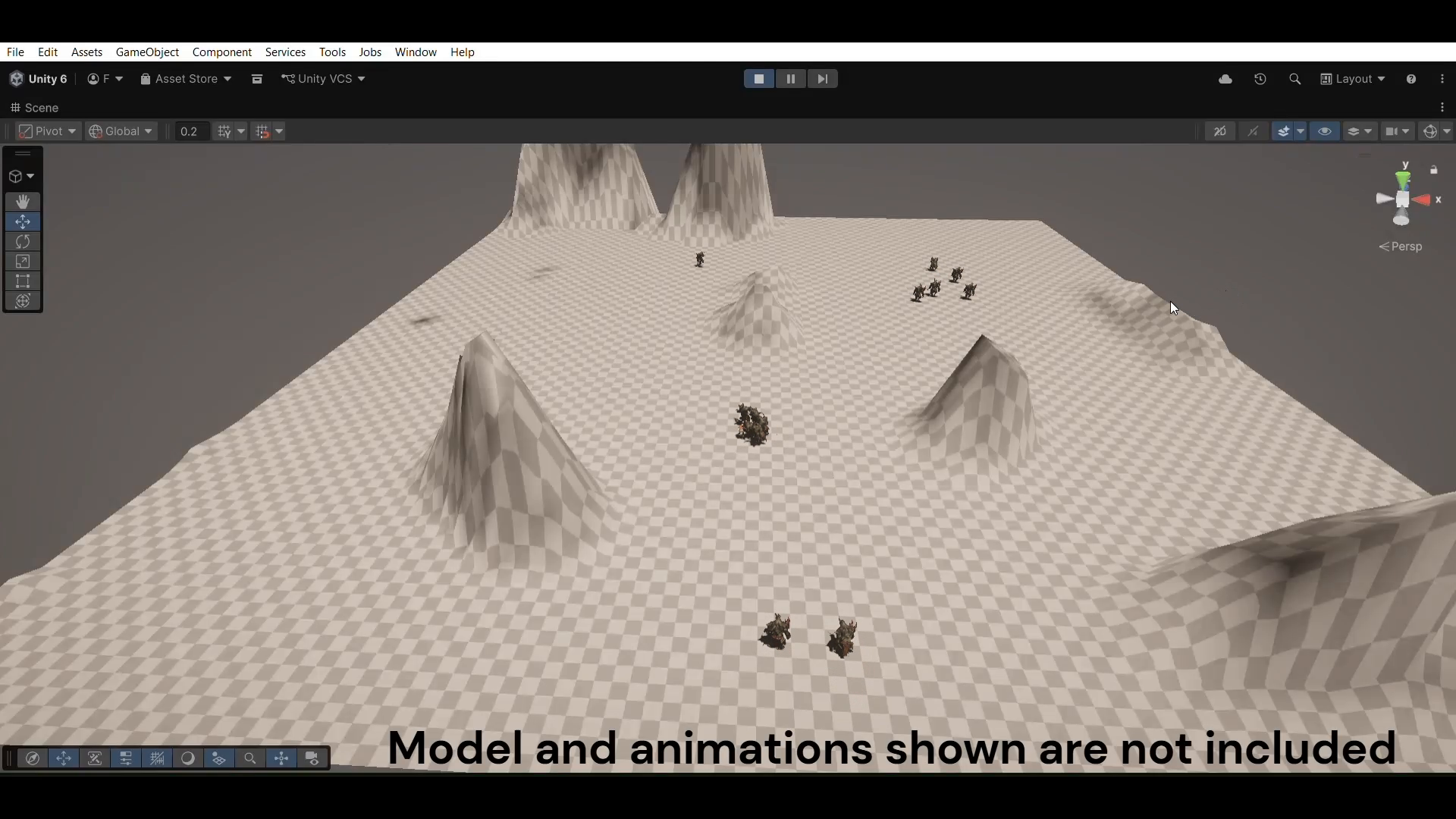
A terrain with a baked NavMesh, a Player and a hostile NPC, floating health bars,
and on-screen controls. Open it and press play.
Combat, kept optional
Health, damage, and death are handled by small, optional sample scripts, separate from the core AI and Player controllers. Both the NPC and Player attack scripts deal damage inside a configurable forward cone, 120 degrees by default, so a target that slips behind mid-swing doesn't take a hit for free. Use them as a starting point, tune the numbers, or delete them if you're building your own combat system.
Good fit for
- Roguelites and top-down action
- Isometric action
- Any 3D game that needs simple, readable melee enemy AI as a starting point
Movement is world-space, not camera-relative, and the character always faces the direction it's moving. Great for top-down and isometric. It will work with a third-person camera, but it won't feel like typical third-person controls, with no independent strafe and no camera-relative aiming, so feel free to bring your own controllers while still using NPC logic from the asset as usual
Requirements
- Unity 6000.3 or newer (tested on 6000.3.8f1 and 6000.5.3f1)
- A baked NavMesh in your scene
Support
From the publisher's Asset Store listing.
Technical details
- Engine: Unity 6000.3 or newer (tested on 6000.3.8f1 and 6000.5.3f1)
- Scripting: C#, 16 scripts, namespaced under Rulnarite.NPCFramework
- Input: Input Manager (Old), Input System (New), or Both, selected automatically from Player Settings
- AI: NavMeshAgent pathfinding driving an Animator StateMachineBehaviour state machine (Wander, Chase, Attack), editable in the Animator window
- NPC locomotion: 2D Freeform Directional blend tree
- Player locomotion: 1D blend tree, Rigidbody movement
- Animation clips: none included, Motion fields are empty for your own clips
- Animator Controllers: 2 (NPC, Player)
- Prefabs: 2 (Player, NPC), with a placeholder capsule body, no character model
- Demo scene: 1, terrain with a baked NavMesh, on-screen controls
- Attack hit detection: forward cone gate (attackAngle, default 120 degrees), shared by the NPC and Player attack scripts
- Combat scripts: optional, in Samples, not part of core Runtime
Compatibility
| Unity version | Built-in | URP | HDRP |
|---|---|---|---|
| 6000.5.3f1 | Not listed | Compatible | Not listed |
| 6000.3.8f1 | Not listed | Compatible | Not listed |
Every script here is render-pipeline agnostic and runs unchanged in Built-in and HDRP. Two things are URP: the demo scene's Camera and Directional Light carry URP components, and the placeholder capsule on both prefabs uses URP's Lit material. If you'd like to use another pipeline, remove those components and swap the capsule's material, or delete it with your model.
As listed on the Asset Store.