
 View on Asset Store (opens in new tab)
Package details
- Latest version
- 1.1.4
- Last updated
- First released
- Unity version
- 6000.0.77 or later
- Package size
- 40.2 MB
- Files
- 116
- Favorites
- 2
- Views in the past week
- 58
Price tracking
- Last checked
- Tracked since
- Lowest recorded
- $17.40 on
Keywords
Fire VFX · Mask-Driven Surface Burning
- Price drop
Create customizable fire on static 3D objects. Use Burn Masks to control where flames appear and their size, with smoke, sparks and heat distortion. Built with VFX Graph for Unity URP.
Lowest recorded price
Get 56% off on Asset Store (opens in new tab)Affiliate link · Purchases support this site
Price history
Last 6 months
USDAsset preview
1 / 9
Fire VFX · Mask-Driven Surface Burning screenshot 1
About this asset
━━━━━━━━━━━━━━━━━━━━━━━━━━━━━━━━━━━━━
Set Your 3D Surfaces on Fire — Exactly Where You Want
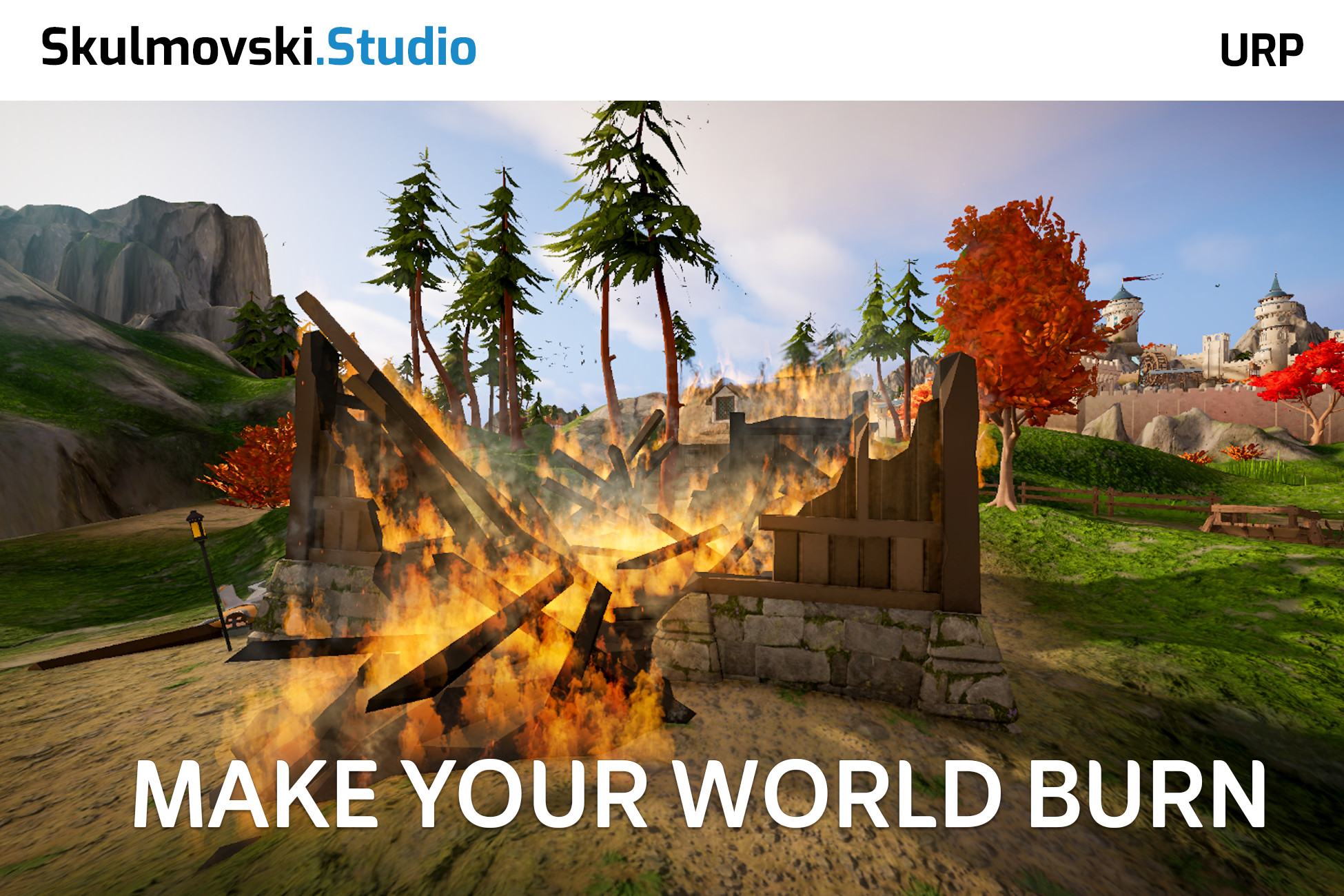
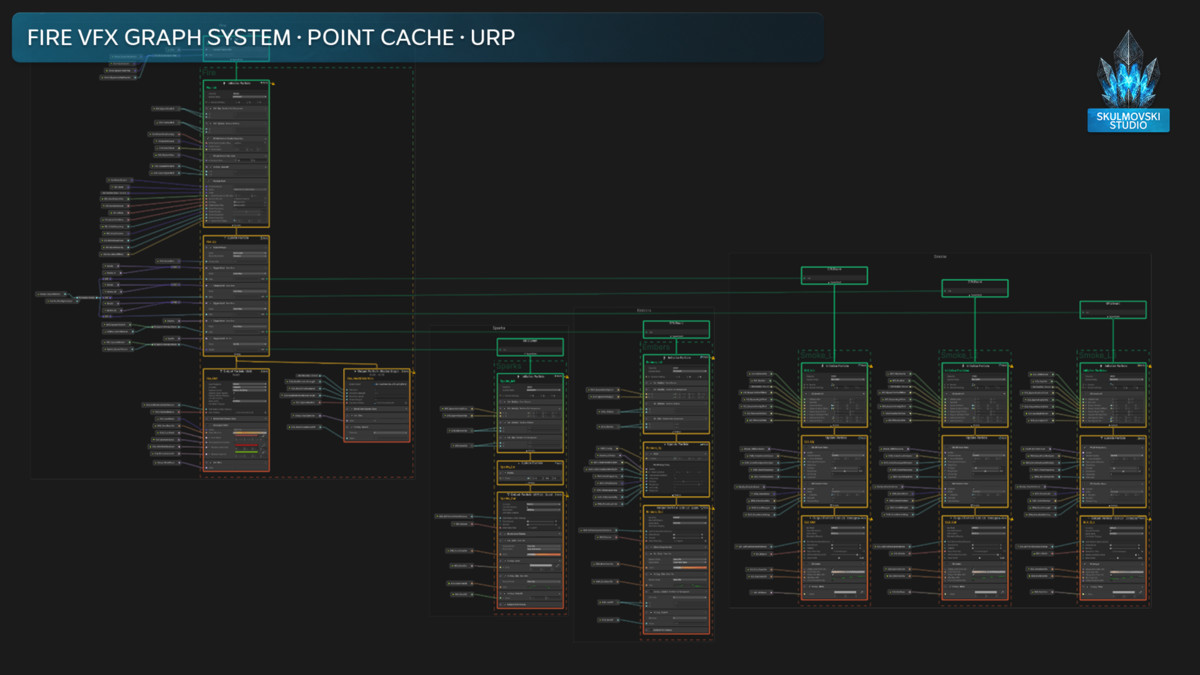
Create customizable fire directly on your own stationary 3D objects with Fire VFX — a GPU-driven mesh fire system built with Unity's VFX Graph for URP. Instead of spawning fire particles in a generic volume, it uses baked Point Cache positions to place flames on the surface of your model.
Burn an entire object, paint selected areas with custom masks, or create a completely different fire effect from the same setup. You decide where the fire appears and how it looks.
⚡ CONTROL THE BURN. SHAPE THE LOOK.
- Surface-Based Fire on Custom 3D Meshes
- Six Burn Mask Modes
- UV Texture & Vertex Color Masking
- Procedural 3D Noise & Combined Masks
- Gradient-Based Flame Size Control
- Four Flame Flipbooks
- Three Independently Adjustable Smoke Layers
- Sparks, Embers & Heat Distortion
- Fixed & Percentage-Based Spawn Control
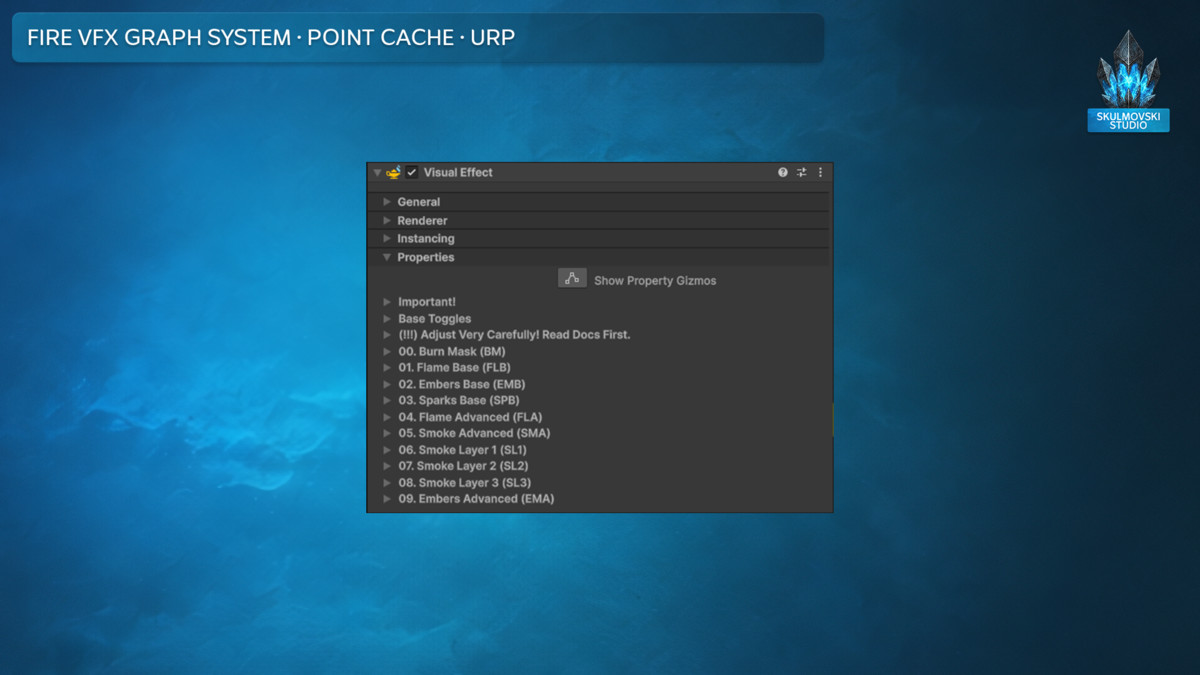
- 120+ Exposed VFX Graph Parameters
- VFX Setup Assistant & Point Cache Workflow
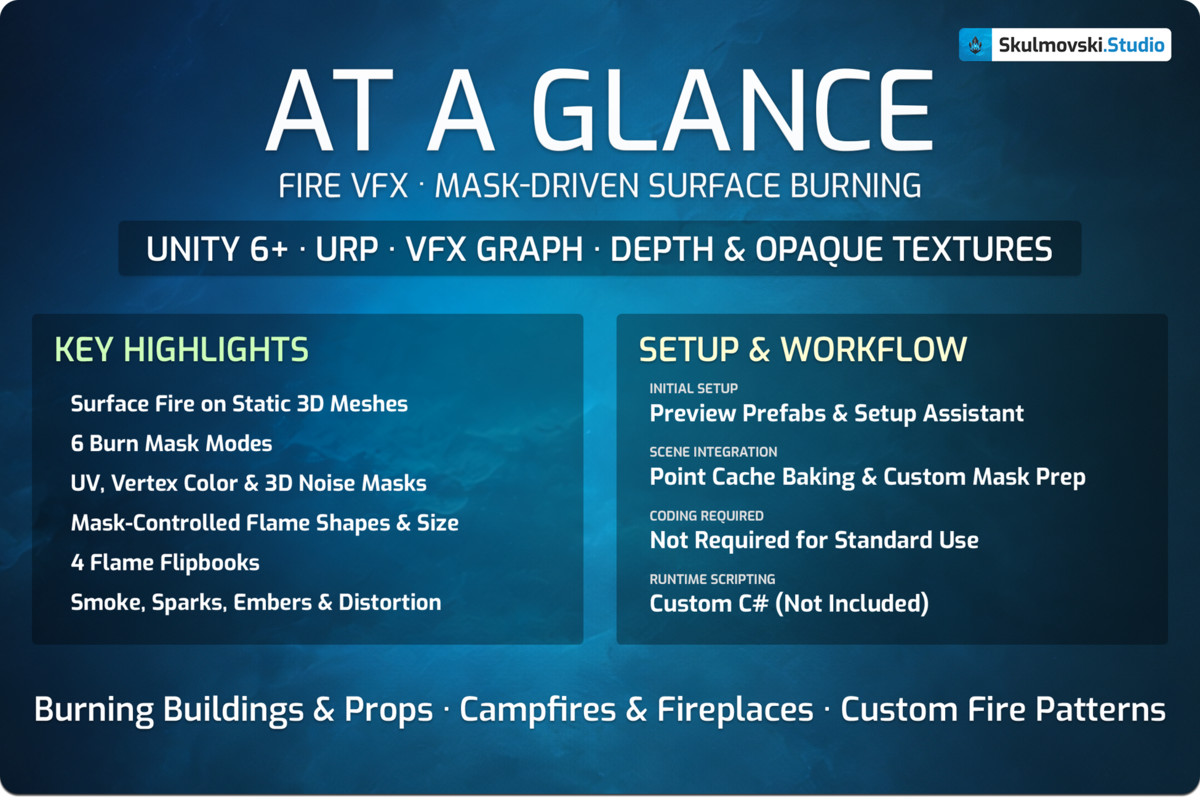
For a quick overview, see the “At a Glance” image in the gallery.
━━━━━━━━━━━━━━━━━━━━━━━━━━━━━━━━━━━━━
🎨 PAINT EXACTLY WHERE THE FIRE BURNS
━━━━━━━━━━━━━━━━━━━━━━━━━
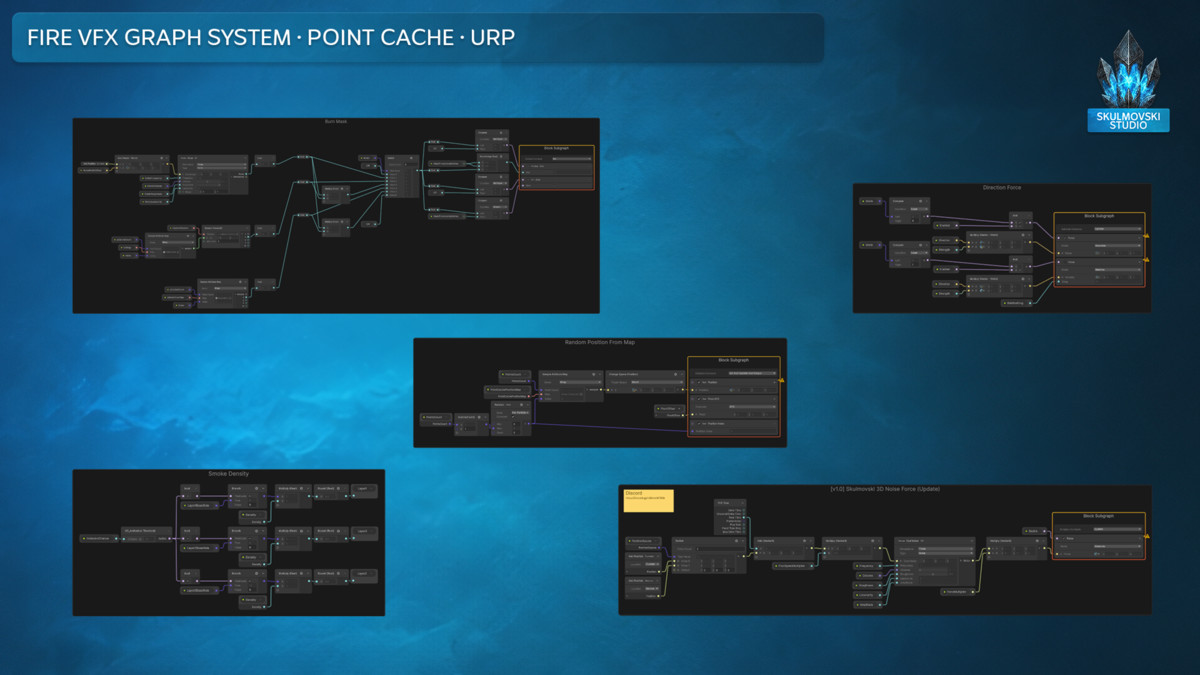
The Burn Mask system gives you six ways to control burning areas: full coverage, procedural 3D noise, UV texture masks, vertex colors, and UV or vertex masks combined with noise.
Paint a black-and-white texture to define the shape of your flames — from patches of fire to letters and symbols. Or use painted vertex colors to keep fire on selected parts of a model without relying on UVs. For example, a mask can leave metal sections unlit while wooden areas burn.
Black mask values suppress the flame, white gives its full size, and gray values scale the flame between them. Mask thresholds adjust the transition, while optional 3D noise adds breakup and variation. This controls flame size at the sampled spawn points; it is not an automatic fire-propagation simulation.
🔥 TURN ONE SYSTEM INTO MANY FIRE STYLES
━━━━━━━━━━━━━━━━━━━━━━━━━
Build anything from restrained flames and smoldering smoke to a dense, aggressive blaze. Use four included flame flipbooks, fixed or lifetime-based color, per-particle color variation, and individual flame size and lifetime controls.
Add depth with three smoke layers, adjustable turbulence and directional forces. Fine-tune flying sparks, floating embers and heat distortion separately. Hide the main flame visuals while keeping the secondary effects active to create a smoldering look.
The package includes Lit and Unlit VFX Graph variants, so you can select how the effect responds to scene lighting.
🎯 COMMON USE CASES
━━━━━━━━━━━━━━━━━━━━━━━━━
- Burning Buildings & Environment Props — Set static structures and scenery ablaze, from full-surface burning to carefully masked areas.
- Campfires, Torches & Fireplaces — Shape different campfire, torch and fireplace looks using adjustable flames, smoke, sparks, embers and distortion.
- Custom Fire Patterns & Hidden Source Meshes — Paint symbols or ground-fire shapes with UV masks, or hide the original mesh while retaining flames spawned from its baked geometry.
🛠️ PREPARE YOUR MESH. CONTROL YOUR EFFECT.
━━━━━━━━━━━━━━━━━━━━━━━━━
Use Unity's Point Cache Bake Tool to bake surface positions from a static mesh. For UV or vertex-color masks, bake the corresponding data too. Assign the resulting maps to the Visual Effect component, enter the matching point count, then increase the deliberately minimal default spawn rate and tune the result in the Inspector.
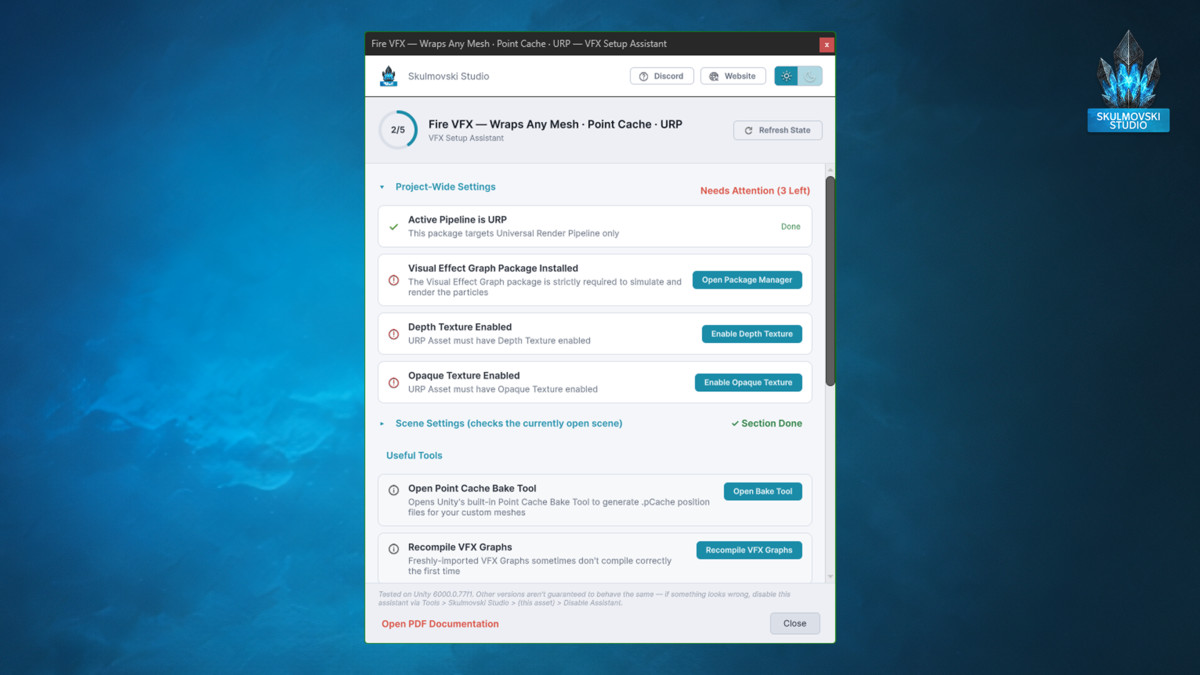
The included VFX Setup Assistant helps check project and scene requirements and provides useful shortcuts. Standard setup and visual customization do not require custom C# scripts. The package also includes 16 preview prefabs to explore flame styles and the supplied example Point Caches.
⚙️ CONTROL DENSITY AND PERFORMANCE
━━━━━━━━━━━━━━━━━━━━━━━━━
Choose a Fixed flame spawn rate or a By Percent mode based on your baked point count. Adjust smoke, ember and spark spawn chances independently instead of emitting every secondary effect at every point.
Use the point density needed for the visual result, rather than baking unnecessary points. For production, review particle capacity limits and record suitable VFX bounds as explained in the documentation. Performance depends on your setup and target hardware.
⚠️ KNOWN CONSTRAINTS & DESIGN TRADE-OFFS
━━━━━━━━━━━━━━━━━━━━━━━━
- Designed for stationary objects. Fire spawns at baked mesh surface positions. When the source object moves, new particles spawn at its updated Transform position, but existing particles remain in world space instead of following the object. Fast movement or animation can leave visible particle trails.
- Custom geometry must be baked into a Point Cache first. The baked point count must match the PointCacheCount setting; UV and vertex-color masks need their corresponding baked maps.
- Mask detail depends on the data. Small masked regions may need more baked points, and vertex-color mask detail depends on mesh vertex density.
- Not a destruction or fire-spread simulator. Burn Masks control where fire appears and its size; they do not automatically propagate fire or damage geometry.
- Custom flame flipbooks require a Texture2DArray, rather than a standard flat 2D texture.
- This is a VFX-only package: no sound effects are included. Promotional environments and models may not be included; check the itemized package contents.
- High spawn rates and long lifetimes can reach per-layer particle capacities or overload target hardware. Tune density carefully and review the included optimization guidance.
💬 DOCUMENTATION & SUPPORT
━━━━━━━━━━━━━━━━━━━━━━━━━
The included PDF User Guide covers setup, Point Cache baking, Burn Masks, parameters, optimization and troubleshooting.
For questions or technical support:
Discord: Join the community
Email: [email protected]
🧩 Check out other VFX by Skulmovski Studio
From the publisher's Asset Store listing.
Technical details
VFX Graph Effects (2):
- VFX_Fire_PointCache_Lit_URP
- VFX_Fire_PointCache_Unlit_URP
Prefabs (16):
- 4x Single Flame Preview (Lit) — one per flame flipbook
- 4x Single Flame Preview (Unlit) — one per flame flipbook
- 4x Burning Sphere Preview (Lit) — one per flame flipbook
- 4x Burning Sphere Preview (Unlit) — one per flame flipbook
Point Caches (2):
- 1-Point Quad
- 512-Point Sphere
Textures (8):
- 4x Flame Flipbook Textures (8192x5120, 16x5 grid)
- 3x Smoke Textures (512x512)
- 1x Spark/Ember Texture (64x64, shared)
Materials (1):
- 1x Material
Custom Shaders (1):
- Heat Distortion Shader (Unlit)
Documentation:
- PDF User Guide
Requirements:
- Unity 6 or newer
- Universal Render Pipeline (URP)
- Visual Effect Graph package
- Depth and Opaque Textures enabled for Heat Distortion and Soft Particles
Important:
- Designed primarily for stationary objects. Already-spawned particles remain in world space when the source object moves.
- Custom meshes require Point Cache baking before use.
Compatibility
| Unity version | Built-in | URP | HDRP |
|---|---|---|---|
| 6000.0.77f1 | Not listed | Compatible | Not listed |
Unity 6+ · URP · Visual Effect Graph · Depth Texture · Opaque Texture
As listed on the Asset Store.