
 View on Asset Store (opens in new tab)
Package details
- Latest version
- 1.0
- Last updated
- First released
- Unity version
- 6000.5.2 or later
- Package size
- 25.7 MB
- Files
- 12
- Favorites
- 2
- Views in the past week
- 19
Price tracking
- Last checked
- Tracked since
- Lowest recorded
- $4.99 on
Keywords

Animated Direction Marker/Arrow Shader Graph (URP)
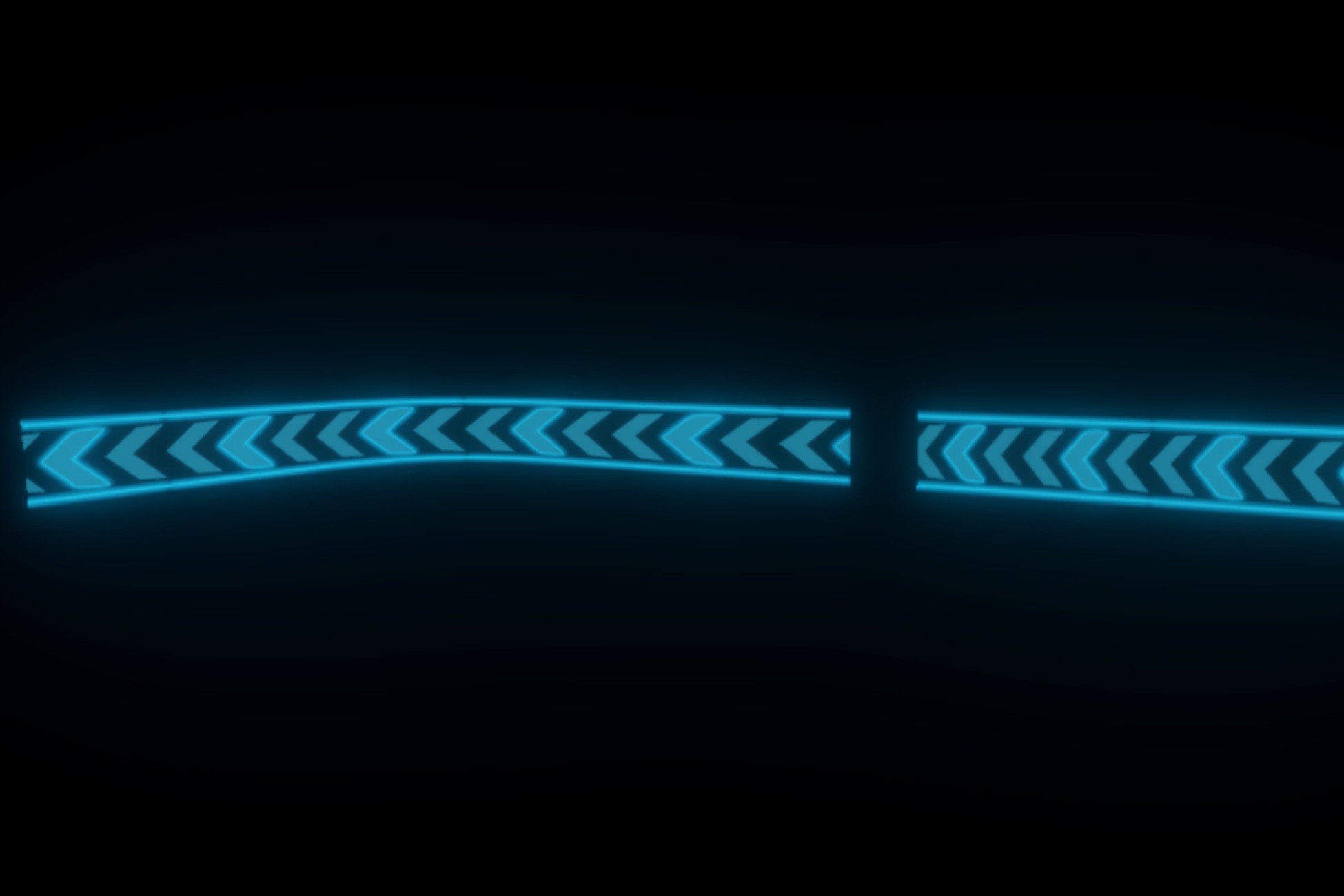
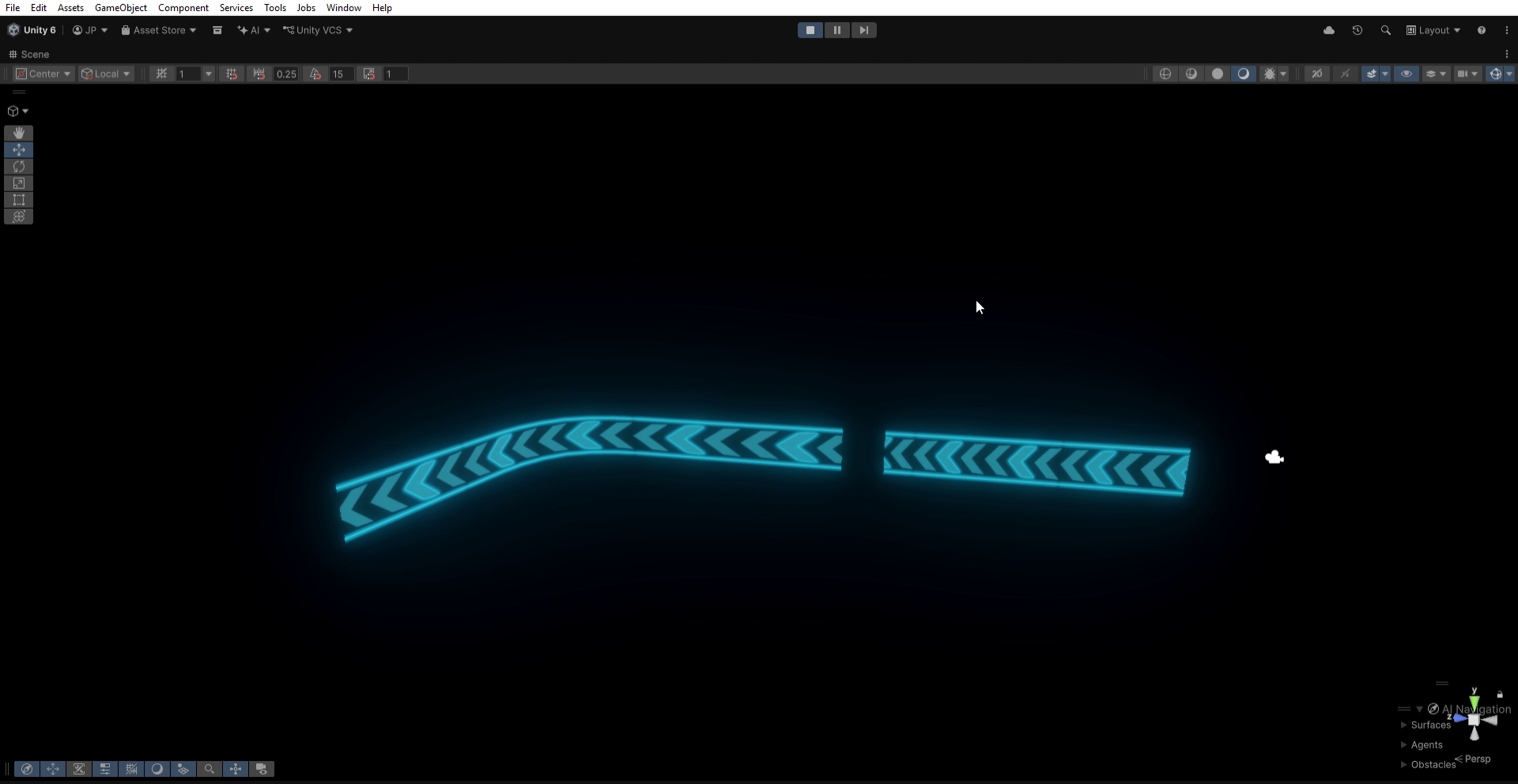
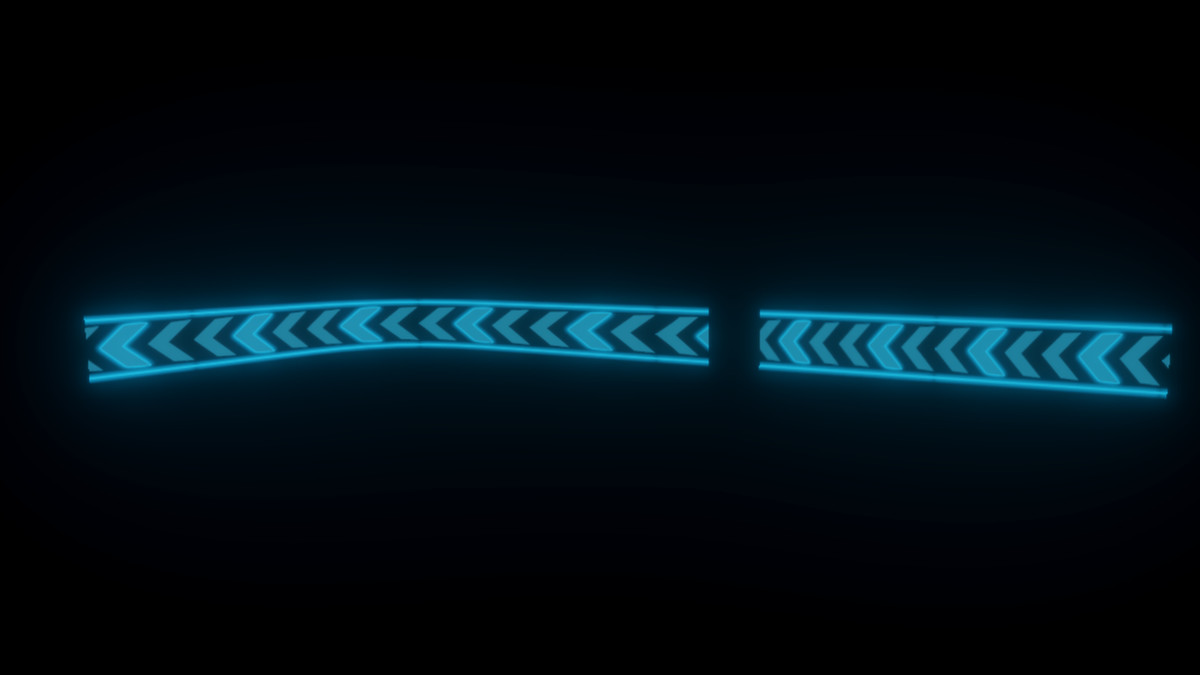
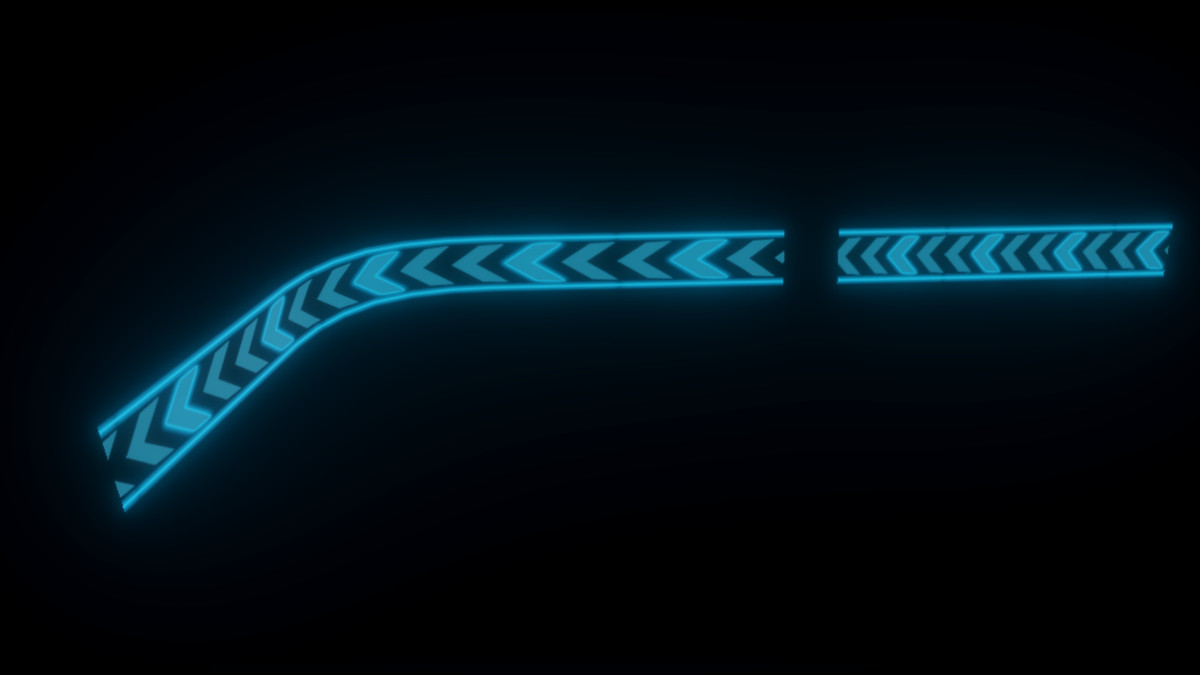
Create animated scrolling direction markers for roads, racing tracks, pathways, parking areas, and navigation systems using Shader Graph. Fully customizable and optimized for URP.
Affiliate link · Purchases support this site
Price history
Last 6 months
USDAsset preview
1 / 4

Animated Direction Marker/Arrow Shader Graph (URP) screenshot 1
About this asset
Animated Direction Marker Shader Graph (URP)
Create professional-looking animated direction markers with a lightweight Shader Graph solution designed for the Universal Render Pipeline (URP).
This package is ideal for racing games, driving simulators, endless runners, parking systems, factories, airports, sci-fi environments, navigation paths, and any project that requires animated directional indicators.
The shader uses UV scrolling to create a smooth flowing arrow animation without requiring complex scripts, making it simple to integrate into existing projects.
Features
- Animated scrolling arrow effect
- Built entirely with Shader Graph
- Optimized for Universal Render Pipeline (URP)
- Easy to customize
- Lightweight and mobile-friendly
- Includes demo scene
- Ready-to-use prefabs
- Easy material setup
- No scripting required
Customization
The shader allows you to customize:
- Scroll Speed
- Scroll Direction
- Arrow Texture
- Color
- Emission Intensity (if enabled)
Custom Mesh Support
The shader can be used on your own meshes.
Important: Ensure your model has proper UV mapping created in Maya or Blender. The scrolling animation follows the mesh UV layout, so correctly aligned UVs are required for the arrows to move in the intended direction.
From the publisher's Asset Store listing.
Technical details
- Render Pipeline: Universal Render Pipeline (URP)
- Shader Graph based
- No C# scripts required
- Mobile compatible
- PC compatible
- Lightweight performance
- Fully editable Shader Graph
- Includes materials
- Includes textures
- Includes prefabs
- Includes demo scene
- Easy drag-and-drop setup
- Suitable for roads, racing tracks, navigation paths, parking lots, airports, industrial floors, and futuristic environments
Compatibility
| Unity version | Built-in | URP | HDRP |
|---|---|---|---|
| 6000.5.2f1 | Not listed | Compatible | Not listed |
As listed on the Asset Store.