
 View on Asset Store (opens in new tab)
Package details
- Latest version
- 1.0
- Last updated
- First released
- Unity version
- 6000.0.23 or later
- Package size
- 2.3 MB
- Files
- 28
- Favorites
- 9
- Views in the past week
- 37
- Requires
Price tracking
- Last checked
- Tracked since
- Lowest recorded
- $34.99 on
Keywords

Runtime Studio – Terrain Editor
Extend Runtime Studio with player-safe runtime terrain editing. Create, sculpt, paint, save, load, and export Unity terrains directly in-game.
Affiliate link · Purchases support this site
Price history
Last 6 months
USDAsset preview
1 / 10
Runtime Studio – Terrain Editor screenshot 1

About this asset
Runtime Studio – Terrain Editor
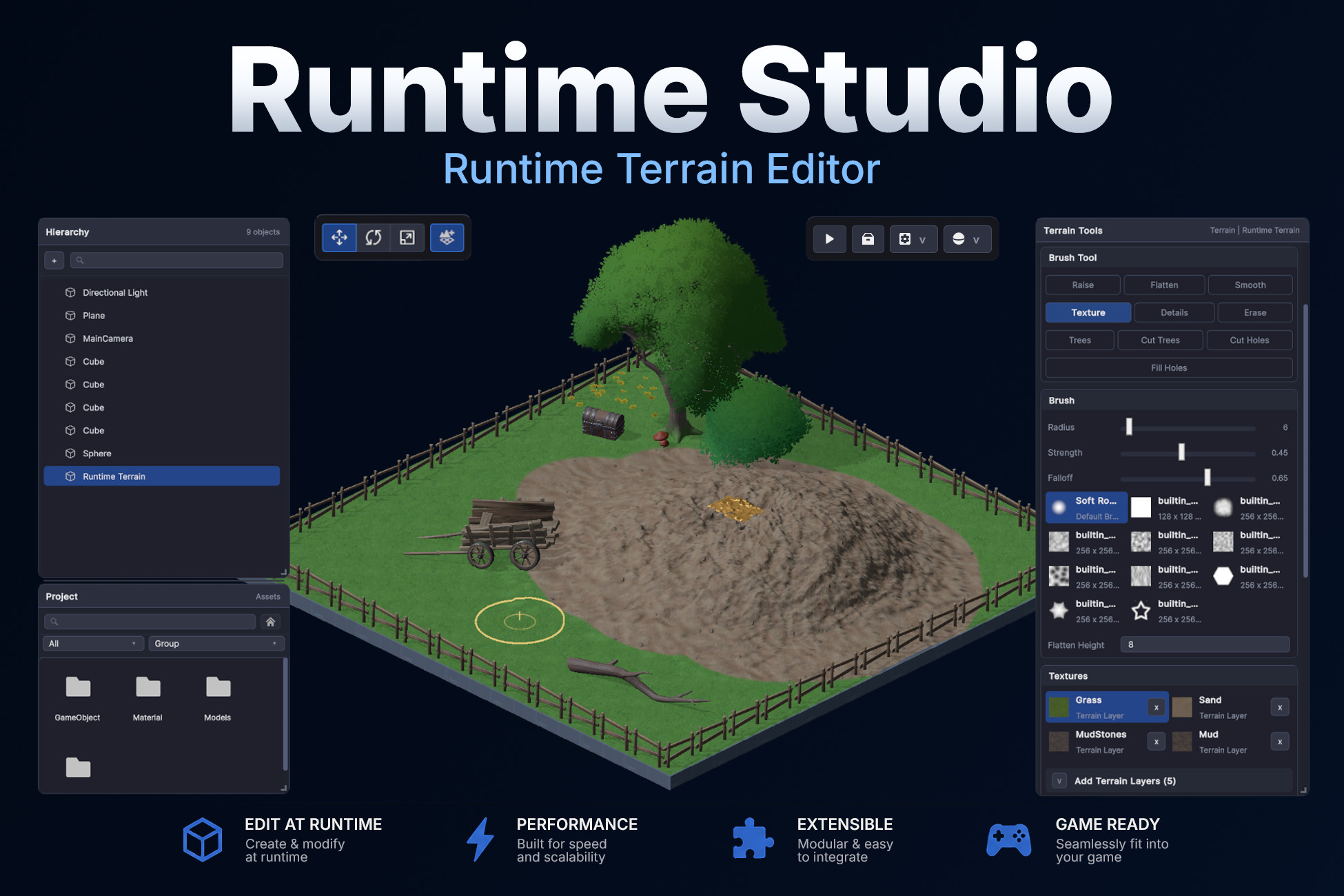
Creating a runtime terrain editor from scratch is a huge task. You need terrain sculpting, texture painting, foliage tools, runtime terrain creation, saving, undo support, and a workflow that feels natural for players.
Runtime Studio Terrain Editor adds a complete terrain editing system to Runtime Studio, allowing players to create new terrains or modify existing Unity terrains directly in-game.
Whether your terrain already exists in the scene or is created during gameplay, players can sculpt, paint, and decorate it using familiar terrain editing tools, then save, load, export, and share their creations through Runtime Studio.
Instead of building your own runtime terrain pipeline, you can give players professional terrain editing tools in minutes.
Full Runtime Terrain Editing
Build landscapes without leaving the game.
Players can edit both terrains created at runtime and terrains that already existed in your Unity scene before entering Play Mode or building the game. Sculpt mountains, paint textures, place vegetation, and shape the world using an intuitive brush-based workflow.
Complete Terrain Toolset
Everything players need to build natural environments.
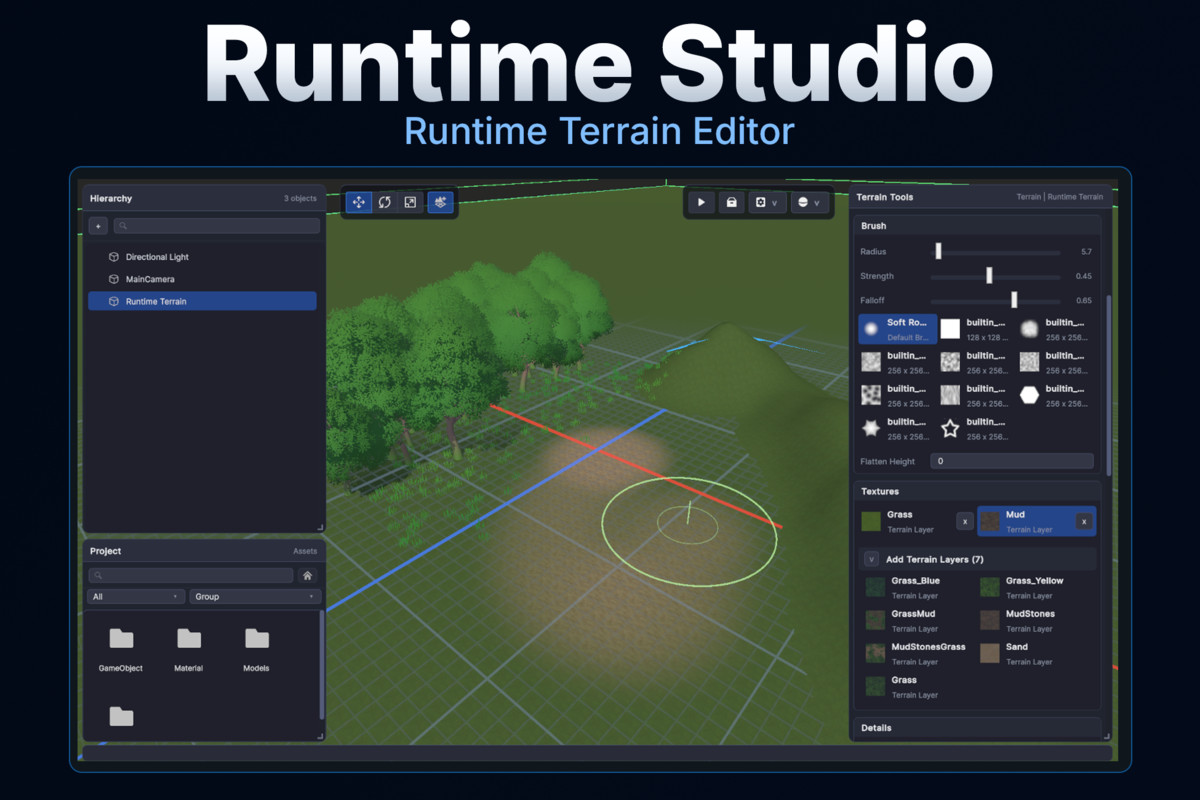
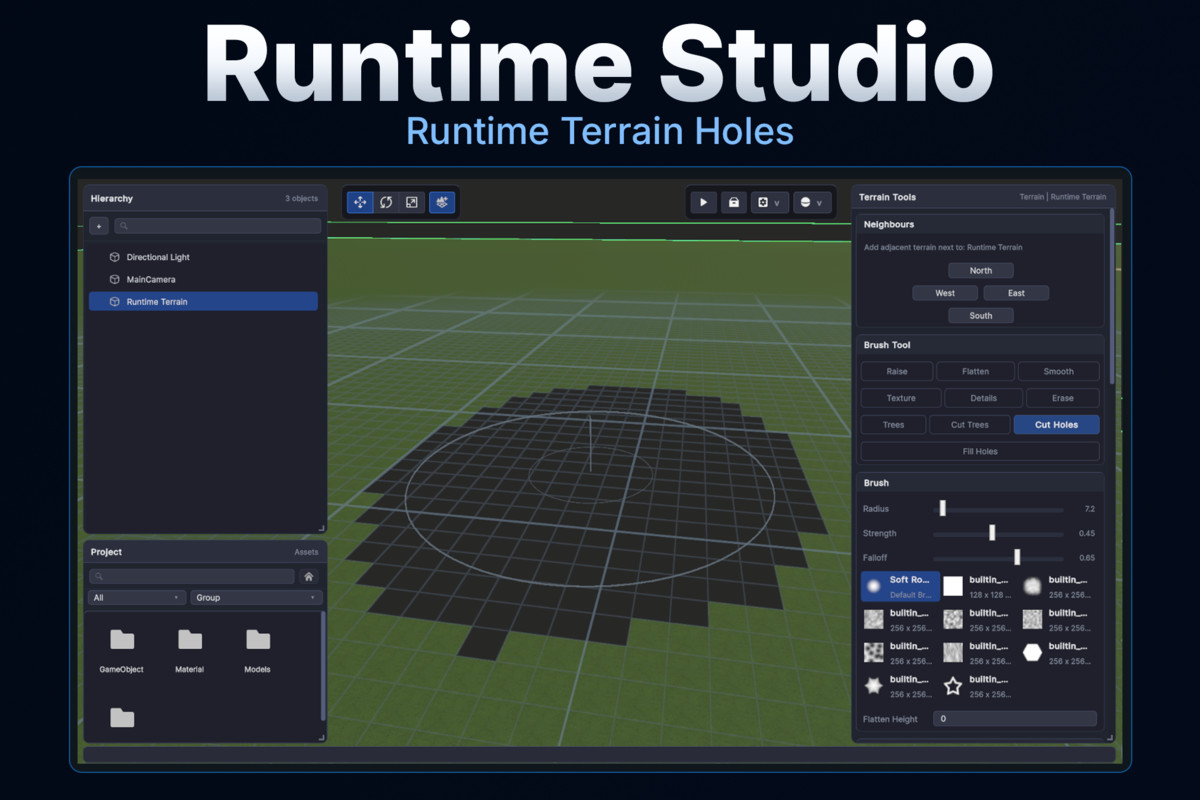
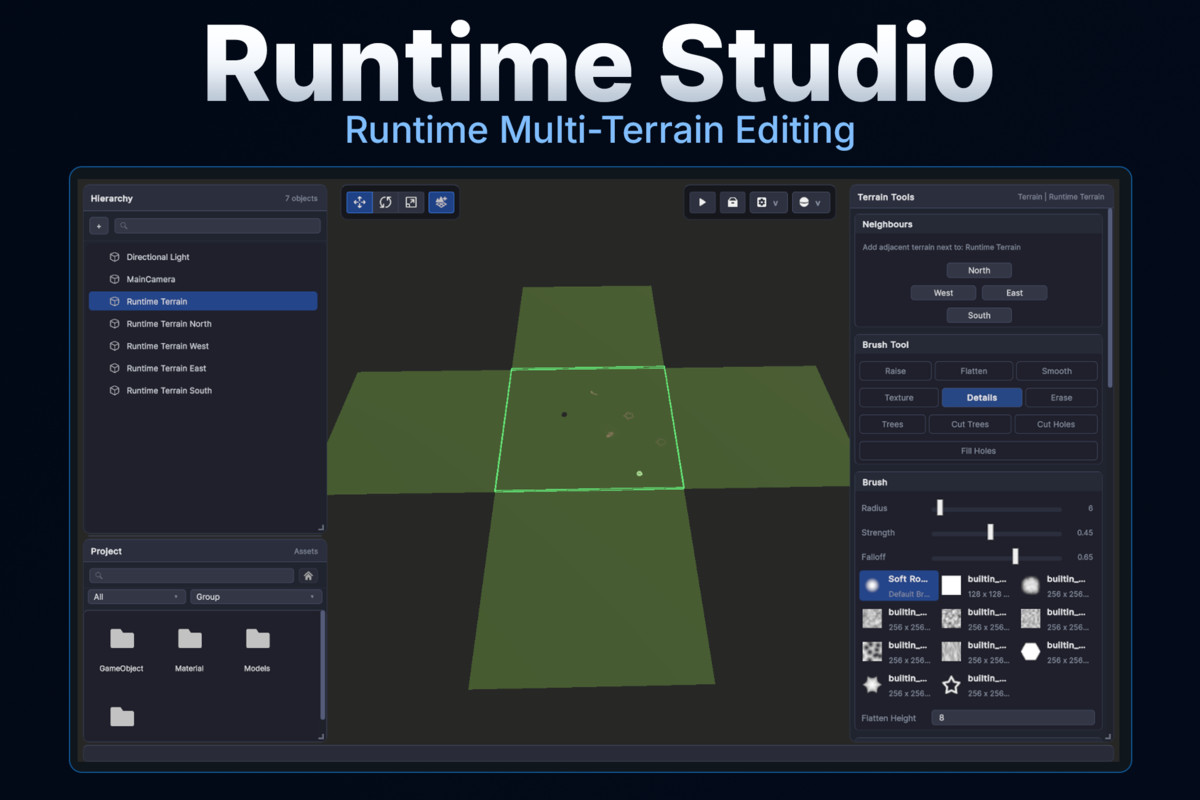
Runtime Studio Terrain Editor includes familiar terrain editing tools for raising and lowering terrain, flattening, smoothing, painting textures, placing grass and detail meshes, painting trees, cutting and filling terrain holes, and erasing painted details.
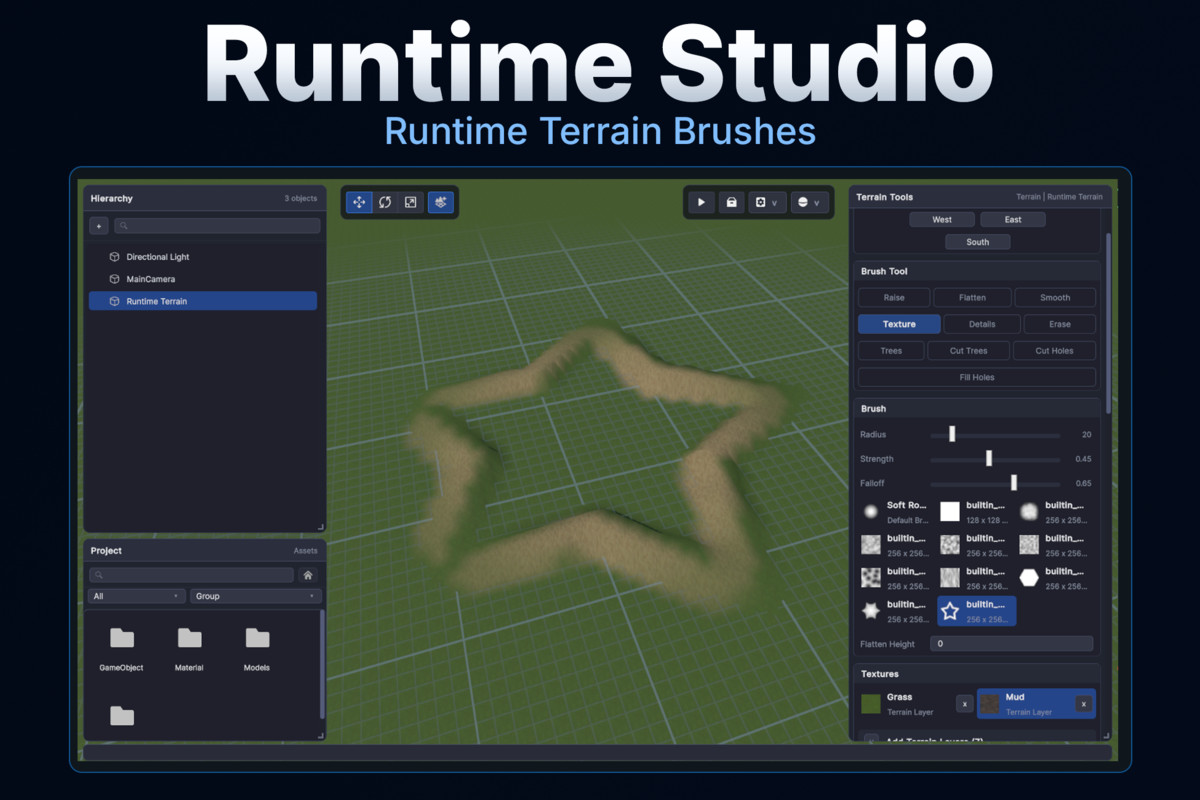
Brushes support adjustable radius, strength, falloff, and custom brush masks for precise terrain editing.
Create Terrains During Gameplay
Start with an empty world or expand existing ones.
Players can create entirely new Unity terrains while the game is running, choosing terrain size and resolution before editing begins.
Additional neighboring terrains can be created to seamlessly expand the world north, south, east, or west, making it easy to build larger environments without predefined limits.
Terrain Painting
Bring landscapes to life.
Players can paint terrain layers directly in-game using configurable brushes. Terrain layers can be added from your curated Runtime Studio settings, complete with preview thumbnails inside the Terrain panel.
Multiple selected terrains can receive new terrain layers simultaneously, making it easy to keep large worlds consistent.
Grass and Detail Painting
Populate environments with natural detail.
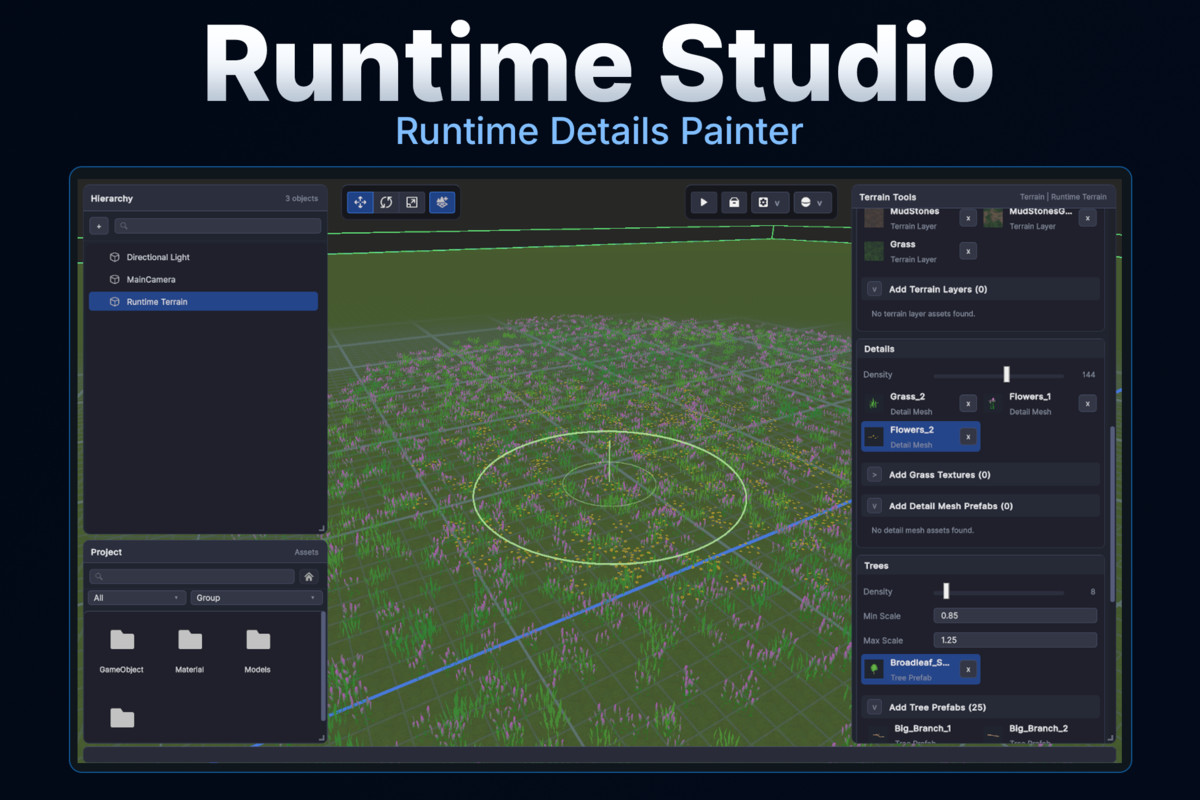
Players can paint billboard grass textures and detail mesh prefabs using adjustable density controls. Detail meshes use GPU instancing by default for excellent runtime performance.
Details can also be added across multiple selected terrains at the same time.
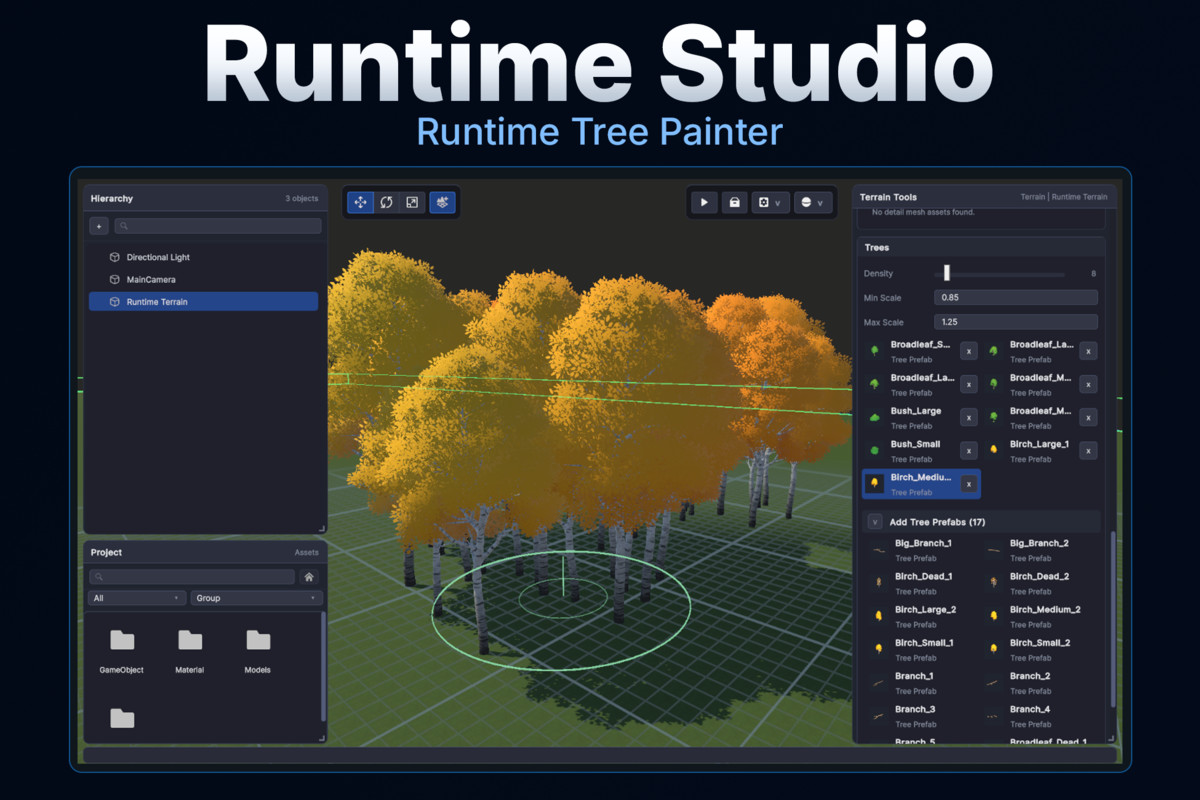
Tree Painting
Quickly fill landscapes with vegetation.
Configure your available tree prefabs inside Runtime Studio Settings, then allow players to paint forests using customizable density and random scale controls.
Trees can be added or removed using brush tools, with support for editing multiple selected terrains together.
Integrated Runtime Workflow
Terrain editing feels like a natural part of Runtime Studio.
Terrain Mode includes its own dedicated editing workspace with terrain-specific tools and brush controls. While Terrain Mode is active, Runtime Studio automatically switches into a terrain-focused workflow, providing live brush previews while hiding unnecessary editing controls.
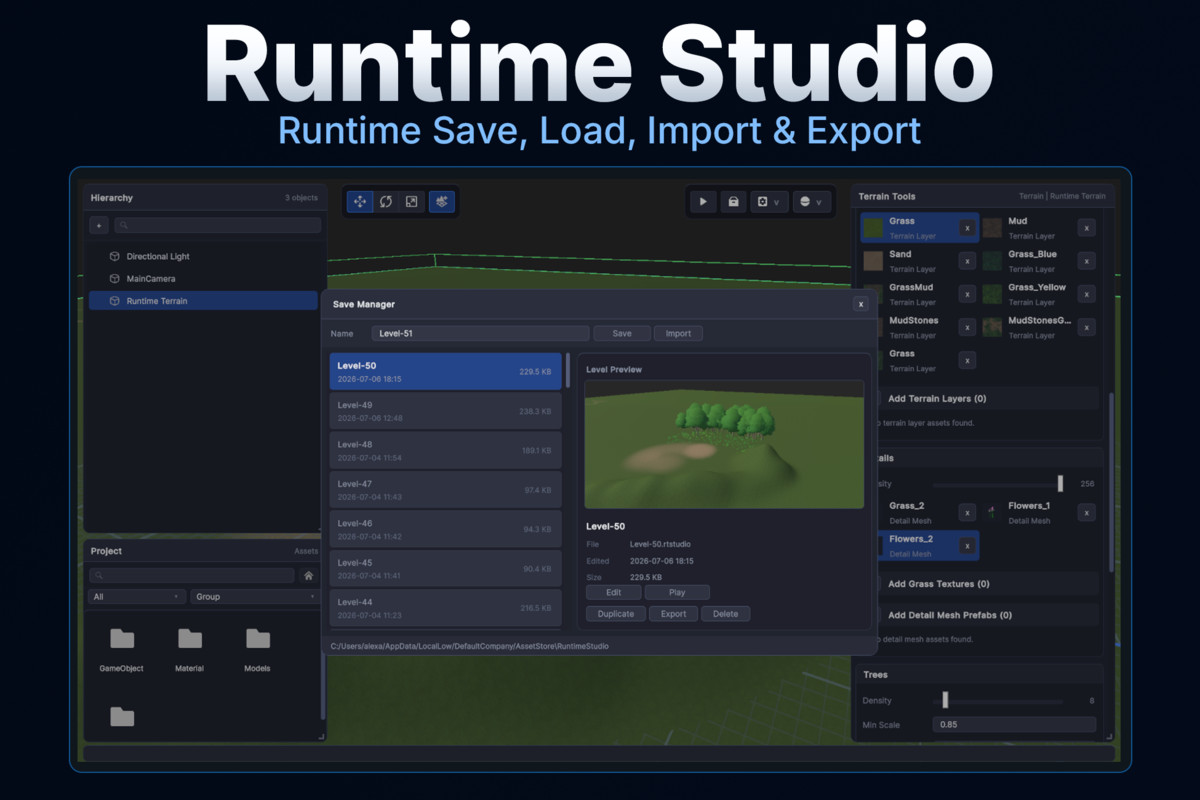
Save, Load, and Share
Terrain changes become part of player creations.
All terrain edits integrate directly with Runtime Studio's save system. Heightmaps, terrain textures, grass, trees, holes, terrain settings, and vegetation are all included when players save, load, export, or import their projects.
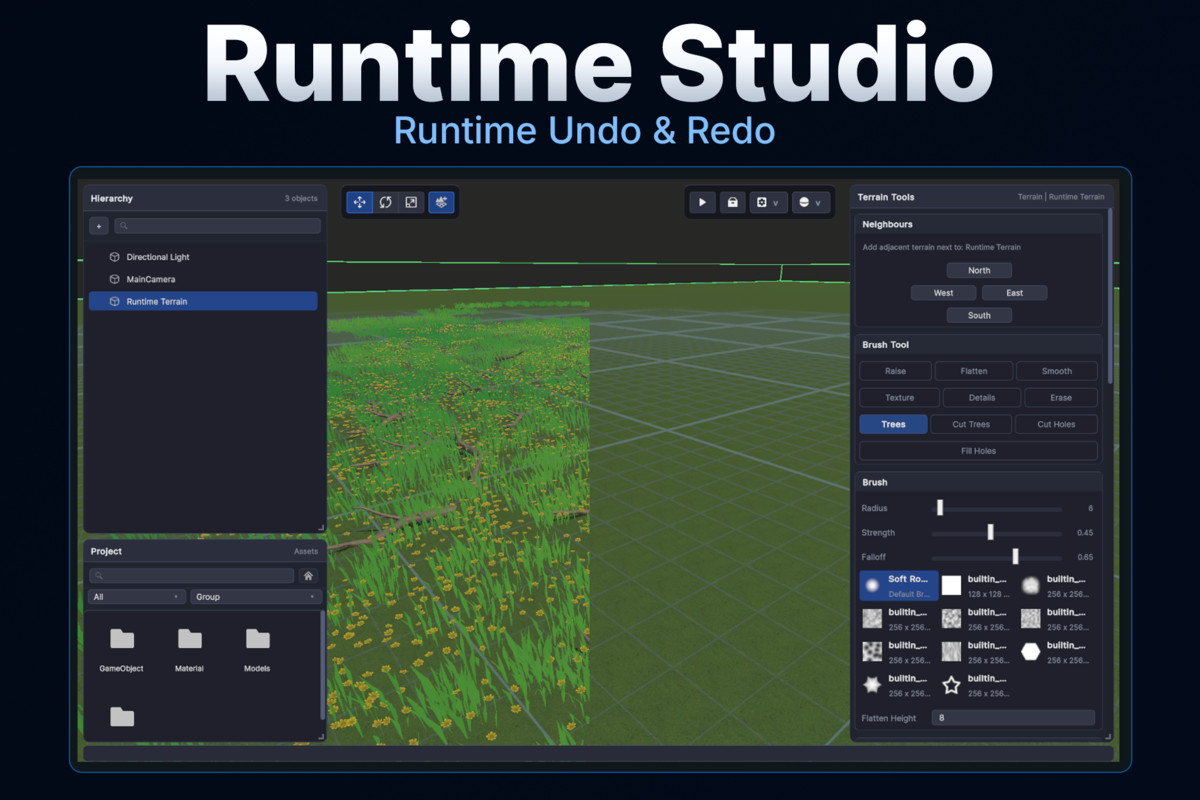
Built-In Undo and Redo
Experiment without worrying about mistakes.
Terrain editing fully integrates with Runtime Studio's undo and redo system, allowing players to safely revert sculpting, painting, foliage placement, terrain creation, and other terrain modifications.
Runtime-Safe Editing
Protect your original project assets.
Runtime Studio keeps runtime terrain data separate from your original Unity scene assets while editing. Existing terrains can be modified freely during gameplay without permanently changing the source scene, while terrain collider data and configured terrain materials are automatically maintained throughout editing and restoration.
Configurable Asset Libraries
You stay in control of what players can use.
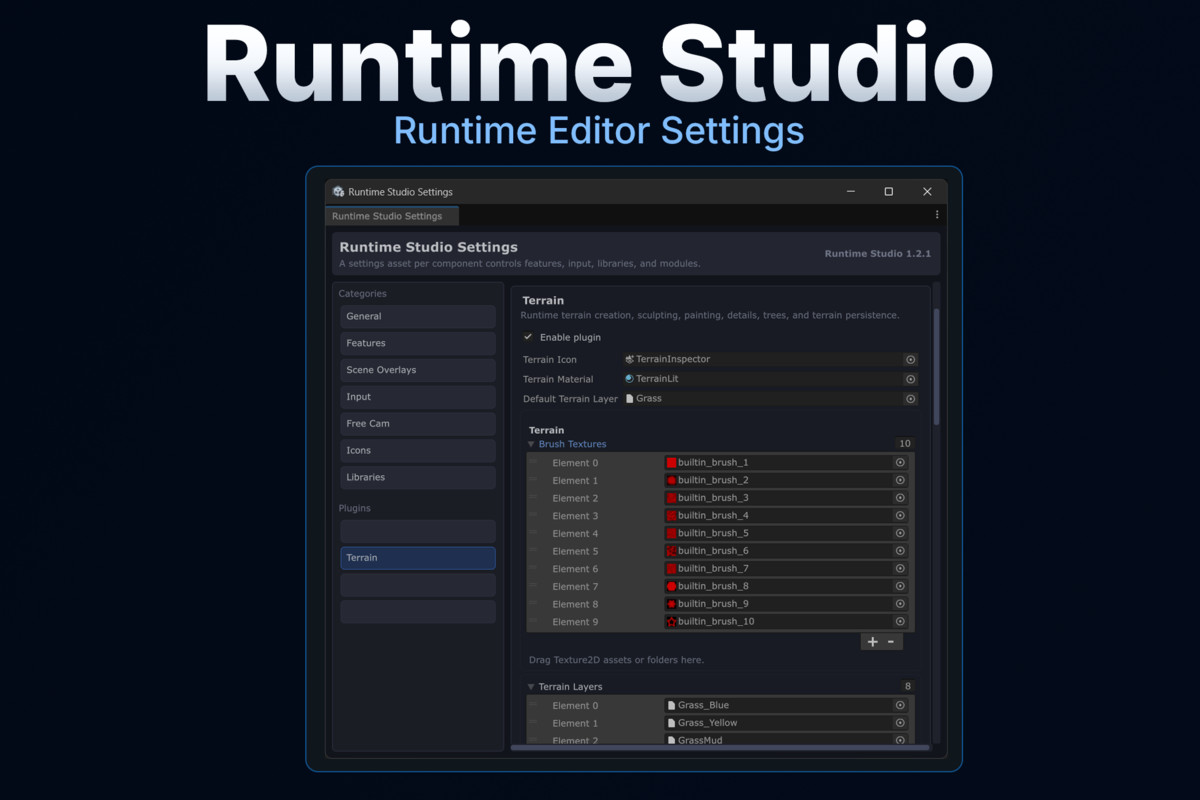
Choose exactly which terrain layers, brush textures, grass types, detail meshes, tree prefabs, terrain materials, and default settings are available through the Runtime Studio Settings asset.
This makes it easy to build curated terrain creation experiences that match your game's art style.
Additional Features
- Create and edit Unity terrains during gameplay
- Edit existing terrains placed in the scene before Play Mode
- Create neighboring terrains for seamless world expansion
- Raise, Lower, Flatten, Smooth, Texture, Details, Trees, Holes, and Erase tools
- Adjustable brush size, strength, falloff, and brush masks
- Live terrain brush preview
- Multi-terrain editing support
- Tree density and random scaling controls
- Terrain layer preview thumbnails
- Runtime terrain creation with configurable resolutions
- Full save, load, export, and import support
- Integrated undo and redo
- Runtime-safe terrain data handling
- Automatic terrain collider restoration
- Configurable terrain materials, brushes, vegetation, and layers
🎮 Try It Yourself!
You can explore Runtime Studio & all plugins directly in your browser via WebGL, or download the Windows build on Itch.io
📦 What’s Included
✔ Full Source Code
✔ Quick Start Guide
✔ Examples
🔗 Links
🌐 Website
💬 Discord
From the publisher's Asset Store listing.
Technical details
Runtime Terrain Editing: Adds a complete runtime terrain editing workflow to Runtime Studio. Players can edit existing Unity terrains already present in the scene or create entirely new terrains while the game is running.
Terrain Sculpting Tools: Includes Raise/Lower, Flatten, Smooth, Texture Paint, Detail Paint, Tree Paint, Erase Details, Cut Trees, Cut Holes, and Fill Holes. All tools use configurable brush size, strength, falloff, and brush mask textures.
Runtime Terrain Creation: Create Unity terrains directly during gameplay with configurable terrain dimensions, heightmap resolution, alphamap resolution, and detail resolution. Additional neighboring terrains can be created in the north, south, east, or west directions.
Terrain Layer System: Supports adding terrain layers at runtime with live preview thumbnails. Terrain layers can be assigned to one or multiple selected terrains and painted immediately using the built-in brush system.
Grass & Detail Painting: Paint billboard grass textures and detail mesh prefabs using adjustable density controls. Detail meshes use GPU instancing by default for improved runtime performance and can be configured entirely through Runtime Studio Settings.
Tree Painting: Paint and remove tree instances using configurable density and random scale settings. Tree prefabs are managed through Runtime Studio Settings and support editing across multiple selected terrains.
Terrain Persistence: Fully integrates with Runtime Studio's save, load, export, and import pipeline. Terrain size, heightmaps, splatmaps, holes, terrain layers, detail prototypes, density maps, tree prototypes, and tree instances are all preserved.
Undo & Redo Integration: Terrain editing operations integrate directly with Runtime Studio's snapshot-based undo and redo system, allowing players to safely revert sculpting, painting, vegetation placement, terrain creation, and other terrain modifications.
Runtime-Safe Terrain Data: Runtime-generated terrain data remains separate from the original Unity scene assets during editing. Terrain colliders and configured terrain materials are automatically restored when terrain data is loaded.
Terrain Settings Integration: All terrain content is configured through the Runtime Studio Settings asset, including terrain materials, default terrain layers, brush textures, terrain layers, grass details, detail meshes, tree prefabs, terrain icons, and input bindings for terrain painting.
Requirements
- Runtime Studio 1.3.0 or later
- Unity 6 LTS
- Unity New Input System
Platform Support & Testing
Tested on Windows (IL2CPP and Mono) and supports the same platforms as Runtime Studio, including WebGL, within Unity's runtime limitations.
Note
Runtime Studio Terrain Editor is built on Unity's built-in Terrain system. As a result, some behaviors and limitations are inherited from Unity's Terrain implementation, while others are inherent to editing terrain in a runtime environment rather than inside the Unity Editor. Although the editor aims to provide a familiar workflow, certain features may behave differently or require alternative approaches to ensure stability, performance, and player-safe editing.
Compatibility
| Unity version | Built-in | URP | HDRP |
|---|---|---|---|
| 6000.3.6f1 | Compatible | Compatible | Compatible |
| 6000.0.23f1 | Compatible | Compatible | Compatible |
As listed on the Asset Store.