
 View on Asset Store (opens in new tab)
Package details
- Latest version
- 1.0
- Last updated
- First released
- Unity version
- 2022.3.16 or later
- Package size
- 23.3 MB
- Files
- 396
- Views in the past week
- 10
Price tracking
- Last checked
- Tracked since
- Lowest recorded
- $19.99 on
Keywords
Poly House Interior 01
Affiliate link · Purchases support this site
Price history
Last 6 months
USDAsset preview
1 / 15
Poly House Interior 01 screenshot 1
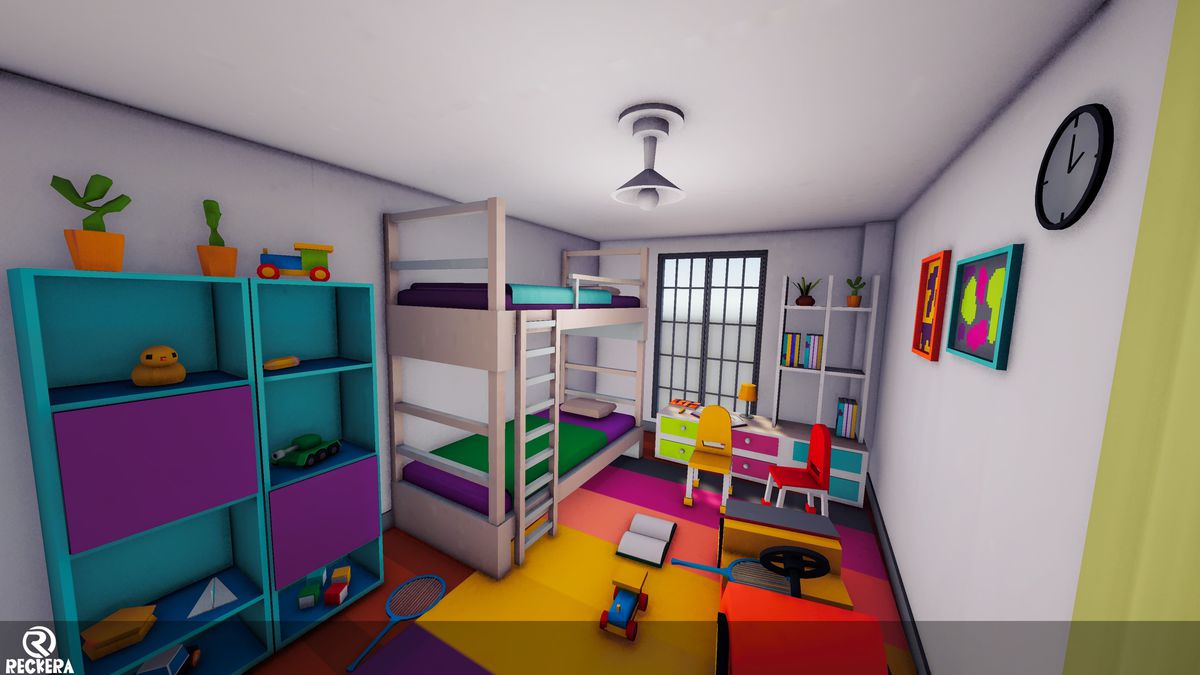
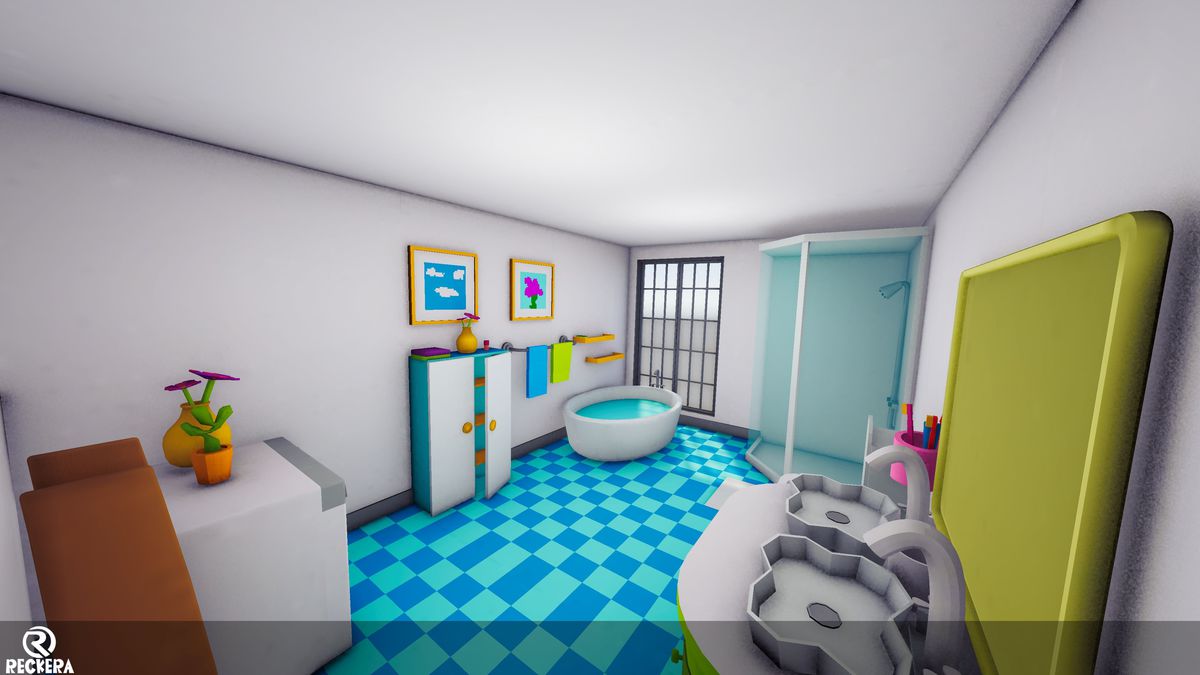
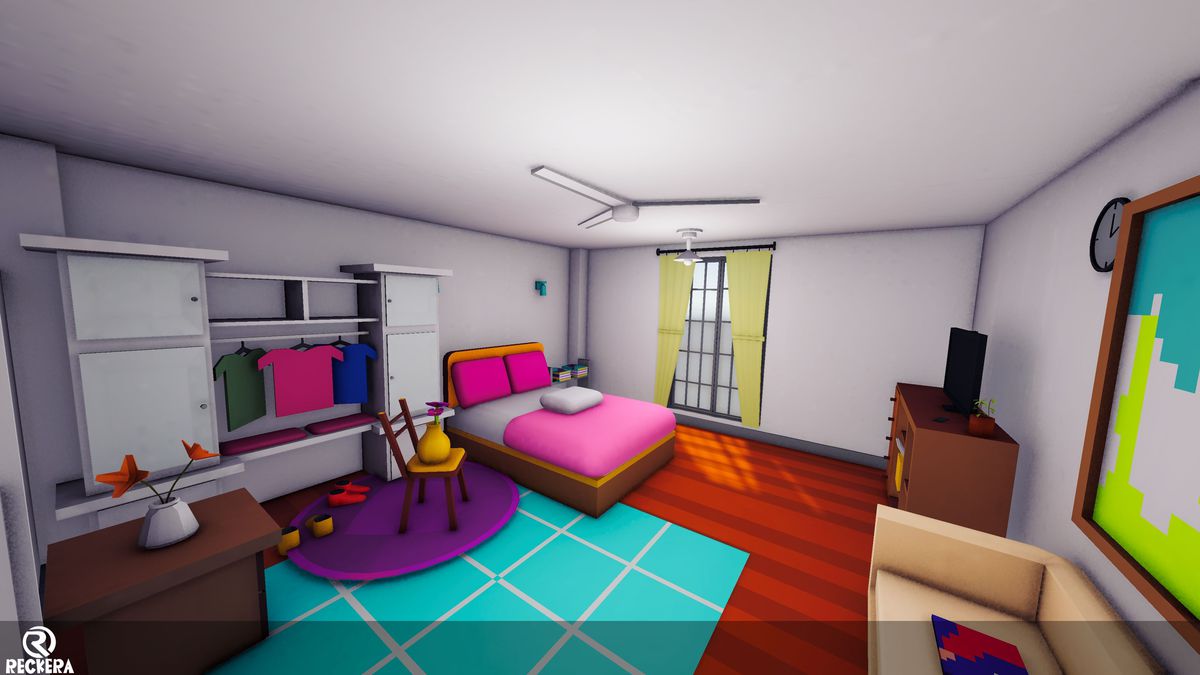
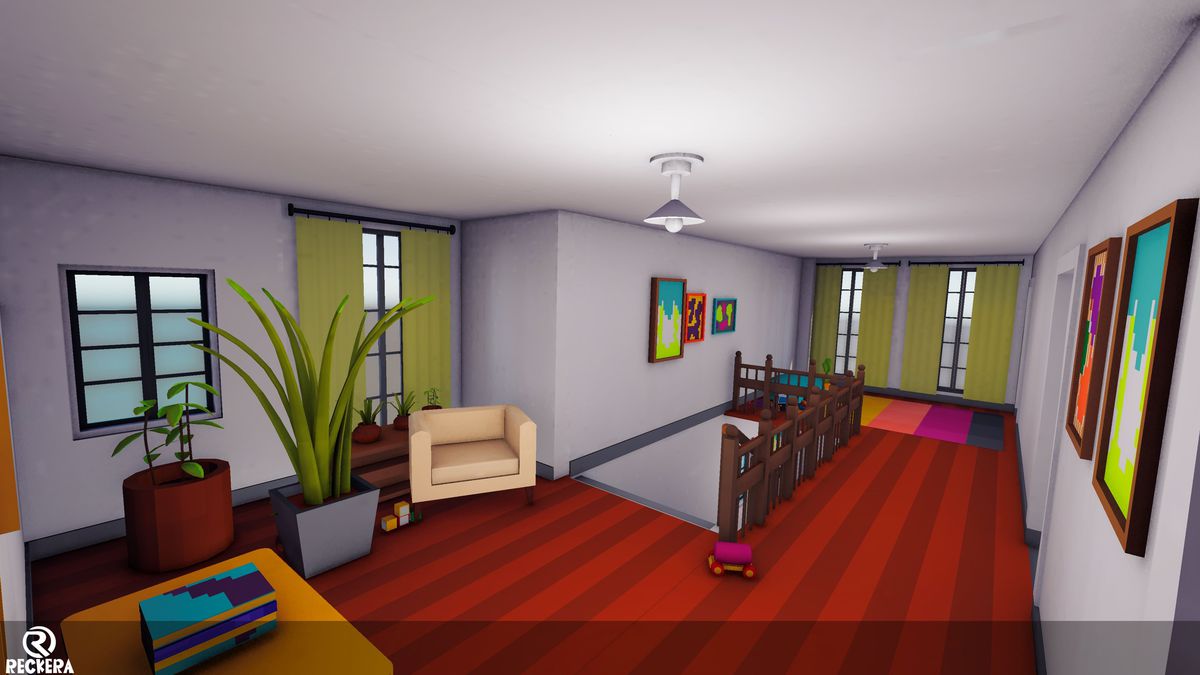
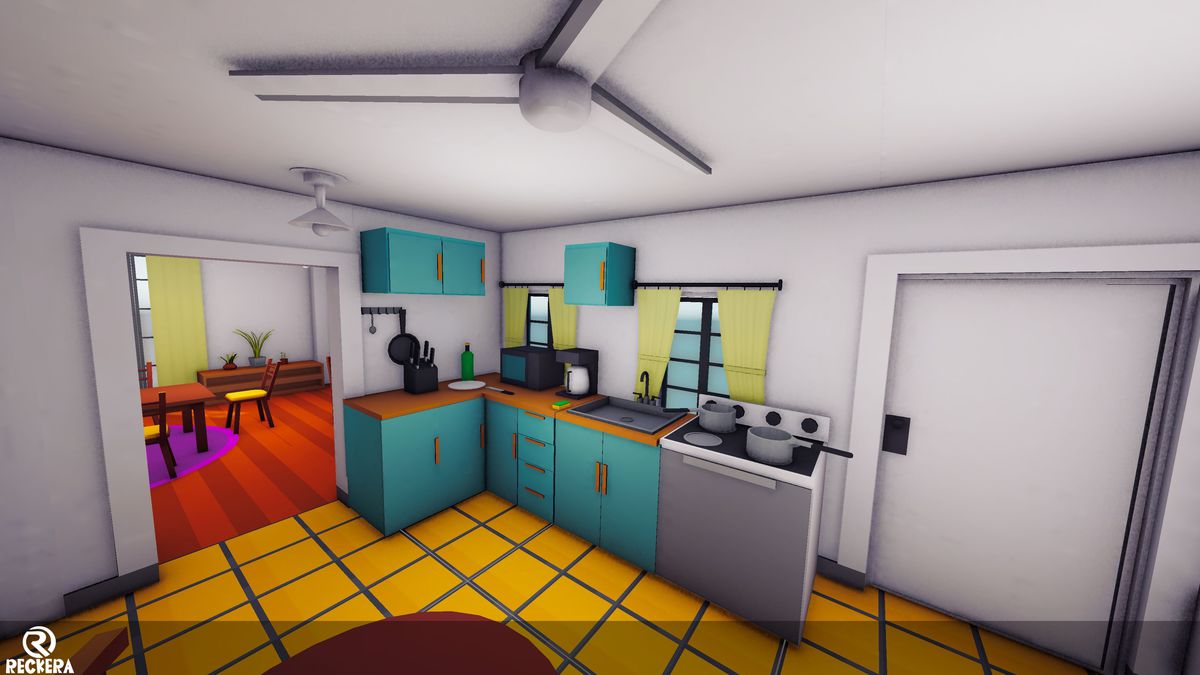
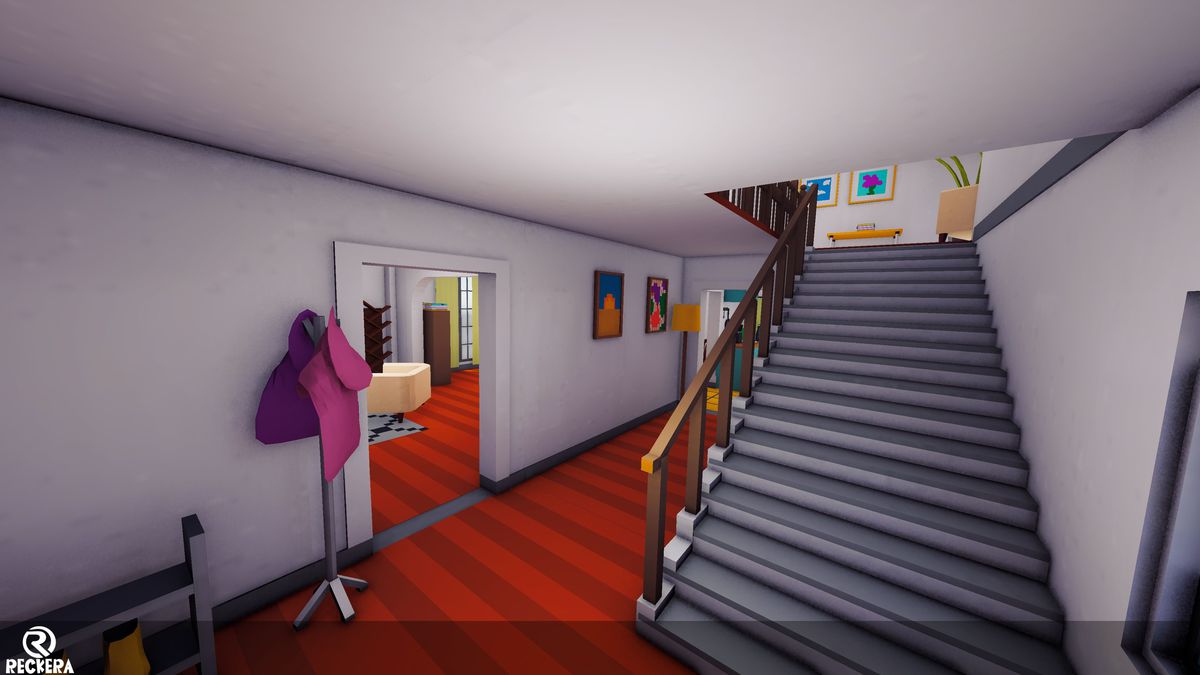
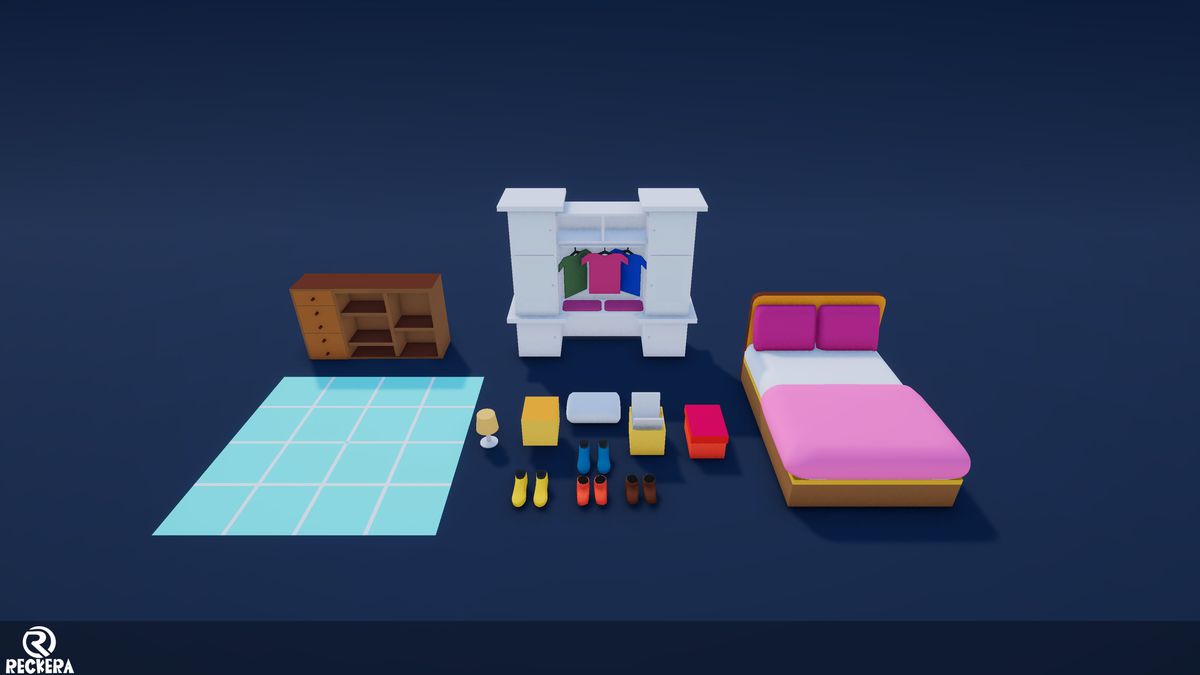
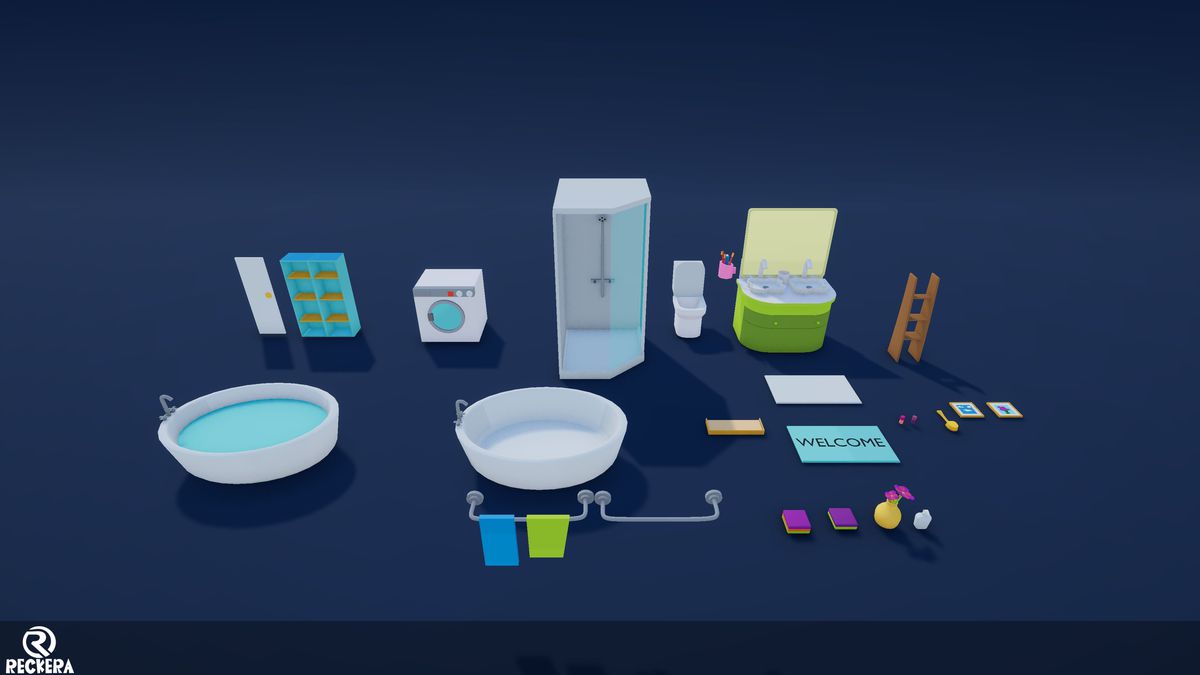
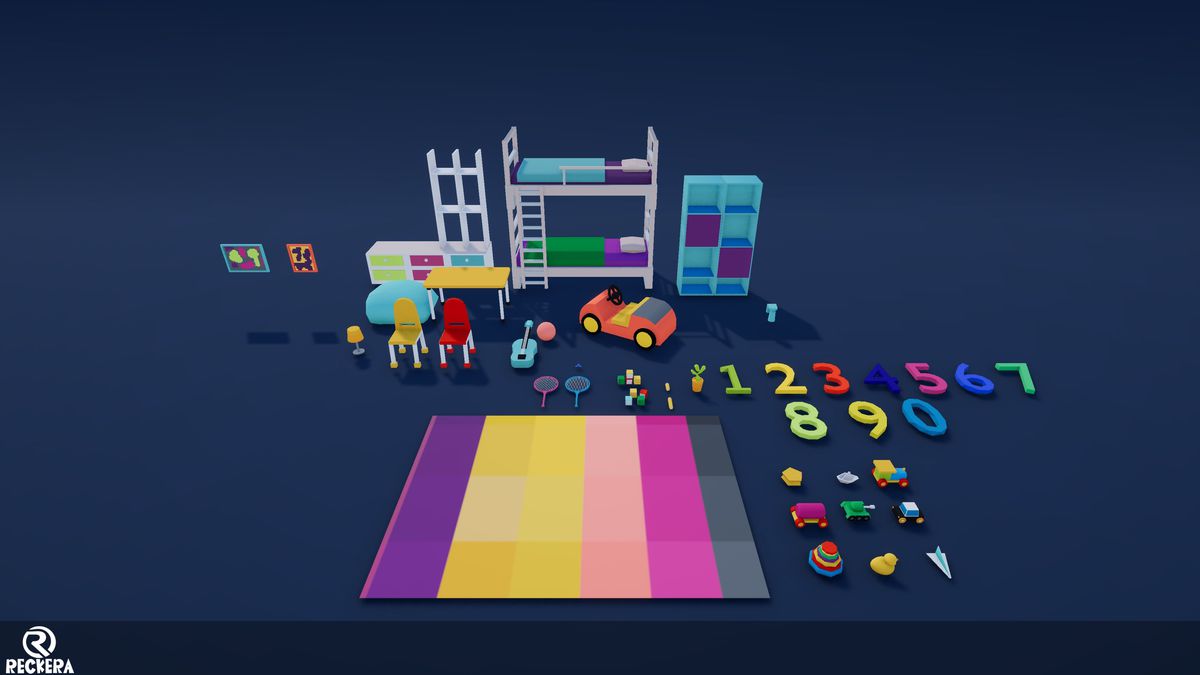
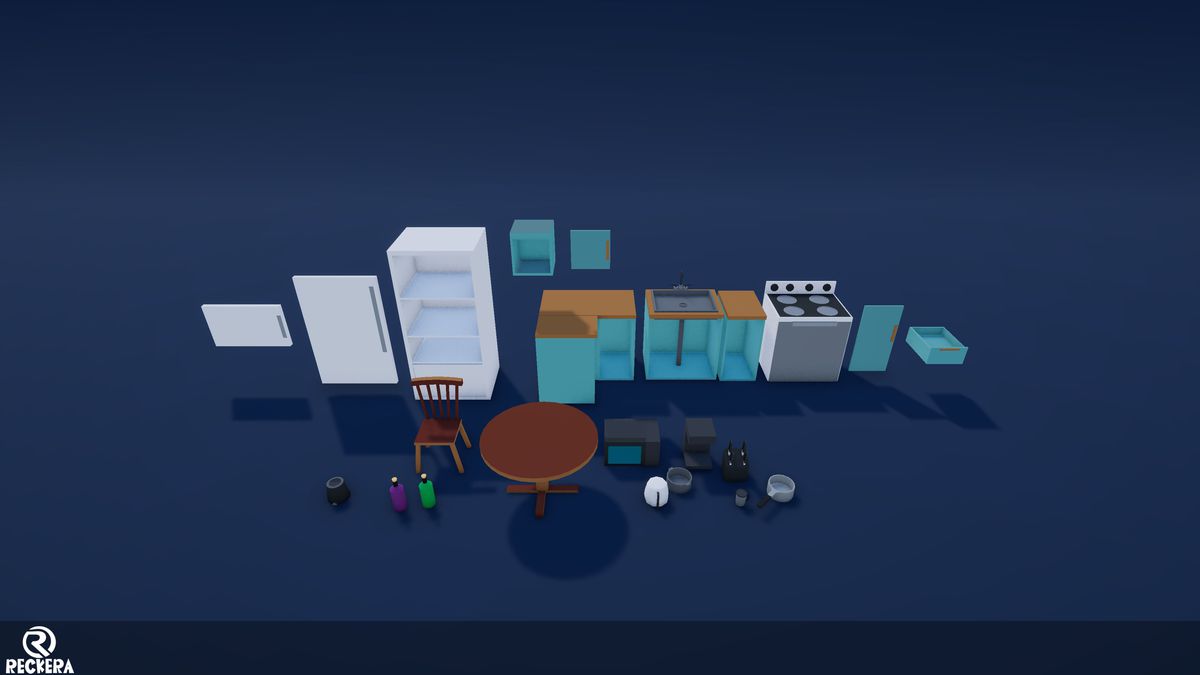
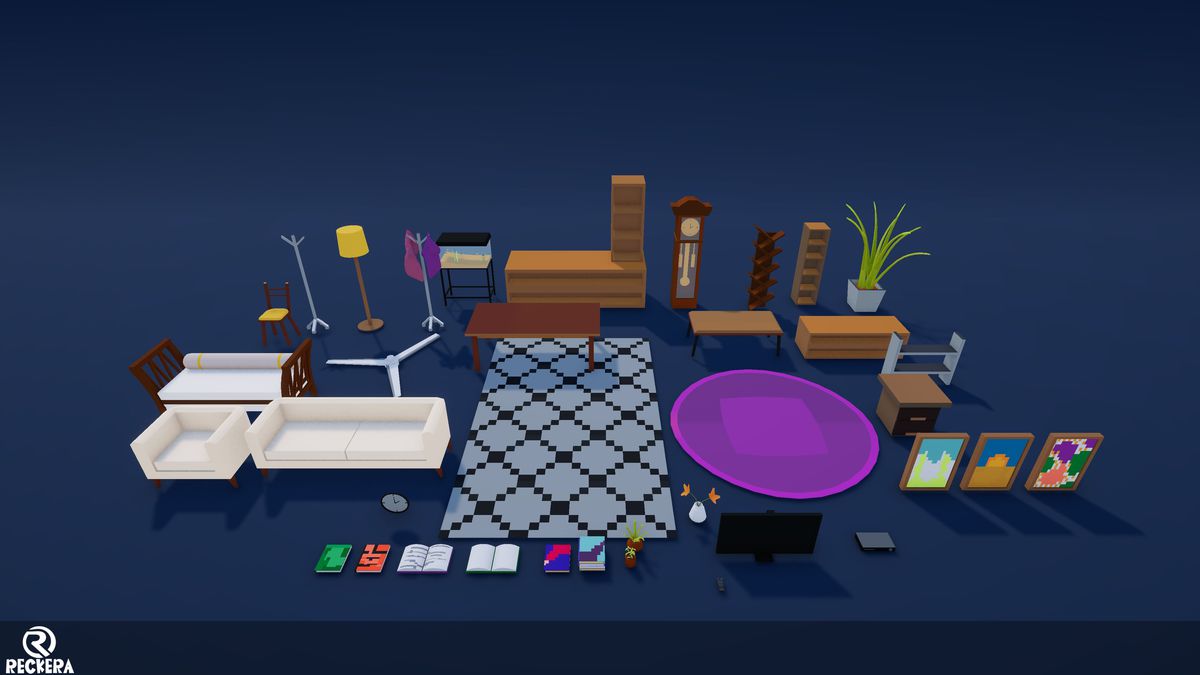
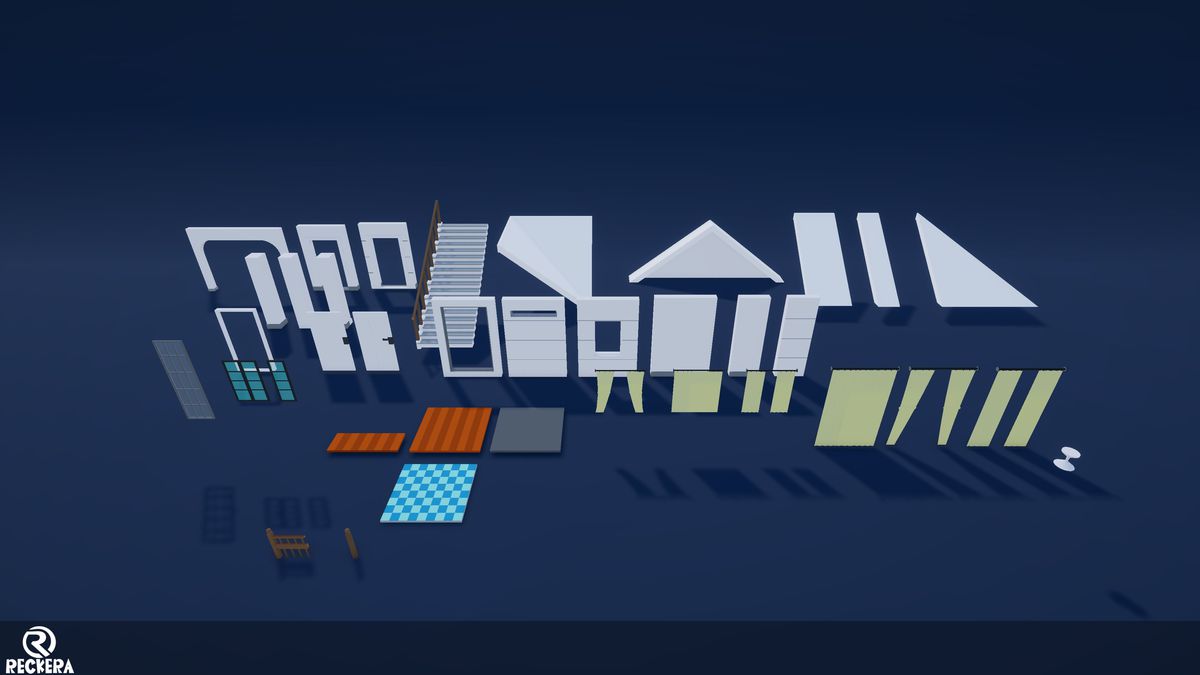
About this asset
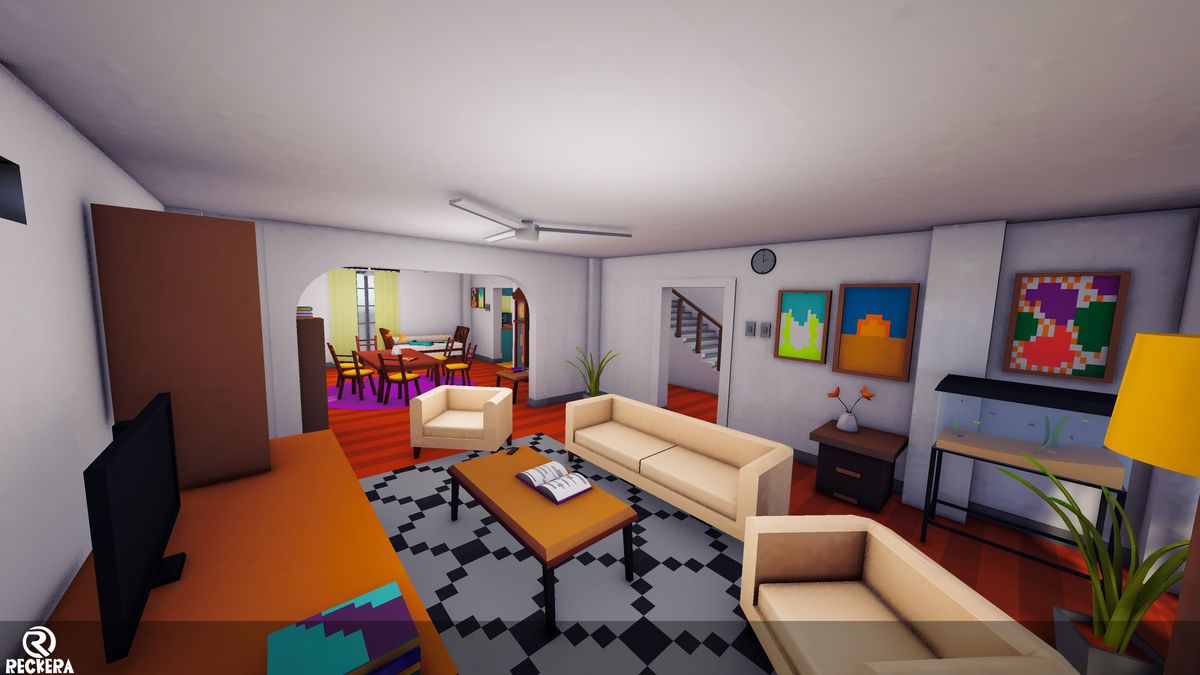
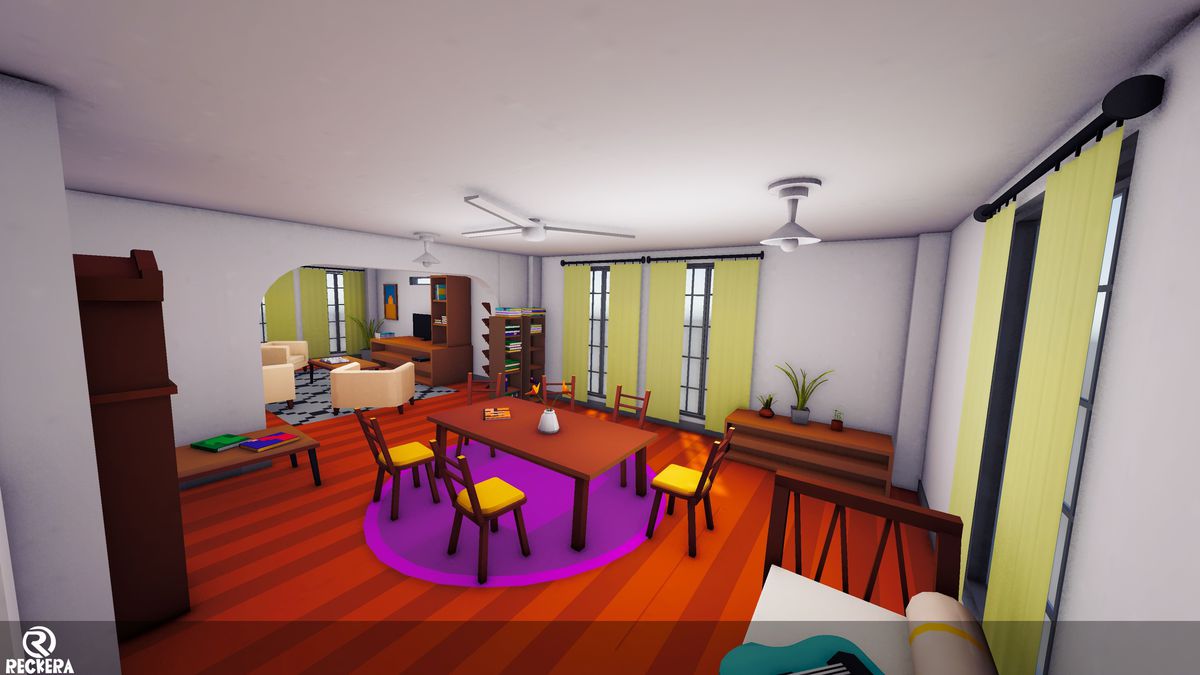
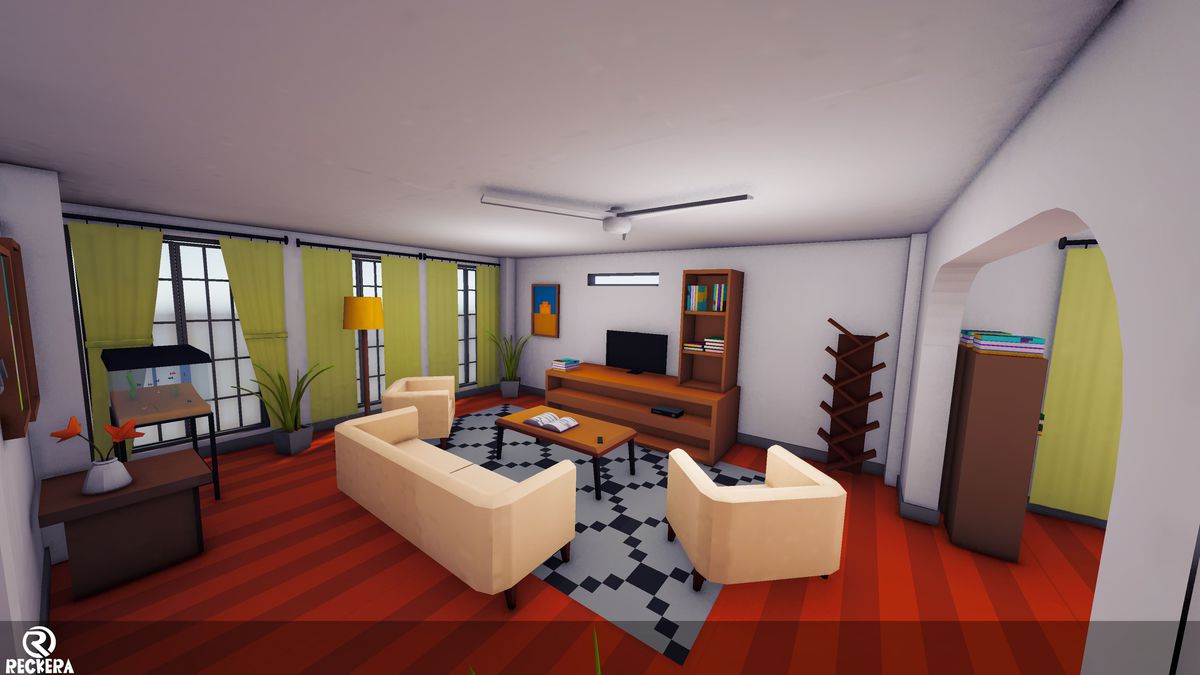
🏠 Low Poly Modular House Interior Pack
This asset pack includes a complete set of Low Poly Interior Environments, designed for fast level building, mobile games, indie projects, and prototypes. All assets are modular, lightweight, and easy to customize.
✅ Included Asset Categories
- Modular House Meshes
- Living Room Assets
- Kitchen Assets
- Kids Room Assets
- Bathroom Assets
- Master Bedroom Assets
⚡ Features
- Optimized for mobile, PC, and indie games
- Clean low-poly style
- Modular and grid-friendly
- Game-ready UVs and textures
- Single Texture- Material Based
From the publisher's Asset Store listing.
Technical details
Technical Details:
- Number of Textures: 1
- Texture Dimensions: 2048 × 2048
- Number of Materials: 2 Materials from a single texture
- Polygon Count:
Minimum polygon count :12 Tris
Maximum polygon count : 10 192Tris
Number of Meshes/Prefabs: 187 meshes with 187 prefabs
- Rigging: No
- Animations: None
- UV Mapping: Yes (aligned to colour palette)
- Materials and Texture Maps: Single material, colour palette–based
Compatibility
| Unity version | Built-in | URP | HDRP |
|---|---|---|---|
| 2022.3.16f1 | Not listed | Compatible | Not listed |
Currently, this pack is built using URP. If you need to convert it to HDRP or the Built-in Render Pipeline, you will need to do it manually. Only the materials need to be changed.
As listed on the Asset Store.