
 View on Asset Store (opens in new tab)
Package details
- Latest version
- 1.2
- Last updated
- First released
- Unity version
- 2022.3.62 or later
- Package size
- 4.6 MB
- Files
- 207
- Favorites
- 7
- Views in the past week
- 9
Price tracking
- Last checked
- Tracked since
- Lowest recorded
- $4.99 on
Keywords
Blood Decals - Retro Style Decal Pack
A retro style low resolution blood decal asset pack.
Affiliate link · Purchases support this site
Price history
Last 6 months
USDAsset preview
1 / 10
Blood Decals - Retro Style Decal Pack screenshot 1
About this asset
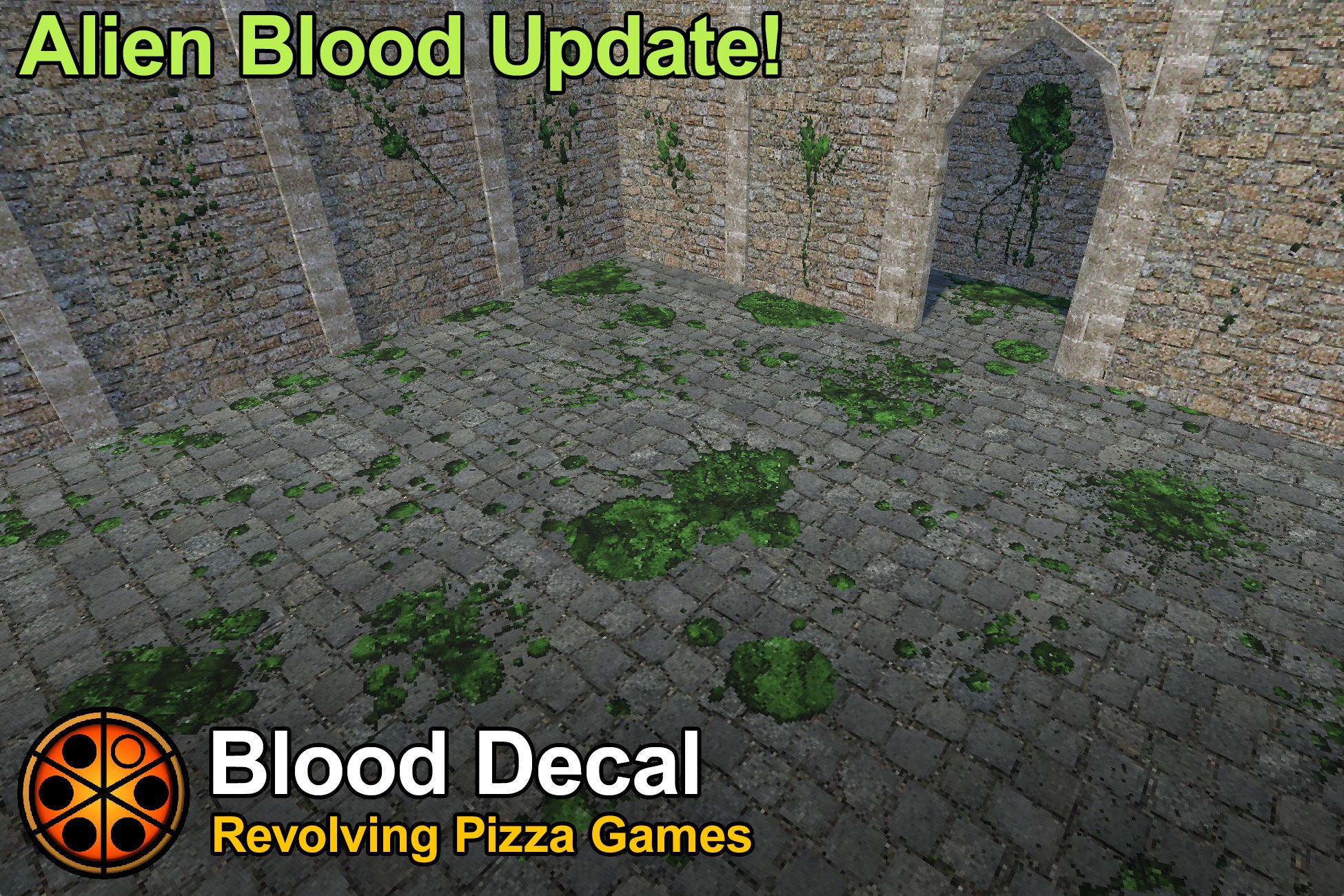
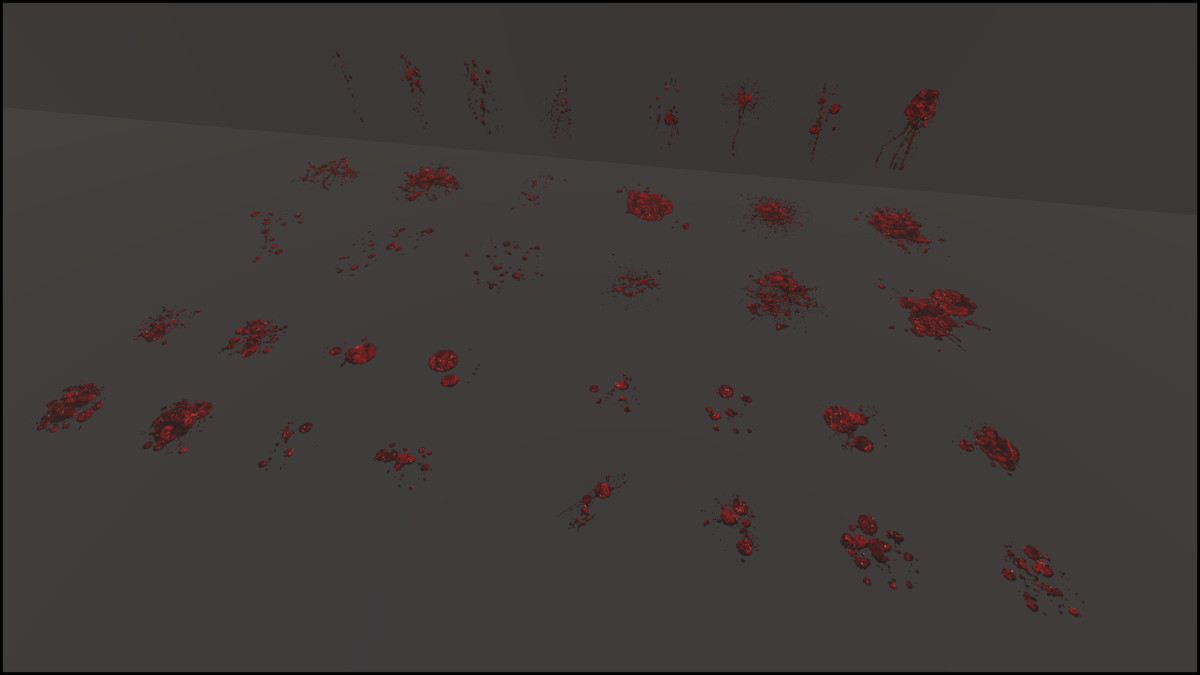
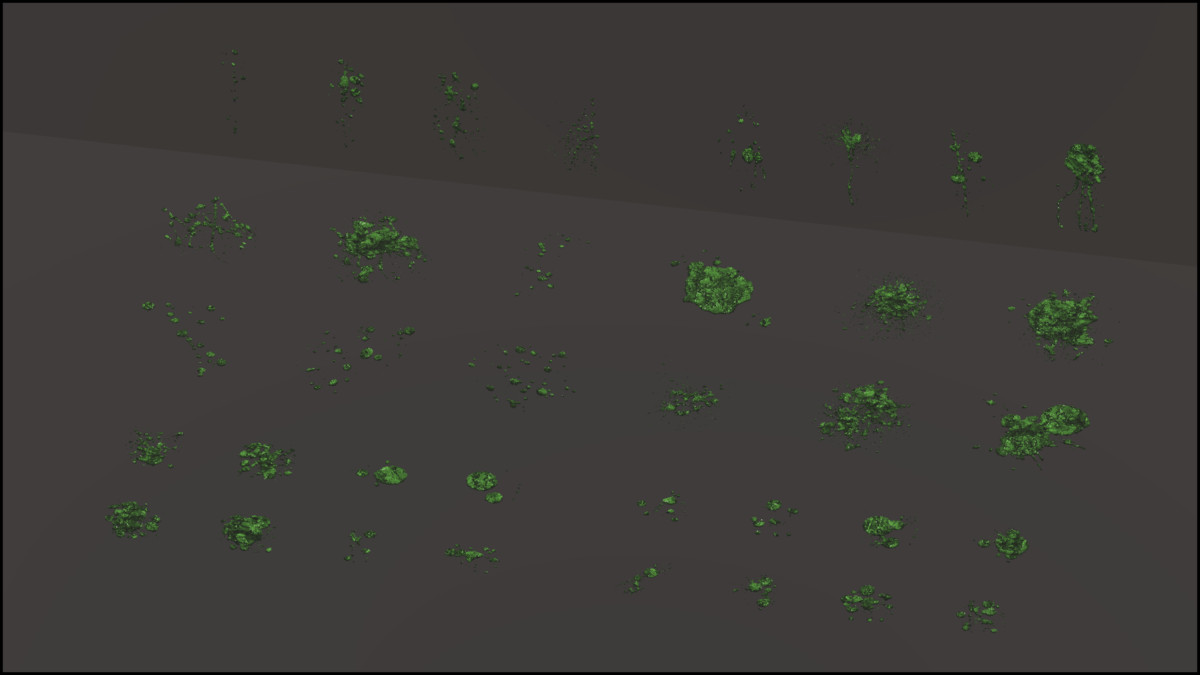
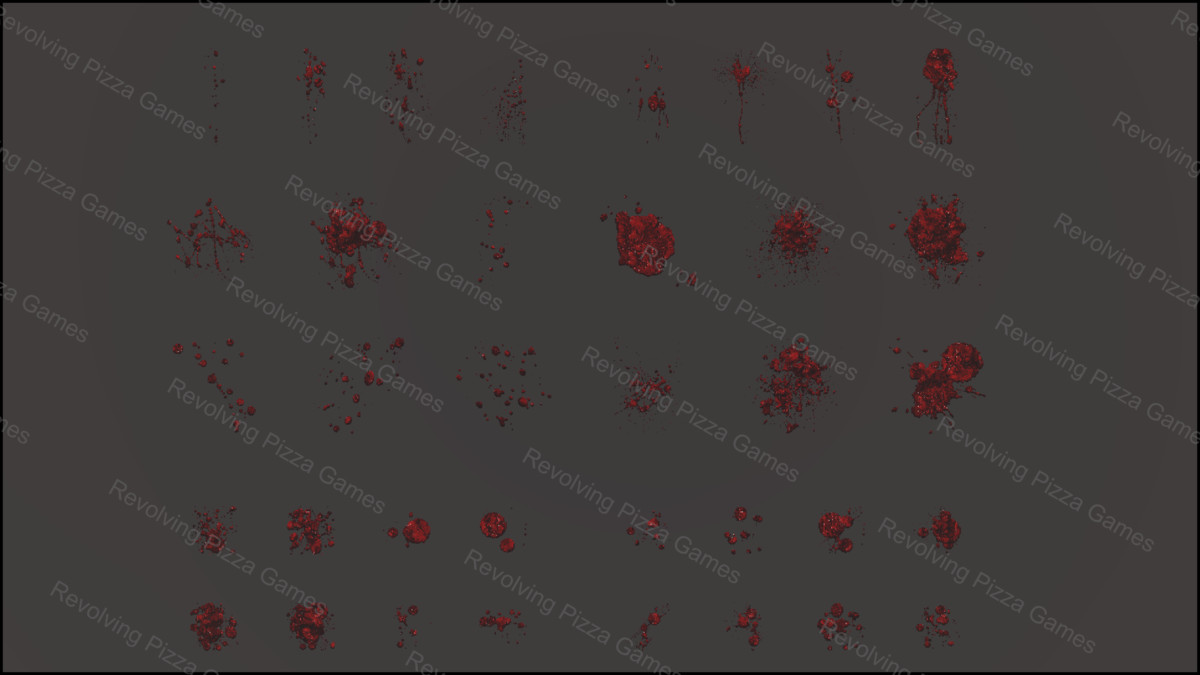
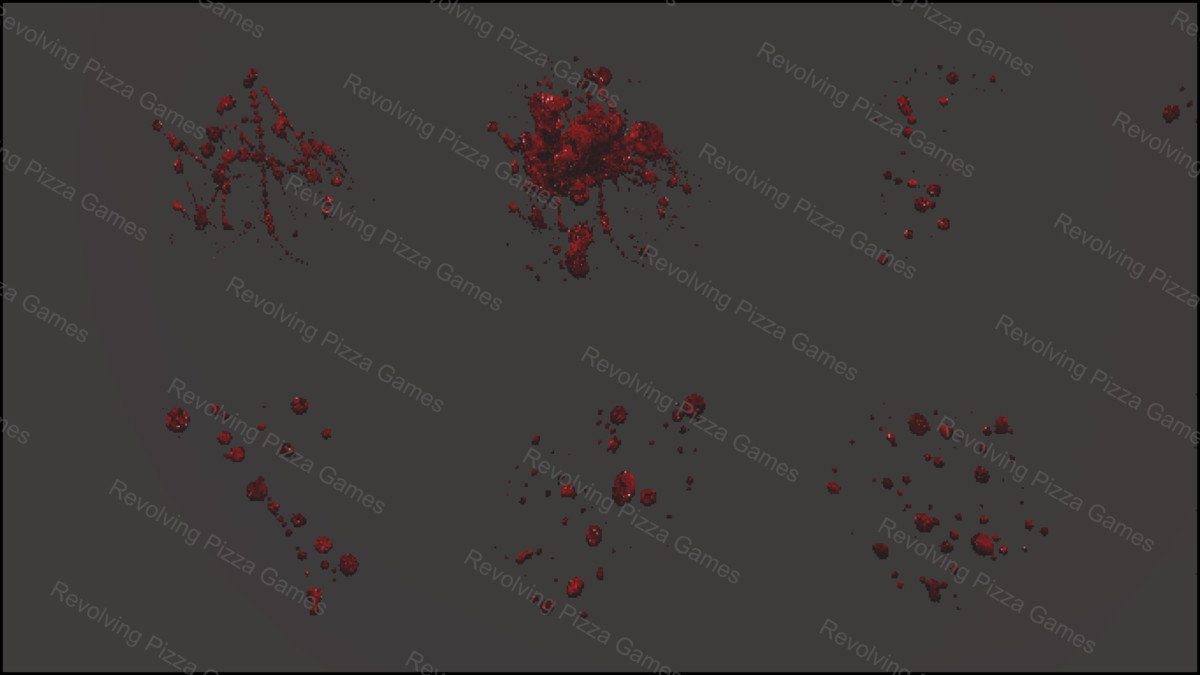
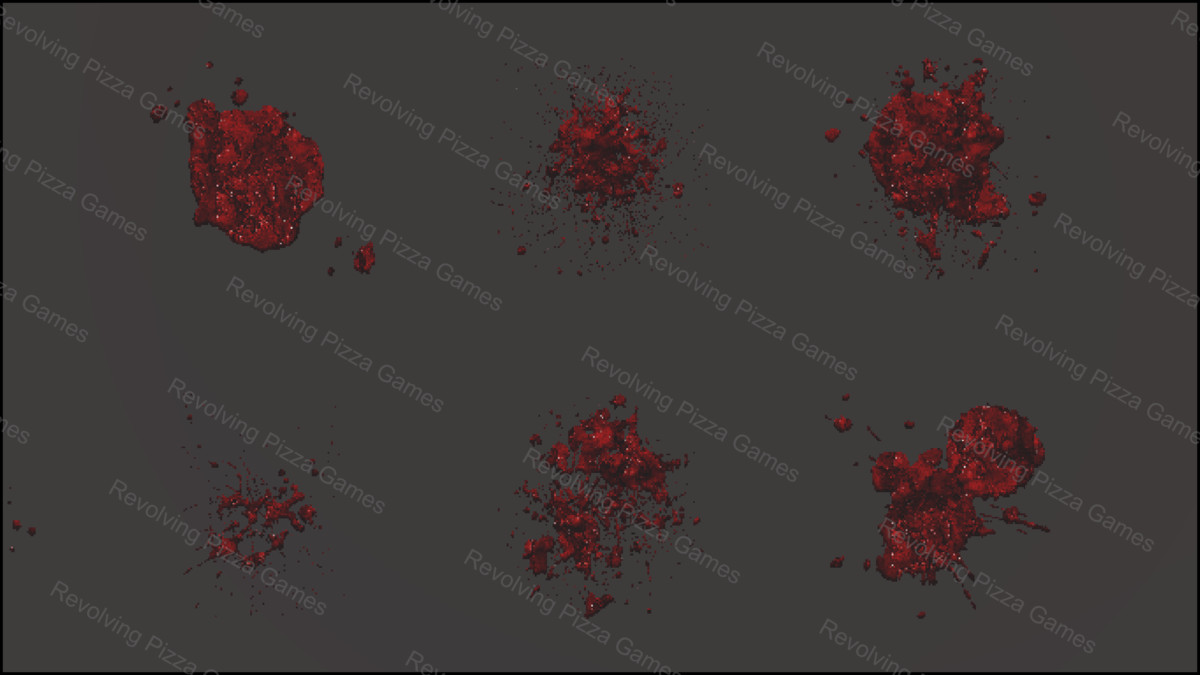
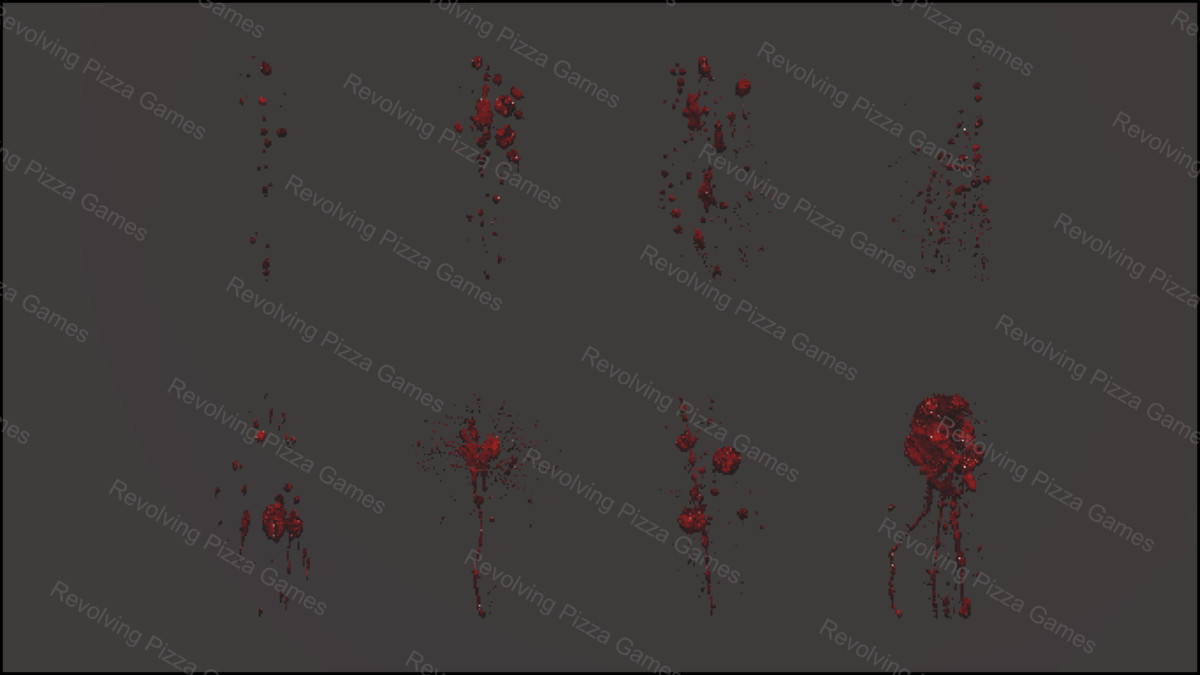
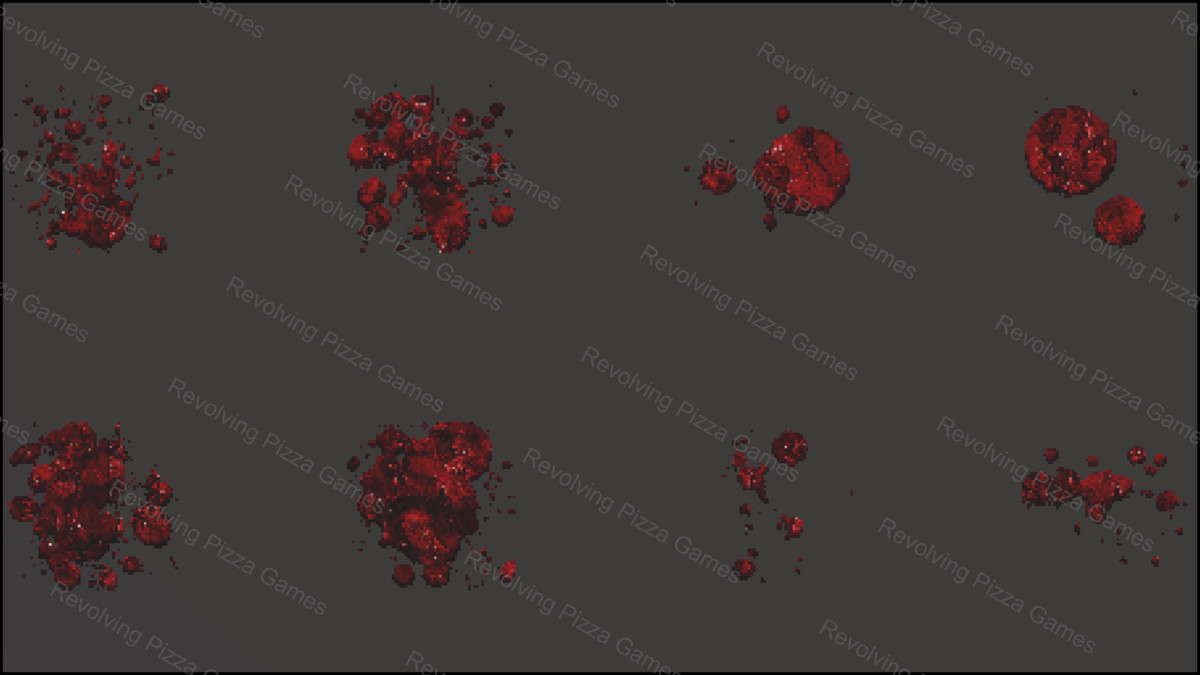
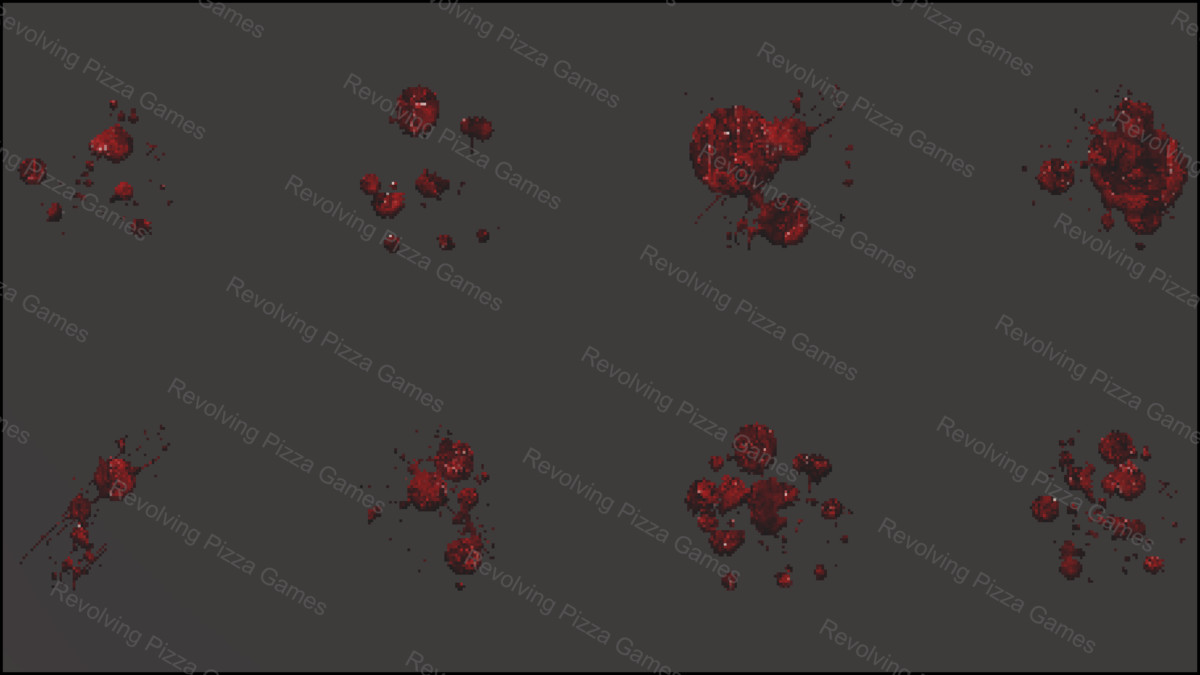
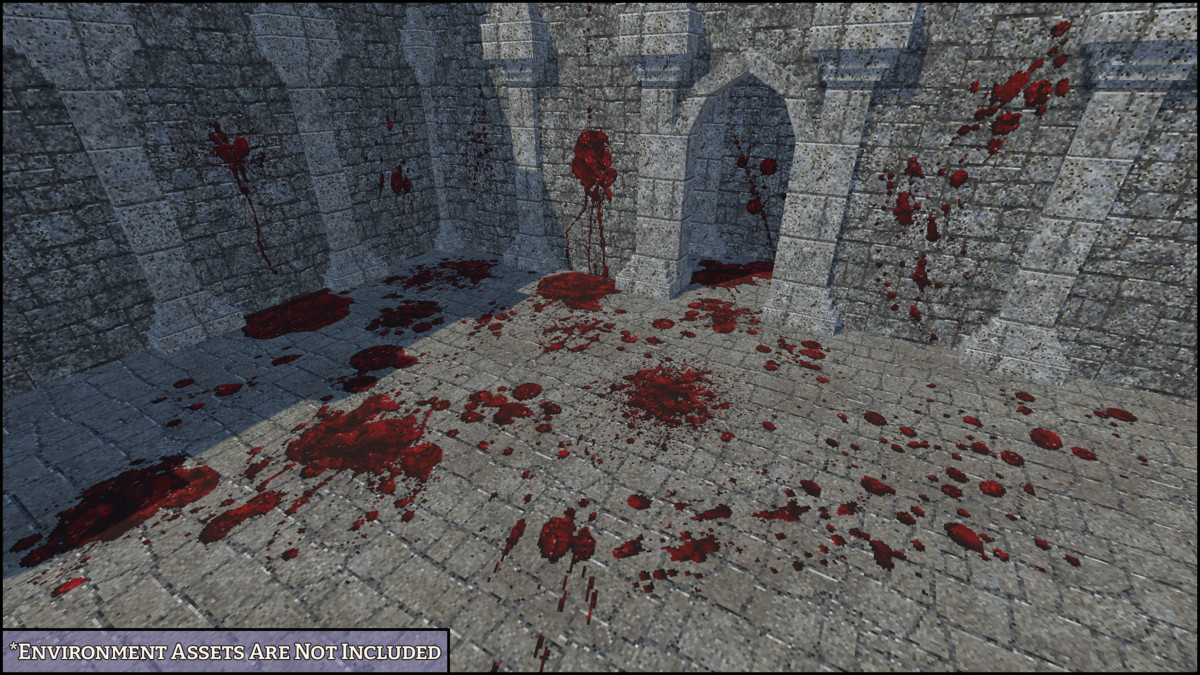
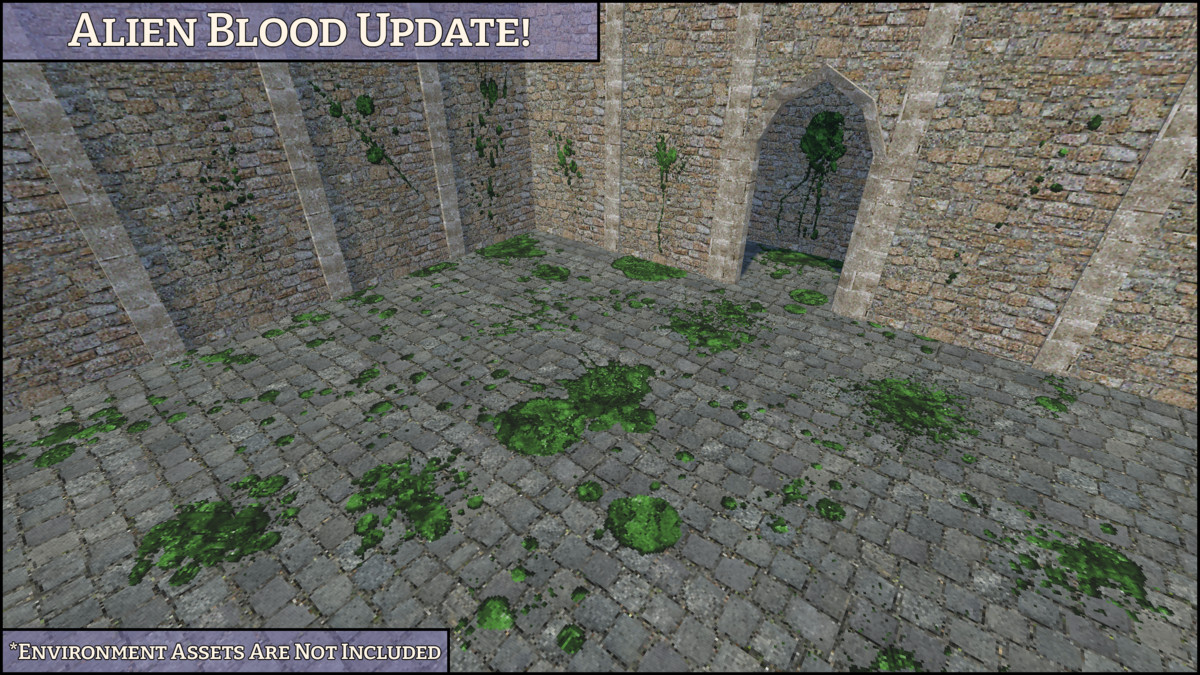
Create blood stains, splatters, pools, drips, and horror scene details with a collection of 36 retro style blood decal designs provided as 72 prefabs, including both standard red blood and green alien blood variants. The pack includes small decals, large floor decals, and vertical drip decals designed for easy scene dressing in horror games, dark fantasy environments, combat scenes, sci-fi environments, and retro-inspired projects.
Blood Decals features a distinct low-resolution texture style, combined with crisp filtering, creating a unique aesthetic that blends retro charm. It captures a nostalgic feel without the limitations of old game engines or consoles.
The included showcase scene displays all decal prefabs together for easy browsing. Atlas-based materials are included for drag-and-drop prefab use, while the original individual blood textures are also provided for users who want more control.
KEY FEATURES
- 36 blood decal models and 72 prefabs
- Includes standard red blood and green alien blood variants
- 8 drip decal designs
- 12 large decal designs
- 16 small decal designs
- 12 atlas materials
- 12 atlas textures
- 72 individual blood textures included separately
- Small decals use 1x1 plane models
- Large and drip decals use 2x2 plane models
- Prefabs are slightly offset to help reduce z-fighting during placement
- Drag-and-drop ready prefabs
- Showcase scene included
TEXTURES AND MATERIALS
- 12 atlas textures and materials, along with 72 individual blood textures separated by Drip, Large, and Small categories.
Materials are prepared for the Built-in Render Pipeline and can be easily converted to URP.
Converting to URP
- Select all materials (they should appear magenta), from the top menu, click Edit > Rendering > Materials > Convert Selected Built-in Materials to URP.
- For Unity 6, open Window > Rendering > Render Pipeline Converter. Select the Built-in pipeline as the source and choose your target pipeline. Select “Material Upgrade,” then click “Initialize and Convert.”
- Ensure all textures have their Filter Mode set to “Point (no filter)” to prevent blurriness.
- Texture Compression should be set to None.
No custom shaders are used. Materials are compatible with URP and HDRP, though HDRP has not been explicitly tested.
NOTE: Environment assets shown in preview images are not included. They are used only to demonstrate decal placement.
From the publisher's Asset Store listing.
Technical details
Number of Prefabs: 72
Number of Models: 36
Number of Meshes: 36
Number of Textures: 12 Atlas + 72 Individual
Number of Materials: 12
Texture Dimensions: 256x256 / 128x128 / 64x64
Minimum Polygon Count: 2
Maximum Polygon Count: 2
UV Mapping: Yes
LOD Information: No LOD
Compatibility
| Unity version | Built-in | URP | HDRP | Custom |
|---|---|---|---|---|
| 2022.3.62f2 | Compatible | Compatible | Compatible | Compatible |
As listed on the Asset Store.