
 View on Asset Store (opens in new tab)
Package details
- Latest version
- 1.0
- Last updated
- First released
- Unity version
- 6000.0.48 or later
- Package size
- 30.0 MB
- Files
- 125
- Favorites
- 2
- Views in the past week
- 5
Price tracking
- Last checked
- Tracked since
- Lowest recorded
- $12.49 on
Keywords

ScenePilot Graph - Visual Scene Flow & Routing
Visual scene graph and routing tool for Unity. Organize scenes, define transitions, preview flows, and control navigation through a simple runtime API.
Affiliate link · Purchases support this site
Price history
Last 6 months
USDAsset preview
1 / 8

ScenePilot Graph - Visual Scene Flow & Routing screenshot 1


About this asset
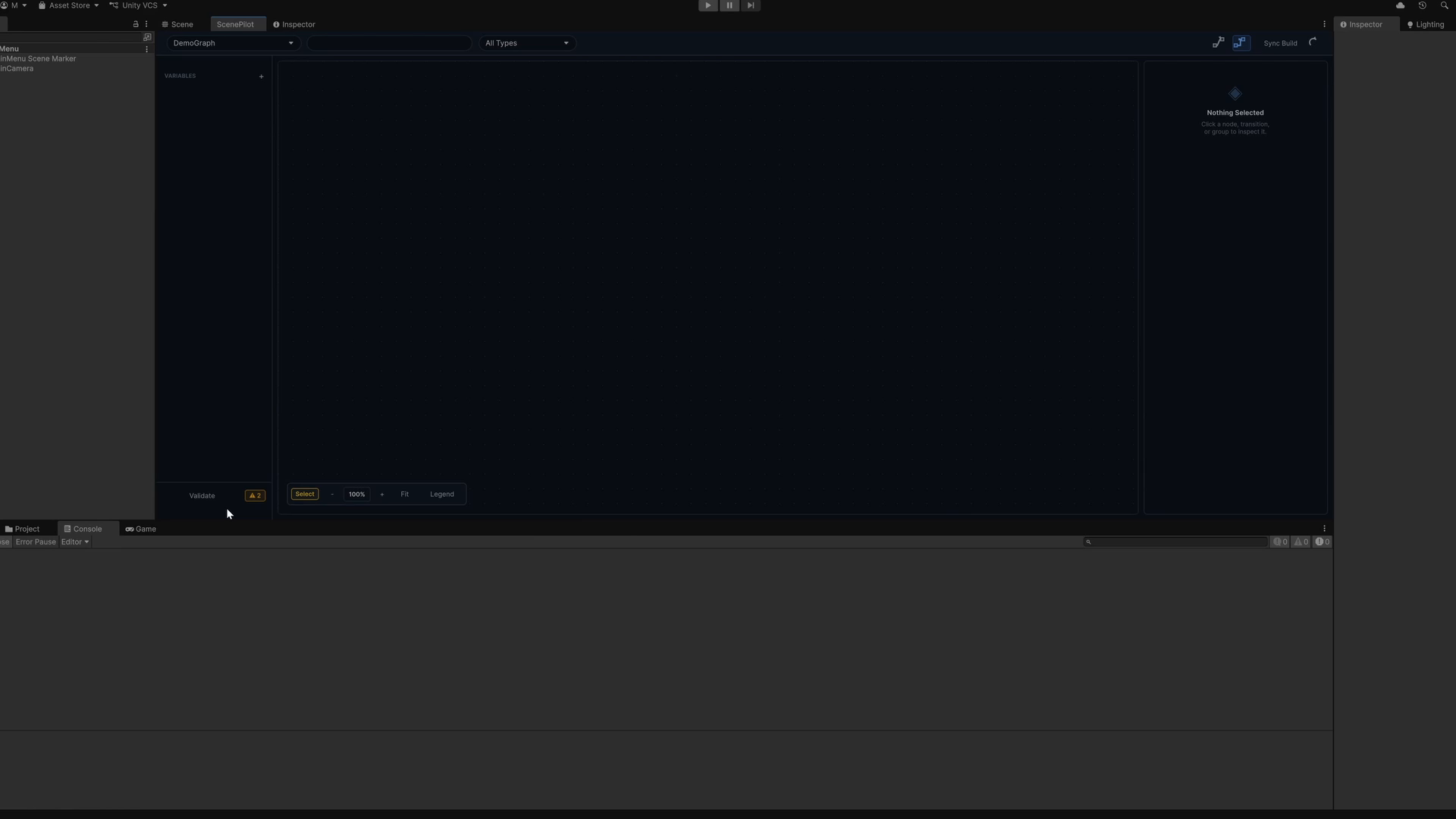
ScenePilot Graph is a visual scene management and routing tool for Unity.
Instead of hardcoding every scene transition manually, ScenePilot lets you organize your project scenes in a clear node-based graph. You can connect scenes, define possible transitions, group related scenes, preview navigation paths, and control scene flow through a simple runtime API.
It is designed for developers who want a cleaner way to manage menus, levels, game over screens, victory screens, hubs, routes, and non-linear scene structures.
ScenePilot is especially useful for projects where scene flow becomes harder to track over time, such as games with multiple levels, branching paths, fallback scenes, menus, prototypes, or complex navigation logic.
Core use cases:
• Build a visual overview of your scene flow
• Organize scenes with nodes, groups, colors, and notes
• Define scene transitions directly in the editor
• Navigate using Next, Back, GoTo, Transit, RouteTo, and more
• Preview routing paths before running the game
• Keep scene navigation logic centralized and easier to maintain
• Improve workflow for prototypes, game jams, indie games, and larger projects
ScenePilot is code-only and does not require any external dependencies.
From the publisher's Asset Store listing.
Technical details
Features:
• Visual node-based scene graph editor
• Scene nodes with customizable position, color, and metadata
• Scene connections for defining possible transitions
• Scene grouping for menus, levels, hubs, and special sections
• Notes and visual organization tools
• Route preview inside the editor
• Runtime scene navigation API
• Next(), Back(), GoTo(), Transit(), TransitTo(), RouteTo(), SetRoute(), EndRoute()
• Support for weighted routes and transition priorities
• Support for conditions and fallback transitions
• Automatic scene discovery from the Unity project
• Editor-focused workflow for organizing scene flow
• Lightweight code-only package
• No external dependencies
• Includes example setup and documentation
Supported OS:
• Windows
• macOS
• Linux
Requirements:
• Unity 2022.3 or newer recommended
• Works with standard Unity scene workflows
• No additional packages required
Documentation:
• Included documentation explains setup, graph usage, runtime API, routing, and common workflows.
Compatibility
| Unity version | Built-in | URP | HDRP | Custom |
|---|---|---|---|---|
| 6000.0.48f1 | Compatible | Compatible | Compatible | Compatible |
As listed on the Asset Store.