
 View on Asset Store (opens in new tab)
Package details
- Latest version
- 1.0.0
- Last updated
- First released
- Unity version
- 6000.5.1 or later
- Package size
- 3.5 MB
- Files
- 16
- Views in the past week
- 3
Price tracking
- Last checked
- Tracked since
- Lowest recorded
- $13.99 on
Keywords

RefGraph — Asset Reference Auditor
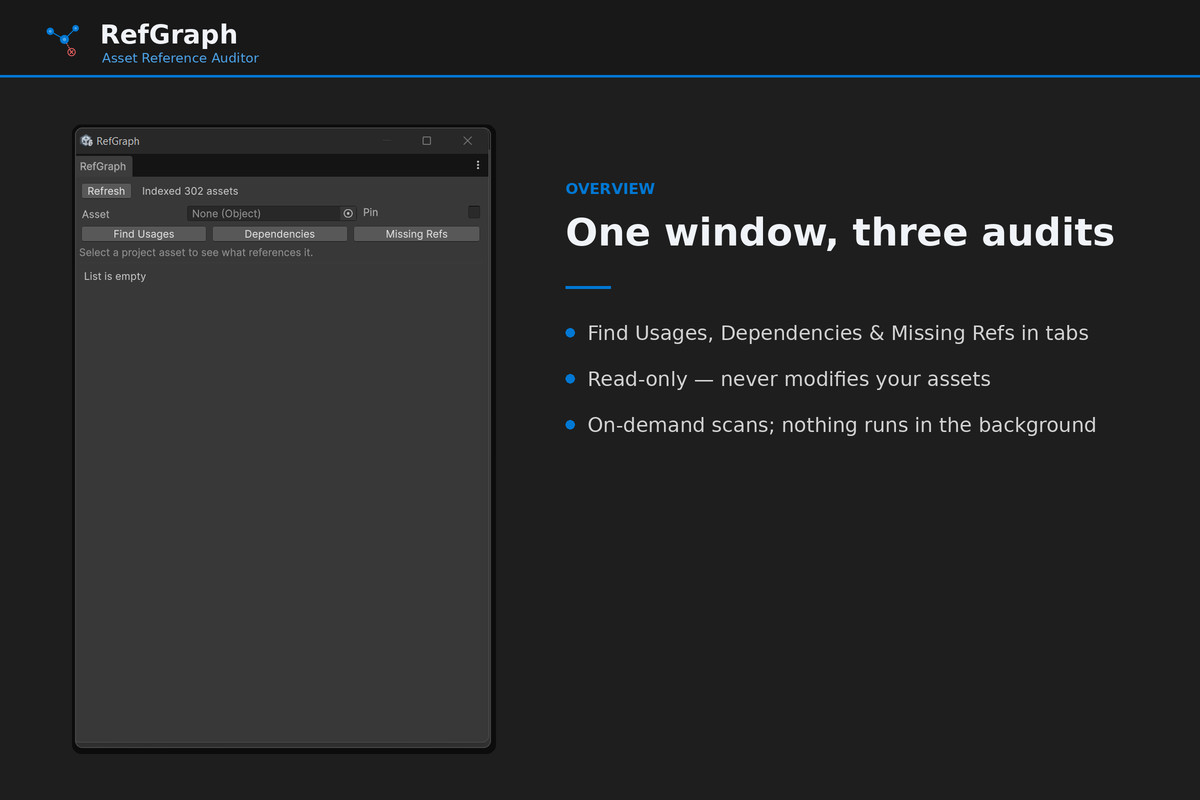
Find what references any asset, explore its dependencies, and scan your whole project for broken references - one fast, read-only Editor window. Stop hunting missing references by hand.
Affiliate link · Purchases support this site
Price history
Last 6 months
USDAsset preview
1 / 4
RefGraph — Asset Reference Auditor screenshot 1
About this asset
RefGraph is a lightweight Editor tool that maps the invisible web of references between your Unity assets - and finds the broken ones. It answers three everyday questions about any asset:
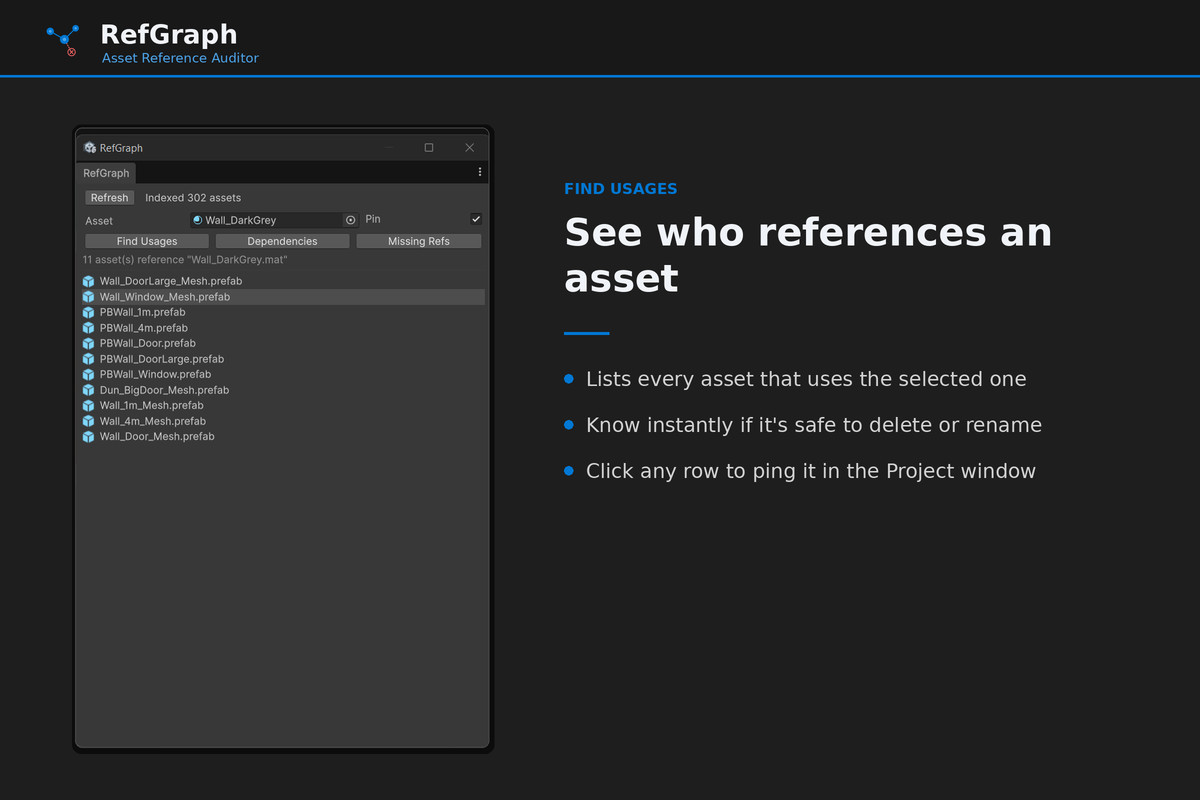
FIND USAGES - Who references this? Select any asset and instantly see every prefab, material, or asset that points to it. Know the blast radius before you delete or rename anything.
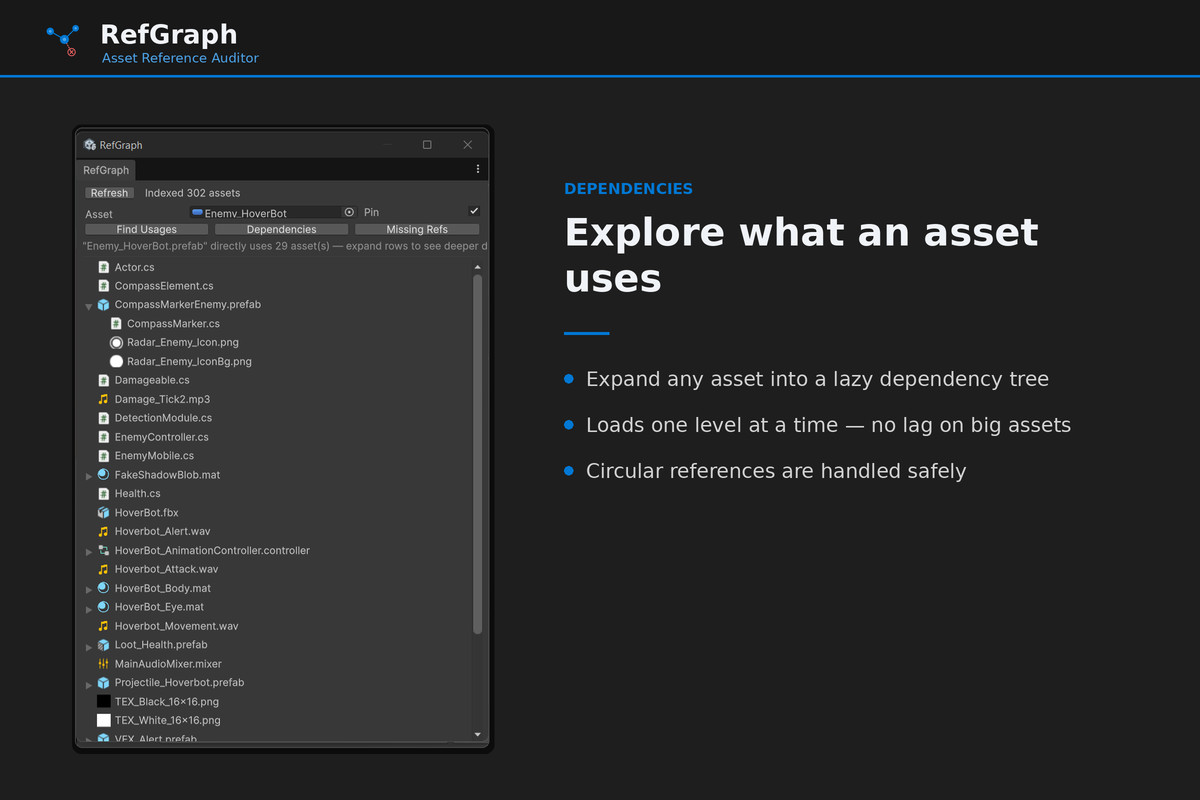
DEPENDENCY VIEWER - What does this use? Explore an asset's dependencies as a lazily-expanding tree that loads one level at a time, so it stays responsive even on complex prefabs. Circular references are handled safely.
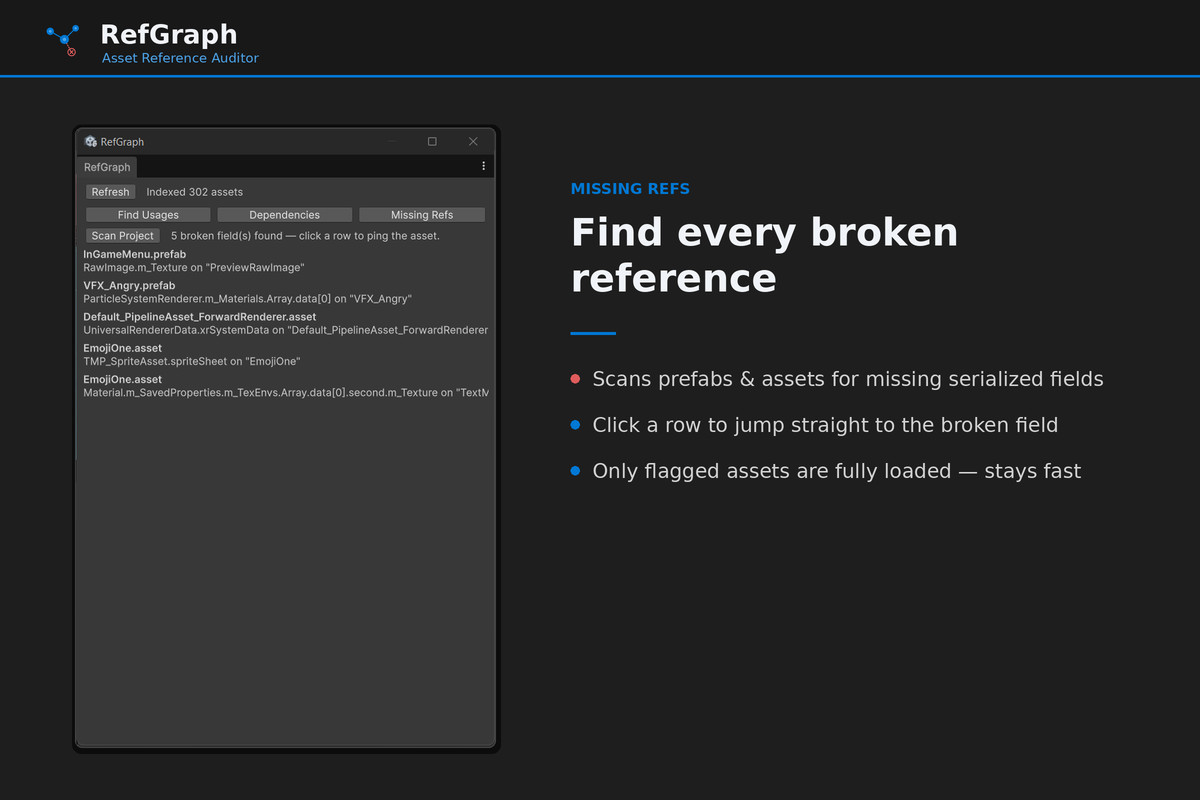
MISSING-REFERENCE FINDER - What's broken? Scan your prefabs and ScriptableObjects for serialized fields that point to deleted or missing assets - the silent "None (Object)" bugs that cause runtime null-reference crashes. Click any result to jump straight to the offending asset.
FAST & LIGHTWEIGHT
RefGraph builds its dependency index once and caches it to disk, so it survives Editor restarts and only re-reads changed files on refresh. All scanning is on-demand - nothing runs in the background or on every repaint. It is read-only and never modifies your assets, and it is Editor-only, so it adds nothing to your build.
WHAT'S INCLUDED
- Find Usages (reverse dependencies)
- Dependency Viewer (forward dependencies, expandable tree)
- Missing-Reference Finder (project-wide broken-reference scan)
- Right-click "RefGraph: Find Usages" shortcut in the Project window
- Full documentation
REQUIREMENTS
- Unity 2022.2 or later (fully supported on Unity 6)
- Any render pipeline
- Editor-only; nothing added to your build
Note (v1): Missing-reference scanning covers prefabs and ScriptableObjects; scene (.unity) scanning is planned for a future update. Scans cover the Assets/ folder.
From the publisher's Asset Store listing.
Technical details
Find Usages: reverse-dependency lookup for any asset
Dependency Viewer: lazily-expanding forward-dependency tree
Missing-Reference Finder: project-wide scan for broken serialized fields
Click any result to ping and select the asset in the Project window
Right-click "RefGraph: Find Usages" context-menu shortcut
Disk-cached dependency index with incremental, timestamp-based refresh
Read-only and Editor-only: never modifies assets, adds nothing to builds
Works with any render pipeline; Unity 2022.2+ including Unity 6
Compatibility
| Unity version | Built-in | URP | HDRP | Custom |
|---|---|---|---|---|
| 6000.5.1f1 | Compatible | Compatible | Compatible | Compatible |
As listed on the Asset Store.