
 View on Asset Store (opens in new tab)
Package details
- Latest version
- 1.0
- Last updated
- First released
- Unity version
- 6000.2.6 or later
- Package size
- 843 KB
- Files
- 28
- Favorites
- 1
- Views in the past week
- 1
Price tracking
- Last checked
- Tracked since
- Lowest recorded
- $17.49 on
Keywords
Surface Text/Decal Placer Ultimate
Place TextMeshPro text and your own decals onto any surface from the editor — real 3D text on flat surfaces, projected decals on curved ones.Style presets, wear, background panels, runtime API.
Affiliate link · Purchases support this site
Price history
Last 6 months
USDAsset preview
1 / 3
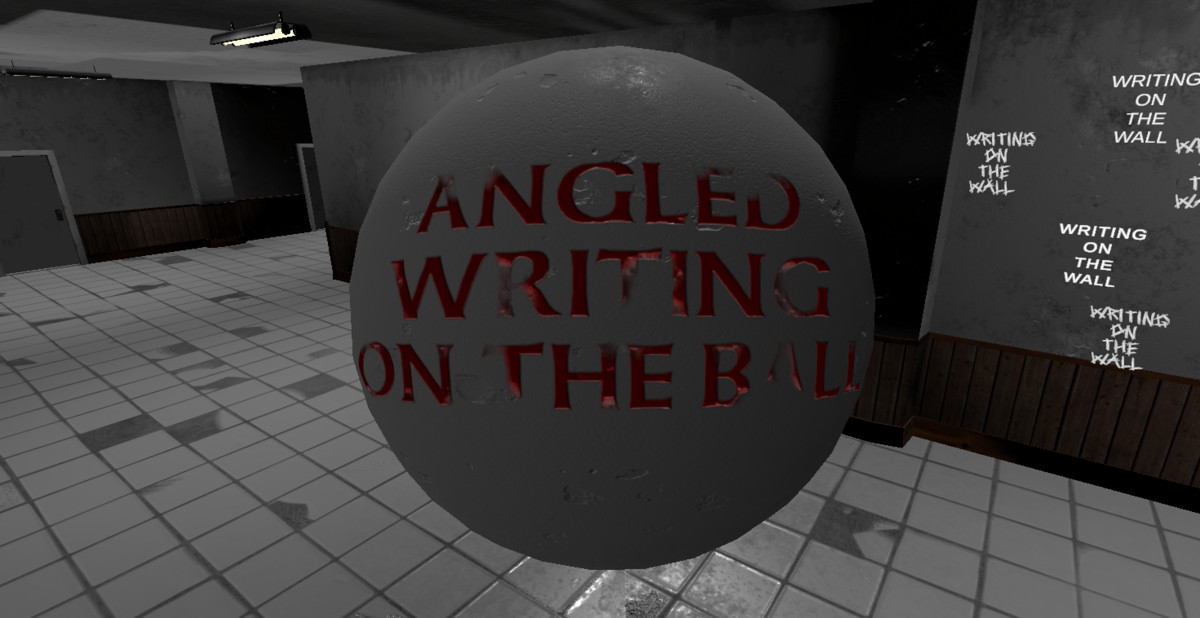
Surface Text/Decal Placer Ultimate screenshot 1
About this asset
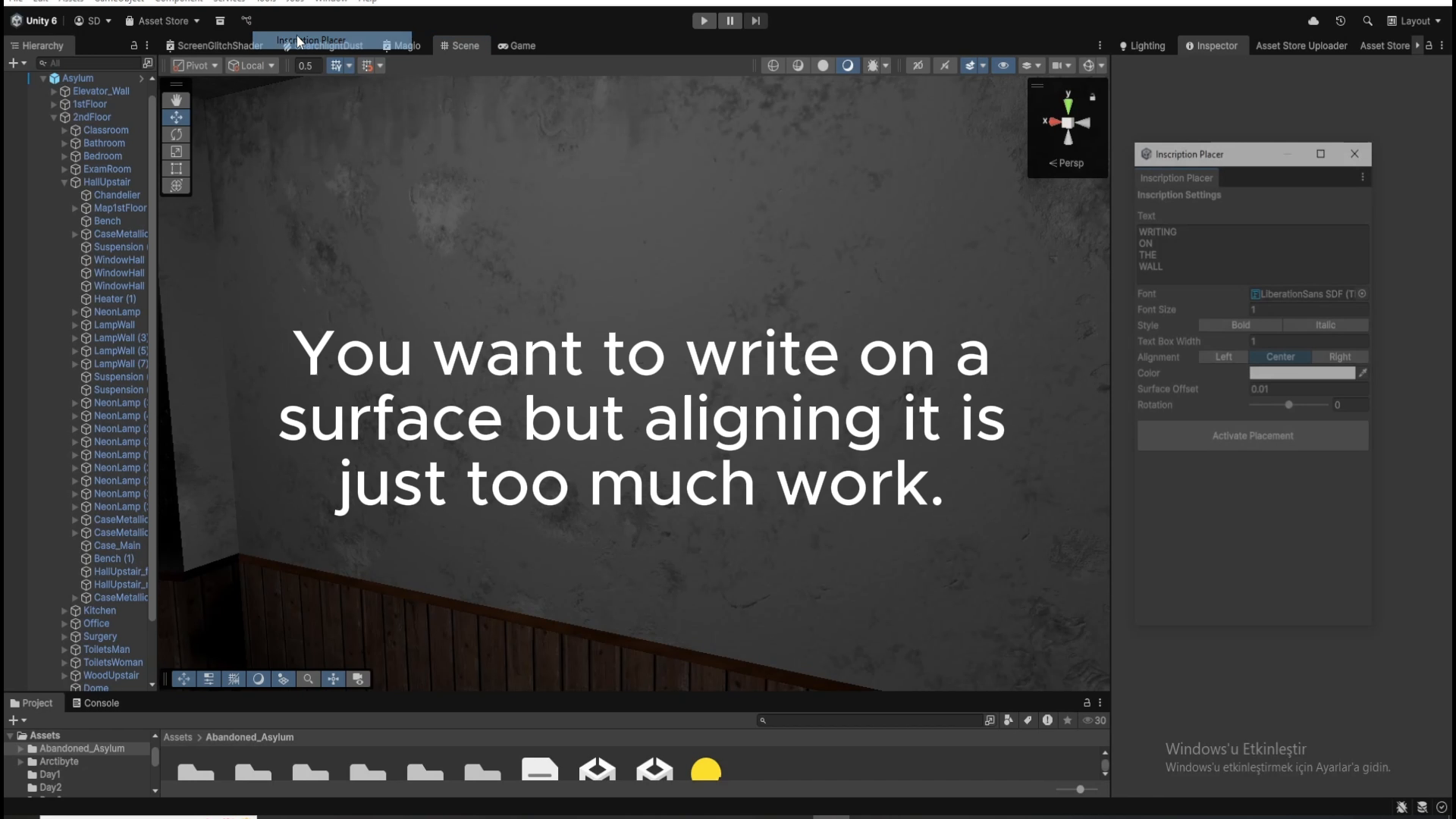
Surface Text Placer Ultimate places text and images onto surfaces directly from the Scene view. Click a surface, type or pick an image, and it's placed — oriented to the surface, parented to the object, fully editable afterward.
It works in two modes so it covers any surface:
Geometry mode — real TextMeshPro 3D text for flat surfaces. Vector-crisp at any distance, receives scene lighting, editable live, and placeable at runtime through the scripting API.
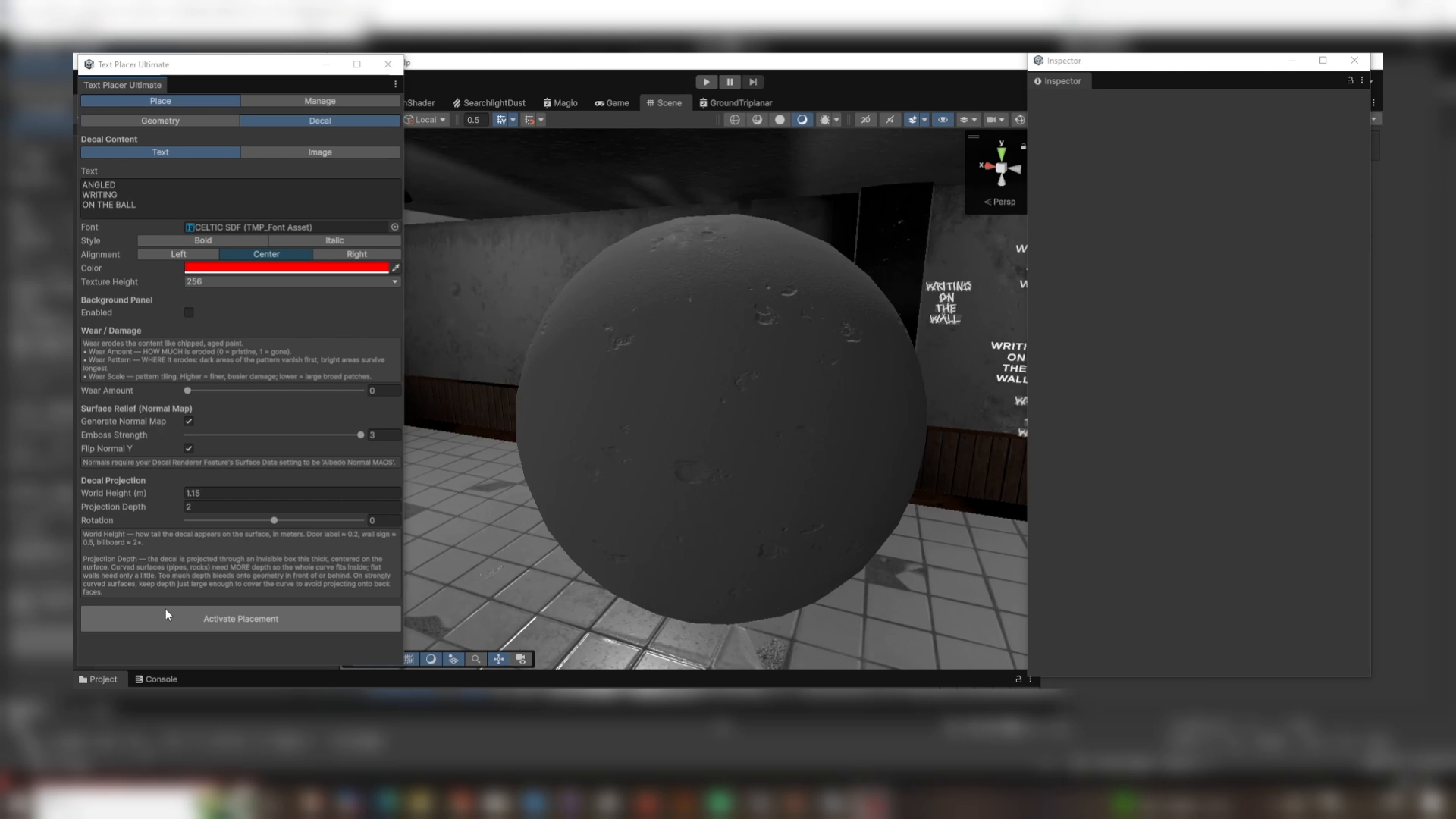
Decal mode — for curved and uneven surfaces (pipes, rocks, terrain). Your text or your own image is baked to a texture and projected onto the surface so it follows the curve. Wear, background, and an emboss normal map for apparent depth are all baked in.
Key features
- Click-to-place from the Scene view — no Canvas, no manual positioning
- Two placement modes: real 3D text (flat) and projected decals (curved)
- Place your own images/decals, not just text, in Decal mode
- Style presets — save a complete look and apply it in one click (6 presets included)
- Background panels — auto-sized, configurable colour and padding
- Wear / damage system with 4 tileable patterns + built-in noise
- Auto-generated emboss normal maps for raised or engraved relief
- Typewriter reveal animation component
- Runtime scripting API for dynamic text (geometry mode)
- Unity Localization support (auto-enables when the package is installed)
- Scene-wide management tab — search, select, frame, delete every placement
- Full Undo support and settings persistence
Known limitations
- Decal mode requires the URP Decal Renderer Feature; with Surface Data = Albedo Normal MAOS for the emboss normal to render.
- Projected decals stretch on surfaces that turn sharply away from the projection direction (inherent to all projected decals) — best on flat-to-gently-curved surfaces.
- Geometry-mode text is for flat surfaces; it does not conform to curves.
- Wear rendering in geometry mode is unlit and does not use TMP outline/underlay.
- Runtime API covers geometry mode; decal placement is editor-only.
Requirements & dependencies
- Unity 6, Universal Render Pipeline (URP) 17.2+
- TextMeshPro
- Decal mode requires the Decal Renderer Feature on your URP Renderer
From the publisher's Asset Store listing.
Technical details
- Render pipeline: URP only (Unity 6 / URP 17.2+). Not compatible with Built-in or HDRP.
- Scripts: C#, split into Runtime and Editor assemblies (asmdef). Only the Runtime assembly ships in builds.
- Shaders: 1 URP HLSL shader (SDF text wear), SRP Batcher compatible.
- Textures: 4 tileable greyscale wear patterns, 512×512, PNG.
- Decal bake output: generated PNG textures, up to 4096 px on the long edge, plus an auto-generated normal map.
- Editor tooling: custom EditorWindow, two custom Inspectors, ScriptableObject style presets.
- No third-party dependencies beyond TextMeshPro; Localization integration is optional and define-gated.
Compatibility
| Unity version | Built-in | URP | HDRP |
|---|---|---|---|
| 6000.2.6f2 | Not listed | Compatible | Not listed |
As listed on the Asset Store.