
 View on Asset Store (opens in new tab)
Package details
- Latest version
- 1.0
- Last updated
- First released
- Unity version
- 6000.4.11 or later
- Package size
- 49 KB
- Files
- 12
- Views in the past week
- 2
Price tracking
- Last checked
- Tracked since
- Lowest recorded
- $4.99 on
Keywords
- Search for GameObject To ScriptableObject
- Search for Developer Tools
- Search for Data management
- Search for SO Management
- Search for Copy To ScriptableObjects
- Search for data transfer
- Search for COPY PASTE
- Search for scriptable object
- Search for Editor Window
- Search for gameobject
- Search for asset management
- Search for Unity Editor

GameObject To ScriptableObject Copier
An intuitive Editor utility to batch copy data from GameObjects and paste it onto ScriptableObjects. Eliminate tedious manual entry and streamline your workflow.
Affiliate link · Purchases support this site
Price history
Last 6 months
USDAsset preview
1 / 3
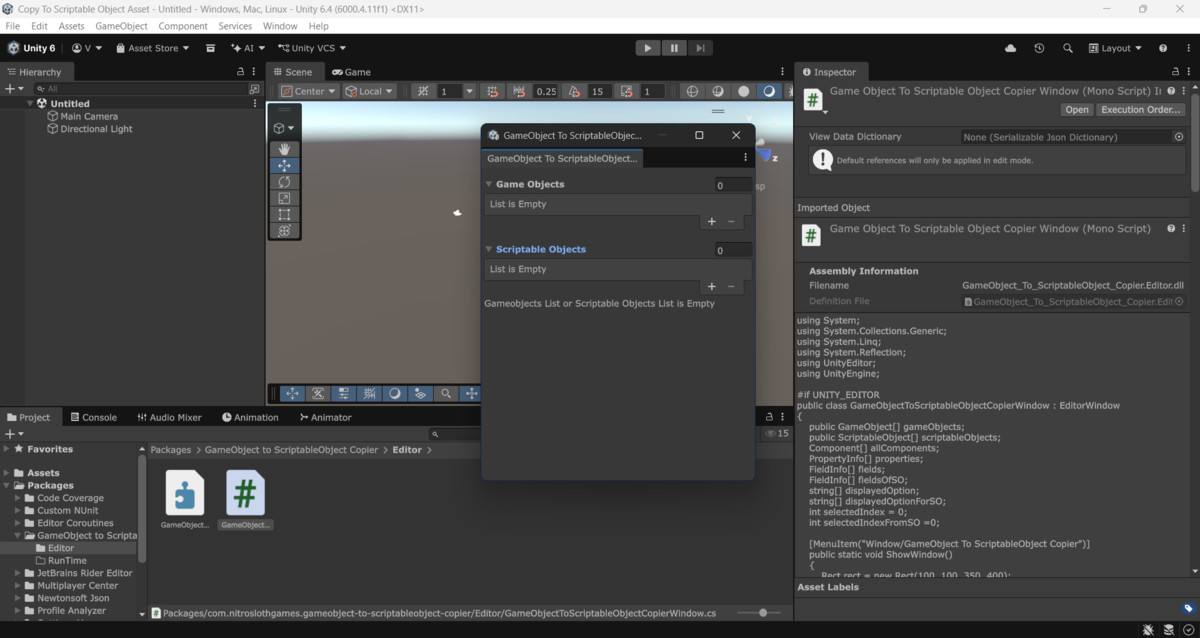
GameObject To ScriptableObject Copier screenshot 1
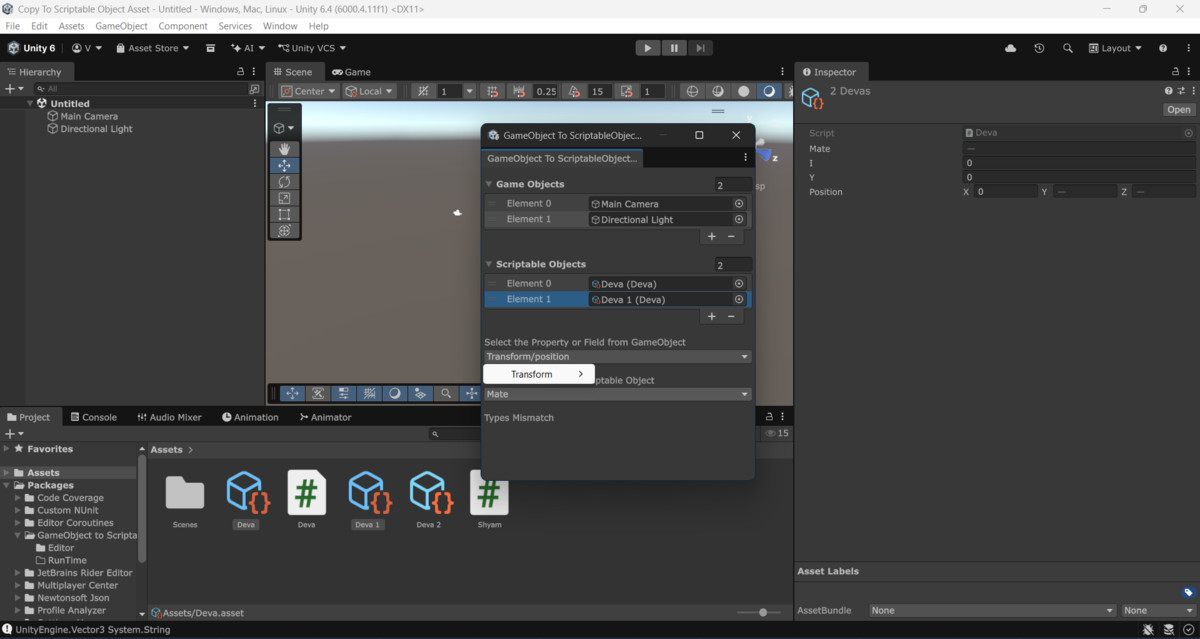
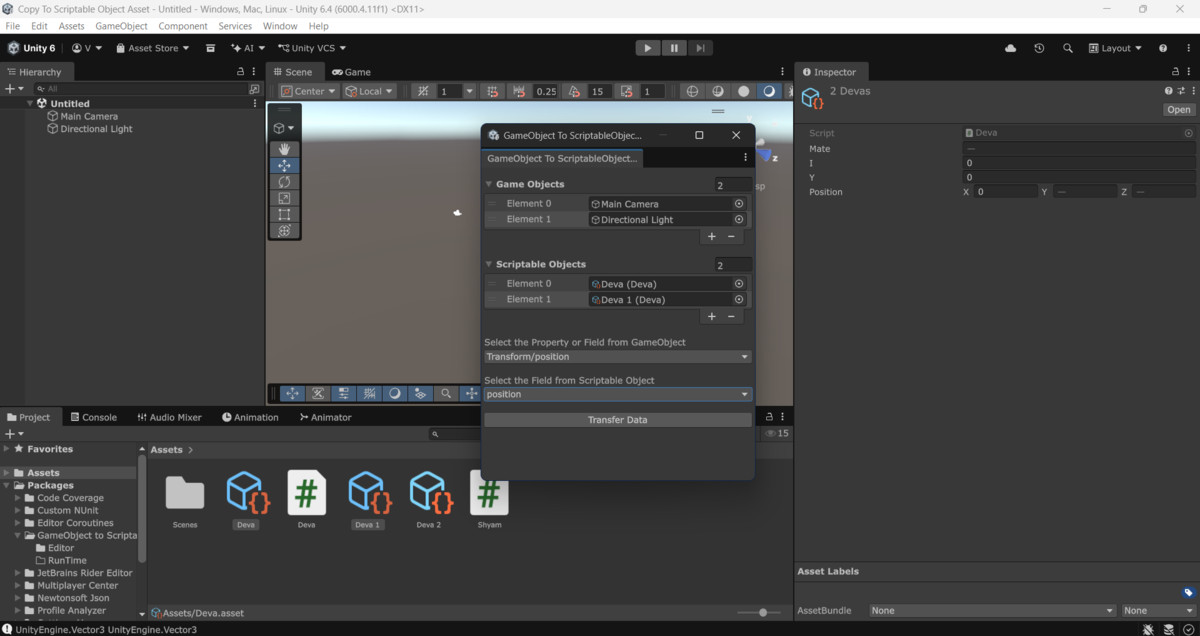
About this asset
Manually replicating scene data into a data-driven architecture is a major workflow bottleneck. Accessed seamlessly via Windows > GameObject To ScriptableObjects Copier, this lightweight Editor window bridges the gap between your scene layout and project files, allowing you to map and transfer properties instantly.
Whether you are converting enemy prototypes into data templates, turning level hazards into persistent assets, or mass-configuring item stats from the hierarchy, this tool keeps you in your creative flow state.
Key Benefits:
- Save Hours of Production Time: Stop clicking through the Inspector one by one to copy values.
- Reduce Human Error: Eliminate typos and missed fields caused by repetitive manual work.
- Real-time Feedback: Keep track of your transfers instantly with clear status logs displayed right inside the editor window and the Unity Console.
From the publisher's Asset Store listing.
Technical details
- Access Path: Open via Windows/GameObject To ScriptableObjects Copier
- Data Validation: Strict type-matching engine requires lists to contain identical data types for clean mapping.
- List Constraints: Operates on safe, 1:1 matching logic—requiring the GameObject list length and ScriptableObject list length to be identical before executing.
- Dual Logging System: Outputs real-time feedback, success tracks, and validation warnings simultaneously to both the Unity Console and an in-window log panel.
- No Runtime Overhead: Fully isolated to the Editor pipeline; zero impact on your build size or game performance.
- Supported Unity Versions: Compatible with Unity 2021.3 LTS, 2022.3 LTS, and Unity 6+.
Compatibility
| Unity version | Built-in | URP | HDRP | Custom |
|---|---|---|---|---|
| 6000.4.11f1 | Compatible | Compatible | Compatible | Compatible |
As listed on the Asset Store.