
 View on Asset Store (opens in new tab)
Package details
- Latest version
- 1.0.0
- Last updated
- First released
- Unity version
- 6000.4.7 or later
- Package size
- 1.2 MB
- Files
- 54
- Views in the past week
- 17
Price tracking
- Last checked
- Tracked since
- Lowest recorded
- $39.00 on
Keywords

SRecorder by Holofil
Record AR and game camera output to MP4 on Android. No plugins, no screen capture — hardware-accelerated H.264 via MediaCodec. URP 17+ and Unity 6.
Affiliate link · Purchases support this site
Price history
Last 6 months
USDAsset preview
1 / 3
SRecorder by Holofil screenshot 1

About this asset
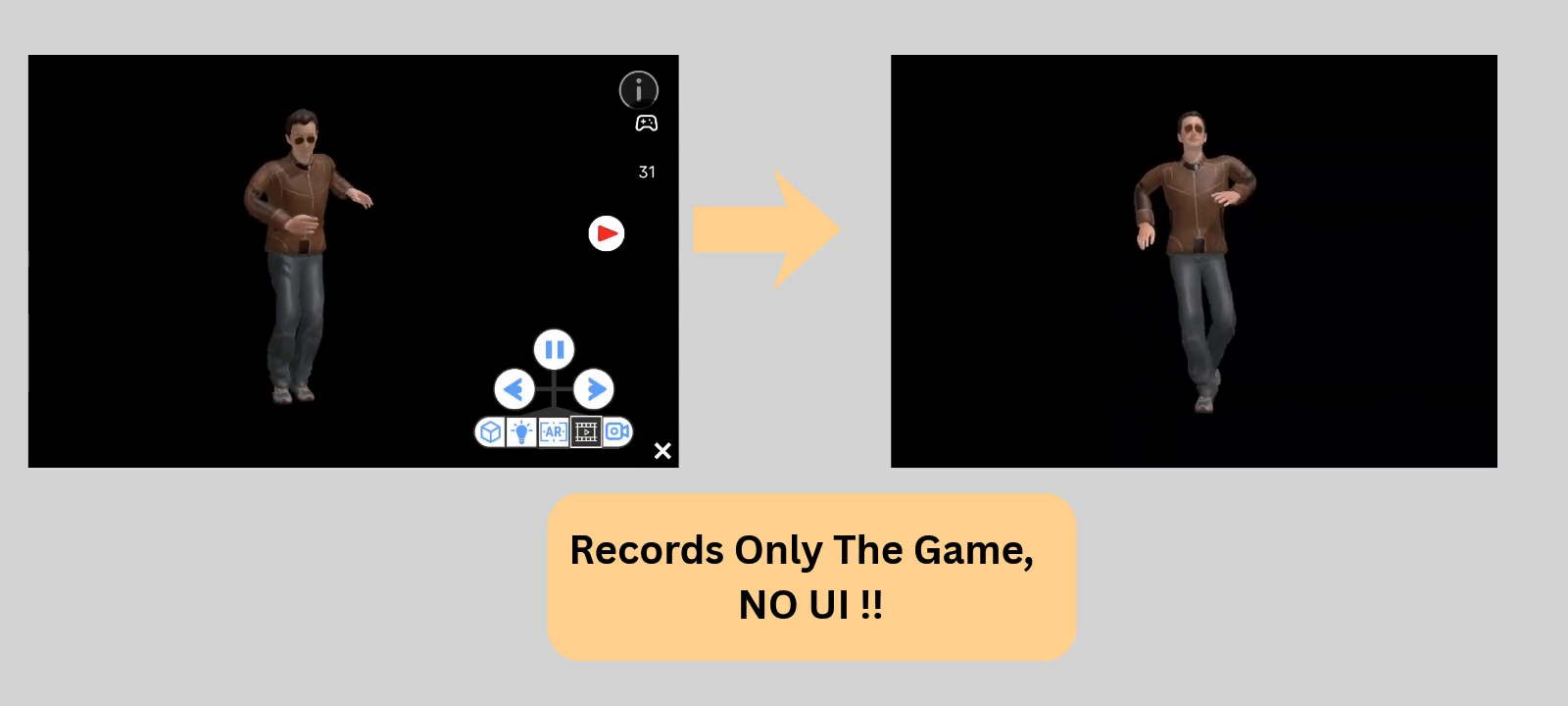
SRecorder captures exactly what your game or AR camera sees and saves it as an MP4 to the device's DCIM folder — no third-party plugins, no screen-capture hacks.
It uses Android's native MediaCodec and MediaMuxer for hardware-accelerated H.264 encoding, keeping CPU overhead low even on mid-range devices. Drop it into any URP 17+ / Unity 6 project and start recording in minutes.
Key Features:
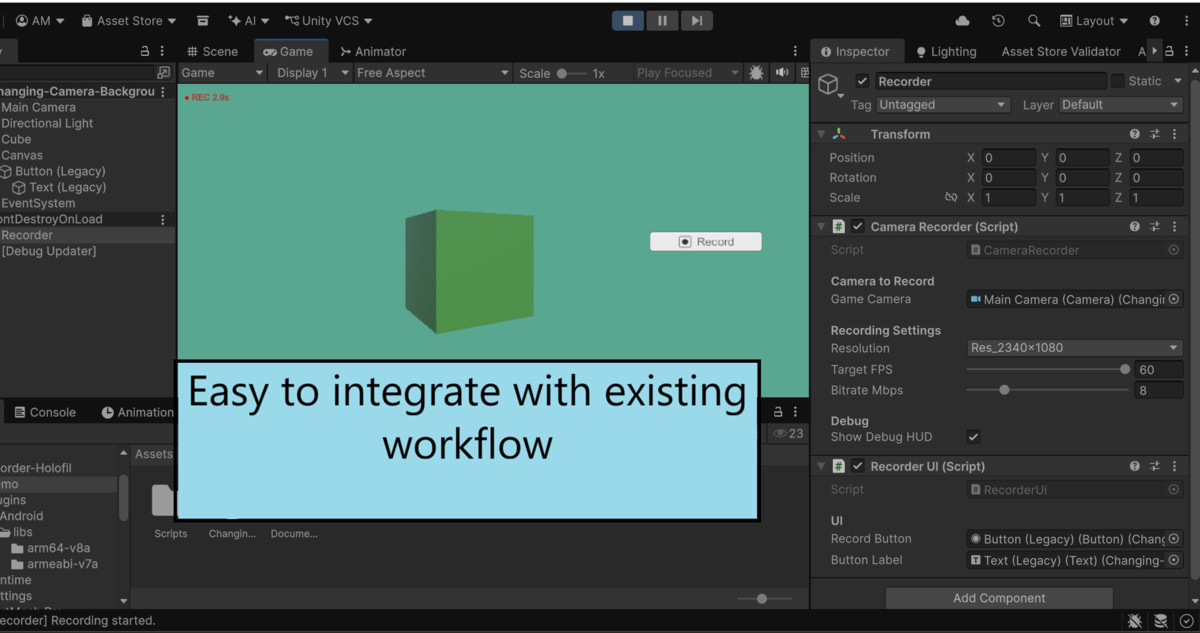
- Simple API — StartRecording(), StopRecording(), ToggleRecording()
- 4 resolution presets up to 2340×1080 full 1080p
- Configurable FPS (15–60) and bitrate (2–30 Mbps)
- Full AR camera support with correct background compositing
- Automatic storage permission handling (Android API 21+)
- Custom output path via OverrideOutputPath
- Silently ignored in Editor and non-Android builds — no #if guards needed
Requirements: Unity 6 · URP 17+ · Android API 26+ · IL2CPP
From the publisher's Asset Store listing.
Technical details
Hardware H.264 MP4 recording — Encodes directly via Android MediaCodec. Minimal CPU encoding cost; the entire pipeline runs on a background thread.
URP 17+ / Unity 6 native — Built on the RenderGraph API (RecordRenderGraph). Requires Unity 6 (6000.0+) with URP 17+.
AR Camera safe — The ScriptableRendererFeature only enqueues a pass when actively recording. When idle, URP stays in direct-to-backbuffer mode so ARCore/AR Foundation camera feeds are never disturbed.
Multithreaded Rendering (MTR) compatible — Includes a native C++ plugin (librender_plugin.so) that uses GL.IssuePluginEvent to submit frames on the render thread, where the GL context is live and texture IDs are valid.
Simple 3-method API — StartRecording(), StopRecording(), ToggleRecording(). Singleton access via CameraRecorder.Instance from anywhere in your project.
Four output resolutions — 584×270, 1170×540, 1754×810, 2340×1080 Can add more manually . Configurable FPS (15–60) and bitrate (2–30 Mbps).
Auto-saves to DCIM/Camera — Files appear in the device gallery immediately via MediaScanner. Custom output path supported via OverrideOutputPath.
Android storage permission handled — Automatic WRITE_EXTERNAL_STORAGE request flow for devices on API < 29 (Android 9 and below).
Compatibility
| Unity version | Built-in | URP | HDRP |
|---|---|---|---|
| 6000.4.7f1 | Not listed | Compatible | Not listed |
Requires Unity 6+ and URP 17+. Not compatible with Built-in Render Pipeline or HDRP.
- Add CameraRecorderFeature to your URP Renderer asset.
- Set Intermediate Texture to Auto (not Always) — critical for AR projects.
Depends on: Unity.RenderPipelines.Universal.Runtime, Core.Runtime, RenderGraph.Runtime
As listed on the Asset Store.