
 View on Asset Store (opens in new tab)
Package details
- Latest version
- 1.0
- Last updated
- First released
- Unity version
- 2022.3.62 or later
- Package size
- 4.2 MB
- Files
- 62
- Favorites
- 2
- Views in the past week
- 19
Price tracking
- Last checked
- Tracked since
- Lowest recorded
- Free on
Keywords
Easy Thai Font Adjustment - TextMeshPro Thai Vowel & Tone Mark Fixer
Fix floating Thai vowels and tone marks in TextMeshPro with one click. Generates 522 kerning pairs automatically — templates, custom text analysis, full undo.
Affiliate link · Purchases support this site
Price history
Last 6 months
USDAsset preview
1 / 5
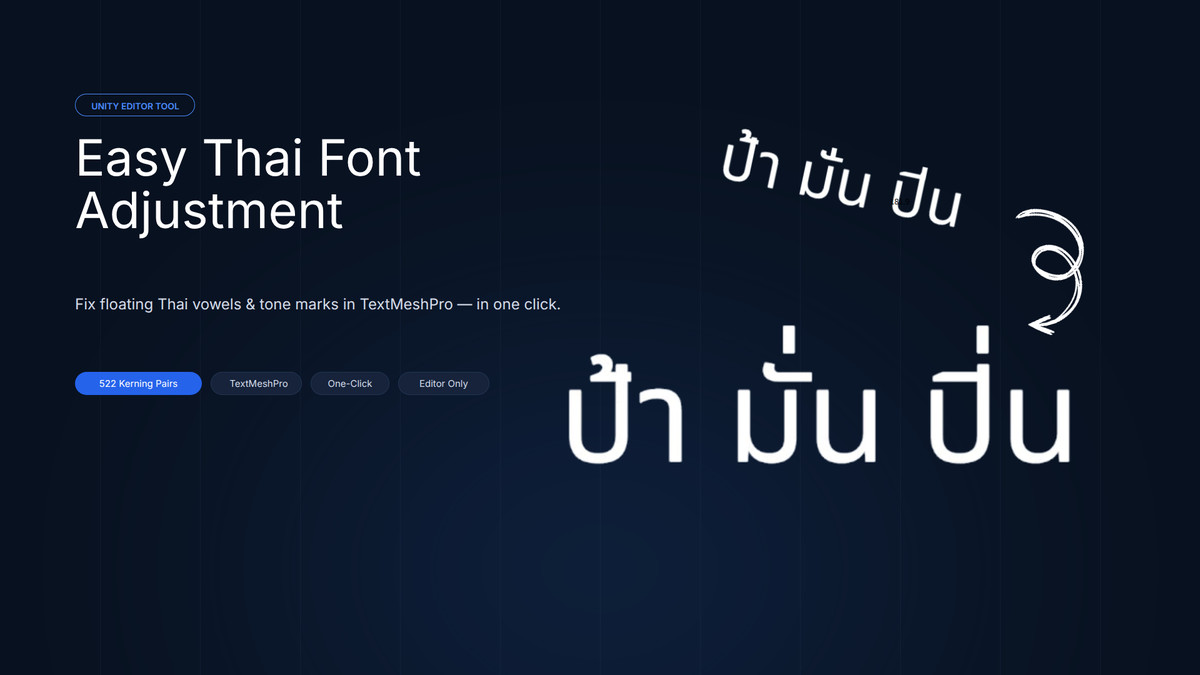
Easy Thai Font Adjustment - TextMeshPro Thai Vowel & Tone Mark Fixer screenshot 1
About this asset
Easy Thai Font Adjustment is a Unity Editor tool that fixes one of the most common problems in Thai localization: vowels and tone marks that float away from or collide with their consonants in TextMeshPro.
The Problem
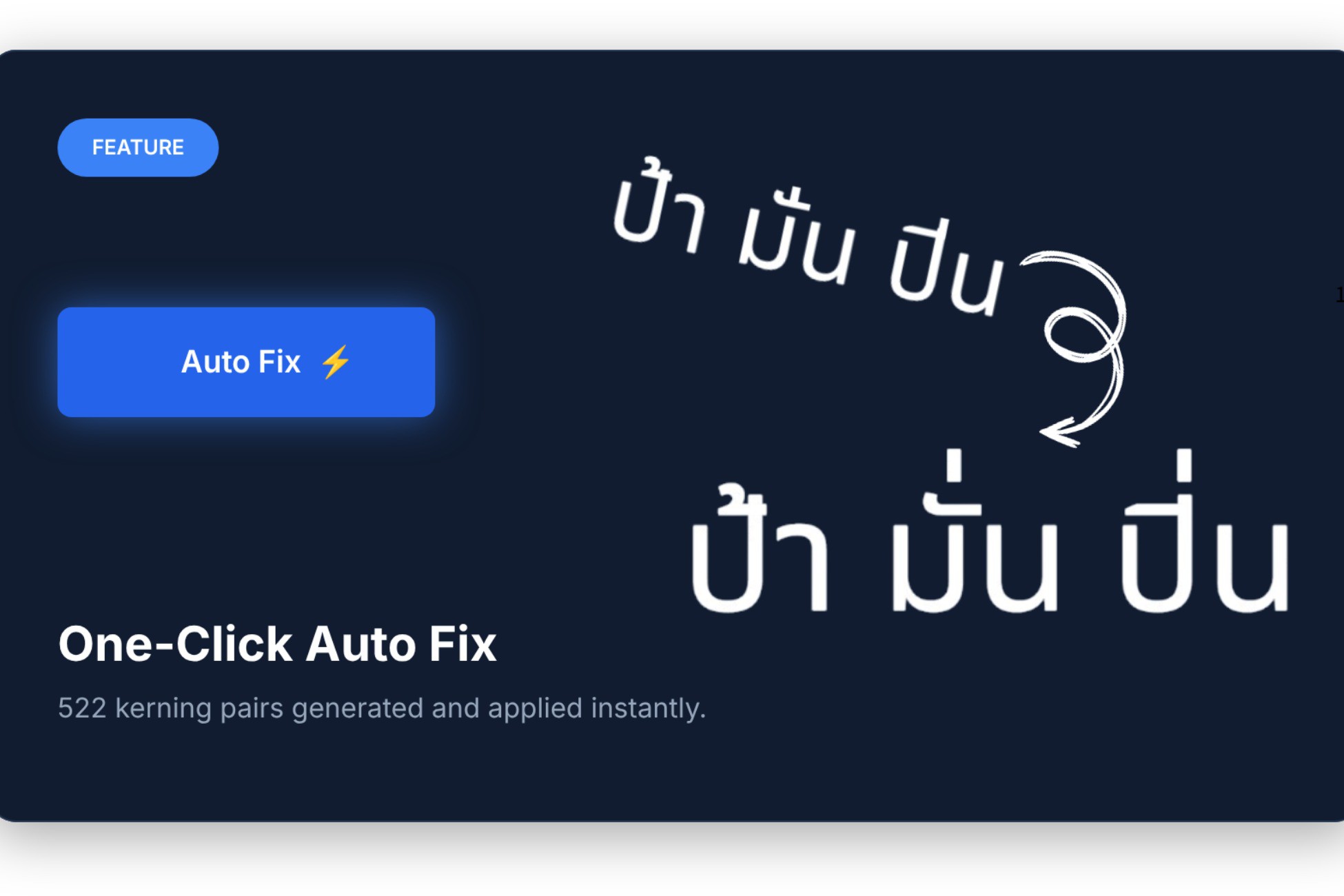
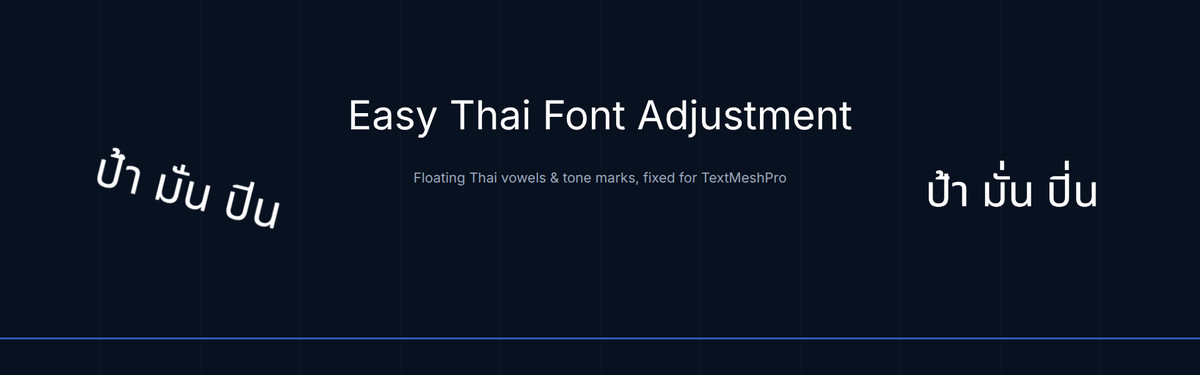
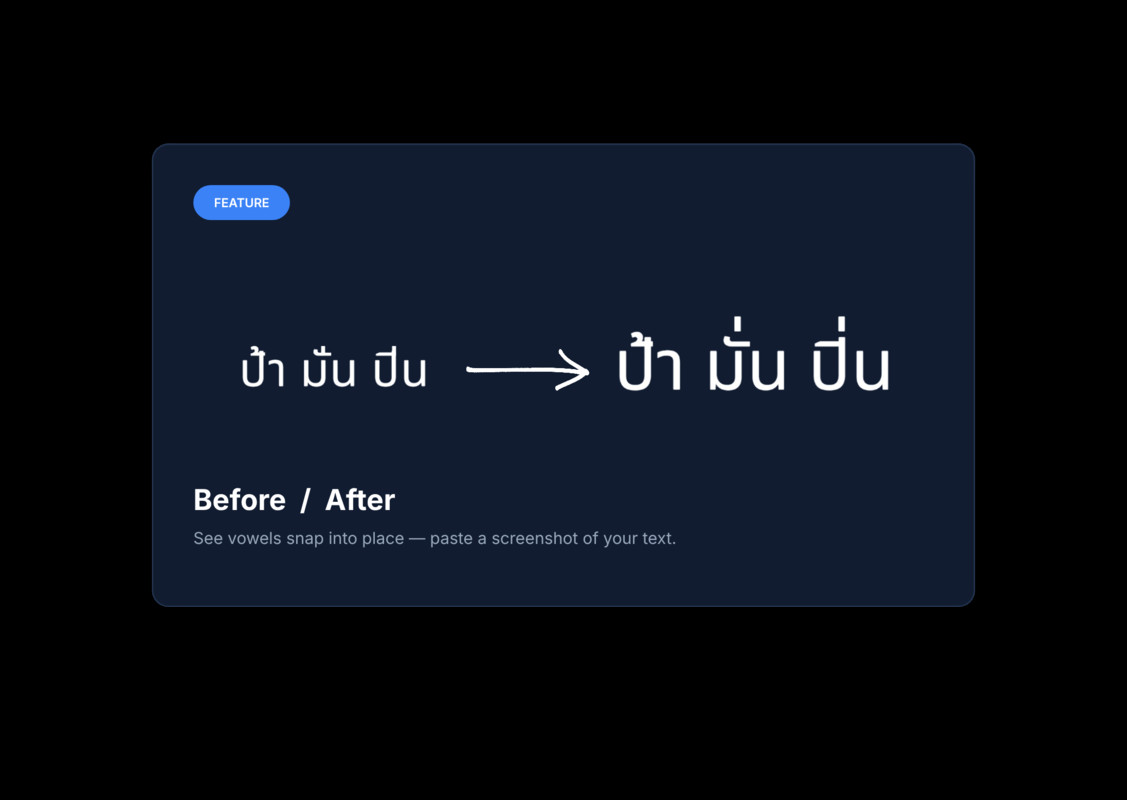
TextMeshPro places every Thai mark at one fixed position. Upper vowels (อิ อี อึ อื อั อ็) and tone marks (อ่ อ้ อ๊ อ๋) overlap when they stack (ปิ่น อื้อ จี๊ด), and marks collide with the tall stems of ป ฝ ฟ ฬ. Fixing this by hand, pair by pair in the Font Asset Inspector, takes hours.
The Solution
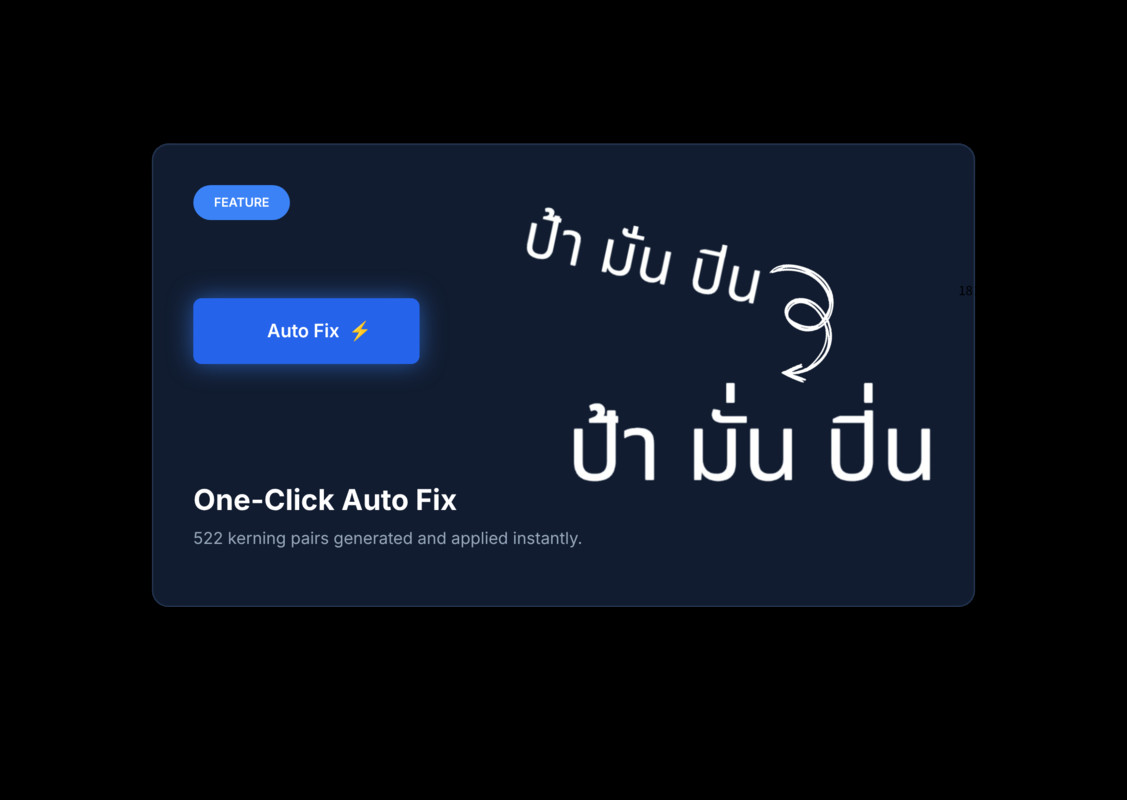
Select your Font Asset and press one button. The tool calculates all 522 Thai pair adjustments from the font's own metrics and writes them into the Font Asset. No manual entry and no guessing values.
Features
✓ One-Click Auto Fix: 522 pairs created and applied in seconds
✓ Smart Calculation: values scale automatically with the font size
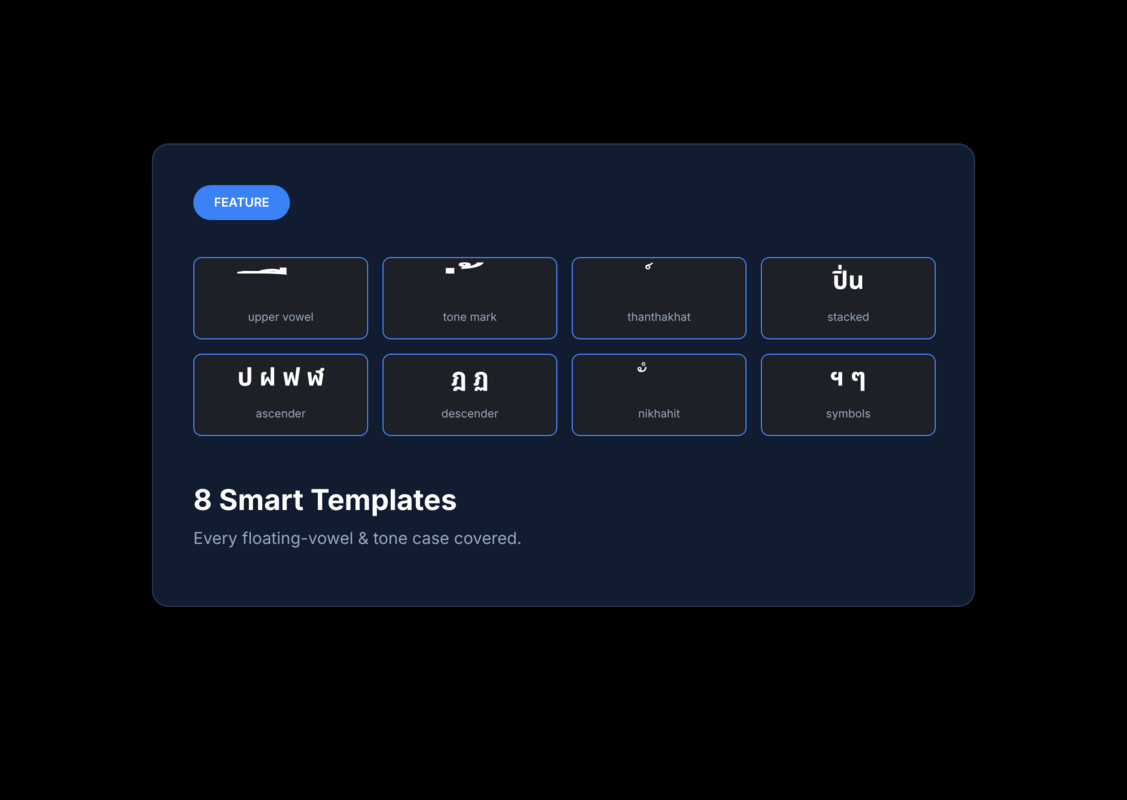
✓ 8 Templates: covers every upper vowel, tone mark, ascender and descender case
✓ Custom Text Analysis: paste your own text and detect the pairs it needs
✓ Per-Pair Editing: fine-tune the X/Y value of any pair in the Rules tab
✓ Undo: one-click undo plus native Unity Undo (Ctrl/Cmd+Z)
✓ Coverage Check: warns when a Font Asset is missing Thai characters
✓ Context Menu: right-click a TMP Font Asset to open the tool
✓ Editor-only tool: no runtime scripts and no performance cost. The adjustments are saved in the Font Asset, so they work in every build and platform.
Included
• Editor tool (Tools > Easy Thai Font Adjustment)
• Demo scene with a before/after comparison
• Sarabun and Noto Sans Thai fonts
• PDF user manual with step-by-step screenshots
Asset uses Sarabun and Noto Sans Thai fonts under SIL Open Font License 1.1; see Third-Party Notices.txt file in package for details.
Requirements
• Unity 2021.3 or newer (Unity 6 supported)
• TextMeshPro 3.0.6 or newer, with TMP Essential Resources imported
• A TextMeshPro Font Asset that contains Thai characters
Support
User manual: Assets/Poppod/Documentations/Easy Thai Font Adjustment - User Manual.pdf
GitHub Issues: https://github.com/poppod56/EasyThaiFontAdjustment/issues
Email: [email protected]
From the publisher's Asset Store listing.
Compatibility
| Unity version | Built-in | URP | HDRP | Custom |
|---|---|---|---|---|
| 6000.5.0f1 | Compatible | Compatible | Compatible | Compatible |
| 2022.3.62f2 | Compatible | Compatible | Compatible | Compatible |
As listed on the Asset Store.