
 View on Asset Store (opens in new tab)
Package details
- Latest version
- 1.0
- Last updated
- First released
- Unity version
- 2022.3.62 or later
- Package size
- 116.7 MB
- Files
- 250
- Favorites
- 5
- Views in the past week
- 32
Price tracking
- Last checked
- Tracked since
- Lowest recorded
- $19.99 on
Keywords

Procedural 3D City Builder System
- Price drop
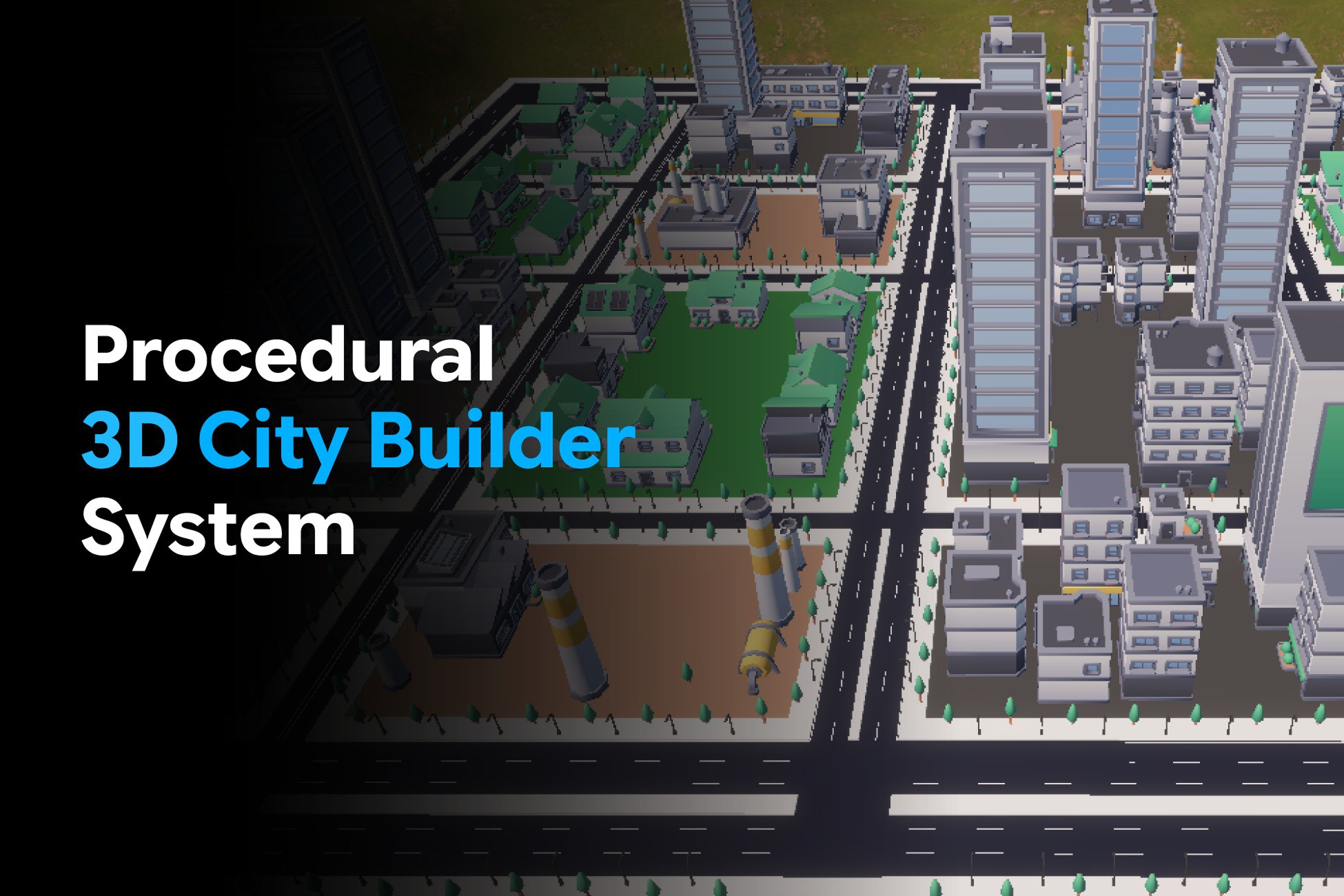
Procedural 3D City Builder System is an editor-time Unity tool for generating randomized 3D cities with spline roads, bridges, zoning, buildings, props, terrain, presets, Undo, and optimized meshes.
Lowest recorded price
Get 33% off on Asset Store (opens in new tab)Affiliate link · Purchases support this site
Price history
Last 6 months
USDAsset preview
1 / 9
Procedural 3D City Builder System screenshot 1

About this asset
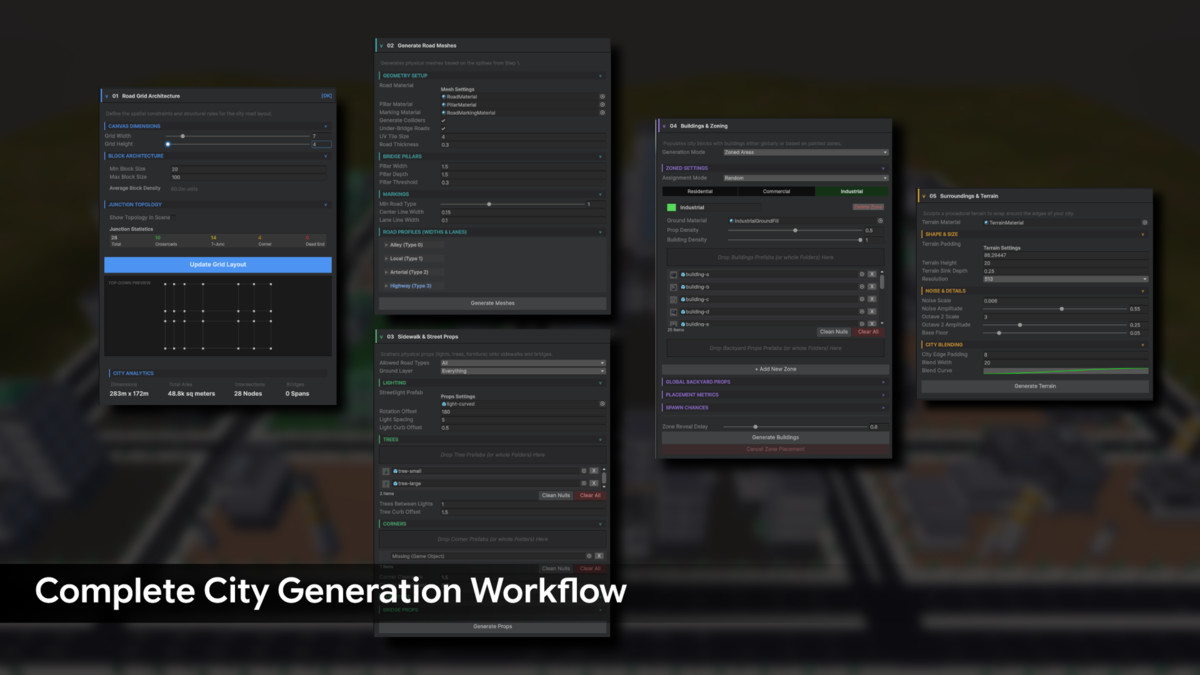
Procedural 3D City Builder System is a fully modular, editor-time generation system for Unity 3D that produces realistic, randomized city layouts at the click of a button. Built on a layered pipeline of spline-based road grids, automatic road classification, block extraction, zoning, building placement, sidewalk and bridge prop scattering, and procedural terrain blending, it helps you create detailed urban environments without hand-placing every road, building, or prop.
Every subsystem is independently configurable. You can adjust road density, block sizes, road types, zone weights, building spacing, prop density, bridge settings, terrain noise, and presets from a single editor workflow. Results are fully compatible with Unity’s Undo system and work seamlessly with Unity’s Prefab workflow.
Key Features
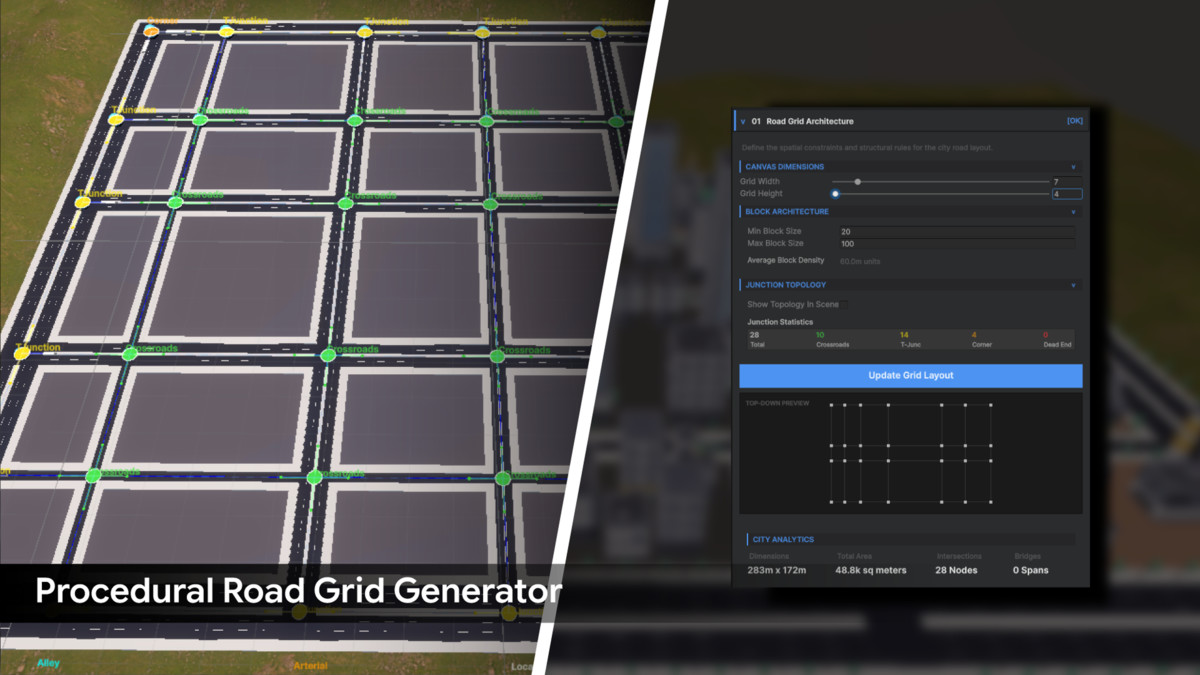
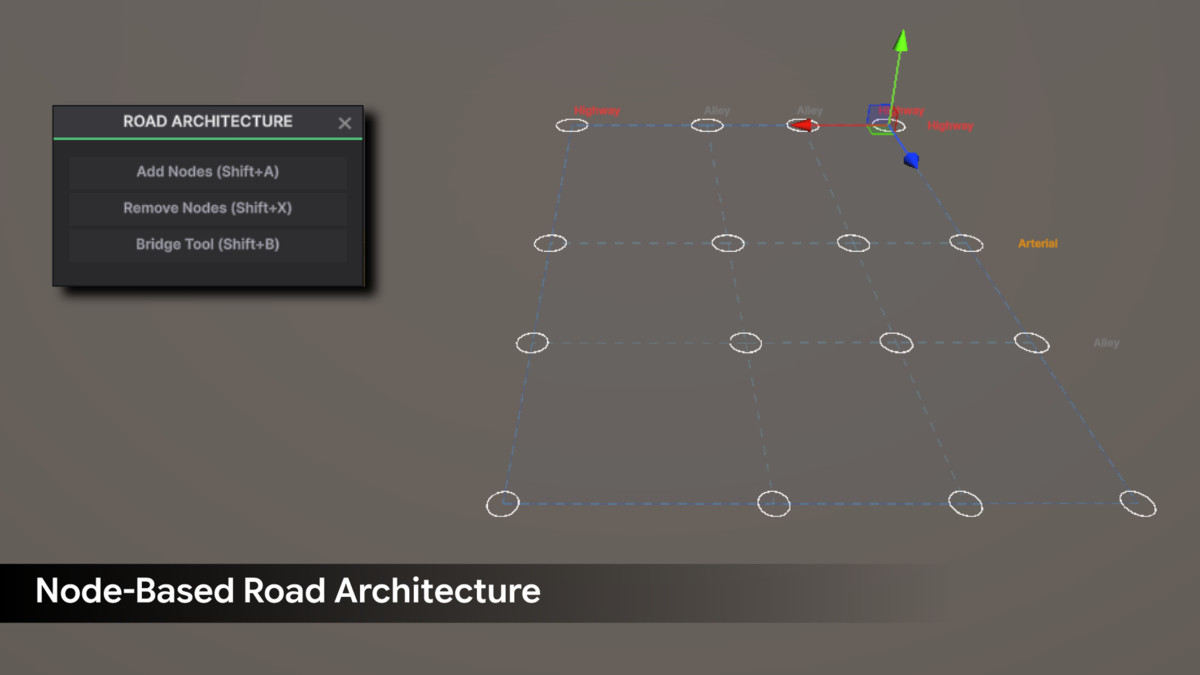
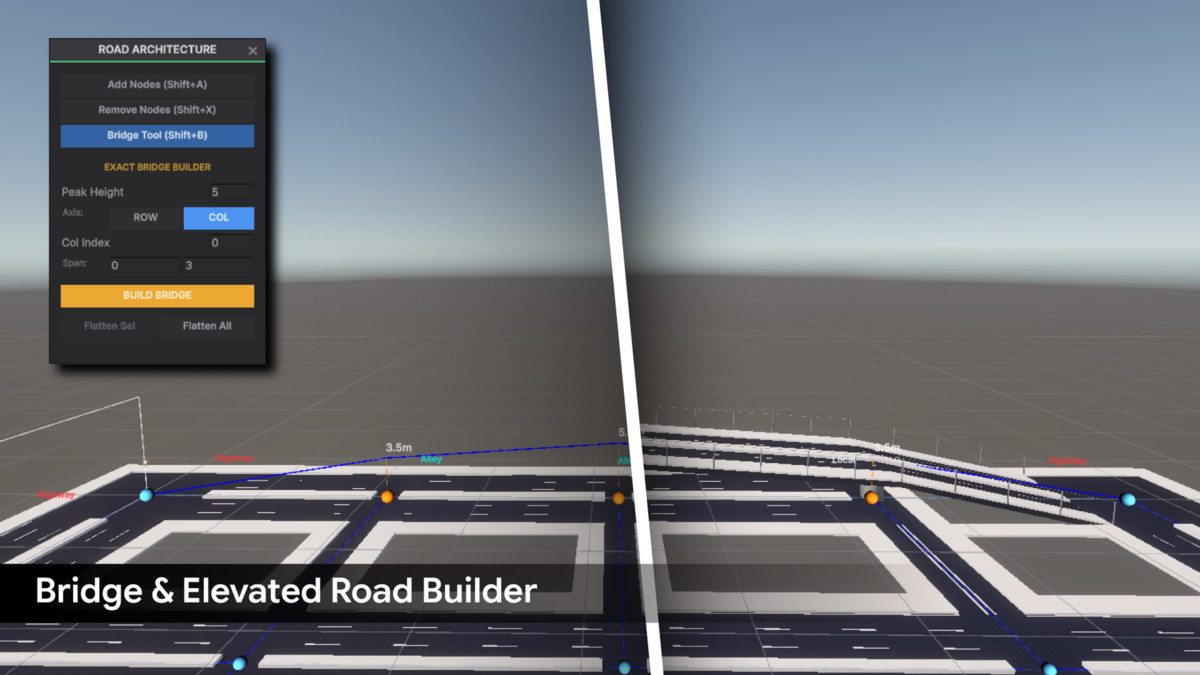
- Spline-Based Road Grid: Generate roads using real splines instead of flat tiles, allowing smooth elevated bridges, overpasses, ramps, pillars, and guard rails.
- Automatic Road Classification: Roads are automatically classified as Alley, Local, Arterial, or Highway based on spacing thresholds, with optional perimeter highway support.
- Interactive Scene View Editing: Add or remove road nodes directly in the Scene View, reshape blocks, and use bridge tools to create organic or exact elevated road spans.
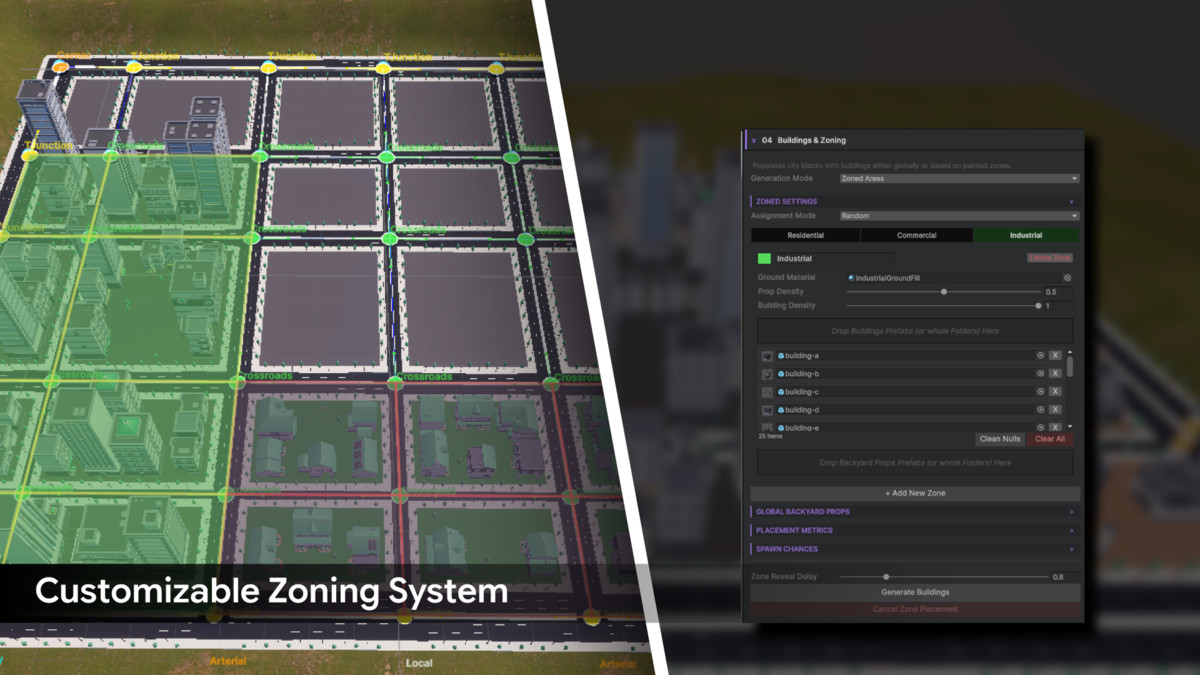
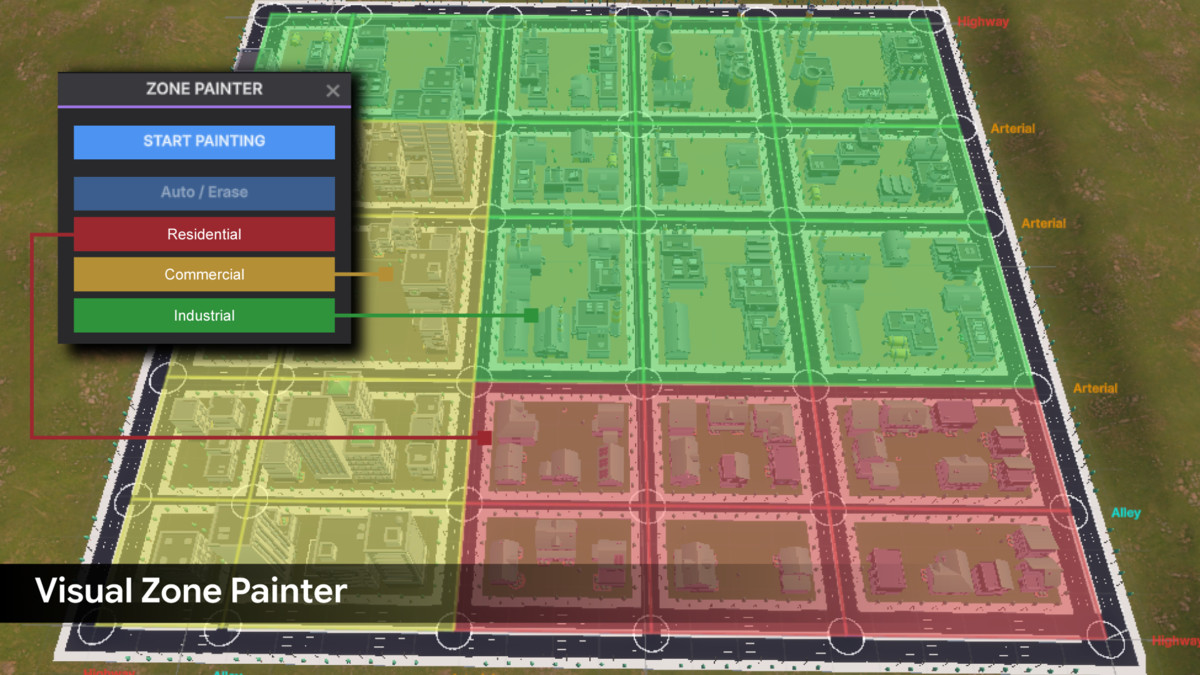
- Zone System: Assign city blocks to Residential, Commercial, Industrial, or custom zones using Random, District, or Paint-based assignment modes.
- Zone Painter: Paint zones directly over blocks in the Scene View using a floating panel with color-coded zone selection.
- Perimeter-Packed Building Placement: Buildings are packed around road-facing block edges first, then remaining interior space is filled automatically.
- Prefab Bounds Detection: Building footprints are detected directly from prefab bounds, so manual size tagging is not required.
- Backyard Prop Generation: Empty spaces inside blocks can be filled with zone-specific or global backyard props.
- Sidewalk & Street Prop Scattering: Automatically place streetlights, trees, corner props, hydrants, traffic lights, and furniture along sidewalks.
- Bridge Prop Support: Use separate prop pools and spacing rules for elevated bridge decks.
- Procedural Terrain Generation: Surround your city with blended terrain using configurable padding, height, sink depth, noise, blend width, and blend curve.
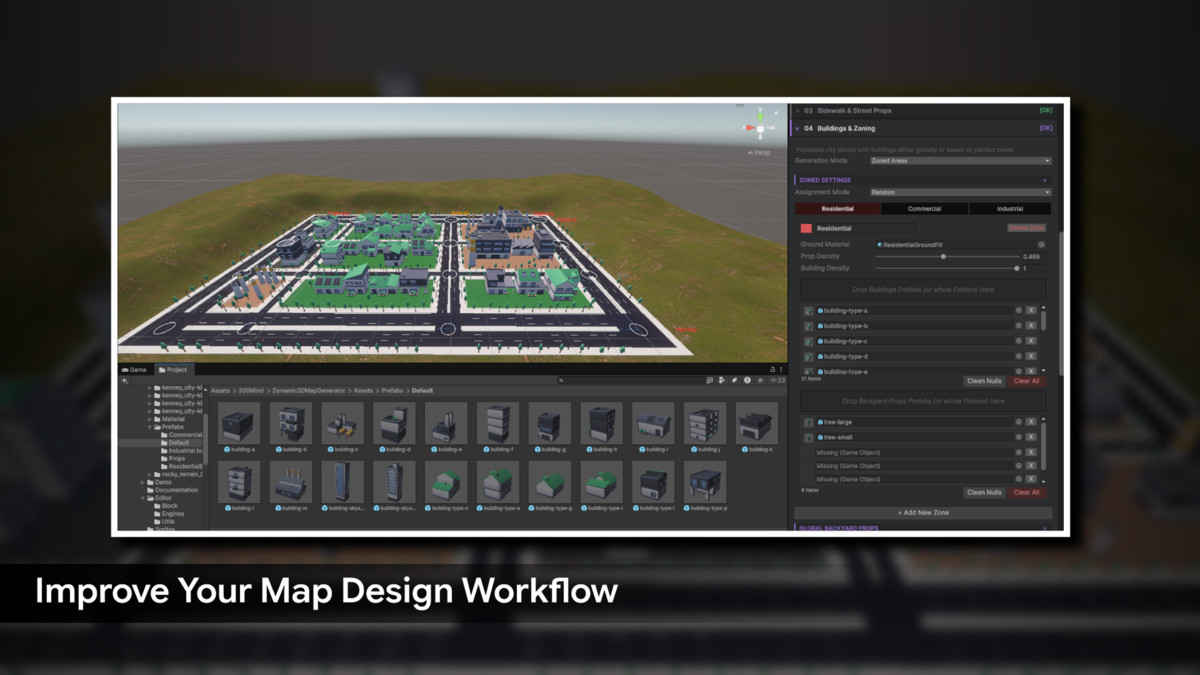
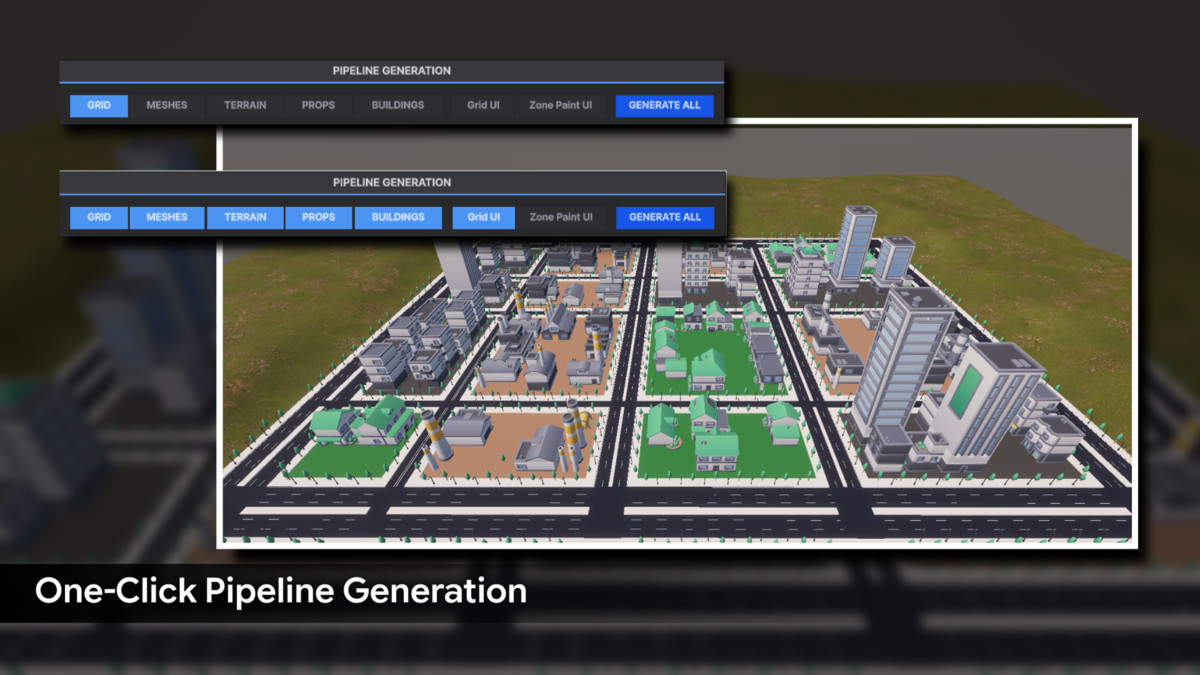
- Simple & Advanced Workflows: Use Simple Mode for one-click generation or Advanced Mode for step-by-step control over roads, meshes, terrain, props, buildings, and global actions.
- Preset Save/Load: Save complete tool configurations, including grid, zones, materials, and settings, for reuse or version control.
- Seed Control: Lock seeds for reproducible city layouts or randomize them for fresh results.
- Mesh Combining: Combine generated meshes by material to reduce draw calls and improve runtime performance.
- Full Undo Support: Every generation step, grid edit, mesh build, prop pass, building placement, and terrain operation is registered with Unity’s Undo system.
- Editor-Time Generation: Outputs standard GameObjects and optimized meshes with no runtime generation cost.
From the publisher's Asset Store listing.
Technical details
Requirements
- Unity Version: Unity 2022.3 LTS or higher
- Supported Render Pipelines: Built-In, URP, and HDRP
- Unity Splines package (com.unity.splines)
- Unity Mathematics package (com.unity.mathematics)
Supported Workflows
- Editor-time city generation
- Spline-based road grid editing
- Bridge and overpass creation
- Zoning and zone painting
- Building and prop placement
- Procedural terrain generation
- Preset save and load workflow
- Unity Prefab workflow
- Unity Undo workflow
- Mesh combining for optimized output
Performance
- Zero runtime generation cost after the city is built
- Optional mesh combining by material to reduce draw calls
Support and Feedback
We value your feedback and are here to help!
Reach out to 300 Mind via our contact page, email us directly, or join our Discord community for support, updates, and discussions.
Our team is ready to help with any questions you might have about setup, implementation, or customization.
Compatibility
| Unity version | Built-in | URP | HDRP | Custom |
|---|---|---|---|---|
| 2022.3.62f3 | Compatible | Compatible | Compatible | Compatible |
This package is a render-pipeline-independent tool compatible with Built-in, URP, HDRP, and Custom Render Pipeline projects.
Depending on your selected render pipeline, materials or shaders may need to be updated or converted after import for proper visual appearance.
As listed on the Asset Store.