
 View on Asset Store (opens in new tab)
Package details
- Latest version
- 1.1.0
- Last updated
- First released
- Unity version
- 2022.3.62 or later
- Package size
- 2.2 MB
- Files
- 721
- Favorites
- 7
- Views in the past week
- 3
Price tracking
- Last checked
- Tracked since
- Lowest recorded
- Free on
Keywords
Lyte Audio Editor
Edit AudioClips in Unity: trim, fade, normalize, gain, reverse, change speed/pitch, preview waveforms, and export WAV or OGG without external tools. AI Skills included.
Affiliate link · Purchases support this site
Price history
Last 6 months
USDAsset preview
1 / 4
Lyte Audio Editor screenshot 1
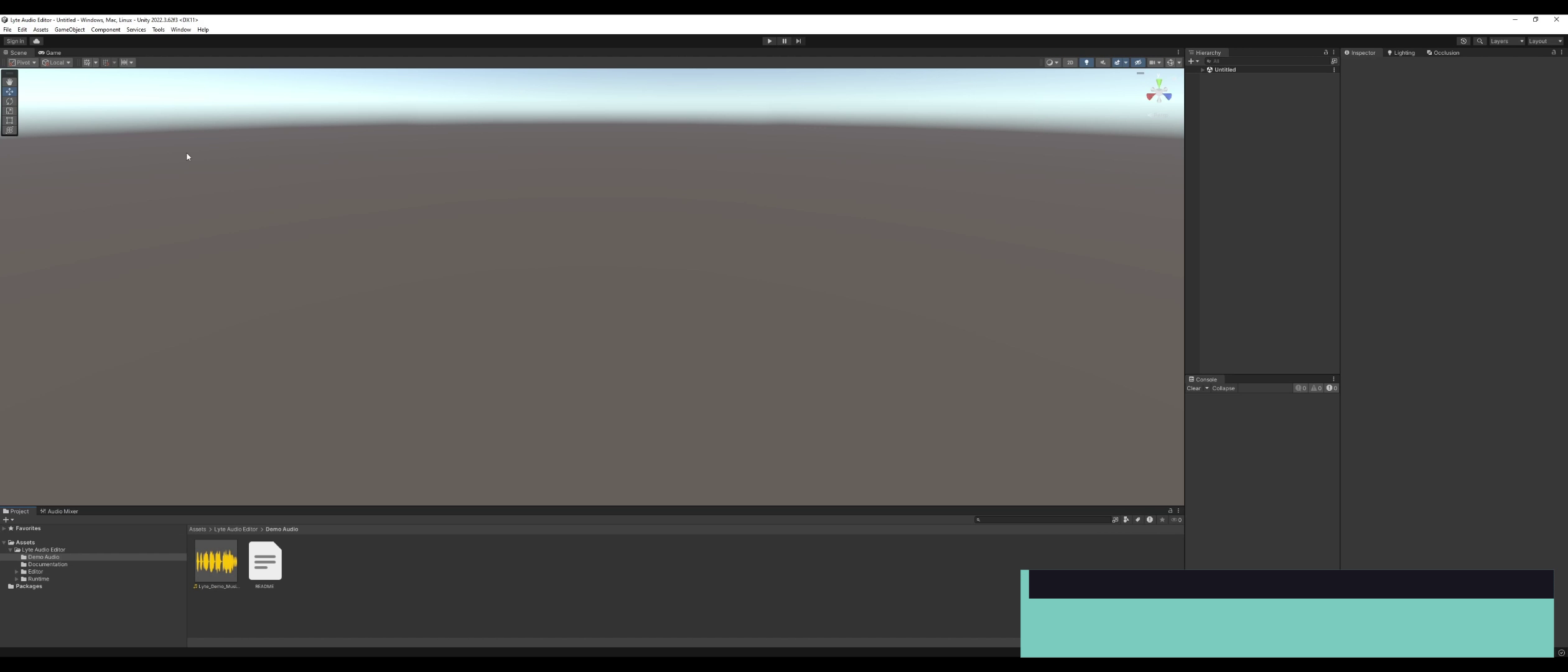
About this asset
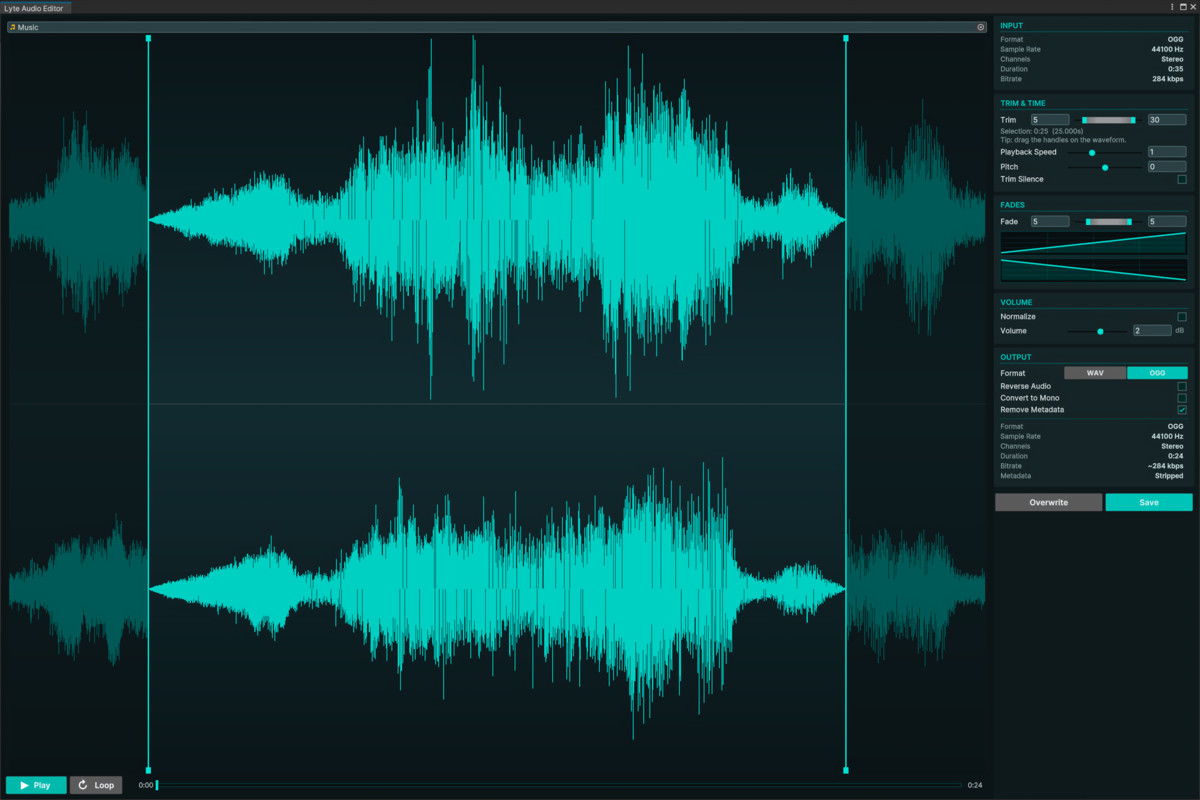
Lyte Audio Editor is a lightweight in-Editor audio clip editor for Unity. It lets you make common clip edits without leaving the Unity Editor.
Open the window from Tools menu, or right-click an AudioClip in the Project window and open it directly. Load a clip, preview it against a live waveform, adjust the processing options, then overwrite the source asset or save an edited copy next to it.
Main features
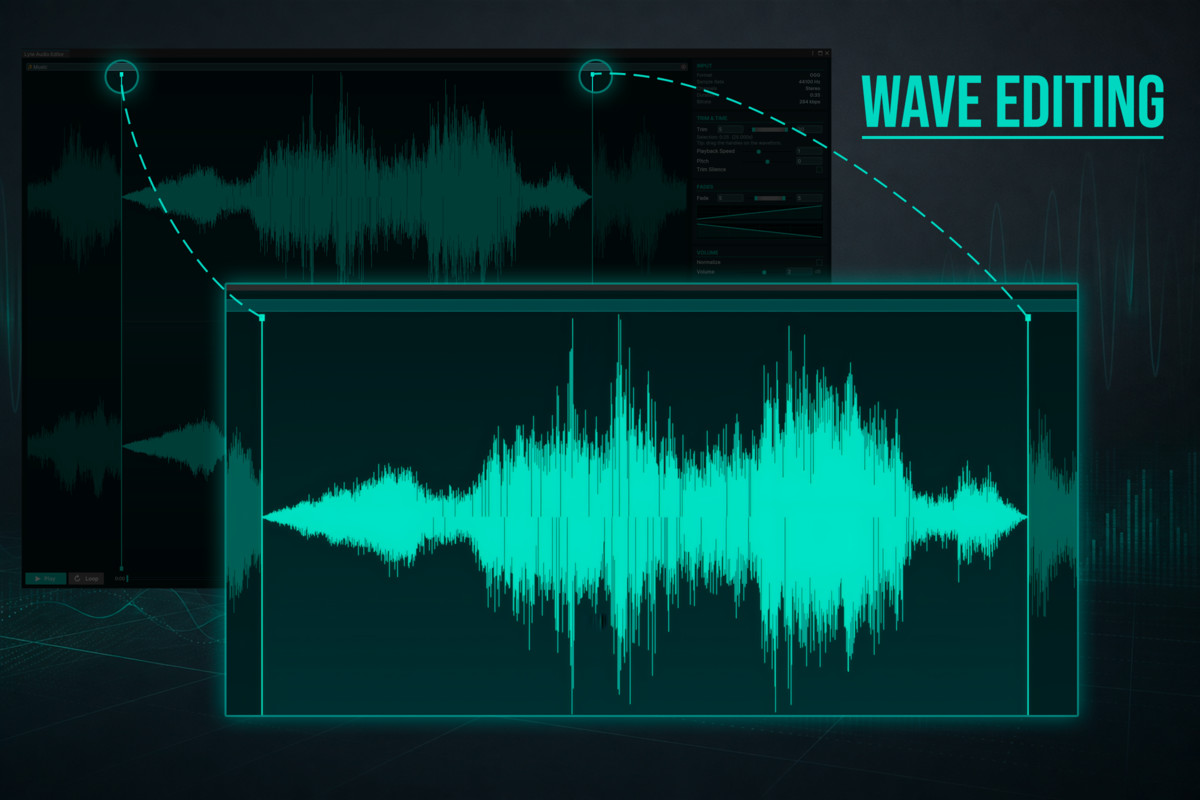
- Live waveform preview with click-to-seek playback, loop, and a draggable seek bar.
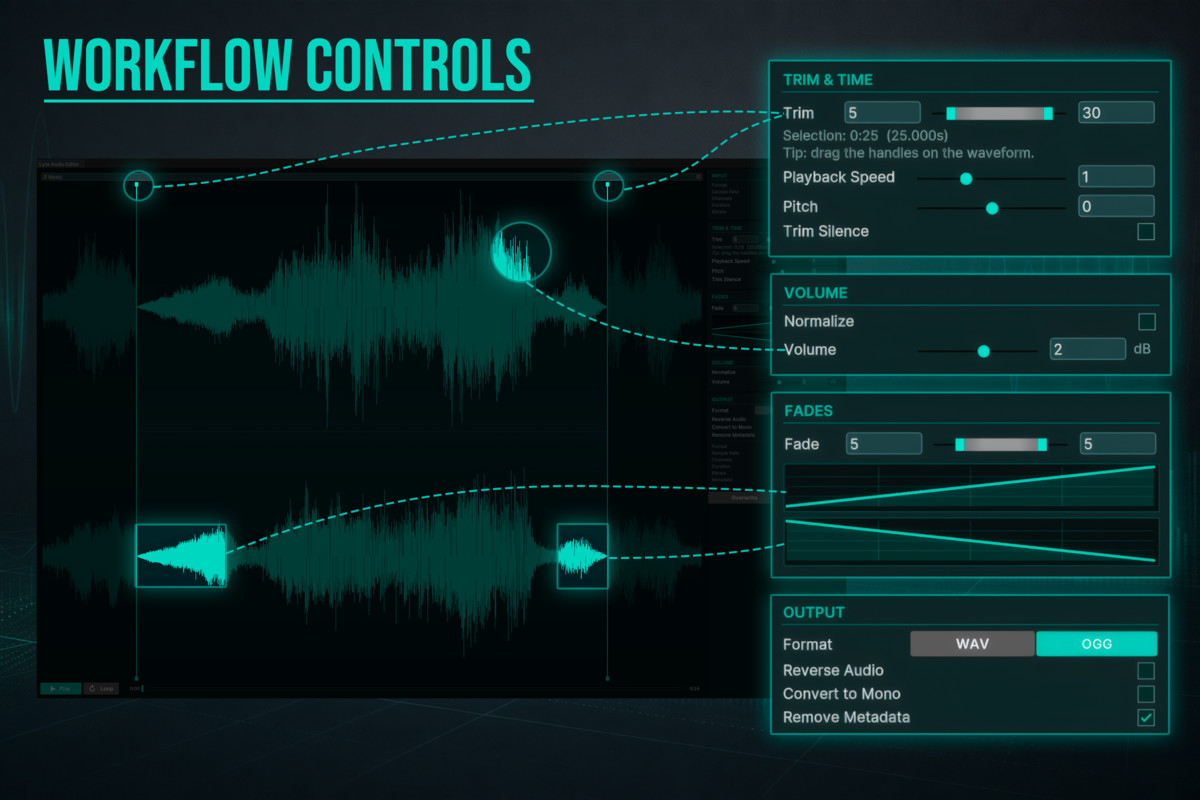
- Manual trim handles plus automatic trim-silence detection.
- Fade-in and fade-out controls with editable curve shapes.
- Gain in decibels or one-click peak normalization.
- Reverse audio and convert stereo clips to mono.
- Playback speed adjustment that changes duration and pitch together.
- Duration-preserving pitch shift in semitones, implemented in pure C#.
- WAV and OGG export with no external encoder setup.
- Optional OGG Vorbis tags preservation for OGG-to-OGG workflows.
- Save as a timestamped copy or overwrite the existing source asset.
- AI Skills bundled for AI coding agents working in your project.
No external dependencies
Lyte Audio Editor ships with managed WAV I/O, managed OGG Vorbis export, waveform rendering, bitrate estimation, and pitch shifting. There is no ffmpeg setup, native plugin, command-line tool, package manager dependency, or online service requirement.
Runtime scripting API
The processing core is included in a runtime assembly, so projects can also call the DSP helpers from game code. The runtime API includes trimming, fades, gain, normalization, reverse, speed resampling, mono mixdown, WAV read/write, and waveform rendering.
Works with your AI coding agent
The package ships AI Skills in its AI/Skills folder: five plain-Markdown guides that teach an AI coding agent working in your project how to use the asset correctly instead of guessing at its API and menus. They cover setup and verification, editing clips in the window, exporting and converting, calling the processing API from C#, and batch-processing whole folders. Any agent that reads skills from the project picks them up. They are documentation only, contain no code, and can be deleted if you do not use an agent.
Supported output formats
- WAV: 16-bit PCM export.
- OGG: managed Vorbis export through the bundled encoder.
Imported source clips can be any Unity AudioClip that Unity can decode and expose to the Editor. If a compressed clip needs to be read, the tool temporarily switches the clip import settings as needed, reads the samples, and restores the original settings afterward.
Requirements
- Unity 2022.3 LTS or newer.
- No scene setup required.
- No third-party Unity packages required.
Third-party notice
Lyte Audio Editor includes OggVorbisEncoder under the MIT License; see Third-Party Notices.txt in the package for details.
From the publisher's Asset Store listing.
Compatibility
| Unity version | Built-in | URP | HDRP |
|---|---|---|---|
| 2022.3.62f3 | Compatible | Compatible | Compatible |
As listed on the Asset Store.