
 View on Asset Store (opens in new tab)
Package details
- Latest version
- 1.1
- Last updated
- First released
- Unity version
- 6000.4.5 or later
- Package size
- 8.8 MB
- Files
- 180
- Favorites
- 5
- Views in the past week
- 62
Price tracking
- Last checked
- Tracked since
- Lowest recorded
- $19.99 on
Keywords

Grip Studio – Hand Pose & Weapon Grip Editor
- Price drop
Author reusable one- and two-handed grips for weapons, tools, and props. Pose, validate, save, and apply them across compatible Unity Humanoid characters.
Lowest recorded price
Get 50% off on Asset Store (opens in new tab)Affiliate link · Purchases support this site
Price history
Last 6 months
USDAsset preview
1 / 11
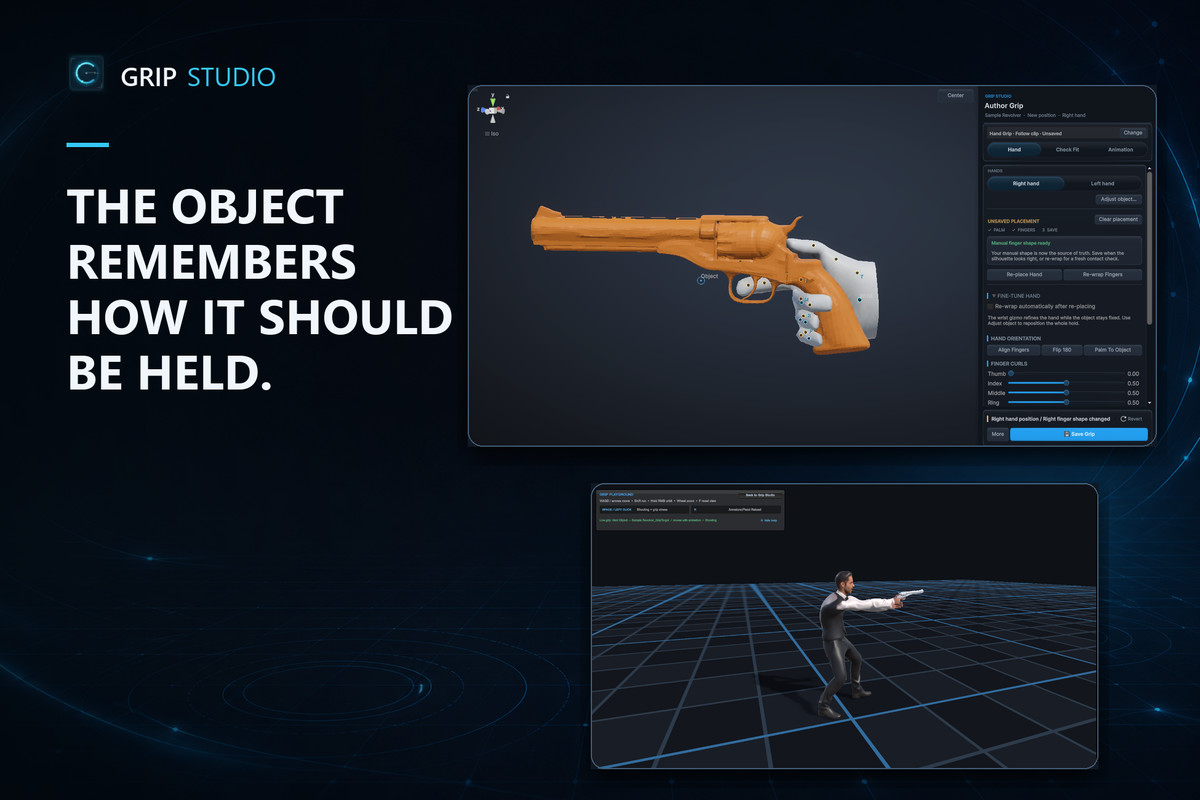
Grip Studio – Hand Pose & Weapon Grip Editor screenshot 1


About this asset
Author reusable one- and two-handed grips for weapons, tools, and props. Pose, validate, save, and apply them across compatible Unity Humanoid characters.
Description
Weapons, tools, props, and interactable objects should remember how they are held.
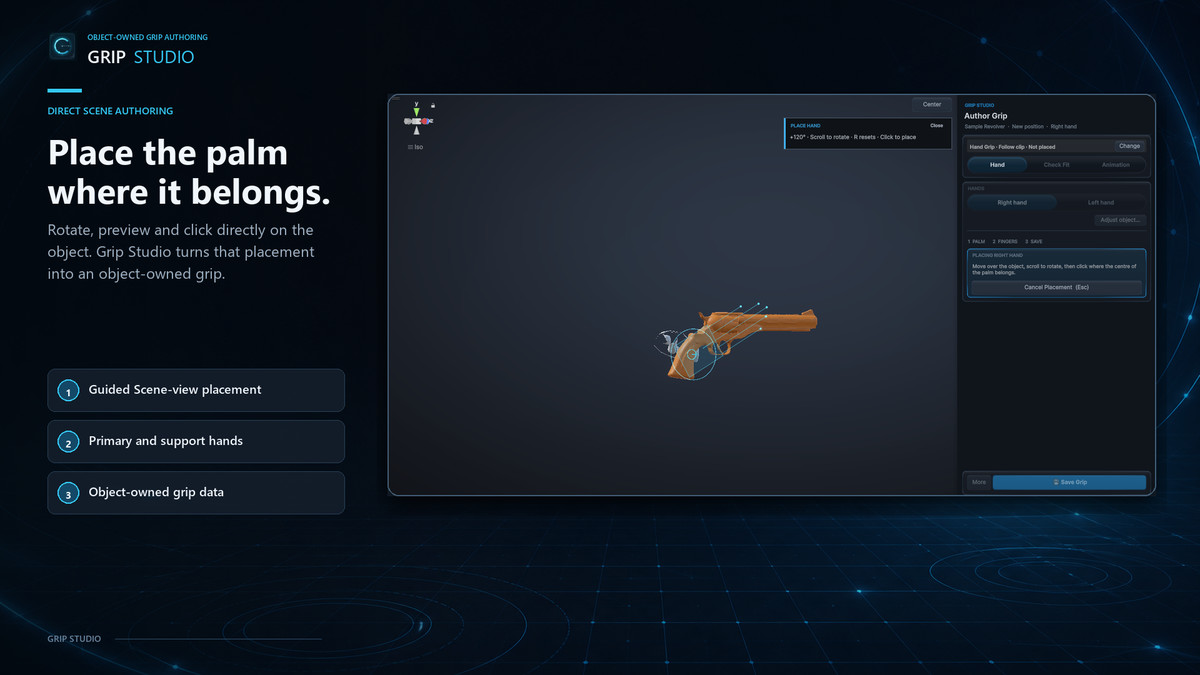
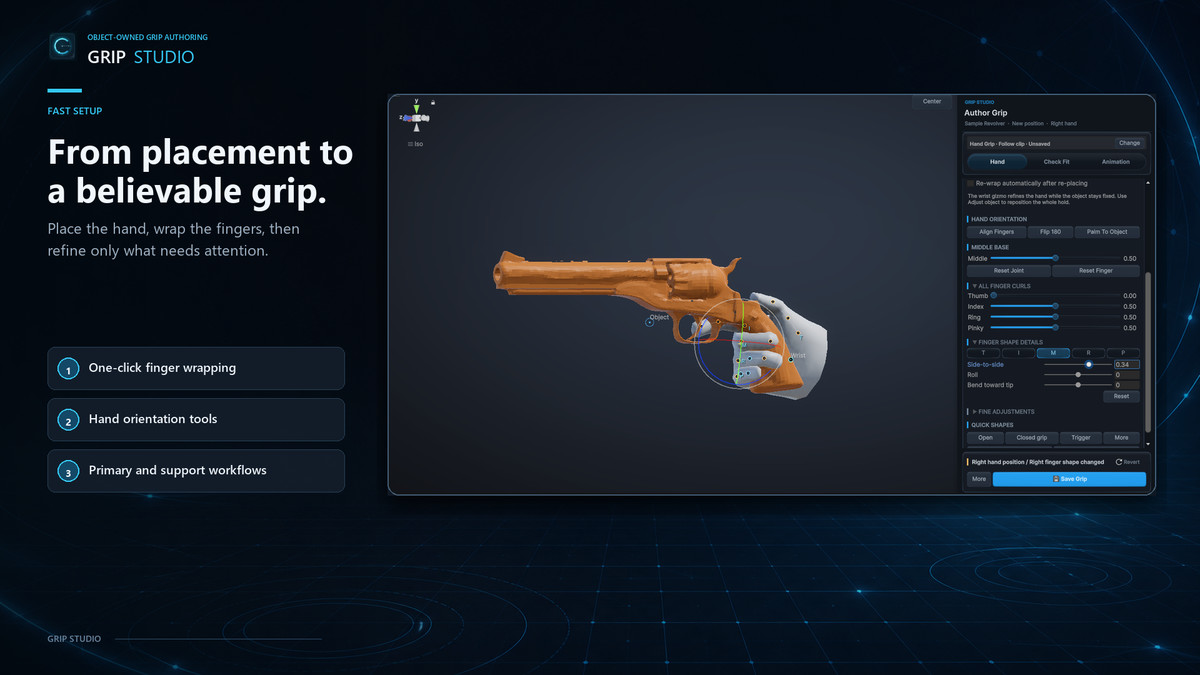
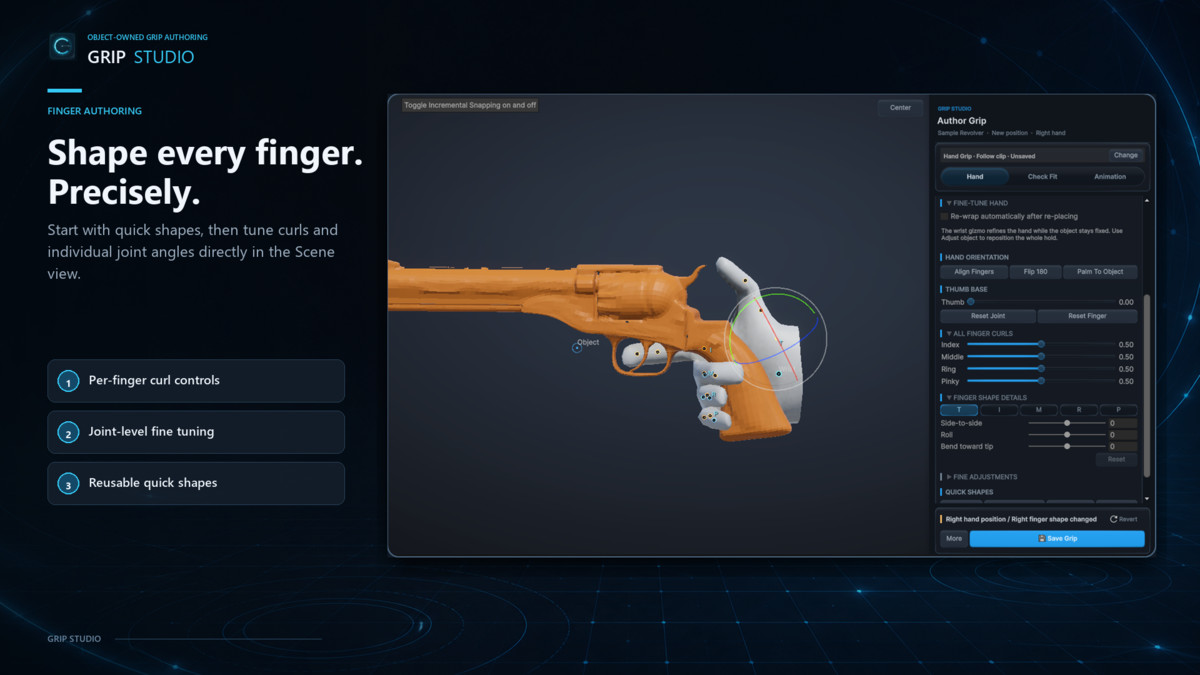
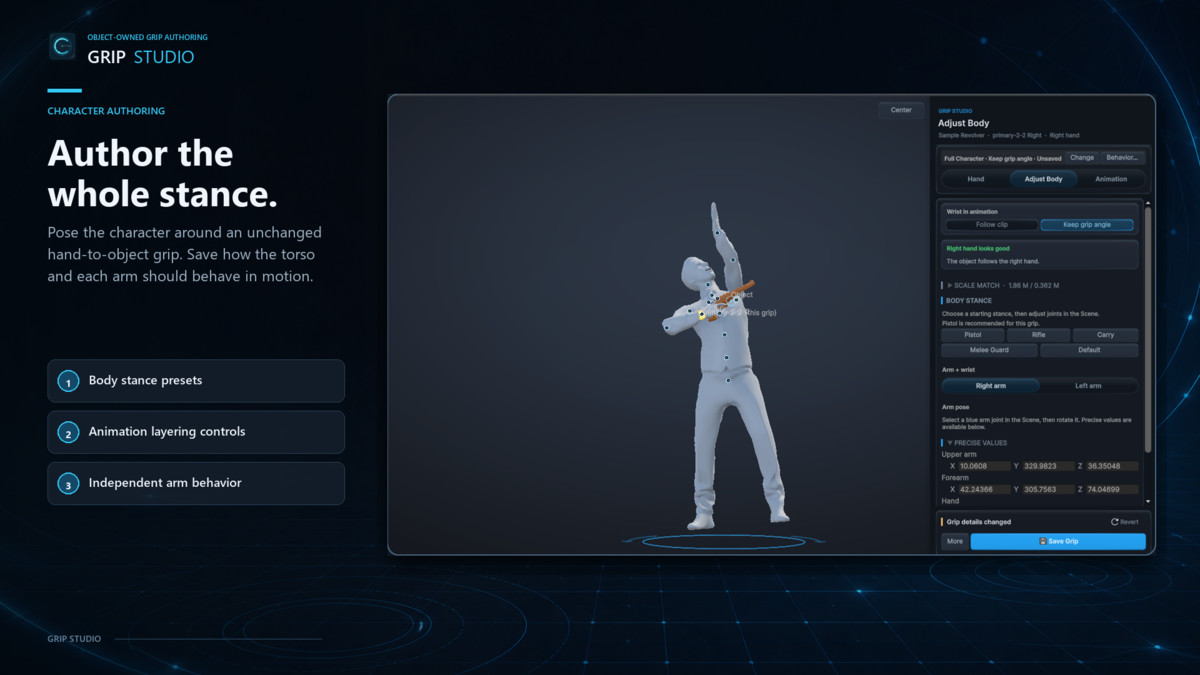
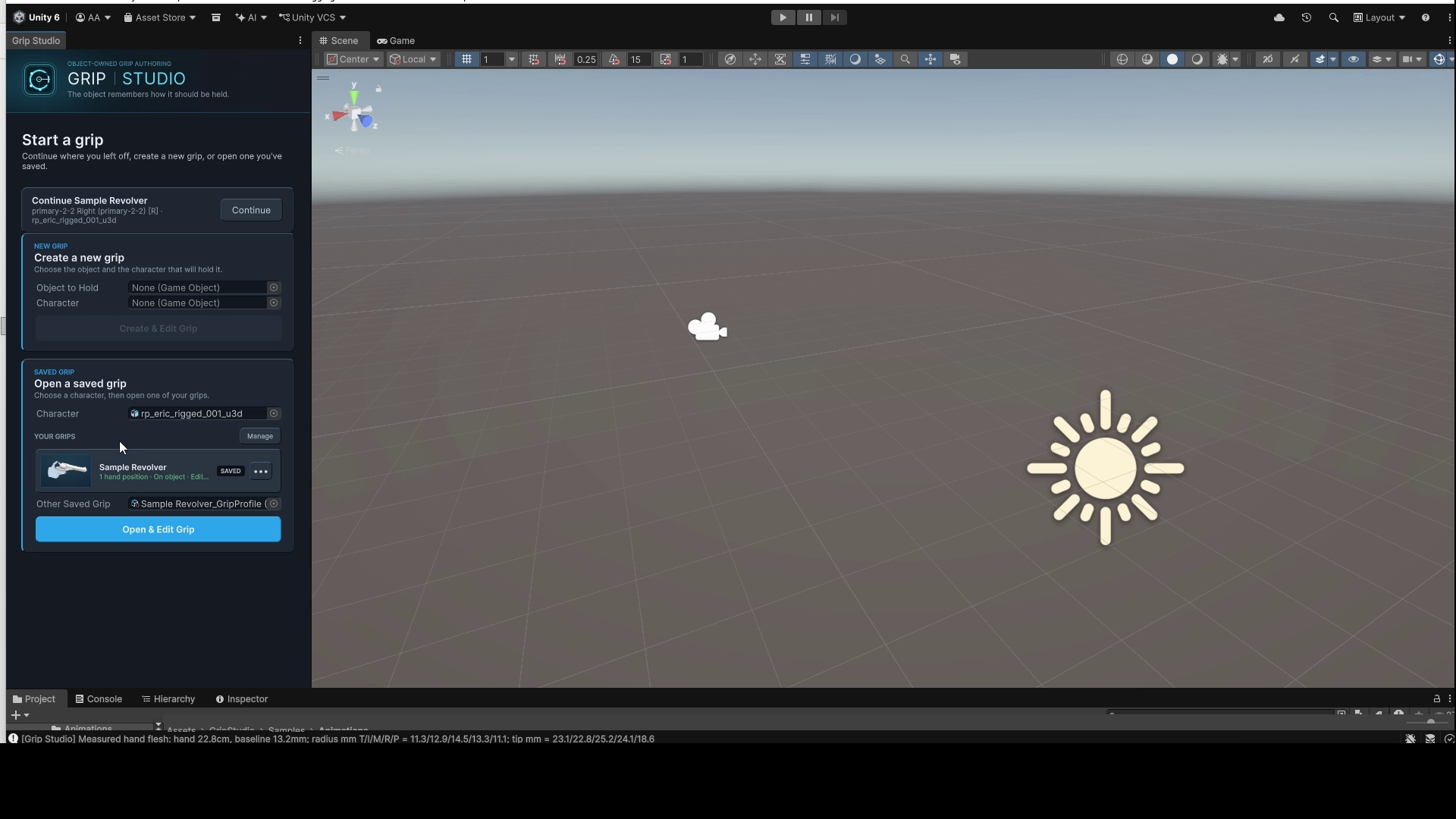
Grip Studio provides a focused Unity workflow for authoring reliable hand grips directly on the object that owns them. Match the object and character scale, place the palm, wrap the fingers around the surface, refine individual joints, and inspect the complete pose on a Humanoid character.
Save the result as reusable, object-owned grip data and apply it at runtime using the included components.
KEY FEATURES
• Visual grip authoring inside Unity
• One-handed and two-handed grip creation
• Palm placement and contact-aware finger wrapping
• Three-axis refinement for individual finger joints
• Multiple hand positions per object
• Primary and support hand roles
• Left/right mirroring and reusable pose presets
• Character-scale matching and reach validation
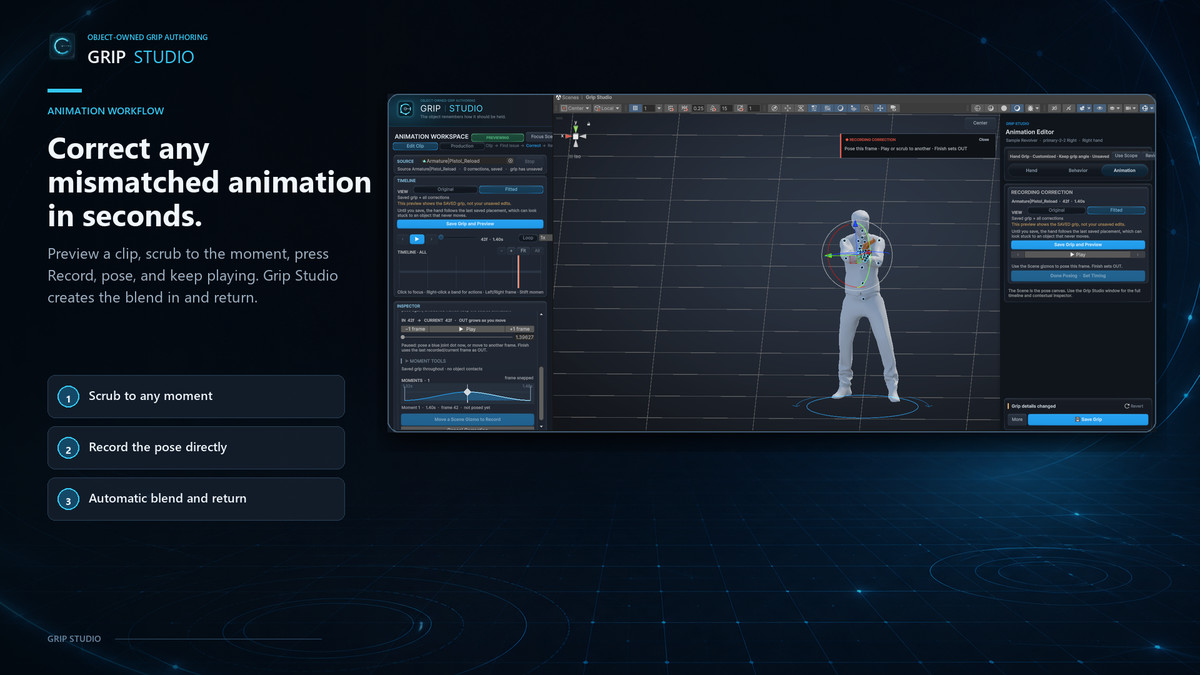
• Wrist, stance, clearance, and movement previews
• Per-arm Follow Animation, Reach Object, and Keep Arm Pose behavior
• Object-owned grip profiles with rename-safe identities
• Grip Passports and clean presentation captures
• Generated third-person Playground for testing saved grips
• Runtime equip, pose-change, blending, contact, and release APIs
• Project auditing, compatibility checks, recovery, and ship-readiness tools
A SIMPLE WORKFLOW
- Select an object and a Humanoid character.
- Match their scale and choose the starting hand.
- Place the palm and wrap the fingers.
- Refine the grip and check the complete character pose.
- Save the grip with the object.
- Test it using the included Playground or integrate it into your game.
Grip Studio is suitable for weapons, tools, handles, equipment, carried objects, and other interactable props. The core runtime does not require a third-party IK package and is designed to fit into an existing gameplay architecture.
INCLUDED
• Grip authoring and character-preview workspaces
• Runtime receiver, applier, and session components
• Demo scene and Sample Pistol
• White Mannequin Humanoid character
• Generated Playground workflow
• Presets, batch tools, and validation utilities
• Illustrated PDF guide and complete reference documentation
Grip Studio authors and applies grip relationships. It does not replace your inventory, networking, input, weapon logic, or animation state machine.
From the publisher's Asset Store listing.
Technical details
• Version: 1.0.0
• Minimum Unity version: 6000.0.0f1
• Compatible character type: Unity Humanoid
• Core runtime has no third-party dependencies
• Supports one-handed and two-handed grips
• Supports multiple grip positions per object
• Object-local, reusable grip profile assets
• Built-in analytic arm solving and finger-pose application
• Runtime grip blending, pose changes, lifecycle control, and release
• Readable meshes are required for click placement and automatic finger wrapping
• A writable prefab or editable wrapper is required when saving object-side components
• Source character FBX files are not modified during normal authoring
OPTIONAL INTEGRATIONS
• Unity Animation Rigging
• Unity Timeline
• Unity Input System sample
• RootMotion Final IK
• Experimental webcam landmark capture with Unity Inference Engine
Optional packages, Final IK, and webcam inference models are not included.
Documentation: Included PDF and Markdown guides
Publisher: XeSoft
Support: [email protected]
Website: https://xesoft.dev
Compatibility
| Unity version | Built-in | URP | HDRP | Custom |
|---|---|---|---|---|
| 6000.4.5f1 | Compatible | Compatible | Compatible | Compatible |
As listed on the Asset Store.