
 View on Asset Store (opens in new tab)
Package details
- Latest version
- 1.0.1
- Last updated
- First released
- Unity version
- 6000.0.68 or later
- Package size
- 4.0 MB
- Files
- 445
- Favorites
- 12
- Views in the past week
- 17
Price tracking
- Last checked
- Tracked since
- Lowest recorded
- $39.99 on
Keywords

Popup Master - Toast, Banner, Modal window and more
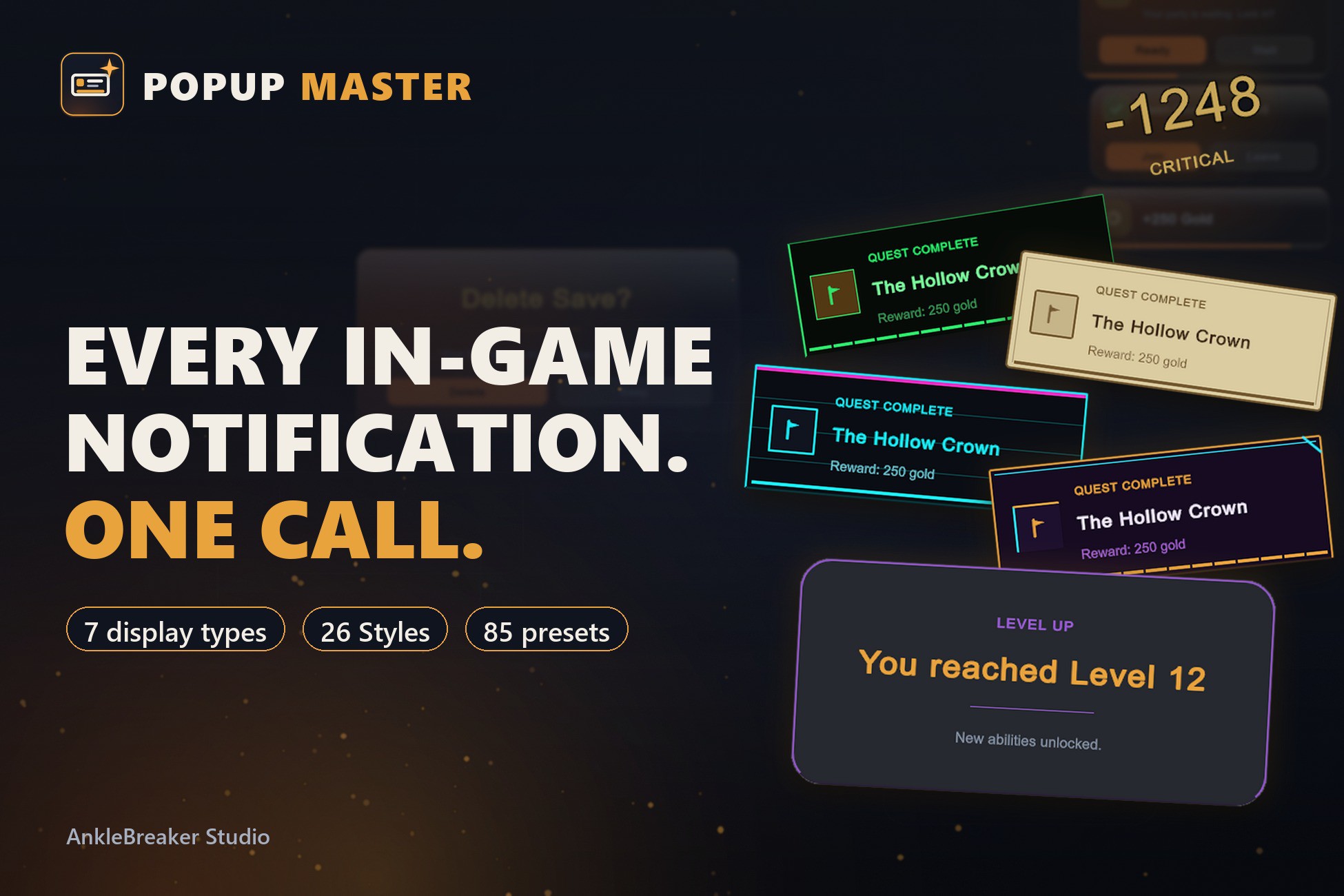
In-game popup & notification system for Unity (UI Toolkit) — toasts, banners, modals, combat text; 85 presets, 26 styles, one-line API
Affiliate link · Purchases support this site
Price history
Last 6 months
USDAsset preview
1 / 22
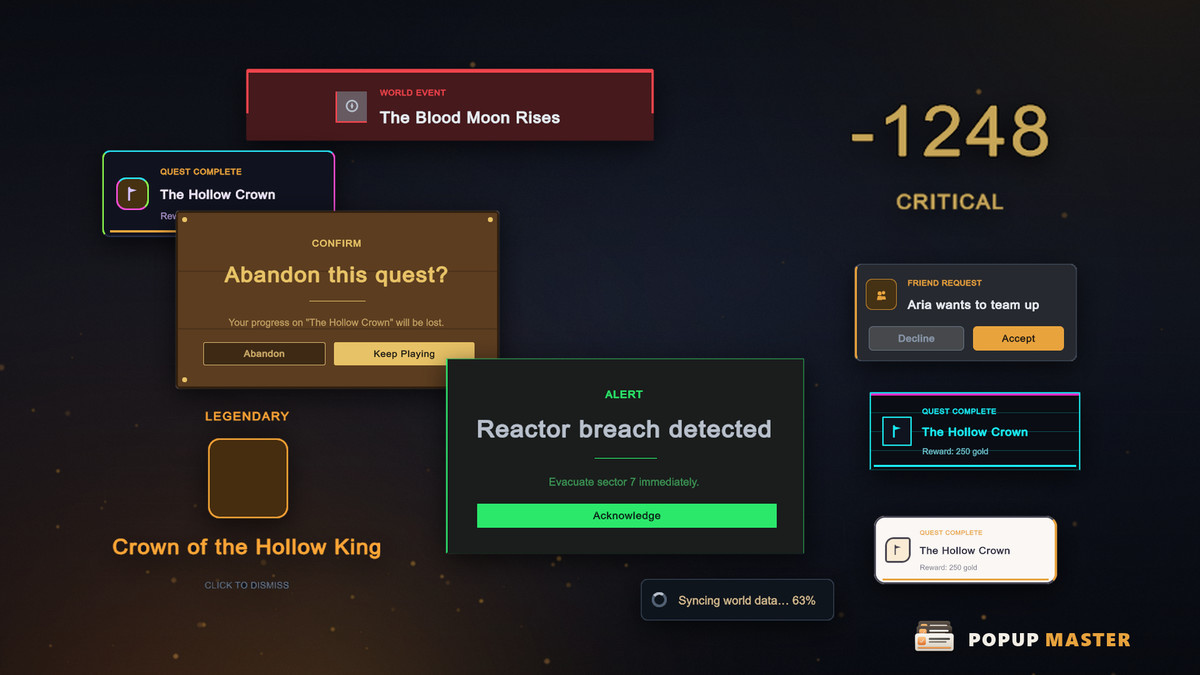
Popup Master - Toast, Banner, Modal window and more screenshot 1
About this asset
💬 Join the AnkleBreaker Community! 💬
Got a question, feedback, or a feature you'd love to see? Join our Discord — we actively improve our assets based on your input, and it's where we drop our latest announcements and run giveaways.
- 👥 Discord: 👉 https://discord.gg/2D36VUmsYN
- 🌐 Website: 👉 anklebreaker-consulting.com
🔔 Every Game-Feel Notification, Without Building One From Scratch
Almost every game needs the same family of on-screen feedback — toasts, reward moments, floating combat numbers, banners, modal dialogs, reconnect notices — and studios rebuild it from zero every time.
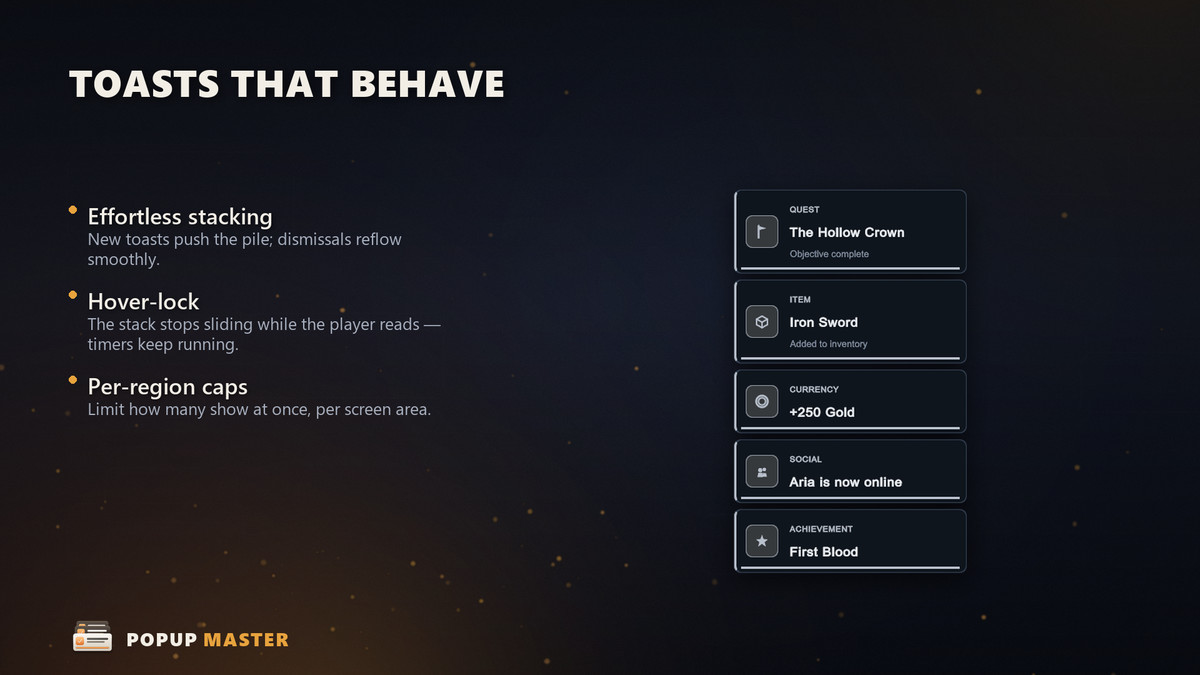
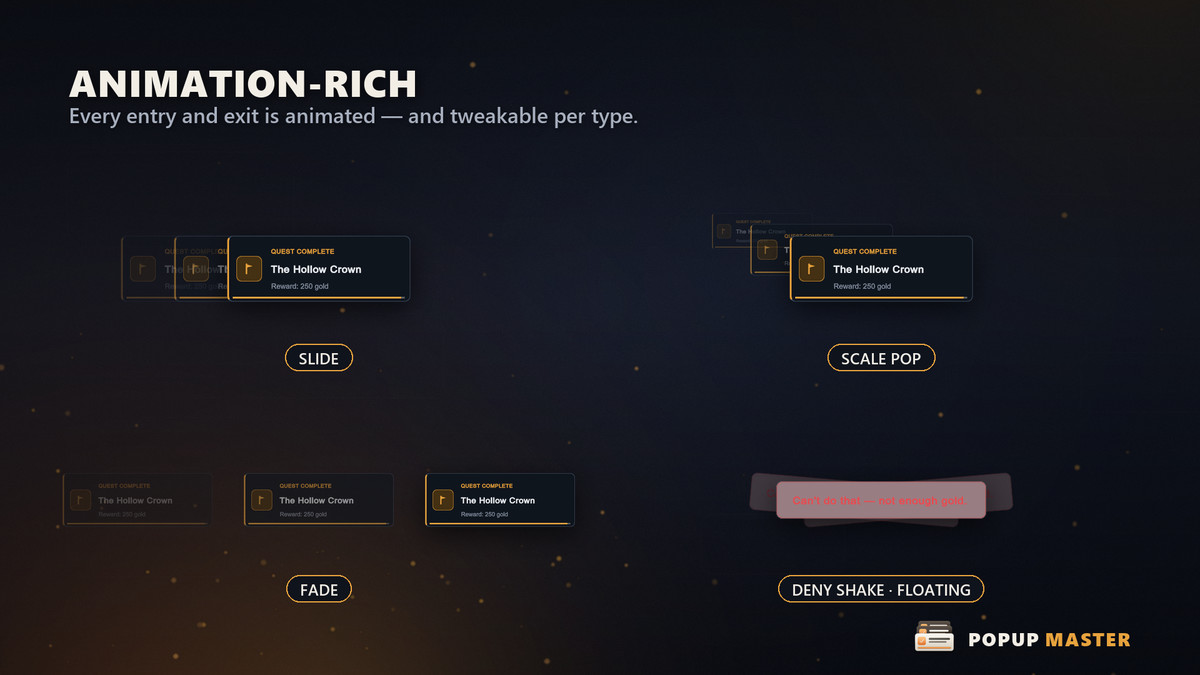
Popup Master ships that whole family as one coherent, restyleable system. Fire a notification from anywhere and get correct stacking, placement, timing, motion and dismissal for free.
💡 One Line To Start 💡
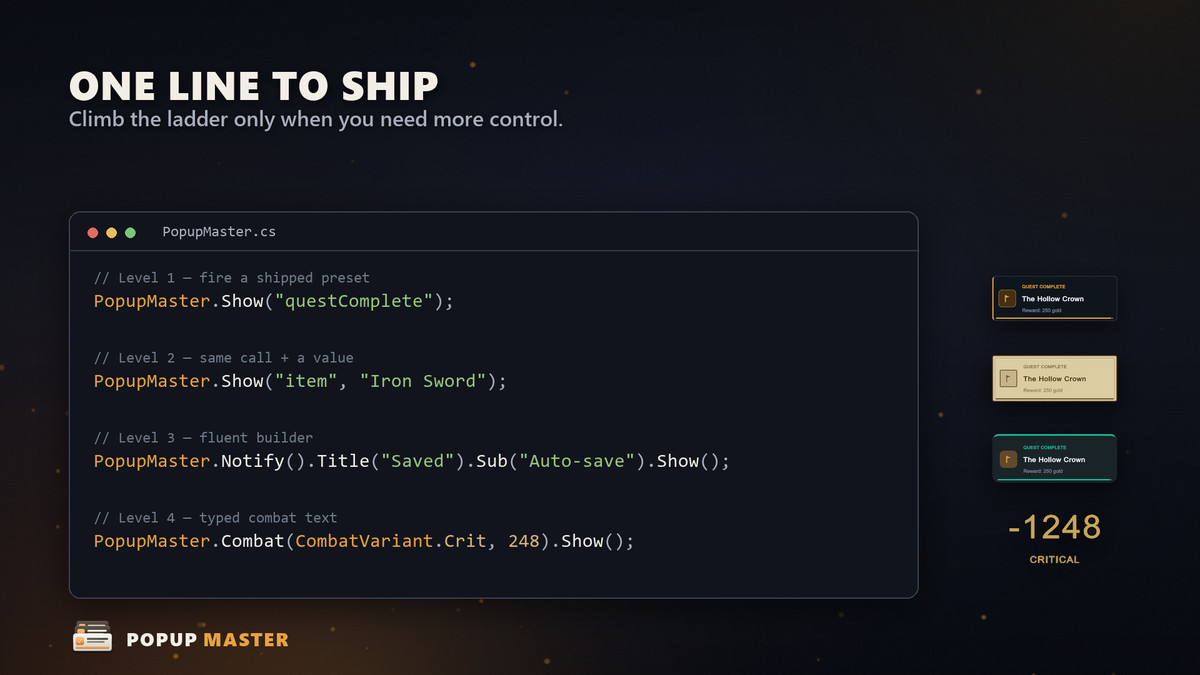
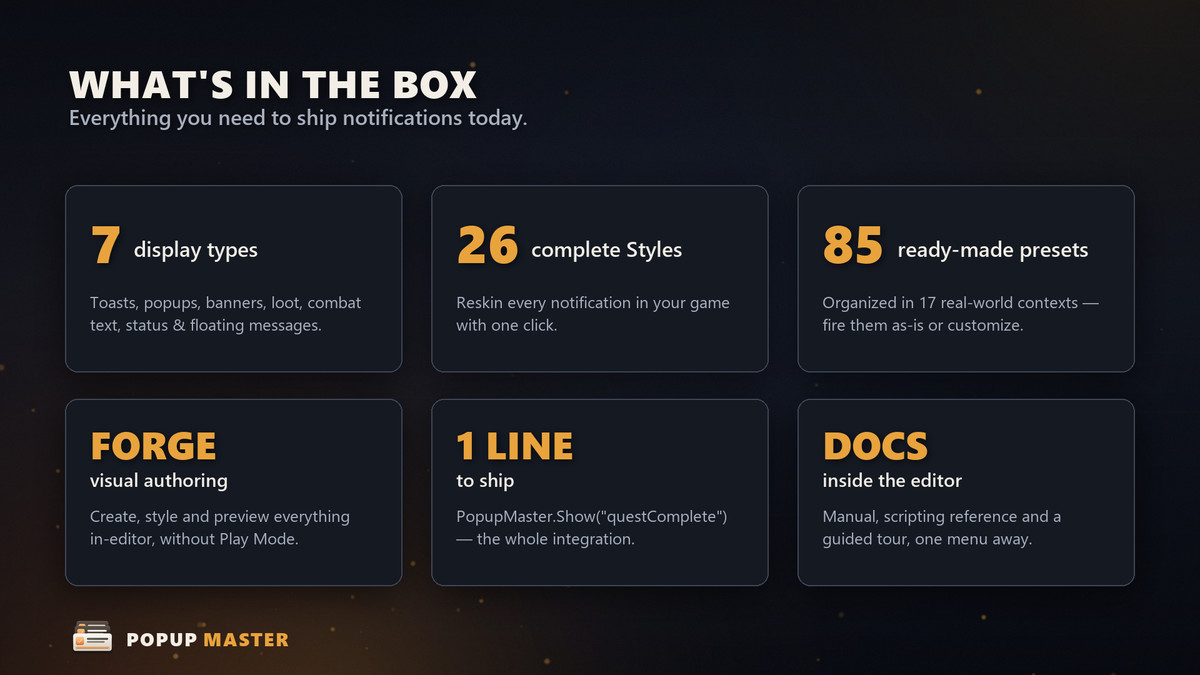
PopupMaster.Show("questComplete") is all it takes. Need more? Climb a clean ladder: pass a value, use the fluent Notify().Title().Sub().Show() builder for fully ad-hoc cards, or call helpers like Combat(Crit, 248) for floating damage numbers. No asset required until you want one.
🎨 Built on UI Toolkit — Restyle Everything 🎨
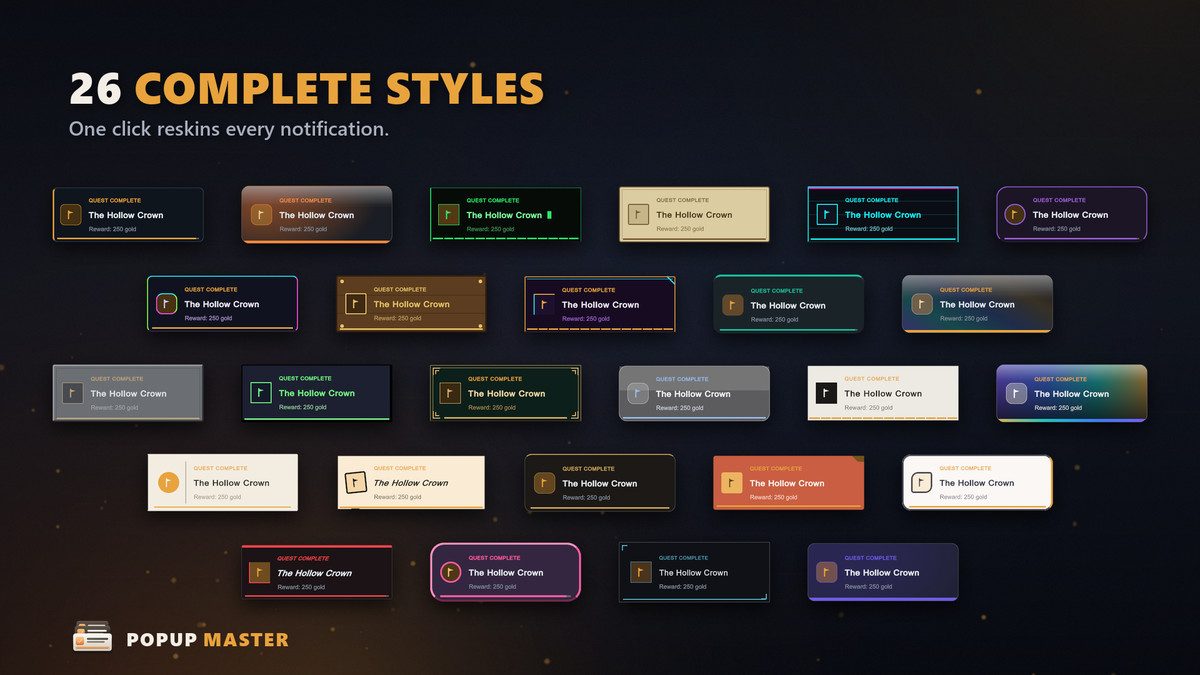
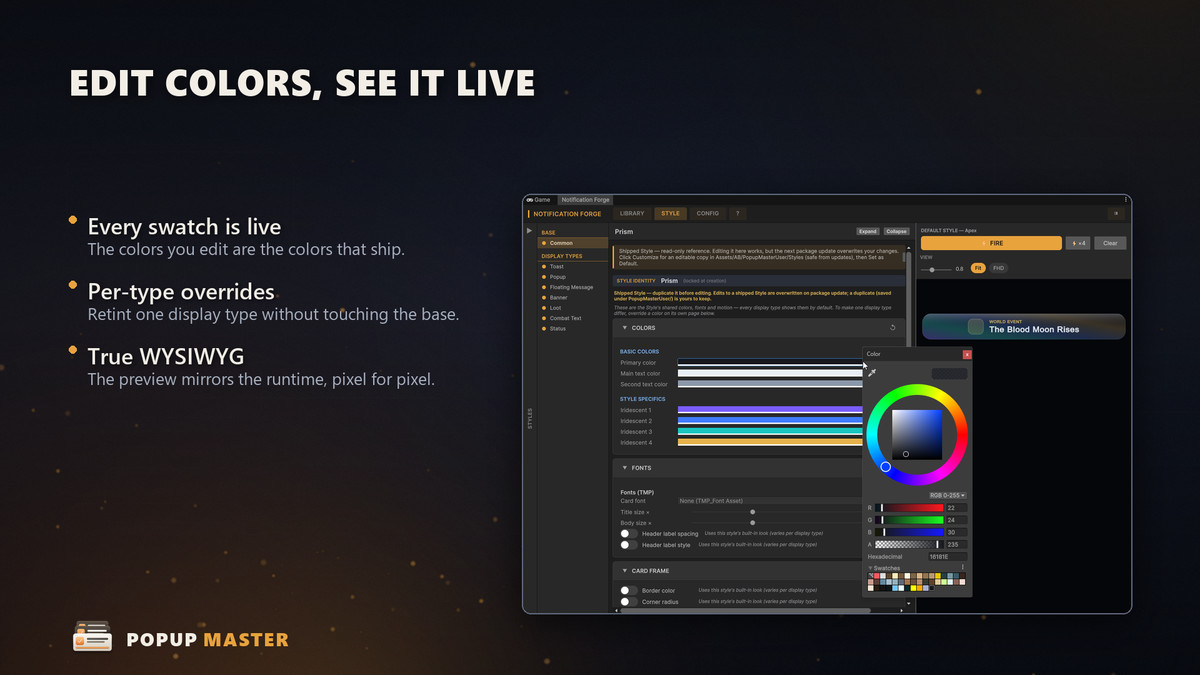
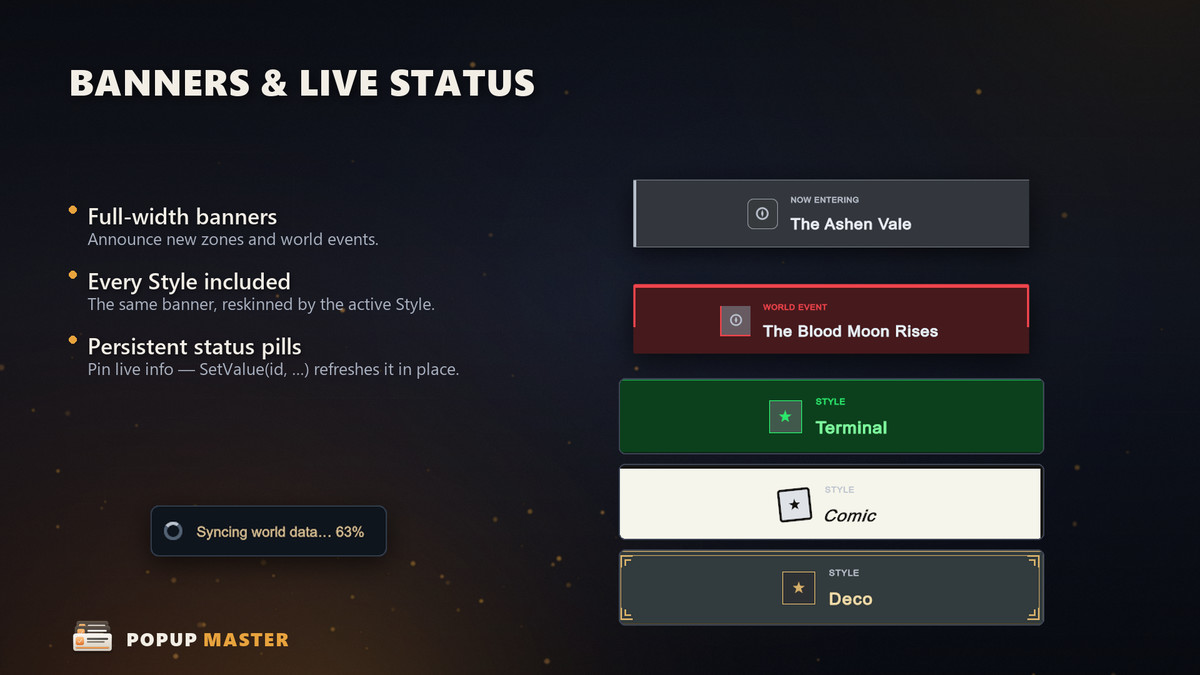
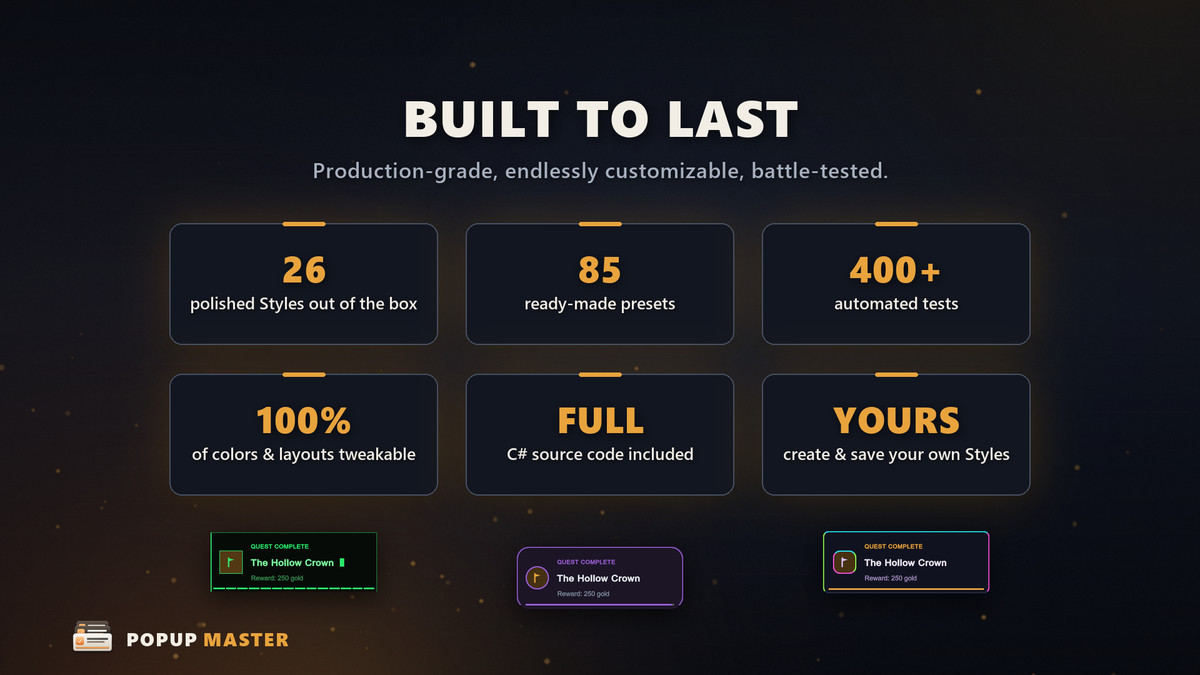
26 global visual Styles (Clean, Ornate, Terminal, Comic, Synthwave, Holographic and more) skin every display type and swap at runtime with a single call. Because it is UI Toolkit, one package covers Built-in, URP and HDRP with no uGUI lock-in.
🧩 Core Building Blocks 🧩
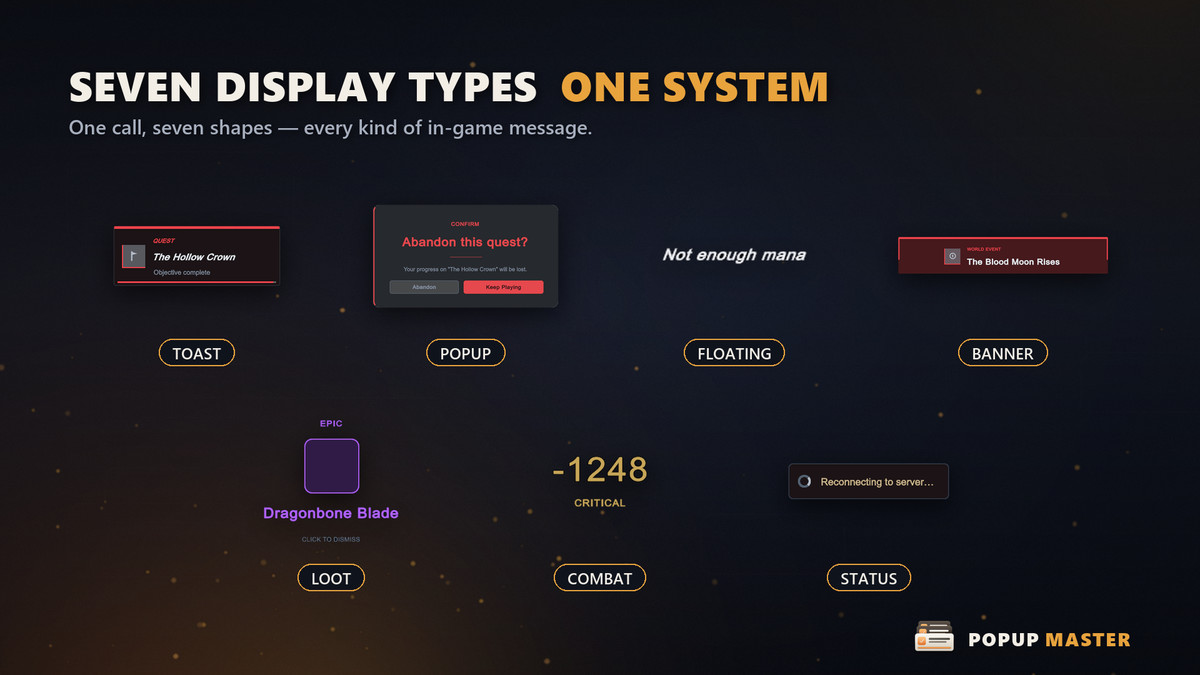
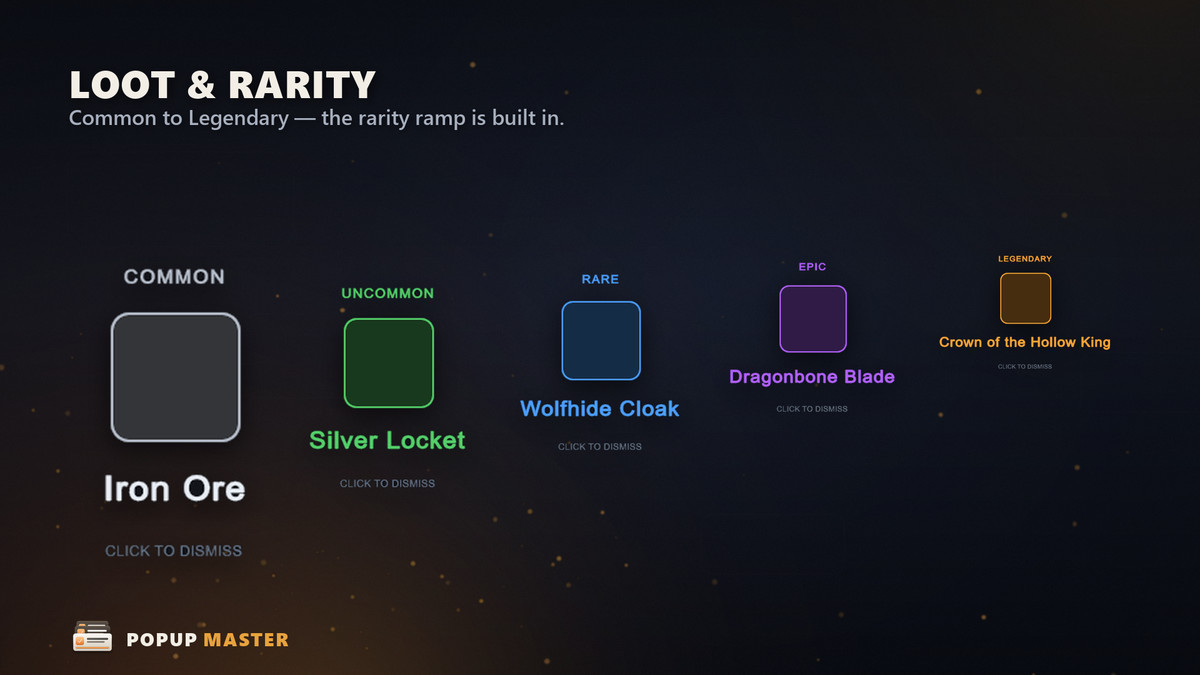
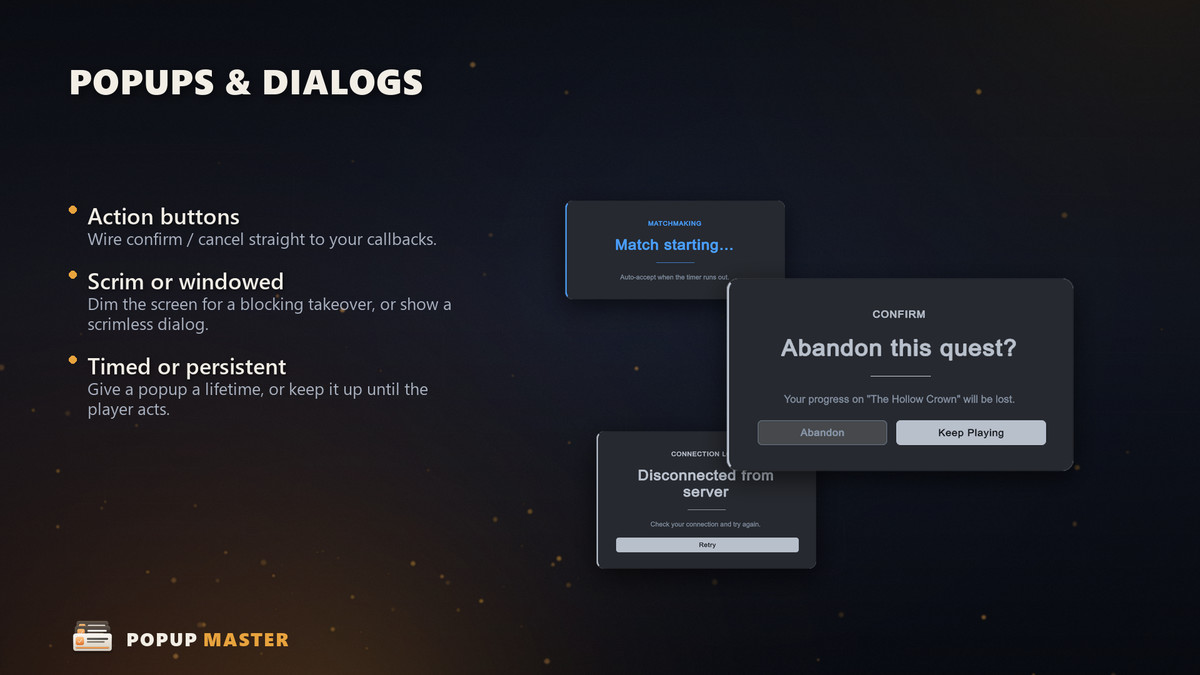
- 7 Display Categories — Toast, Popup (modal/dialog), Floating Message, Banner, Reward, Combat Text and Status, each with its own presenter and settings.
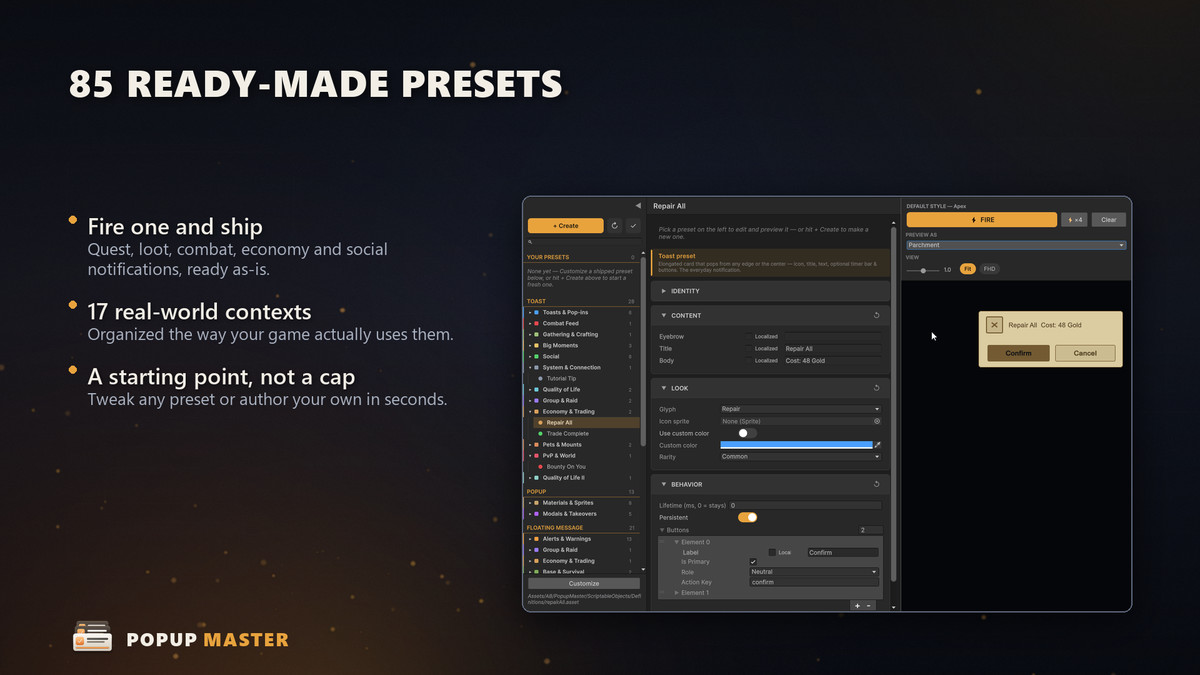
- 85 Ready-Made Presets — grouped into 17 contexts (Combat Feed, Economy & Trading, Social, Big Moments, System & Connection and more). Use as-is or duplicate and recolor.
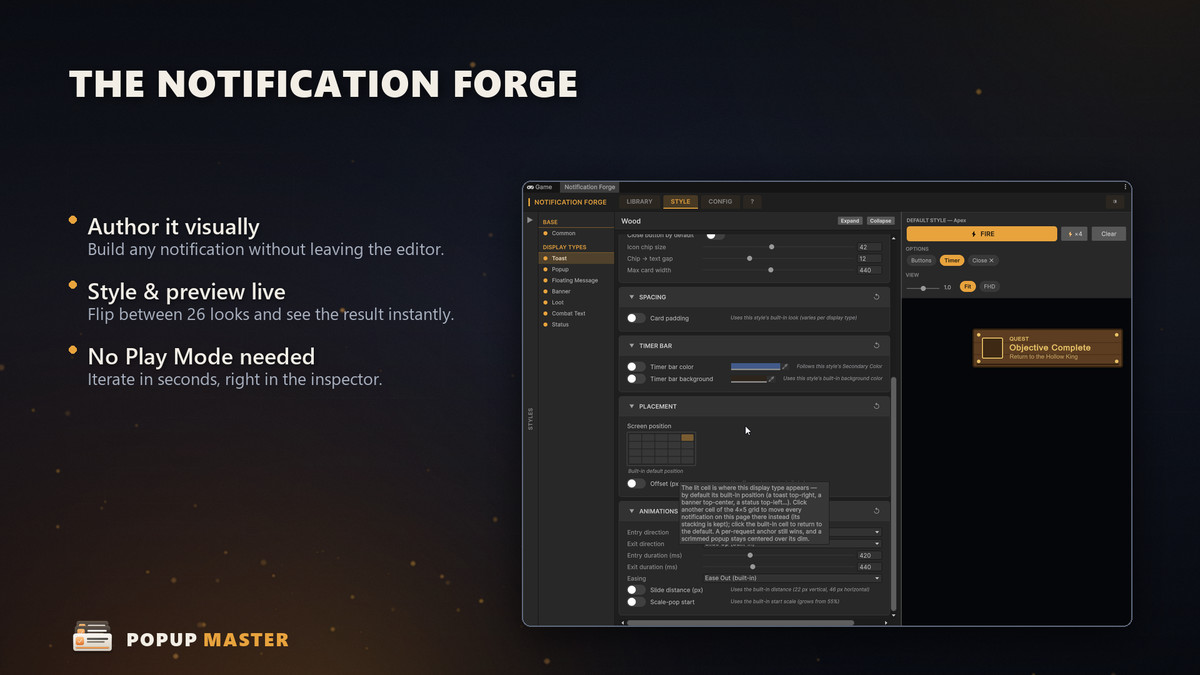
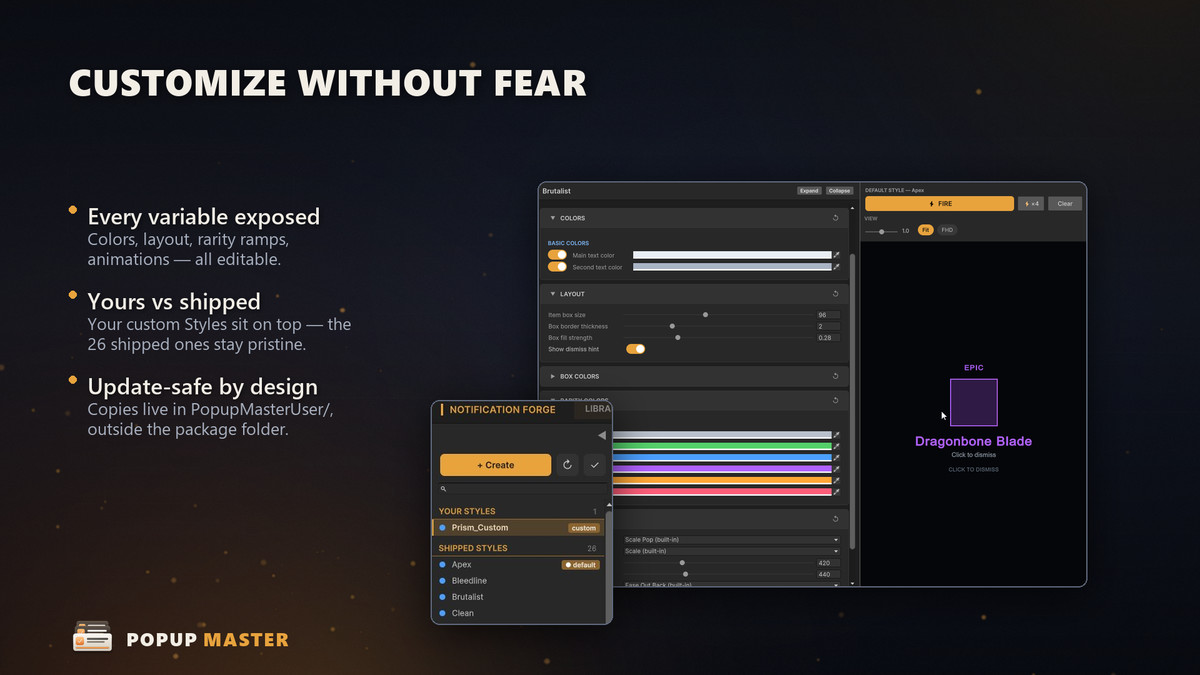
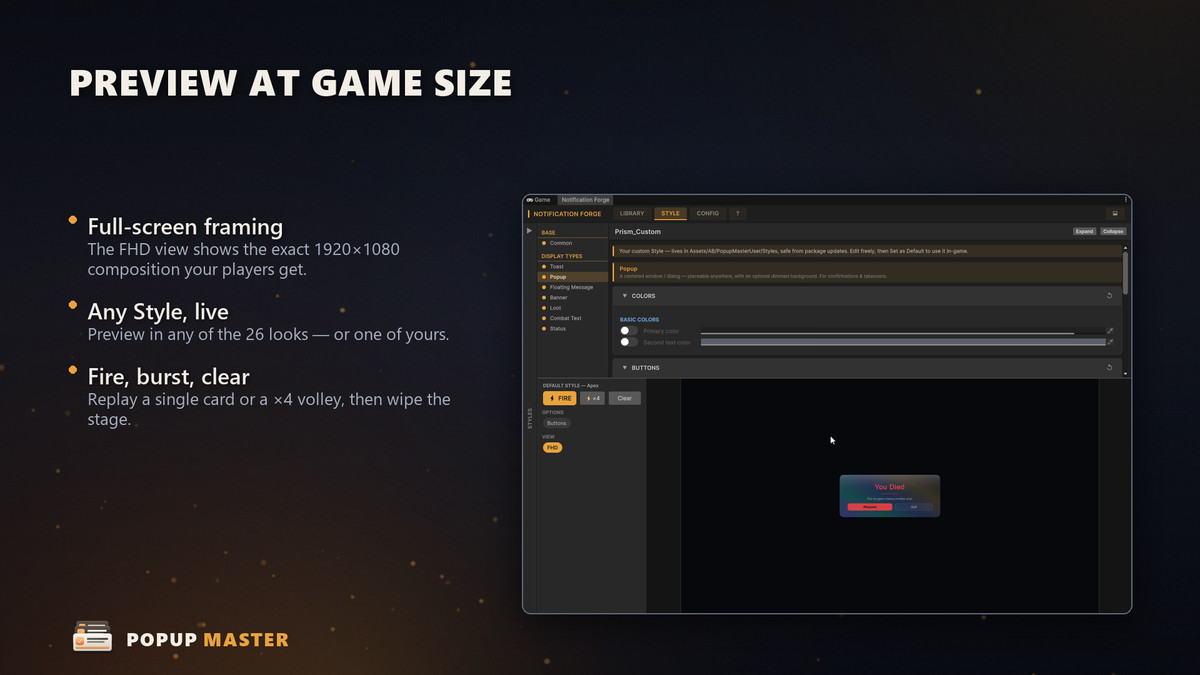
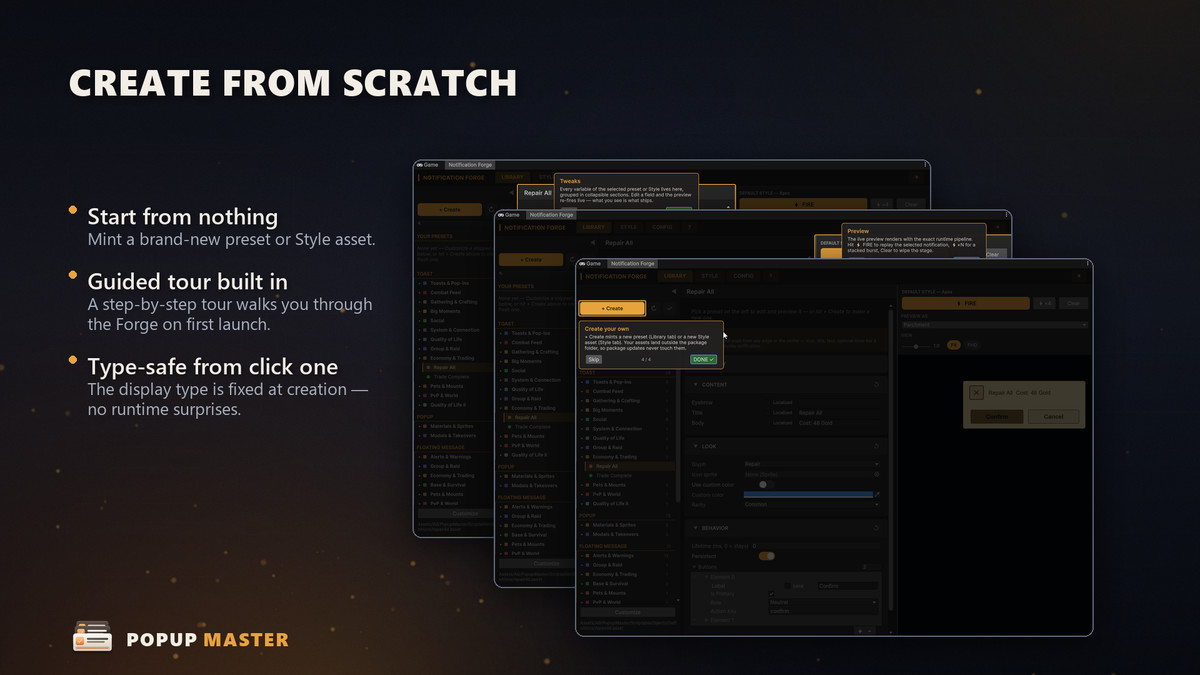
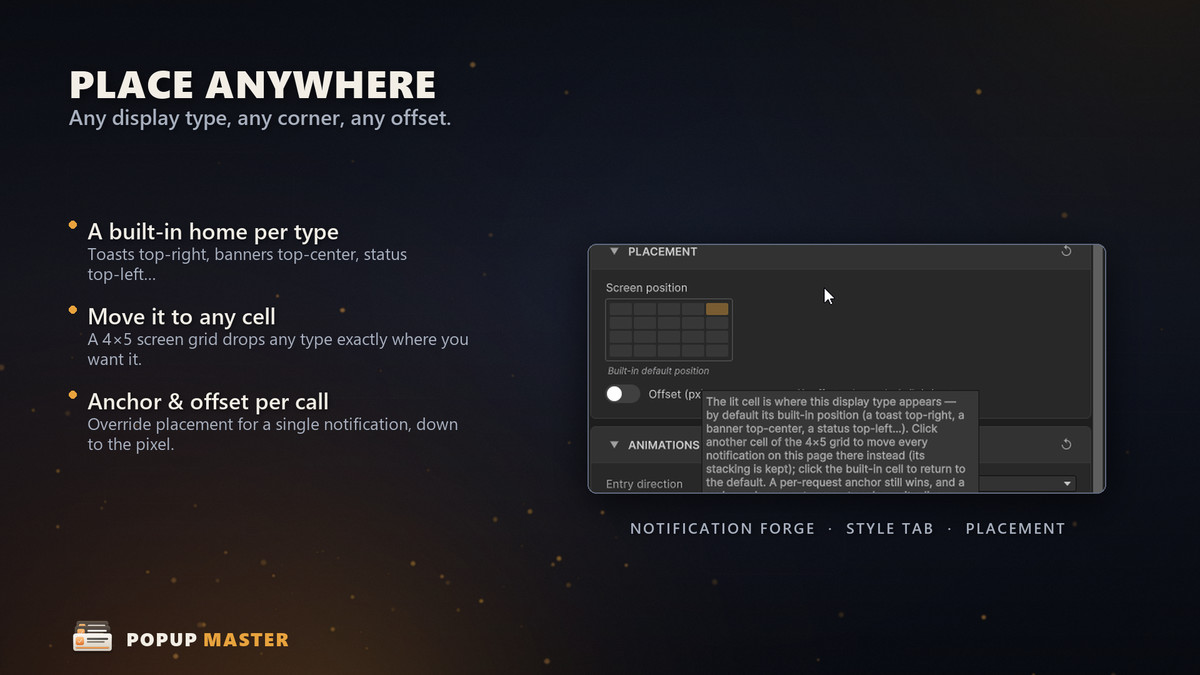
- Notification Forge — a live authoring window to browse, customize, recolor and preview presets and styles without entering Play Mode.
- PopupMasterTrigger — a no-code component: pick a preset in the Inspector, fire it from a UI Button, animation event or Timeline signal, and react through UnityEvents.
🚀 Why Popup Master? 🚀
- Named Channels — independent notification stacks, each with its own placement and style.
- Coalescing — repeats update a live card instead of spamming the screen; numeric values sum ("+3 Potion" then "+2 Potion" becomes "+5 Potion").
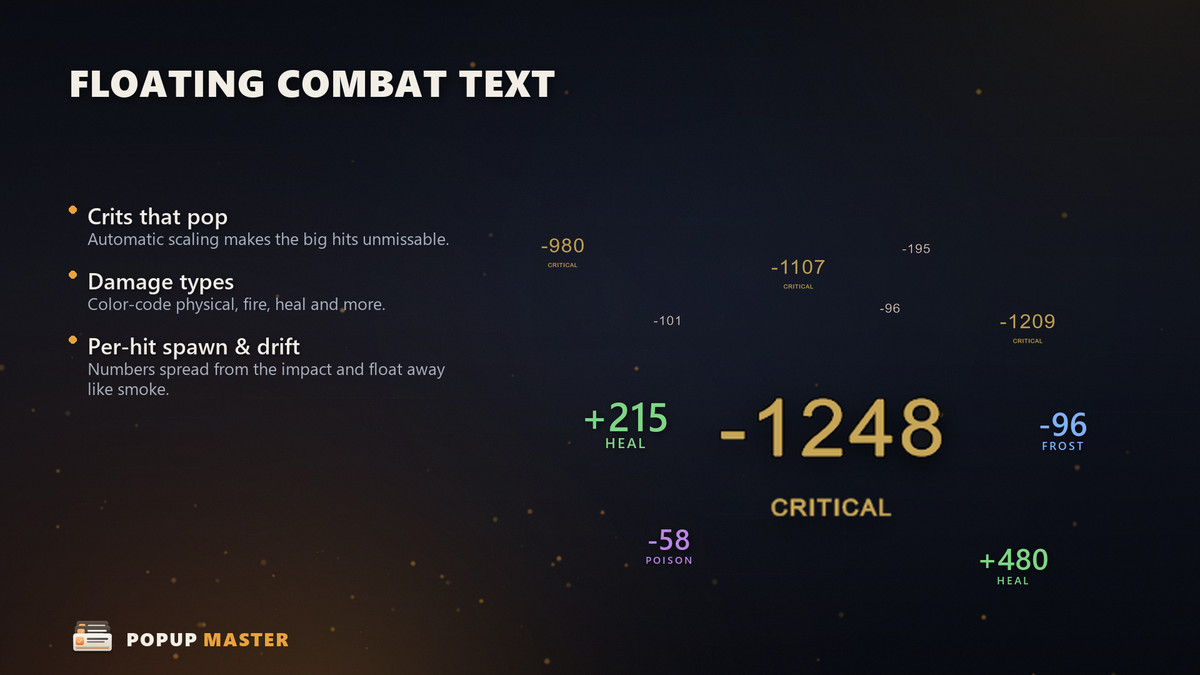
- Floating Combat Numbers — spawn at a world position with per-variant colors (Damage, Crit, Heal, Buff, Xp) and natural jitter, rise and drift.
- Smart Placement — 9-anchor grid, stack direction, per-region caps, z-layers and space-based eviction.
- Pause-Safe & Mobile-Ready — timers run on unscaled time (cards stay alive at timeScale = 0) and layouts respect the mobile safe area (notch, Dynamic Island).
- Keyboard & Gamepad Navigation — opt-in focus ring, stick/arrow cycling, Submit and Escape.
- Audio- & Localization-Agnostic — emits keys so you wire your own Wwise/FMOD and localization; nothing is forced on your project.
- Update-Safe Customization — your edits land in a user folder, so package updates never overwrite them.
🛠️ We also offer other quality & productivity tools for Minimaps, Cinematic Cameras, Manager Initialization, Radial Menus, and more.
From the publisher's Asset Store listing.
Technical details
Unity Version: 2022.3 LTS and newer (including Unity 6)
Render Pipelines: Any — Built-in, URP, HDRP (built on UI Toolkit)
UI Framework: UI Toolkit (runtime UIDocument + PanelSettings)
Scripting Backend: Mono / IL2CPP
Platforms: All platforms supported by Unity (desktop, mobile, console, web)
Input: Works with both the legacy Input Manager and the new Input System
Dependencies: Fetched from GitHub: AnkleBreaker Core and AnkleBreaker Utils UniversalTypes. A Dependencies Installer window appears on import to install them in one click (Git required).
Namespaces: AnkleBreaker.PopupMaster, AnkleBreaker.PopupMaster.Editor
Display Categories: 7 — Toast, Popup, Floating Message, Banner, Reward, Combat Text, Status
Ready-Made Presets: 85 across 17 contexts
Visual Styles: 26, runtime-swappable, skinning every display type
Architecture: Event-driven, no singletons — a static facade over a static event bus
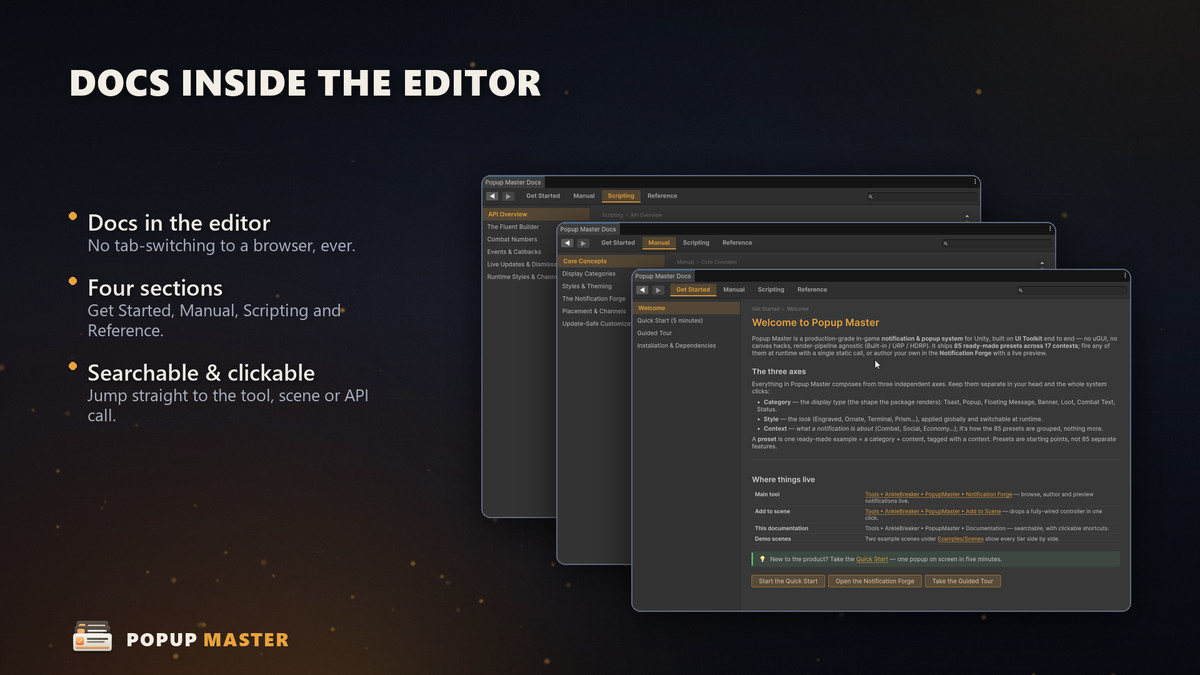
Editor Windows: Notification Forge, Documentation, Welcome, Dependencies Installer
Networking: None — a local (non-networked) feature
Demo Scenes: 2 — a Notification Forge playground and a 100%-runtime-driven demo
Source Code: Full C# source included
Documentation: In-editor Documentation window (searchable, guided tour) + illustrated PDF
Compatibility
| Unity version | Built-in | URP | HDRP |
|---|---|---|---|
| 6000.0.68f1 | Compatible | Compatible | Compatible |
As listed on the Asset Store.