
 View on Asset Store (opens in new tab)
Package details
- Latest version
- 1.0
- Last updated
- First released
- Unity version
- 2022.3.50 or later
- Package size
- 52 KB
- Files
- 28
- Views in the past week
- 14
Price tracking
- Last checked
- Tracked since
- Lowest recorded
- $16.79 on
Keywords

UI Flow & Navigation Kit
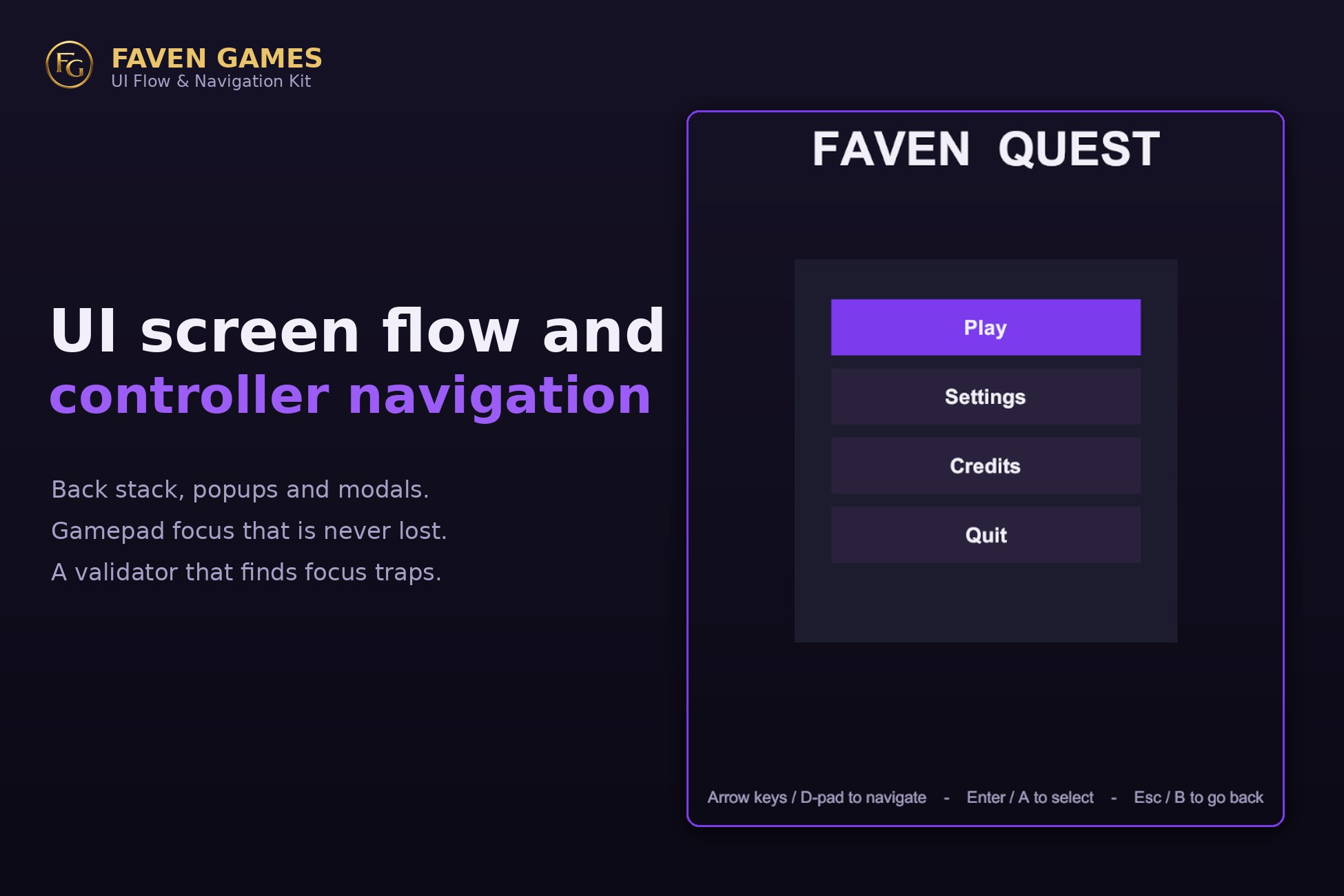
Screen flow, transitions, and controller and keyboard navigation that does not lose focus. Back stack, popups and modals, plus a validator that finds focus traps before you ship.
Affiliate link · Purchases support this site
Price history
Last 6 months
USDAsset preview
1 / 4
UI Flow & Navigation Kit screenshot 1
About this asset
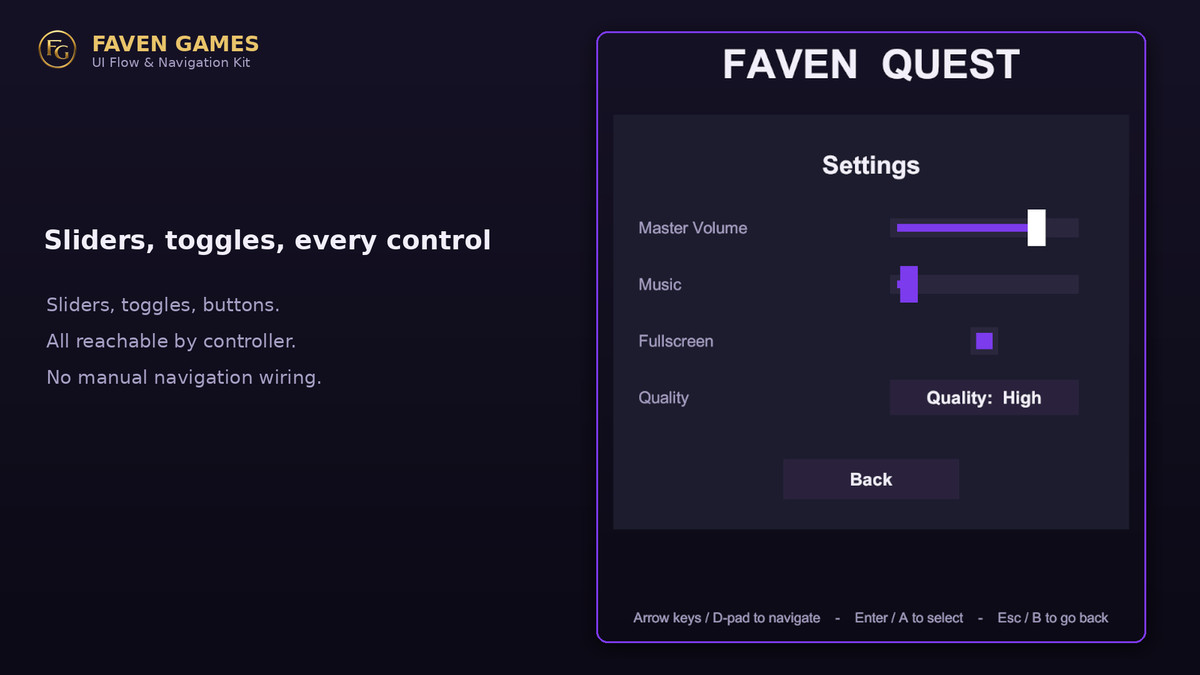
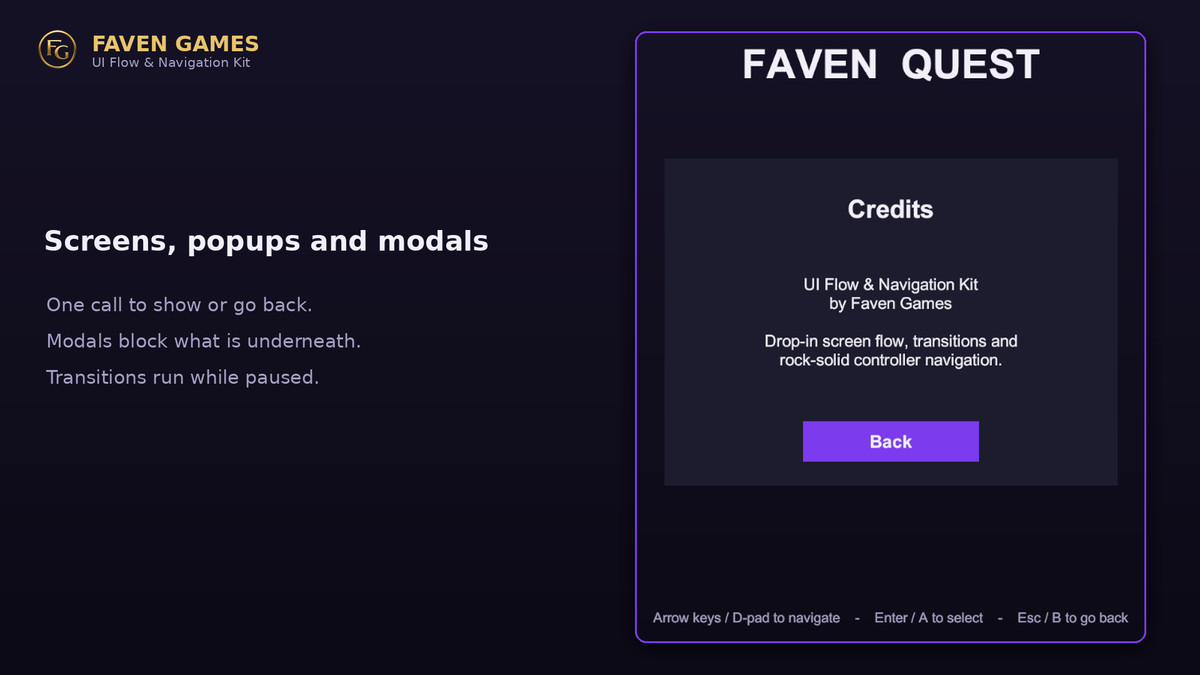
Add a UIFlowManager, mark your panels as screens, and wire buttons with no code. You get a back stack, popups and modals, screen transitions, and controller and keyboard navigation.
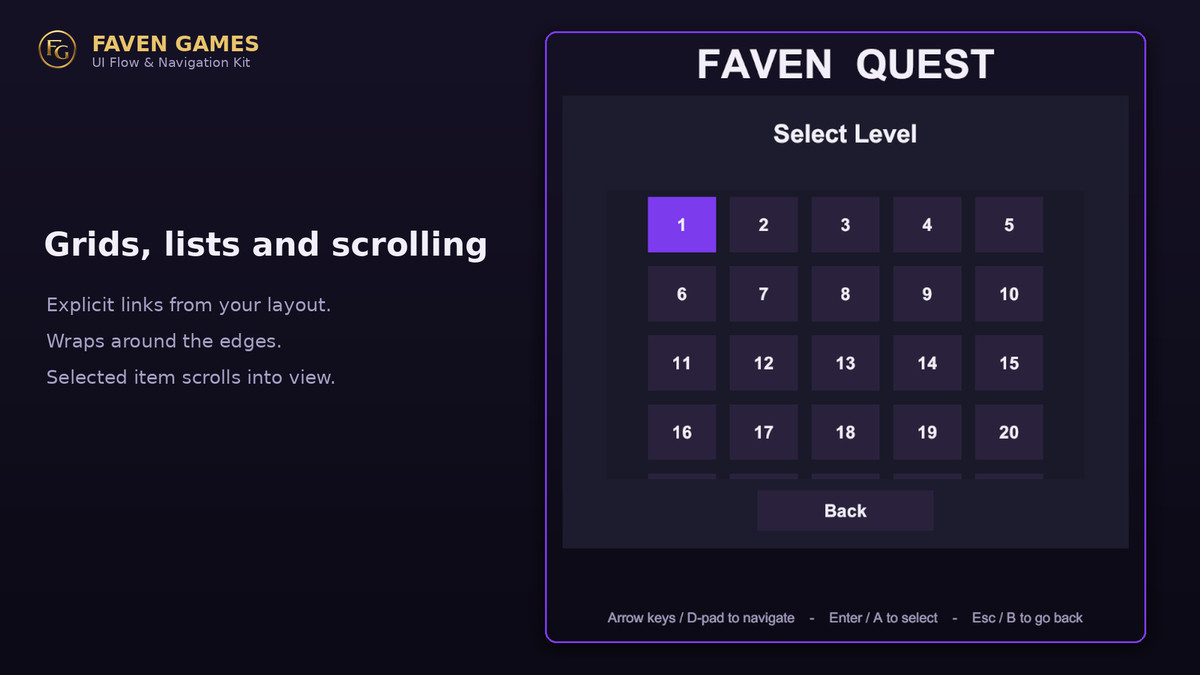
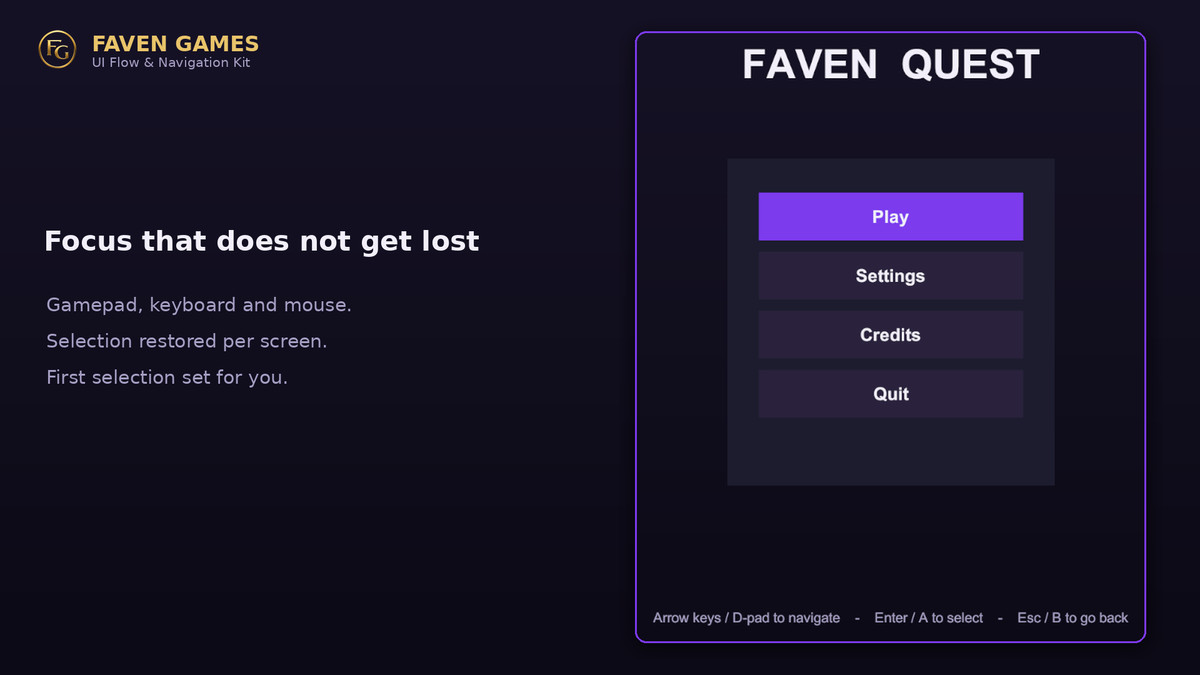
The navigation is the point. It rebuilds explicit links from your layout, sets a sensible first selection, remembers the last selection per screen, recovers focus when an element is hidden or destroyed, and scrolls the selected element into view. Focus does not get lost.
The Flow Validator scans your scene and reports unreachable buttons, focus traps, duplicate ids, and screens with no selection, using the same builder the runtime uses.
Transitions run on unscaled time, so menus animate while the game is paused.
Works with mouse, keyboard and gamepad. No third-party packages.
What's included
-UIFlowManager with screens, popups, modals and overlays, a back stack, Home and Toggle.
-NavigateButton and BackButton for no-code wiring.
-Navigation builder, focus memory, lost-focus recovery and scroll-into-view.
-Procedural fade, scale and slide transitions.
-Flow Validator window and a live stack and focus inspector.
-Setup window, a uGUI demo menu and a cannot-break IMGUI demo.
-Full C# source.
Requirements:
-Unity 2021.3 or newer. Built-in, URP and HDRP.
-uGUI. TextMesh Pro optional.
Support:
From the publisher's Asset Store listing.
Technical details
C# source with no third-party dependencies. Built on uGUI (UnityEngine.UI) and the EventSystem. Works with the legacy Input Manager out of the box, and with the new Input System when Active Input Handling is set to Both or through a one-line call. Render pipeline independent because it is UI and logic only: Built-in, URP and HDRP. Assemblies are split into Runtime, Editor, Demo and Demo Editor. Authored on Unity 2022.3 LTS, minimum 2021.3. TextMesh Pro is not required; navigation also works with TMP elements because they are uGUI Selectables. The Demo folder is optional and can be deleted.
Compatibility
| Unity version | Built-in | URP | HDRP |
|---|---|---|---|
| 2022.3.50f1 | Compatible | Compatible | Compatible |
As listed on the Asset Store.