
 View on Asset Store (opens in new tab)
Package details
- Latest version
- 1.0.1
- Last updated
- First released
- Unity version
- 2022.3.62 or later
- Package size
- 7.8 MB
- Files
- 56
- Favorites
- 5
- Views in the past week
- 11
Price tracking
- Last checked
- Tracked since
- Lowest recorded
- $13.49 on
Keywords

Hot Patch | Edit C# Without Leaving Play Mode
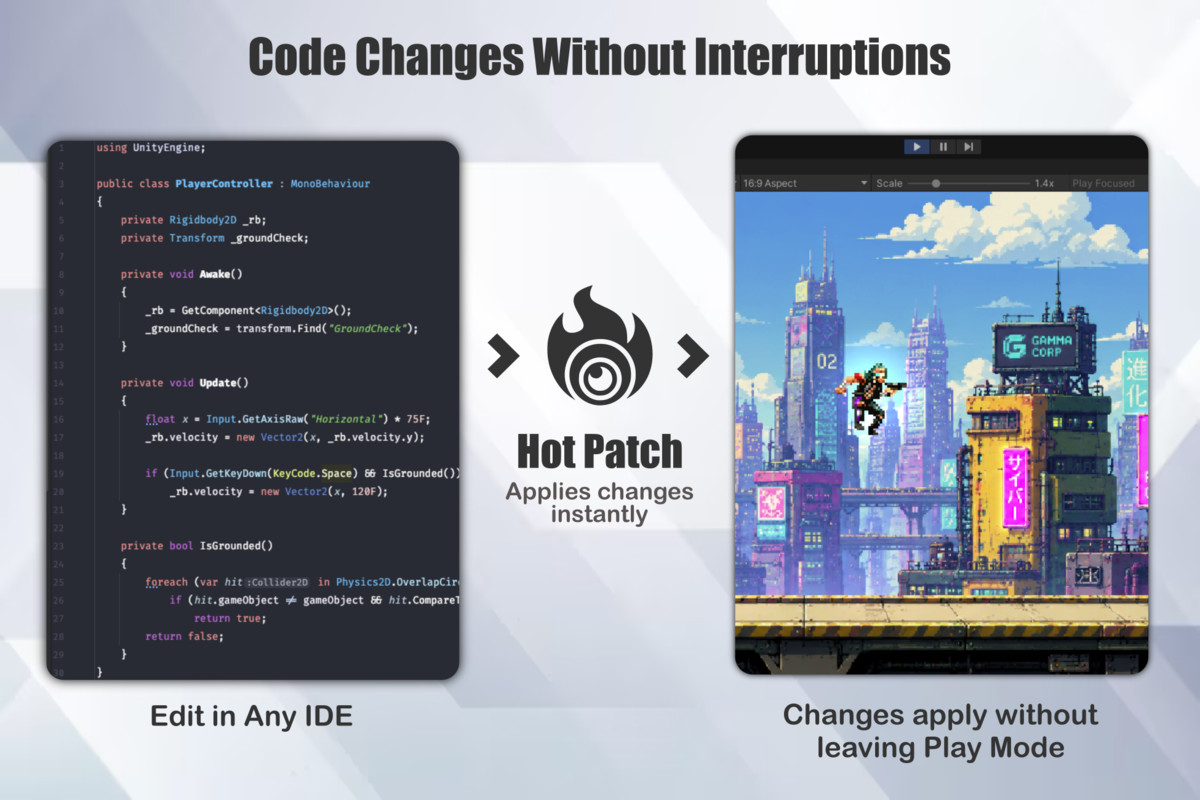
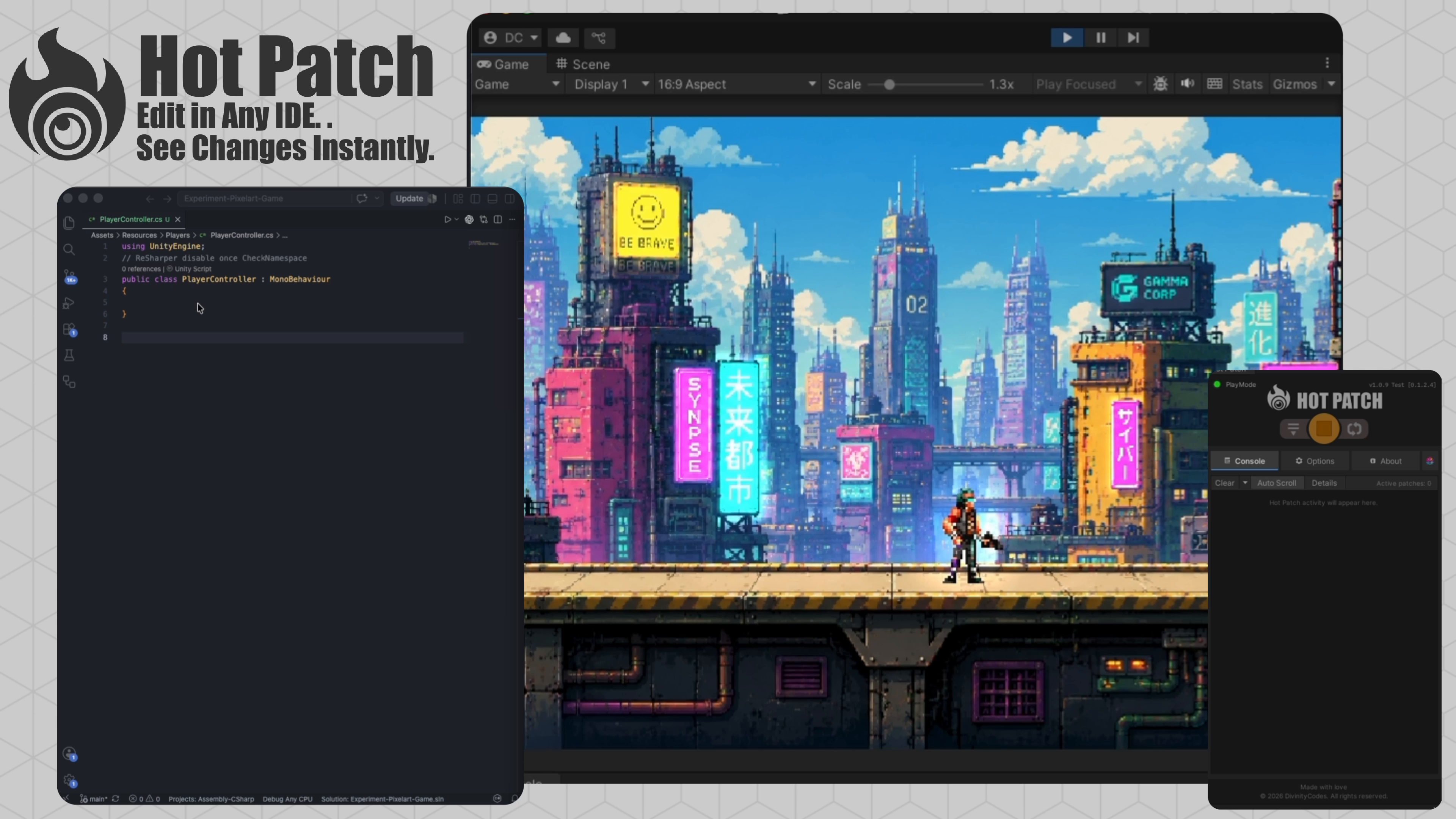
Edit C# while Play Mode is running. Save your script in any IDE and Hot Patch applies the changes instantly, keeping your game running and your workflow uninterrupted.
Affiliate link · Purchases support this site
Price history
Last 6 months
USDAsset preview
1 / 5
Hot Patch | Edit C# Without Leaving Play Mode screenshot 1
About this asset
Edit. Save. Keep Playing.
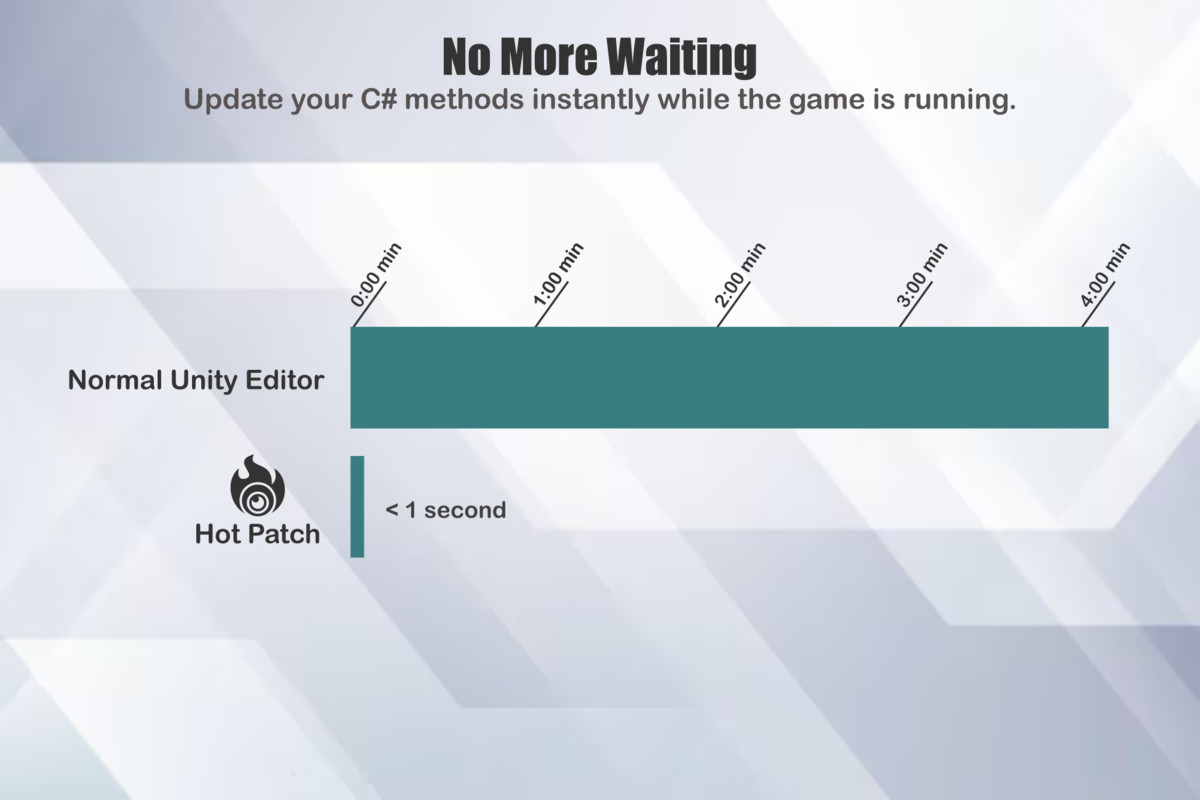
Hot Patch lets you update your C# code while Unity is in Play Mode.
Simply edit your scripts in your favorite IDE, save the file, and Hot Patch automatically patches the updated methods without restarting Play Mode or triggering Unity's compilation pipeline.
Spend less time waiting and more time building.
Perfect for gameplay programming, rapid prototyping, balancing, bug fixing, and fast iteration.
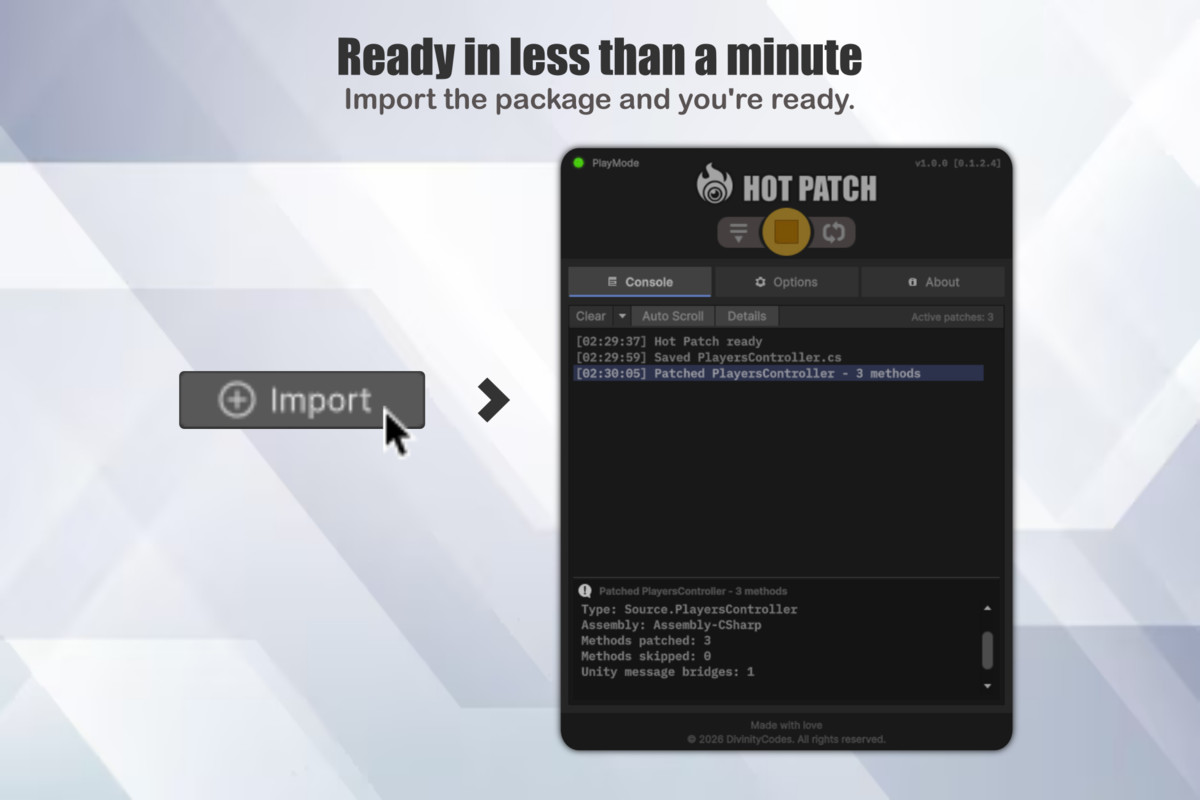
Works with your existing workflow. No IDE plugins. No complex setup. Just import the package and start patching.
Third-Party Notices
Hot Patch includes third-party libraries and custom assets. Their licenses and attribution details are provided in Third-Party Notices.txt, located at DivinityCodes/HotPatch/Third-Party Notices.txt.
From the publisher's Asset Store listing.
Technical details
Features
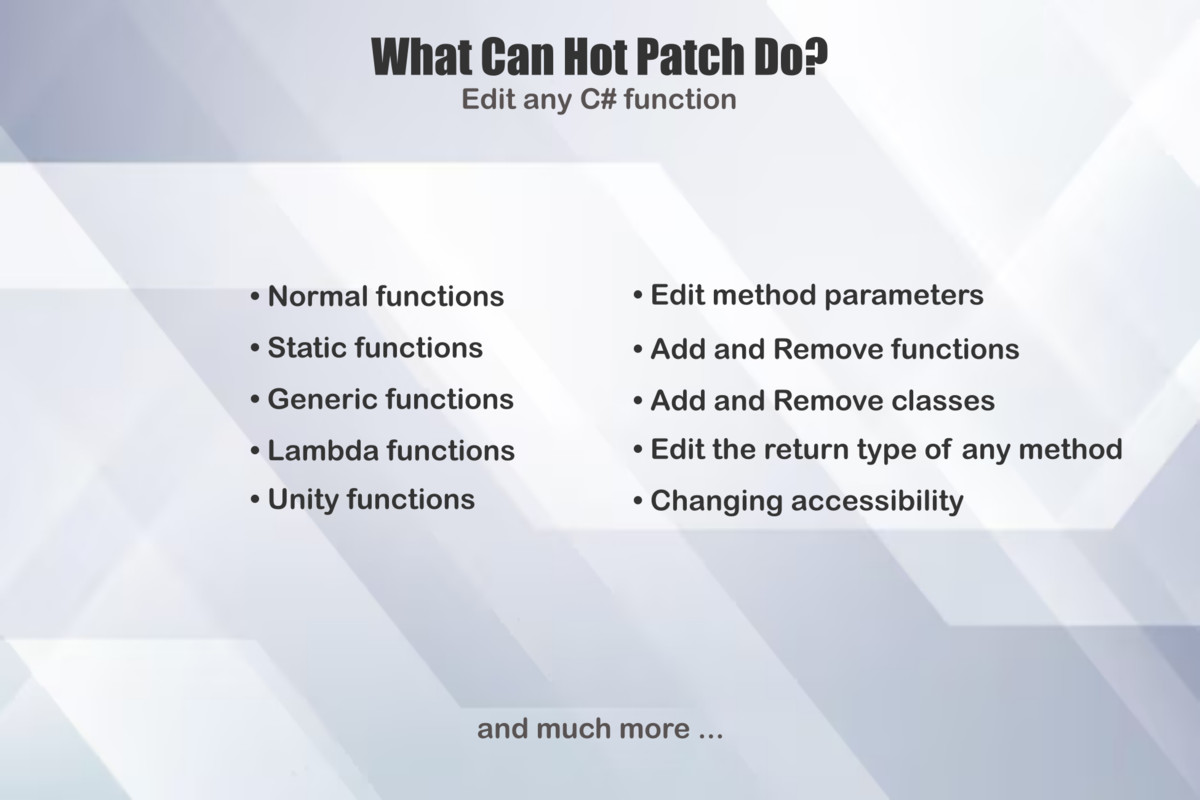
- Runtime C# method patching
- Works with any IDE
- Automatic file detection
- Supports Unity event methods
- Generic methods
- Static methods
- Local functions
- Lambda expressions
- Method parameter changes
- Return type changes
- Extension methods
- Properties and indexers
- Conversion operators
- Events
- Warm-up patching
- Patch logging
- Zero configuration
And Much More!
Supported OS: Windows / macOS
Link to documentation: https://divinitycodes.de
Compatibility
| Unity version | Built-in | URP | HDRP | Custom |
|---|---|---|---|---|
| 2022.3.62f1 | Compatible | Compatible | Compatible | Compatible |
As listed on the Asset Store.