
 View on Asset Store (opens in new tab)
Package details
- Latest version
- 1.1.0
- Last updated
- First released
- Unity version
- 6000.0.84 or later
- Package size
- 894 KB
- Files
- 19
- Favorites
- 4
- Views in the past week
- 18
Price tracking
- Last checked
- Tracked since
- Lowest recorded
- Free on
Keywords
- Search for Project Maintenance
- Search for Build Size
- Search for cleanup
- Search for asset management
- Search for texture optimizer
- Search for unused assets
- Search for duplicate finder
- Search for Audit
- Search for dependency
- Search for Missing References
- Search for Project Cleanup
- Search for find references

Zion Asset Auditor
Find unused assets, duplicates, oversized textures, missing meta files and broken references in one scan, then fix what's safe in one click. With a reference viewer, health dashboard and CI mode.
Affiliate link · Purchases support this site
Price history
Last 6 months
USDAsset preview
1 / 5
Zion Asset Auditor screenshot 1
About this asset
Zion Asset Auditor keeps your Unity project clean and lean.
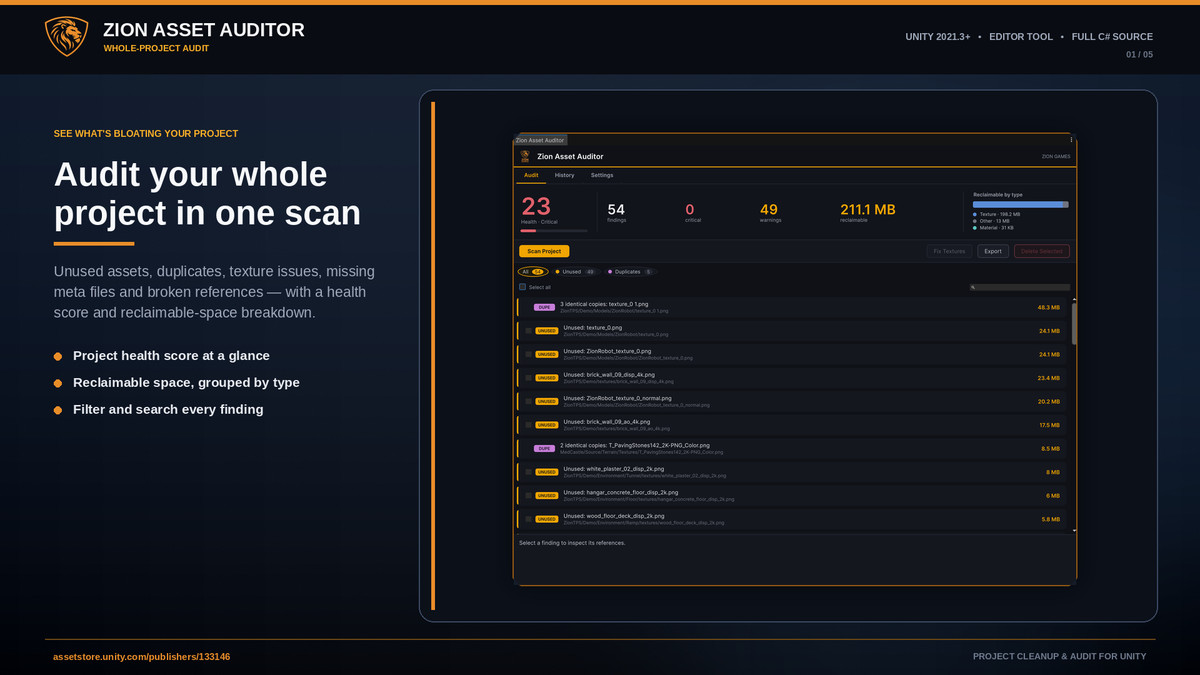
Projects build up junk over time. Textures imported at 8K, duplicate art, prefabs with missing scripts, assets nothing references anymore. Asset Auditor scans the whole project, shows you what's wrong, and where it's safe it fixes it in one click.
It's an editor-only tool with no runtime footprint, so it never ships in your build.
FIVE AUDITS IN ONE SCAN
- Unused assets that nothing references, checked across scenes, Resources and Project Settings
- Duplicate assets, found by comparing file content
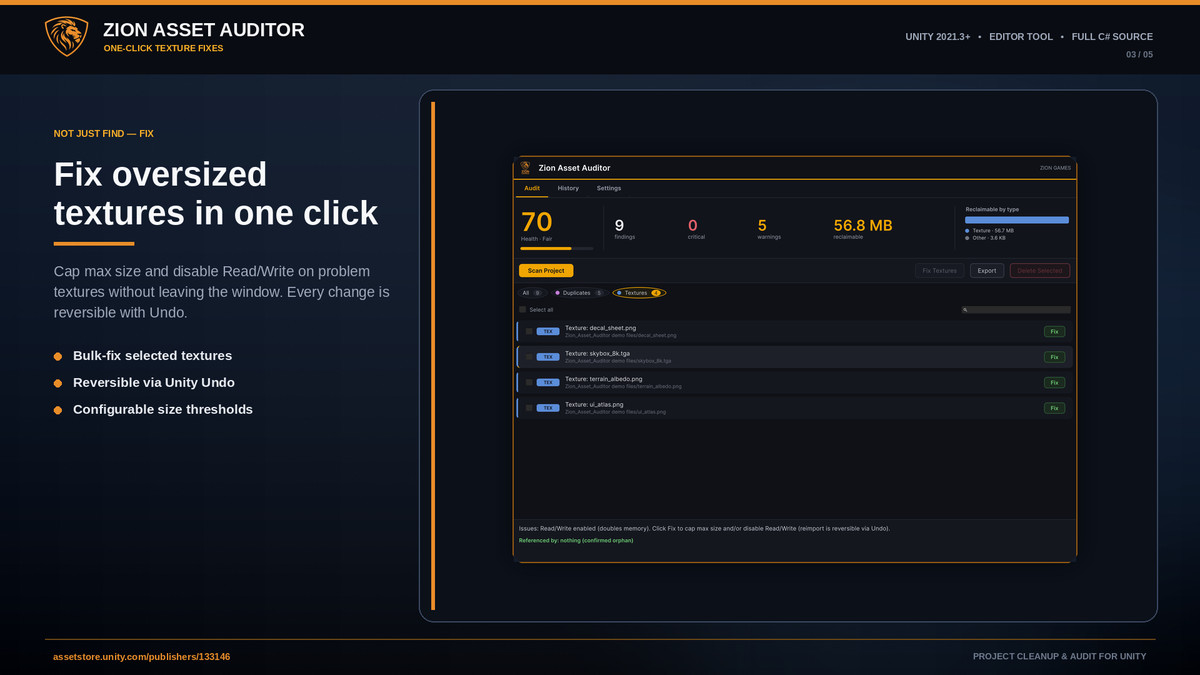
- Texture issues: oversized, non-power-of-two, or Read/Write left on
- Missing .meta files, the usual reason references break after a bad merge
- Broken references, like prefabs with missing script components
ACT WITH CONFIDENCE
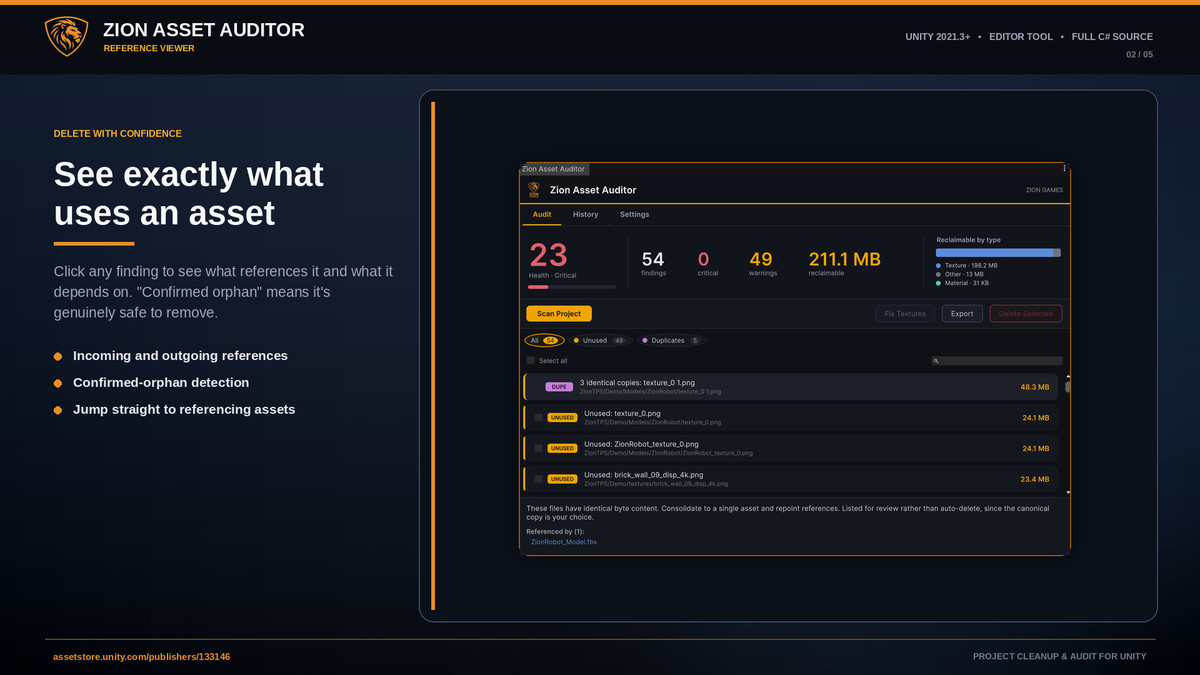
- The reference viewer shows what actually uses an asset before you touch it, so "confirmed orphan" really means safe to remove
- Texture fixes cap max size and turn off Read/Write, and you can Undo them
- Deleting moves assets to the OS trash behind a confirmation, so nothing is gone for good
STAYS OUT OF YOUR WAY
- Scanning runs in the background so the editor stays responsive on big projects
- A health score and a reclaimable-by-type breakdown show where the bloat actually is
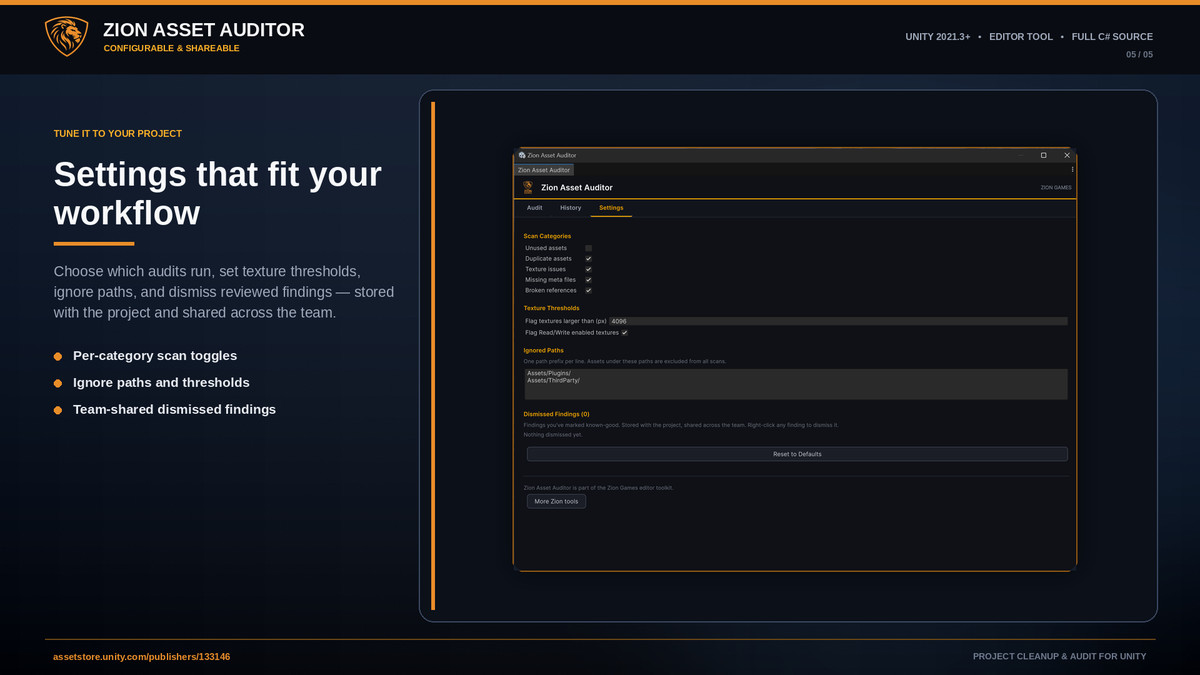
- Right-click any folder in the Project window to leave it out of scans
- Dismiss findings you've checked, and that whitelist is saved with the project so your team shares it
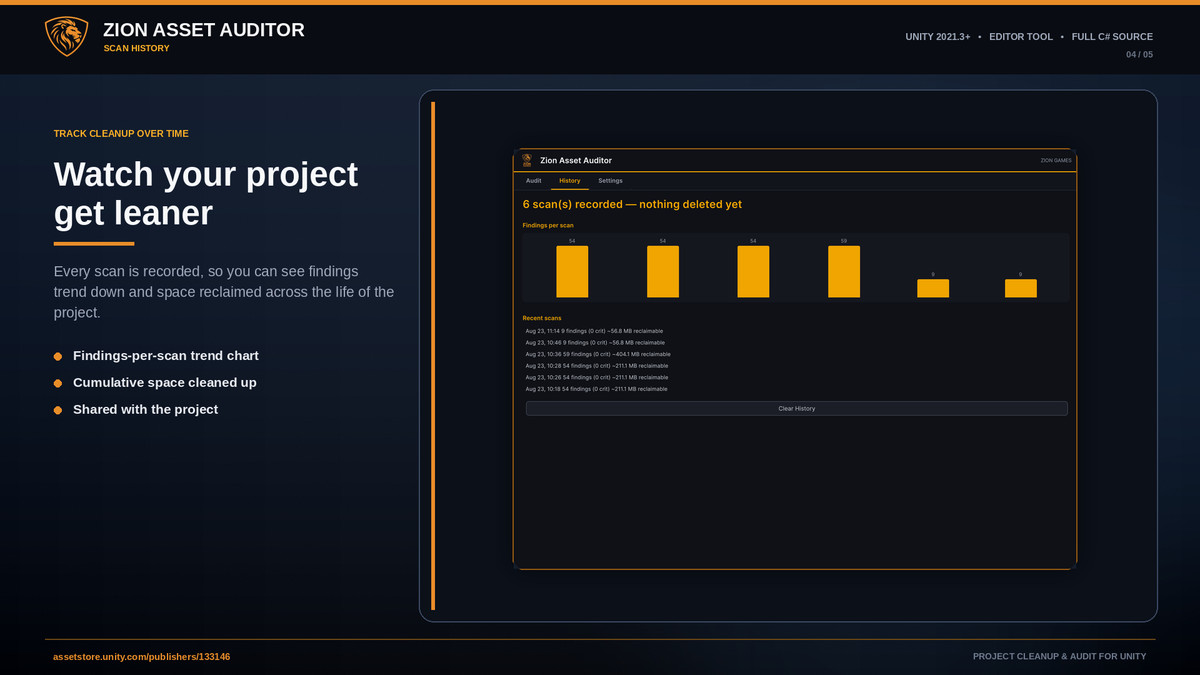
- Scan history tracks findings over time
STUDIO-READY
- Headless CI mode runs the full audit from your build pipeline, writes a CSV or Markdown report, and can fail the build when critical issues show up
- Export any scan as CSV or Markdown
Full C# source is included. Part of the Zion Games editor toolkit.
Documentation: Zion Asset Auditor - ZionGames Docs
Product page: Unity Project Cleanup, Texture Fixes & Audit | Zion Asset Auditor
Website: https://ziongames.co.uk
Discord: Here
From the publisher's Asset Store listing.
Technical details
- Editor-only, compiles to an editor-only assembly with no runtime footprint, never included in builds
- Full C# source included
- Works with Built-in, URP and HDRP, since it audits assets rather than rendering
- Unity 2021.3 LTS or newer
- No third-party dependencies
- Built with UI Toolkit
- Opens from Tools > Zion Games > Asset Auditor, with a Project window right-click menu for ignoring folders
- Settings, whitelist and scan history are stored per-project
- PDF documentation included
Compatibility
| Unity version | Built-in | URP | HDRP |
|---|---|---|---|
| 6000.0.84f1 | Compatible | Compatible | Compatible |
As listed on the Asset Store.