
 View on Asset Store (opens in new tab)
Package details
- Latest version
- 1.0.1
- Last updated
- First released
- Unity version
- 6000.3.16 or later
- Package size
- 476 KB
- Files
- 60
- Views in the past week
- 5
Price tracking
- Last checked
- Tracked since
- Lowest recorded
- $24.99 on
Keywords

Wiener – Static Game Data Converter
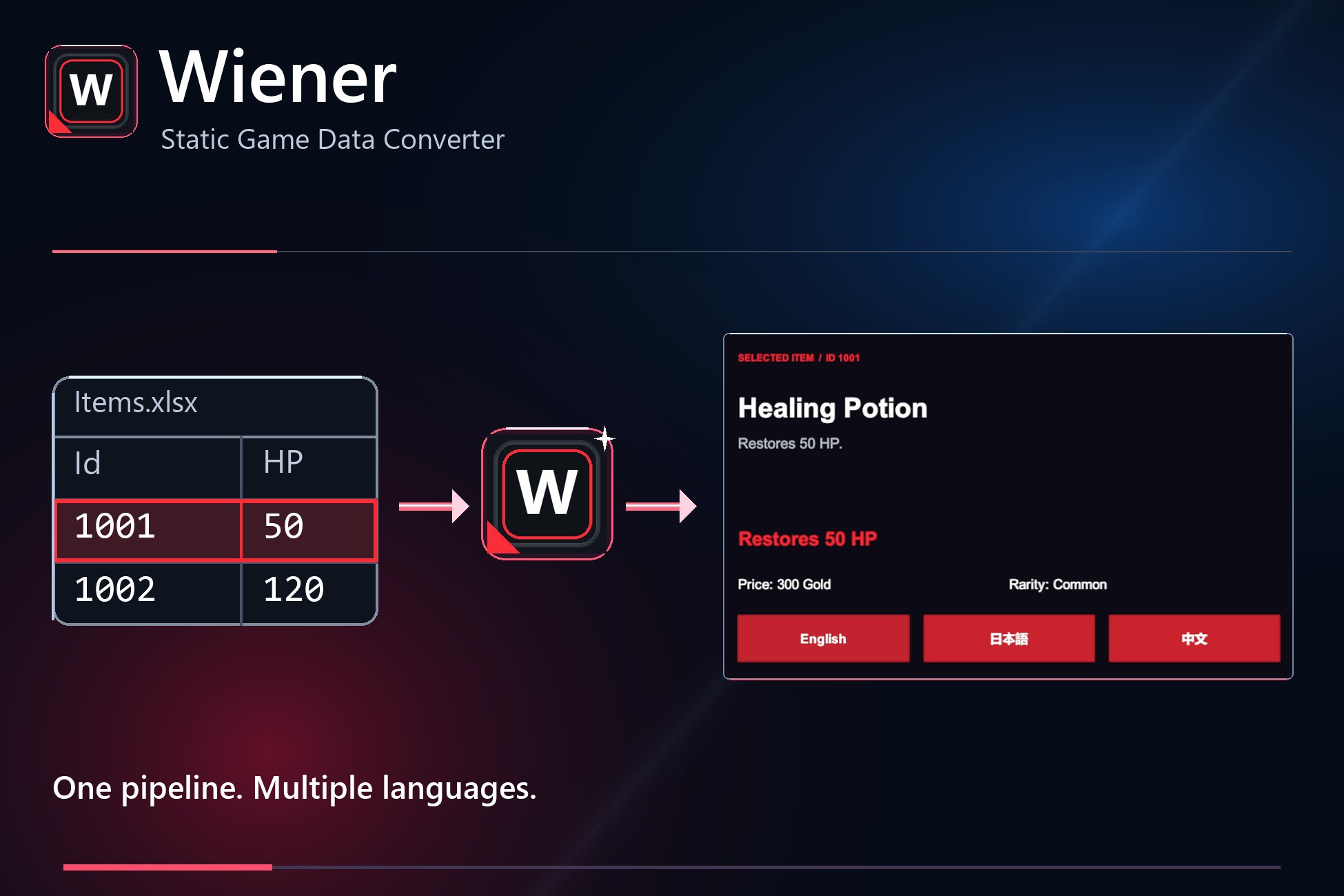
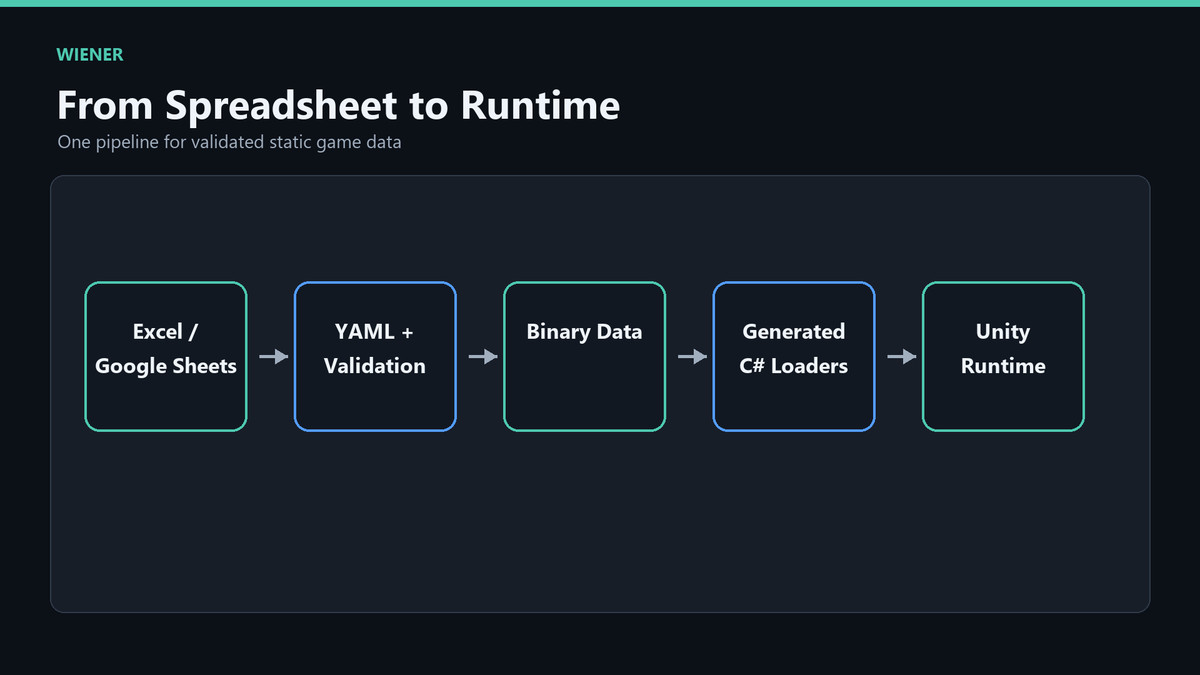
Convert Excel and Google Sheets static game data into validated, optimized binary data and generated C# loaders.
Affiliate link · Purchases support this site
Price history
Last 6 months
USDAsset preview
1 / 9
Wiener – Static Game Data Converter screenshot 1

About this asset
Wiener is a high-performance static game data tool for Unity.
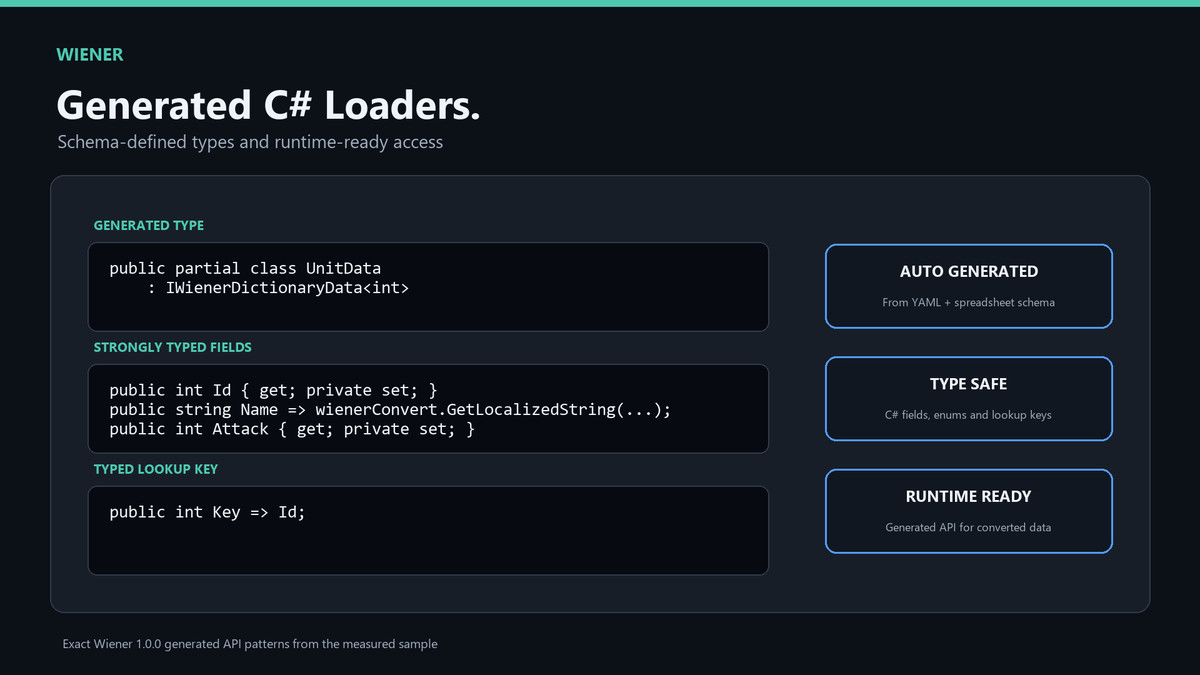
It converts static game data created in Excel or Google Sheets into optimized binary data and generated C# loader code for Unity projects.
Wiener is designed for games and applications that manage large amounts of structured data, such as items, units, equipment, rewards, quests, balance parameters, localization text, and live-ops data.
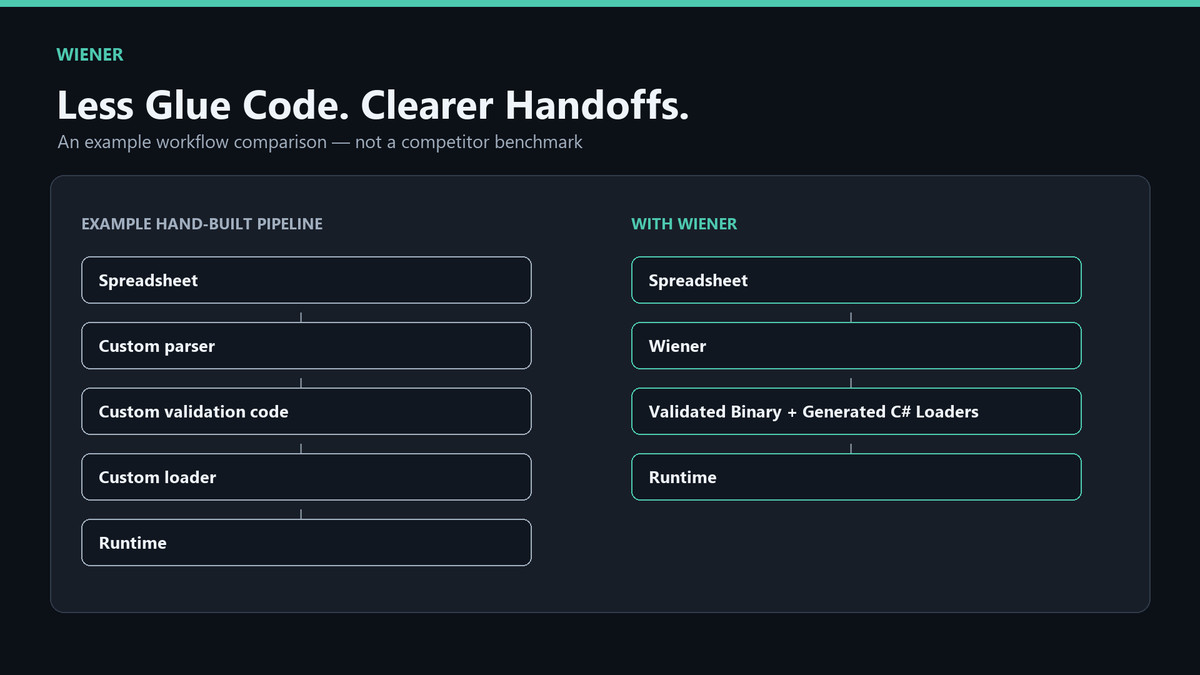
Instead of manually writing import code or maintaining custom spreadsheet parsers, Wiener lets you define how your data should be extracted, validated, converted, and loaded in Unity.
Key use cases:
- Convert Excel or Google Sheets static game data into Unity-ready binary data
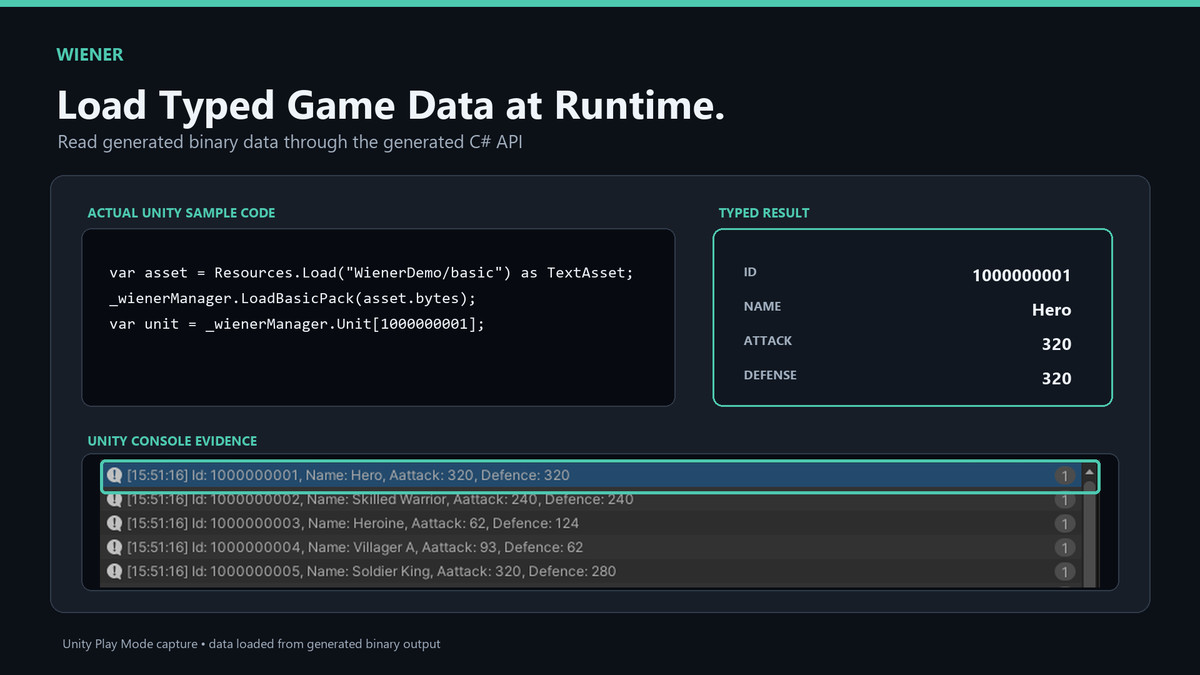
- Generate C# code for loading and accessing converted data
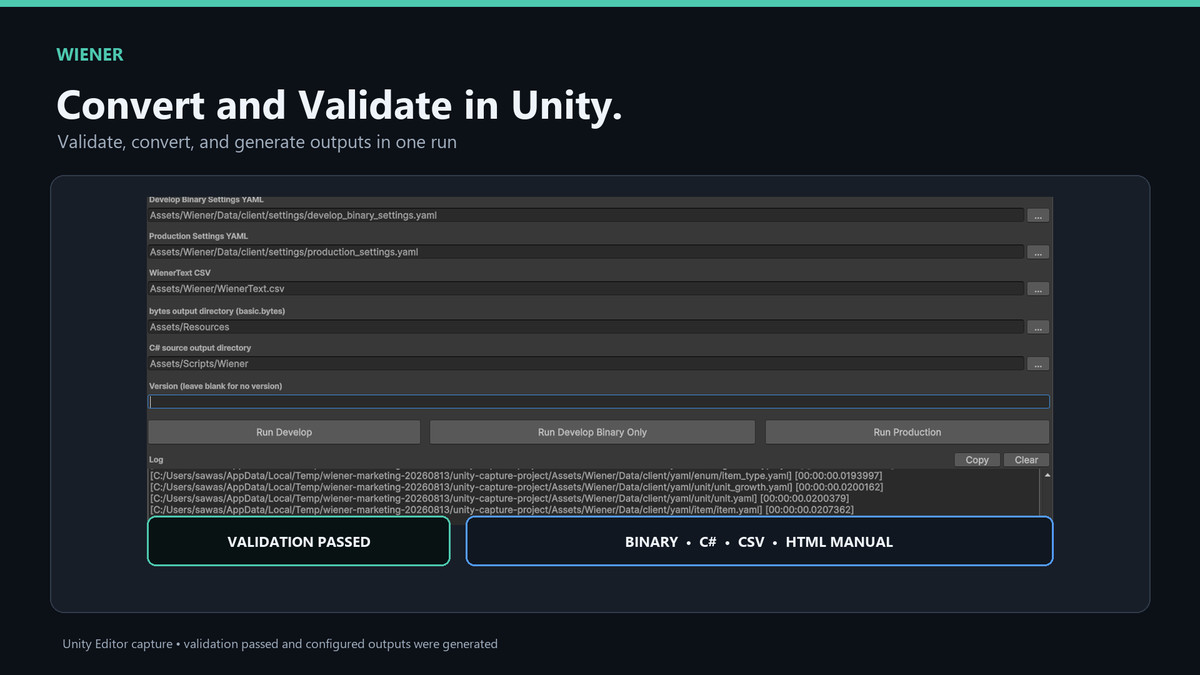
- Validate IDs, references, duplicate values, required fields, and data consistency
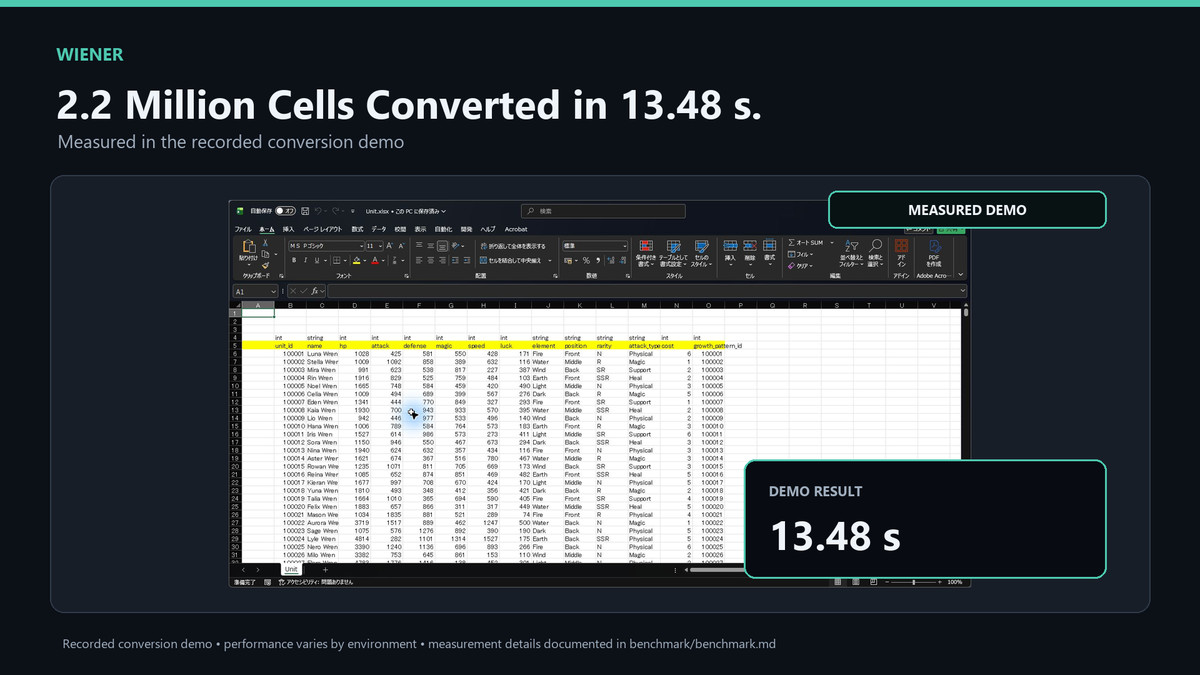
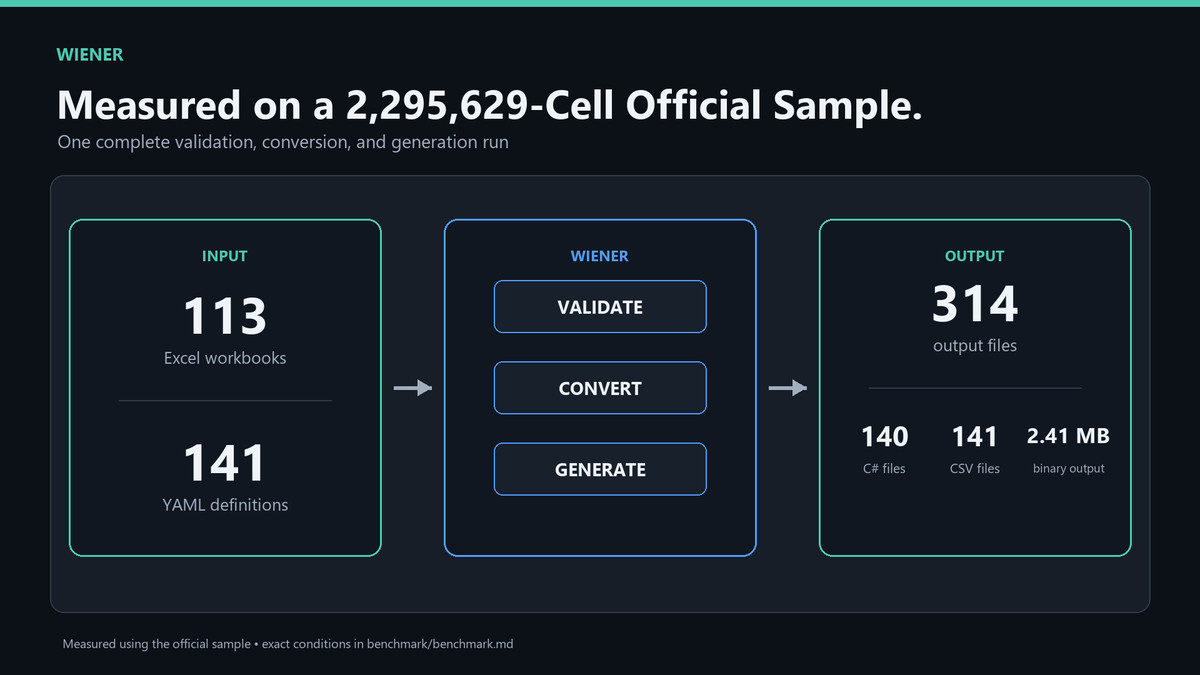
- Handle large datasets efficiently
- Support localization workflows with CSV output
- Use row-level version filtering for live-ops or staged data
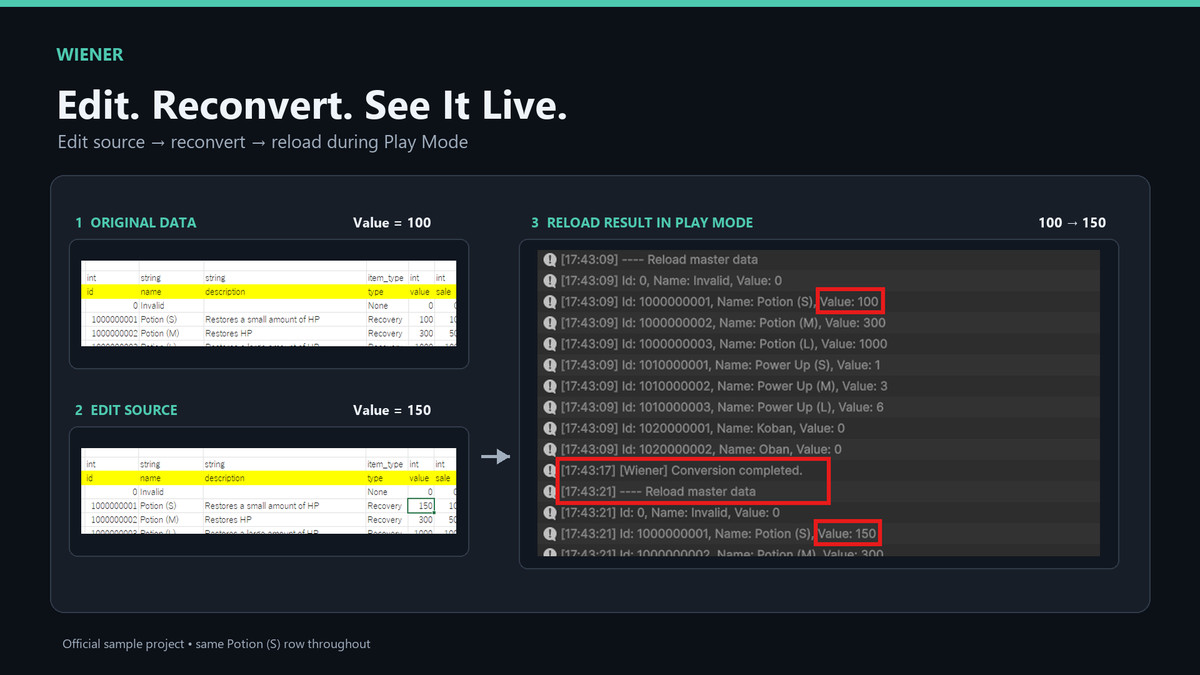
- Support hot reload workflows for faster iteration
- Detect data mismatch and tampering
- Improve collaboration between planners and engineers
Wiener is especially useful for projects where game balance and content data are maintained outside Unity by planners, designers, or non-programmers.
The package includes Unity editor tools, YAML-based data definitions, runtime loading code, samples, and documentation.
Wiener does not depend on a specific render pipeline.
It can be used with Built-in Render Pipeline, URP, or HDRP.
Supported Unity versions:
Unity 2021.3 LTS or later.
Documentation:
Getting Started Guide:
https://bento.ooo/wiener/en/unity-asset/startup/
Sample Guide:
From the publisher's Asset Store listing.
Technical details
Features:
- Excel file input
- Google Sheets input using service account credentials
- Binary data output for Unity
- C# loader code generation
- YAML-based data definitions
- GUI-based YAML editing with WienerYamlEditor
- Unity Setting Editor
- Master data validation
- ID and reference validation
- Duplicate value detection
- Required field validation
- Localization CSV workflow
- Row-level version filtering
- Obfuscation support
- Tamper detection support
- Runtime data loading validation
- Detects errors when generated loaders fail to load converted data
Guides and downloadable samples:
- Getting Started Guide:
https://bento.ooo/wiener/en/unity-asset/startup/
- Sample Guide:
https://bento.ooo/wiener/en/unity-asset/sample/
- Online documentation:
https://bento.ooo/wiener/en/
The package itself contains the Unity tools and runtime code.
Large sample data and step-by-step sample workflows are provided through the online documentation.
Supported Unity versions:
- Unity 2021.3 LTS or later
Tested with:
- Unity 2021.3 LTS
- Unity 6.3 LTS
Render pipeline:
- Built-in Render Pipeline
- URP
- HDRP
The package is mainly implemented in C# and editor scripts.
No specific render pipeline is required.
Compatibility
| Unity version | Built-in | URP | HDRP | Custom |
|---|---|---|---|---|
| 6000.3.16f1 | Compatible | Compatible | Compatible | Compatible |
Wiener is an editor extension and runtime data loading tool. It does not include render pipeline-specific shaders, materials, or post-processing assets, so it is render pipeline independent and can be used with Built-in Render Pipeline, URP, and HDRP projects.
As listed on the Asset Store.