
 View on Asset Store (opens in new tab)
Package details
- Latest version
- 1.1.22
- Last updated
- First released
- Unity version
- 2022.3.62 or later
- Package size
- 12.9 MB
- Files
- 17
- Favorites
- 3
- Views in the past week
- 21
Price tracking
- Last checked
- Tracked since
- Lowest recorded
- $14.00 on
Keywords
ReColor (Pro) - Texture Editor
A Unity extension for changing the colors on 3D GameObjects - make new skins, variants, biomes, levels without using third-party 3D modelling software.
Affiliate link · Purchases support this site
Price history
Last 6 months
USDAsset preview
1 / 8
ReColor (Pro) - Texture Editor screenshot 1
About this asset
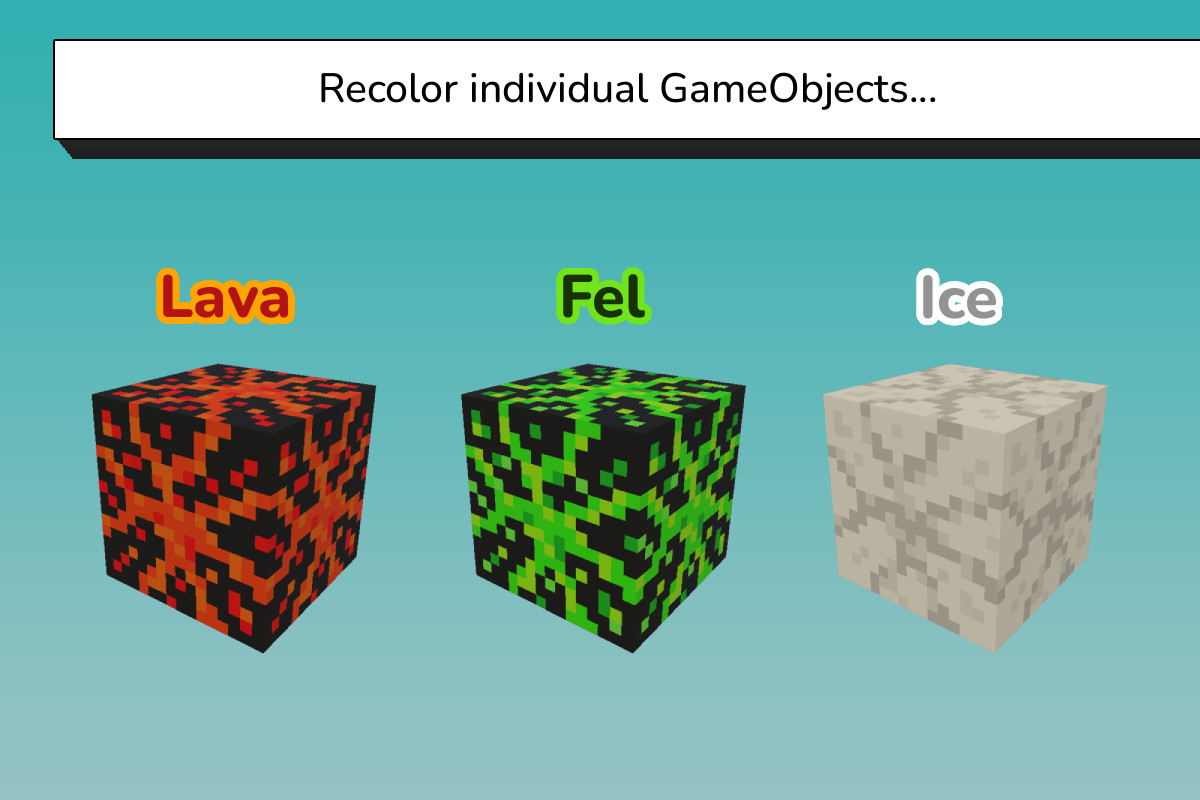
ReColor (Pro) is a simple solution for changing the colors on any textured 3D GameObject.
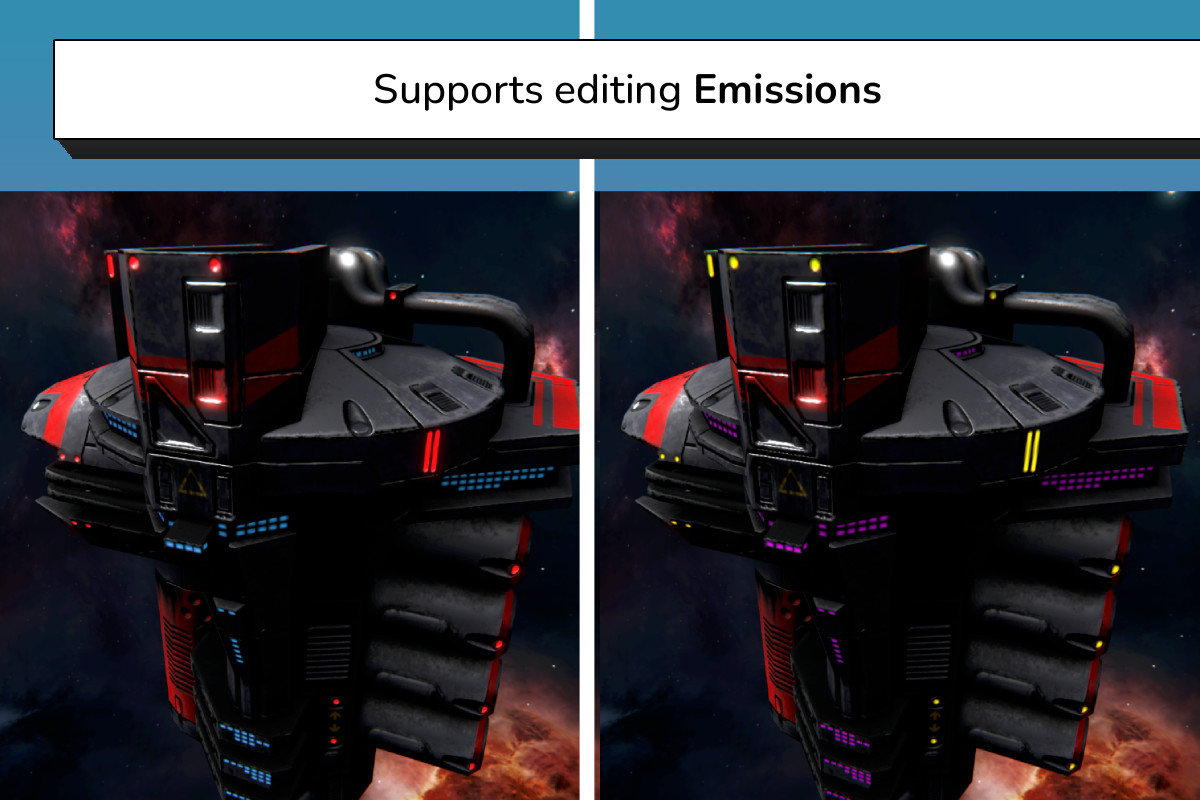
It contains multiple different methods for recoloring your game's art and fully supports Emission editing.
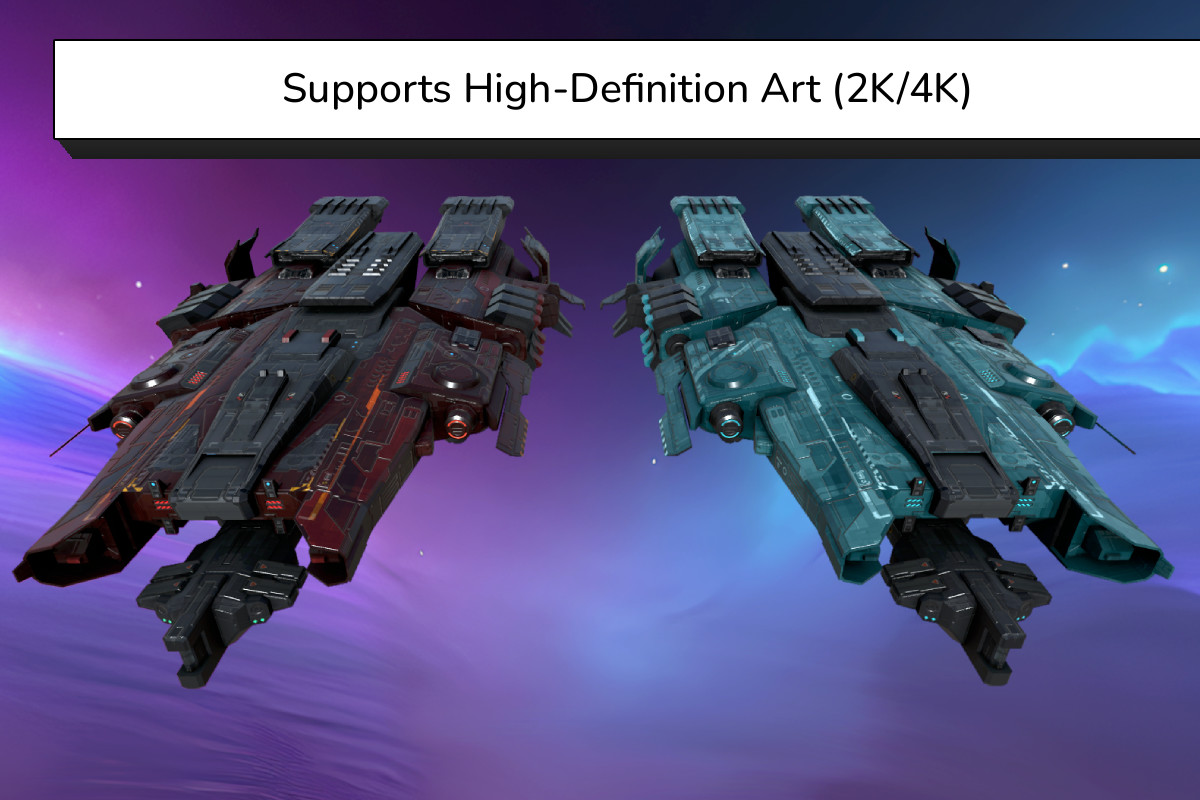
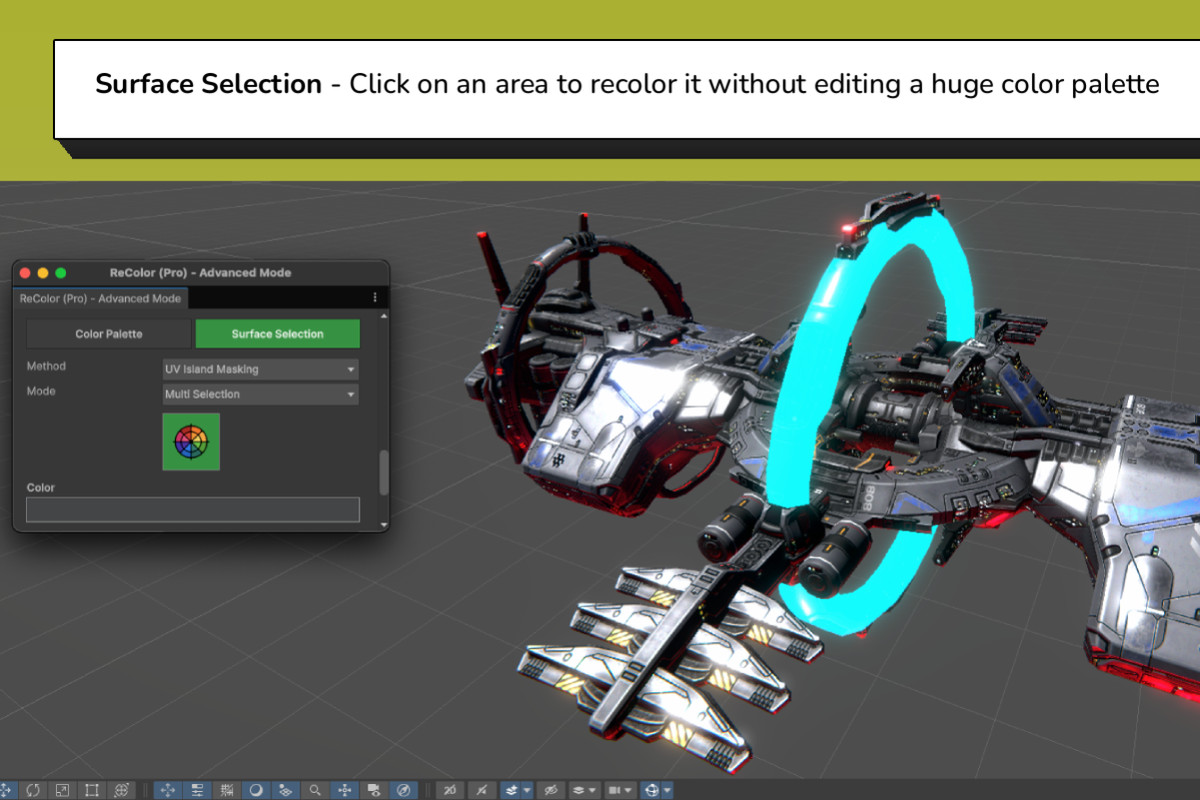
The latest updates delivers a Advanced Mode that can recolor high-definition models and provides a simple click-to-recolor feature which enables you to select parts of your GameObject and recolor them instantly without recoloring a huge color palette by hand.
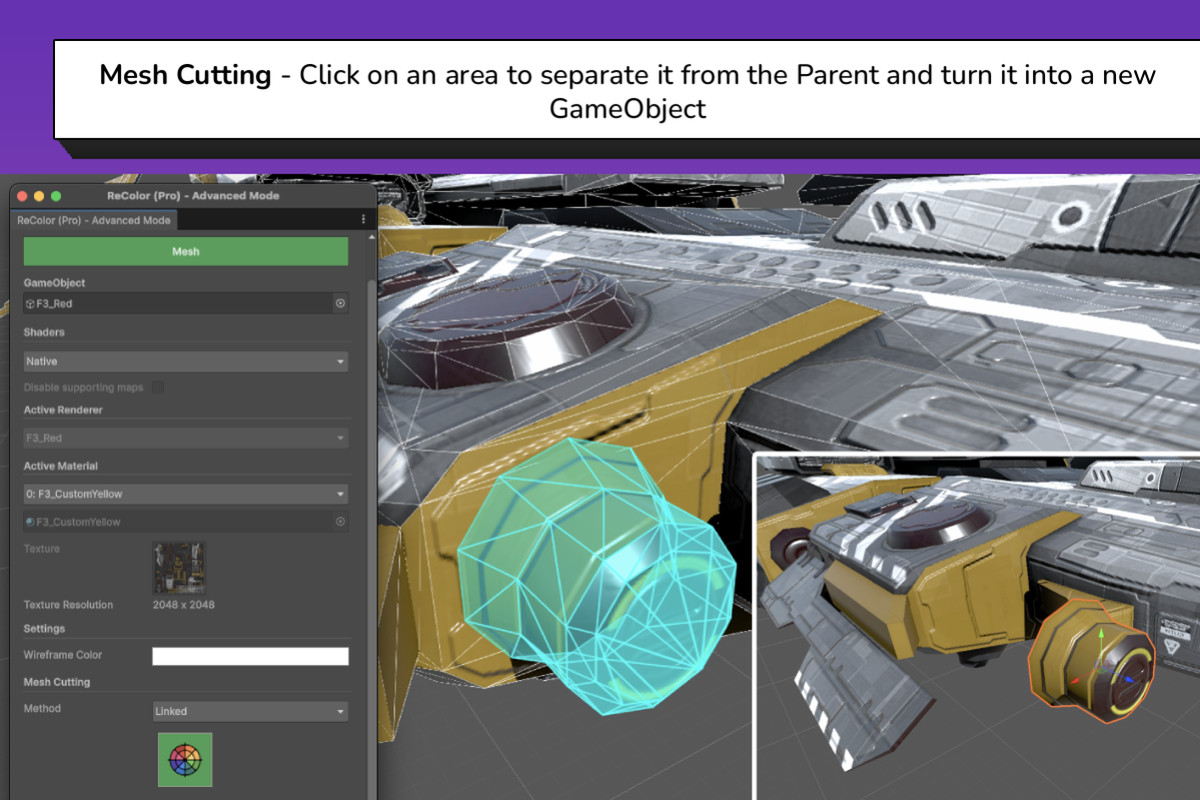
The Mesh Cutting feature cuts out parts of a GameObject’s Mesh and turns them into their own prefabs.
💡 Quick Highlights
✅ Supports Unity 6 (and earlier versions)
✅ Zero Setup
✅ Simple Workflow
✅ Bare-Metal Design (no jetfighter-style controls)
✅ Supports all popular art styles: Voxel, Low Poly, Stylized, High-Definition
✅ Supports custom Shaders: Amplify, ShaderGraph
✅ Extensive documentation
✅ Active development
✅ Active support
⭐ Features
❖ Recolor a single GameObject
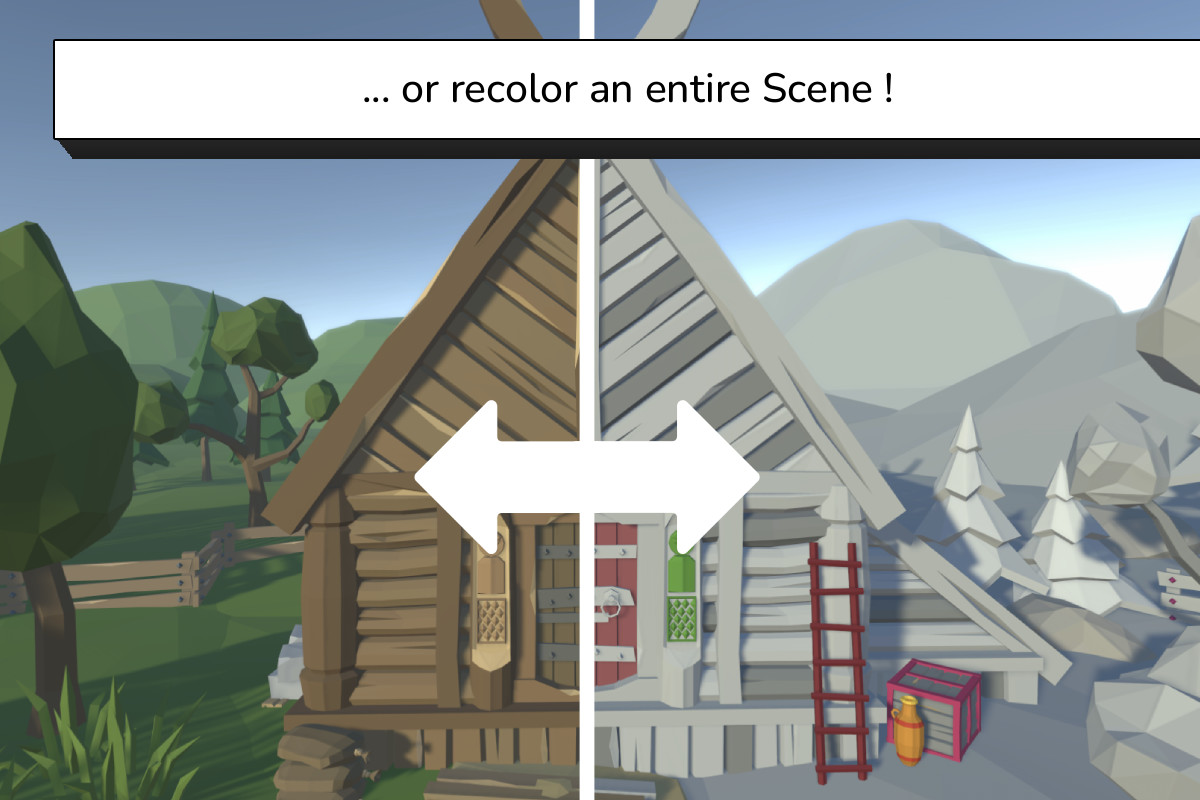
❖ Recolor a whole Scene
❖ Edit Emissions
❖ Multiple recoloring methods
❖ Supports multi-Material models
❖ Supports PBR Materials
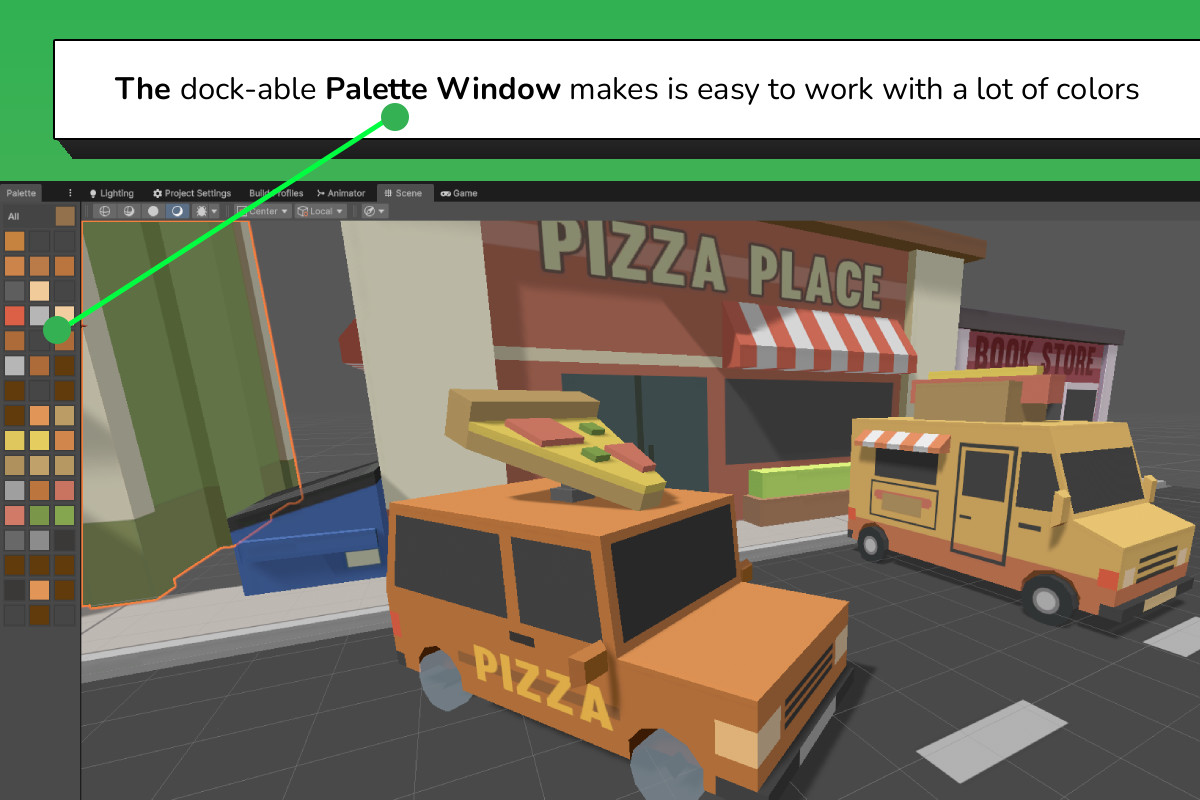
❖ Dockable Color Palette
❖ Color Isolation
❖ Color Grouping
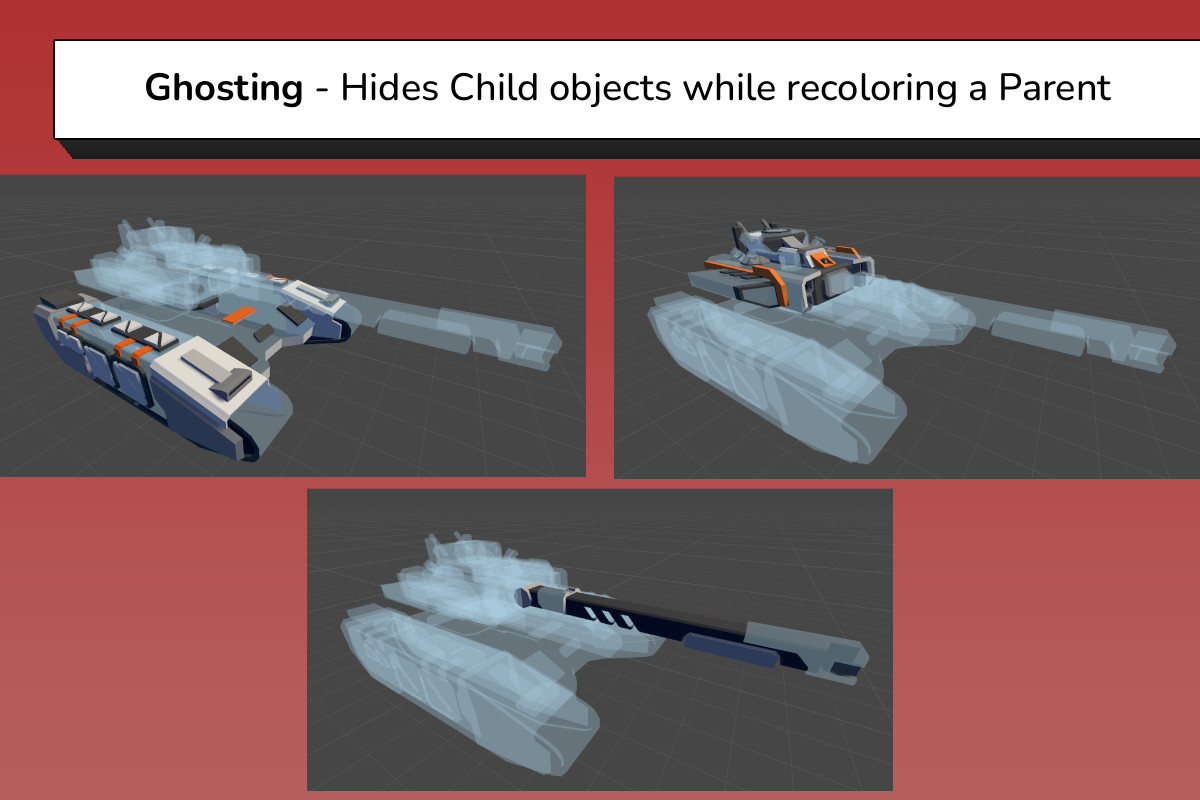
❖ Ghosting
❖ UV Island Isolation
❖ UV Seam Cleaning
❖ Mesh Cutting
🛠 Roadmap
The current state of ReColor is a Texture recoloring and Mesh Editing tool. As development continues the intention is to keep expanding it with more features that extend beyond this scope.
The pricing of ReColor might be adjusted in the future as its capabilities are expanded.
💬 Support
🌐 Discord
https://discord.gg/jtPe9S9AzW
From the publisher's Asset Store listing.
Technical details
If you are not sure whether ReColor is the right solution for your project(s), please reach out to me and I will do my best to assist you.
ReColor uses various different methods (with their own heuristics) to function. There is no universal color-changing method which works on all types of Textures and Meshes. These methods have been designed to be compatible with all known art styles, including High-Definition Textures and Meshes.
Updating a GameObject's Emission map will create a new updated Texture. This is why I advise to first recolor the Texture(s) and then edit the Emissions afterward.
The Mesh Cutter feature creates a new Texture, Material and GameObject for each mesh area that are cut.
Compatibility
| Unity version | Built-in | URP | HDRP |
|---|---|---|---|
| 2022.3.62f2 | Compatible | Compatible | Compatible |
🛠 Pipelines
✅ Built-In RP
✅ URP
✅ HDRP
🖥 Unity Editor (Tested LTS)
2021.3.45f2
2022.3.62f2
6000.0.76f1
⚡ Custom Shaders (Tested)
Amplify
Shader Graph
As listed on the Asset Store.