
 View on Asset Store (opens in new tab)
Package details
- Latest version
- 1.0
- Last updated
- First released
- Unity version
- 6000.4.7 or later
- Package size
- 31 KB
- Files
- 17
- Favorites
- 17
- Views in the past week
- 166
Price tracking
- Last checked
- Tracked since
- Lowest recorded
- Free on
Keywords

MotionCore Vehicle - Physics Character Controller for Vehicles
Free realistic car controller for Unity built on real WheelCollider physics — weight, body roll, speed-sensitive steering, and handbrake drifts.
Affiliate link · Purchases support this site
Price history
Last 6 months
USDAsset preview
1 / 6
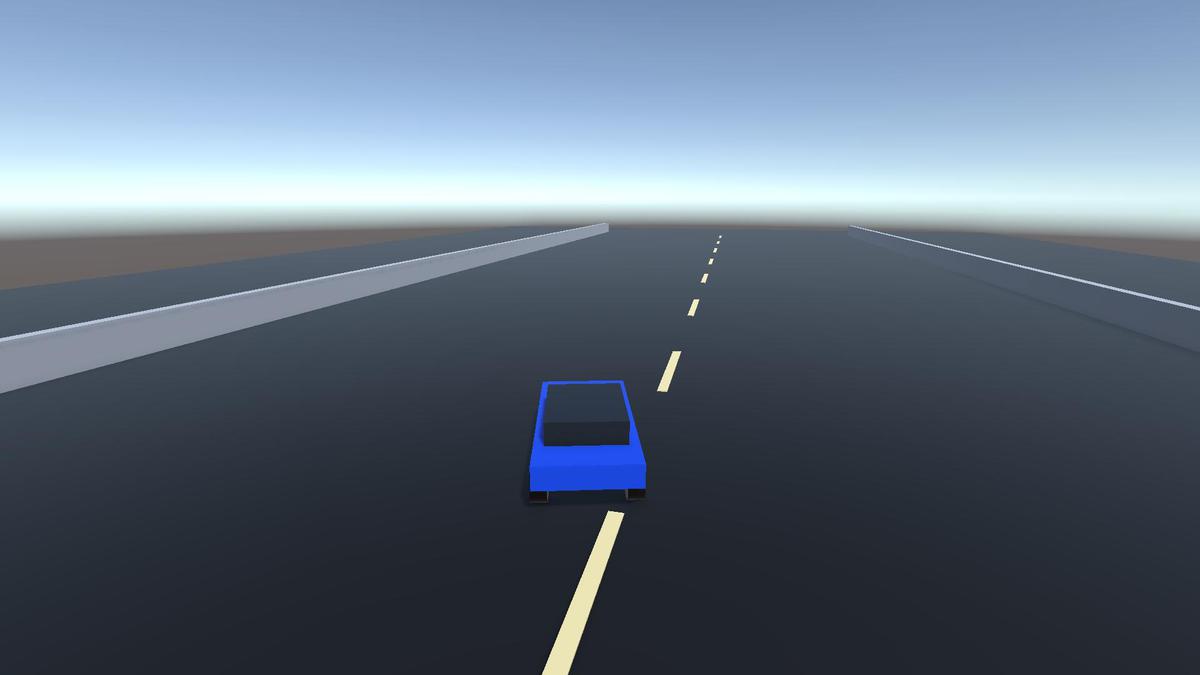
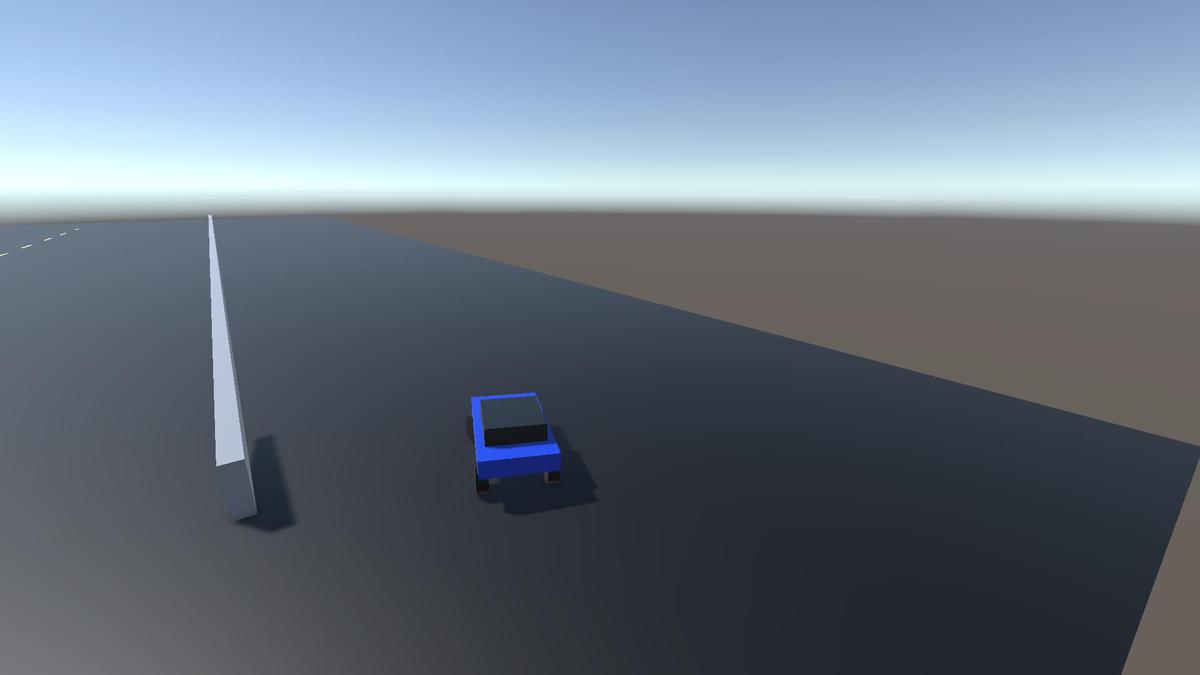
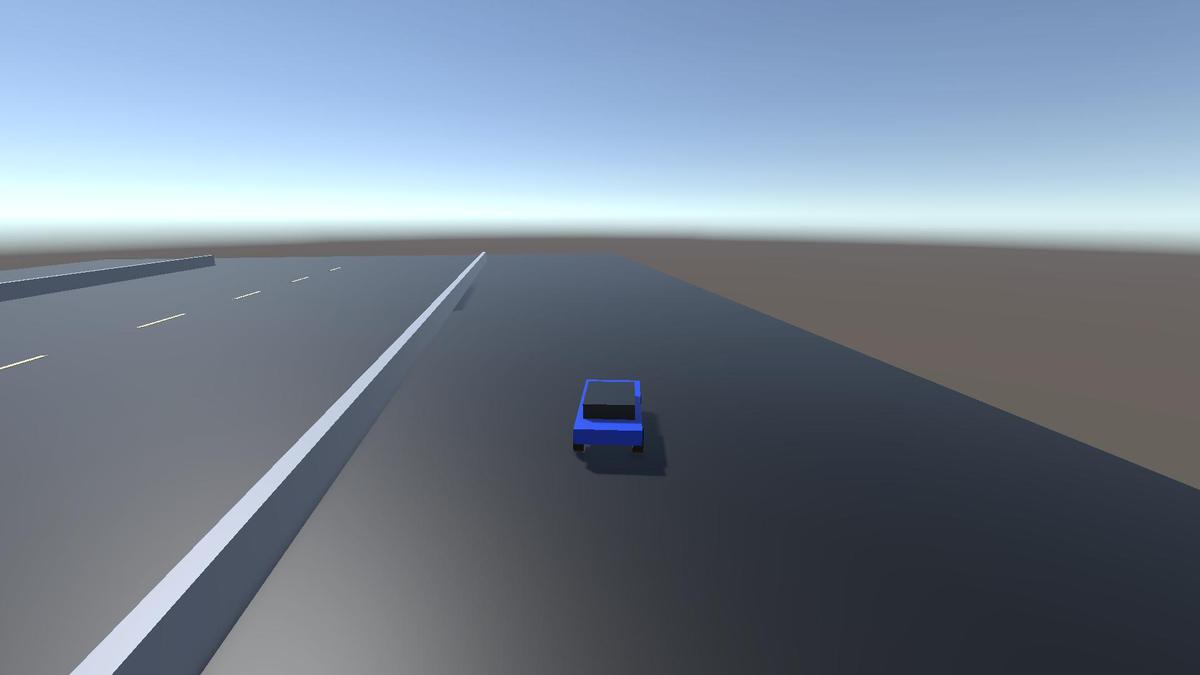
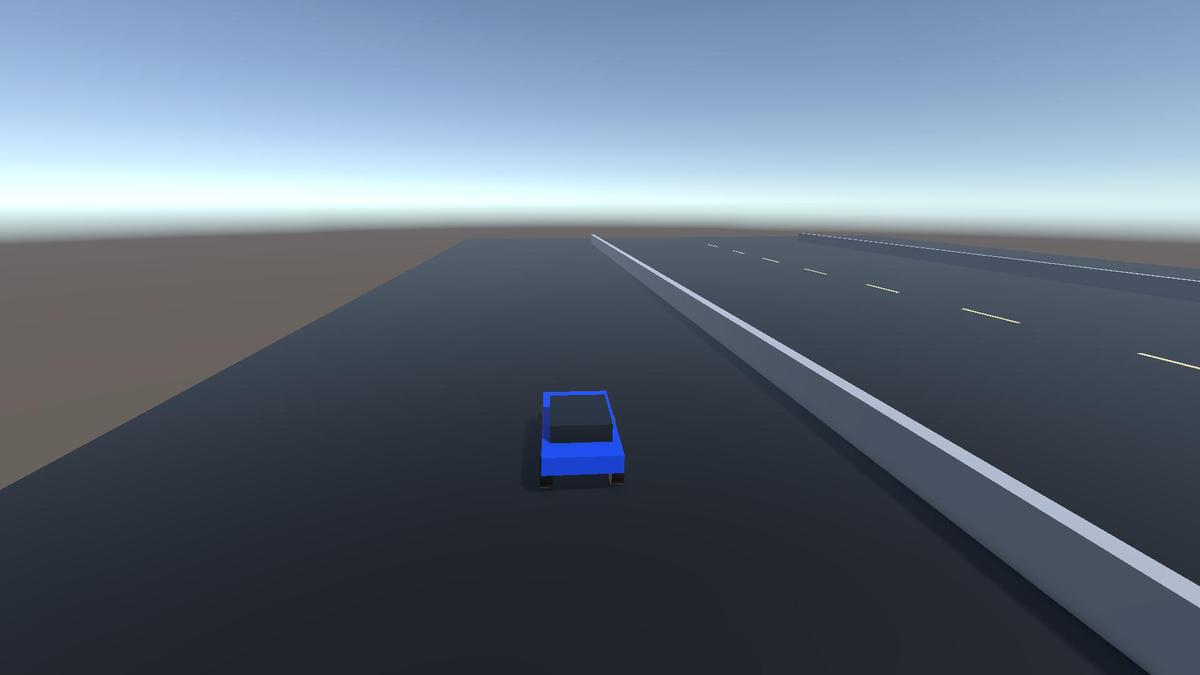
MotionCore Vehicle - Physics Character Controller for Vehicles screenshot 1
About this asset
A free, realistic car controller for Unity, built on real wheel physics.
MotionCore Vehicle Basic gives your game a credible, fun-to-drive vehicle out of the box. It's powered by Unity's WheelCollider system — real per-wheel suspension, tire grip, motor torque, and braking — so cars have genuine weight, body roll, and momentum instead of the floaty "push the rigidbody around" feel of basic kits.
The handling is tuned for that open-world sweet spot: realistic and satisfying enough for an RPG or sandbox, planted and forgiving enough that anyone can pick up a controller and drive. Think grounded, GTA-style driving — not a punishing hardcore sim.
Why MotionCore Vehicle Basic
- Real WheelCollider physics — suspension, tire friction, motor and brake torque. No faked forces.
- Feels like a real car — weight transfer, body roll under cornering, dive under braking, squat on acceleration.
- Speed-sensitive steering — sharp and nimble when parking, calm and stable at speed, with smooth rate-limited input. No twitchy, on-rails turning.
- Handbrake drifts — pull the handbrake to swing the rear out for tight corners, then recover cleanly.
- Drop-in and ready — one menu click builds a fully drivable demo car and scene.
Features
- Rear-, front-, or all-wheel drive (RWD / FWD / AWD)
- Motor torque, braking, reverse, and a soft top-speed cap
- Per-axle anti-roll bars and speed-scaled downforce for stability
- Slip-based drift detection from real tire data
- Chase camera with switchable views (Chase / Far / Hood), toggled with C
- Keyboard and gamepad support via a clean input contract — or drive it from your own input
- Wheel visuals driven straight from the physics
- Every parameter exposed in the Inspector with tooltips for easy tuning
Built to Extend
A clean, documented API and a protected virtual hook system let you customize torque, steering, and drift behavior by subclassing — without ever editing the core. A surface-grip interface is included so you can add asphalt, grass, sand, or ice handling. Designed as the foundation for a growing family of add-ons (arcade and simulation handling).
Public state (SpeedKph, ForwardSpeed, IsGrounded, IsDrifting, and more) makes hooking up HUDs, audio, and gameplay trivial.
What's Included
- The WheelCollider-based vehicle controller and a ready-to-use car component
- Chase camera and input components
- One-click demo scene builder
- Full documentation: setup, architecture, tuning, and demo guides
- Clean, commented C# source with assembly definitions
Requirements
- Unity 6 (6000.0) or newer
- Input System package (com.unity.inputsystem)
- No third-party dependencies
Perfect for open-world games, RPGs, driving and racing prototypes, GTA-style sandboxes, and any project that needs a solid, believable car controller you can build on.
Want me to also produce the tags/keywords list for the Asset Store fields, or a "Technical Details" section (script list, namespaces, supported render pipelines/input) that the store template usually asks for separately?
From the publisher's Asset Store listing.
Technical details
- Vehicle physics built entirely on Unity WheelColliders: real per-wheel suspension (spring/damper), tire friction, motor torque, and brake torque
- Selectable drivetrain: rear-wheel, front-wheel, or all-wheel drive
- Speed-sensitive steering with configurable lock angles and rate-limited (degrees/second) wheel movement
- Handbrake system that locks the rear axle and reduces its grip for controllable slides
- Per-axle anti-roll bars and speed-scaled downforce for stability
- Reverse, idle/engine drag, and a soft top-speed cap
- Drift detection derived from real tire sideways slip
- Chase camera with multiple switchable views (Chase / Far / Hood), cycled with the C key
- Keyboard and gamepad input via the Input System, through a decoupled CarInput struct — or feed input from any source with SetInput()
- Wheel visuals posed directly from physics via WheelCollider.GetWorldPose
- IVehicleSurfaceProvider interface for surface-aware grip (asphalt, grass, sand, ice) — extension point, no detection shipped
- Extensible by subclassing: protected virtual hooks for motor torque, steering, and drift thresholds — no core modification required
- Public runtime API: SpeedKph, ForwardSpeed, NormalizedSpeed, IsGrounded, GroundedWheelCount, IsDrifting
- One-click editor demo-scene builder (under the Tools menu)
- Every parameter exposed in the Inspector with tooltips
- Full C# source included, organized with runtime and editor Assembly Definitions
- Clean namespacing (MotionCore.Vehicle.*); no third-party dependencies
- Documentation included: setup, architecture, tuning, and demo guides
Compatibility
- Unity 6 (6000.0) or newer
- Requires the Input System package (com.unity.inputsystem)
- Demo materials use URP with an automatic fallback to the Built-in Standard shader
Compatibility
| Unity version | Built-in | URP | HDRP | Custom |
|---|---|---|---|---|
| 6000.4.7f1 | Compatible | Compatible | Compatible | Compatible |
As listed on the Asset Store.