
 View on Asset Store (opens in new tab)
Package details
- Latest version
- 1.0.1
- Last updated
- First released
- Unity version
- 6000.3.10 or later
- Package size
- 5.9 MB
- Files
- 33
- Favorites
- 7
- Views in the past week
- 6
Price tracking
- Last checked
- Tracked since
- Lowest recorded
- $7.99 on
Keywords

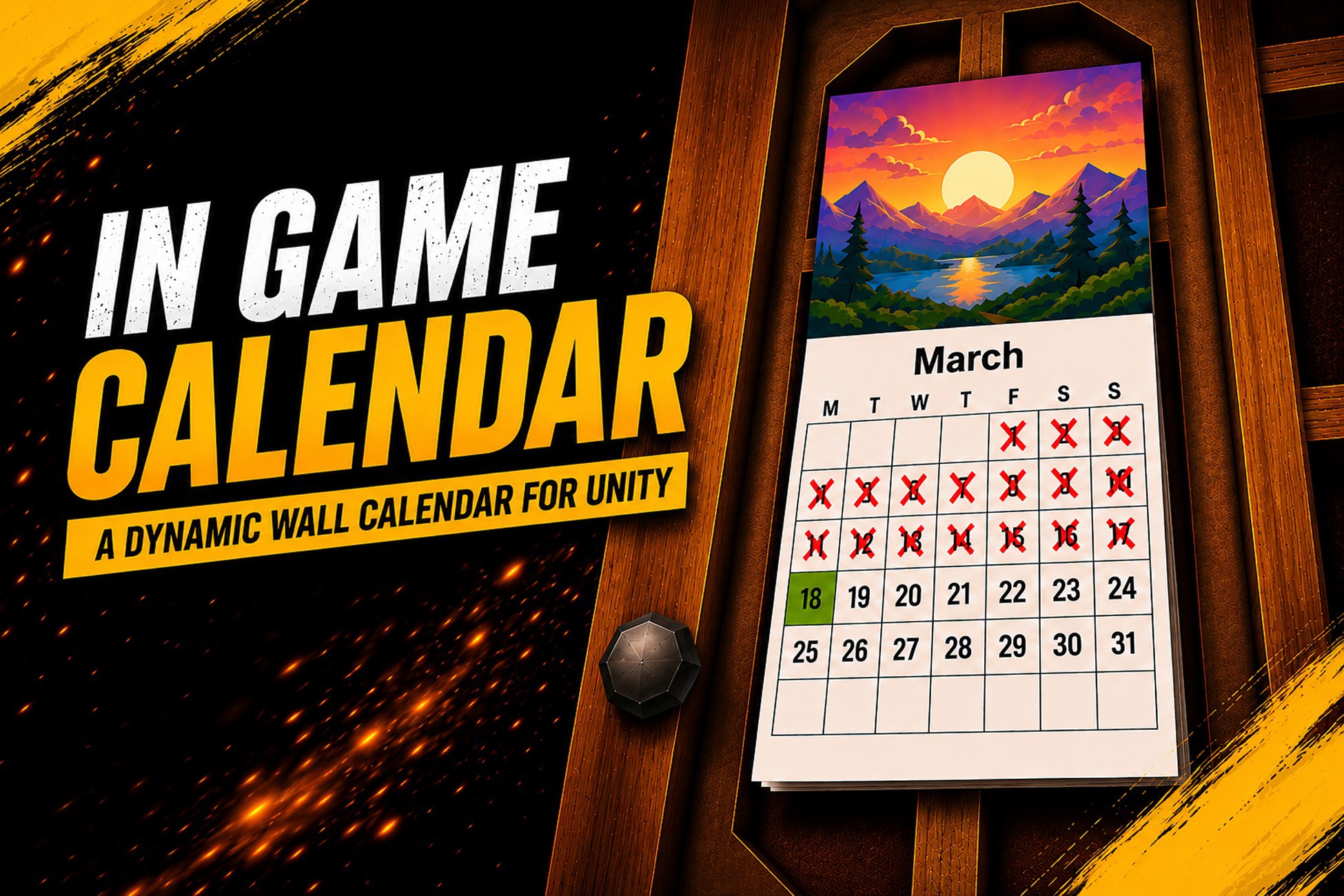
In Game Calendar
A fully animated wall calendar prop that tracks your in-game date and time. Driven by a flexible game clock with real-world or custom in-game time modes, complete with page-turn animation.
Affiliate link · Purchases support this site
Price history
Last 6 months
USDAsset preview
1 / 7
In Game Calendar screenshot 1

About this asset
Give your game world a living sense of time.
In-Game Calendar is a complete, ready-to-drop-in wall calendar prop system for Unity. It connects to a flexible game clock — either mirroring the player's real-world system clock or running on a fully configurable in-game time scale — and updates a detailed 3D calendar prop in real time. Days get crossed off as they pass, months flip with an animated page-turn, and the sun moves across the sky to match the time of day.
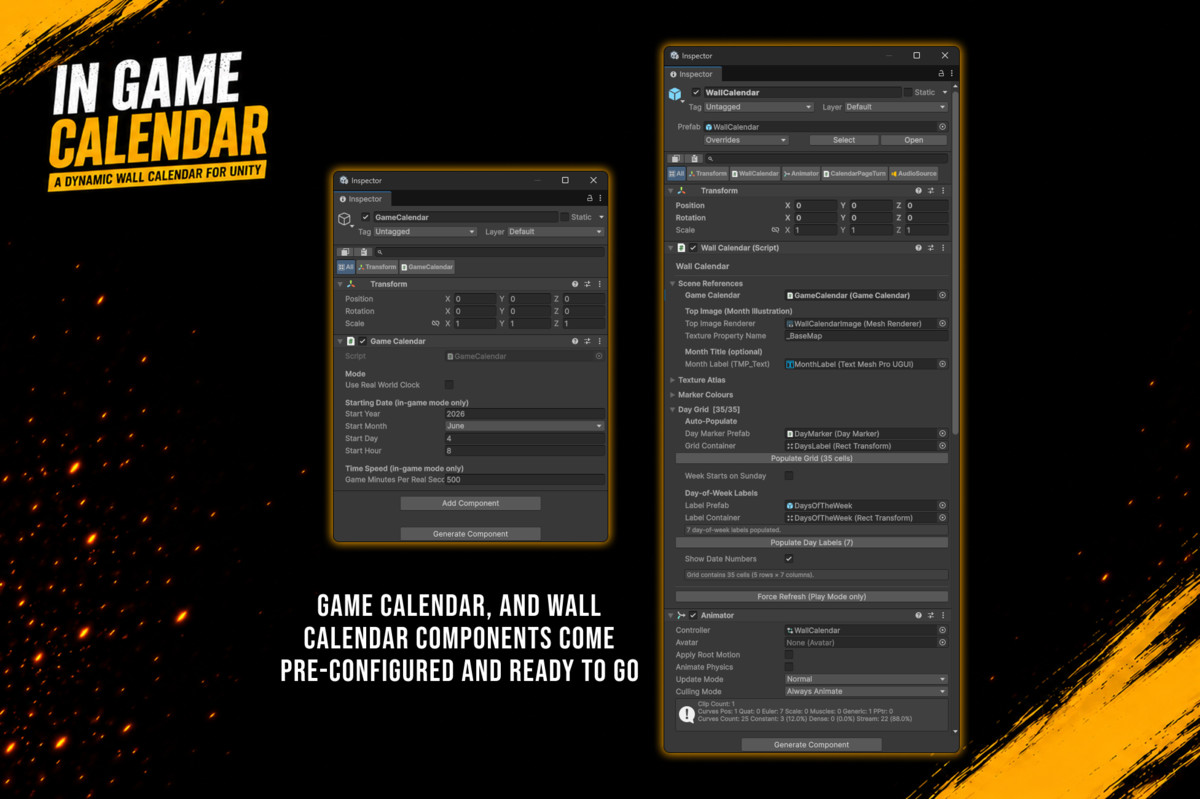
Everything ships pre-configured. Drop the prefab into your scene, press Play, and your calendar is already working.
✅ What's Included
GameCalendar — Scene singleton game clock
- Real-World Clock: mirrors the player's system date and time exactly
- In-Game Clock: starts from any date you choose and runs at any speed
- (1 real second = 1 game minute, 1 game hour, 1 game day — your choice)
- Exposes Day, Month, Year, Hour, and DayOfWeek every frame
- Fires OnDayChanged and OnMonthChanged C# events
- Full public API: JumpToDate(), SetCurrentHour(), SetTime()
WallCalendar — Prop visual controller
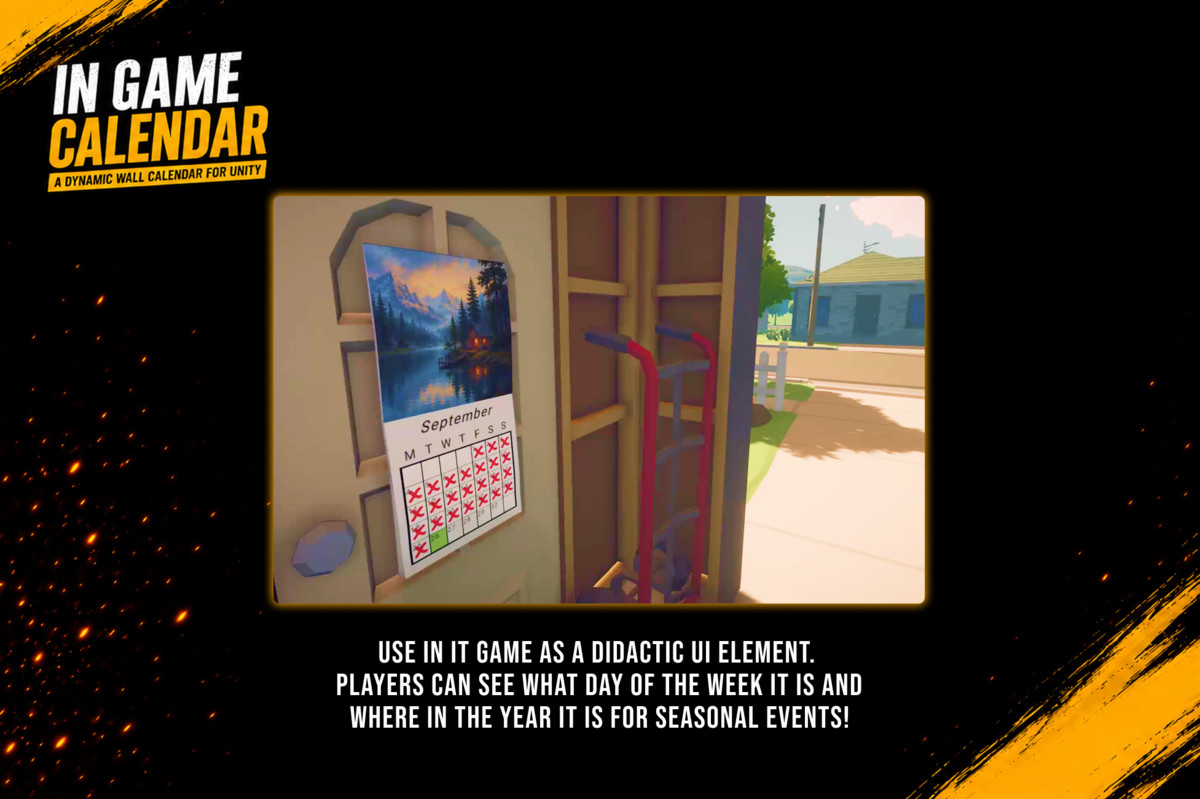
- 6×5 grid of day cells aligned to the correct 'day column' each month
- Handles every month length and leap years automatically
- Red X marks cross off past days; today's cell is highlighted in a distinct colour
- Day number labels rendered via TextMeshPro inside each cell
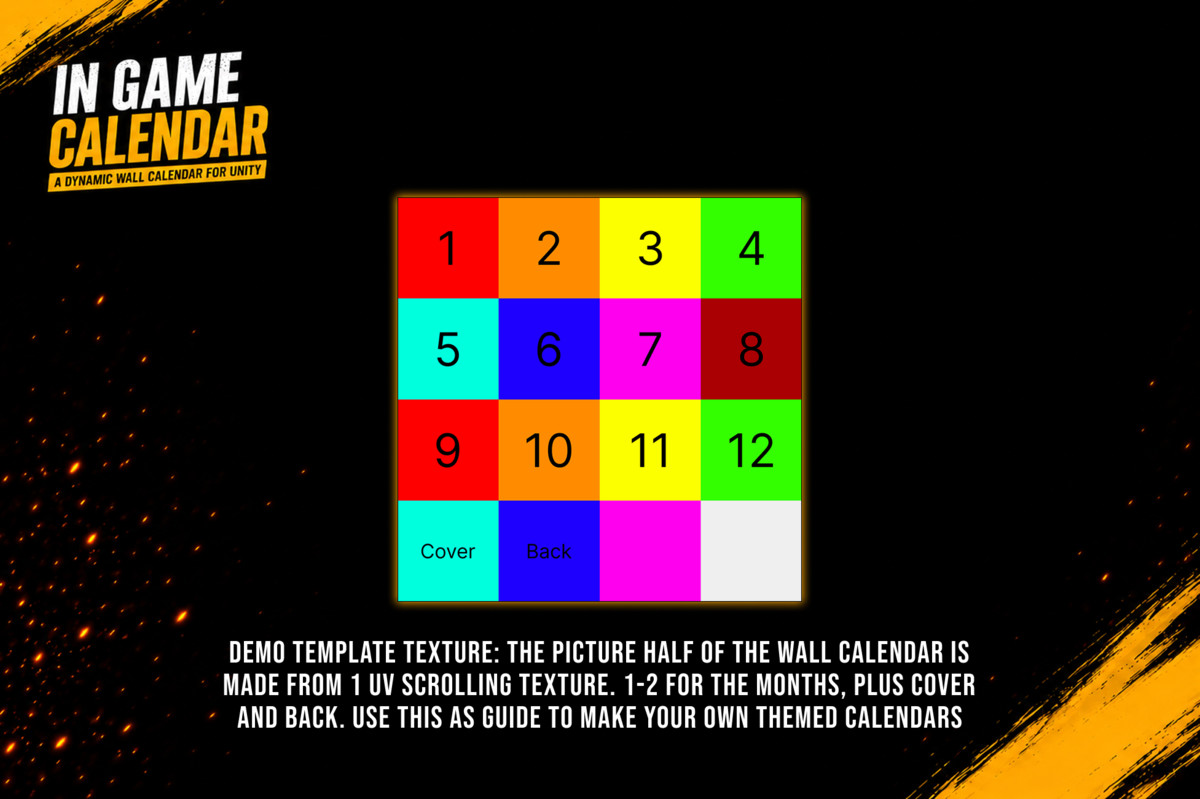
- Top illustration panel driven by a 4×4 UV-sliced texture atlas
- Month name label via TextMeshPro
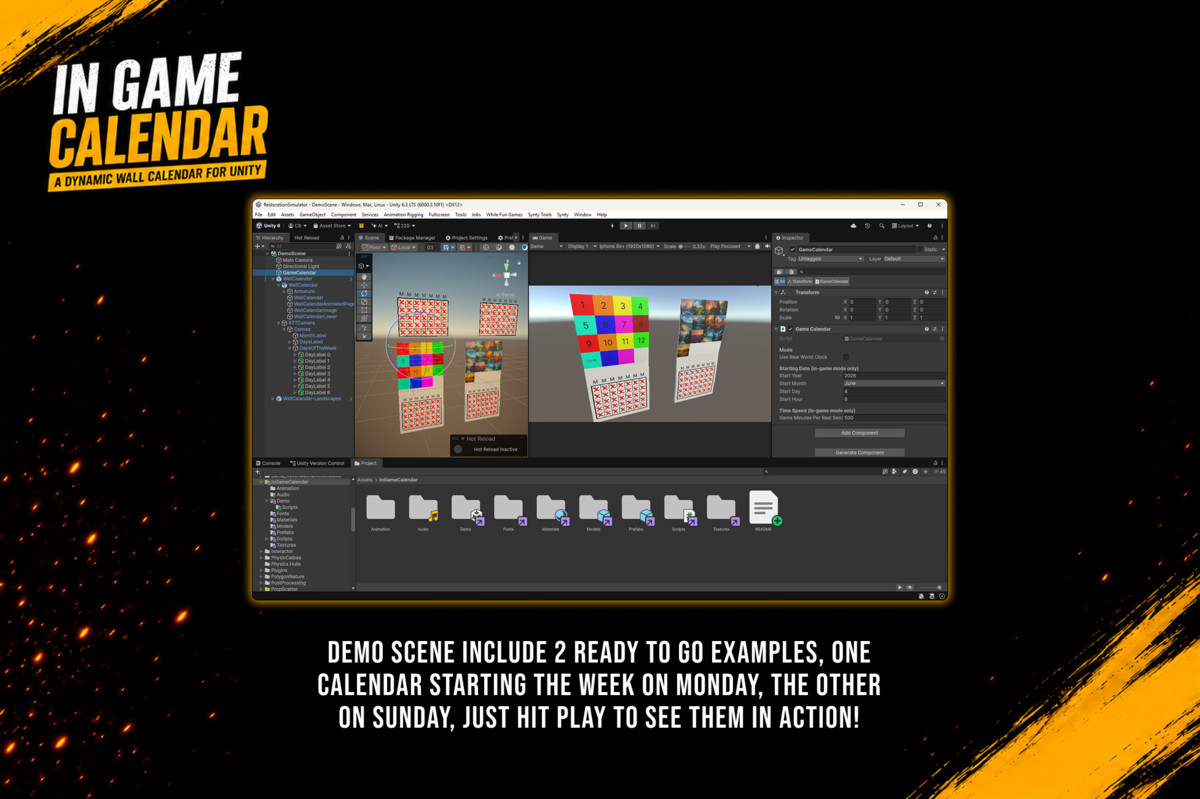
- Configurable Monday-first or Sunday-first week layout
- Subscribes to GameCalendar.OnDayChanged — zero Update() overhead
CalendarPageTurn — Animated month transition
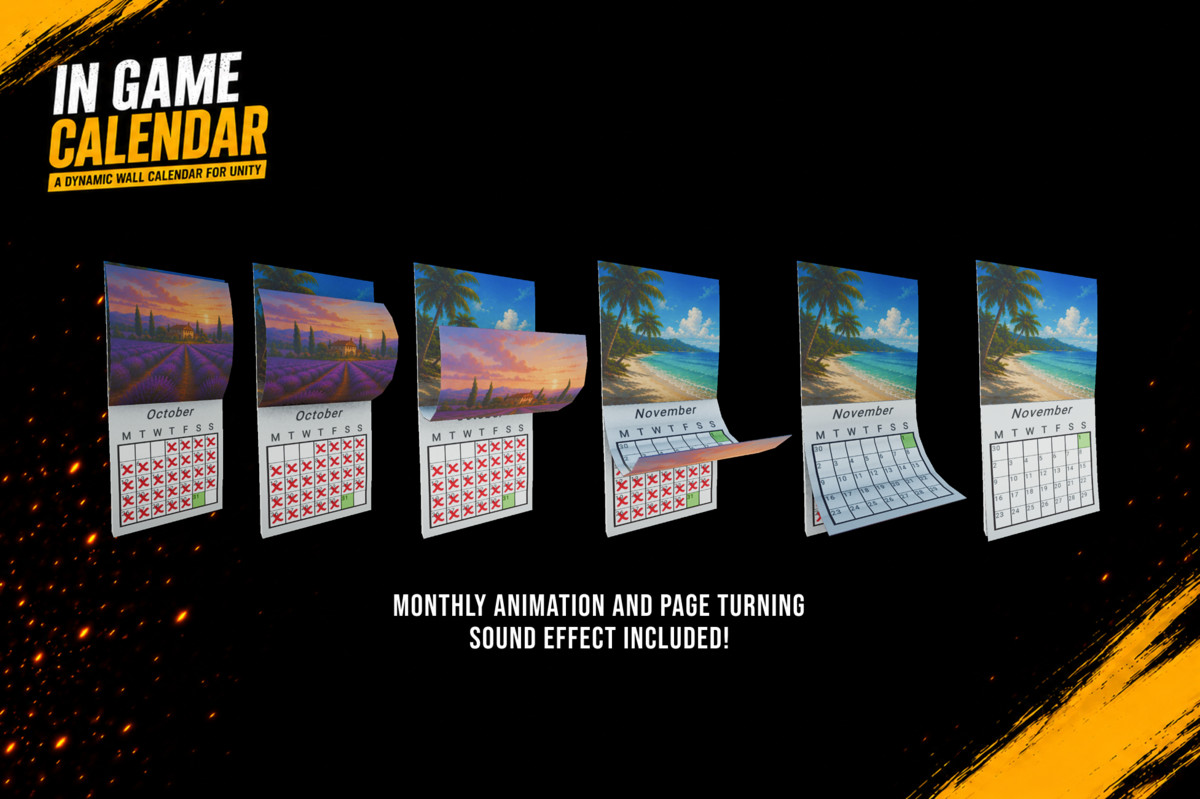
- Skinned mesh page-turn animation triggered automatically on month rollover
- Animated page shows the previous month's illustration and the next month's
- Page-turn sound effect included (WallCalendarPageTurn.wav)
- Animation Event hooks for full timeline control
SunController — Demo directional light driver
- Positions a scene directional light as a sun based on the time of day
- Seasonal arc: sun elevation at noon varies across the year
- Hemisphere toggle (northern/southern)
- Configurable intensity, dusk fade angle, and colour gradient
Assets
- WallCalendar.fbx — optimised 3D wall calendar mesh
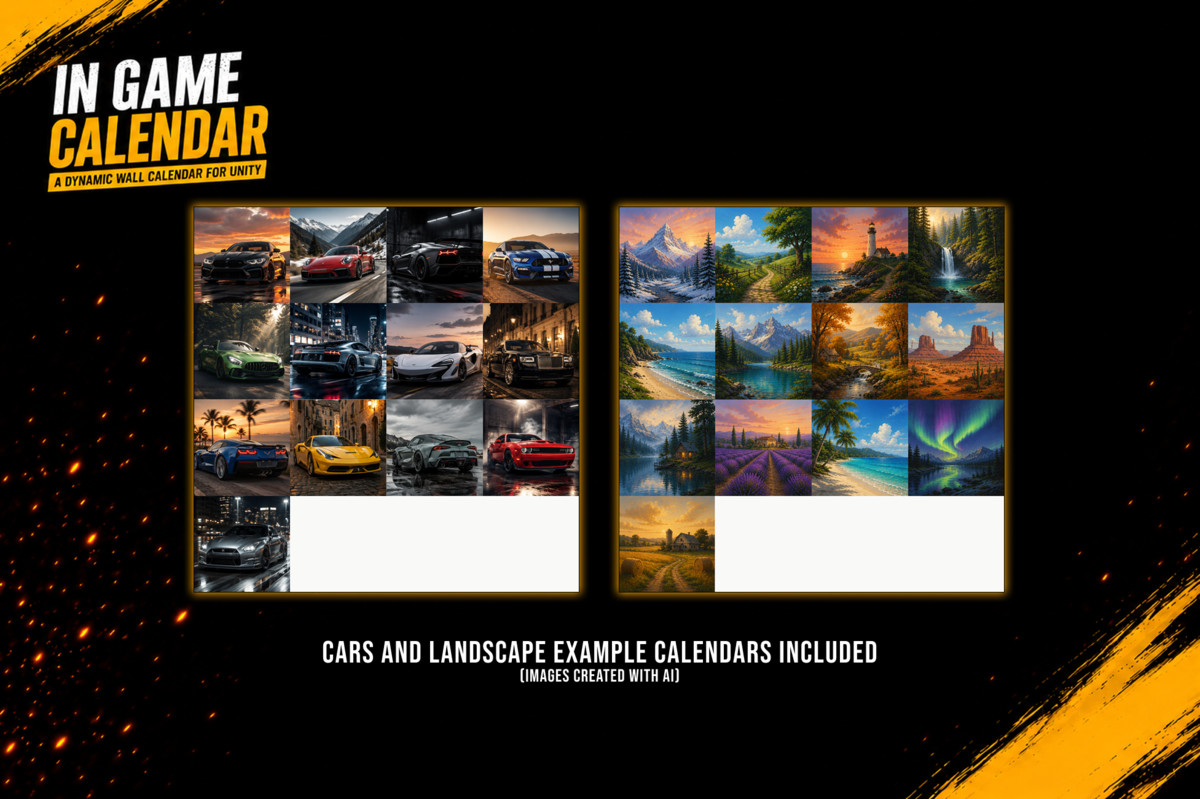
- 3 × texture atlas variants: CalendarImages (default), Cars, Landscapes
- Monday-start and Sunday-start RenderTexture + Material pairs
- Gochi Hand + Roboto SDF fonts included
- DayMarker prefab, DaysOfTheWeek prefab, WallCalendar prefabs,
- Demo scene with working sun, calendar prop, and time-of-day lighting
Full documentation, including setup guide, API reference, and prefab structure, is hosted at: https://ludichris000.github.io/In-Game-Calendar-Docs/
More Tools by Chris Burns — You may also be interested in:
Animation Tools - 4 Editor Tools for Animators: Audio waveform sync, click-to-keyframe material swapping, state-driven animator behaviours, and automatic repair of broken animation references.
Scene Notes - Drop contextual notes directly into your scene during playtesting. Press a hotkey, describe the issue, and a sticky note appears at that exact world position. Notes persist after play mode ends.
Skinned Mesh Separator - Split skinned character meshes by bone — no Blender required. Extract heads, arms, or any custom region in seconds. Built for modular characters, FPS rigs, LODs, and gameplay effects.
Narrator Event System - Add event-driven voiceovers and narration to your Unity game in minutes. Build reactive narrator systems like The Stanley Parable — no complex dialogue trees required.
Support & Documentation
Documentation: https://ludichris000.github.io/In-Game-Calendar-Docs/
Discord: https://discord.gg/DSUd2QcyHZ
From the publisher's Asset Store listing.
Technical details
Unity Version 2022.3 LTS or higher
Render Pipelines URP ✓ HDRP ✓ Built-in ✓
TextMeshPro Required (included with Unity)
Scripting Backend Mono & IL2CPP
Namespace ChrisBurns.InGameCalendar
Scripts 5 C# scripts + 1 Editor script
3D Assets 1 FBX model
Textures 3 atlas PNGs + 2 RenderTextures
Audio 1 WAV sound effect
Prefabs 4
Demo Scene Included
Compatibility
| Unity version | Built-in | URP | HDRP | Custom |
|---|---|---|---|---|
| 6000.3.10f1 | Compatible | Compatible | Compatible | Compatible |
As listed on the Asset Store.