
 View on Asset Store (opens in new tab)
Package details
- Latest version
- 1.0
- Last updated
- First released
- Unity version
- 6000.4.8 or later
- Package size
- 979 KB
- Files
- 51
- Views in the past week
- 3
Price tracking
- Last checked
- Tracked since
- Lowest recorded
- $9.99 on
Keywords
HeaderForge: One-Click Component Header Actions
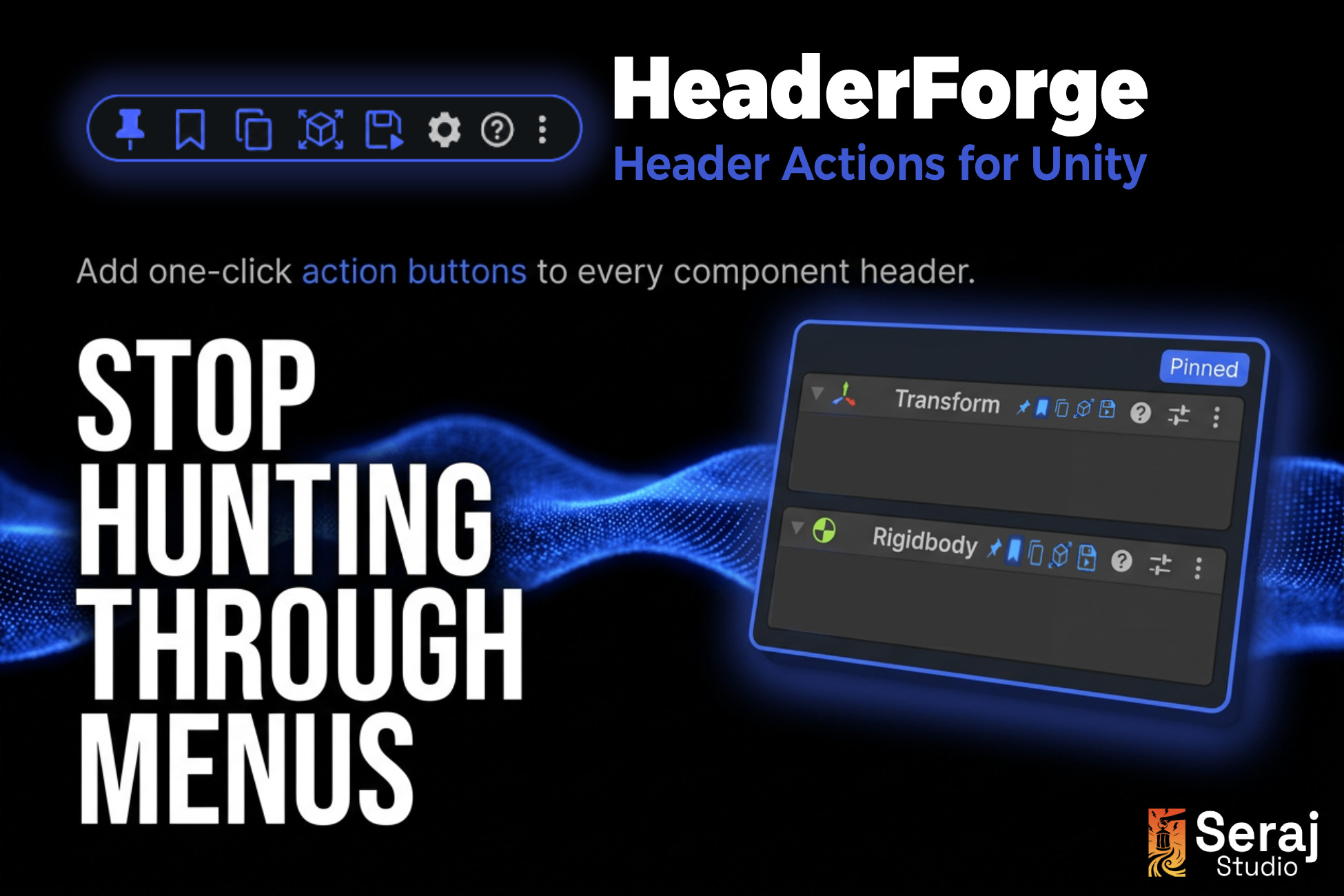
One-click action buttons added to every component header in the Unity Inspector, inline with the stock icons.
Affiliate link · Purchases support this site
Price history
Last 6 months
USDAsset preview
1 / 4
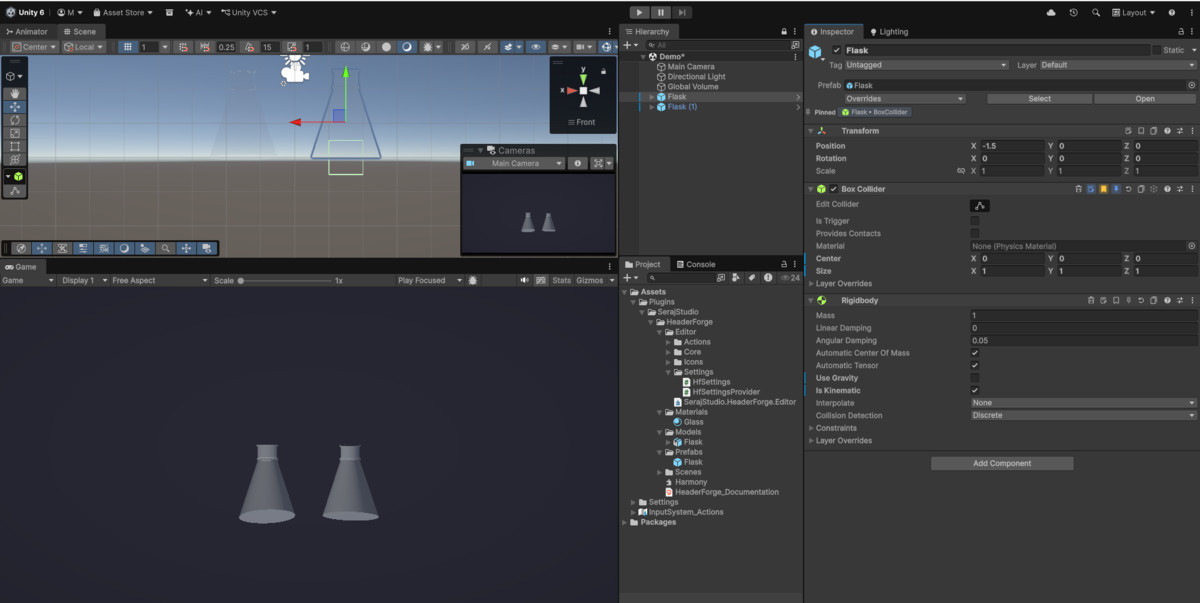
HeaderForge: One-Click Component Header Actions screenshot 1

About this asset
HeaderForge extends the Unity Inspector without replacing it. It adds a compact row of action buttons directly into each component header, right next to the gear icon, so common per-component operations are one click away instead of buried in menus.
Every button works on any component, across any project. You do not need to change how your project is structured or add any runtime code. HeaderForge is editor-only and never increases your build size.
Actions can be toggled on or off individually and reordered by drag in Project Settings. If a button is not relevant to your workflow, hide it, and it stays out of your way.
This package is suitable for any genre and project size. Solo developers will save clicks on daily tasks. Teams benefit from the sticky note system, which lets anyone leave a context note on a component without adding a comment to code or opening a doc.
From the publisher's Asset Store listing.
Technical details
- Injects buttons into every component header using a Harmony postfix on the Unity editor draw call
- Buttons draw in the header icon row, consistent with Unity's visual style in both light and dark skin
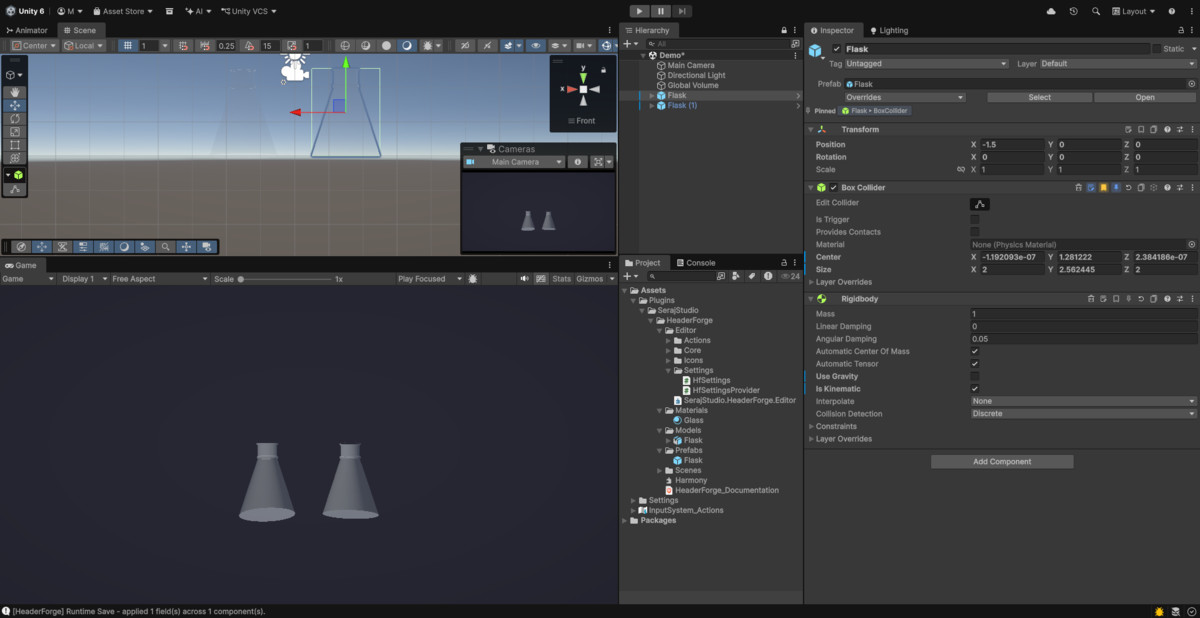
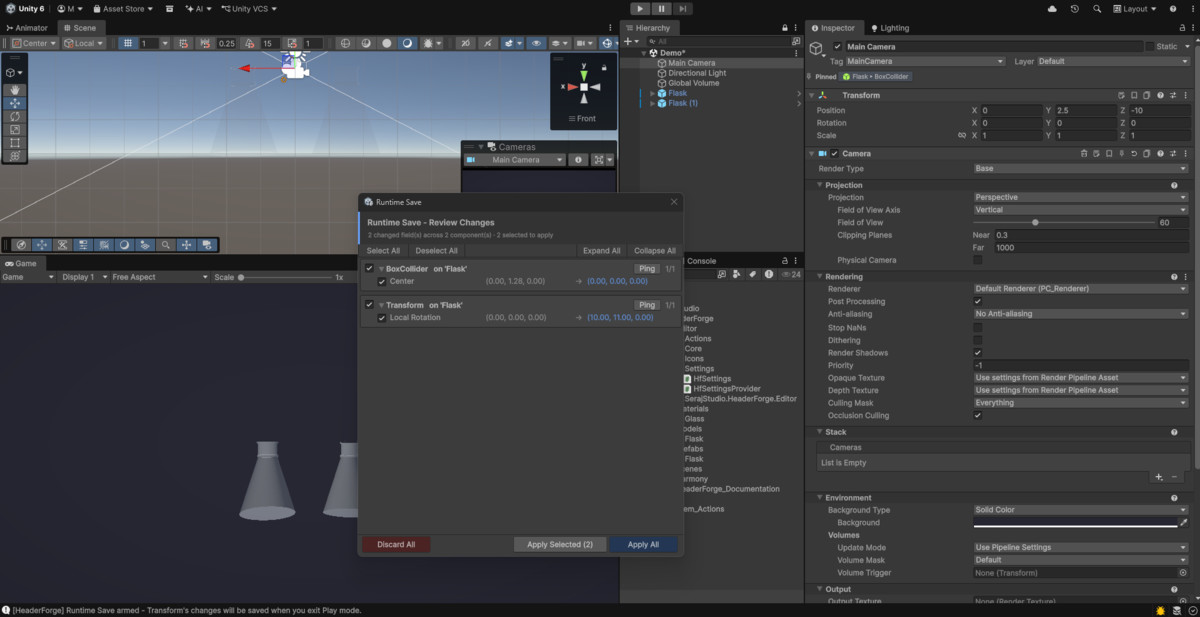
- Runtime Save: arm any component in Play mode to have its serialized values written back to the scene on exit, per-component opt-in
- Copy / Paste: copy all serialized values from one component and paste them onto the same type elsewhere, via a dropdown
- Pin to Top: lock any component to the top of the Inspector stack, persisted across sessions
- Bookmark / Star: mark components for quick visual reference
- Reset to Default: restore all serialized fields to their type defaults in one click
- Remove Component: remove a component directly from the header without right-clicking
- Sticky Note: attach a short editor-only text note to any component; the note appears as a tooltip on hover
- Auto-Size Collider: fit a Collider to the mesh bounds of its GameObject (Edit mode only, supports multi-select)
- Master enable toggle and per-button toggles with drag reorder in Project Settings
- Editor-only assembly, no runtime impact, zero build size addition
- Compatible with Unity 6 (URP and Built-in)
- Extensible: add custom buttons by implementing one interface, discovered automatically with no registration call
Compatibility
| Unity version | Built-in | URP | HDRP | Custom |
|---|---|---|---|---|
| 6000.4.8f1 | Compatible | Compatible | Compatible | Compatible |
As listed on the Asset Store.