
 View on Asset Store (opens in new tab)
Package details
- Latest version
- 2.2.0
- Last updated
- First released
- Unity version
- 6000.3.6 or later
- Package size
- 35.1 MB
- Files
- 220
- Favorites
- 5
- Views in the past week
- 48
Price tracking
- Last checked
- Tracked since
- Lowest recorded
- Free on
Keywords

AI Providers for Unity - Beka Forge
Connect cloud and local AI providers to Unity with reusable profiles, editor setup, local key handling, and runtime request support for OpenAI-compatible, DeepSeek, Ollama, and custom endpoints.
Affiliate link · Purchases support this site
Price history
Last 6 months
USDAsset preview
1 / 5
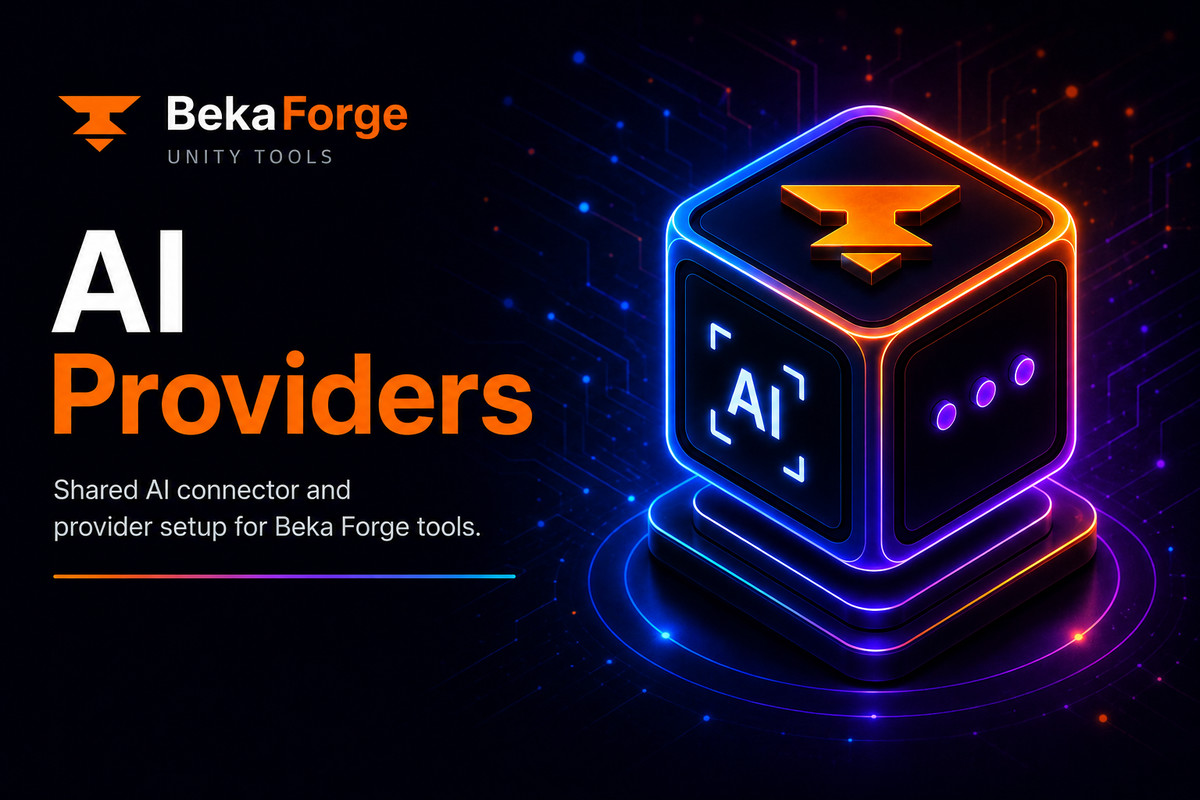
AI Providers for Unity - Beka Forge screenshot 1

About this asset
AI Providers
Connect cloud and local AI providers to your Unity tools with a reusable provider layer. Configure a provider, choose a model, test the connection, and use the same setup across your workflows.
AI Providers is designed for developers building editor utilities, production tools, and optional runtime features. It brings provider configuration and request handling together so you can focus on the tools you want to create.
Support and updates: Bekaforge | Discord
What makes it valuable
- Set up AI connectivity once and reuse provider profiles across your tools.
- Work with hosted APIs, OpenAI-compatible services, local Ollama models, and custom JSON endpoints.
- Keep provider configuration organized as your projects and workflows grow.
- Use AI Providers as a standalone package or with compatible Beka Forge tools.
Core workflow
- Create or duplicate a provider profile and configure its endpoint and model.
- Add credentials locally when your provider requires them.
- Test the connection in the Unity Editor.
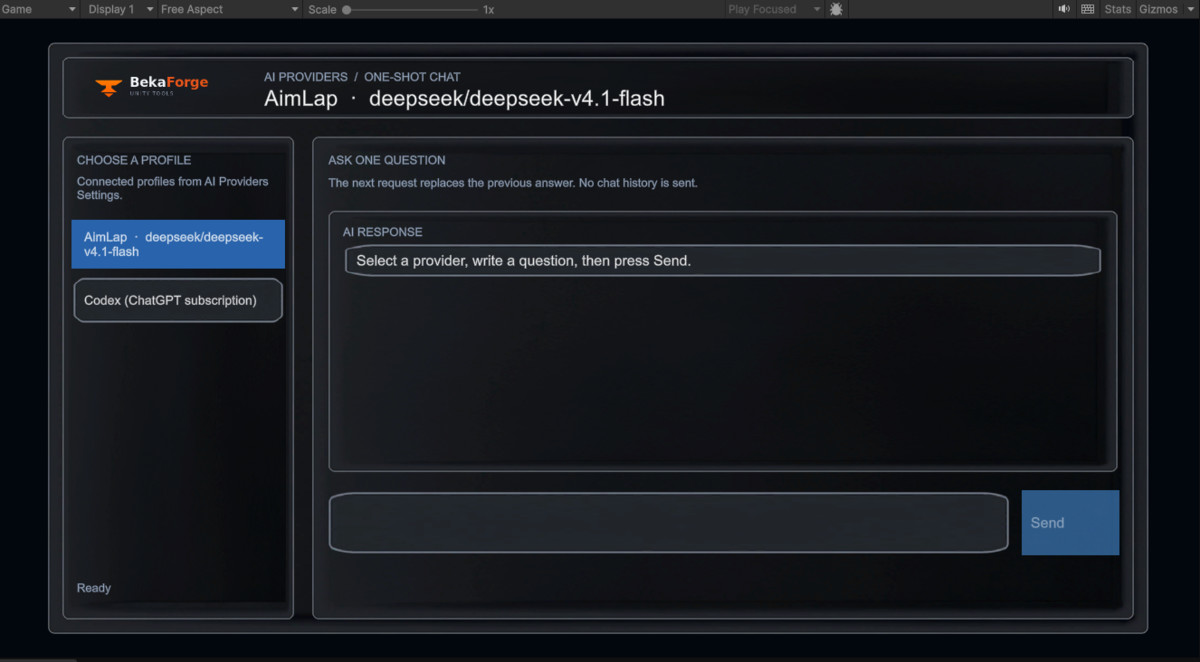
- Send requests from editor tools or supported runtime workflows.
- Configure timeouts and retries for runtime requests.
Best fit
- Developers building AI-powered Unity editor tools and extensions.
- Teams creating internal tools, automation helpers, or content workflows.
- Projects that need optional access to cloud or local language models.
- Developers who want a reusable foundation for their own AI integrations.
Getting started
- Import AI Providers into your Unity project.
- Open the AI Providers window from the Beka Forge menu.
- Create or select a provider profile.
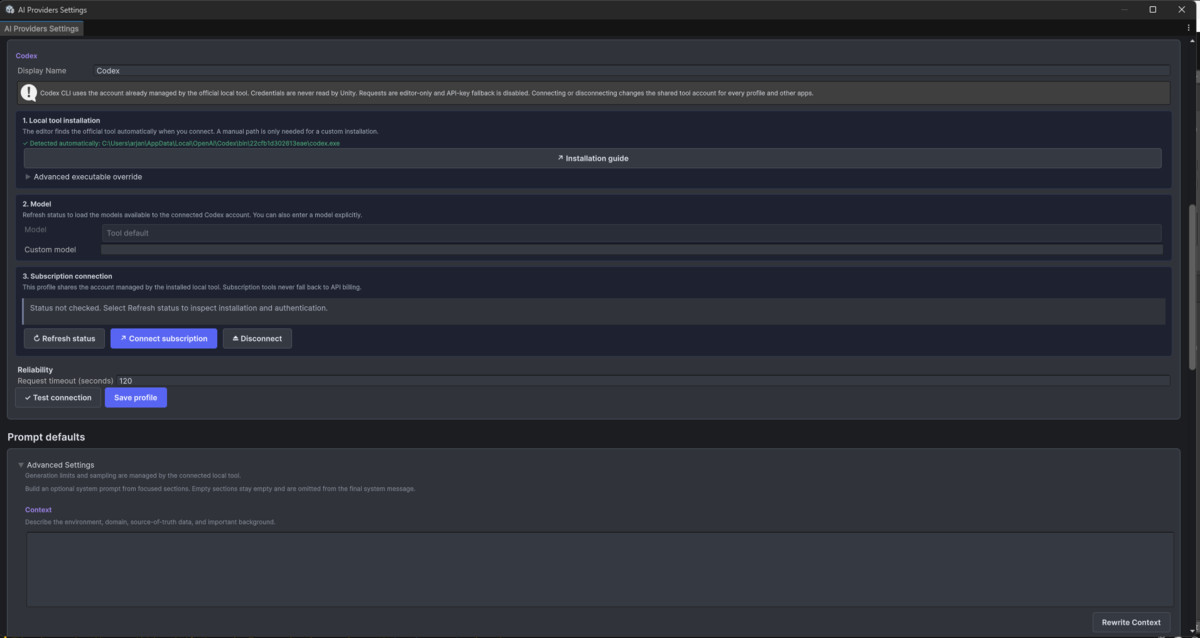
- Configure the provider, model, endpoint, and credentials as needed.
- Test the connection and use the profile in your tool.
Provider requirements
Hosted services may require a separate account, API key, internet connection, and paid usage. Local models require the relevant software and model to be installed and running separately.
From the publisher's Asset Store listing.
Technical details
Technical Details (Key Features)
Core package role
- Standalone Unity package for configurable LLM provider connectivity.
- Works independently from Dialogue Graph System and its AI add-ons.
- Designed as reusable infrastructure for editor and runtime workflows.
Provider support
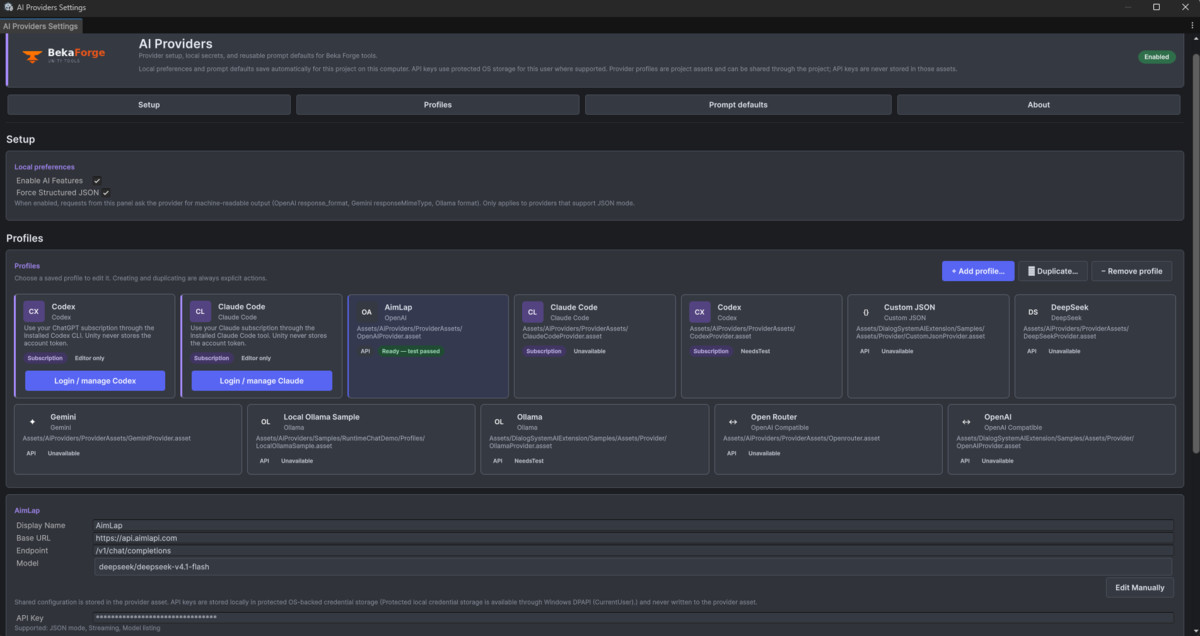
- Built-in provider definitions for OpenAI, OpenAI-compatible, DeepSeek, Gemini, Ollama, and Custom JSON endpoints.
- Provider assets are ScriptableObjects, making them easier to duplicate, organize, and reuse across projects.
- Useful for both hosted and local model-access scenarios depending on the configured provider.
Editor workflow
- Editor settings window for provider selection, testing, and local configuration.
- Local key handling designed to keep secrets out of serialized provider assets.
- Good fit for Unity editor tooling, internal content tools, and production utilities.
Request transport
- Blocking request flow for editor-side tools via `AiProvidersService.TrySendPrompt(...)`.
- Coroutine-based runtime request flow via `AiProvidersService.SendPromptCoroutine(...)`.
- Runtime request options include timeout and retry support.
Known practical limits
- API keys are stored locally and are not encrypted at rest.
- Streaming responses are not included in the current release.
- Transport coverage is partial compared to provider formatting and settings coverage.
Compatibility
- Unity 2021.3 LTS or newer.
- No additional Unity package dependency required by the package manifest.
- Suitable as a free utility or reusable integration layer for broader AI-enabled Unity tooling.
Compatibility
| Unity version | Built-in | URP | HDRP |
|---|---|---|---|
| 6000.3.6f1 | Compatible | Compatible | Compatible |
AI Providers for Unity - Beka Forge is render-pipeline independent for normal use. Editor tools run only in the Unity Editor. Runtime UI uses UGUI + TextMesh Pro, so it works with Built-in, URP, and HDRP.
Tested on 2022.3 LTS and Unity 6; supports 2021.3 LTS+.
As listed on the Asset Store.