
 View on Asset Store (opens in new tab)
Package details
- Latest version
- 1.0.2
- Last updated
- First released
- Unity version
- 2022.3.62 or later
- Package size
- 15.0 MB
- Files
- 75
- Favorites
- 2
- Views in the past week
- 13
Price tracking
- Last checked
- Tracked since
- Lowest recorded
- $32.50 on
Keywords
WebAR Image Tracker for Unity
Augmented reality that opens from a link in any phone or desktop browser. No app, no ARKit, ARCore or WebXR. Author in Unity, ship a WebGL page powered by WebAssembly, with WebGPU for richer visuals.
Affiliate link · Purchases support this site
Price history
Last 6 months
USDAsset preview
1 / 6
WebAR Image Tracker for Unity screenshot 1

About this asset
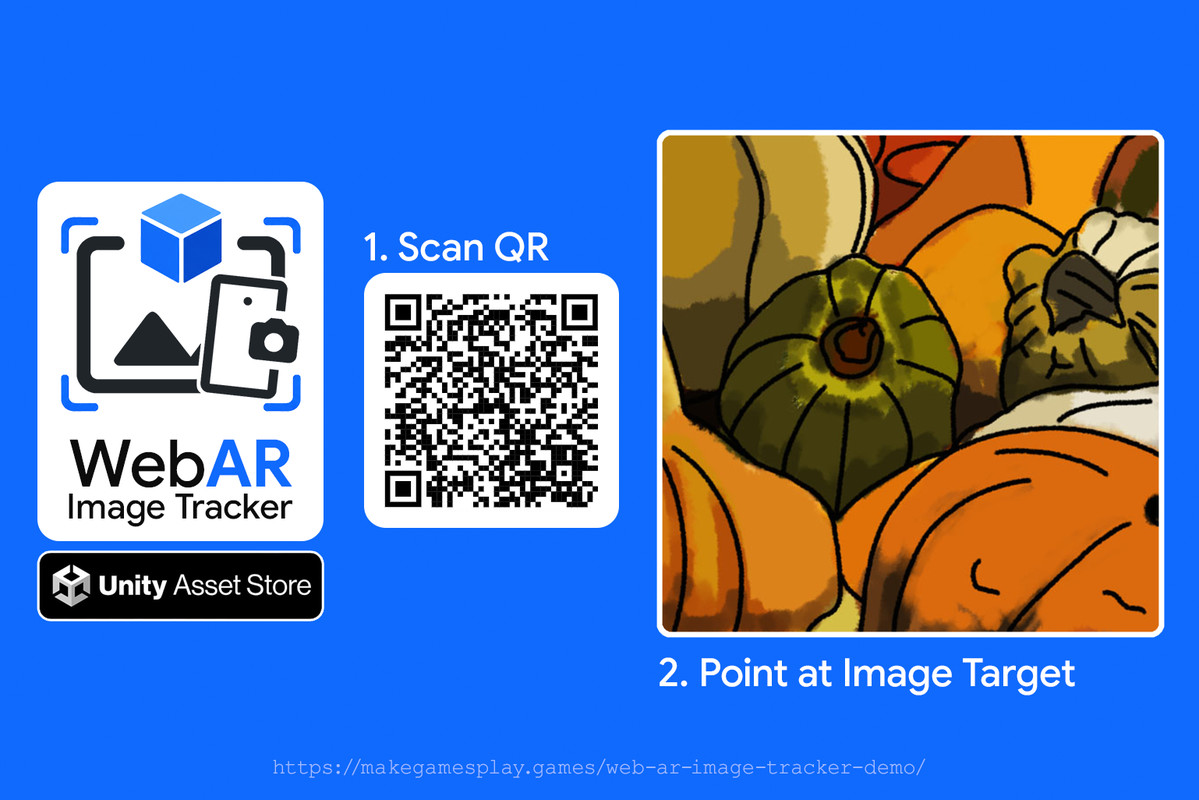
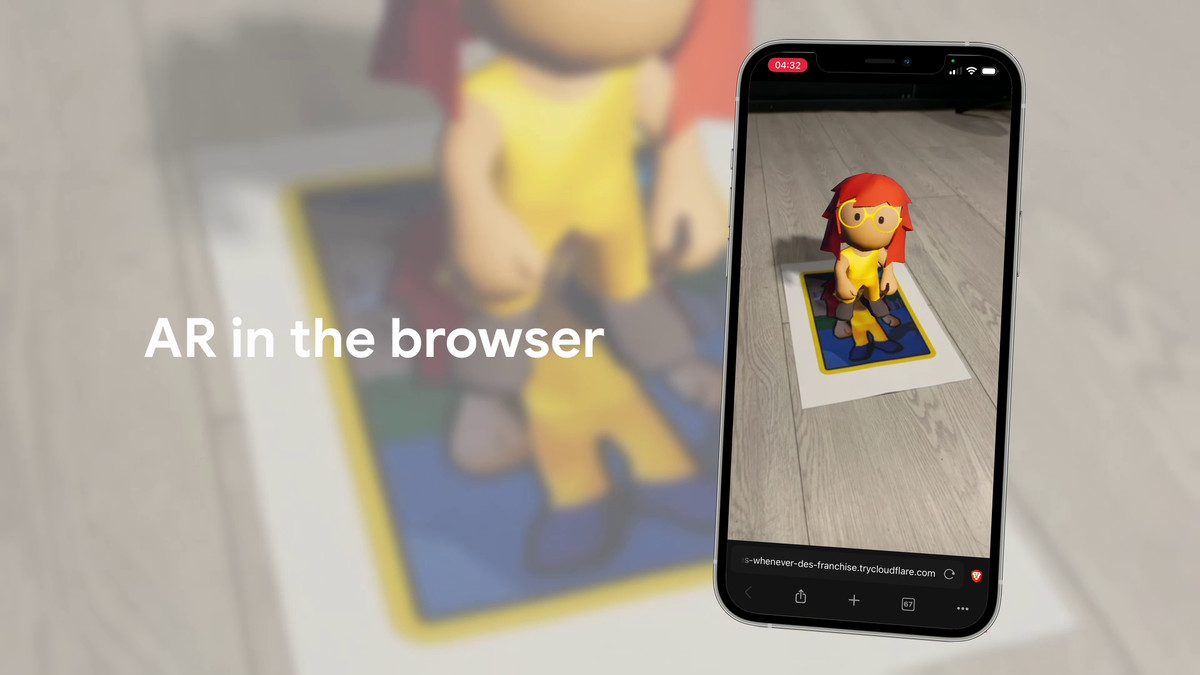
WebAR Image Tracker brings image-target augmented reality to the mobile and desktop web, with no app and no native SDK. Point a camera at a target image and your Unity content locks onto it in real time, compiled to WebAssembly and running in the browser people already have, with nothing to install.
Why it exists: Unity's AR Foundation targets native ARKit and ARCore and does not build for WebGL, and browser-native WebXR image tracking is still experimental and off by default in Safari on iOS and iPadOS. WebAR Image Tracker uses the open-source mind-ar-js tracker (TensorFlow.js, GPU-accelerated on WebGL2), so one WebAssembly build runs across iOS, Android, and desktop browsers with no WebXR and no native AR SDK.
🌐 Made for the open web
- Delivered as a web page: open from a link or QR code, no app store, no install.
- One WebGL build serves iOS, Android, and desktop visitors with a camera.
- Plain static files, no runtime backend: deploy on standard hosting; the tracker runs on the visitor's device.
- Modern web stack: your Unity content runs as WebAssembly (WASM) for near-native speed, with GPU-accelerated image tracking on the visitor's device.
🎯 Tracking quality
- Tracks images: any photo or artwork with enough detail is a target.
- Adaptive smoothing: steadier when held still, looser in motion (driven by the accelerometer and gyroscope), so content sits stable at rest without lagging your hand.
- Outlier rejection: physically impossible tracker jumps are dropped before they reach your content.
- Stable on flat images: resolves the two equally-valid poses a flat picture presents (IPPE plus gyroscope), so the image can lie on any surface and move while tracked.
- Rides out brief dropouts: the gyroscope keeps content pinned to the image, then re-syncs cleanly when it returns.
🛠️ Set up inside Unity
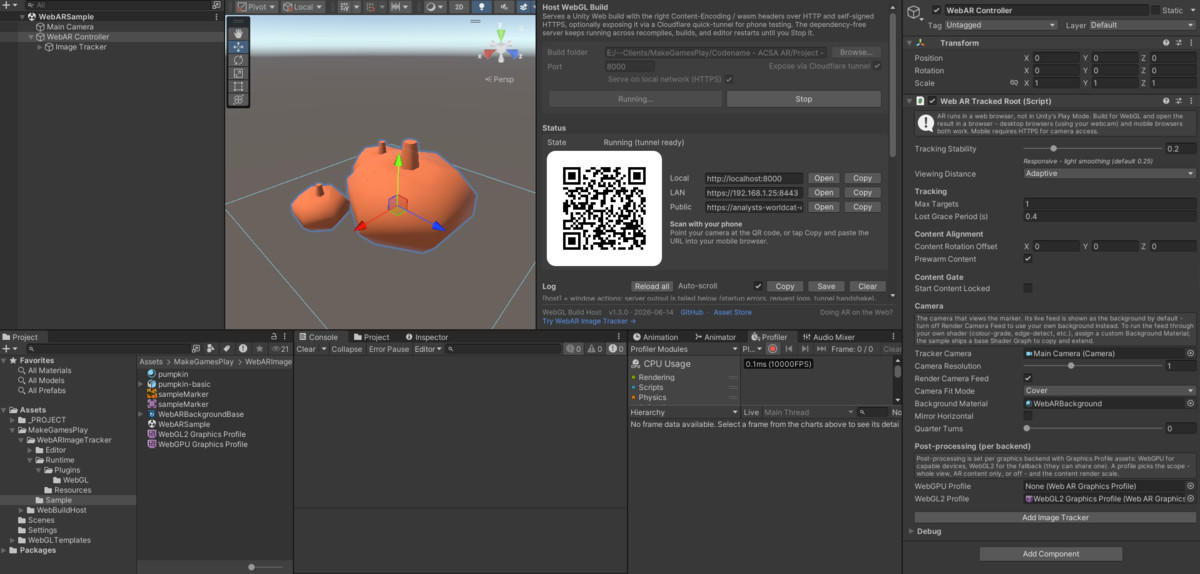
- One-click rig: GameObject > WebAR > Controller builds the camera rig and reuses your scene camera; one more click adds a tracker.
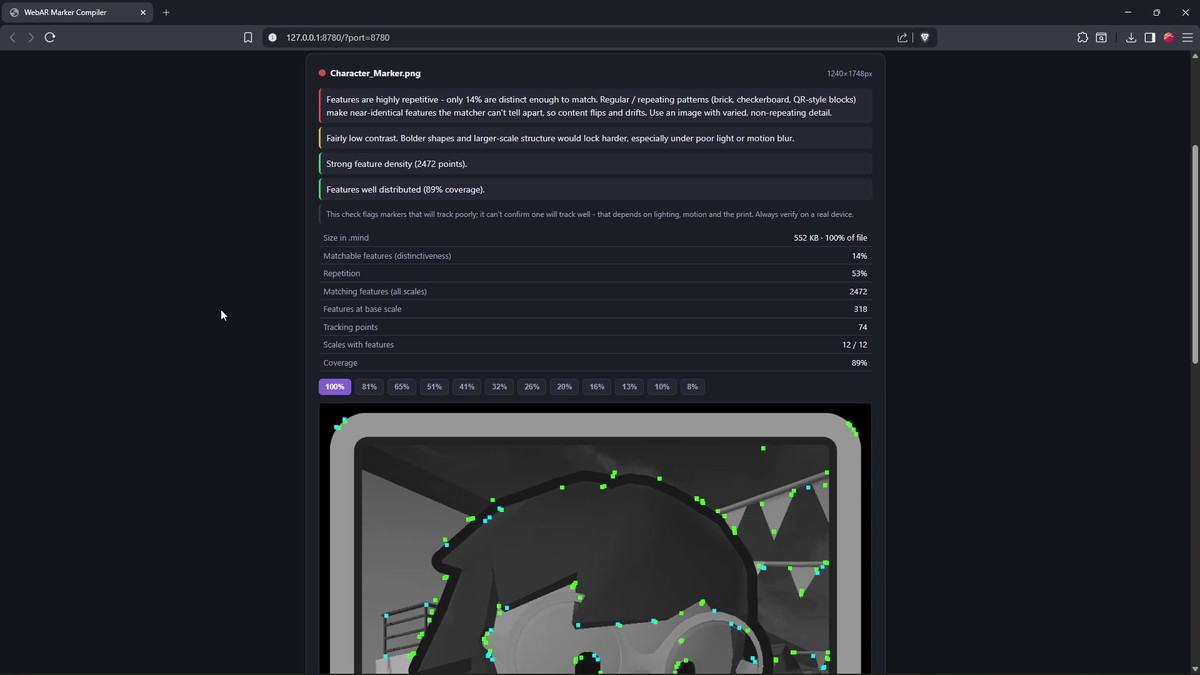
- Compile a target in-editor: Create Marker opens the local target compiler, scores trackability, and posts the target back into your project.
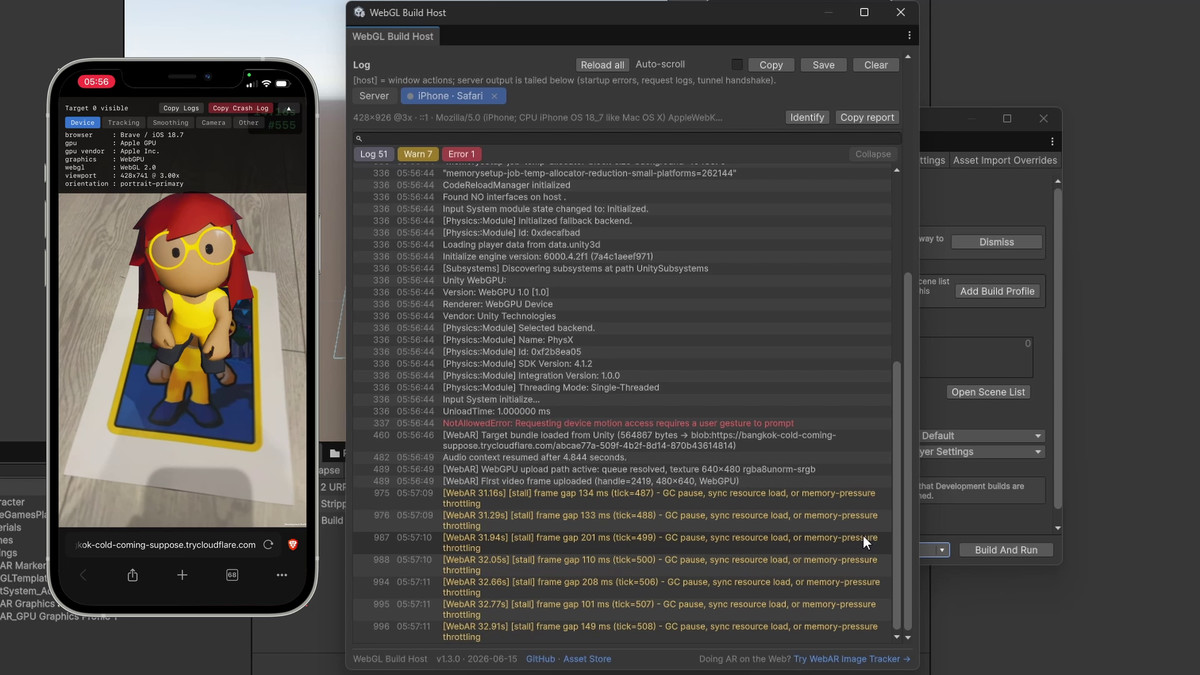
- Test on a real device: a bundled local server hosts over HTTPS, shows a QR to open it on a phone, and streams the device console into the editor.
- Real-world scale: Unity works in metres, so a 30 cm model is 30 cm wide on a 30 cm print.
🚀 Built for production
- Multiple targets per project: compile several images into one file, each with its own content.
- Pipelines: URP (recommended, most tested) and Built-in; HDRP via an Unlit fallback.
- Self-contained: mind-ar-js and three.js are bundled into the WebGL template, no CDN at load time.
- Scripting and events: start, stop, and swap targets from C#; subscribe to target-found, target-lost, and per-frame pose.
- WebGPU-ready rendering: detects the browser graphics backend and applies a matching post-processing profile. On Unity 6's WebGPU backend the extra rendering headroom lets you push post-processing, real-time shadows, and anti-aliasing for higher visual fidelity, while WebGL2 stays the broad-compatibility default.
🔗 Links
From the publisher's Asset Store listing.
Technical details
✅ Requirements
- Unity 2022.3 LTS or newer. Tested on 6000.5.0f1, 6000.4.11f1, 6000.3.17f1, 6000.0.77f1, and 2022.3.62f3.
- WebGL build target. URP recommended (most tested); Built-in supported; HDRP via an Unlit fallback (less tested).
- An HTTPS host for deployment (camera access needs a secure context); localhost works in development.
- A browser with WebGL2 and the EXT_color_buffer_float extension (used by the TensorFlow.js backend).
- All processing runs on the device; no camera images or video are sent to a server.
🌍 Browser and device support
- iOS/iPadOS 16.4+: every iOS browser uses Apple's WebKit, so Safari, Chrome, Edge, Firefox, and Brave all work. A one-time motion-permission prompt enables the gyroscope and accelerometer used for smoothing; tracking still works if it is declined.
- Android: Chrome 89+ and current Chromium browsers (Edge, Brave, Opera, Samsung Internet); recent Firefox too.
- Desktop: current Chrome, Edge, Firefox, Safari, Brave, and Opera with a webcam.
- A browser missing WebGL2 or the float-texture extension shows a clear, named message instead of failing silently.
⚡ Performance
- Tracking rate depends on the device GPU, the browser, and scene weight; on capable hardware it keeps pace with the camera.
- Typical measured rates: recent iOS ~35-55 Hz, recent Android flagships ~30-45 Hz, budget or older Android ~10-20 Hz. The live rate shows in the diagnostic overlay and via C#.
📦 What's included
- Runtime components: tracked anchor, camera background, image tracker, compiled-target asset type, and the JavaScript-to-C# bridge.
- A WebGL template with mind-ar-js and three.js bundled in, the motion-permission prompt, and loading/error screens.
- A sample scene: a CC0 pumpkin model (Kenney) anchored to the included CC0 image target.
- A bundled local HTTPS server for on-device testing.
🧩 Scripting API
- Initialise from a bundled target asset or a hosted URL; stop, reinitialise, and restart for lifecycle control.
- Events: target found, target lost, per-frame pose, camera projection update, tracker stopped, and unsupported-browser (with a capability tag).
- A live tracker frame-rate value for adapting UX on slower devices.
🧰 Editor tooling
- A Compatibility Audit that checks the project is set up correctly, plus About, under Tools > WebAR Image Tracker for Unity.
- Custom inspectors: a single Tracking Stability slider for quick setup, with an advanced section for fine control.
- An optional on-device diagnostic overlay, with one-tap copy of the full diagnostic state for support.
Built on mind-ar-js by hiukim (MIT).
Compatibility
| Unity version | Built-in | URP | HDRP |
|---|---|---|---|
| 6000.5.0f1 | Not listed | Compatible | Not listed |
| 6000.4.11f1 | Not listed | Compatible | Not listed |
| 6000.3.17f1 | Not listed | Compatible | Not listed |
| 6000.0.77f1 | Not listed | Compatible | Not listed |
| 2022.3.62f3 | Not listed | Compatible | Not listed |
As listed on the Asset Store.