
 View on Asset Store (opens in new tab)
Package details
- Latest version
- 1.0.0
- Last updated
- First released
- Unity version
- 6000.3.13 or later
- Package size
- 80.7 MB
- Files
- 168
- Views in the past week
- 8
Price tracking
- Last checked
- Tracked since
- Lowest recorded
- $10.00 on
Keywords
Sliding Puzzle Factory
Ship a complete themed sliding puzzle game — menus, scoring, theming, and orientation support included. You focus on the art; the framework handles the rest.
Affiliate link · Purchases support this site
Price history
Last 6 months
USDAsset preview
1 / 5
Sliding Puzzle Factory screenshot 1

About this asset
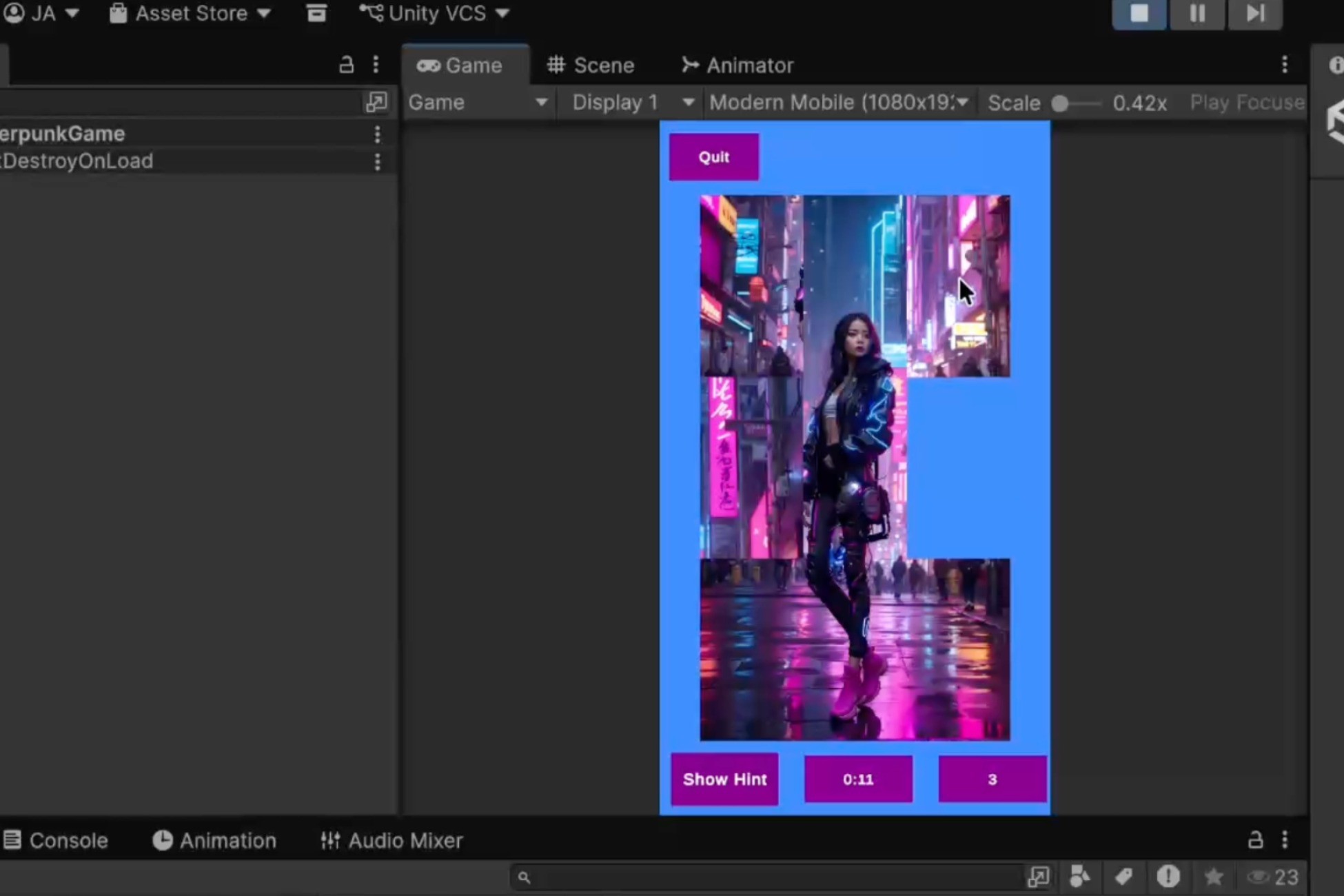
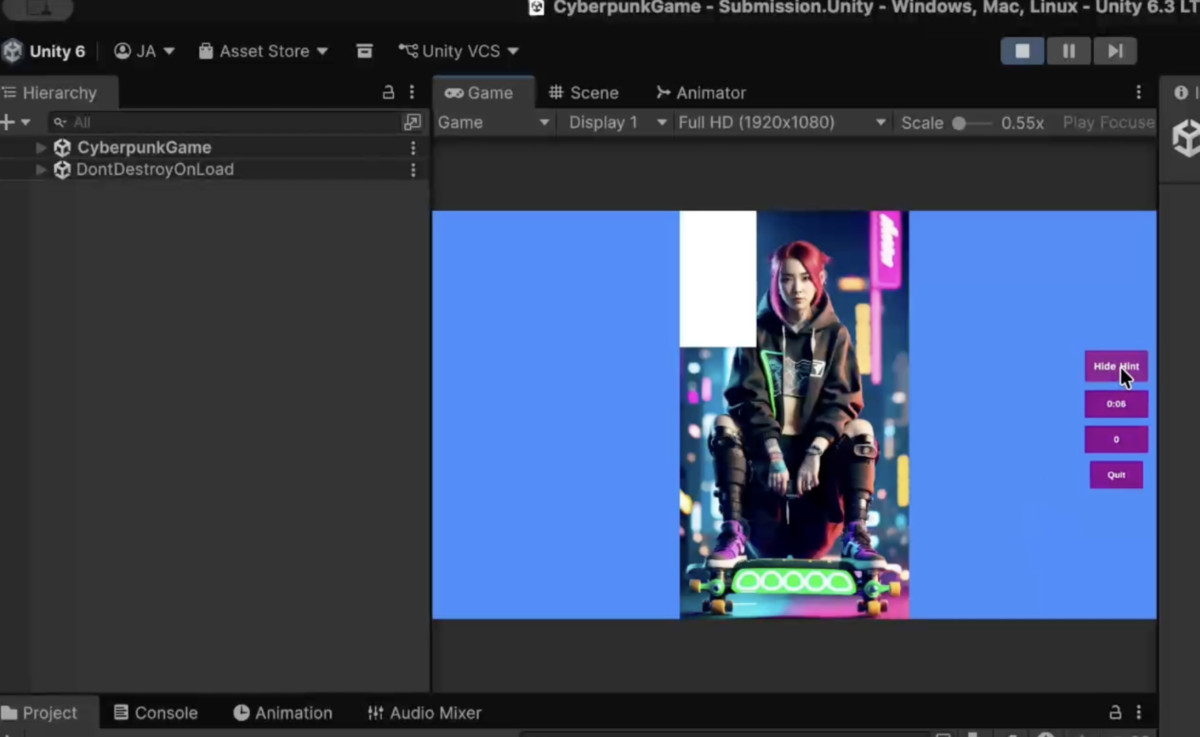
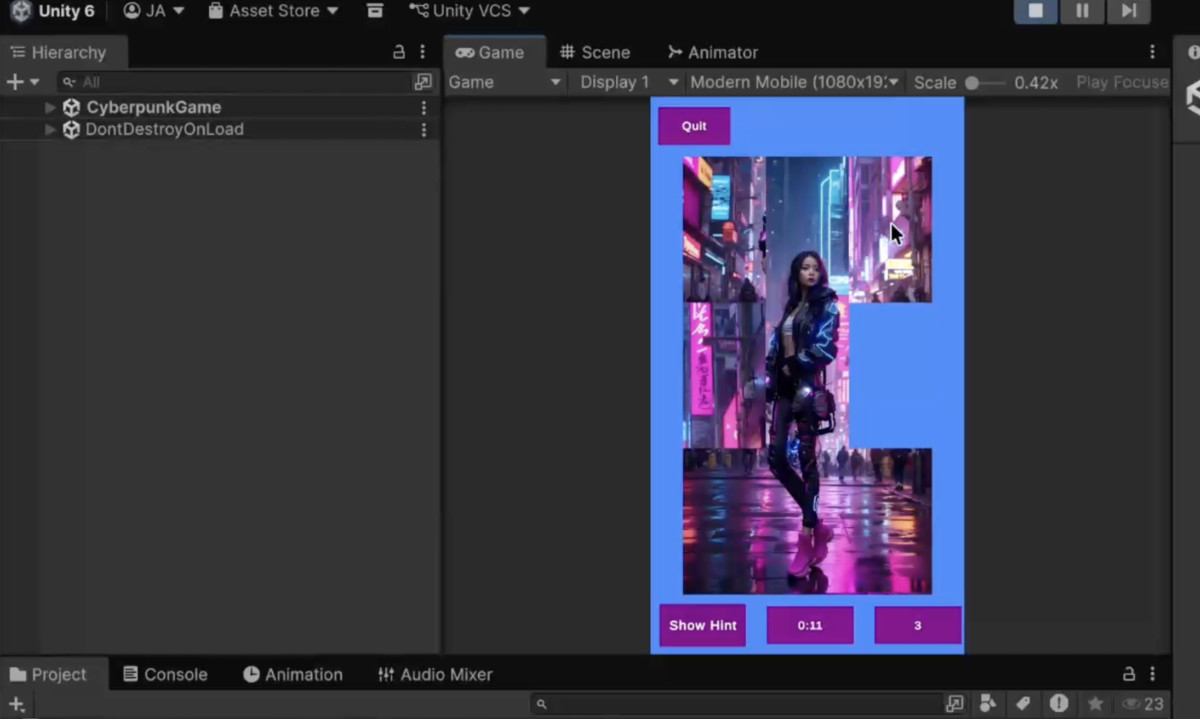
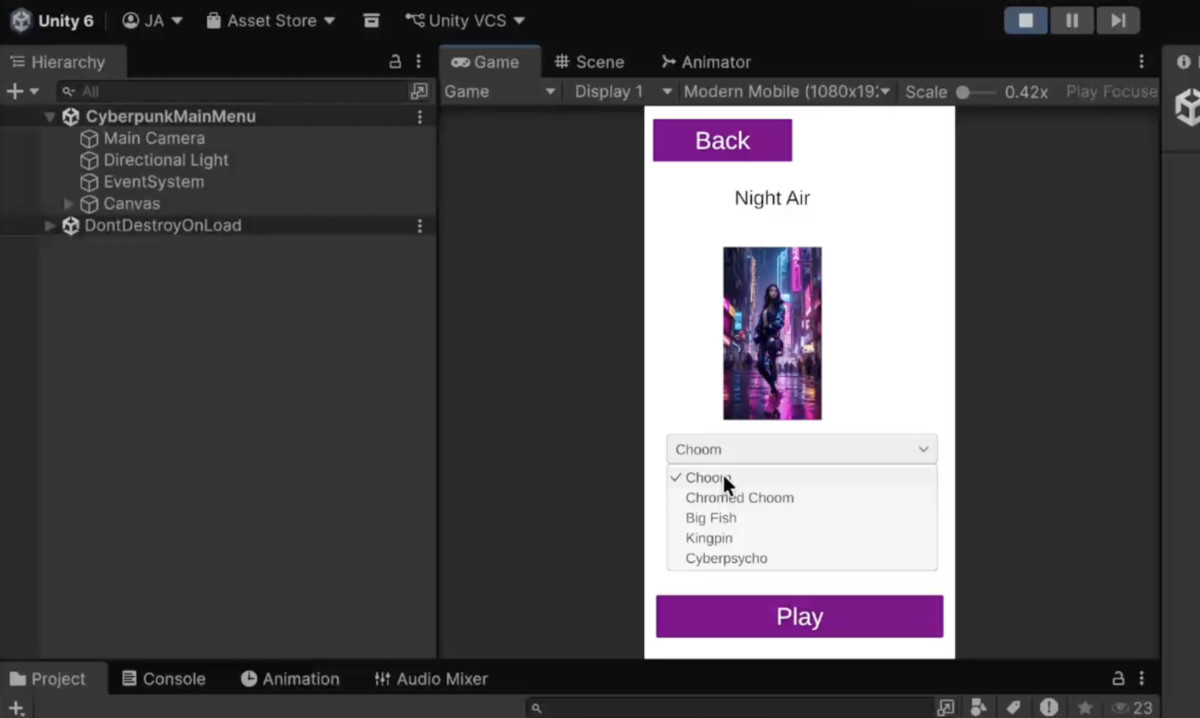
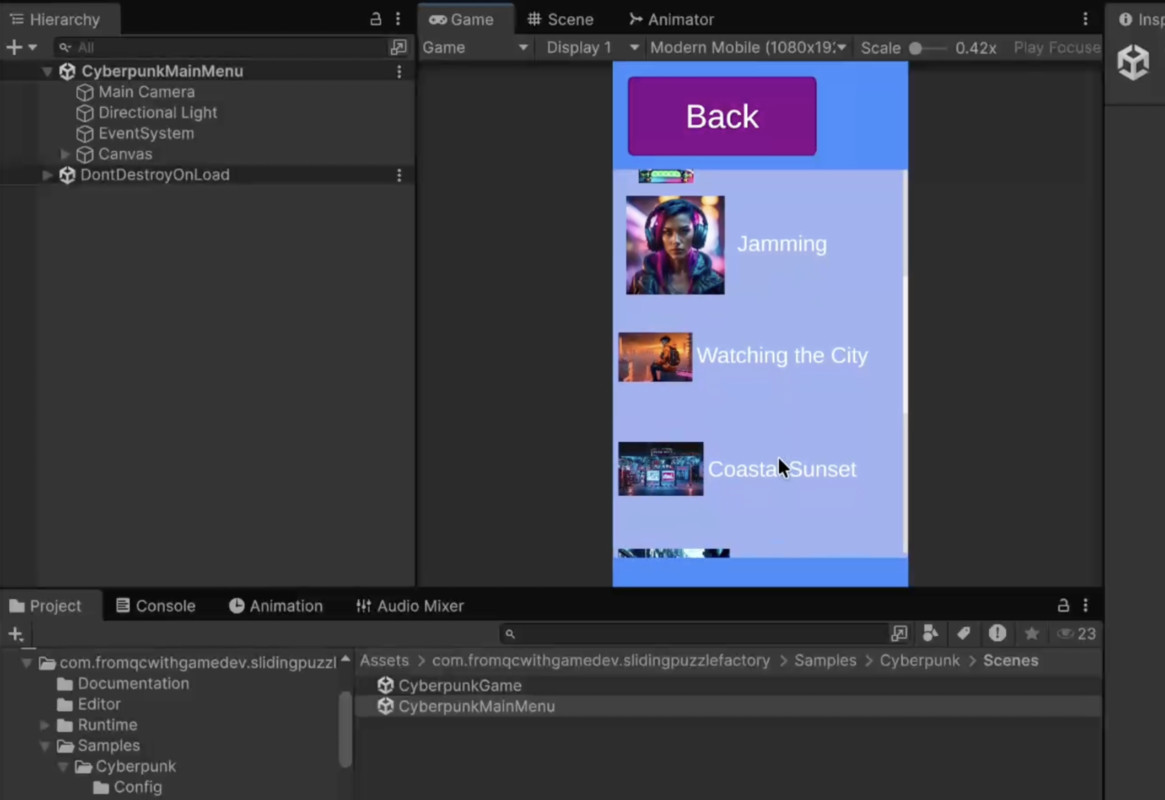
Sliding Puzzle Factory ships with two fully playable example games — a coral reef theme and a cyberpunk theme — so you can see exactly what you're building before you write a single line of code. Both are included as importable samples, with every scene, script, and animation available to study and adapt.
Underneath the examples is a production-ready framework that handles the full game lifecycle: main menu flow, difficulty selection, session management, score persistence, theme propagation, and portrait/landscape orientation switching. The puzzle board itself (SlidingPuzzleKit) is bundled — no separate install required.
The workflow is straightforward: create one config asset with your levels, difficulty tiers, colors, and background art, then subclass the provided base classes to plug in your own transitions and animations. The framework takes care of the rest.
What the package handles for you:
- Complete main menu flow: title screen → hub → level list → level detail → game → completion overlay
- Difficulty tiers with configurable grid sizes and shuffle behaviour
- Per-level best-score persistence (best move count and best time tracked independently)
- Theme propagation: brand colors and background sprite pushed to all UI in one call
- Portrait/landscape orientation switching with per-branch UI visibility
- Timer with enable/disable toggle, hint overlay toggle, and mid-game quit confirmation
Limitations to be aware of:
- The package provides the architecture and wiring; you supply all art, prefabs, and animations. There are no ready-to-ship visual assets — the sample games' art is for reference only.
- The base classes require subclassing — they cannot be dropped into a scene without code. The included sample scenes and step-by-step documentation walk you through the process.
- Score storage uses PlayerPrefs. If your game requires cloud saves or a custom persistence backend, you will need to replace the score layer.
Sample scenes use images from Pixabay under the Pixabay Content License; see Third-Party Notices.txt in the package for details.
From the publisher's Asset Store listing.
Technical details
Core framework
- GameConfigSO ScriptableObject — single asset holds all game data: levels, difficulty tiers, theme colors, and background art
- GameManager — persistent singleton that survives scene loads and provides global access to config and session state
- ScoreRepository — PlayerPrefs-backed persistence; tracks best move count and best time independently per level/difficulty
Menu system (Shared sample)
- Abstract base classes for every screen in the flow: title, hub, level list, level detail, game scene, completion overlay, quit confirmation, and difficulty picker — subclass each to add your own transitions and animations
- Drop-in UI widgets for move count, timer, timer toggle, hint toggle, themed buttons, background, level cards, and best-score display — add to your scene and wire in the Inspector, no code required
Theme system
- ThemeApplicator propagates colors and background art to all subscribed UI in a single call
- MenuButtonUI and MenuBackgroundUI apply theme automatically; extend to your own components with one line of code
- Editor preview: see colors in the Scene view without entering Play Mode
Orientation support
- Detects portrait/landscape changes and notifies subscribers automatically
- Attach OrientationVisibility to UI branches to show/hide them on rotation; no code required
- Bundled SlidingPuzzleKit
- Puzzle board, tile layout, shuffle/mix logic, and hint overlay included
- Events for every meaningful game moment: piece moved, puzzle solved, mix completed, hint shown/hidden
Developer experience
- Full XML documentation on every public and protected member
- Tooltips on every Inspector-exposed field
- Startup validation catches misconfigured assets early with a clear, descriptive error message
- Four manual pages included: overview, configuration reference, subclassing guide, and step-by-step first-game walkthrough
Example games (importable samples)
- ReefGame — ocean theme with drop-in animations
- Cyberpunk — neon-flash animations and slide transitions
- Both are fully playable end-to-end and demonstrate every base class in use
Requirements
- Unity 6000.3 or later
- Any render pipeline (the framework is pipeline-agnostic; sample game materials are authored in URP and may need upgrading if you use a different pipeline)
- TextMeshPro
- Input System
Compatibility
| Unity version | Built-in | URP | HDRP | Custom |
|---|---|---|---|---|
| 6000.3.13f1 | Compatible | Compatible | Compatible | Compatible |
Requires TextMeshPro Essentials for Sample scenes to work properly
As listed on the Asset Store.