
 View on Asset Store (opens in new tab)
Package details
- Latest version
- 1.9
- Last updated
- First released
- Unity version
- 2022.3.62 or later
- Package size
- 2.2 MB
- Files
- 254
- Favorites
- 3
- Views in the past week
- 27
Price tracking
- Last checked
- Tracked since
- Lowest recorded
- $37.50 on
Keywords

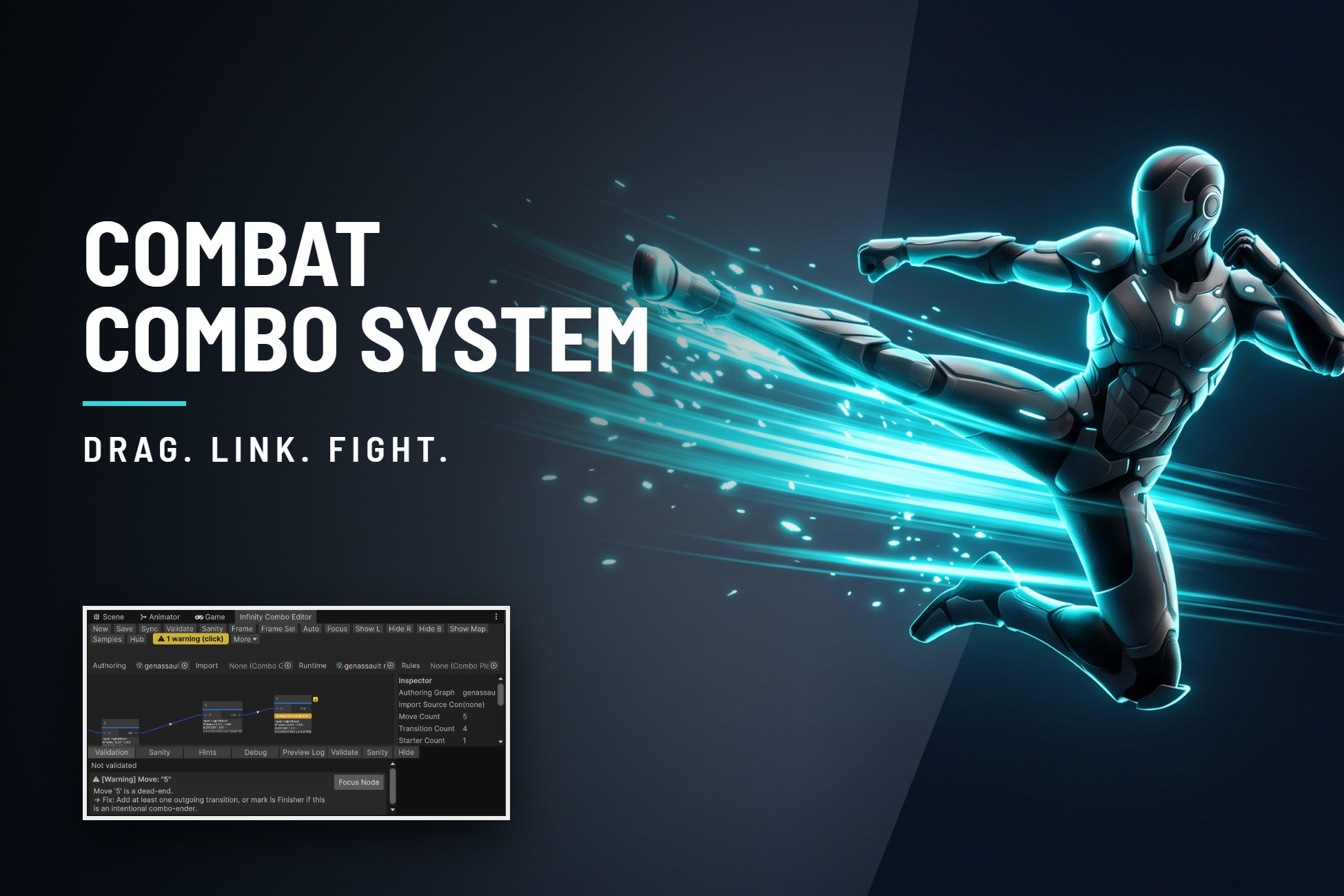
Combat Combo System
Visual combo editor for Unity combat. Design attack chains, timing windows, and combat data without wiring Animator states by hand — plus a runtime mode where players build their own combos safely.
Affiliate link · Purchases support this site
Price history
Last 6 months
USDAsset preview
1 / 12
Combat Combo System screenshot 1


About this asset
Looking for FAQ?
...............................................................................................................
Why you need this Tool? Read this short 4 paragraphs
...............................................................................................................
You want combat that feels responsive — a light attack that flows into another, into a finisher, with the input landing right when it should.
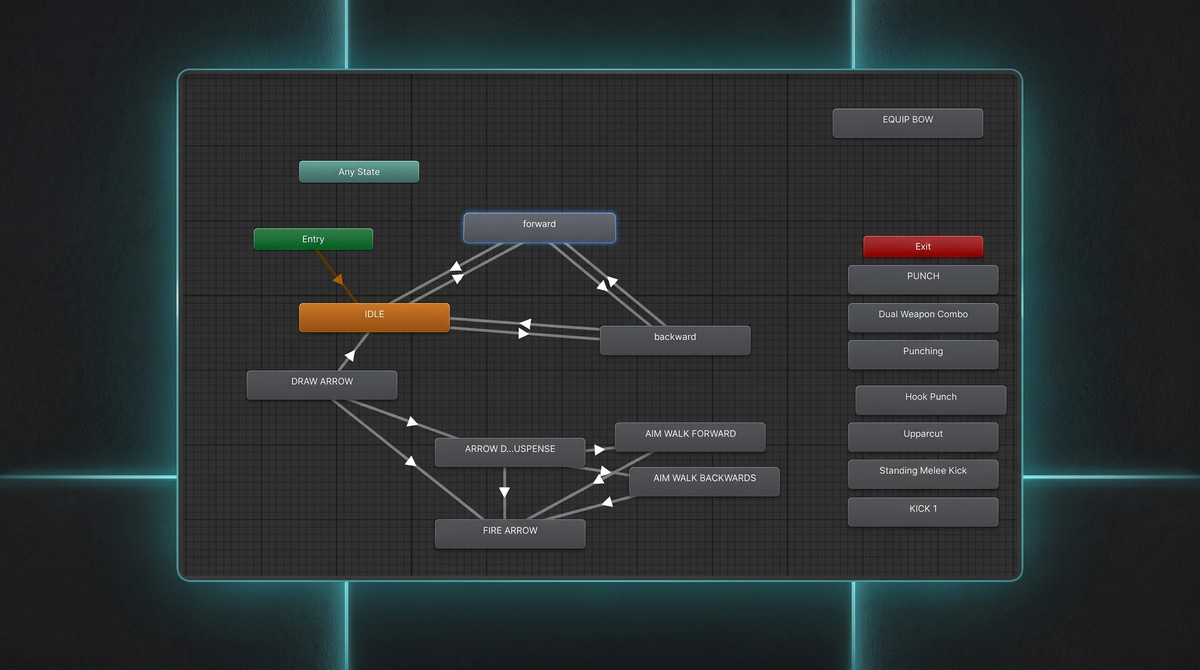
What you get instead, the first time you try to build it yourself, is Animator states tangled together, animation events firing at the wrong frame, and a pile of bools tracking "can I chain right now?" that breaks the moment you add a fifth move.
Then it gets worse. The first hit works, but the chain doesn't — because the window was too narrow, or buffering was off, or a condition silently blocked it, or the target move got deleted and nothing told you. You spend more time debugging why a combo won't link than actually designing combat.
/And even once it works, it's rigid. If you want players to unlock moves, or build their own combo routes without breaking your balance, or make the game playable for someone with slower reaction times — that's a second system to build from scratch, on top of the first one./
Where the time goes back to you: hand-building this — a combo state machine, input buffering, timing windows, hit data, and a safe way to let players customize it — is realistically one to three weeks of engineering plumbing for a solo or small-team dev, before a single move actually feels good to play.
//⚠️ The Combat Dev Trap: "Functional" ≠ "Feels Good":
Building the underlying plumbing (the buffer, the state machine, the saving data) is a grueling 1 to 3 weeks of pure backend engineering before a single move can even be tested.But here is the painful reality: at the end of those 3 weeks, your combat will still feel rigid, robotic, and unresponsive.
This asset handles all of that technical plumbing on Day 1, skipping the frustrating coding phase so you can jump straight into the months of creative tuning that actually makes a game fun to play.
The real magic of AAA combat isn't just making a move execute. It’s the hundreds of hours spent tuning frame-accurate hit-stop, global input leniency (forgiving a button press 3 frames early), chord relaxation, and seamless animation blending.//
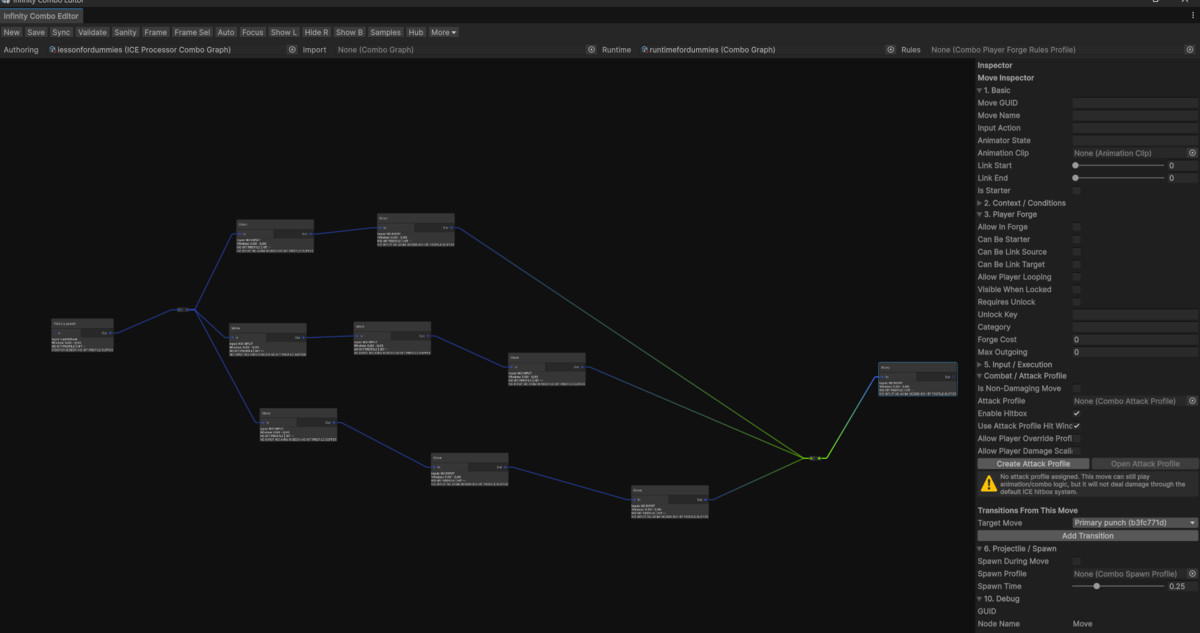
With this, that becomes a graph you connect by hand in an afternoon, with the wiring already solved for you.
The one thing worth calling out specifically: most combo tools stop at authoring — you build the combos, the player performs them.
This one has a mode where players build their own combos at runtime, inside limits you set — locked moves stay locked, costs and budgets you define stay enforced, nothing breaks your balance. It's entirely opt-in — ignore it and you have a conventional (but much faster to build) combo editor.
What you can do with it:
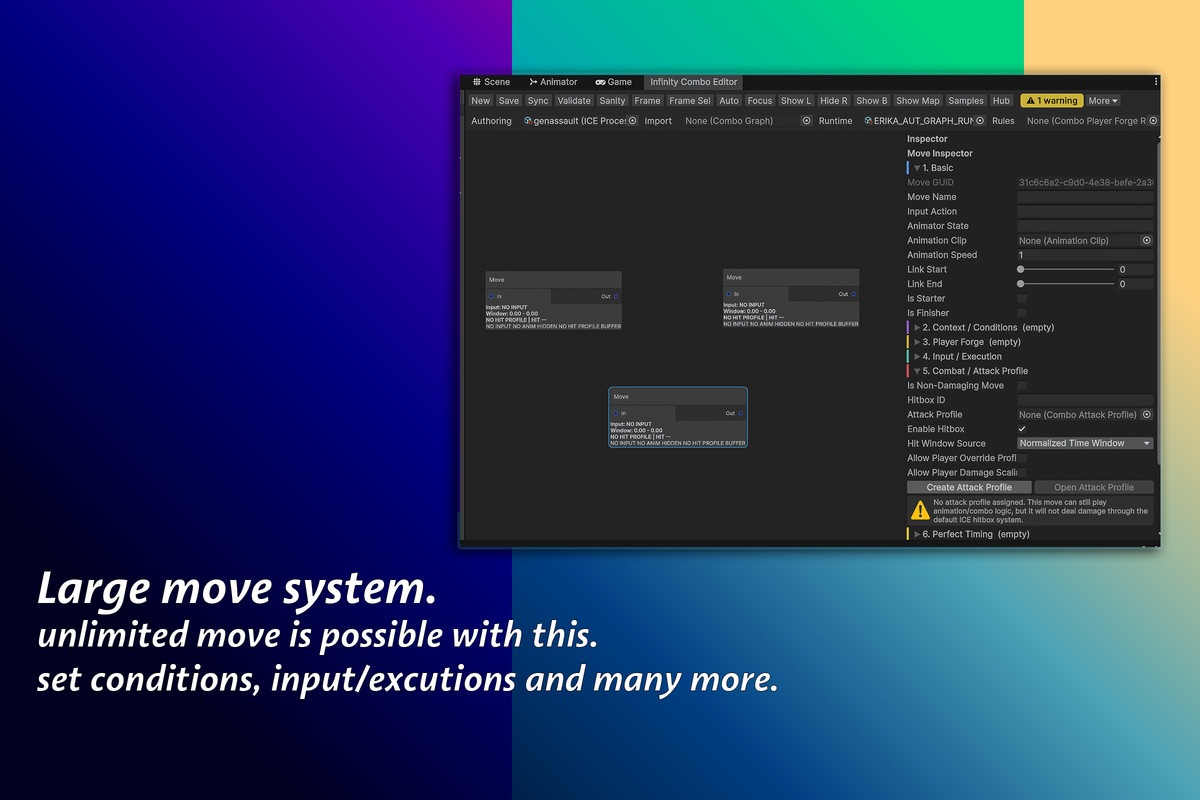
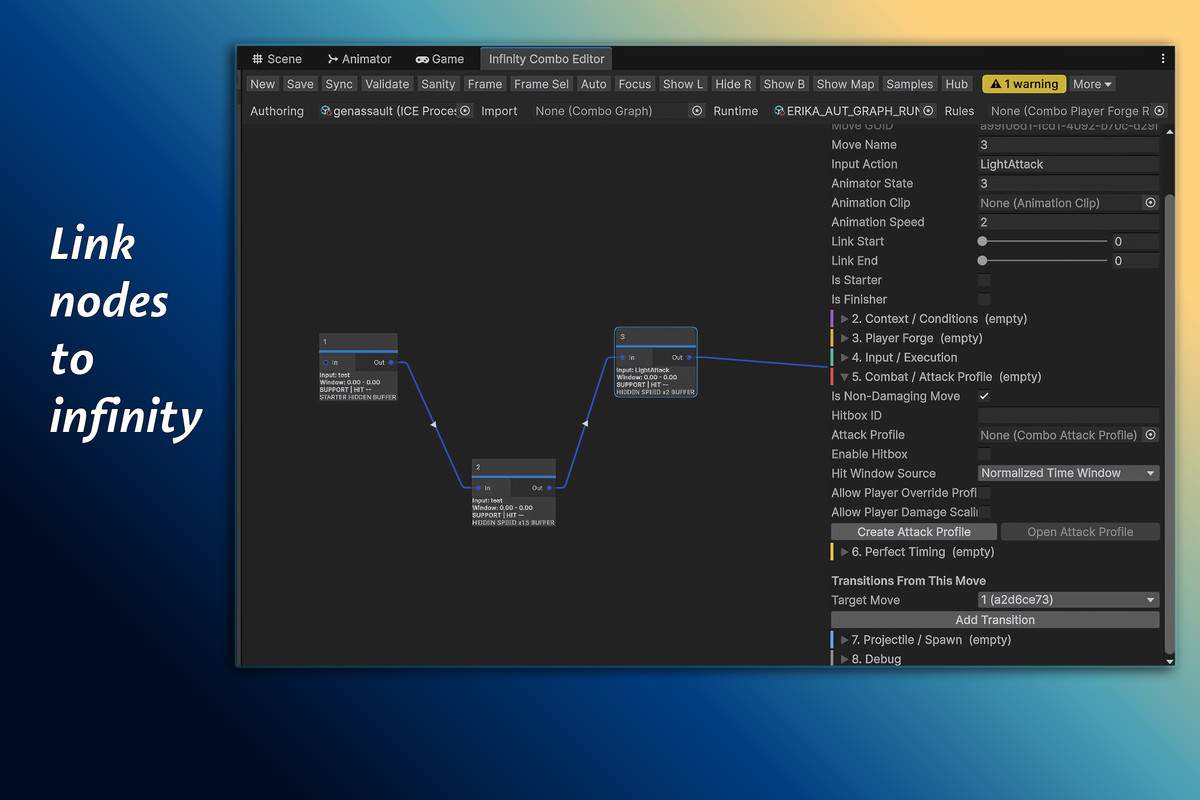
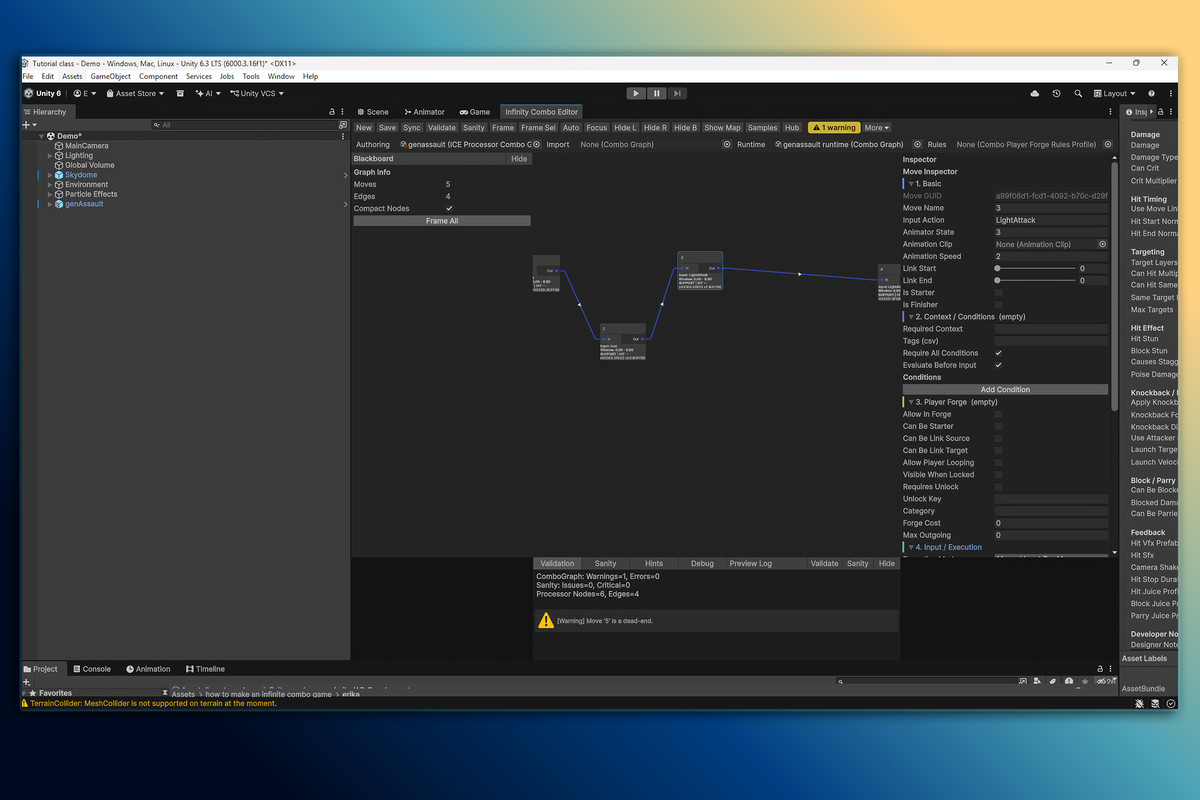
- Design combos visually — attacks, dodges, transitions — without hand-wiring Animator states or animation events
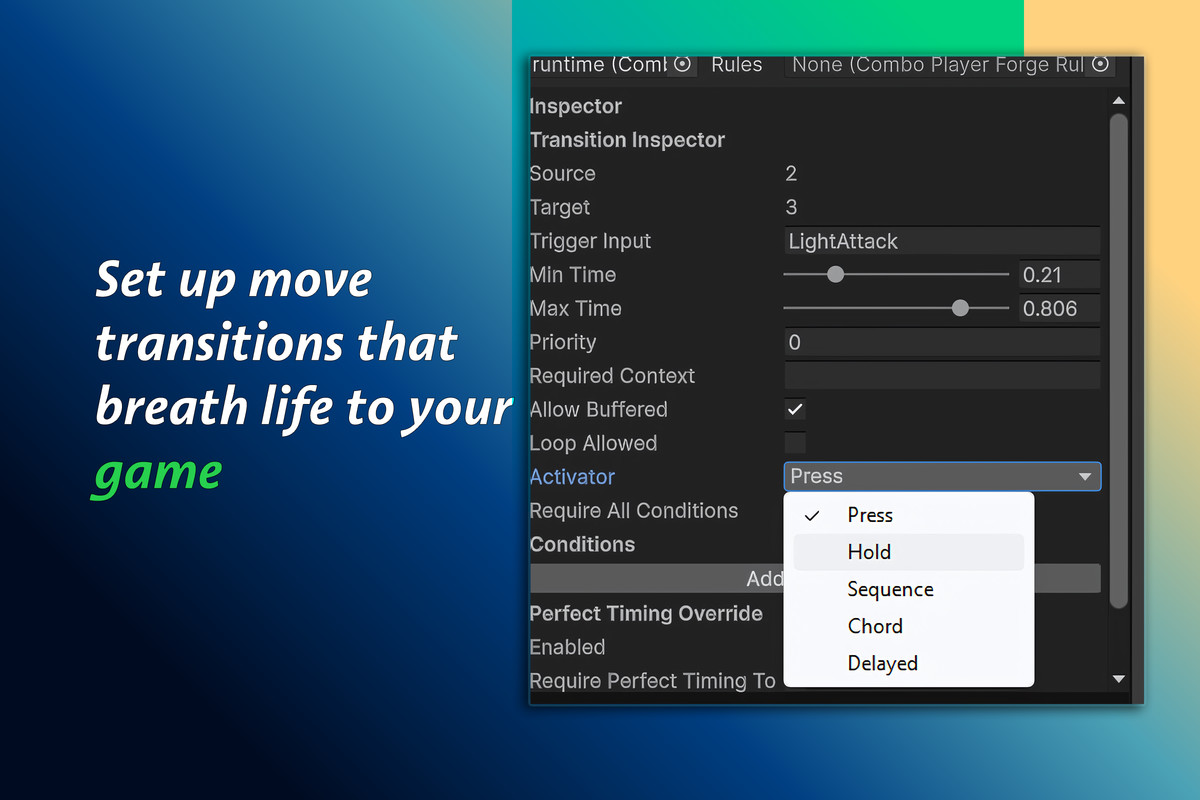
- Set exact timing windows for when a chain input counts, with input buffering so a slightly early button press still connects
- Add charged attacks, two-button specials, motion inputs, and deliberate pauses without writing new code for each type
- Reward players for hitting a move at the perfect moment — extra damage, a cancel, a camera shake — with one setting per transition
- Let a move play out over time instead of resolving instantly — mash-to-break-free, hold-to-charge, channel-until-released
- Auto-chain a sequence with no player input at all, for cinematic finishers or accessibility modes
- Let players unlock, customize, or build their own combo routes safely, without touching your balance or breaking your game
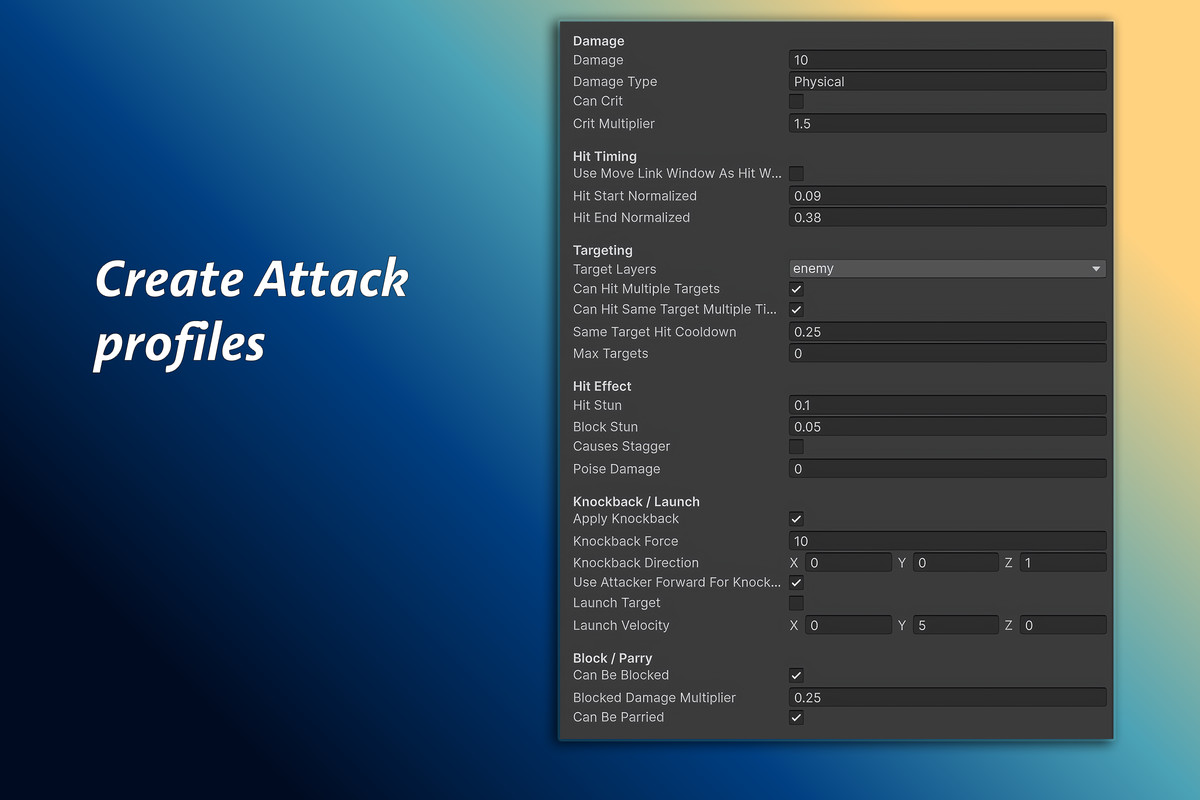
- Attach full combat data to every hit — damage, knockback, launch, block/parry — and reuse one profile across many moves
- Add hit stop, camera shake, and particles through a shared profile instead of scattering "juice" code everywhere
- Widen every timing window in the game from one setting, for players with slower reaction times, without retuning your combat
- Show players what's available right now and what's locked, so your combo system is learnable instead of secret
- Catch a broken or dead-end combo before you ship, instead of finding it in a bug report
From the publisher's Asset Store listing.
Technical details
- Visual node-based combo graph authoring (ComboGraph + ComboManager runtime)
- ComboMove / ComboTransition data model (77 / 19 fields respectively)
- 5 input pressure modes: MashToContinue, MashToIncreaseDamageScale, HoldToContinue, HoldToCharge, ChannelUntilReleased
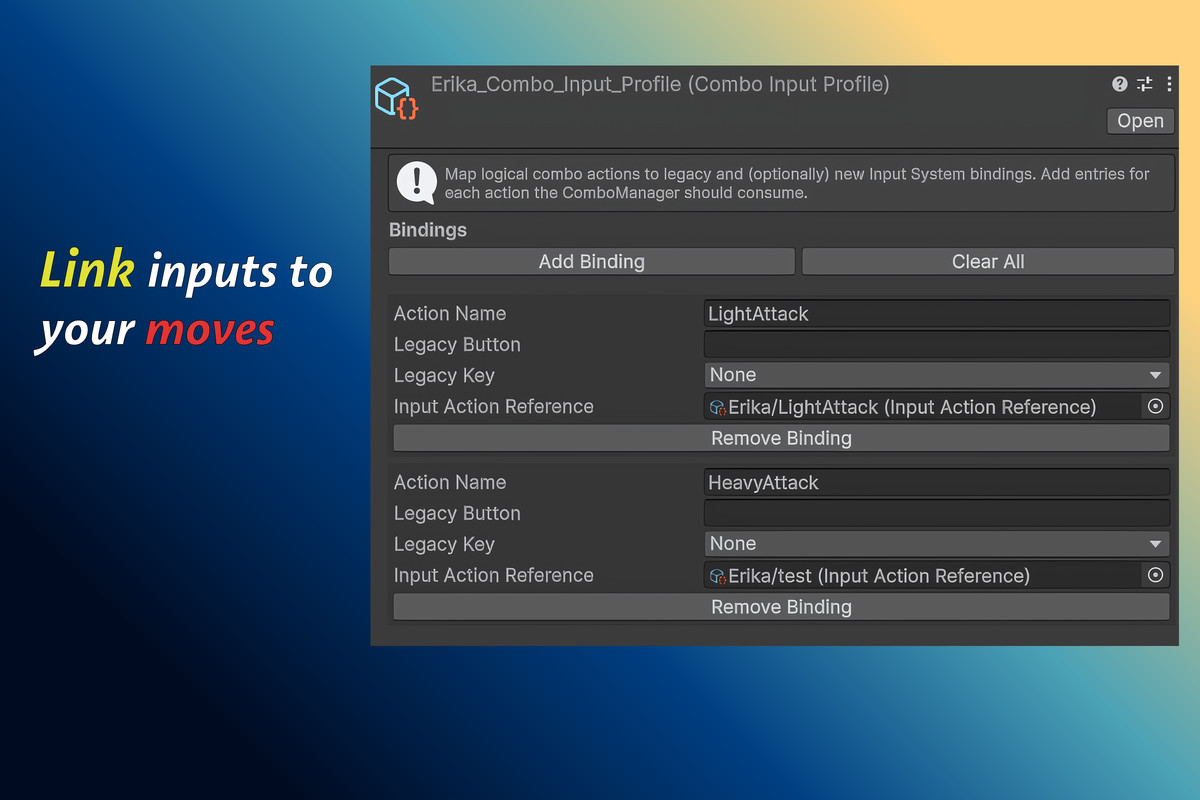
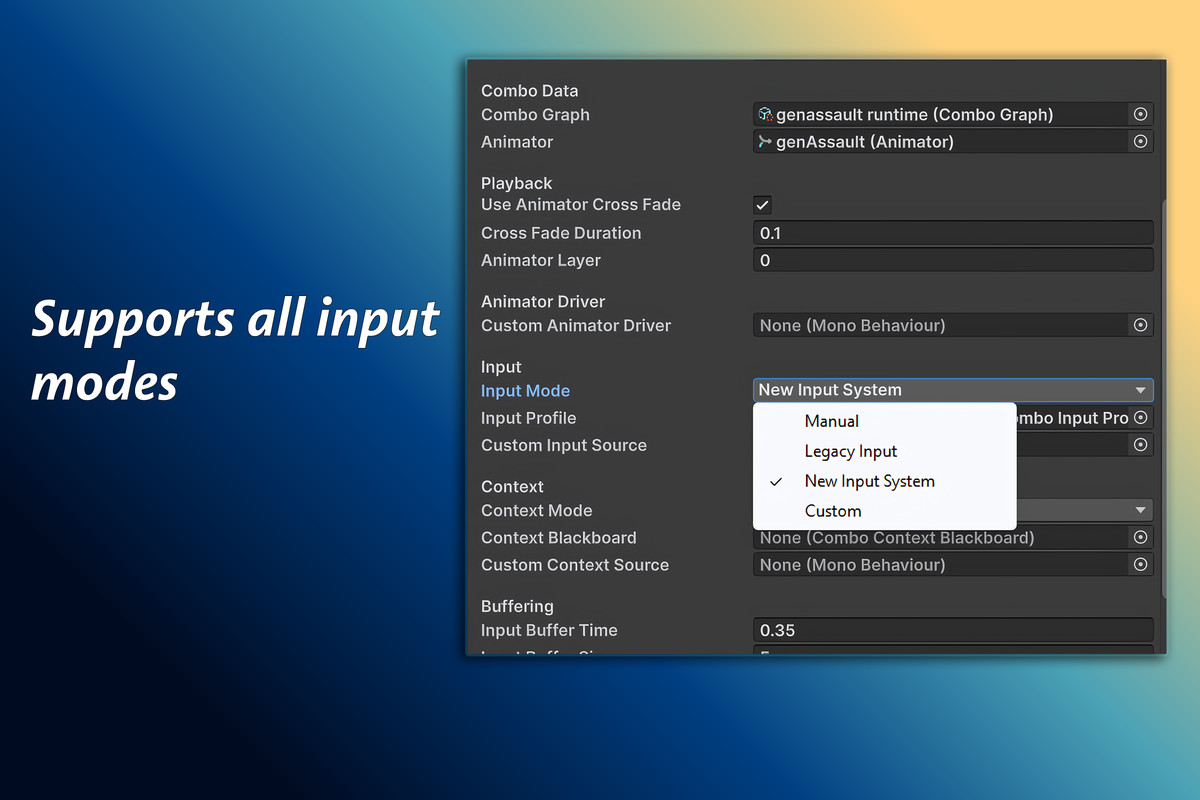
- Input buffering, manual input source support, Legacy Input + New Input System
- Perfect-timing windows with reward hooks (damage scale, cancel extension, VFX/SFX, meter gain, hit stop, camera shake)
- Auto-Chain routing with interrupt hooks
- Player Combo Forge: runtime player-authored overlays, 42-rule validation engine, per-move override protection, budget/cost system
- Context keys & conditional transitions
- Full combat payload system: damage, stun, knockback, launch, hit timing, VFX/SFX, projectiles
- Hitbox / hurtbox / damage receiver components
- Accessibility profile: global input leniency + timing forgiveness, runtime switchable
- Prompt HUD system for move discoverability
- Graph validation & sanity checker (dead-ends, unsafe loops, missing data)
- Animator Controller import utility
- 2D & 3D sample/demo generators
- Offline HTML manual + full field reference
- Officially tested on Unity 2022.3 LTS and Unity 6000.x, legacy support for 2021.3 LTS
Compatibility
| Unity version | Built-in | URP | HDRP | Custom |
|---|---|---|---|---|
| 6000.3.16f1 | Compatible | Compatible | Compatible | Compatible |
| 2022.3.62f3 | Compatible | Compatible | Compatible | Compatible |
As listed on the Asset Store.