
 View on Asset Store (opens in new tab)
Package details
- Latest version
- v2.6
- Last updated
- First released
- Unity version
- 6000.5.0 or later
- Package size
- 3.4 MB
- Files
- 76
- Favorites
- 42
- Views in the past week
- 186
Price tracking
- Last checked
- Tracked since
- Lowest recorded
- Free on
Keywords

MotionLabs Animation Workbench Lite 2.6 - Edit, Pose & Preview Animations
A high-performance animation management and preview system for Unity.
Affiliate link · Purchases support this site
Price history
Last 6 months
USDAsset preview
1 / 13
MotionLabs Animation Workbench Lite 2.6 - Edit, Pose & Preview Animations screenshot 1
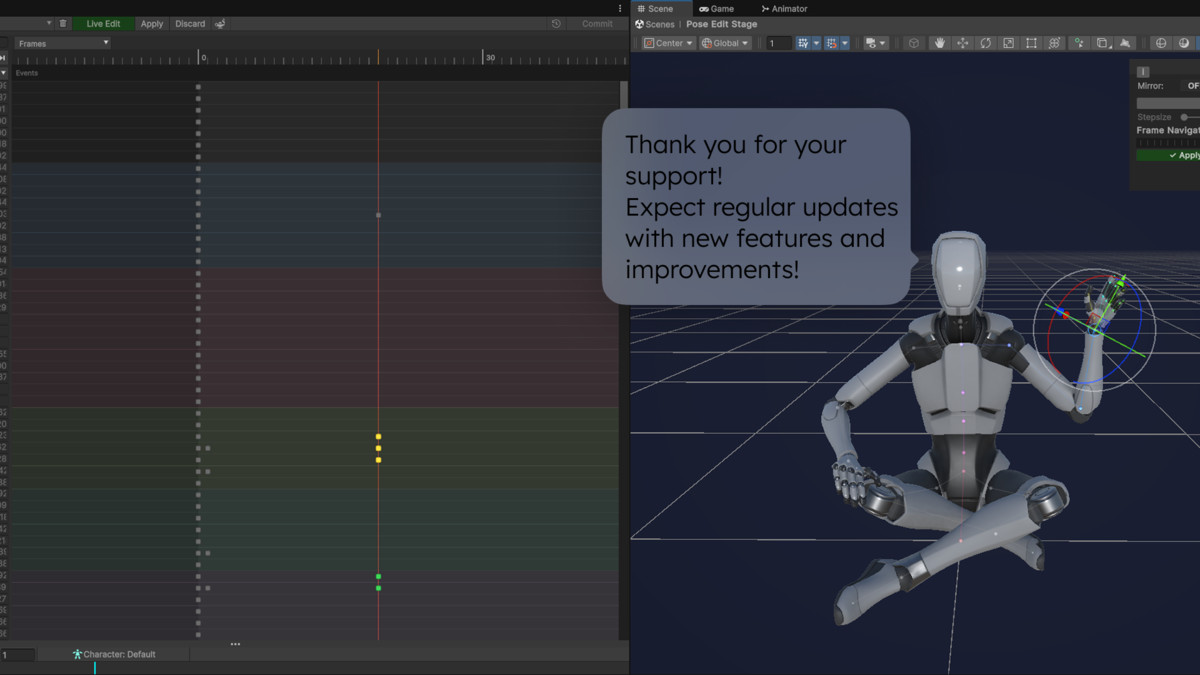
About this asset
Animation Workbench - Community (Free)
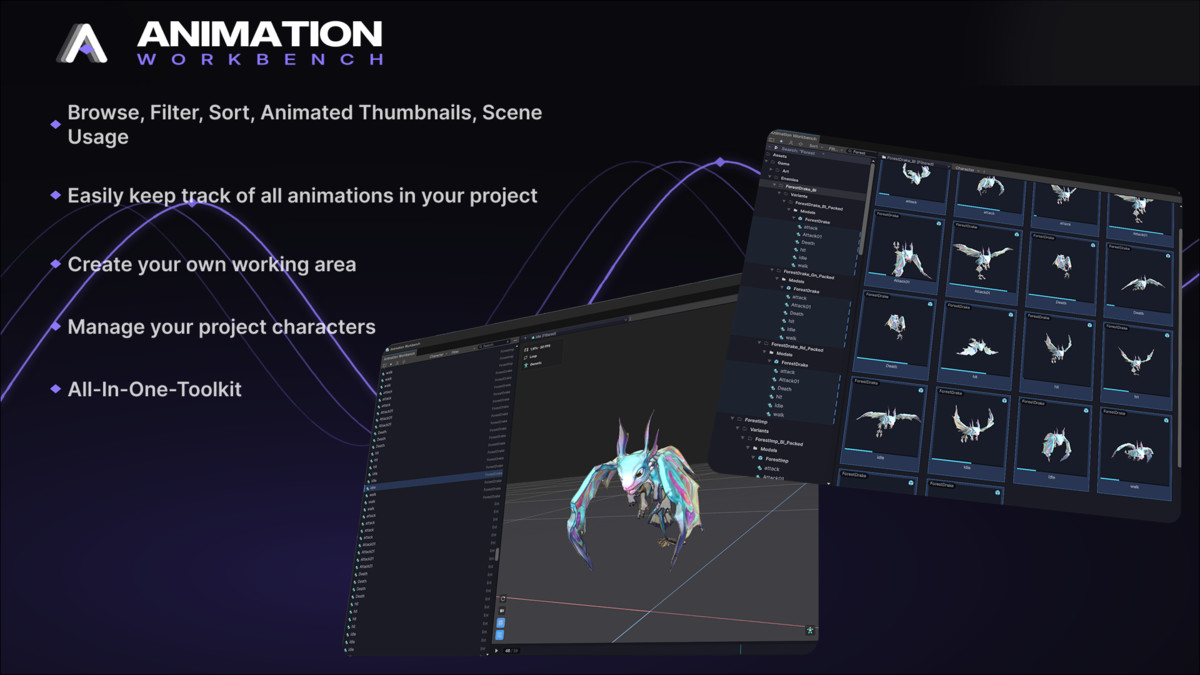
Animation Workbench is an all-in-one animation workflow toolkit for Unity. Browse, edit, preview, and bring your animations to life - without ever leaving the editor. Works with humanoid and generic characters.
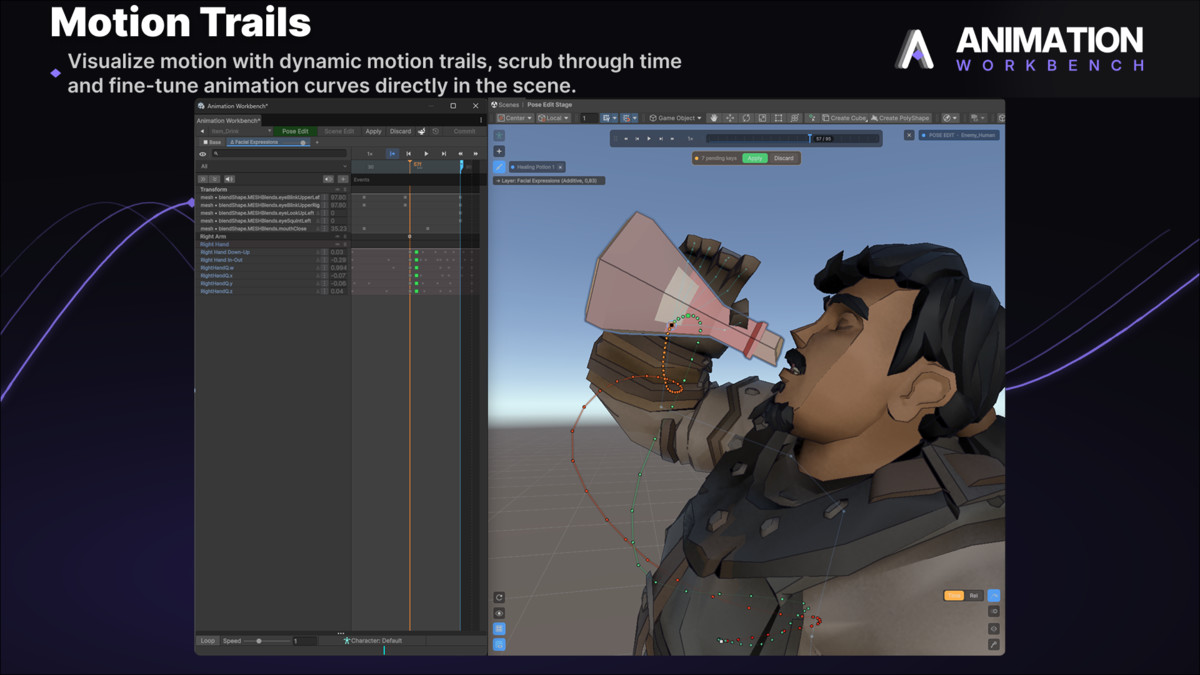
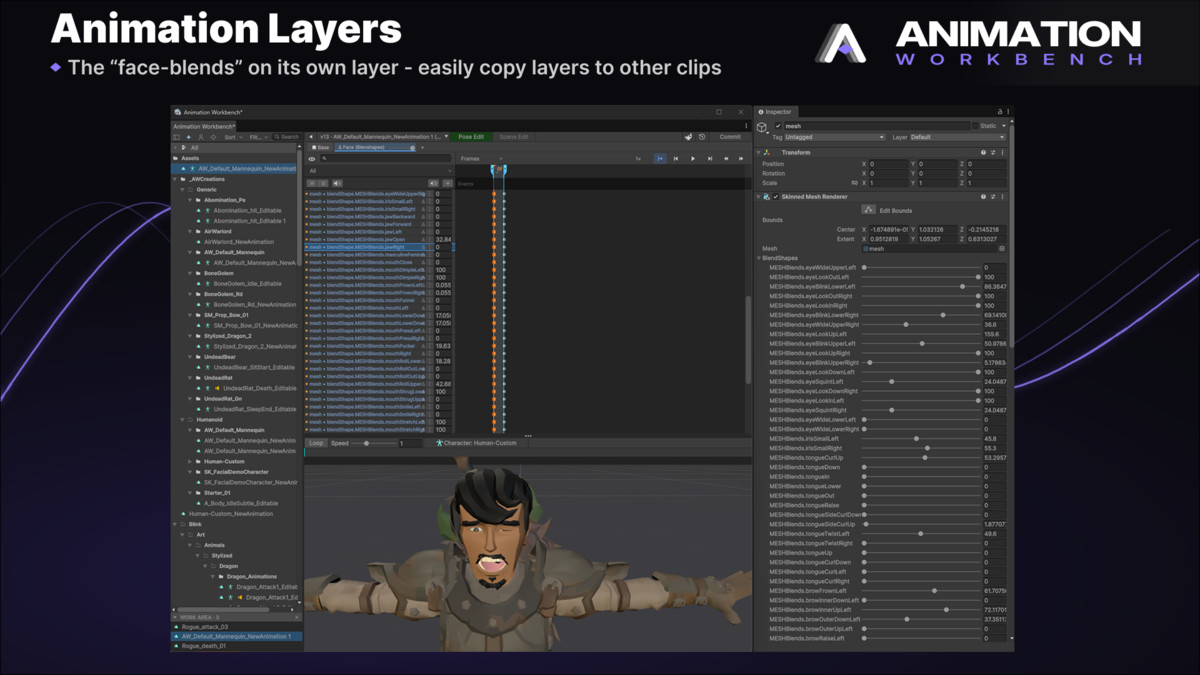
Keyframe Editing & Live Edit
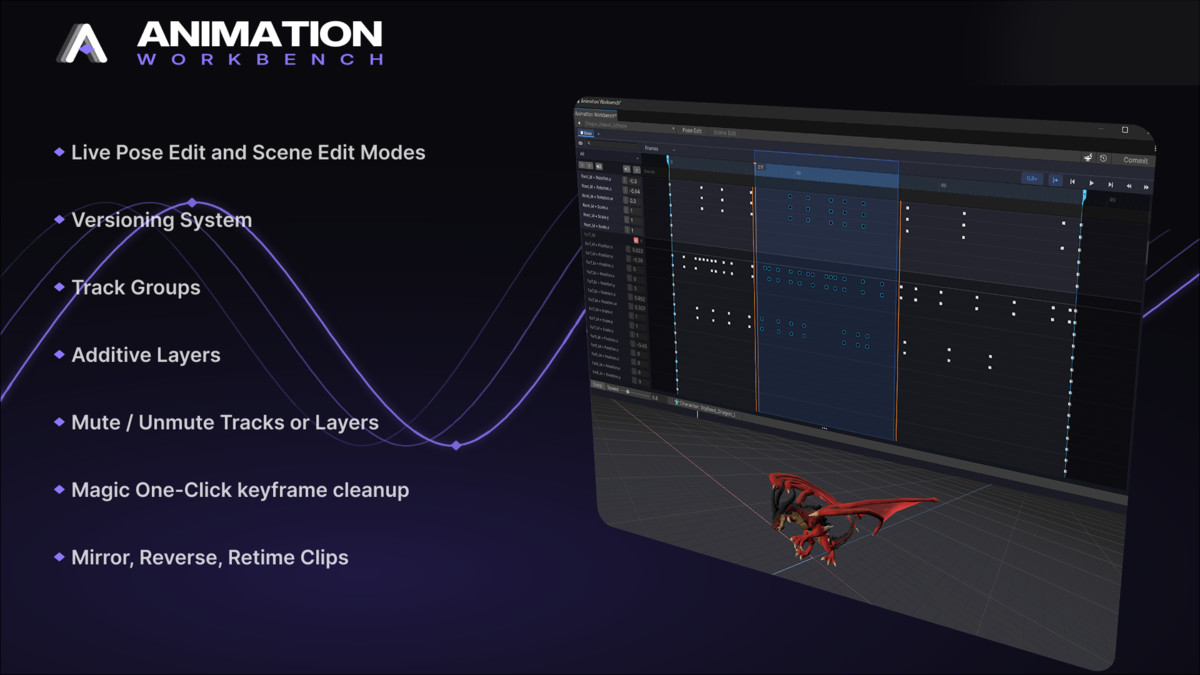
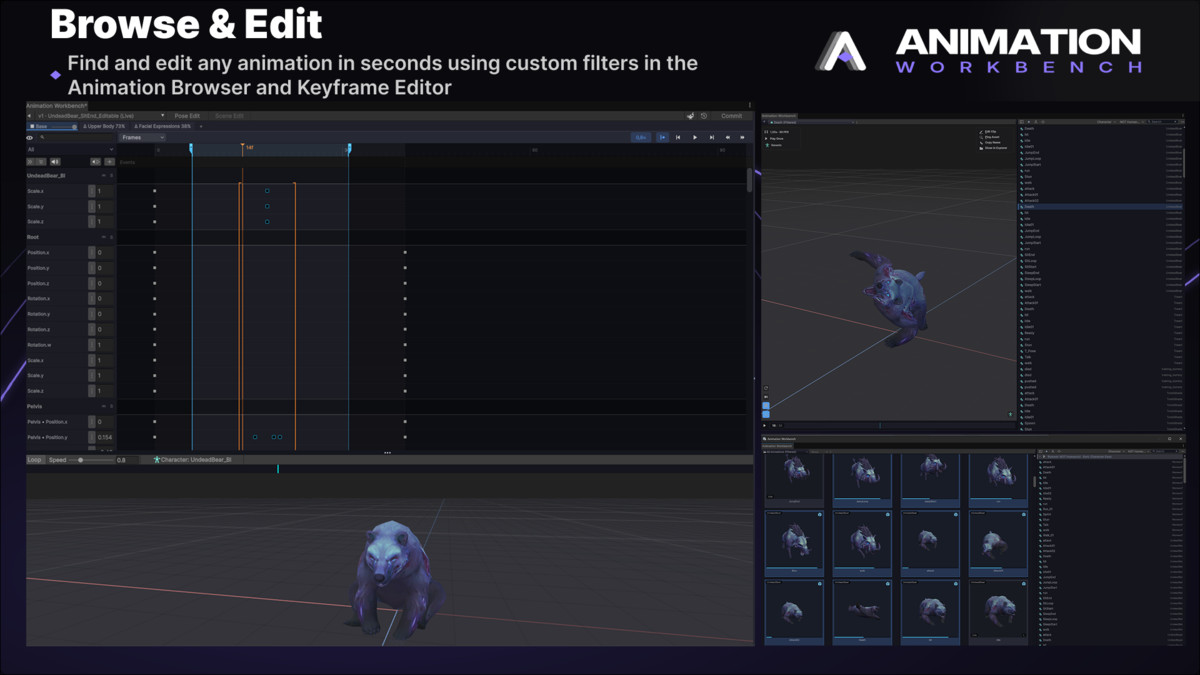
- full keyframe editor with timeline scrubbing, pose editing, and onion skinning.
- instant pose mirroring for symmetric poses in one click.
- Live Edit Mode to create, extend, and delete IK chains on the fly via simple hotkeys.
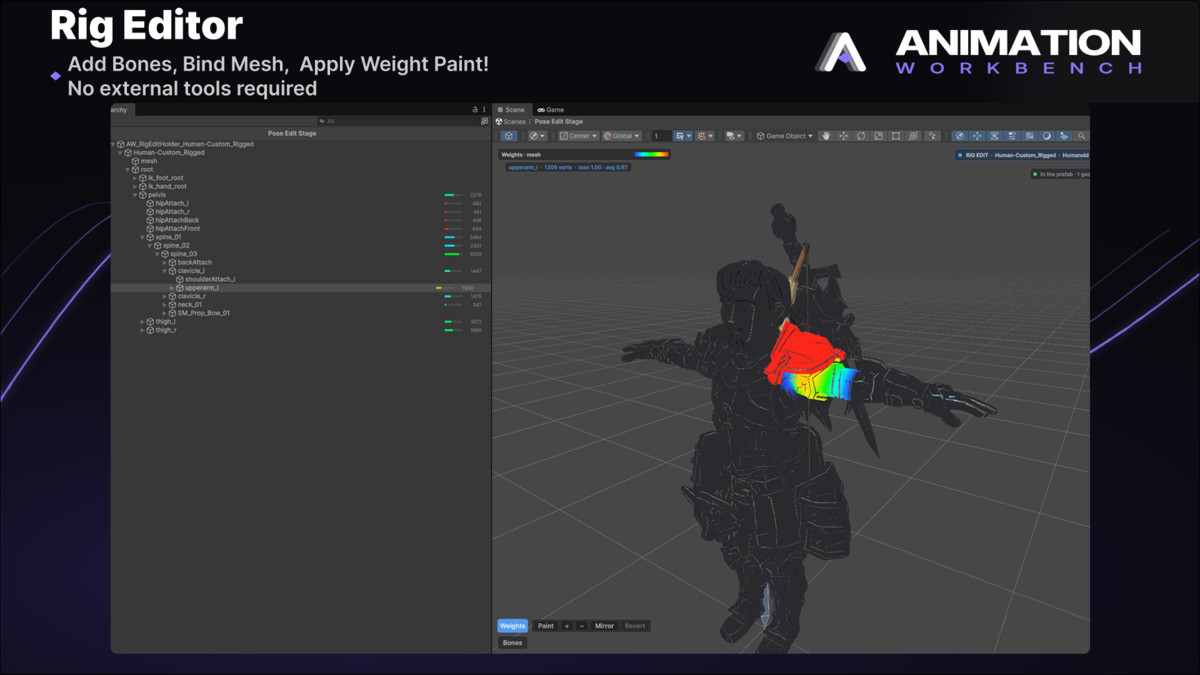
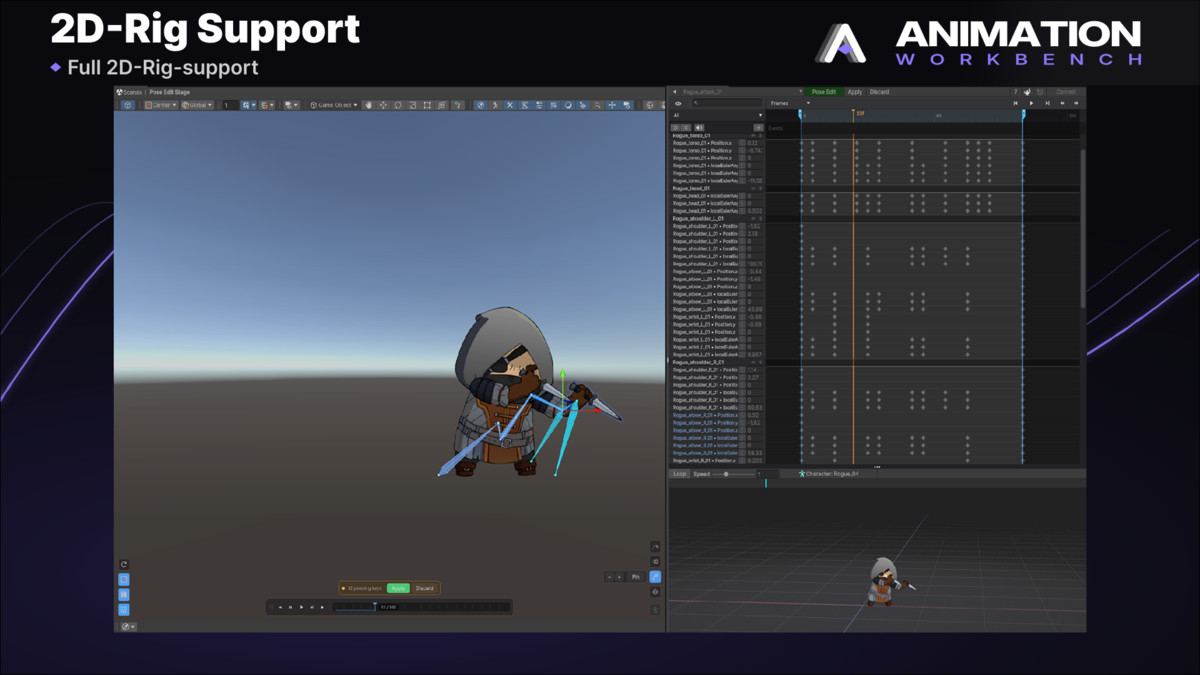
- generic rig support alongside humanoids - no avatar required.
Animation Events: Sound, VFX & Game Feel
Make your clips hit - straight from the timeline:
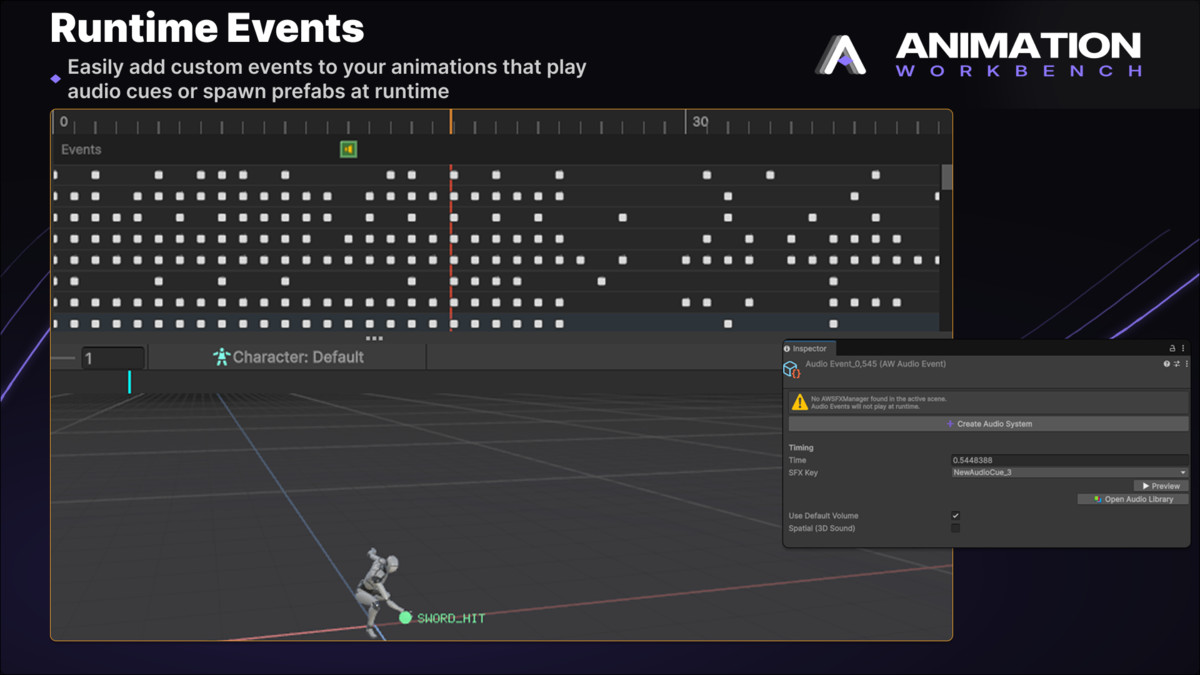
- Audio Events - footsteps, whooshes, impacts. Backed by a full SFX pipeline: audio library, channels, mixer routing, voice limiting, cooldowns, and playback probability.
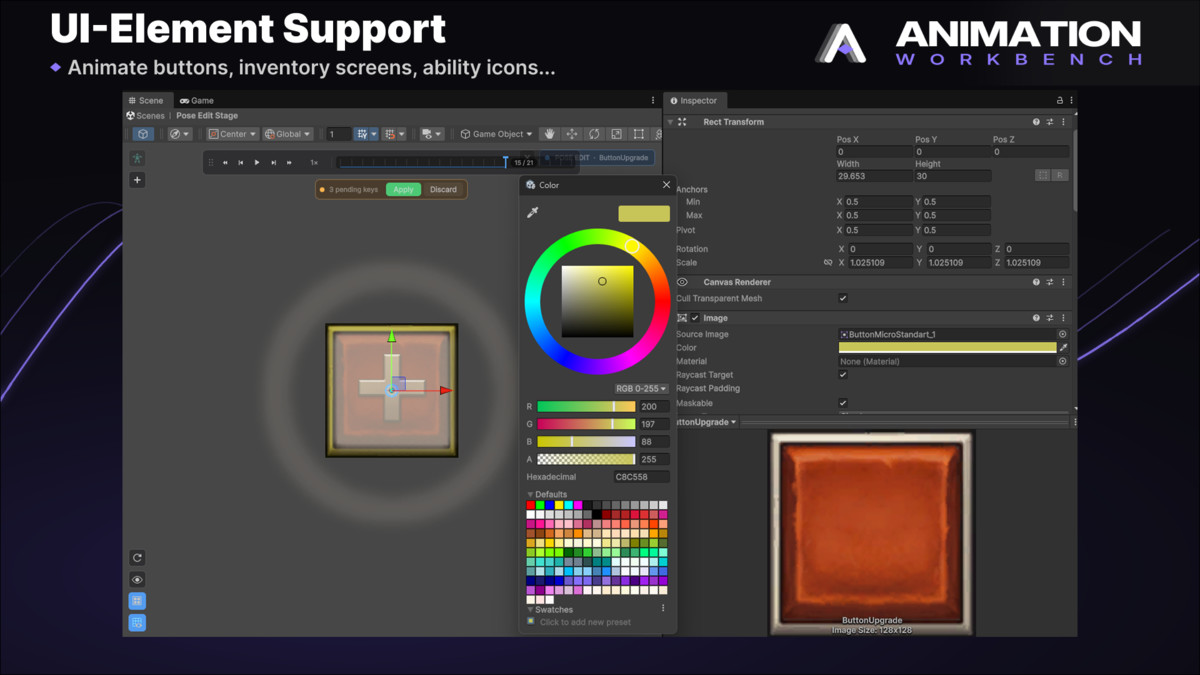
- Spawn Events - instantiate particle effects, props, or world-space UI at the character root, any bone, or a world offset. Lifetime, parenting, rotation, and scale included.
- Feel support - trigger MMF_Player feedbacks (screen shake and friends) on spawned prefabs, instantly or delayed. Auto-detected, zero hard dependency.
- live preview while scrubbing - sounds play, particles simulate, and gizmos show exactly what fires where, both in the orbit preview and in Pose Edit Mode.
- setup diagnostics telling you precisely what's missing instead of failing silently.
Preview & Organize
- animated thumbnails in high resolution, generated through an async, disk-cached pipeline.
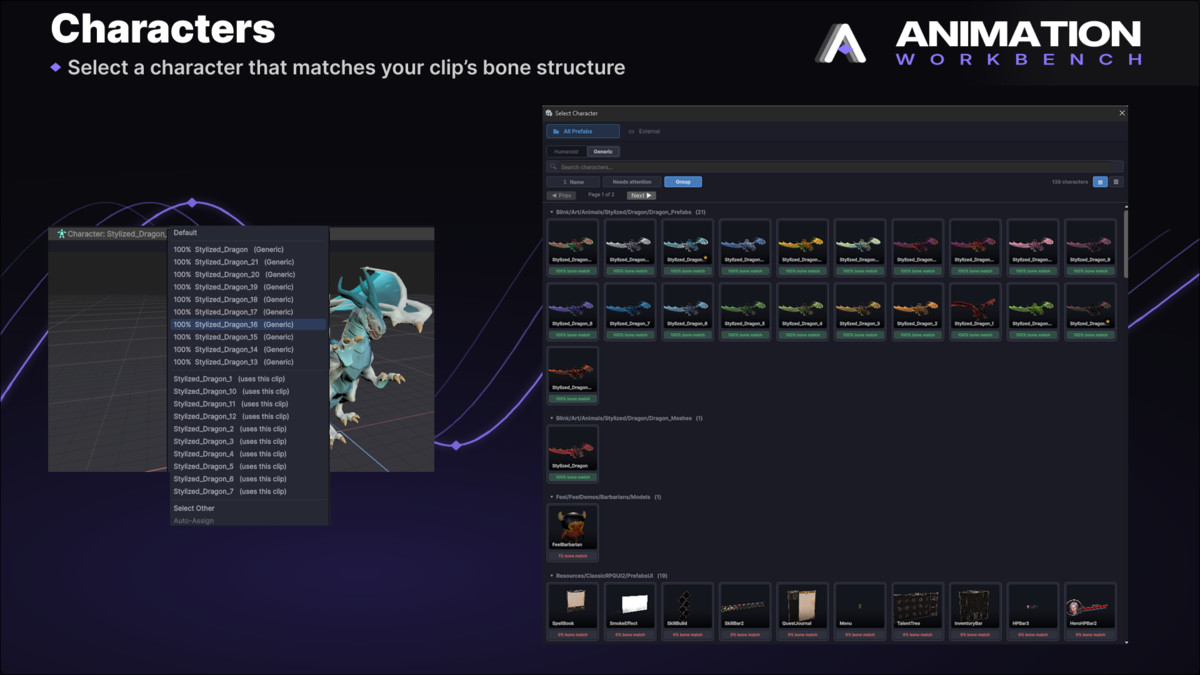
- automatic character matching - preview characters are paired to clips for you.
- filtering by character, root motion, and custom rulesets.
Compare & Refine
- Multi-Compare ghost mode overlays clips so you can refine timing and poses against each other.
- orbit preview renderer and scene sync keep everything visible exactly how you need it.
Export & Integrate
- FBX export for animation clips, including a built-in retargeting pipeline.
- Asset Inventory integration and support for external sources keep the tool connected to the rest of your project.
And more
- clip versioning - events included.
- redesigned Animator Controller inspector showing every prefab and scene object using a controller.
- searchable hierarchical bone picker.
- timeline range limiter.
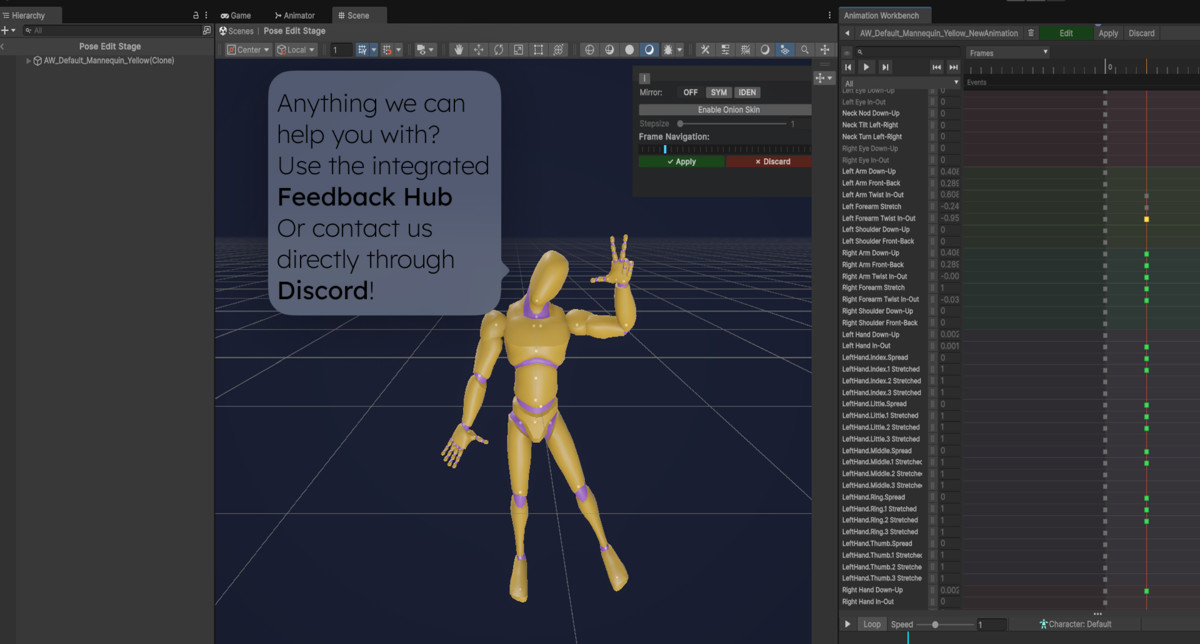
- community feedback hub, built right in.
Versions
- Lite (Free) - distributed as compiled DLLs only.
- Pro - includes full source code access.
👉 Animation Workbench Pro: https://assetstore.unity.com/packages/tools/animation/animation-workbench-347928
Links
- 📖 Documentation: https://docs.playmations.com
- 💬 Discord (support queries & feature requests): https://discord.gg/KzUqppKfTH
Any ideas for improvement? Contact me on Discord: Cornysan#2687
From the publisher's Asset Store listing.
Technical details
Supported animation types: Humanoid & Generic
Preview system: Isolated editor-only preview scene
Thumbnail generation: Static & animated thumbnails, cached in memory and on disk
Performance: Asynchronous scanning, incremental frame generation, parallel renderers
Editor workflow: Search, filters, multi-select, context actions
Compatibility: Works with any project structure, supports large animation libraries
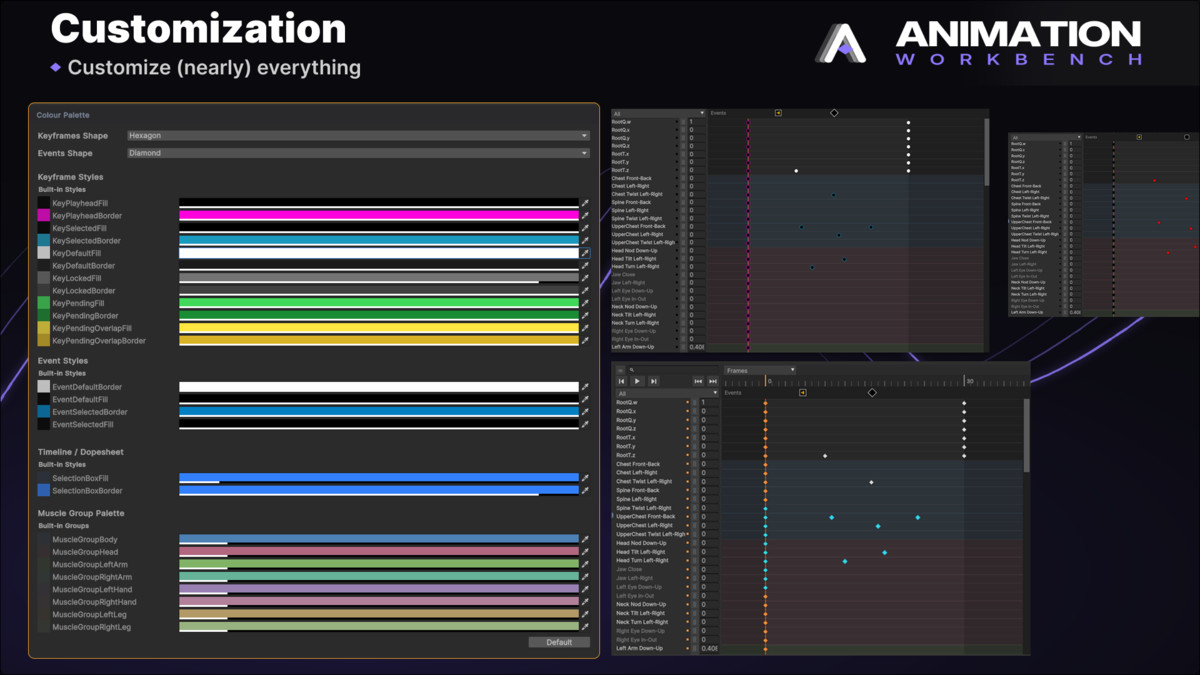
Customization: Adjustable preview character, editor, orbit preview and much more
Integration: No runtime components — editor-only tool
Compatibility
| Unity version | Built-in | URP | HDRP | Custom |
|---|---|---|---|---|
| 6000.5.0a8 | Compatible | Compatible | Compatible | Compatible |
As listed on the Asset Store.