
 View on Asset Store (opens in new tab)
Package details
- Latest version
- 1.0
- Last updated
- First released
- Unity version
- 6000.3.5 or later
- Package size
- 42 KB
- Files
- 6
- Views in the past week
- 3
Price tracking
- Last checked
- Tracked since
- Lowest recorded
- $4.99 on
Keywords
Sounds Good To Me (Mini DAW for Unity)
Bring the DAW Workflow Directly into Unity, The Easiest Way to Edit Audio Directly In Unity
Price $4.99
Buy on Asset Store (opens in new tab)
Affiliate link · Purchases support this site
Price history
Last 6 months
USDAsset preview
1 / 6
Sounds Good To Me (Mini DAW for Unity) screenshot 1

About this asset
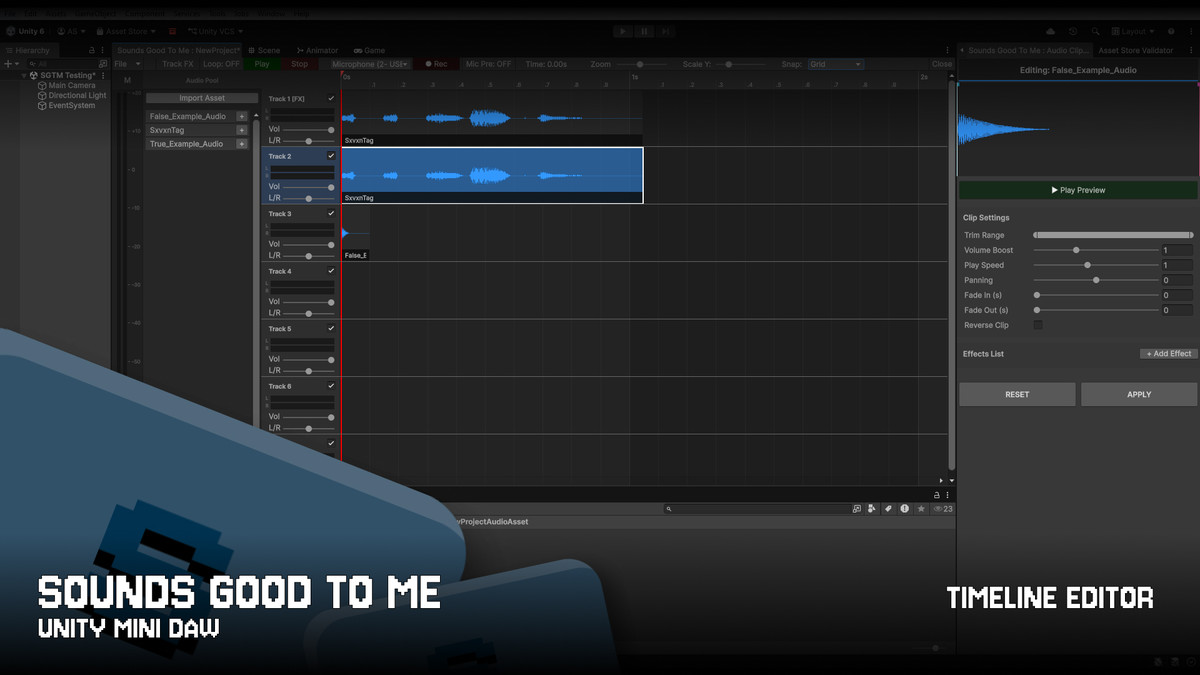
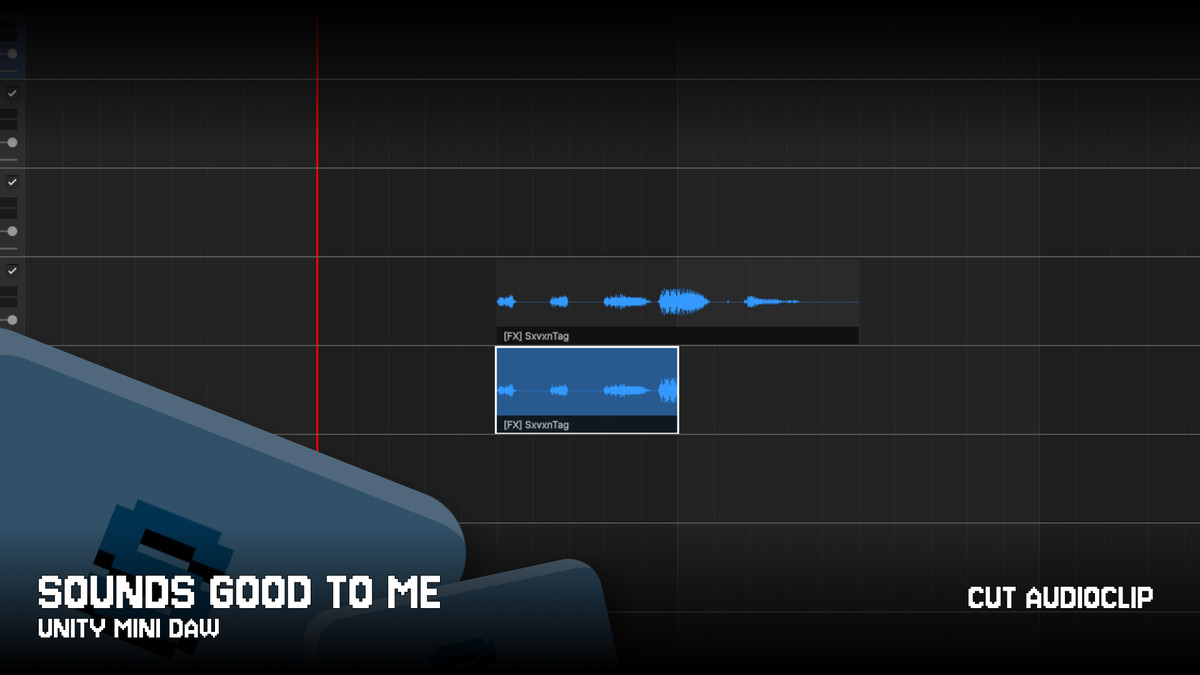
Sounds Good To Me (SGTM) is a powerful, fully-featured Mini-DAW (Digital Audio Workstation) built natively for the Unity Editor. It enables developers and sound designers to arrange, trim, record, mix, and process multi-track audio directly within their project workspace, eliminating the need to constantly switch to external audio applications.
From the publisher's Asset Store listing.
Technical details
Key Features
- Multi-Track Timeline Sequencer: Arrange multiple audio clips on a dynamic grid synced perfectly to AudioSettings.dspTime. Features adaptive magnetic grid snapping (bypassed smoothly by holding ALT), intuitive zoom/scroll controls, and seamless clip duplication.
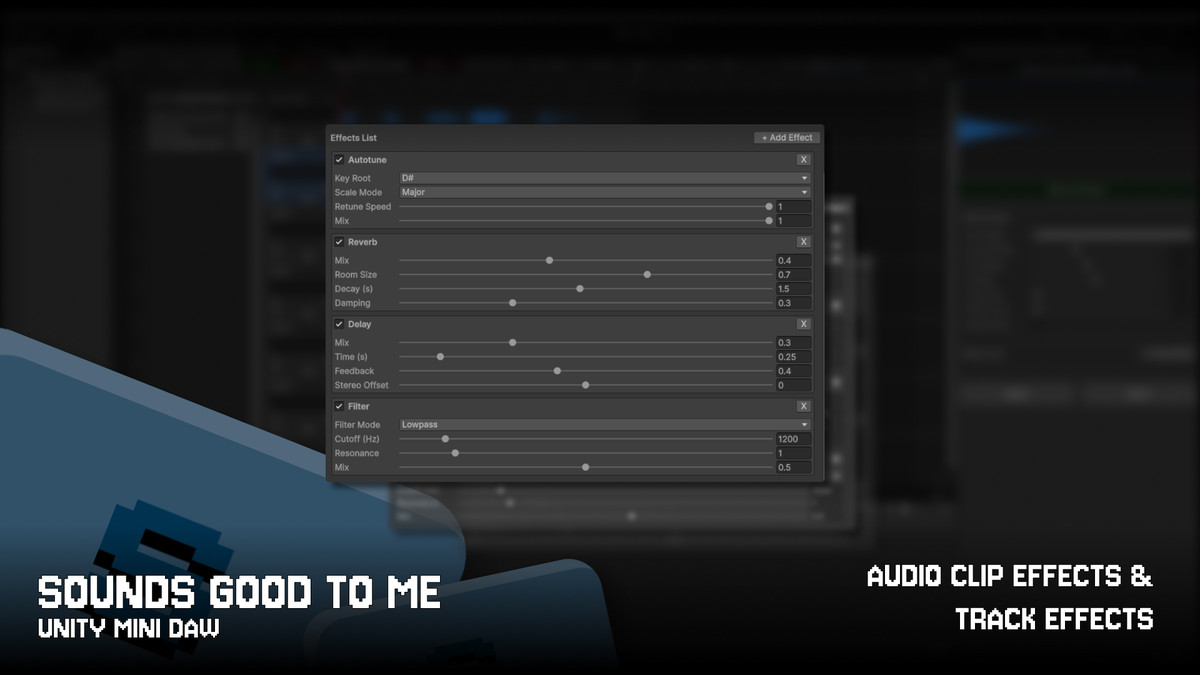
- Advanced DSP Effects Pipeline: Studio-grade processing per track and clip, including Autotune (Pitch Correction using YIN Tracker & OLA algorithms), independent Time-Stretching (0.25x to 2.0x without altering pitch), Reverb, Stereo Delay, Pitch Shifter, and Bi-quad Filters.
- Zero-GC Live Recording & Monitoring: High-performance microphone recording engine that draws live waveforms with 0% heap allocation to prevent editor stuttering. Includes a real-time, low-latency Mic Preview routed.
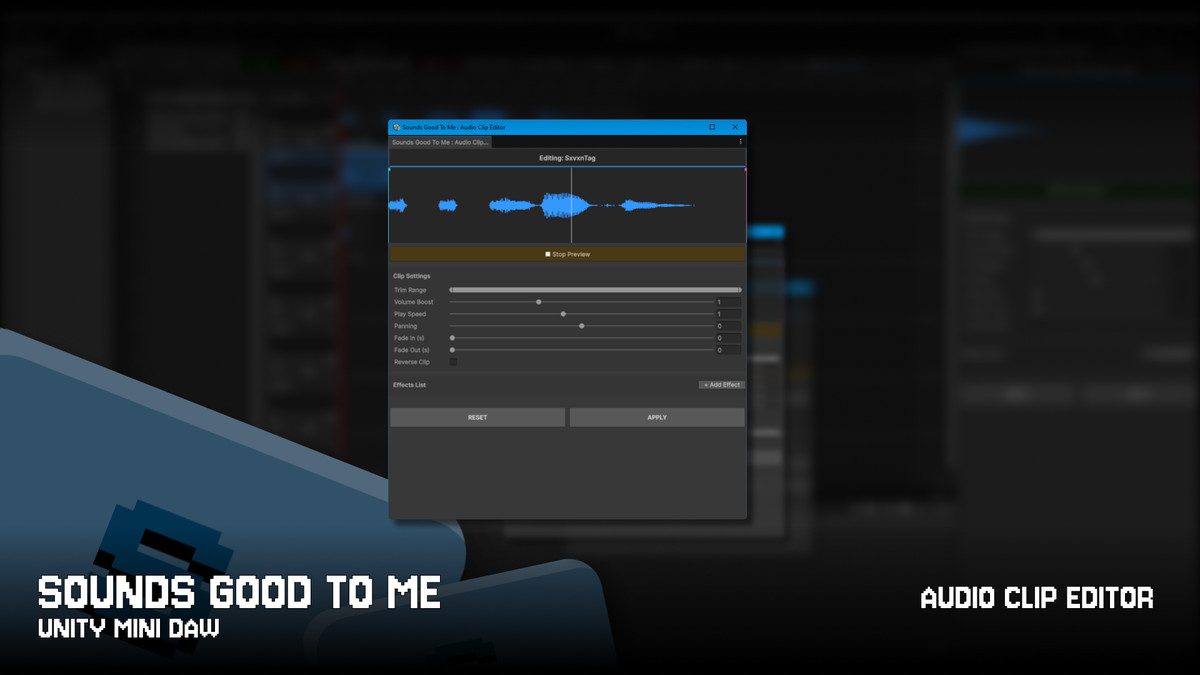
- Dedicated Clip Inspector: Fine-tune individual audio assets with precision trimming, volume boosting, panning, linear fade-in/out curves, and a chronological audio reversal feature (complete with inverted waveform visualization).
- Smart Audio Pool & Workflow Protection: Quick asset renaming (F2 or double-click) protected by strict input isolation, ensuring that keys like Backspace or Spacebar never accidentally trigger object deletion or timeline playback while you type.
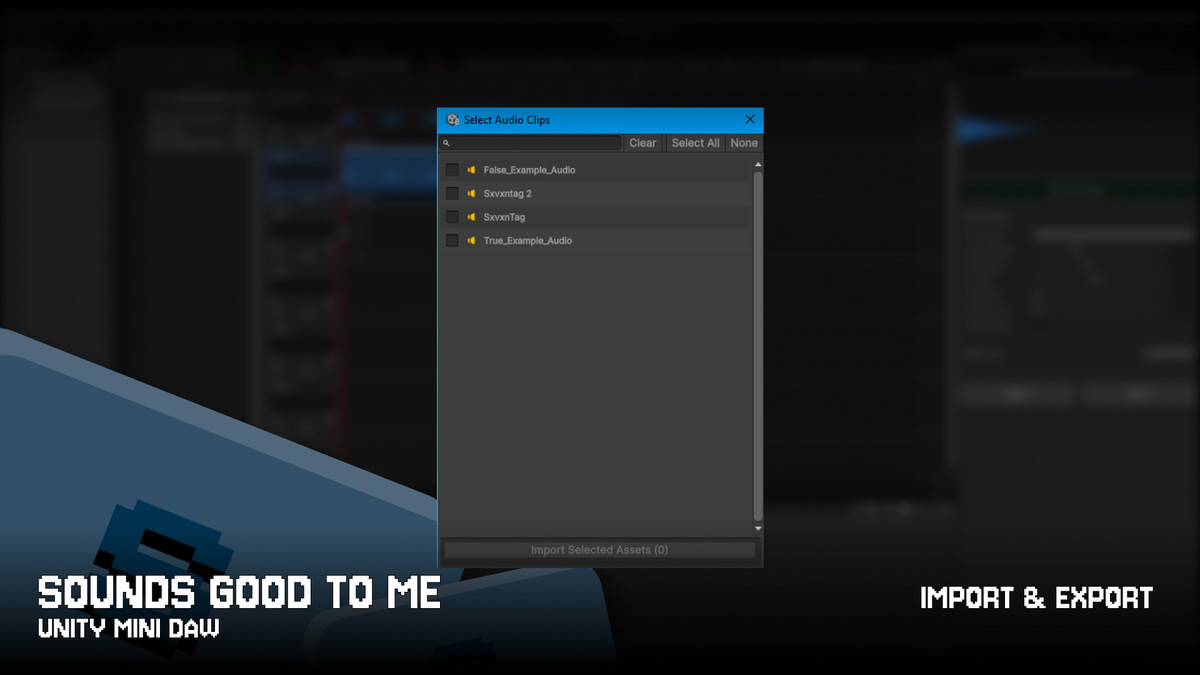
- Master Export with Auto-Focus: Mix down your entire project into a single high-resolution master .wav file. If exported inside the Assets directory, the editor automatically focuses the Project window and highlights the new asset instantly.
- Full Unity Undo/Redo Integration: Every timeline manipulation, clip placement, trimming adjustment, and track setting changes are fully supported by Unity's native Undo system (Ctrl+Z / Ctrl+Y).
Technical Compatibility
- Unity Versions: Unity 2021.3 LTS, 2022.3 LTS, 2023.x, and Unity 6+ (Editor extension only).
- Operating Systems: Windows 10/11, macOS (Intel/Apple Silicon, requires system microphone permissions), and Linux.
- Audio Backend: Built purely on Unity's native audio core. Fully compatible alongside third-party middleware like FMOD or Wwise via final .wav file exports.
- Hardware: Optimized for 44.1 kHz sample rates. Headphones are highly recommended during live microphone monitoring to prevent acoustic feedback loops.
Compatibility
| Unity version | Built-in | URP | HDRP | Custom |
|---|---|---|---|---|
| 6000.3.5f1 | Compatible | Compatible | Compatible | Compatible |
- Unity Versions: Unity 2021.3 LTS, 2022.3 LTS, 2023.x, and Unity 6+ (Editor only).
- Operating Systems: Windows 10/11, macOS (Intel/Apple Silicon, requires system mic permissions), and Linux.
- Audio Framework: Runs natively on Unity Audio Core (dspTime, Microphone). Independent from third-party middleware like FMOD/Wwise (fully compatible via final .wav exports).
As listed on the Asset Store.