
 View on Asset Store (opens in new tab)
Package details
- Latest version
- 1.1.5
- Last updated
- First released
- Unity version
- 2022.3.62 or later
- Package size
- 534 KB
- Files
- 197
- Favorites
- 11
- Views in the past week
- 42
Price tracking
- Last checked
- Tracked since
- Lowest recorded
- $7.50 on
Keywords

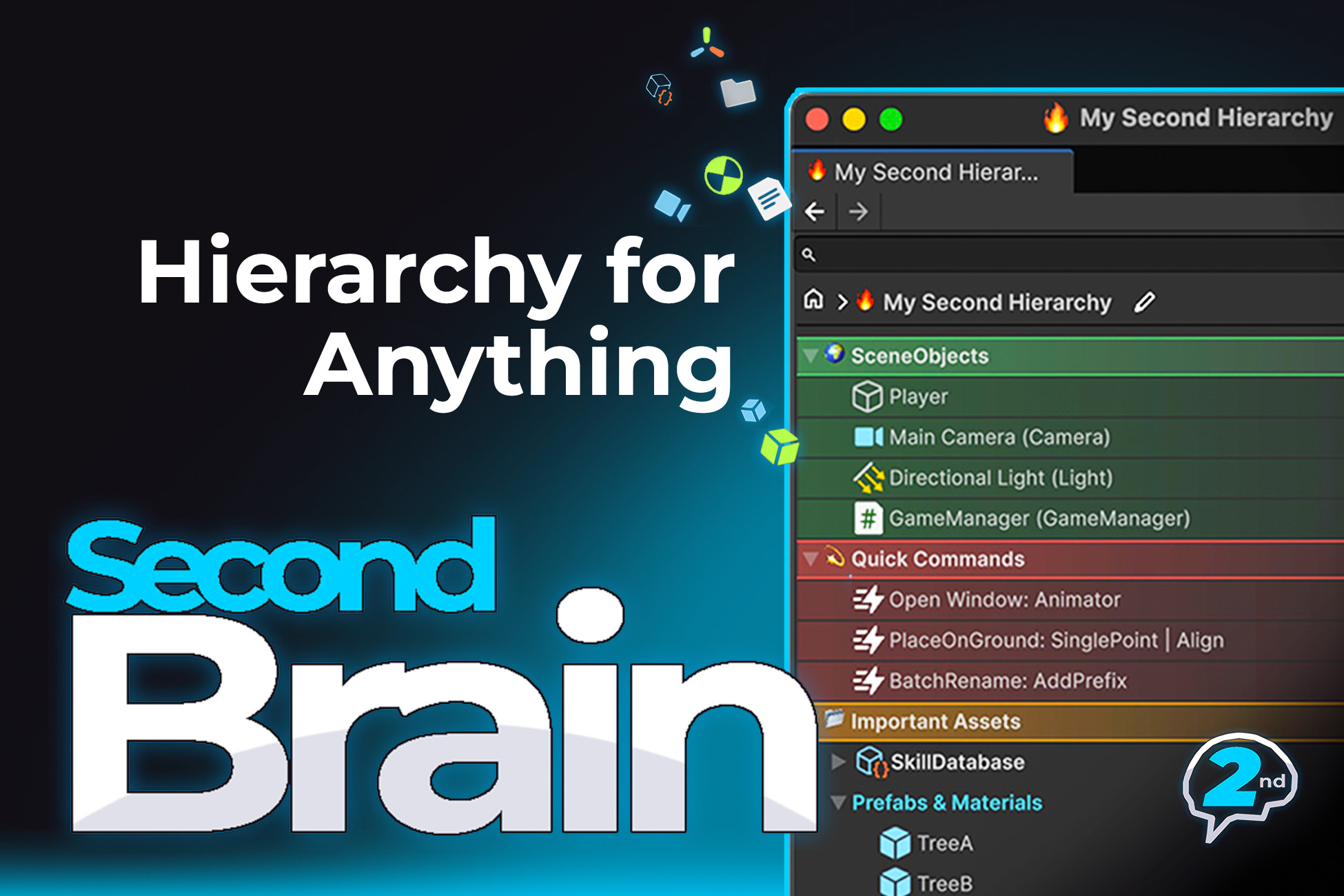
Second Brain Pro - Hierarchy for Anything
A Second Hierarchy Window for Anything in Unity. Organize Assets, Prefabs, Scenes, GameObjects, and more. Packed with productivity boosts to help you move faster in a big project.
Affiliate link · Purchases support this site
Price history
Last 6 months
USDAsset preview
1 / 3
Second Brain Pro - Hierarchy for Anything screenshot 1

About this asset
Second Brain Pro adds a powerful Second Hierarchy Window to the Unity Editor, giving you a structured, searchable workspace for organizing Assets, Prefabs, Scenes, GameObjects, Components, and more.
Try the FREE version on GitHub, then upgrade anytime to unlock more features, unlimited functionality, and long-term support.
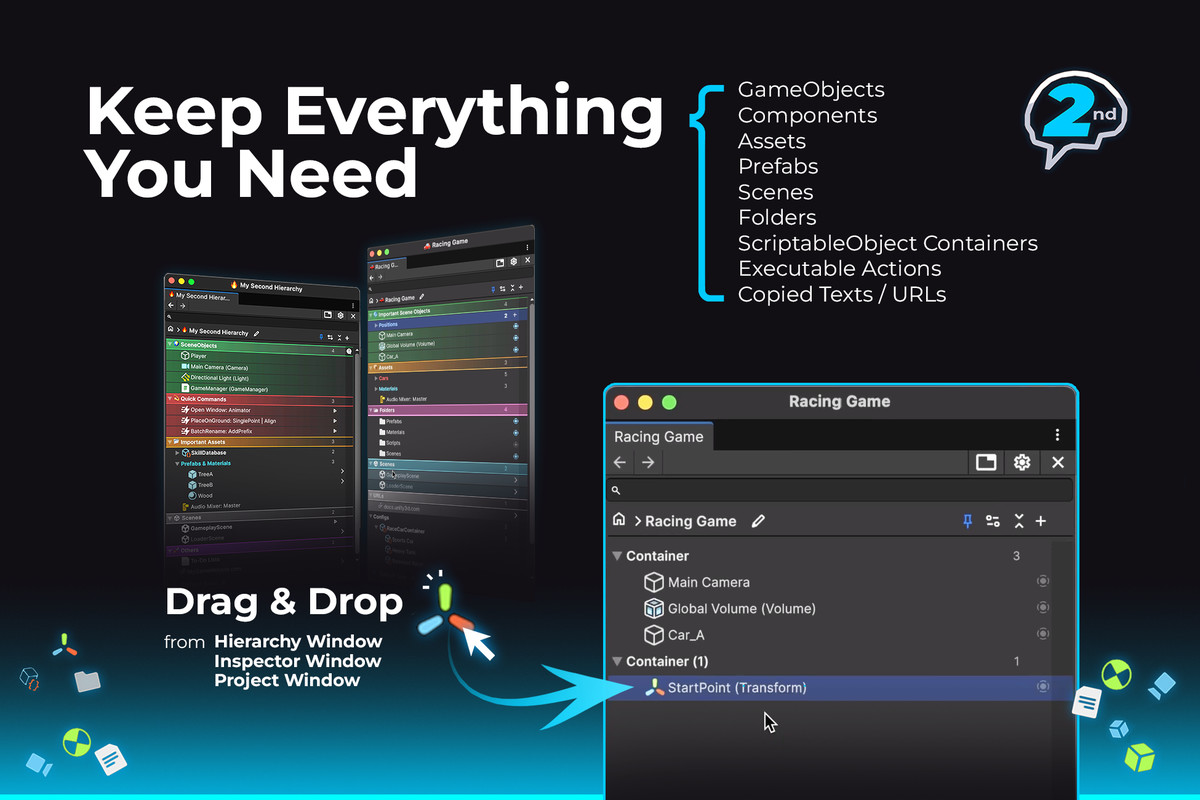
🗂Keep Everything You Need
Add anything from your project to the Second Brain window to create a persistent reference.
- GameObjects & Components (persist even when their scene is closed)
- Assets & Folders
- ScriptableObject containers
- Executable Editor actions
- Copied text and URLs (paste directly with Ctrl+V / ⌘V)
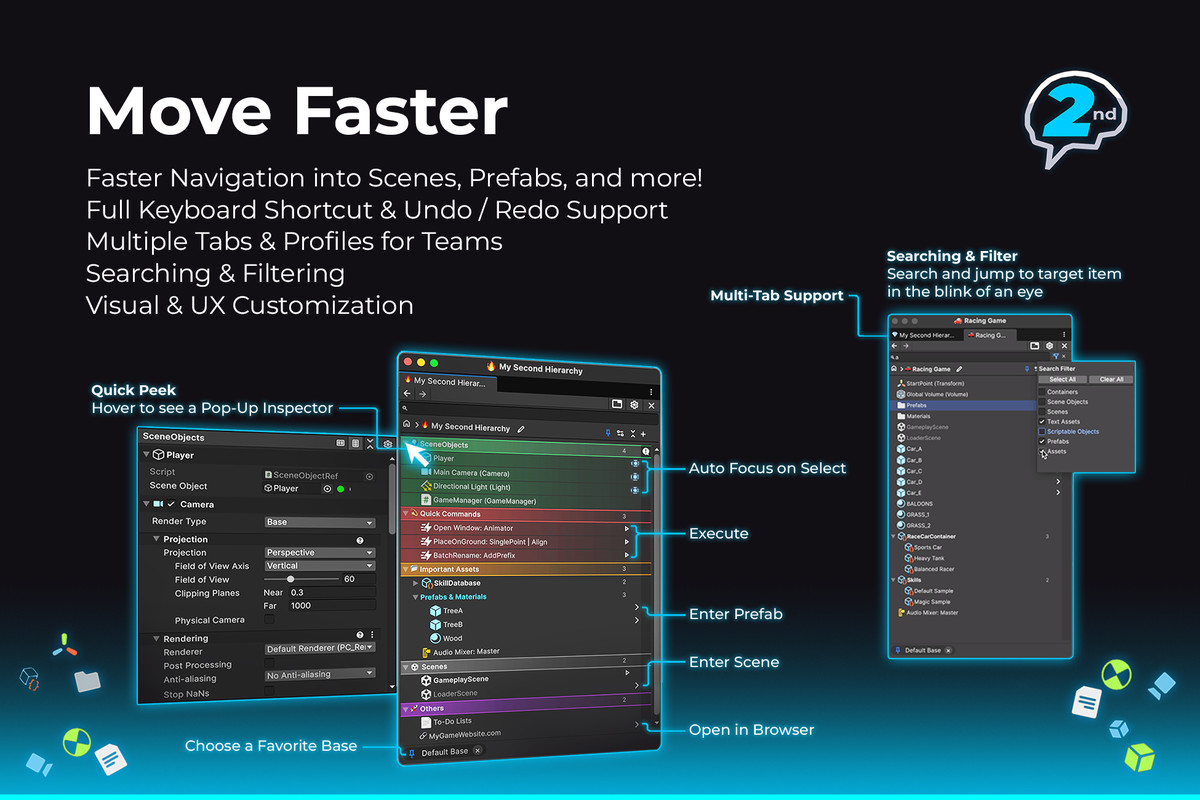
⚡Work Faster
- Quick Peek — Hover over the left or right edge of any item to instantly preview it in a floating Inspector.
- Quick Browse — Press Alt+W (Windows/Linux) or ⌥W (macOS) to open a floating search window from anywhere in the Editor.
- Scene Linking — Automatically switch to a Base whenever its linked scene is opened.
- Smart Enter Actions — Press Return or double-click to open Scenes, Prefabs, URLs, inspect GameObjects and Components, or automatically open their scene and focus the object.
- Full Keyboard Navigation
- Undo & Redo Support
- Multiple Tabs
✨Organize Your Way
Second Brain uses a simple three-level hierarchy: Profiles → Bases → Containers
- Profiles — Personal workspaces stored per device. Each team member can maintain their own independent hierarchy.
- Bases — The root of a hierarchy. Create multiple workspace trees within a single Profile.
- Containers — Flexible groups that can contain assets, objects, or nested Containers.
🛠Customize Your Workspace
- Visual Styling — Personalize items with emojis, Unity icons, labels, gradients, font colors, colored dots, and background colors.
- Customizable Settings — Adjust creation workflow, row height, double-click behavior, and many other editor preferences.
Third-Party Notice
SecondBrain uses Google Material Design Icons under the Apache License, Version 2.0. See `Third-Party Notices.txt` in the package for details.
Useful Links
Support Email: [email protected]
From the publisher's Asset Store listing.
Technical details
- Second Hierarchy Window for organizing Assets, Prefabs, Scenes, GameObjects, Components, and more.
- Persistent References to GameObjects, Components, Assets, Folders, ScriptableObjects, Editor actions, text, and URLs.
- Productivity Boosts & Fast Navigation with Quick Browse, Quick Peek, Scene Linking, Smart Enter Actions, full keyboard support, multiple tabs, and full Undo/Redo support.
- Flexible Organization with Profiles, Bases, and Containers for creating personalized workspaces.
- Highly Customizable with visual styling options and configurable editor behavior.
- A Wide range of support from Unity 2022.3 to Unity 6.x
Compatibility
| Unity version | Built-in | URP | HDRP | Custom |
|---|---|---|---|---|
| 2022.3.62f3 | Compatible | Compatible | Compatible | Compatible |
As listed on the Asset Store.