
 View on Asset Store (opens in new tab)
Package details
- Latest version
- 1.0
- Last updated
- First released
- Unity version
- 6000.3.16 or later
- Package size
- 720 KB
- Files
- 56
- Favorites
- 4
- Views in the past week
- 37
Price tracking
- Last checked
- Tracked since
- Lowest recorded
- Free on
Keywords

PerfSight Lite
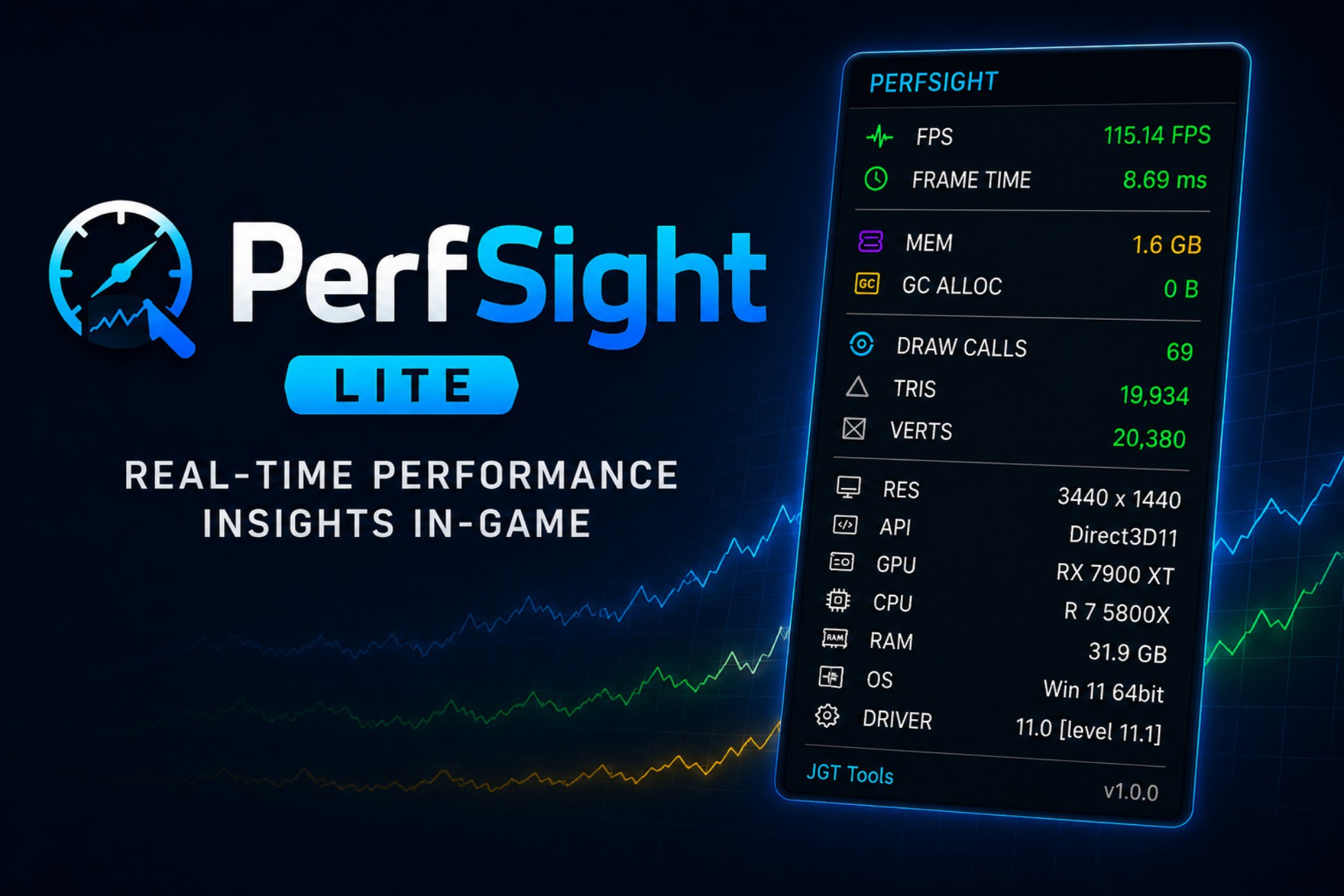
PerfSight Lite is a lightweight, easy-to-use performance overlay designed to give developers immediate insight into their game's runtime performance without opening the Unity Profiler.
Affiliate link · Purchases support this site
Price history
Last 6 months
USDAsset preview
1 / 8
PerfSight Lite screenshot 1


About this asset
Lightweight Runtime Performance Monitoring for Unity
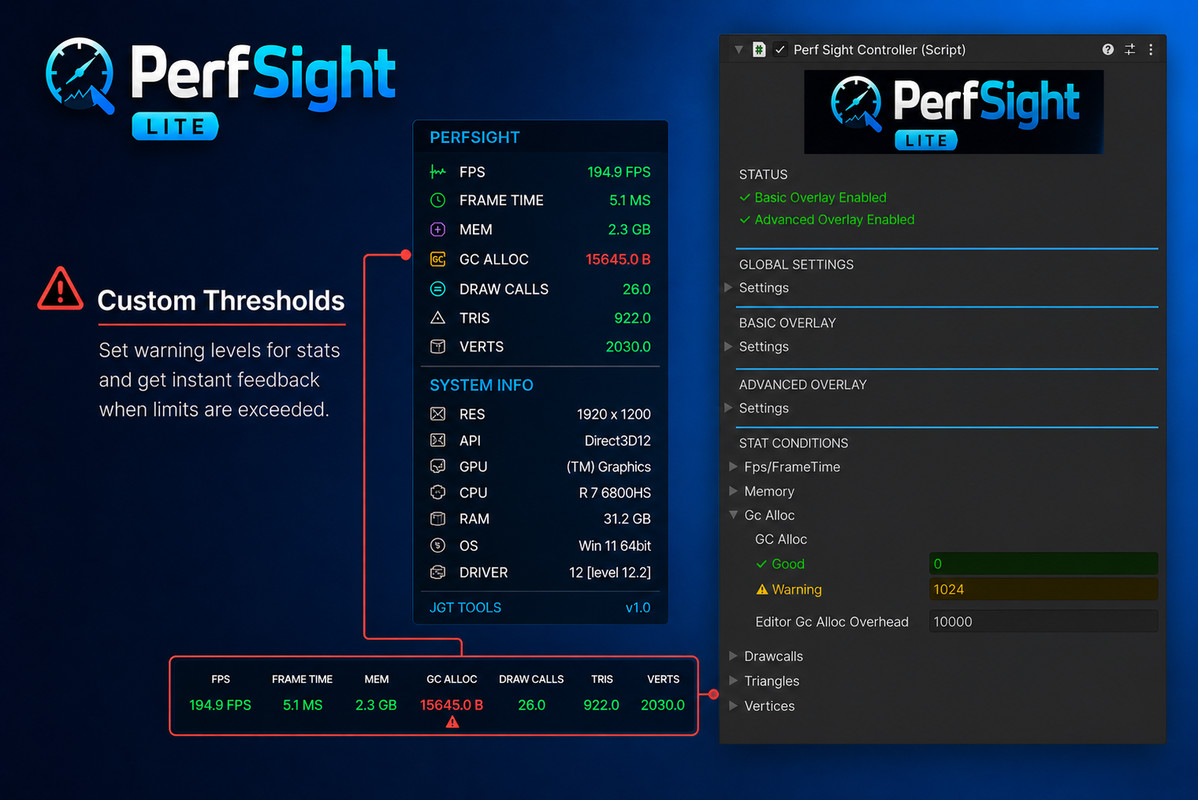
PerfSight Lite provides immediate visibility into your game's performance directly in Play Mode and standalone builds, without needing to constantly switch to the Unity Profiler.
Whether you're tracking down performance issues, validating optimizations, or monitoring runtime behaviour during testing, PerfSight Lite gives you the essential information you need in a clean, lightweight overlay.
Designed for developers who want fast feedback and minimal setup, PerfSight Lite helps you identify performance trends before diving deeper into full profiling sessions.
Key Features
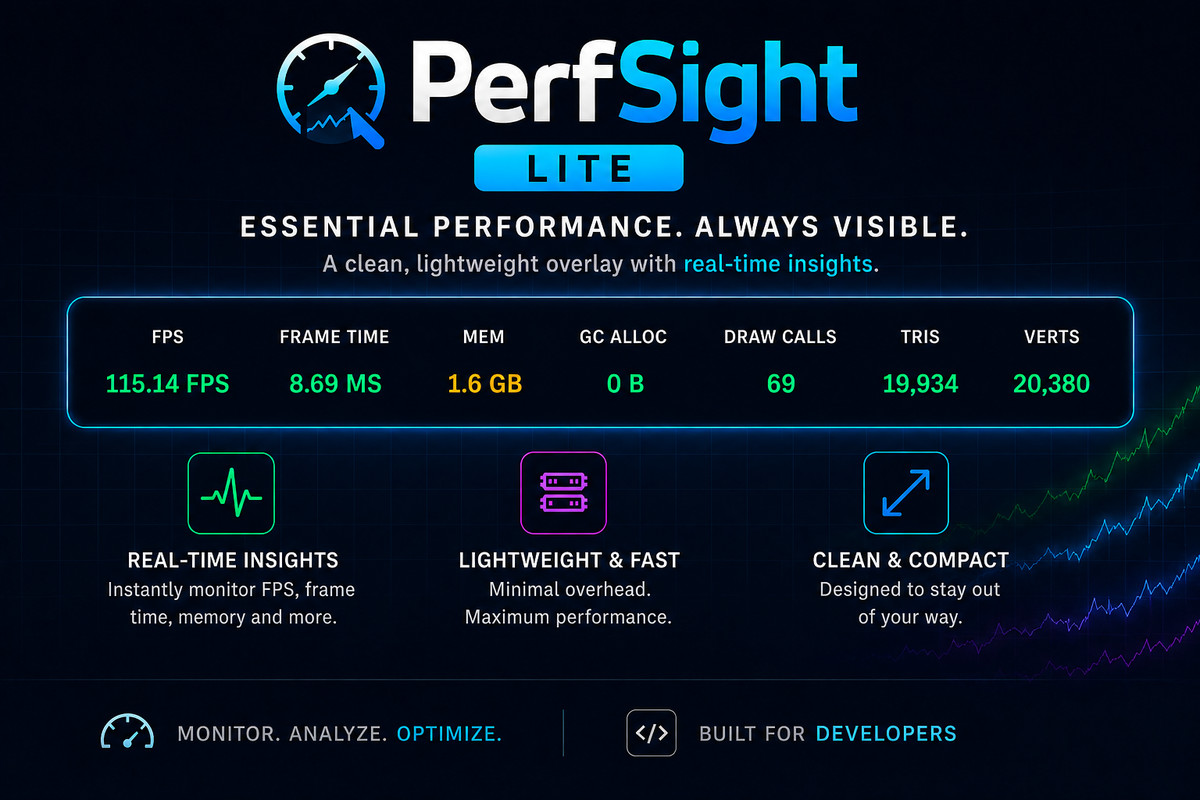
Real-Time Performance Metrics
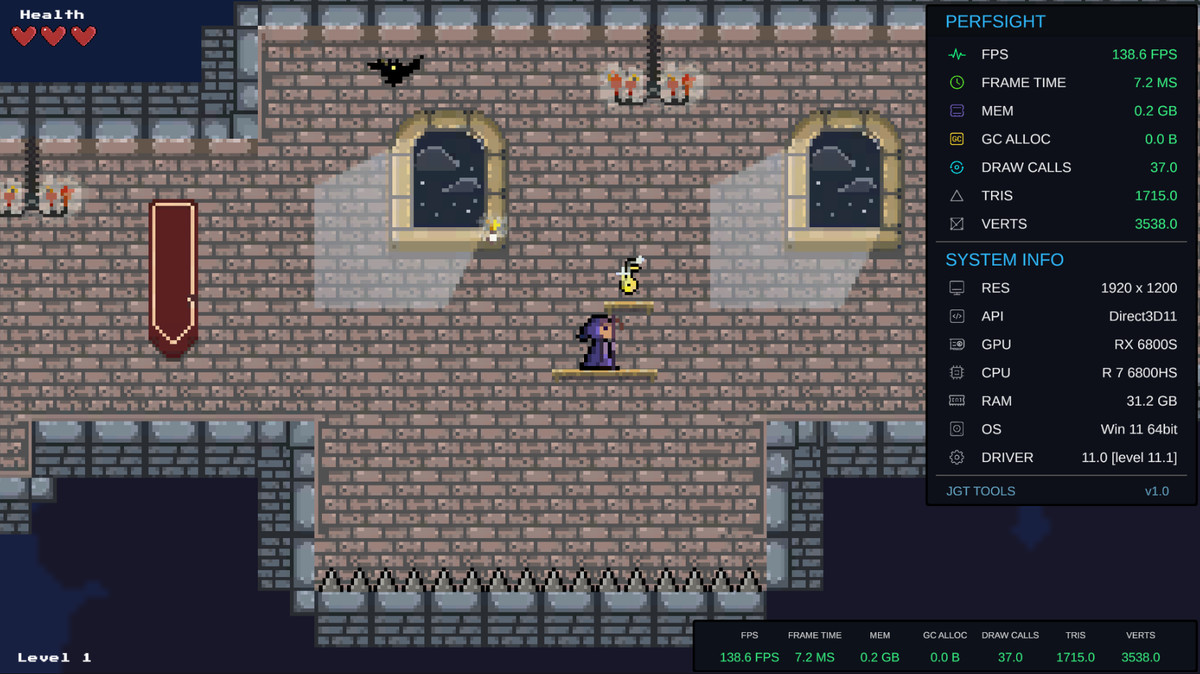
Monitor the most important runtime statistics at a glance:
- Frames Per Second (FPS)
- Frame Time (ms)
- Memory Usage
- Garbage Collection Allocations
- Draw Calls
- Triangle Count
- Vertex Count
Quickly spot frame drops, memory spikes, and rendering bottlenecks as they happen.
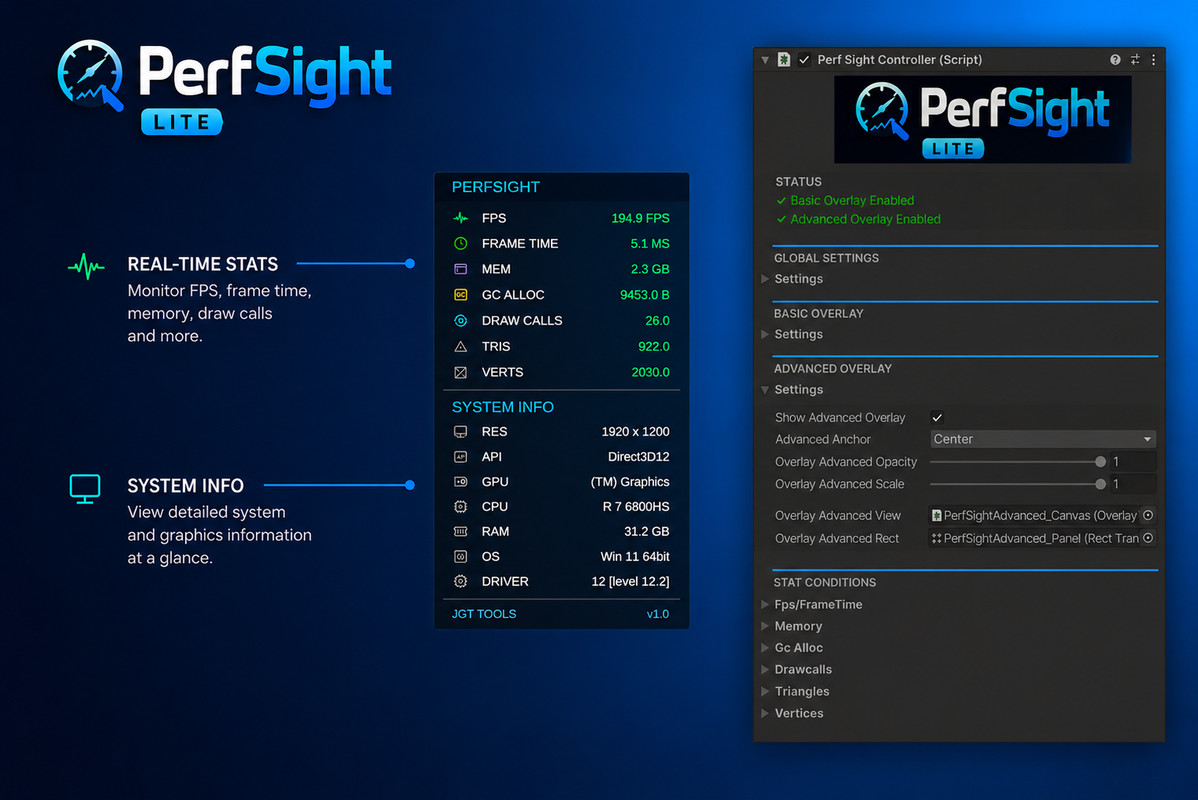
Hardware & System Information
View essential device information without leaving your game:
- GPU
- CPU
- RAM
- Operating System
- Graphics API
- Driver Information
- Current Resolution
Useful for hardware testing, QA sessions, and performance validation across different machines.
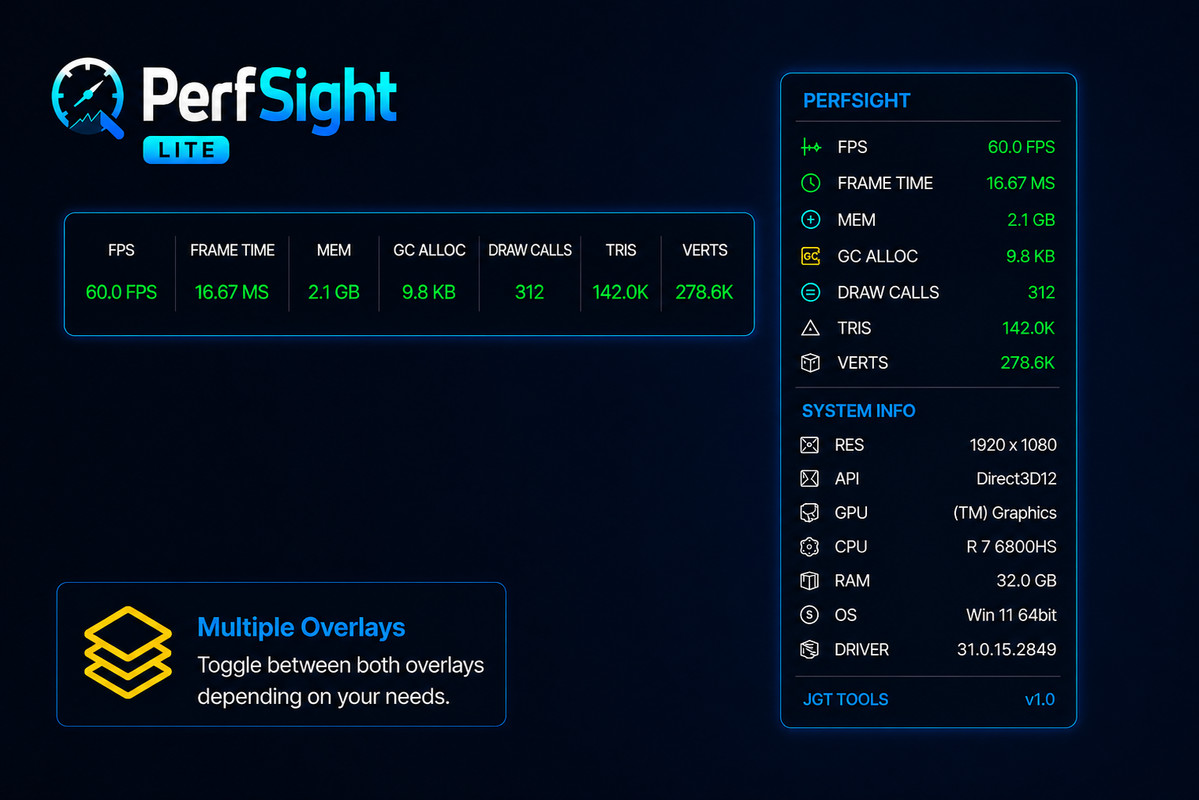
Flexible Overlay Modes
Choose the layout that best suits your workflow:
- Compact Horizontal Overlay
- Detailed Vertical Overlay
- Configurable UI Anchors
- Runtime Visibility Toggle
- Customisable Hotkeys
Keep performance information available without cluttering your screen.
Editor & Build Support
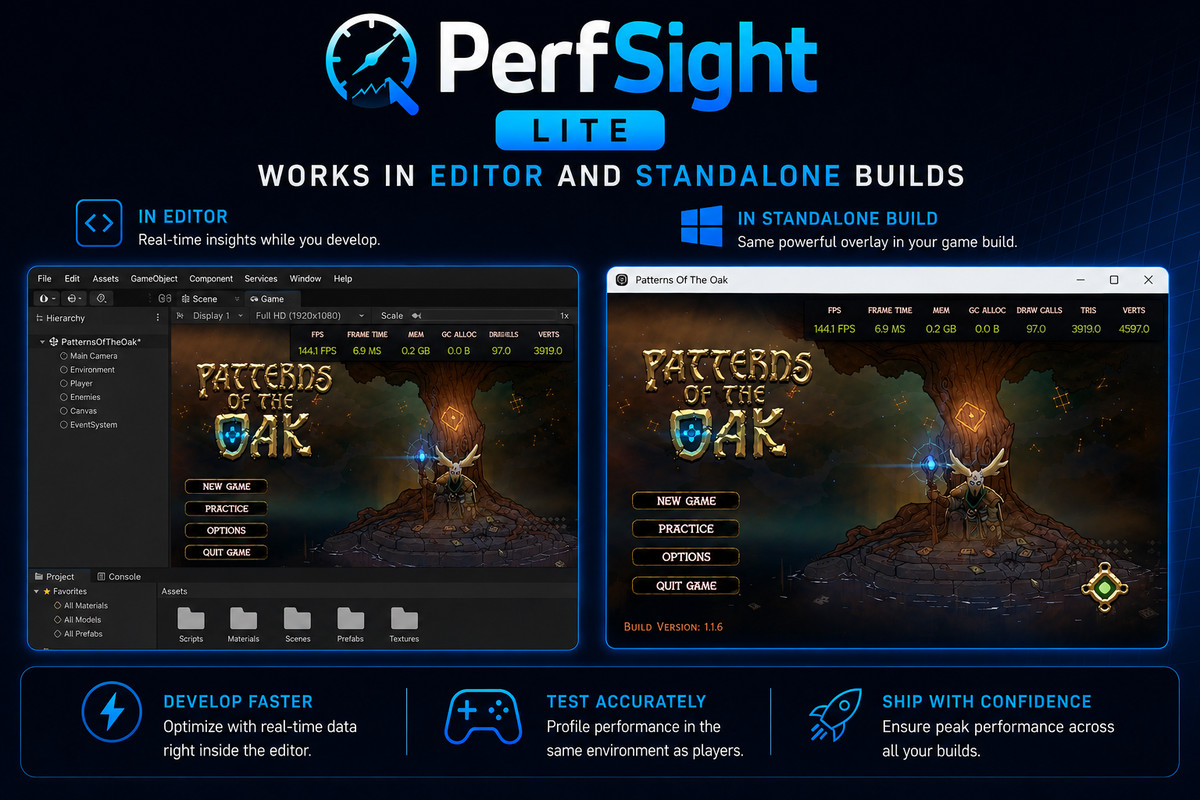
Unlike many runtime monitoring solutions, PerfSight Lite works both inside the Unity Editor and in standalone builds. Use it to:
- Monitor performance during development
- Test optimisation changes instantly
- Validate build performance without attaching the Unity Profiler
- Gather performance data during QA and playtesting
Lightweight By Design
PerfSight Lite focuses on the metrics developers use most often, delivering meaningful runtime information with minimal setup and low overhead.
Install, drag prefab to scene hierarchy, press Play, and start monitoring immediately.
Perfect For
- Gameplay Programmers
- Technical Artists
- QA Testers
- Solo Developers
- Indie Teams
- Performance Optimisation Workflows
From the publisher's Asset Store listing.
Compatibility
| Unity version | Built-in | URP | HDRP |
|---|---|---|---|
| 6000.3.16f1 | Compatible | Compatible | Compatible |
As listed on the Asset Store.