
 View on Asset Store (opens in new tab)
Package details
- Latest version
- 1.0
- Last updated
- First released
- Unity version
- 6000.0.62 or later
- Package size
- 33.6 MB
- Files
- 1,122
- Favorites
- 6
- Views in the past week
- 14
Price tracking
- Last checked
- Tracked since
- Lowest recorded
- $24.99 on
Keywords
- Search for mechanics toolkit
- Search for picture puzzle
- Search for Unity Editor Tools
- Search for Game Templates
- Search for casual puzzle
- Search for hyper casual
- Search for prototyping tool
- Search for hypercasual
- Search for puzzle framework
- Search for mobile game template
- Search for block puzzle
- Search for modular gameplay

Picture Block Puzzle 2D | Game Template + Level Editor
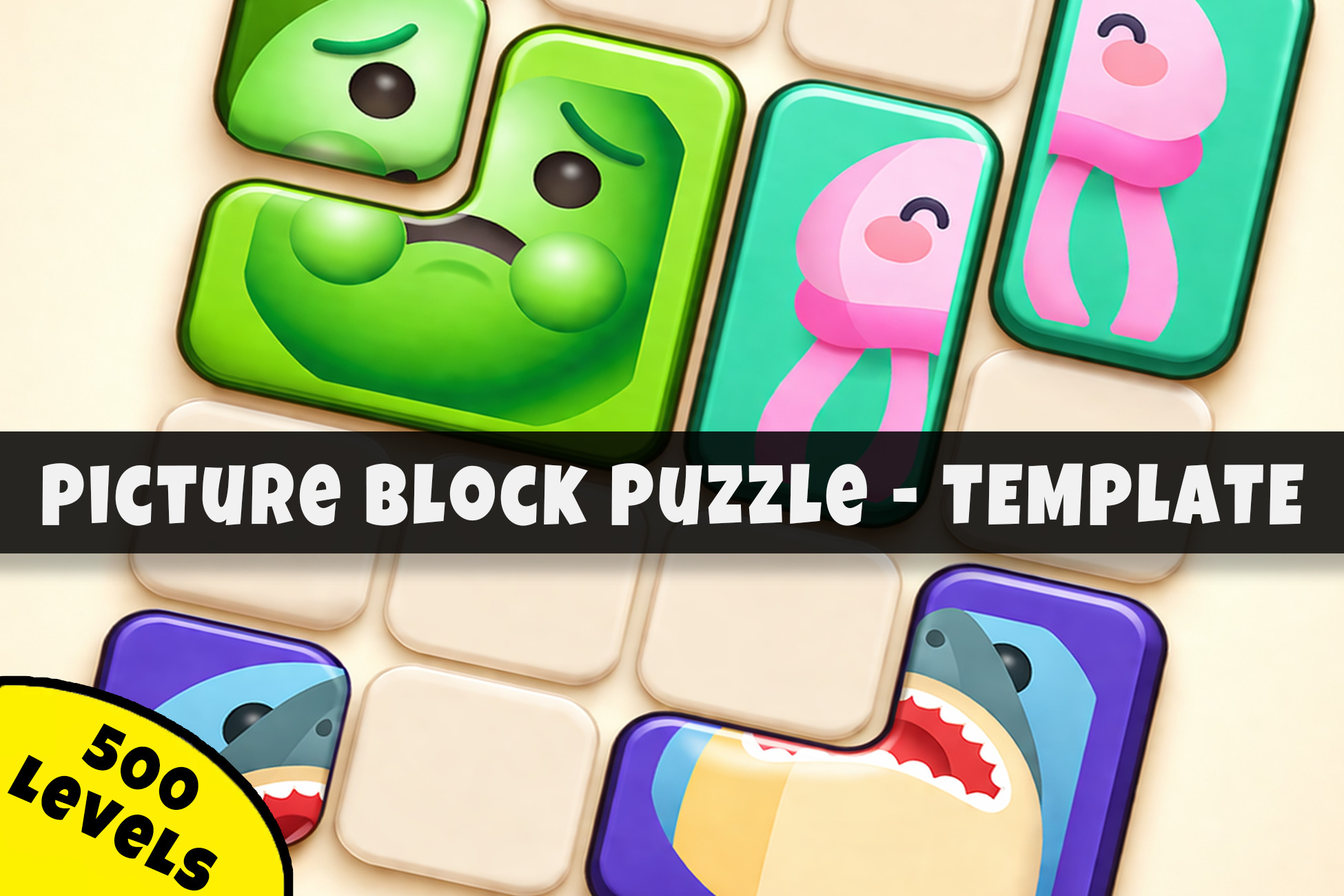
Picture Block Puzzle 2D is a professional Unity game template for building sliding picture-assembly puzzles. This asset provides a complete hyper-casual gameplay + level editor and level generator
Affiliate link · Purchases support this site
Price history
Last 6 months
USDAsset preview
1 / 6
Picture Block Puzzle 2D | Game Template + Level Editor screenshot 1

About this asset
Picture Block Puzzle 2D is a complete Unity game template for building and customizing sliding picture-assembly puzzle games. Developed with the HyperCasual Game Engine, this asset provides the core systems, architecture, and tools needed to create a unique mobile-ready puzzle experience.
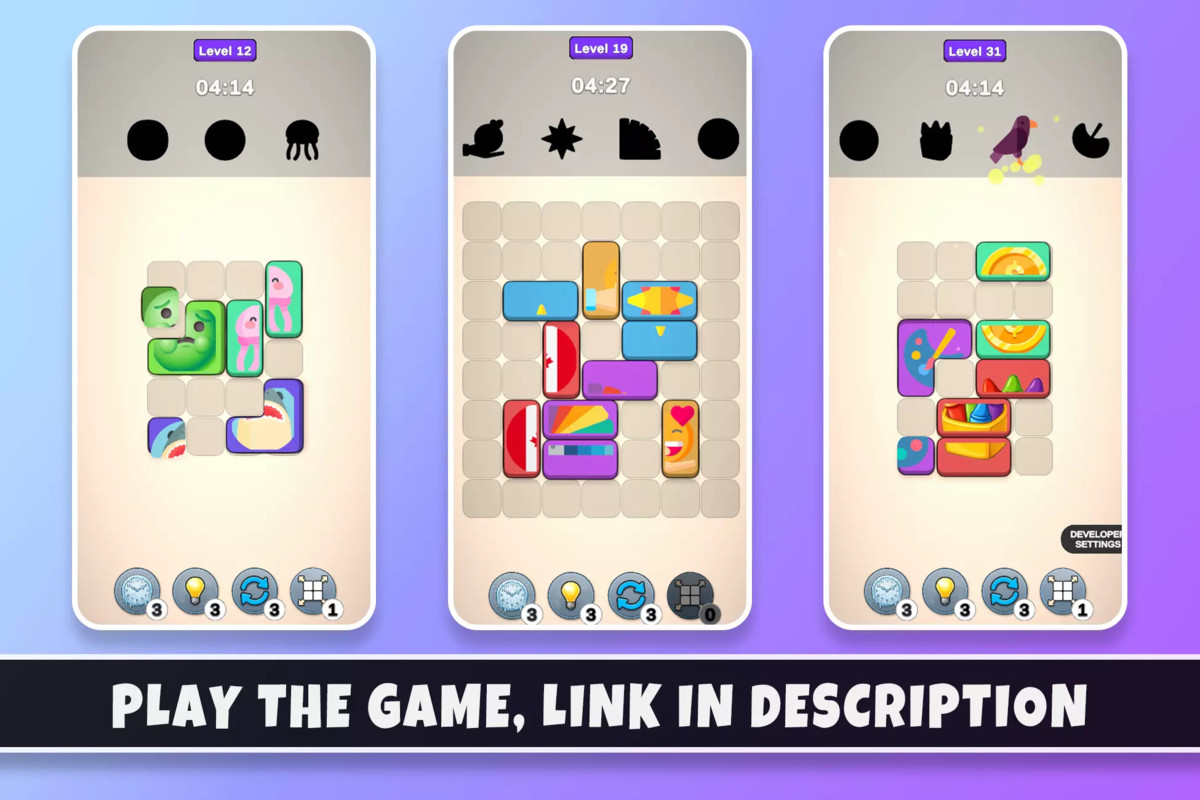
Players drag color-coded image pieces across a 2D grid to reconstruct original pictures before the timer runs out. With physics-based sliding, multi-cell shape footprints, and satisfying assembly mechanics, this template offers a polished hyper-casual gameplay loop inspired by popular mobile assembly puzzles.
This game template includes a full puzzle gameplay loop, a time-pressure countdown system, three boosters, and a fully featured Unity level editor with automatic level generation. Every system is modular, data-driven, and designed as a foundation for rapid extension and production-ready development.
Try First: Browser Demo | Android Demo
OUR ADVANTAGES
· Developer-oriented architecture with a focus on clean, extendable code.
· Clear documentation and a guided setup wizard workflow.
· Built-in level editor and automatic batch generation utilities.
· Easy visual, color, and gameplay customization via URP and JSON-driven data.
· Clean, modular codebase with namespace isolation (PictureBlockPuzzle2D.Scripts).
TEMPLATE INCLUDES
🖼️ Picture-Assembly Gameplay
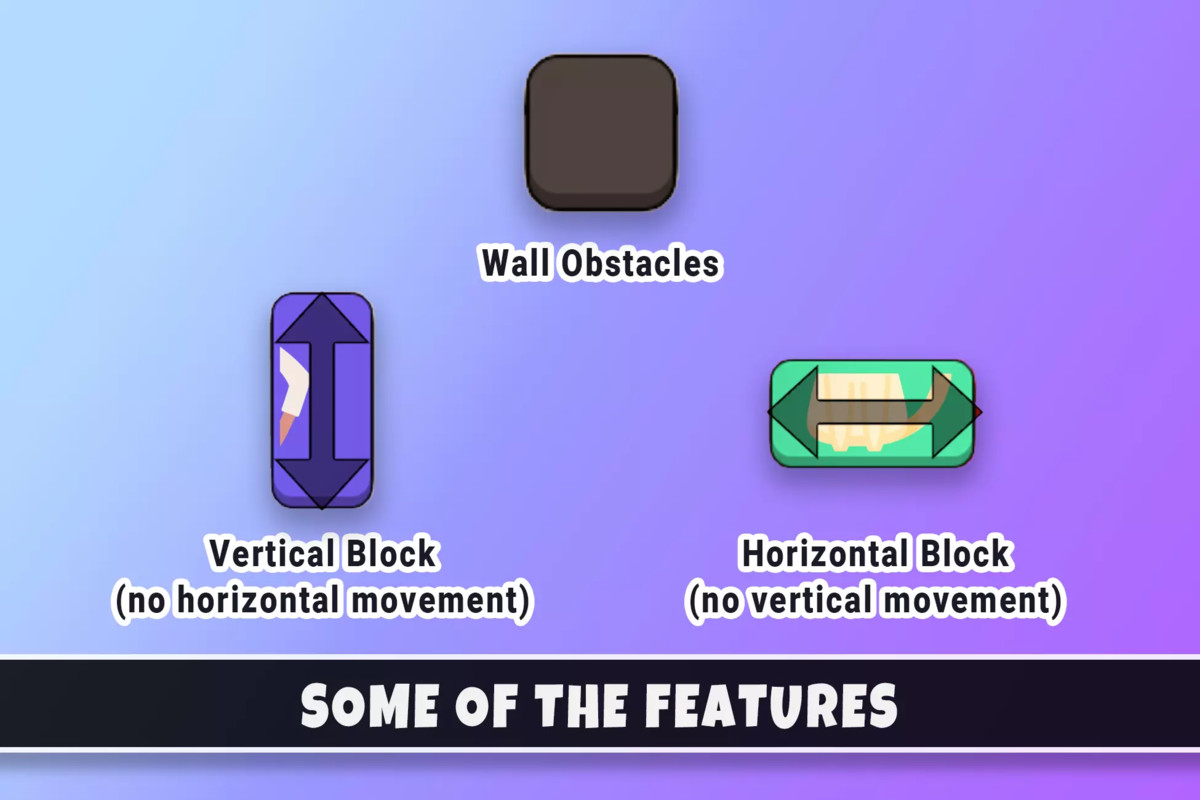
· Slide-to-Assemble Mechanic: Drag-and-drop pieces on a 2D grid with physics colliders to prevent overlap.
· Multi-Cell Shape Footprints: Support for complex block shapes that occupy multiple grid cells.
· Zero-Piece Anchor System: Solved states are computed relative to a designated anchor piece for precise assembly.
· Picture Merge Effect: Pieces fade into the final image with star particle bursts upon successful completion.
· Time-Pressure Countdown: Customizable per-level time limits that trigger lose conditions at zero.
· Obstacle System: Static wall cells that blocks cannot enter, adding strategic depth.
🏗️ Level Editor & Data System
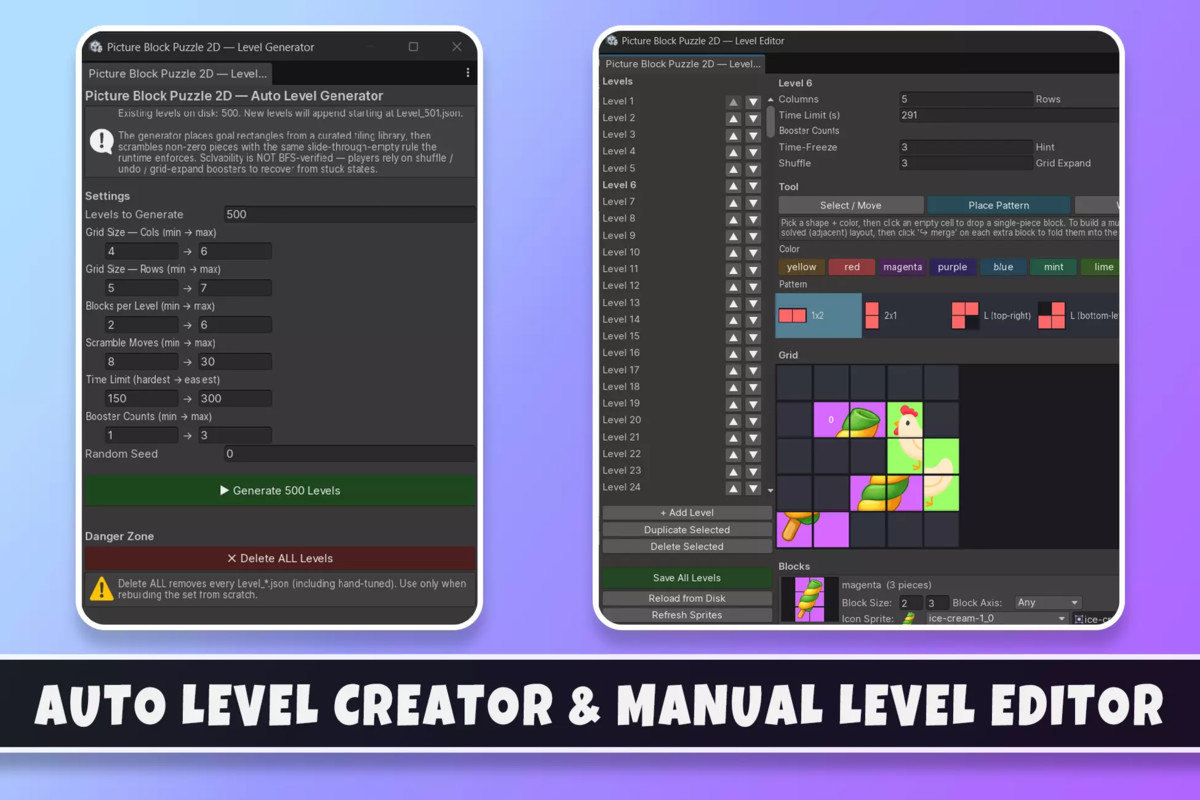
· Visual Grid Painter Window: Dedicated Editor tool for painting obstacles, blocks, and sprites without entering Play mode.
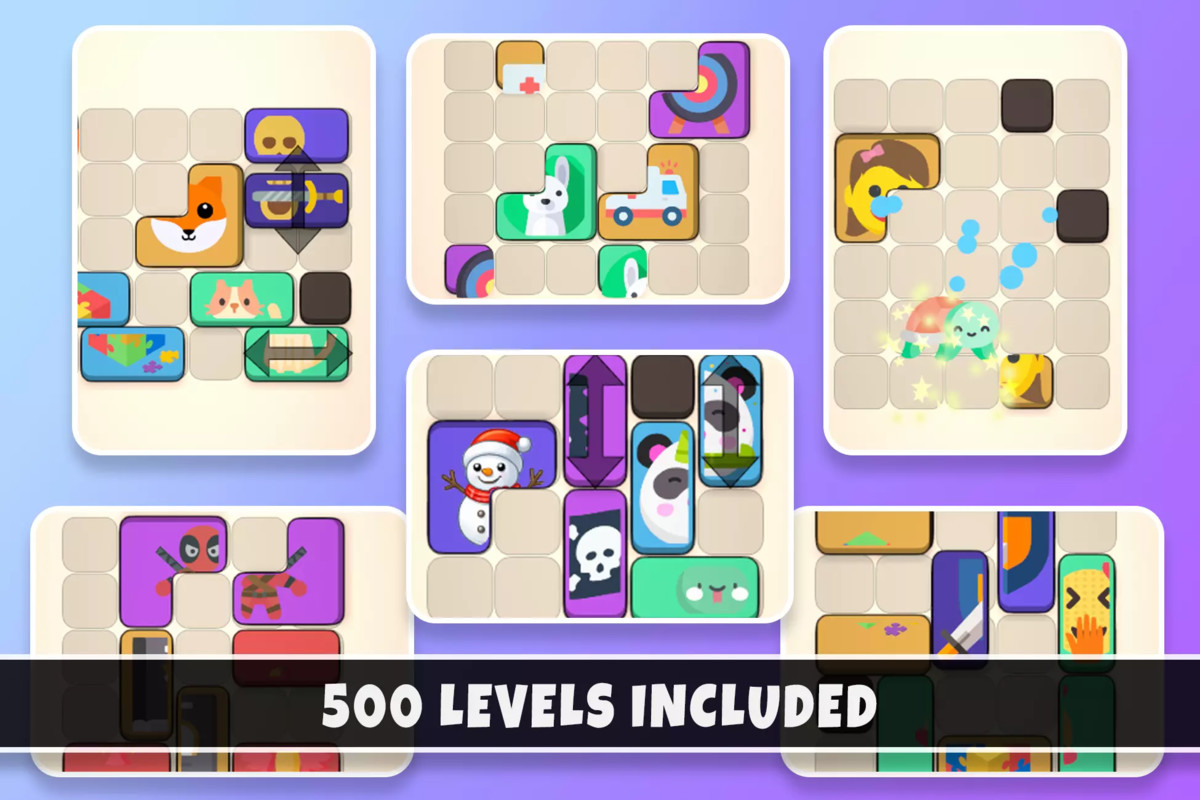
· Auto Level Generator: Batch-generate hundreds of playable levels with configurable difficulty, grid size, and color counts.
· JSON Level Format: Levels are stored as scannable JSON files, making content easy to manage and extend.
· Block & Sprite Management: Per-piece sprite selection from Resources and per-block color assignment.
· Idempotent Setup Wizard: Project health check tool to verify scene settings, audio, and URP requirements.
🎮 Boosters & Gameplay Systems
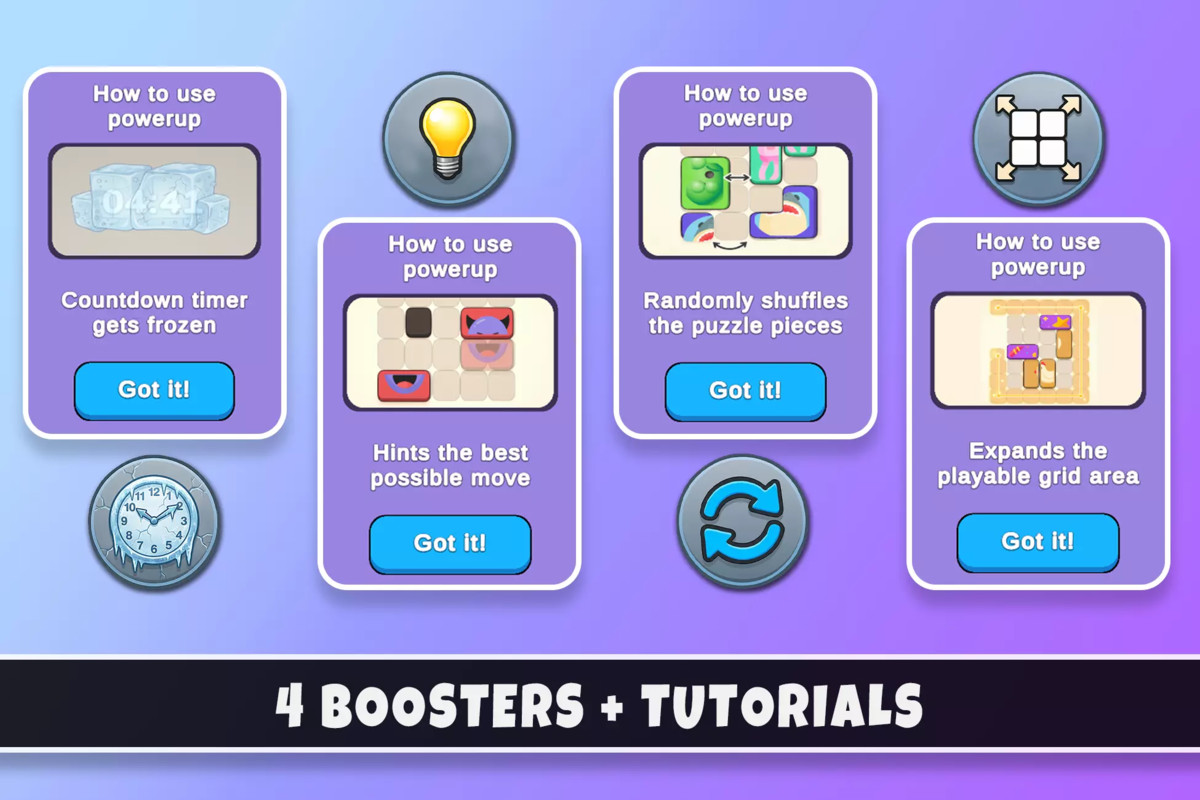
· Three Built-in Boosters: Time Freeze (pauses clock for 10s), Hint (previews a piece's solved position), and Shuffle (randomly reseats blocks).
· First-Use Tutorial Popups: Automated UI prompts that explain booster mechanics to new players.
· Unlock System: Level-gated booster availability (e.g., Hint at Level 2, Shuffle at Level 3).
· FrozenImage Indicator: Visual feedback that signals when the Time Freeze booster is active.
🎨 Customization & Visual Tools
· Predefined Color Palette: 4 built-in colors (Red, Blue, Green, Cyan) easily expandable via enum and dictionary.
· Flexible Render Pipeline: Fully built for the Universal Render Pipeline (URP).
· Modular UI System: Includes HUD panels, Win/Lose screens, and booster-use badges.
· Portrait/Landscape Support: Features a CameraSwitcher for swapping presets based on orientation.
🧪 Developer & Debug Tools
· In-game Dev Settings Panel: Quick-access menu for level navigation, win/lose triggers, and ad testing.
· Global Hotkeys: Use 'U' to unlock boosters or Arrow keys for instant level skipping during testing.
· Clean Codebase: Utilizes singleton SoundManager and GridManager for reliable scene orchestration.
Ads Are NOT Included
💿 Supported Platforms
· iOS
· Android
· WebGL
· Desktop
📄 Documentation
Includes step-by-step guides for:
· Setting up the game scene and running your first level.
· Designing levels with the visual grid painter.
· Using the Auto Level Generator to batch-create content.
· Adding new block colors and custom picture sprites.
· Extending the template for your own unique sliding puzzle mechanics.
📬 Support
If you have any questions or need assistance, feel free to get in touch:
📧 Email: [email protected]
From the publisher's Asset Store listing.
Compatibility
| Unity version | Built-in | URP | HDRP |
|---|---|---|---|
| 6000.0.62f1 | Not listed | Compatible | Not listed |
As listed on the Asset Store.