
 View on Asset Store (opens in new tab)
Package details
- Latest version
- 1.0.0
- Last updated
- First released
- Unity version
- 2022.3.62 or later
- Package size
- 176 KB
- Files
- 29
- Favorites
- 2
- Views in the past week
- 10
Price tracking
- Last checked
- Tracked since
- Lowest recorded
- $27.99 on
Keywords
EQ Blockout Lab - Level Design & Blockout Tool
Standalone Unity editor tool for designing blockout layouts, gameplay zones, routes, and exportable scene geometry with repeatable QA validation.
Affiliate link · Purchases support this site
Price history
Last 6 months
USDAsset preview
1 / 4
EQ Blockout Lab - Level Design & Blockout Tool screenshot 1
About this asset
EQBlockoutLab helps designers and solo developers sketch gameplay spaces inside
Unity without leaving the editor. Build multi-floor blockouts on a 2D layout
canvas, preview them in 3D, and export generated scene geometry with colliders,
materials, wall openings, markers, routes, and gameplay zones.
The tool is intentionally standalone. It lives under Assets/EQBlockoutLab,
does not require the EQLabs asset folder, and includes its own runtime/editor assembly
definitions, shaders, demo content, validation commands, documentation, and
release-candidate packaging workflow.
Key Features
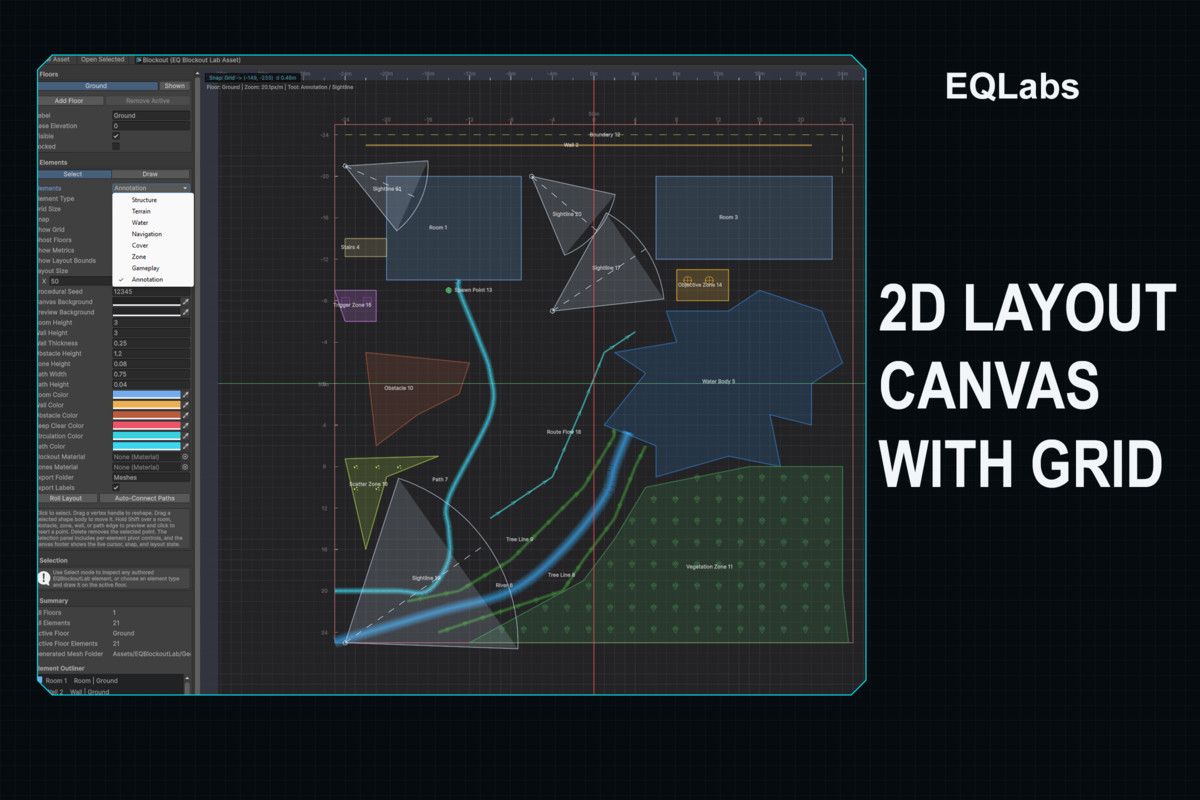
- selected-element feedback.2D layout canvas with grid, ruler bands, layout bounds, snap cursor, and
- active-floor authoring.Multi-floor layout assets with floor visibility, locking, base elevation, and
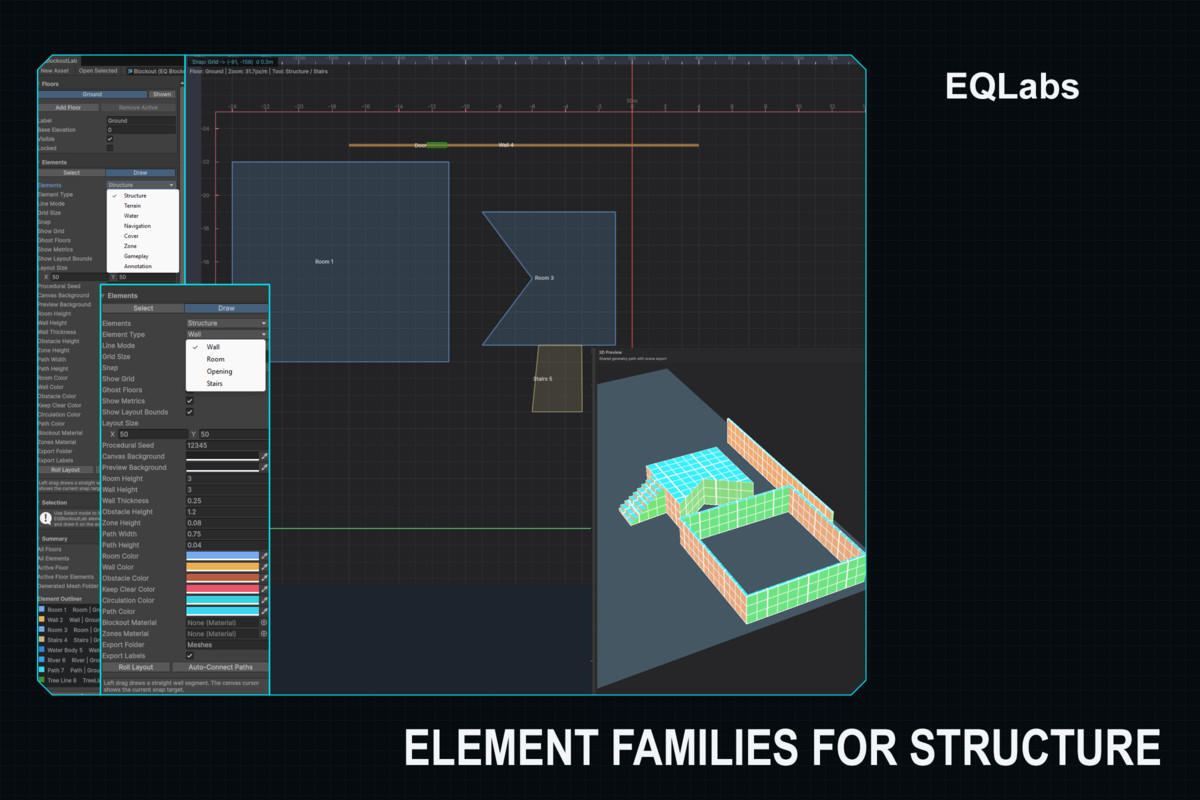
- Gameplay, and Annotation workflows.Element families for Structure, Terrain, Water, Navigation, Cover, Zone,
- sightlines, route flows, and cover lines.Author rooms, walls, openings, stairs, ground/slope/cliff areas, water,
paths, bridges, obstacles, vegetation, gameplay zones, spawn points, POIs, - Per-element colors, pivots, heights, thicknesses, and zone material settings.
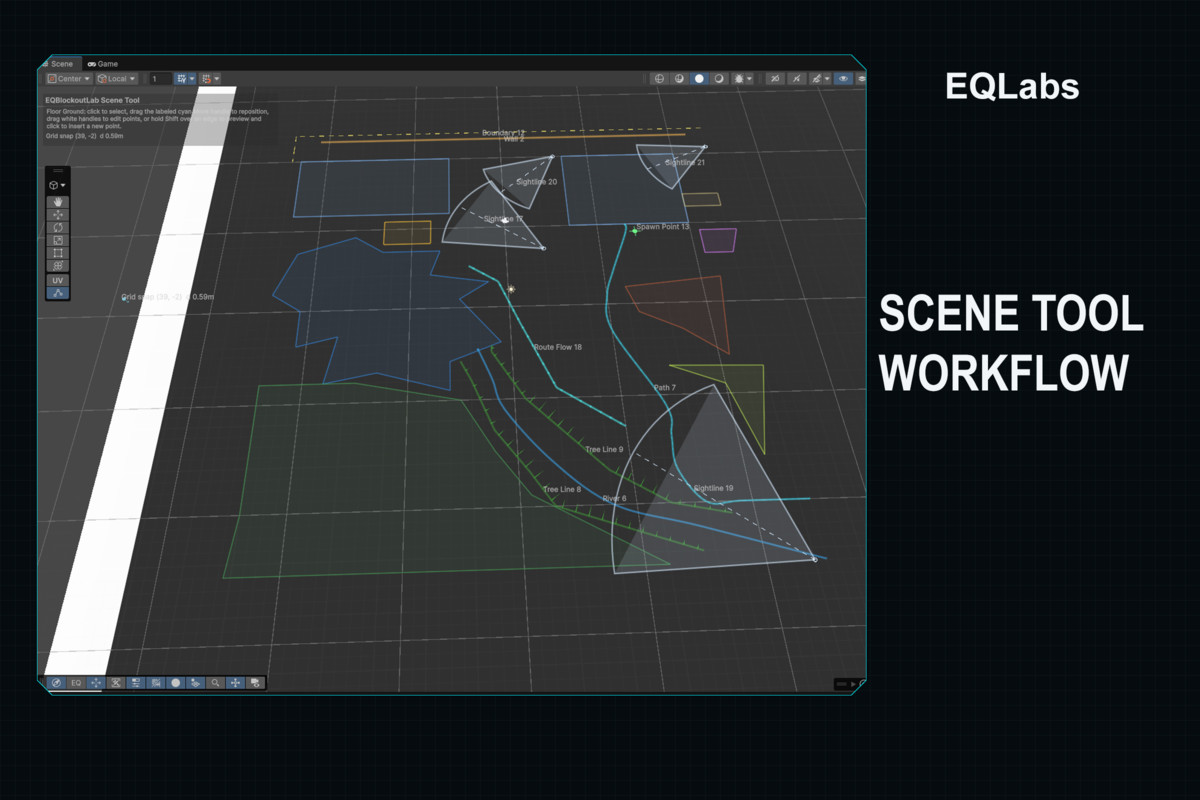
- handles, and Shift-hover point insertion previews.Scene Tool workflow with selection, movement, snapping, labeled opening
- Live 3D preview with pan/orbit/zoom and V2 projected grid surface materials.
- export tags, wall-opening cutouts, and cleanup of stale generated assets.Scene export/re-export with generated meshes, generated materials, colliders,
- or mesh export through Blockout Asset Set assets.Scatter Zone generator with editable child POIs and optional weighted prefab
- quick evaluation.Representative sample plus representative and full-catalog QA scenes for
- shader smoke checks, package manifest, and release readiness.Built-in validation commands for catalog meshes, export lifecycle, sample
content, QA scenes, full-catalog coverage, manual evidence, interactions,
From the publisher's Asset Store listing.
Technical details
- Unity version: 2022.3 LTS or newer, including Unity 6.
- Package root: Assets/EQBlockoutLab.
- Editor menus: Tools/EQLabs/EQ Blockout Lab/Open Editor and Activate Scene Tool.
- Asset creation: Create/EQ Blockout Lab/Blockout Layout and Blockout Asset Set.
- Includes separate runtime and editor assembly definitions: EQBlockoutLab.Runtime and EQBlockoutLab.Editor.
- No third-party dependencies and no dependency on other EQLabs packages.
- Works as a Unity Editor tool. Generated/exported scene geometry can be used in normal Unity scenes.
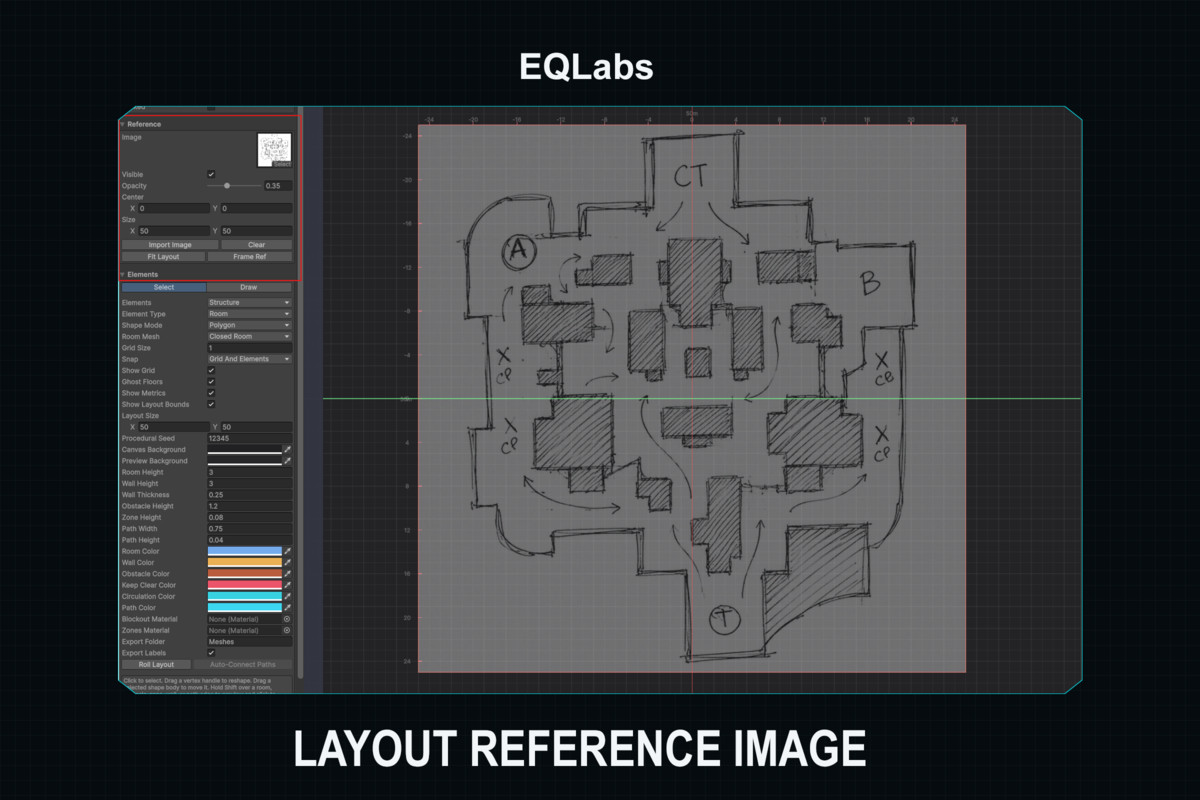
- Includes 2D layout authoring, Scene View authoring, live 3D preview, snapping, rulers, reference image tracing overlay, multi-floor support, and scene export.
- Export creates generated meshes, materials, colliders, wall opening cutouts, labels/connectors, scatter instance groups, and cleanup of stale generated assets.
- Includes built-in pipeline-neutral shaders for blockout grid surfaces, zones, water, and semantic line visuals. No URP or HDRP package dependency required.
Compatibility
| Unity version | Built-in | URP | HDRP |
|---|---|---|---|
| 2022.3.62f3 | Compatible | Compatible | Compatible |
As listed on the Asset Store.