
 View on Asset Store (opens in new tab)
Package details
- Latest version
- 1.0
- Last updated
- First released
- Unity version
- 2022.3.62 or later
- Package size
- 78 KB
- Files
- 8
- Favorites
- 4
- Views in the past week
- 17
Price tracking
- Last checked
- Tracked since
- Lowest recorded
- $27.99 on
Keywords

EQ Painting Lab - Paint in Engine
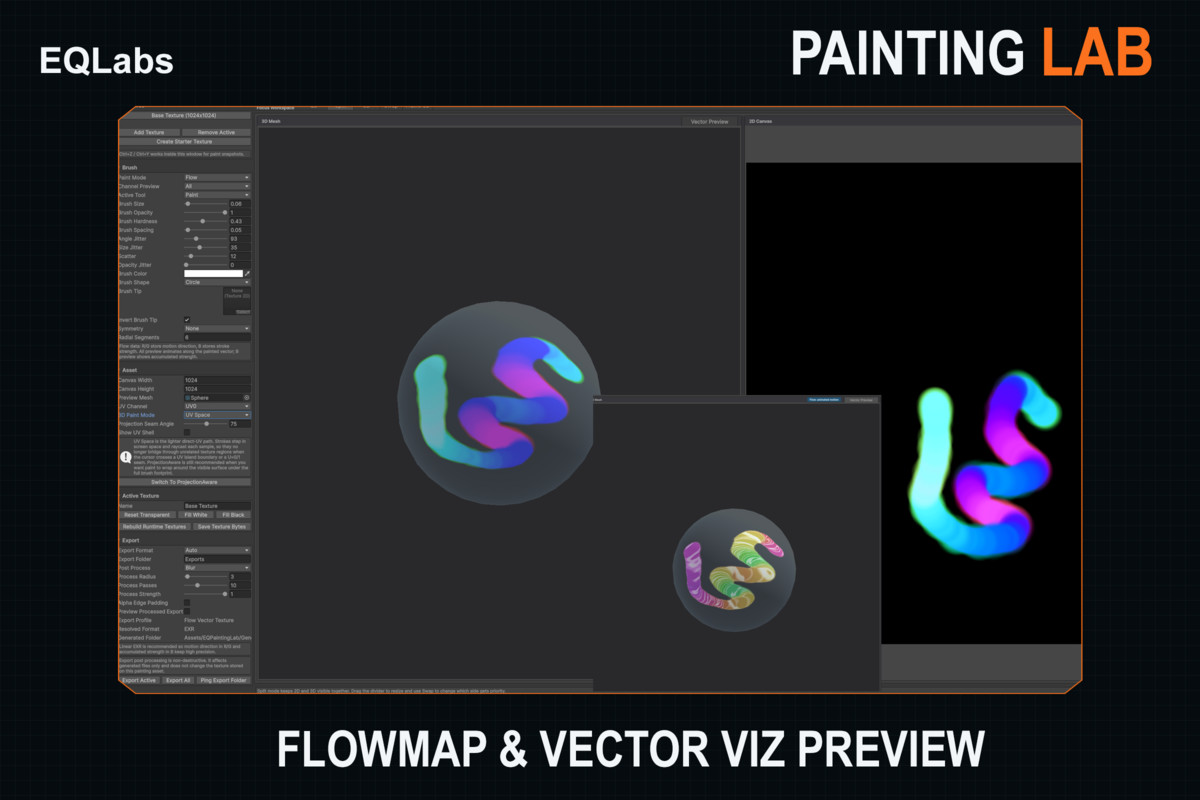
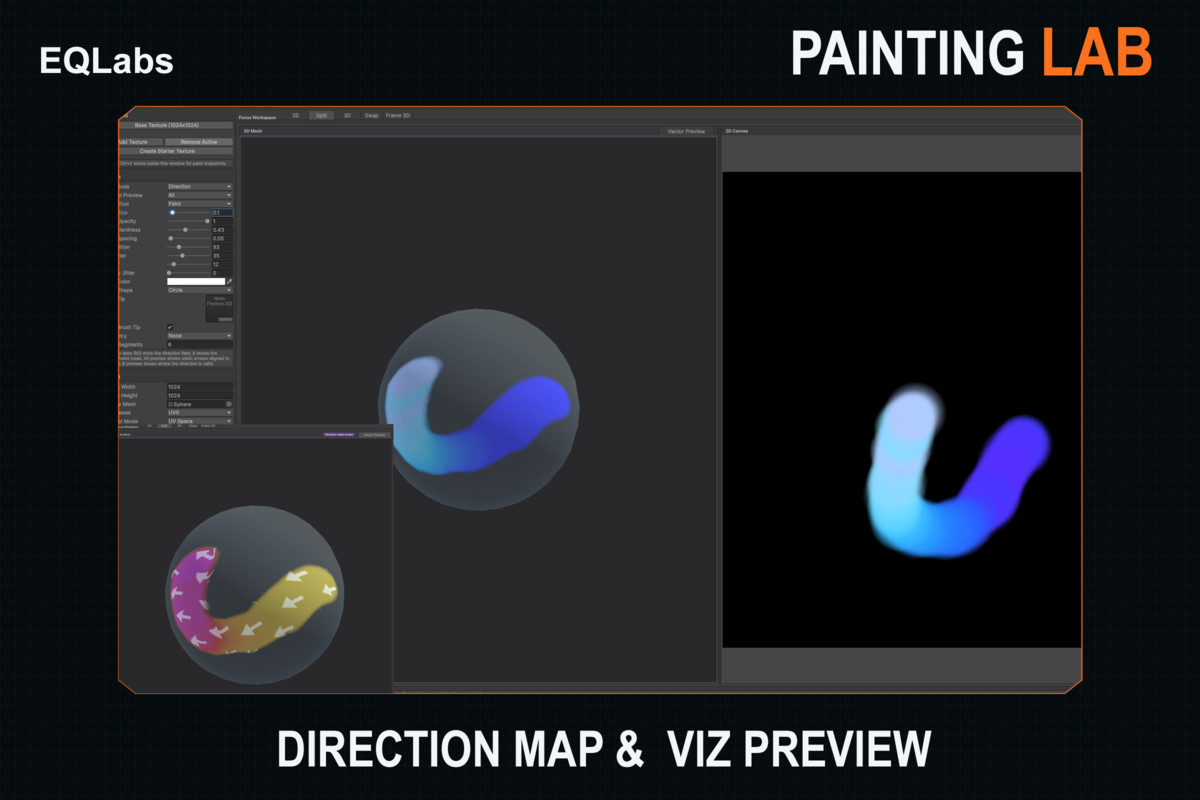
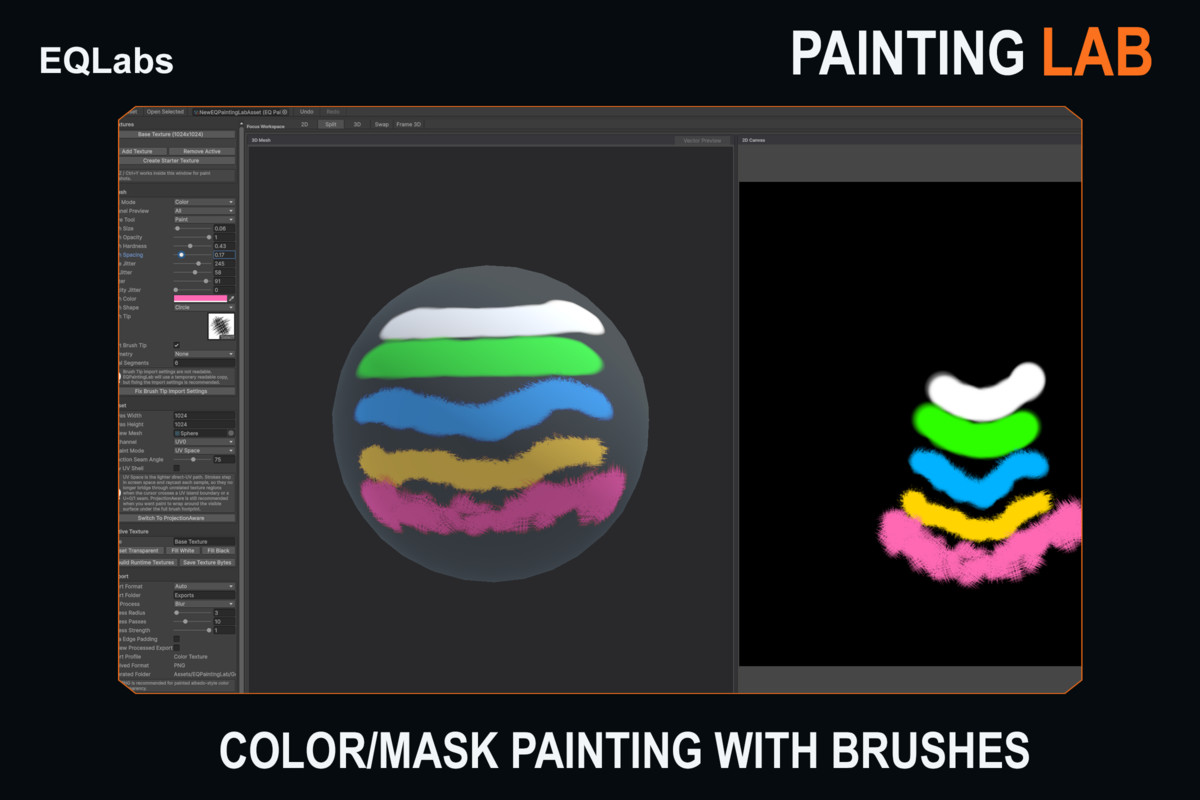
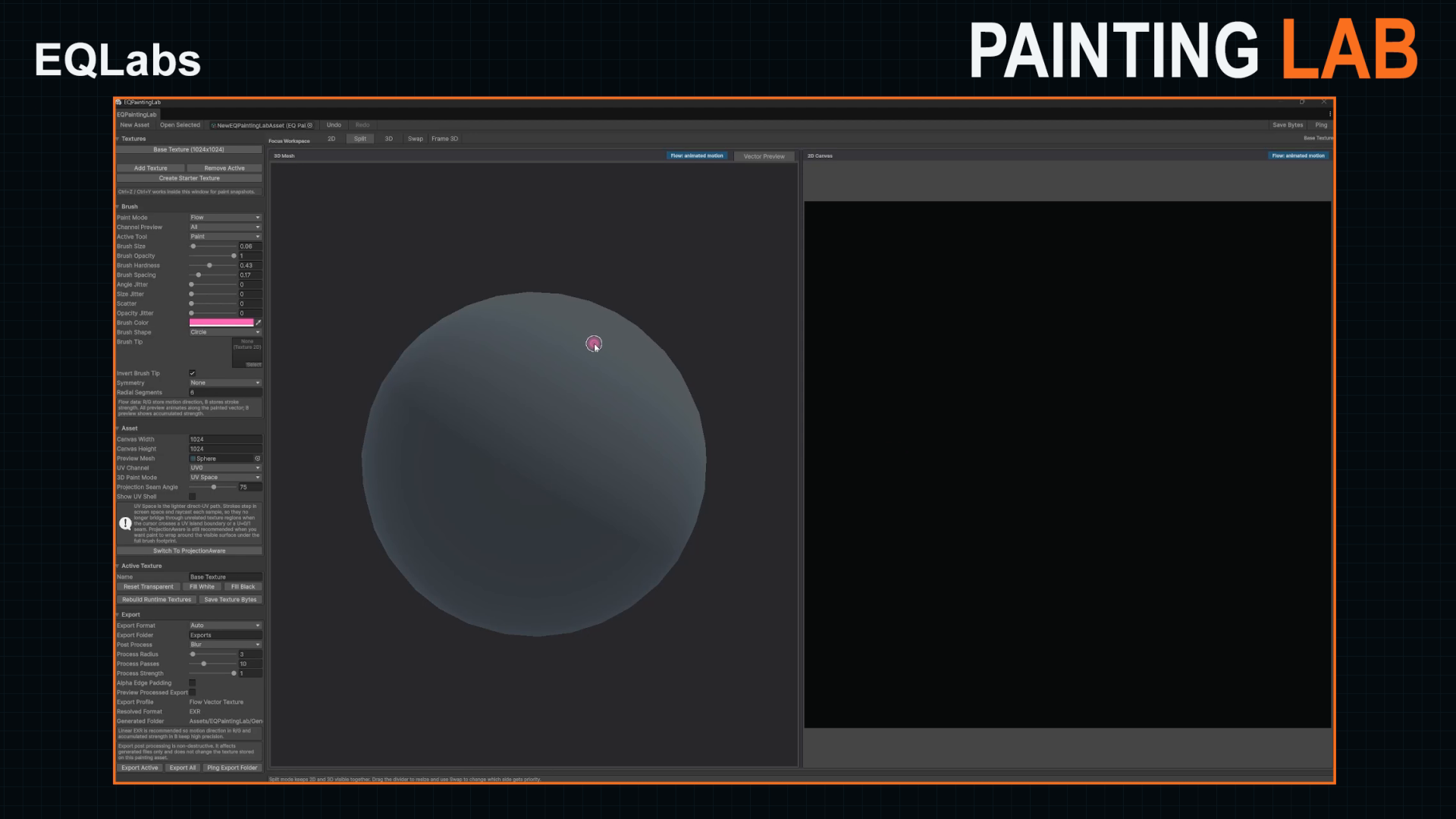
Standalone Unity editor painting tool for authoring color, mask, flow, and direction textures with 2D canvas painting, 3D mesh preview, UV shell overlays, and mode-aware exports.
Affiliate link · Purchases support this site
Price history
Last 6 months
USDAsset preview
1 / 4
EQ Painting Lab - Paint in Engine screenshot 1
About this asset
EQPaintingLab is a standalone Unity editor tool for authoring texture maps
directly inside the Unity Editor. Create paint assets, add texture slots, paint
on a focused 2D canvas, inspect the result on a preview mesh, and export
mode-aware texture files for color, mask, flow, and direction workflows.
The tool is built for hands-on texture authoring and technical-art iteration.
It supports paint, erase, smooth, fill, clear, symmetry, brush-tip masks,
professional jitter controls, channel previews, decoded vector previews, UV
shell overlays, and seam-aware 3D painting through the preview mesh UVs.
EQPaintingLab ships as its own product folder under Assets/EQPaintingLab. It
does not require the broader EQLabs asset folder and keeps generated exports
inside Assets/EQPaintingLab/Generated.
Key Features
- 2D texture painting canvas with paint, erase, smooth, fill, and clear tools.
- Color, Mask, Flow, and Direction painting modes.
- angle jitter, size jitter, scatter, and opacity jitter.Brush size, opacity, hardness, spacing, shape, brush-tip masking, symmetry,
- Live brush cursor preview with jitter/scatter bounds.
- Channel preview for full texture, R, G, B, and A inspection.
- Decoded vector previews for Flow and Direction maps.
- 3D mesh preview with UV0-based painting.
- Projection-aware 3D painting for visible seam workflows.
- UV shell overlay on both the 2D canvas and 3D mesh preview.
- set to Auto.Mode-aware export: PNG for Color/Mask, EXR for Flow/Direction when export is
- Generated exports stay under the package generated folder.
From the publisher's Asset Store listing.
Technical details
- Unity version: Unity 2022.3 LTS or newer, including Unity 6.
- Render pipelines: editor tool and texture authoring workflow are pipeline agnostic. Exported textures can be used with Built-in Render Pipeline, URP, HDRP, Shader Graph, or custom shaders.
- Package type: .unitypackage with one root folder: Assets/EQPaintingLab.
- Tool location: Tools/EQLabs/EQ Painting Lab/Open Editor.
- Dependencies: no third-party packages, no external services, no login, and no dependency on other EQLabs products.
- Tool scope: editor-focused painting tool with a small runtime data model for saved paint assets and persistent texture bytes.
- Texture modes: Color, Mask, Flow, and Direction.
- Painting tools: Paint, Erase, Smooth, Fill, and Clear.
- Brush controls: size, opacity, hardness, spacing, brush shape, brush-tip masks, mirror/radial symmetry, angle jitter, size jitter, scatter, and opacity jitter.
- Preview tools: 2D canvas, 3D mesh preview, split view, RGBA channel preview, UV shell overlay, decoded Flow preview, and decoded Direction preview.
- 3D painting requirements: preview mesh must be readable and include valid UV0 data.
- Export formats: Auto exports Color/Mask as PNG and Flow/Direction as EXR. Manual PNG and EXR export selection is available.
- Export location: Assets/EQPaintingLab/Generated/Exports.
Compatibility
| Unity version | Built-in | URP | HDRP |
|---|---|---|---|
| 2022.3.62f3 | Compatible | Compatible | Compatible |
As listed on the Asset Store.